
tpMiFi

How much does tpMiFi cost?
Prices are current as of 10 Sept 2026.
tpMiFi has no in-app products on record in the United States.
10+ alternatives to tpMiFi
| tpMiFi | 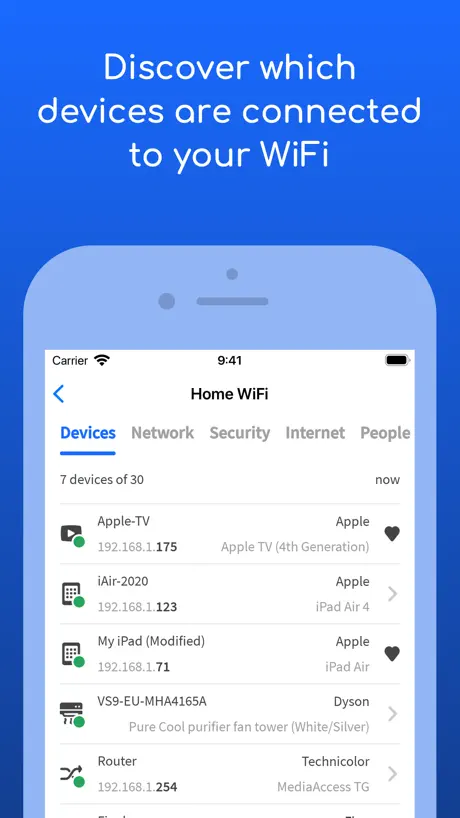  Fing - Network Scanner Fing - Network Scanner |   ASUS Router ASUS Router | 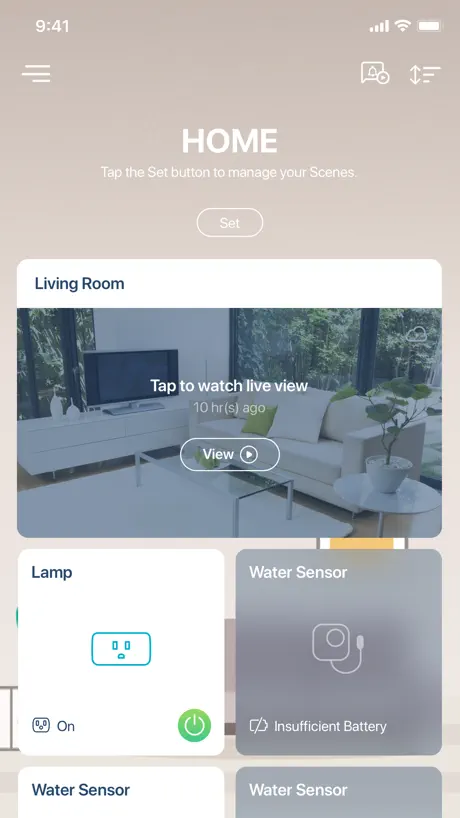  mydlink mydlink |   My Cloud OS 5 My Cloud OS 5 |   Carly — OBD2 car scanner Carly — OBD2 car scanner |   My Cloud Home My Cloud Home |   RealVNC Viewer: Remote Desktop RealVNC Viewer: Remote Desktop | 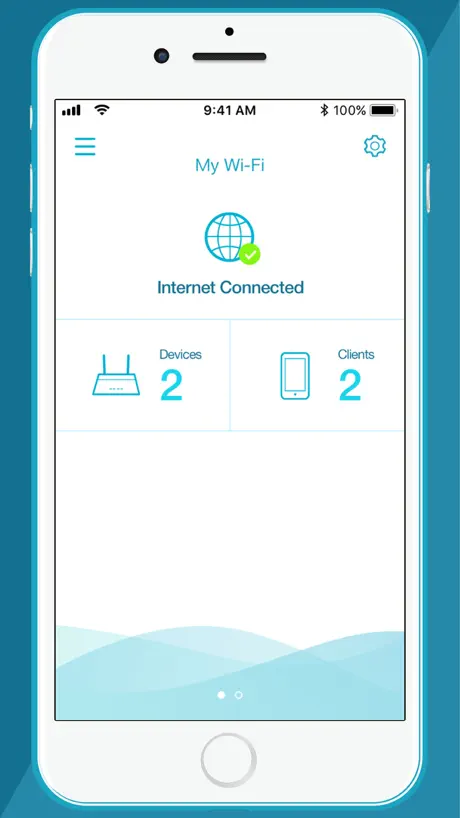  D-Link Wi-Fi D-Link Wi-Fi |   UniFi UniFi | |
|---|---|---|---|---|---|---|---|---|---|---|
| Rating / 5 | 4.7 | 4.6 | 4.6 | 4.5 | 4.7 | 4.6 | 4.7 | 4.8 | 4.1 | 4.6 |
| Reviews | 13K | 550K | 222K | 201K | 81K | 80K | 62K | 61K | 60K | 58K |
| Released | 2015 | 2011 | 2015 | 2018 | 2020 | 2011 | 2017 | 2010 | 2017 | 2015 |
| Monthly price | — | $3.99 | — | $4.99 | — | — | — | — | — | — |
| Annual price | — | $39.99 | — | $24.99 | — | $59.99 | — | — | — | — |
The going rate for each plan in United States, in its own currency, shaded from the cheapest price on the row to the dearest. Plans fewer than four in ten of the priced apps sell are left out.
tpMiFi reviews
4.7 out of 5, based on 13,242 reviews.
What people like
- Can be unstable in rural areas
- Fails if router name has spaces
- Doesn't detect modem when connected
What they complain about
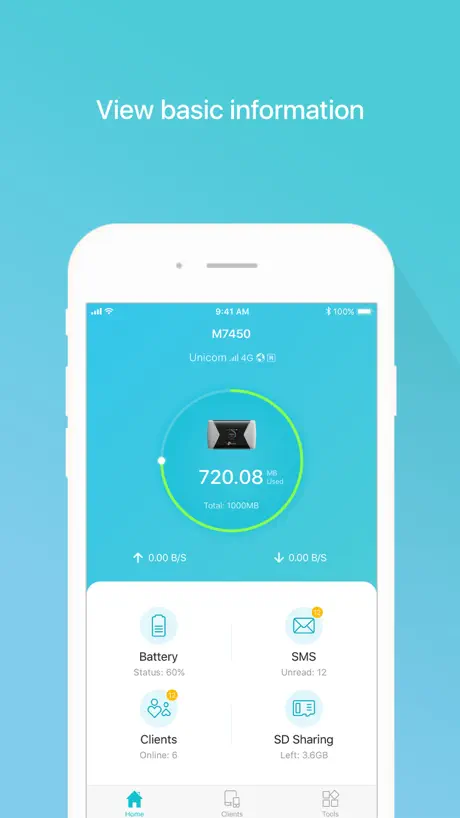
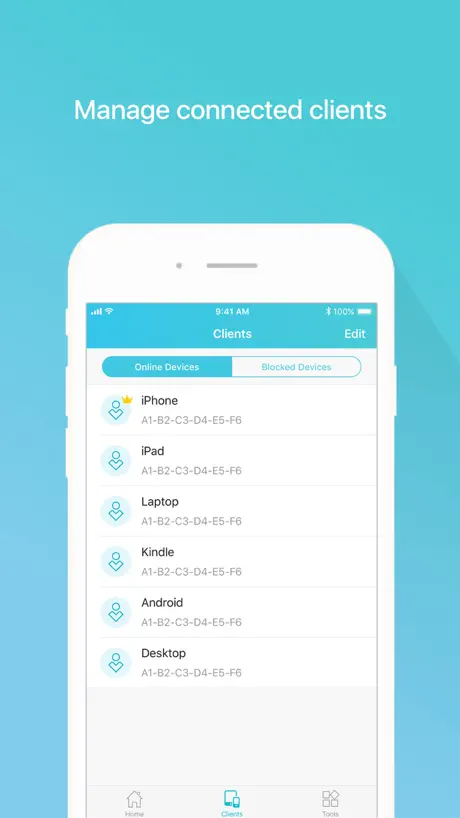
- Simple and easy to use
- Works well over many years
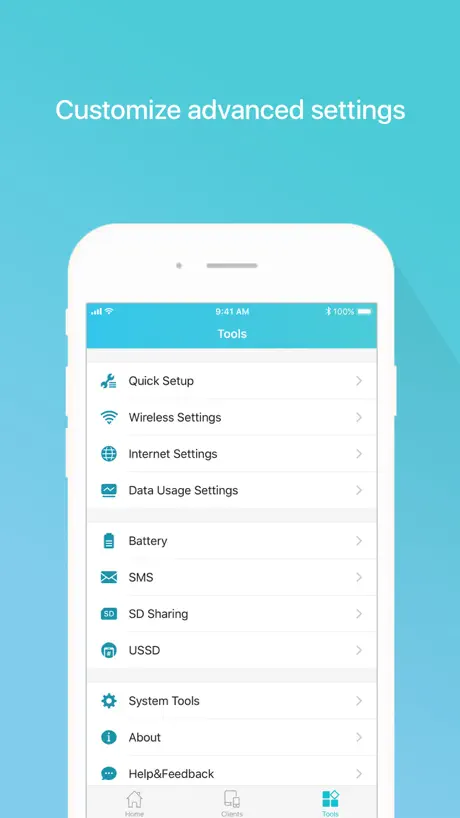
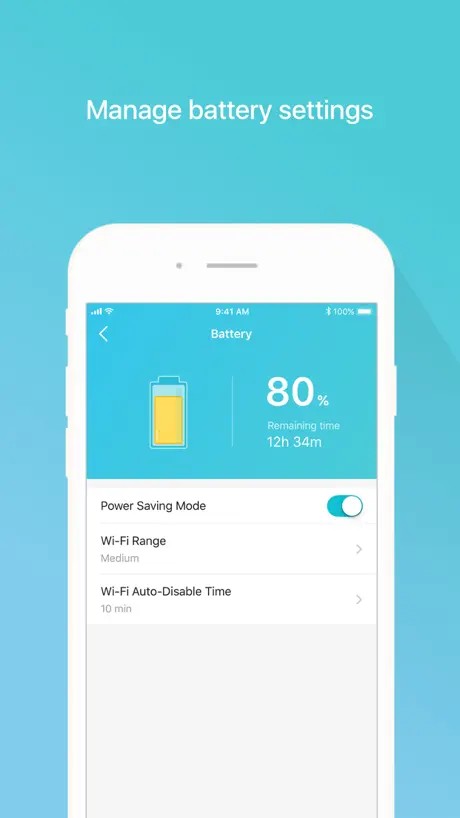
- Good design and intuitive interface
tp-link ok
That’s great
Baci orribile
Non si riesce a connettere se il nome dell’ SSID ha uno spazio… che peraltro non è dichiarata da nessuna parte.
Buon articolo
Resto in campagna e a momenti va benino ma per il resto stabile
Insomma
Aggiungerei la possibilità di bloccare dei numeri in quanto ricevo degli sms di “ti ho cercato alle” e vorrei bloccarli perché sono tutti spam.
Buono
Molto semplice e funzionale 👍
Non si connette
La app sta avendo problemi, il telefono è connesso al modem ma la app non lo rileva
Ottimo
Lo uso da anni va sempre bene, bisogna ricordarsi di mettere il dettaglio se si cambia gestore e non si usano i predefiniti
Non si connette al router m7000
Come da titolo. Per raggiungere il router mi devo connettere al ripetitore TLWA85ORE per poter vedere il router. Applicazione necessaria ma giudizio pessimo.
Ottima app
App molto buona comoda e funzionale
Wi-Fi Tp link
Molto buono, compatto e molto versatile
Ottima app
Intuitiva e completa a supporto di un ottimo prodotto. Buon design.
MagicaG
Eccezionale
Ottima applicazione
Facile e funzionale
Ottima
Funzionale e di facile utilizzo.
Ottimo
Ottimo
tpMiFi FAQ
- Is tpMiFi free?
- Yes. The app is free, in all 174 countries it sells in, and it sells nothing inside it.
- Does tpMiFi have a free trial?
- No. None of its offers (US) come with a free trial.
- What are the best alternatives to tpMiFi?
- Fing - Network Scanner (4.6 from 549,831 reviews, premium from $0.99), ASUS Router (4.6 from 222,462 reviews) and mydlink (4.5 from 201,480 reviews, premium from $0.99).
tpMiFi download
Last updated 7 months ago.
tpMiFi sells in 174 countries. It was released 11 years and 3 months ago, on 9 Jun 2015. It holds a 4.7 rating from 13,242 reviews.
Supports 17 languages: English, Arabic, Bulgarian, French, German, Italian, Japanese, Korean, Malay, Persian, Russian, Serbian, Spanish, Thai, Chinese, Turkish, Vietnamese.
How much does tpMiFi make?
Third-party estimates for the last 30 days, worldwide — not the store's own figures, which Apple publishes for nobody.