
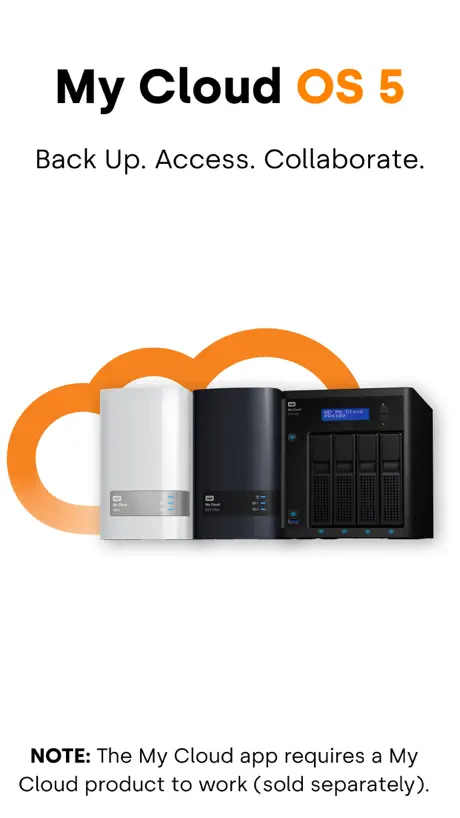
My Cloud OS 5
How much does My Cloud OS 5 cost?
Prices are current as of 14 Nov 2026.
My Cloud OS 5 has no in-app products on record in the United States.
10+ alternatives to My Cloud OS 5
| My Cloud OS 5 | 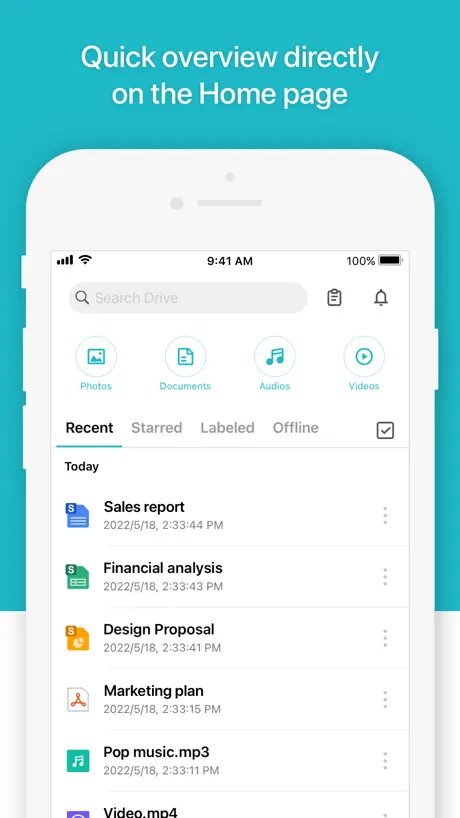  Synology Drive | 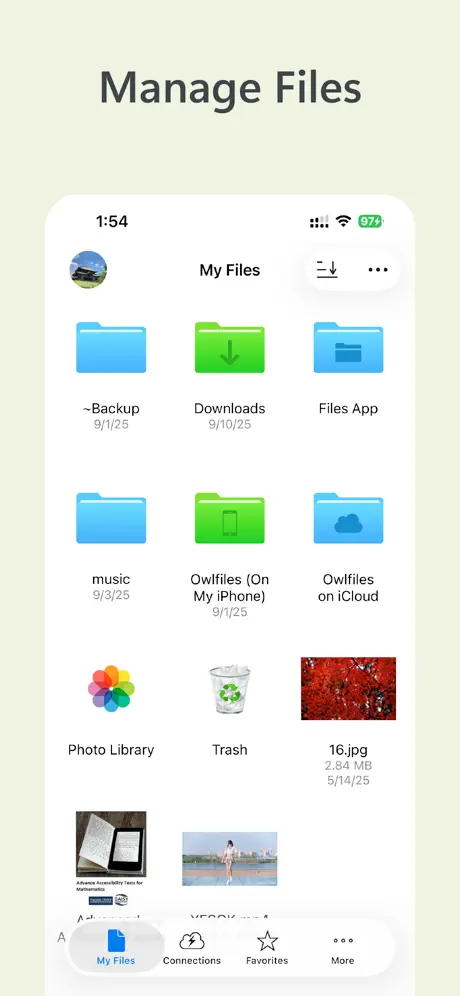  Owlfiles - File Manager | 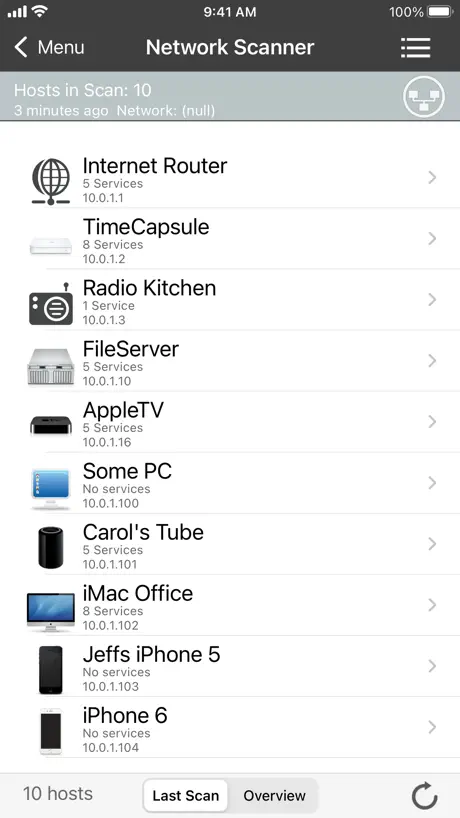  iNet - Network Scanner | 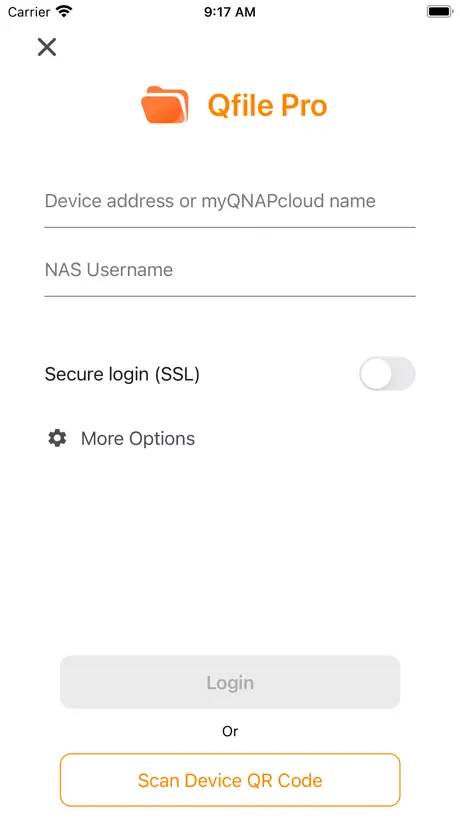  Qfile Pro | 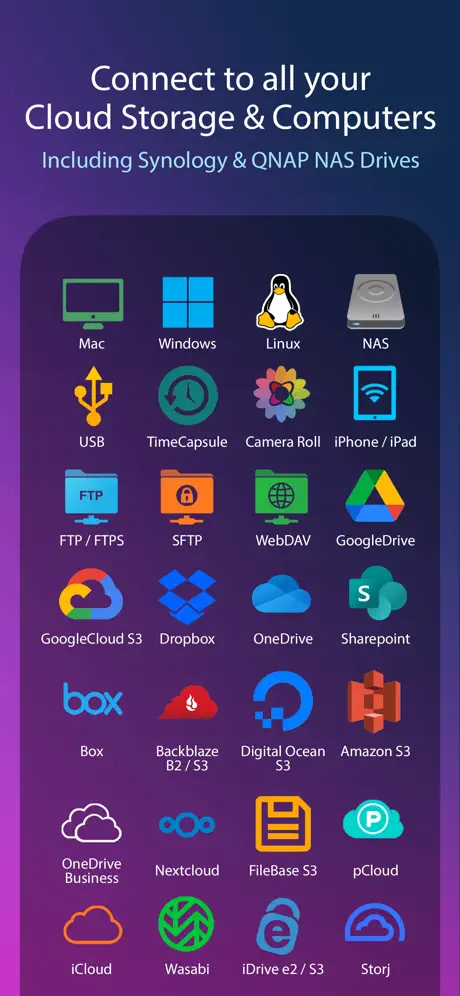  FileBrowserGO: File Manager | 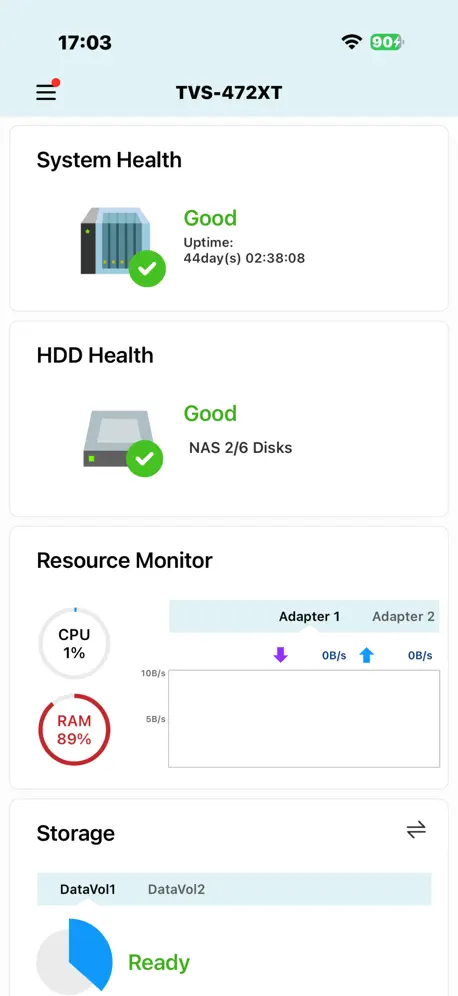  Qmanager |   UniFi Design | |
|---|---|---|---|---|---|---|---|---|
| Rating / 5 | 4.7 | 4.5 | 4.6 | 4.5 | 4.3 | 4.5 | 3.0 | 4.1 |
| Reviews | 82K | 40K | 40K | 11K | 7.6K | 4.6K | 585 | 17 |
| Released | 2020 | 2017 | 2012 | 2010 | 2012 | 2009 | 2012 | 2024 |
| Monthly price | — | — | $1.99 | — | — | $0.99 | — | — |
| Annual price | — | — | $9.99 | — | — | $5.99 | — | — |
| One-time price | — | — | $23.99 | $9.99 | — | — | — | — |
The going rate for each plan in United States, in its own currency, shaded from the cheapest price on the row to the dearest. Plans fewer than four in ten of the priced apps sell are left out.
My Cloud OS 5 reviews
4.7 out of 5, based on 81,648 reviews.
What people like
- Access your files from anywhere easily.
- Backs up phone photos automatically to save space.
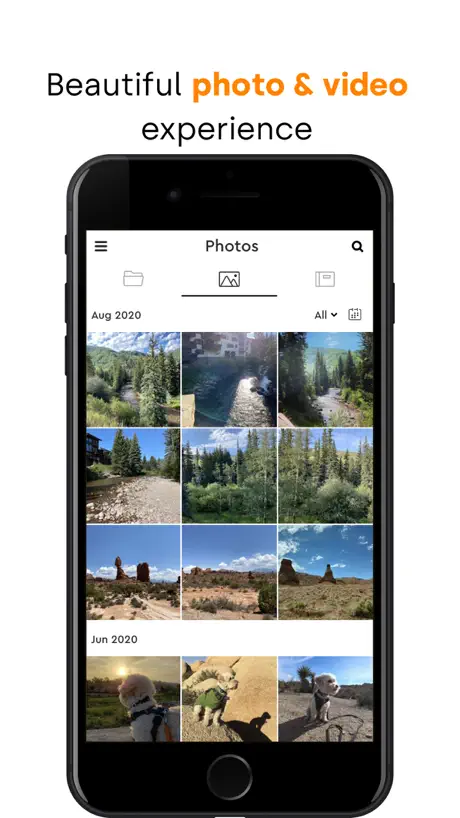
- Great for organizing and sharing photo albums.
What they complain about
- Buttons don't work on new iPhones.
- You can no longer download files offline.
- Finding photos by specific date is hard.
- Login issues with two-factor authentication codes.
Better since upgrade
Since recent update, to OS 5 I have noted improved speed and connectivity.
Unable to add files with the iPhone 18 Pro Max
The whole point of this app for me is to transfer photos from my phone to my drive. But I can’t, because the “Add” buttons placement conflicts with the iOS system bar (time, WiFi, battery). So tapping the “Add” button does nothing. Trying to navigate back a folder and accessing the hamburger menu suffers the same issue. Hopefully this will get fixed.
Magdy
Please make copy paste available on the App for folders and files
App never gets any new features. Take customers for granted
Again I have to say this app gets no additions. Why do we not have facial recognition. That’s on my phone, why not this app. And still to this day you cannot search within folders or see long names of folders and files. I have been asking for basic updates to this app for years. Like pinch to zoom, larger thumbnails, real search within individual folders, ability to see longer files names. All basic things. Now I am wondering also we no new feature have been added to this software. How about face recognition, like can be done on my iPhone with the photo album that’s built in. I’ve been forcing myself to stick with this company and it’s lackluster software but it’s time for them to start working on keeping customers.
Sync gut, mehr gewünscht
Dass das Handy gesynct wird, ist klasse. Mehr Optionen wie, wo die Bilder hin sollen und mit Datum im Dateinamen wäre schön.
SAVES
PERFECT!
Stopped working completely
Can no longer login to my mycloud nas drive
Organization
It could have better ways to see photos and things
Clumsy
Not as intuitive as Dropbox so more difficult to use. I suppose it would be too much to ask for it to be like iCloud!!
It’s good, but….
All works as it’s supposed to but removing the download feature was a huge mistake!! I really miss that feature and am shopping elsewhere to find a device that allows downloads.
Auto back up for iPhone
This is a must have for someone who values their photos. My phone constantly backs up my photos. I never have to worry about losing any photos
Can’t log in
I’ve tried to log in all afternoon. 2FA is fine but this is completely useless. It’s says it’s sent an OTP code to my email address and 10 minutes later it arrives. I enter the code and I s wrong. Then 10 minutes later another code arrives (I never asked for one). It doesn’t work either. This goes on and on and still can’t log in! Oh, and the contact support doesn’t work either.
Good app, BUT add AI search
Good app, but lacking the search functionality. Will be a HUGE improvement if users are able to search for person, scene, etc.
Clunky UI. Difficult to search. Only backs up photos & videos
Technically, the app and backup experience can be much better. The app is stuck in the era of 1st generation iPhone. Also, the background backup is not entirely reliable.
Searching the cloud
Set up better search engines
Love it
I love the fact that I can create an album without allowing access to the original pics.
After the last update, it does not recognize VLC
It said there was an update in the app. I’ve updated it. It seemed fine, but I found out that it no longer recognizes that my iPad has VLC. When I tried to play old media, it says my iPad doesn’t have an app that recognizes the format and it says I should install VLC. Well, I do have VLC. It used to work fine, but now, it says I need to install VLC when I already have one. I’ve uninstalled and reinstalled VLC, but doesn’t work. This app does have tendency to break things after each update. Not very stable or reliable.
Works very well
Works great but wish there was an easy way to download everything so that it can be saved in another location. In case god forbid the whole system goes down.
Wish I could load all my Apple TV show purchases on here and free up space on iPads
Need a Apple TV app feature on here so I can free up space on Apple TV app so I can delete movies on my iPad so drives drm needs to be removed on tv shows we own so we can free up this space
Problem on iPhone 17
Unfortunately top bar controls are too high on the screen to select
Great app
Works great with my PR4100 drive and gives me access no matter where I am. Has great functionality. Makes it easy to organize and share photos
Does Anyone Else Have This Problem?
This was fixed but it came back with the iPhone15 Pro Max. The links in the top 2 corners are difficult to touch. The one on the left has 2 on top of one another. And the iPhone 14 Pro dynamic Island is over the MuCloud title in the center. It seems like an annual thing. Every time Apple publishes a new IOS, the developers cannot seem to work out the Dynamic Island. I still cannot seem to tap the ADD button / link 06-15: whatever updates they made broke the all. It doesn’t load anymore.
Made my day
This is an excellent software does what it says and does it WELL ! 👍😊
Very frustrating app
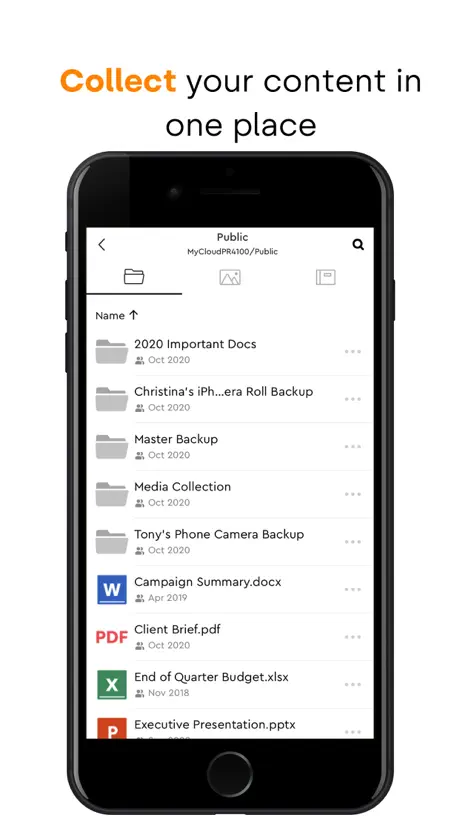
Navigating server’s folder structure is extremely frustrating, particularly when a folder contains many sub folders. Folder contents is accessed by touch scrolling, but all to often it opens a folder instead of scrolling. Going back to the previous folder puts you at the top of the contents, so one has to scroll down to where one was every time, more often than not it opens a folder and one has to start again. With nested folders containing large numbers of sub folders is made almost impossible by this poor design. The web access option is just as bad, but this time due to the way a folder’s contents are displayed. When first opened only a few items are displayed, as one scrolls down the scroll ‘bar’ gets smaller & smaller until it becomes almost impossible to grab with the mouse, and again when one goes up one folder level, you are at the top of the contents, not where one opened the last folder. Sadly these are the only way off accessing the server remotely.
Good
Once pictures or video are uploaded, they don’t appear to have the same quality when viewing them. If you download them from the iCloud onto your phone again, the quality return. The app also doesn’t play .gif files. And when you try to view photos by thumbnail, it makes you view all of the photos. These problems are only specific to the phone app. Everything is just fine on a computer.
Great when it works.
Needs rebooting daily to be reliable.
This app is trash for me
I have been consistently be running around in circles just to log in WHICH I HAVE ALRADY DONE beforehand.
Great
But if y’all could utilize the photo geolocation metadata that would be awesome. Also more compatible video formats.
Needs an update
Been using this app on my iPhone 15. I can not press any of the buttons on top, since the the display stretches above the notch. It is very annoying , please make an update ASAP.
Good for the Basics
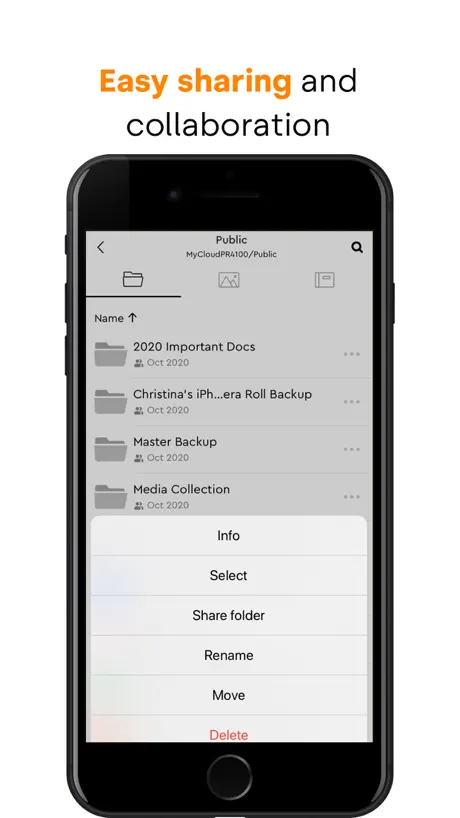
I’m grateful for the speed of the app and the cleanliness of it’s UI. It is however missing features such as cut and paste with the only option currently to move or copy items via the very lengthy folder structure.
Awesome app for MyCloud
Great app, very easy to navigate thru your WD NAS storage . It even backups the pictures in your phone to your NAS. Very convenient
Video Playback Stops After Short Time
This app continues to stop playback of video after approximately 30 minutes. This issue only happens while using the mobile app to play movies from my NAS at home. It happens both while on WiFi and also using 5G. The drive is not asleep and there is no explanation as to why this happens. This needs to be fixed.
LIFE SAVERR but…
Save me so much storage, but isn’t as easy to use as usual Apple photos
App not updated for new ios version.
App is not updated for the new ips version i think. Because some of the buttons are not responding. Also app really need to update more advanced features on searching any files or photos. Now it’s really hard to find a file.
Not working on ipad pro
Keep getting a message that says whoops something went wrong, then take you to a complicated support page have tons of device from a different category.
It does what it says
Have had this for a while and I use a raid system for security. Happy I do not have to back up phone to iCloud.
Doesn’t work
Software is so crappy. Never worked properly. Always errors out, even when I am on the local network.
Almost ideal
The only feature missing for 5 stars is the ability to create folders in iOS directly when uploading from the photo album instead of having to go into the app first to create the folder.
Move but no Copy?
Basic, basic functions are missing…
Good, but missing features
The app it self is alright, when just wanting to view what is on your NAS Drive, however, the previous version allowed you to download to device and view photos and videos offline, however these were kept within the app itself. This was fantastic, as it allowed you to download your stored videos and movies to watch offline, all contained in one place, like other streaming services out there. However, in this new version, this feature has been removed and downloads are now stored directly to the devices photo/video area. Now in theory, you’d say, “so what”, but in the reality, this doesn’t work. For example, if you downloaded a series from your cloud device, it stores them in your phones camera roll (iOS user example) but you cannot see the title of the video, and it doesn’t nessessarily store them in number order. And if your iOS device is set up with a connected iCloud storage, your downloaded file also then backs up into your iCloud. Also, when downloading to your device, there’s now no way of seeing its progress, with the exception of periodic % updates, which disappear. Imagine how frustrating that is when downloading a large file, such as a film. All of which make the feature pretty much useless. PLEASE PLEASE PLEASE, put the original download and store within the app feature back. Please.
The best backup software
Western digital went above and beyond by adding My Cloud OS 5. It lets you access all of the My Cloud files from anywhere. Great product.
Lack of streaming
Ever since the update ,the music streaming stops after 2-3 songs. Checked the faq, it only address ripped , illegal , wrong formatted music.All my music is in mp3 format which is what this thing is for. This is all stuff I’ve owned for years and has played on this before. What a sad excuse for ending service. SHAME ON WD !
Show by specific date
1) How do a user find a picture taken at a specific day? Now the app can only show all the picture taken in a specific month, which could be a lot if you happen to have a long travel. This should not be a big fix, even my camera can do it. 2)when previewing picture in phone vertically, picture is very vague. 3)when pictures are transferred or copied, the files get a new date mark, the date modified. Thus sorting pictures files by date becomes meaningless.
Missing Functionality
- Doesn’t support split screen - Won’t sync files with the MyCloud folder in the Ipad file browser - Can’t import files directly from any folder, including an SD card
MyCloudMirror
Connection et transferts très lents
Easy to use with multiple devices.
Use iPhone, PC, Tablet.
Photos not upload
It will not upload any photos or videos from my library (iPhone). Receive an error msg saying “type error: undefined is not an object”. Have checked all settings and updates. Offloading and uploaded app again. There is no direct and clear customer service for this app for any help.
Screen rotation problem
Recent revision has an intermittent issue with screen rotation. Appears app locks in portrait mode even though portrait mode is unlocked. iPhone iOS 18.3.2, app 4.26.0, iPhone SE 3rd. Works sometimes; no particular correlation to any status, order or feature.
Lacks basic features
Using this makes me wonder if the people who design these apps actually use them. For example: I want to import a few thousand photos from my phone to the MyCloud drive, starting with my oldest photos. 1. The app makes me scroll down through said 1000s of photos to get to the oldest. And it makes me do this every time want to select a new batch to upload. How about a ‘sort’ button? 2. Selected a group of 250 photos to upload and it hung with 47 left. I hit ‘cancel’ and now difficult to know which were successful and which weren’t without going through manually. How about a feature where it notifies me if the destination already contains the file(s) and gives me the option to skip all that already exist? To me these are basics. Maybe the app is ok for onesies and two size, but I am burning a lot of time trying to do what I bought the drive for.
Indexing
It’s difficult to look at my photos because it’s always indexing…
My Cloud OS 5 FAQ
- Is My Cloud OS 5 free?
- Yes. The app is free, in all 174 countries it sells in, and it sells nothing inside it.
- Does My Cloud OS 5 have a free trial?
- No. None of its offers (US) come with a free trial.
- What are the best alternatives to My Cloud OS 5?
- Synology Drive (4.5 from 40,325 reviews), Owlfiles - File Manager (4.6 from 39,726 reviews, premium from $1.99) and iNet - Network Scanner (4.5 from 10,685 reviews, premium from $9.99).
My Cloud OS 5 download
Last updated 18 days ago.
My Cloud OS 5 sells in 174 countries. It was released 6 years and 1 month ago, on 30 Sept 2020. It holds a 4.7 rating from 81,648 reviews.
Supports 20 languages: English, Czech, Danish, Dutch, Finnish, French, German, Greek, Italian, Japanese, Korean, Norwegian Bokmål, Polish, Portuguese, Russian, Chinese, Slovak, Spanish, Swedish, Turkish.
How much does My Cloud OS 5 make?
Third-party estimates for the last 30 days, worldwide — not the store's own figures, which Apple publishes for nobody.