
Google Sheets
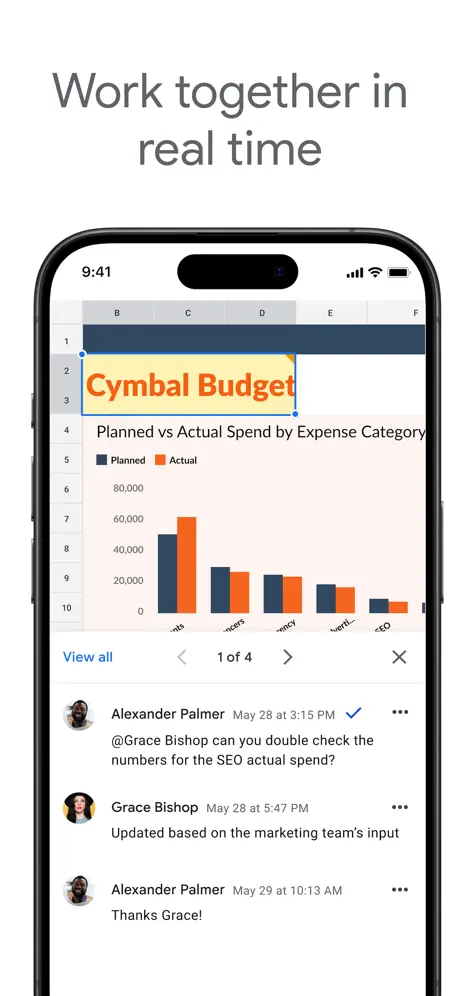
Collaborate on Spreadsheets
How much does Google Sheets cost?
Prices are current as of 10 Sept 2026.
Google Sheets has no in-app products on record in the United States.
10+ alternatives to Google Sheets
| Google Sheets |   Microsoft Excel Microsoft Excel |   Microsoft OneNote Microsoft OneNote |   Microsoft PowerPoint Microsoft PowerPoint | 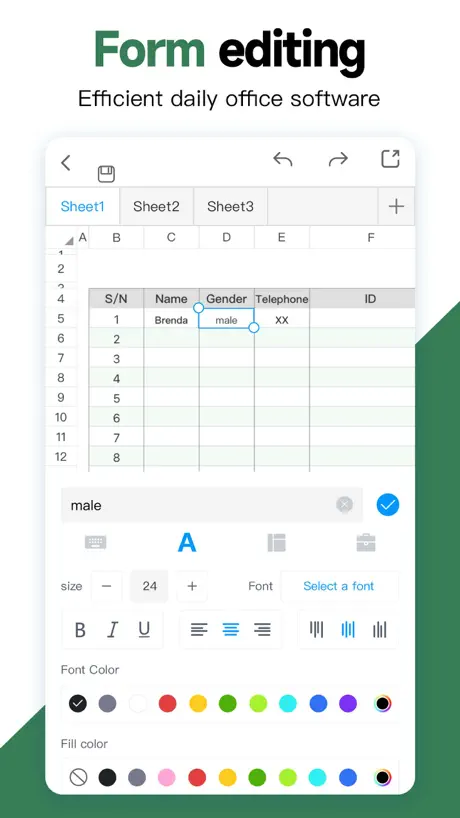  Spreadsheet-xlsx&csv editor Spreadsheet-xlsx&csv editor | 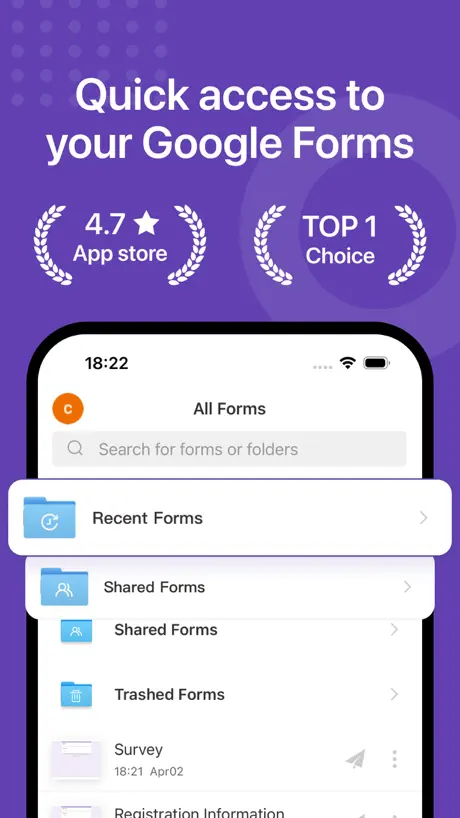  Forms for Google Docs Forms for Google Docs | 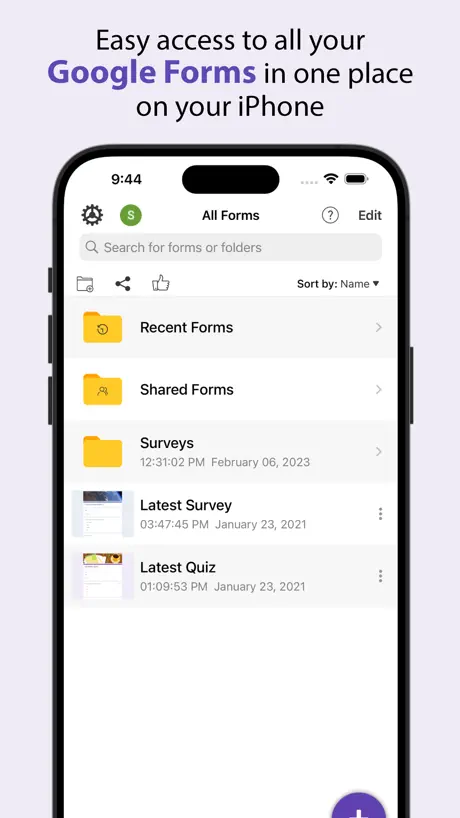  Forms+ Forms+ |   Miro: your visual workspace Miro: your visual workspace | 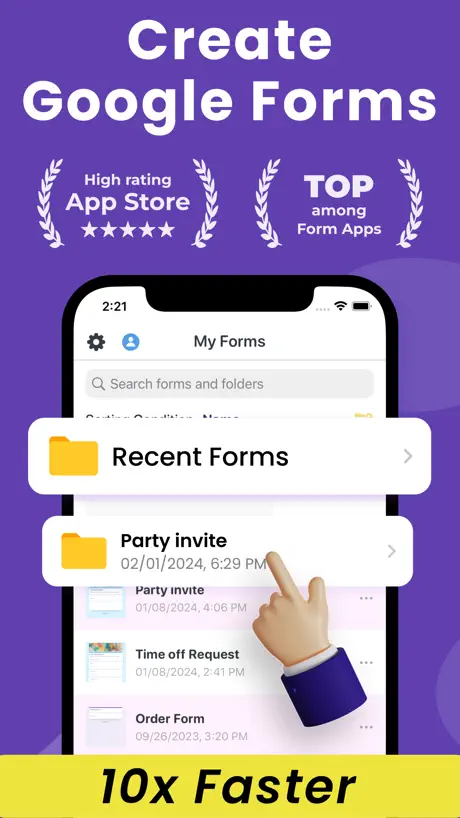  Forms fоr Google Form Forms fоr Google Form |   Trello: Daily Task Tracker Trello: Daily Task Tracker |   XLSX Sheets: Edit Spreadsheet XLSX Sheets: Edit Spreadsheet | |
|---|---|---|---|---|---|---|---|---|---|---|---|
| Rating / 5 | 4.8 | 4.7 | 4.6 | 4.7 | 4.7 | 4.8 | 4.8 | 4.7 | 4.8 | 4.4 | 4.5 |
| Reviews | 7M | 7.5M | 4.3M | 3.4M | 239K | 157K | 143K | 40K | 37K | 36K | 17K |
| Released | 2014 | 2014 | 2011 | 2014 | 2020 | 2022 | 2021 | 2017 | 2023 | 2011 | 2023 |
| Weekly price | — | — | — | — | $5.99 | $5.99 | $4.99 | — | $4.99 | — | $7.99 |
| Monthly price | — | $12.99 | $11.99 | $9.99 | $4.99 | — | $4.99 | — | — | — | $4.99 |
| Annual price | — | $99.99 | — | $99.99 | $25.99 | $59.99 | $49.99 | — | $29.99 | — | $29.99 |
The going rate for each plan in United States, in its own currency, shaded from the cheapest price on the row to the dearest. Plans fewer than four in ten of the priced apps sell are left out.
Google Sheets reviews
4.8 out of 5, based on 7,040,450 reviews.
What people like
- Works great for tracking personal data
- Access your sheets anywhere with internet
- Very useful for organizing information
- Calculations happen automatically and accurately
What they complain about
- Can't edit dropdown lists on mobile
- App crashes constantly while editing
- Mobile interface is awkward and hard to use
- Search results don't open the item automatically
I Love My Google Sheets!
In my opinion, Google Sheets is maybe the most useful app I use regularly. In 2002, I started keeping up with the books I read for entertainment. That list is still growing and because it’s in a Google Sheets spreadsheet, I have all kinds of information that’s automatically calculated and tallied. I can access it anywhere I can get on the Internet. HUZZAH!
STILL Keep crashing on iPhone
Still crashing on iPhone with sheets that has continuous updates once a second (for YEARS). And when iPhone goes to sleep and wake up, it takes a minute or two to get the sheet updated by itself. Workaround is just to go back ands reselect the sheet.
Dropdowns
Please man I want dropdowns but I don’t have an android or access to a computer nearby please.
Was great until updates changed the layout
Used this for years. Easy to do on my phone. Then you moved the tools around making it unusable. Good job!
Go figure that a spreadsheet is difficult to use on a mobile device
Read title.
Great app
Very well made.
Imposible ver la página
Imposible abrir la página
Performance
Good
Constant Crashing
I don’t know why, everything’s up to date, but this app is constantly crashing on me in the middle of editing the file. Super frustrating and impossible to use.
Not always intuitive
Unlike desktop Xcell it isn’t obvious how to sort data and copy paste groups of cells. Some of this is surely my inexperience but I wish it was front and center as well as some other basic formatting features
Excellent program & Simple to use
I’m very happy to have found this program. Just what I needed to track some data. Thank you!
Not what I thought
I got charged twice in one day. $9.99 and $39.99 all I wanted was the tried and all I approved was the trial.
Good
Very good
Ko update được data
Ko update được dữ liệu nếu dùng 4G mạng vina
26년 8월말~9월초쯤에 업데이트하고 한글 버그 생김
원래 Docs에서만 있던 버그인데 그거의 상위버전이 업데이트 후에 스프레드시트에 생겼음 Docs에서는 그래도 문장을 순서대로 쓰고 줄바꿈 전에 문장부호를 찍는다는 규칙만 지키면 발생하지 않는 버그였는데 여기는 그냥 처음부터 띄어쓰기마다 글자복사 버그가 있어서 띄어쓰기는 없어지고 내가 쓴 문장은 메아리치고 있음
Great!!!
Amazing
Import?
Something as basic as importing another sheet seems impossible on iPad
Nice to use!
This app is organized and nice to use plus the AI agents involved in being able to edit for me is even better!
Its as if they nerfed the website into this pseudo-functional app
The website is way better than the app in terms of respecting shortcuts, the variety of function support. The most annoying bit is that website works fine in mobile / ipad safari except all links by default go to the app, and there’s no easy way to turn that off because this app cannot be uninstalled :(. Amazing product ruined just to push the app down user’s throats.
Vào sử dụng
Vào phần mềm khó sử dụng
AMAZING!
5/5 Stars, Keep up the great work team.
Sucks
It sucks. Don’t use it
Undo button?
Love using sheets to organize and search for everything. Unless I am missing it, could you please add an undo button in the iphone user interface so it’s easier to manage changes when trying to undo an edit? Thanks!
Muitos Bugs
O conceito é bom, agora o aplicativo para IOS, sempre que sai uma atualização estraga algo que estava funcionando. No momento temos esse novo e maravilhoso Bug, que a barra de ferramentas inferior simplesmente sumiu se vc selecionar só uma célula. Enfim, deveriam TESTAR em todos os dispositivos ANTES de publicar o aplicativo no app store. Acho que isso é o básico que se espera, ou não?
Good but needs work.
It’s great on laptop / computer. But it does not work as well on phone / iPad.
好田
方便快捷
I don’t support companies that support fascist regimes
They are called the Gulf of Mexico and Lake Ontario.
Input
Google sheets for pc is really easy to use. It’s quite a bit less easy to use on mobile. It’s still pretty handy, but it’s not my favorite switching back and forth between text input and numerical input constantly.
最近のアプデで改悪された?
セルの選択をした時に「テキストか数式を入力」が各ショートカットキーを隠すように出てきてしまうようになった。ショートカットが今のところ一切使えない。ただでさえスマホアプリだと使いづらいのでさっさと直してほしい。
Not as good as Excel
It’s interesting to see that Google sheets still lacks on ease of use and simplicity as compared to excel.
Simple
My bookkeeper uses it and love it. Easy on the fly.
Mobile app is useless
You can’t edit drop down lists on mobile app. I don’t have my computer!!! That’s why I want to use the app!! We should be able to edit it all the same!!!!
Trying Sheets
Using Sheets for various tasks Still playing, still learning
Algumas funções P celular não funciona mais
Era perfeito, mas agora do nada retiraram a opção de mudar cor ótimo celular
iPad Interface is Clunky
There is very limited functionality on the iPad and even the mechanism for interacting with the cells and the content is very awkward. This should not be hard to fix with some attention.
Very helpful
The sheet is a good reference.
LAKE ONTARIO
And GULF OF MEXICO!
Typing
Good
シートが突然消える
シートが突然消えてしまったことがあった。 復元出来ずに困った。 あまり重要なシートなので良かったが重要なものだったらと思うと、使い続けるのが怖い。 もう一つ 勝手にパソコンからエクセルファイルを拾ってシートにする機能も困る。 シートの数が多くなって必要なファイルを探すのに手間取る。
Cellules
On doit prévoir des espaces vides à la fin de chaque contenu afin d’être assuré que tout s’y retrouvera sur les autres appareils de lecture et c’est embêtant. D’ailleurs, ce n’est qu’en travaillant à partir d’un ordinateur que la rédaction est « facile « . Il n’y a pas de correcteur disponible. Ce qui implique que je doive d’abord écrire sur Word pour m’assurer que le texte soit sans erreurs et qu’en plus, je puisse faire des listes numérotées ou marquées. Sinon, les formules de calculs facilitent et allègent grandement le travail.
Great app!
Has little to no bugs I’ve seen and very straight forward to use.
Lake America
Lake America
Pl improve
It’s nyc bt I wish search cud b more specific as in if I want to find sumthng, that item shd open instantly. As of now if I want to search sum item I am only assured that it exists sumwhr in the sheets, it shd open automatically and appear in front of me.
Help
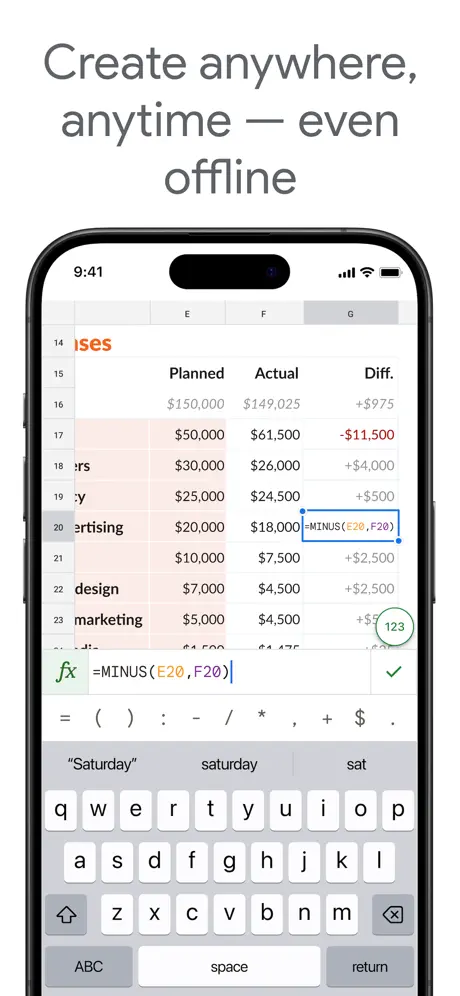
Hey! I can’t get the sums working. When I hit the equal sign then a cell the program reports an error message. Humph
R
If More features then better experience
The Best App To Exist
Great for tracking your days and attacking the world, thank you google! ❤️
trash
trash
supar
Chala supar
Dropdown etc doesn’t work
Dropdown functions unable to add so plz update this small function immediately
APP CRASHES
April 28/26- The same issue is still happening after the latest update. UPDATE: I’ve already done what you suggested, but that didn’t resolve the issue. App crashes when browsing in a document.
Google Sheets FAQ
- Is Google Sheets free?
- Yes. The app is free, in all 175 countries it sells in, and it sells nothing inside it.
- Does Google Sheets have a free trial?
- No. None of its offers (US) come with a free trial.
- What are the best alternatives to Google Sheets?
- Microsoft Excel (4.7 from 7,475,130 reviews, premium from $6.99), Microsoft OneNote (4.6 from 4,287,665 reviews, premium from $9.99) and Microsoft PowerPoint (4.7 from 3,406,006 reviews, premium from $6.99).
Google Sheets download
Last updated 29 days ago.
Google Sheets sells in 175 countries. It was released 12 years and 5 months ago, on 29 Apr 2014. It holds a 4.8 rating from 7,040,450 reviews.
Supports 66 languages: English, Afrikaans, Amharic, Arabic, Armenian, Azerbaijani, Basque, Belarusian, Bangla, Bulgarian, Khmer, Catalan, Croatian, Czech, Danish, Dutch, Estonian, Finnish, French, Galician, Georgian, German, Greek, Gujarati, Hebrew, Hindi, Hungarian, Icelandic, Indonesian, Italian, Japanese, Kannada, Kazakh, Korean, Lao, Latvian, Lithuanian, Malay, Malayalam, Marathi, Mongolian, Nepali, Norwegian Bokmål, Odia, Persian, Polish, Portuguese, Punjabi, Romanian, Russian, Serbian, Chinese, Sinhala, Slovak, Slovenian, Spanish, Swahili, Swedish, Tamil, Telugu, Thai, Turkish, Ukrainian, Urdu, Vietnamese, Zulu.
How much does Google Sheets make?
Third-party estimates for the last 30 days, worldwide — not the store's own figures, which Apple publishes for nobody.