
Edifier ConneX
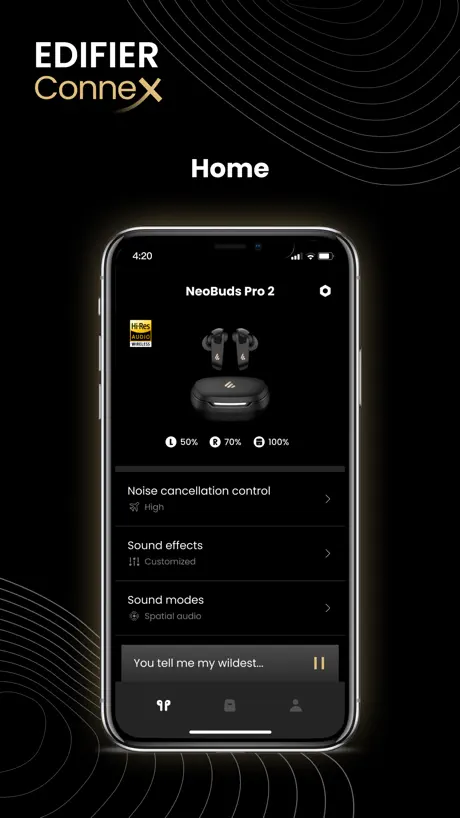
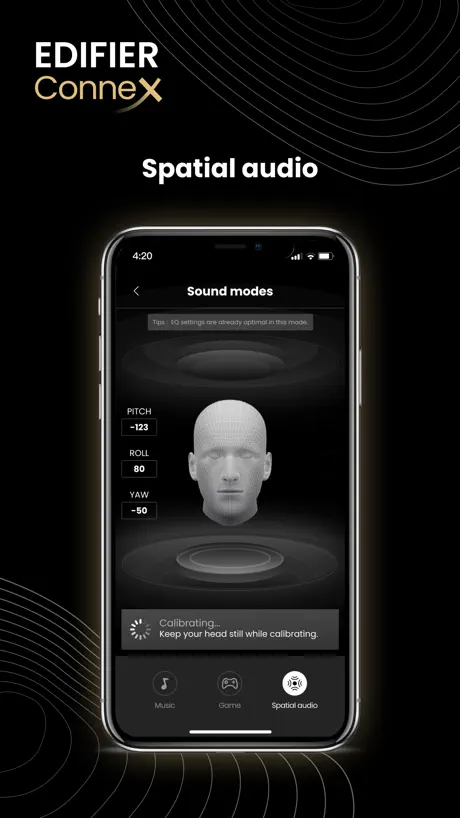
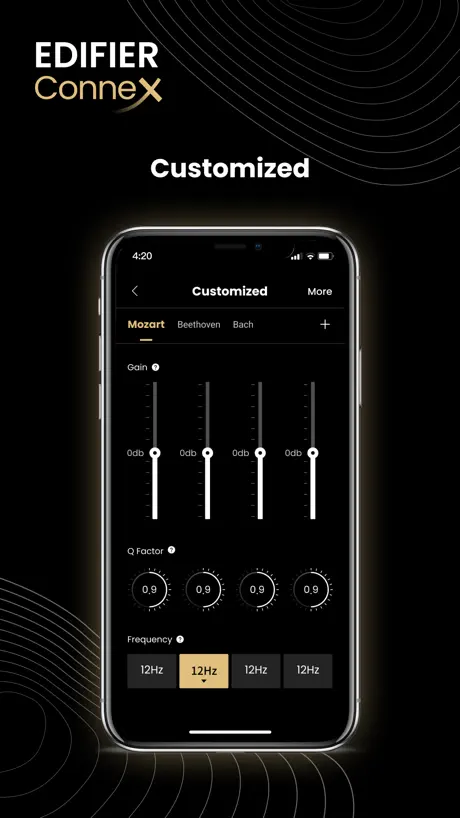
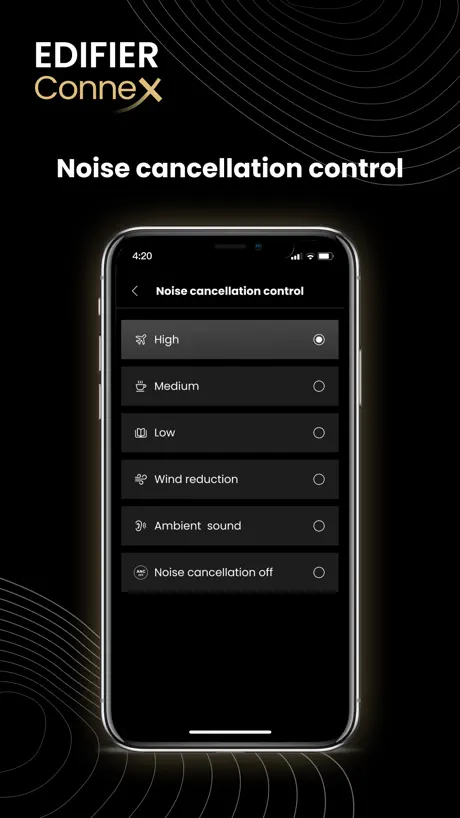
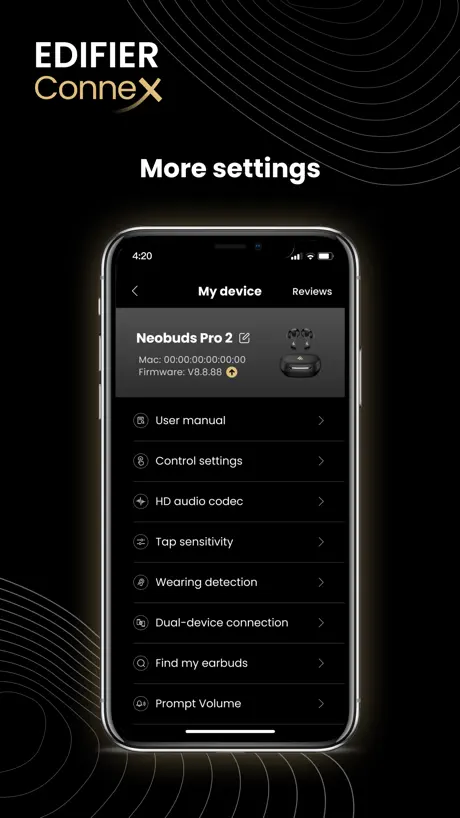
How much does Edifier ConneX cost?
Prices are current as of 8 Nov 2026.
Edifier ConneX has no in-app products on record in the United States.
10+ alternatives to Edifier ConneX
| Edifier ConneX |   nPerf internet speed test |   Wolow - Wake on LAN |   EarFun Audio |   Amperes Battery Charging Lite |   uBlock Origin Lite |   Actions |   CubeSuite |   Transcribe Audio to Text: v2md |   Ampere: Battery Charge Test | |
|---|---|---|---|---|---|---|---|---|---|---|
| Rating / 5 | 4.7 | 4.8 | 4.4 | 4.6 | 4.1 | 4.8 | 4.7 | 2.1 | 4.3 | 4.0 |
| Reviews | 22K | 118K | 9.3K | 7.8K | 5K | 3.5K | 1.8K | 426 | 175 | 85 |
| Released | 2023 | 2014 | 2020 | 2022 | 2017 | 2025 | 2021 | 2021 | 2025 | 2017 |
| One-time price | — | $2.00 | $4.99 | — | $3.99 | — | — | — | $99.99 | $0.99 |
The going rate for each plan in United States, in its own currency, shaded from the cheapest price on the row to the dearest. Plans fewer than four in ten of the priced apps sell are left out.
Edifier ConneX reviews
4.7 out of 5, based on 22,211 reviews.
What people like
- Sound quality is really clear
- You can customize the equalizer
- Battery lasts longer than phone
What they complain about
- Connects poorly to Mac computers
- Bluetooth keeps dropping unexpectedly
- Forces you to accept privacy policy
Bluetooth inconvenience
Wish you can use Bluetooth features (connect) while you’re on FaceTime with someone :(
BT Fails
I have to “forget device”, power down and reboot my iPhone, then reconnect my S5 as if it’s a new device every time.
Headphone
Please ID the headphone correctly, on the box, on the user’s manual, on the headphone itself, in the app, please do not omit Gen 2 after Edifier 950 Please
Edifier neobud pro3
1. มีปัญหาการเชื่อมต่อ ใช้ๆ งานไปซักพักมีอาการกระตุกสัญญานหาย 2. ไมค์คุยข้างขวาไม่ชัดเวลาเจอลมหรือเสียงแทรก ไมค์หูข้างซ้ายไม่เปน 3. ไม่มีการ updated firmware อะไรของหูฟังเลย ปัญหาน่าจะเปนกันเยอะ แต่ ไม่มีการsupportแก้ไข
รูปแบบการใช้การใช้งานน้อย
มีฟังก์ชันน้อยใช้งาน ได้น้อย
Best headphones
Literally lasts longer than my iPhone battery they need to take notes from yall 🔥🔥🔥💎❤️🍀
Does not connect!
After pairing with iPhone, it does not allow playback nor connects in the app. The app is stuck on connect Bluetooth for more control and settings even with everything turned on and set to Bluetooth mode on the M90s. Connects to PC via Bluetooth and USB-C just fine, but bad app and firmware!
หูฟังเสียงดร
แต่เวลาเอาหูออก และเอาหูเข้ามันจะมีเสียงเตือน ผมว่ามันน่ามีตัวปิดเสียงเวลาเอาหูเข้าหูออก เพราะมันน่ารำคาญมาก
アプリは悪くはないですが
アプリが悪いというより、スピーカーがBluetoothモードにして接続しないとアプリが使えないのが非常に不便。スピーカーのアップデートでどうにかなると良いのですが。M60だけですか??
เสียงรบกวน
เสียงรบกวนไม่ดีเท่าที่โฆษณา
Good
App
They force you to agree to collection of data, but app store page says they don’t.
Their Privacy Policy you’re forced to agree to after install (and after each update) says they collect user behavior, location data, and device info. It also states that they “share” user data. Also, they acknowledge that “refusing to accept the policy or restricting data sharing may result in the loss of certain features and functionality of Edifier products.” So I can’t create custom EQ’s anymore or remotely control the volume. I should’ve disabled auto updating for the app. Edit: If the app has an update then it prevents you from connecting to device. Well, at least I’ve figured out why the app’s settings require cellular to be enabled. Turning phones cellular off and enabling only bluetooth doesn’t help. This is an app to control my speakers via bluetooth. What is this garbage? I reported them months ago and nothing had changed.
Sound
The music mode is better for music and movies than movie mode is for movies
Connection issues
Keep losing my usb connection to speaker for my monitor
ดี
เป็นแอปที่ดีแต่มีบางอย่างที่ต้องแก้ไข มีบัคอยู่ อย่างเซ็นเซอร์ตรวจจับการใส่ติ๊กในช่องถอดและหยุดเพลงเมื่อจับใส่ไม่เล่นเพลงแต่ก็ยังมีบั๊กอยู่ใส่ ใส่หูฟังกลับเข้าไปยังเล่นเพลงอัตโนมัติอยู่ซึ่งตั้งค่าไม่ให้เล่น
Best Speakers!
Just bought the MR5 Speakers and they are totally worth it! great customization of frequency’s great volume! Clear cristal High res Audio!
Edifier Connex stuck on "Connecting"
I tried pairing my edifier qs30 and it simply will not go past "Connecting" please tell me how to fix
Function request
Can yall add an adjustable auto power off timer. 15 minutes for power save mode is just a little too soon for me. Other than that,I’m absolutely loving the app and my M90 speakers.
Honest review
Not bad
Excelente sonido
Este par de parlantes tiene un buen sonido pero a los controles le falta un poco de sincronización con los controles que se adapten al celular o a los controles remotos del TV o monitor de la computadora.
USB s\audio streaming
Hello developer my name is Jonavin I just gotten the EDIFIER m60 speakers I’m trying to connect to it via usb but nothings happening please help thank you 🙂
Not functional
Does not work for my Mac or iPhone
High sound
Need more sound quality high for IOS PLEASE
予想のわずか下に外れる使用感
想像よりはEQのコントロールが不自由なのもあり、再ペアリング前提での機能開放であったところと、時折ペアリングをし直さないとあぷりとの連携がうまくいかない時があります。 音響製品の満足感は値段相当で概ね満足していますが、不満点が残る部分が散見され、メーカーとしての技術不足感が否めません。
M90
I wish more preset EQs are available. I’m not got at dialing in the EQ but recognize when it’s on the money
app review
great app! just got my edifier m90’s and the app surprised me. very good
Such a disappointment
The DS 32 is such a disappointment after owning two identifier MS50A speakers. The other two speakers are always on and always easy to connect to whereas every time I want to connect to this, I have to turn it off and turn it back on again and then figure out which setting to put it on to use with AirPlay. not only that the older smaller speakers have a lot more base and sound much better than this. I would not recommend it.
Connection
Wish I could give 5 stars but sometimes this app fails to know that my headphones are connected!
Mac Connection
Upon using the app on Mac it fails to connect to my Edifier Headphones even though I enabled necessary permissions. Please fix this issue
Terrible update
Been using this app without problems for a few months but recently they kepy nagging me about a update so i updated the app now my headphones and speakers are not being detected. fix this and stop adding unneeded updates.
Good headphone app
It does exactly has advertised maybe not the best but great
No Connection
The app will not connect to Bluetooth. It keeps asking for access to Bluetooth after being connected to Bluetooth. I have allowed access to Bluetooth in app settings.
Good app and value for money speakers
A note of caution: The app prompted me to update to the latest firmware version (2.4.1) which I did. After a day, the app again prompted me to update the firmware. I thought that a newer firmware was released and again updated it. Today, the app again prompted me to update the firmware and I realised that the previous firmware updates never got applied to the speakers (even though the app said it was successful). So essentially I had to update the same firmware three different times to get it to stick.
不具合
カスタムEQが製品側の電源オフオンで初期値にリセットされる。毎回QRから読み出すのは面倒なので改修されないと使い物にならない。 イヤホン: EDIFIER W280NB Pro
Good, adequate but not many features
Basic controls for switching inputs, 6 band customizable EQ is a plus. No panning. Volume control is not fine enough so big steps between each numerical level. Can we get a 10 band or 12 band EQ? It would also be great to be able to put a sub in-between the active and passive connection for the M60, or allow for multiple simultaneous streams to use Bluetooth for the M60 pair along with the computer’s 3.5mm analog out for a subwoofer.
M90s Sound Amazing
I love that you can plug and play any brand subwoofer. Crisp clean vocals, great for mids and highs. Don’t hesitate, upgrade today!
Not working when I allow Bluetooth
When I downloaded the app and allowed Bluetooth it would work it would stay the same telling me to allow when I already did
Good
Better than the good awful remote, I miss tactile buttons I think for almost $500 you can give me a remote with real buttons and not a hockey puck that sucks. Sorry the app is ok
Heinous registration procedure
Your app took about 8 attempts to register due to the terrible registration procedure. Is that really the best you could come up with?
No eq?
Speakers are bottom heavy and there is no eq settings on the app… very disappointing.
Very good
Very good
Cannot detect my W830NB
In the list of supported Blue Tooth Headsets in the App, it says W830NB is supported. But when I connect my W830NB to my iPhone8 via Bluetooth and then open the App, it gets stuck in an infinite loop on the home page, showing “discovering devices….”and never detects my W830NB. I’m using iPhone 8, running iOS 16.2 and I bought my W830NB from TaoBao Edifier Official store.
Mostly very positive
The sound is wonderful and the stereo separation is excellent. Perhaps I’m wrong but it appears as though it can only be connected to one device at a time. It seems like the blue flashing light that enables pairing with a new device can only happen if no other device is connected. That is problematic. I don’t want to have to go through several steps anytime I want to simply use a different device to play through the speakers
EQの調整可能範囲が狭すぎる
最大-3DBしか調整できず、狭すぎます。 範囲を広くしてください。
Great app but could be better for iOS products
I have the EDIFIER M60 and EDIFIER neobuds planar. I really like the amount of control I have over the devices and features it offers. However, I have ran into a couple issues using it with apple products. The app will not connect to my devices from my MacBook. Luckily this issue can be overcome with the neobuds because they can connect to both my laptop and phone simultaneously and I can control the app features from my phone while listening on the laptop. The other issue I have run into is that there is no function to put my devices in LDAC mode from the iOS version of the app. I see why they would do this since iOS does not support hi-res codecs but I use a Questyle dongle to enable me to use better codecs on my iPhone. While aptx works fine on the neobuds, LDAC remains unavailable to me. I have seen from videos that this feature is available on the android version of the app. It would be really nice if iPhone users had the option to.
Great headphone company
I’ve had many headphones going through life and this company all around is amazing quality and sound. I could say beats had some completion especially with the app. #overwith.
Lack of a LDAC toggle
I understand IOS does not support LDAC, but I don’t want to use it on my phone. I only connected it to my phone to use the app and enable it so why is my phone dictating what codec the rest of my devices can use.
Good, could be great
App is good for the M60 speakers. Please expand the Custom EQ frequencies, especially the Middle frequencies.
頻繁に切断
装着して音楽を再生している時、頻繁に切断して聴いていられません
Left side issues
Left side never connects and it takes me disconnecting 3-5 times before it works
Edifier ConneX FAQ
- Is Edifier ConneX free?
- Yes. The app is free, in all 174 countries it sells in, and it sells nothing inside it.
- Does Edifier ConneX have a free trial?
- No. None of its offers (US) come with a free trial.
- What are the best alternatives to Edifier ConneX?
- nPerf internet speed test (4.8 from 118,478 reviews, premium from $2.00), Wolow - Wake on LAN (4.4 from 9,291 reviews, premium from $4.99) and EarFun Audio (4.6 from 7,761 reviews).
Edifier ConneX download
Last updated 2 months ago.
Edifier ConneX sells in 174 countries. It was released 2 years and 11 months ago, on 5 Dec 2023. It holds a 4.7 rating from 22,211 reviews.
Supports 13 languages: English, French, Greek, Indonesian, Japanese, Korean, Polish, Portuguese, Russian, Chinese, Spanish, Thai, Vietnamese.
How much does Edifier ConneX make?
Third-party estimates for the last 30 days, worldwide — not the store's own figures, which Apple publishes for nobody.