
Great Southern Bank Australia
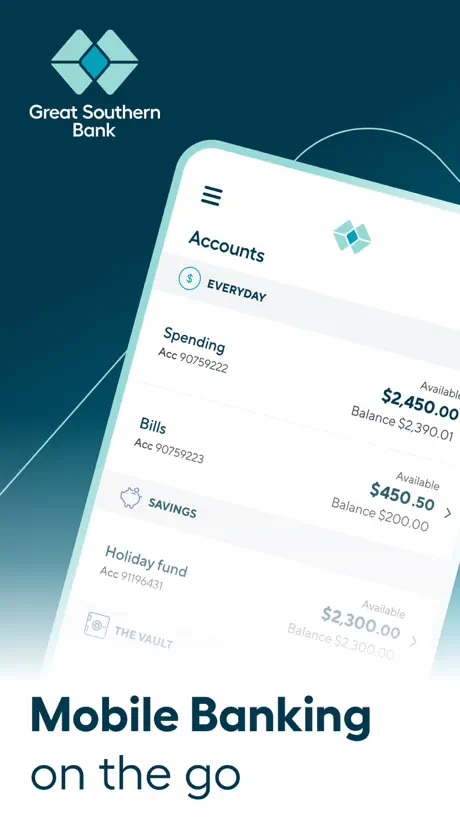
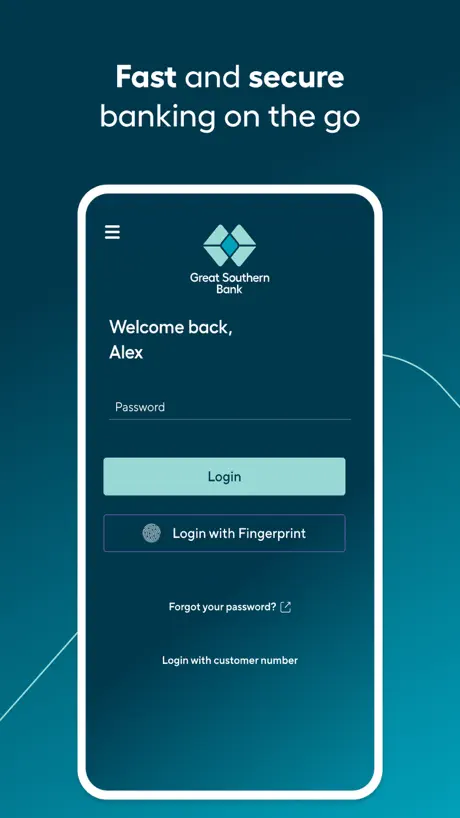
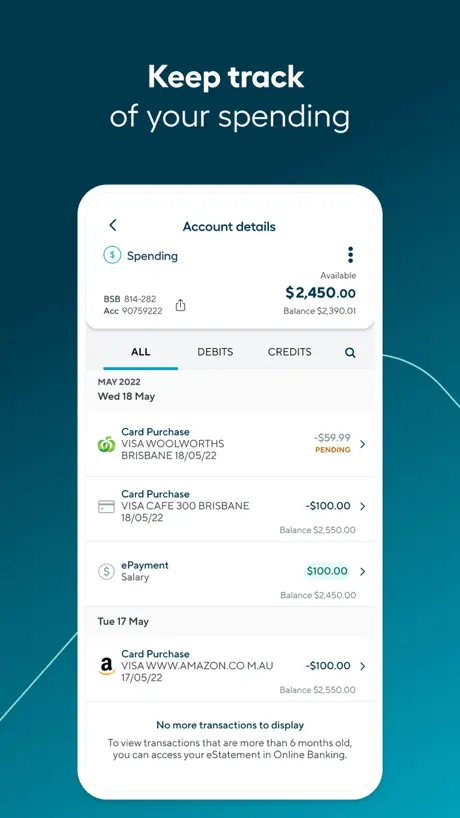
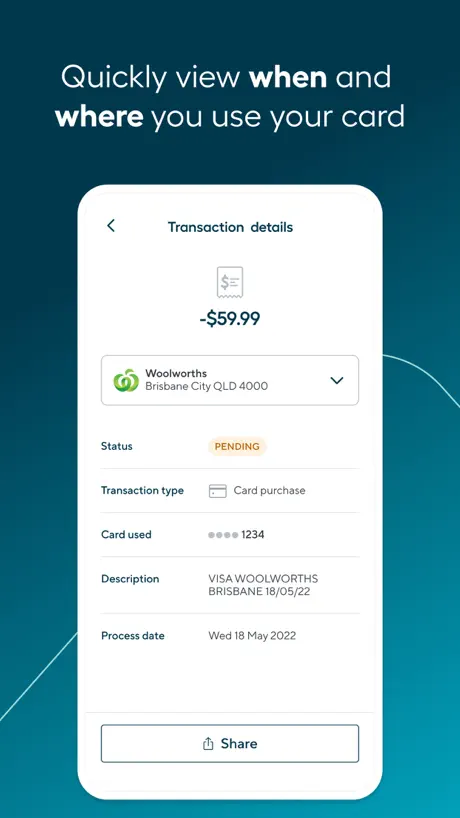
How much does Great Southern Bank Australia cost?
Prices are current as of 11 Sept 2026.
Great Southern Bank Australia has no in-app products on record in the United States.
10+ alternatives to Great Southern Bank Australia
| Great Southern Bank Australia |   Ubank: Digital Banking Ubank: Digital Banking | 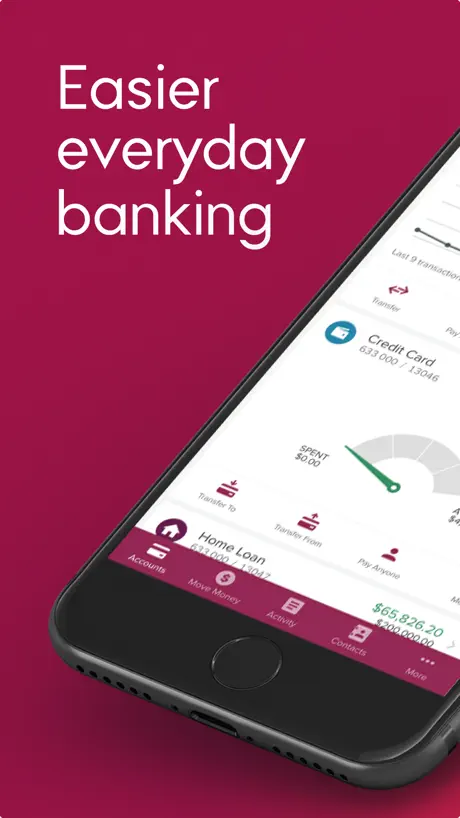  Bendigo Bank Bendigo Bank | 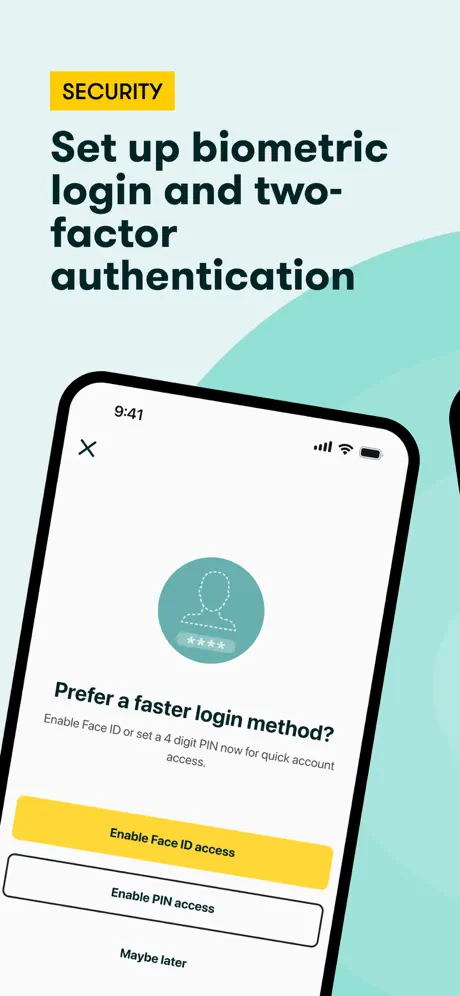  Suncorp Bank App Suncorp Bank App | 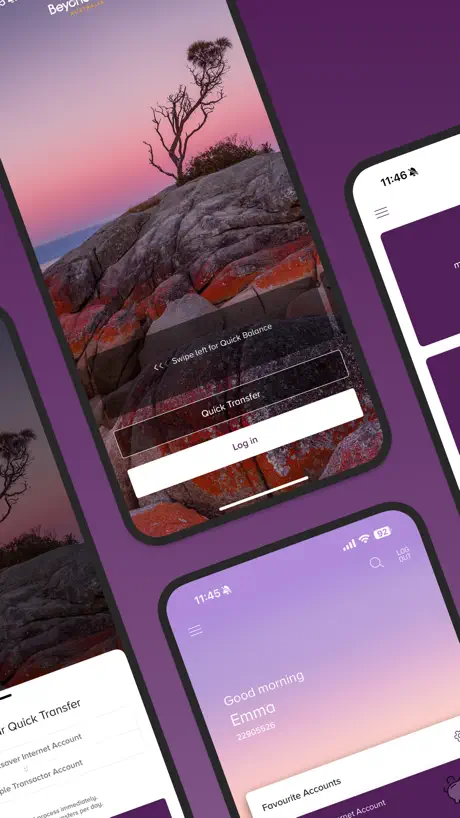  Beyond Bank Beyond Bank | 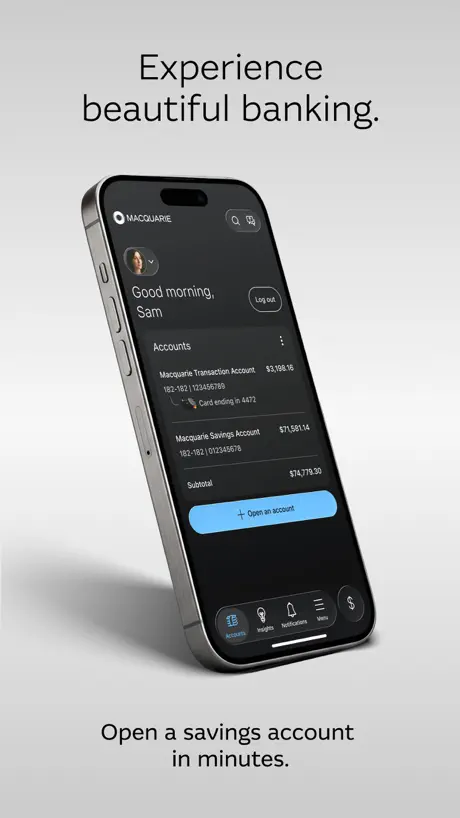  Macquarie Mobile Banking Macquarie Mobile Banking | 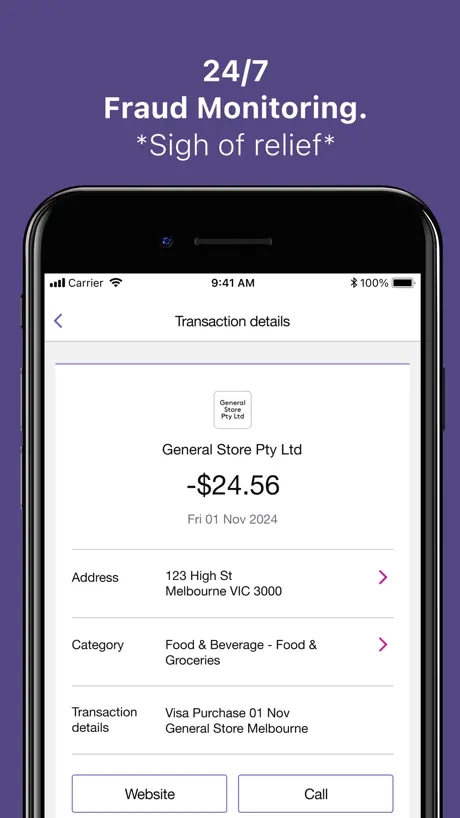  Bank of Melbourne Banking Bank of Melbourne Banking |   ME Bank ME Bank | |
|---|---|---|---|---|---|---|---|---|
| Rating / 5 | 2.7 | 4.7 | 4.8 | 4.6 | 4.7 | 3.9 | 2.6 | 1.8 |
| Reviews | 1.3K | 56K | 44K | 34K | 5.2K | 1.1K | 751 | 625 |
| Released | 2012 | 2019 | 2012 | 2018 | 2015 | 2015 | 2011 | 2013 |
Great Southern Bank Australia reviews
2.7 out of 5, based on 1,274 reviews.
What people like
- Simple and easy to use
- Works well for basic needs
- Nice clean design
What they complain about
- Login issues happen constantly
- Face ID often fails
- No instant push notifications
Recently frustrating
I am a huge fan of this app, it is simple and user friendly and even the colour scheme is nice. But for goodness sake please fix the recent glitch that has me having to frequently delete and reinstall it?
Lacks common sense features
Why isn’t there a search bar on payees? To select a payee I have to scroll through the entire list. To change the payment type I have to quit and start all over again. There’s so many more issues with this app that decent user testing would have uncovered. Maybe look at the apps of other banks and get decent developers then this app would not be an embarrassment.
In app push notifications and quick balance
This app is good but just some feedback can use add built in in app push notifications please instead of having it coming thru sms and email and also can use also add quick balance so we can see our balances before logging in please thank you :)
Buggy and slow
Have used this app for many years. It’s always way too slow compared to other banking apps. It’s embarrassing when I’m trying to do a quick transfer at the checkout. The “swipe” transitions are unnecessary and it all round seems to take too long to process the next page. Also buggy I tried to do an internal transfer of $50, clicked confirm, then it confirmed “$9” ??? Soooo buggy and kind of infuriating.
Signing me Out (Resolved)
The app keeps signing me out, I upgraded from an iPhone 12 to an iPhone 17 and now the app won’t keep me signed in (despite ticking remember me) its very frustrating. edit: I read a response elsewhere that suggested deleting and redownloading the app, this worked for me.
Great app
I love this app
Log in issues
App needs an update to fix log in issues
A great app, but some new features would be great!
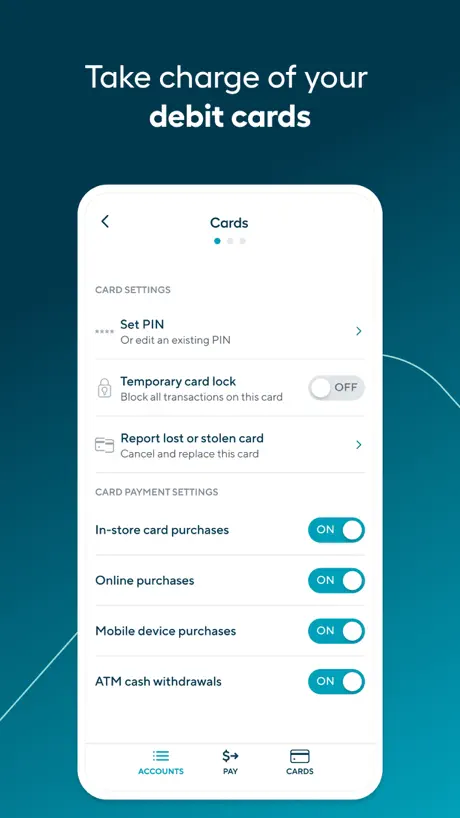
Great Southern Bank’s app is so far advanced in comparison to my previous bank, but I’d still love to see a few new features added to improve it. The functionality of card management for your debit card is already super helpful, but it’s not the same for your GSB credit card for whatever reason. Really disappointing that you can’t manage your PIN, set where you can use your card and lock/unlock in the same way you can your debit card. I’d love to be able to view statements in the app too. And to be able to manage regular payments instead of having to delete them and recreate them.
No deposit or debit notifications
Would like to see later versions include a deposit and debit notification option similar to commbank or westpac app. Would also be fantastic if the app would include transaction times.
Purchase notifications- vendor/supplier name
There are a couple of features I would like to see included: 1. Inclusion of vendor/supplier details in emails and sms purchase notifications would be very helpful. I often receive notifications but have to log into account to validate. 2. PIN/Access Code to log into account, instead of entering password would be appreciated.
Smooth and Seamless
It’s easy to transfer, easy to flick between savings and spending especially when I’m travelling or catching up with a girlfriend and want to make a quick spending decision like shouting us both lunch! Not in the budget, but there’s no judgement from GSB when I do. Just my face, a quick Transfer & my money is there to put a smile on her face!
Cannot log in
I live remotely, and have to out of my way to to approach the bank, as on line seems like a scam
Very simple
I really appreciate the simplicity of this app and how easily it handles most basic banking functions you’d expect from any modern bank. However, one major area for improvement is the lack of instant push notifications for account activity, which many other reviewers have also pointed out. Currently, you can set up email and SMS notifications through the web portal, but I’ve found that process unreliable — the page often freezes when trying to update settings, and even when it doesn’t, my changes don’t always save properly. Plus, even if it worked perfectly, SMS and email alerts aren’t the same as real-time app notifications. What I would love to see is true in-app push notifications for every transaction: whether it’s a purchase with a physical debit card, a payment through a digital wallet, an online transfer, a scheduled payment, a direct debit, or any unexpected third-party activity. Being instantly alerted (as much as possible, given internet limitations) would give users much greater peace of mind and control over their finances. Adding this feature would take the app from good to truly outstanding.
Annoying new feature
Verifying account name for each transfer is annoying and I there is no box in the process to avoid this.
Small text hard to read
Please create a feature which allows text size to increase as the smaller text in app is hard to read. My other banking apps provide larger text sizes to support their users. My phone is set to larger text size but when I use the app it doesn’t adapt to my phone settings.
CUA
Small bank app is fine always worked for me
Why the constant upgrades?
I can no longer use the app on my phone as it requires a higher iOS than I am able to download 🙄 banking is now hard!
ALWAYS trouble logging in
My app always says there is an issue logging in which i think is ridiculous as i can never access the money i need.
faceid stopped working
i upgraded my phone, it’s an iphone 12 running latest IOS version, the faceid doesn’t work at all. i turn it on and nothing it still makes me enter password. also every time i want to log in i have to enter the username and password, rather than just a password, its like remember me just doesn’t work. it used to work on my iphone 8 with the fingerprint id, but not anymore. not even a setting to allow it access to use faceid in the phone settings.
Fine
Previous bug I wrote was fixed and I can log in without writing my member number.
Getting worse
The apps use less just updated n telling to check my internet connectivity. My internets fine works on everything except gsb 🤦🏼♀️ since changing from cya to great southern bank, it really ain’t that great
Lots of browser features missing and strange update
It is a nice interface and is easy to navigate around, although it’s just a shame that so many features are not accessible via the app that are accessible on a browser/safari/chrome/brave etc. Most prominently, home loan related stuff is limited on the app, such as the redraw feature. You are also forced to give a reason to add a new payee, which apparently has to do with “safety” but just seems invasive to privacy. Meanwhile, they don’t even use 2FA for online banking, which is an actual account safety issue
Log in issues
New update has log in issues with the Face ID. I can still access my account through the web browser and typing in my password on the app. Usually a good app
Brilliant
Works well
Can’t Log In
I haven’t been able to use password for the past year and now with this update it crashes and I can’t even use my full credentials
New update won’t save my user number
Update no good need to enter my member number every time I go to sign I
Good but not great
Good app but really need to be informed via SMS or Email when credit card is used. Vital feature is there for savings etc account why not credit card where needing to go daily into app to ensure no Unauthorised transactions have taken place , all other financial institutions have this security feature but not GSB
Great
Does everything that I need, quickly, cleanly and efficiently.
Terrible!
This bank has become ridiculous. I have a pending transaction that has been pending for almost 2 weeks! I have contacted them three times and they don’t know what they are doing. The staff have also been terrible in helping me with this issue. Don’t use them.
Went weird one day
In windows clicked on the account, it logged me off at different points in the flow. Same thing in iOS . This was not a timeout, it was a random issue that repeated itself with multiple logins , then started working again an hour or so later when I retried . Otherwise the app is fine
Simple and useful
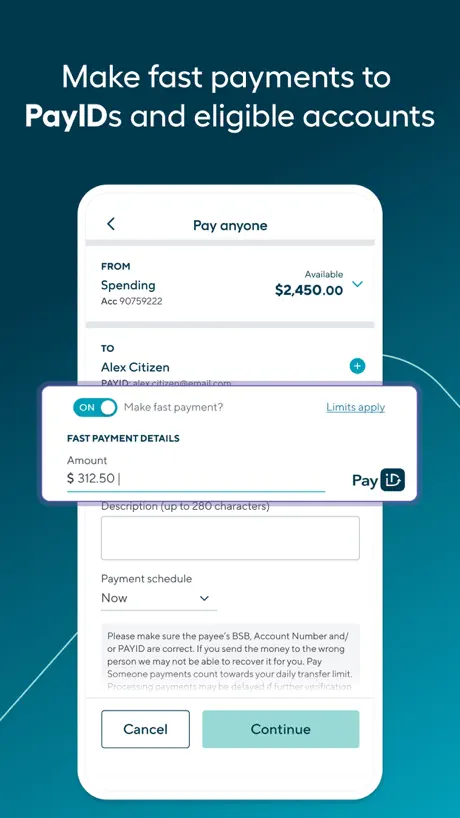
I like the ability to schedule PayID payments
Worst banking app
Heaps of bugs, I have to log in with my client number each time. It doesn’t save or remember my details. Hard to edit things from the app.
Milly
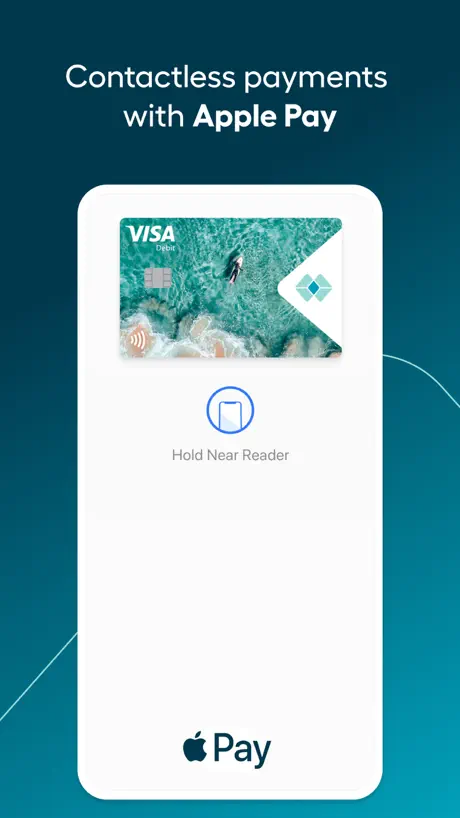
It’s okay but the app won’t let me add my card up to apple wallet it’s really annoying we have tried everything
The app works great
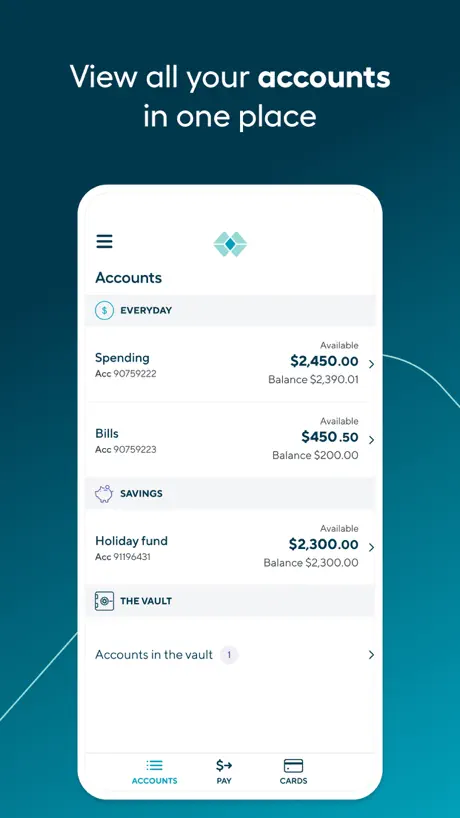
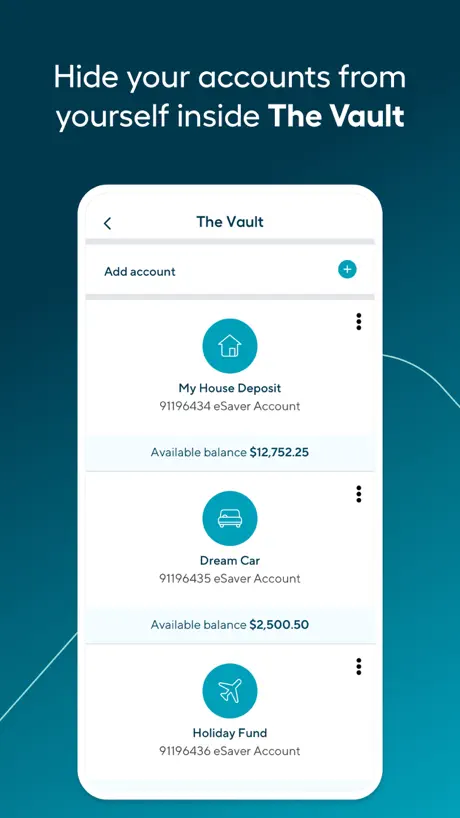
As of Feb 2024, this app does what it needs to do and works fine for mobile banking. It could have more functionality to compete with other banking apps (commbank, nab, etc), but there’s nothing wrong with it and you can do everything you need to do (transfer, pay, etc). Their feature that lets you hide your savings from yourself is helpful, too. Not sure why there’s so many one star reviews!
Lack of notifications
The app doesn’t notify you when you get paid or when you have money deducted from your account, please fix this!
Please add cc statement closing balance to app
Website shows credit card closing balance but it’s not shown in app. Please add this and allow it to be copied and pasted to clear the balance each month. Thx!
Nice UI and Best of Banking Domain
Nice App Kony Team. Please keep up your team work and Do more for Banking.
App is buggy
App is buggy and Face ID to log in does not work. A nightmare for my kids to manage this app- shame the website is not mobile optimised and the app is so bad because the bank services are good.
Uptime?
I don’t use the app much, but there has still been an handful of times the login has failed due to ‘…having login issues at present’ Thankfully the website works, but it makes me wonder why I bother with the app it has happened so often on balance Happy to send logs. Just tried now 5:55pm 29/05/2025 and it’s having issues
Great Southern Bank Australia FAQ
- Is Great Southern Bank Australia free?
- Yes. The app is free, in all 175 countries it sells in, and it sells nothing inside it.
- Does Great Southern Bank Australia have a free trial?
- No. None of its offers (US) come with a free trial.
- What are the best alternatives to Great Southern Bank Australia?
- Ubank: Digital Banking (4.7 from 55,519 reviews), Bendigo Bank (4.8 from 43,621 reviews) and Suncorp Bank App (4.6 from 33,743 reviews).
Great Southern Bank Australia download
Last updated 3 months ago.
Great Southern Bank Australia sells in 175 countries. It was released 14 years and 3 months ago, on 14 Jun 2012. It holds a 2.7 rating from 1,274 reviews.
Supports 1 language: English.
How much does Great Southern Bank Australia make?
Third-party estimates for the last 30 days, worldwide — not the store's own figures, which Apple publishes for nobody.