Brother Mobile Connect
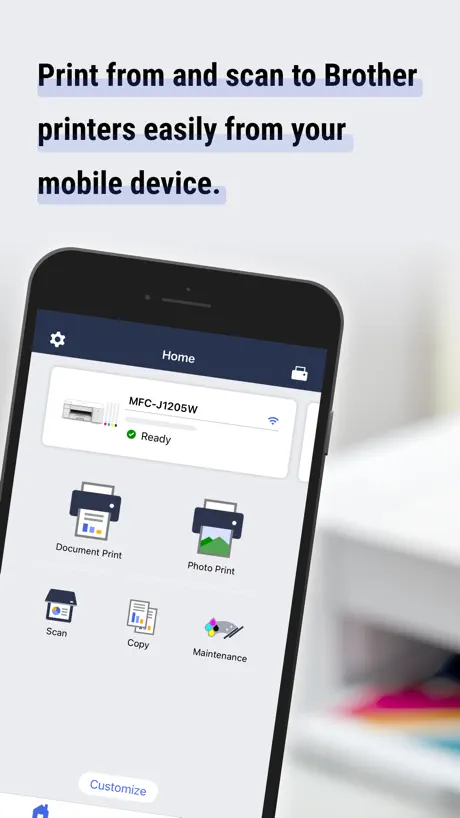
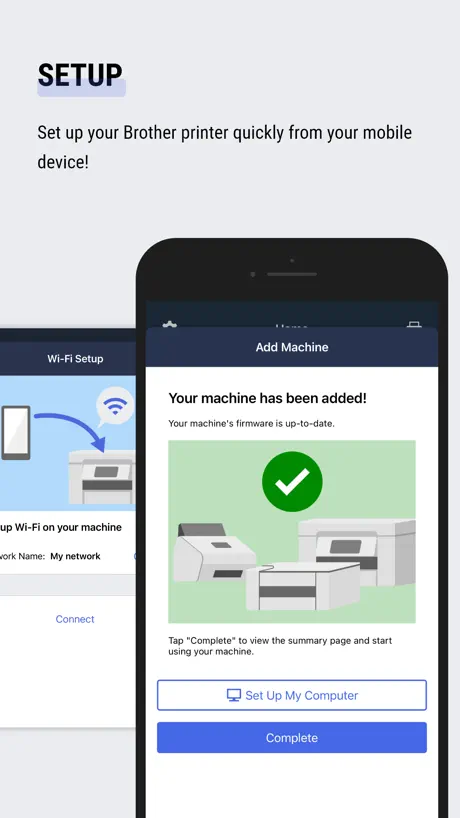
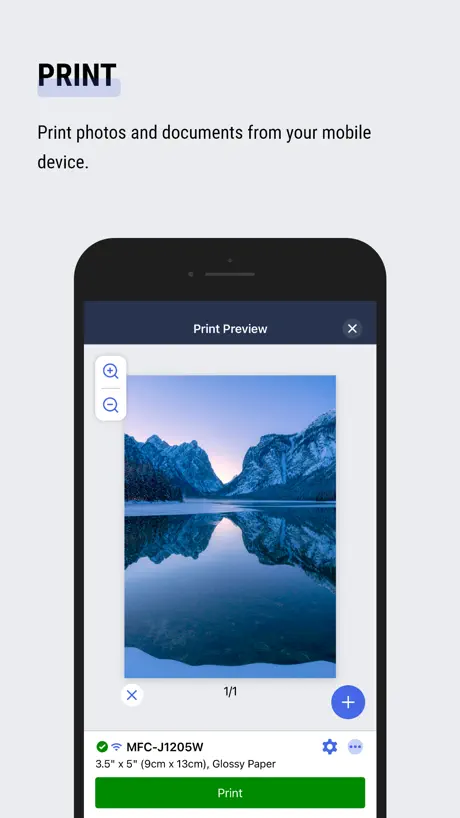
Print, scan & manage supplies
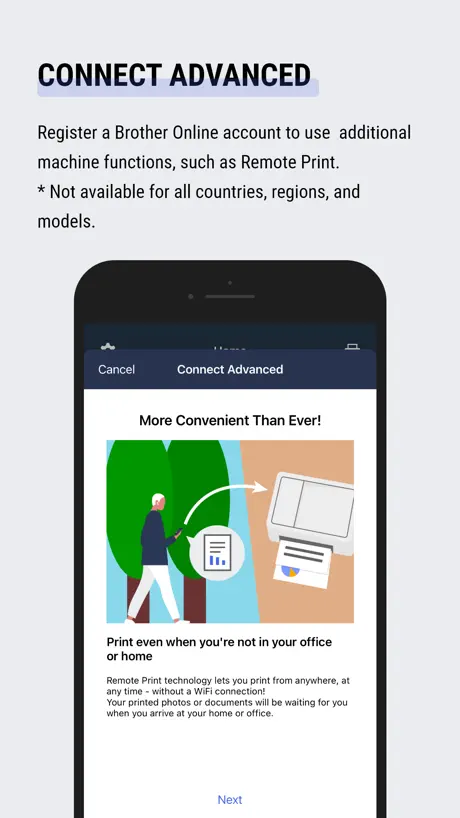
How much does Brother Mobile Connect cost?
Prices are current as of 7 Nov 2026.
Brother Mobile Connect has no in-app products on record in the United States.
10+ alternatives to Brother Mobile Connect
| Brother Mobile Connect | 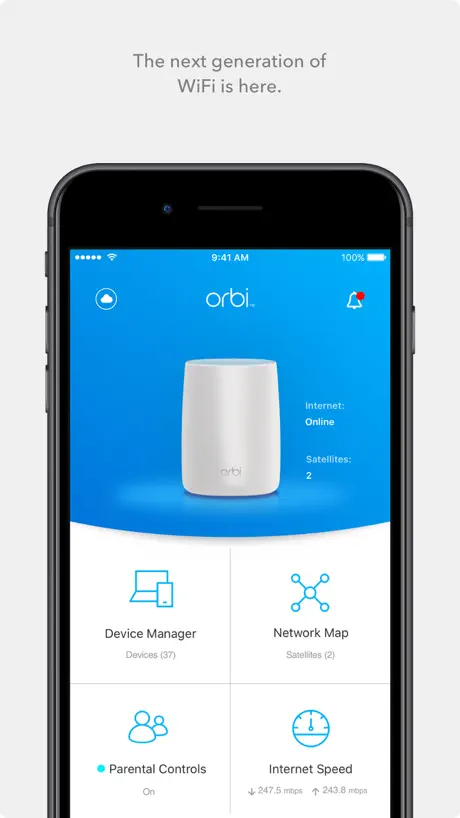  NETGEAR Orbi - WiFi System App | 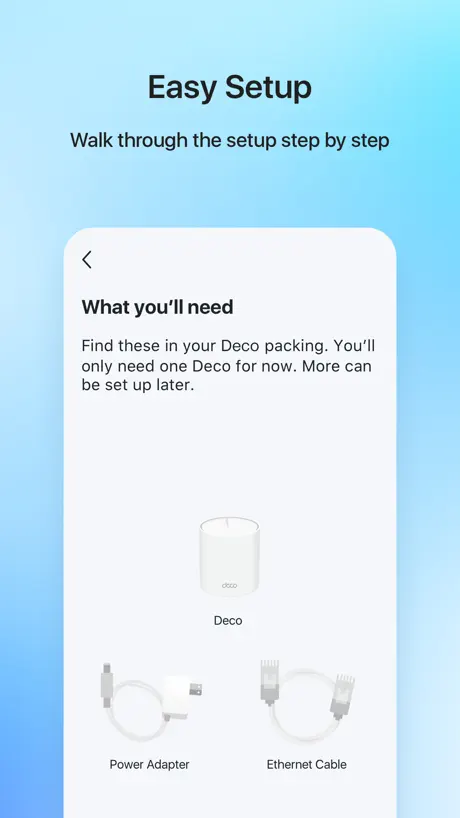  TP-Link Deco | 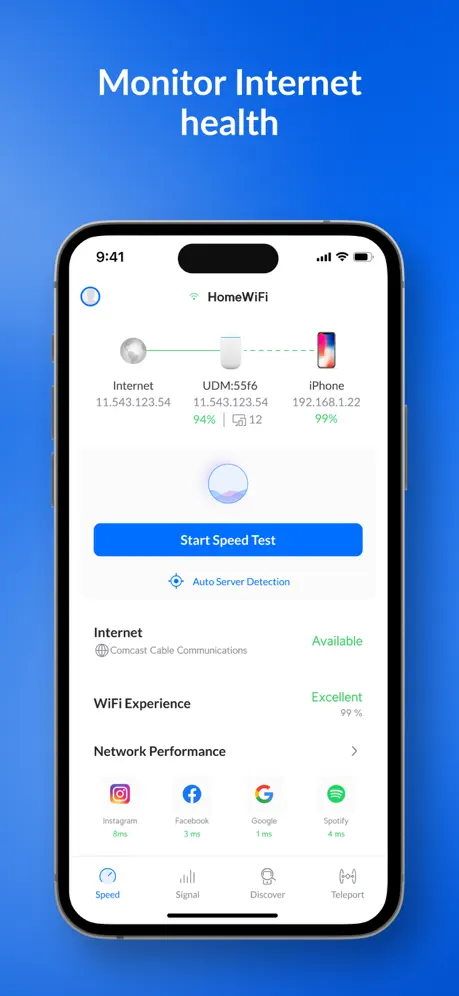  Ubiquiti WiFiman |   Mobile Link for Generators |   Bambu Handy |   Sony | BRAVIA Connect |   Anker Power | 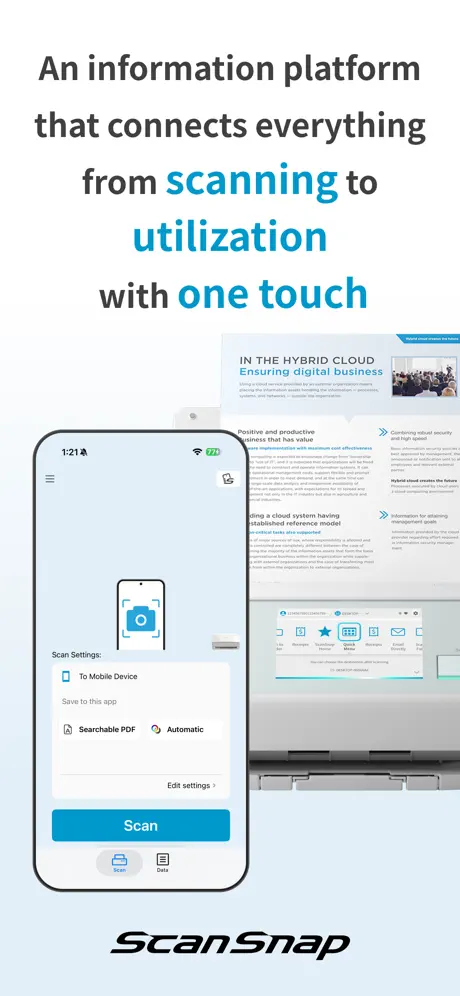  ScanSnap Home:Scan・PDF・OCR | 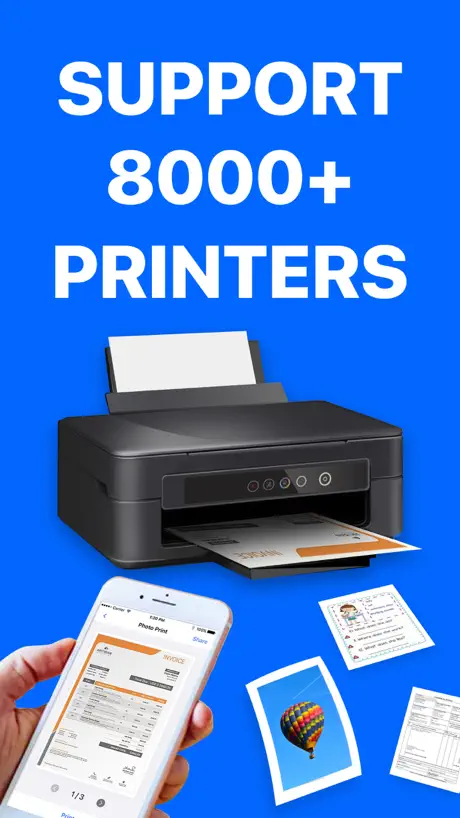  Printer App: Smart Printer App | 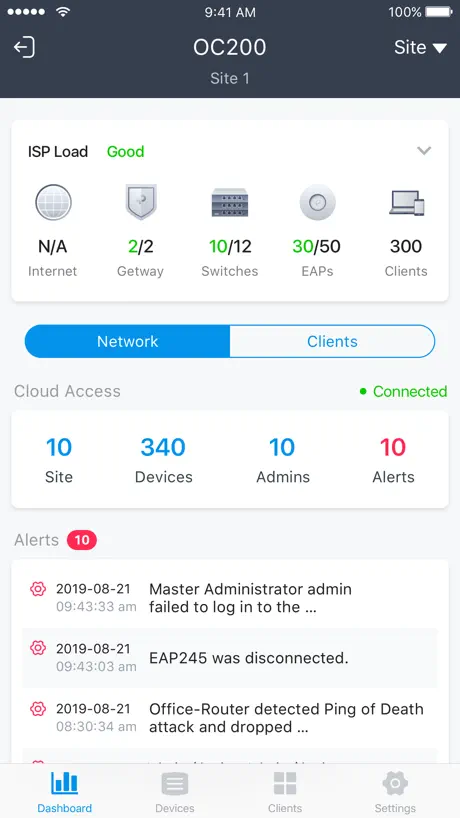  TP-Link Omada | |
|---|---|---|---|---|---|---|---|---|---|---|---|
| Rating / 5 | 4.7 | 4.7 | 4.8 | 4.8 | 4.8 | 4.8 | 4.5 | 4.5 | 4.6 | 4.3 | 4.6 |
| Reviews | 356K | 520K | 378K | 123K | 98K | 89K | 39K | 9.2K | 5.8K | 4.6K | 3.3K |
| Released | 2021 | 2016 | 2017 | 2018 | 2014 | 2022 | 2023 | 2022 | 2023 | 2022 | 2018 |
| Monthly price | — | — | $4.99 | — | $7.49 | — | — | — | — | $11.99 | — |
| Annual price | — | — | $129.99 | — | $74.99 | — | — | — | — | $49.99 | — |
| One-time price | — | — | — | — | — | $2.99 | — | — | — | $69.99 | — |
The going rate for each plan in United States, in its own currency, shaded from the cheapest price on the row to the dearest. Plans fewer than four in ten of the priced apps sell are left out.
Brother Mobile Connect reviews
4.7 out of 5, based on 355,571 reviews.
What people like
- Easy to use and set up
- Prints fast and works well
- Great for printing from your phone
What they complain about
- Connection drops constantly and is frustrating
- Scanning fails or claims no memory
- App asks for subscriptions too much
- No way to reorder scanned pages
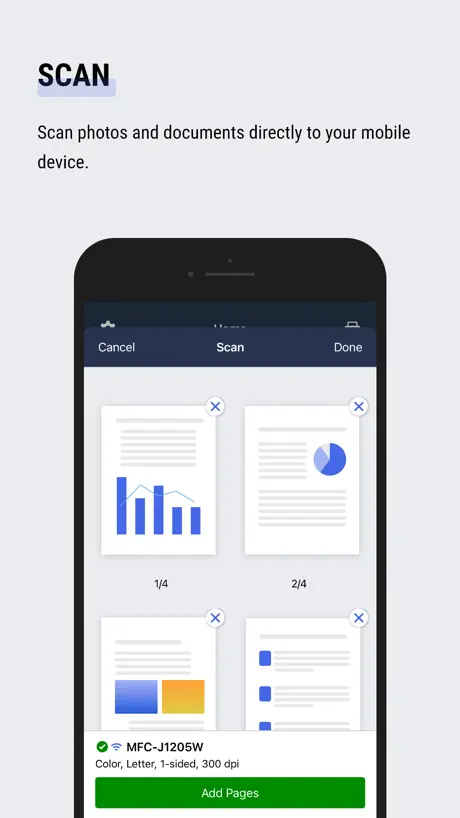
Printing and Scan on the Go
The Brother Mobile Connect lineup is a total game-changer for professionals on the move. 📱 Seamless Connectivity: Easily print straight from your smartphone or tablet using their intuitive app. 🔋 Truly Portable: Compact enough to slide right into a briefcase, backpack, or glove compartment, ready whenever you are. ⚡ Reliable Performance: Delivers crisp text and fast speeds so you never miss a beat during your workday. An absolute must-have tool to keep your mobile workflow running smoothly! 👍📄
Bad app
Terrible app interface. Put option on machine to change settings and not rely on an app!
HL-L2305W
Obsolete driver
It has one job
Yet it does bs like claiming it “cannot connect” when it is clearly connected
インク残量が本体表示と大きく異なる
本体表示より大幅に多く表示されます。どちらが正しいのか判らない。
GREAT APP
GREAT APP
Big company, junk app
The app even doesn't have a printer test page Most of the actions go to web The only thing this pp is good at: suggest you to buy toner This a a shame
اللغة
اضافة اللغة العربية للتطبيق
Wifi connection issues
Every couple of days I lose connection and it gives me hard time to reconnect it. It’s frustrating…
Worked fine to print
Wasn’t helpful in setup. Did setup directly from lcd. It was missing my specific printer which seems bad
Great printer
This printer is super. It’s easy to set up. It works right out of the box 1st time we even got a phone to work.
Terrible app terrible printer
I really can’t wait to get rid of this terrible app and printer. They just are the absolute worst’s. I can never print anything and need to set up each time I use it. Bollox
Mobile
Cant seam to keep connection
Old
Ultra-boring Window XP Interface. I think the design team is remote from a seniors lodge 🫣
L判、2L判が選択不可
①L判、2L判が設定欄にないので、印刷できない。対応して頂きたい。 ②印刷内容が強制的に用紙サイズに合わせるようになっており、画像を100%サイズ(実寸)で印刷する設定がない。これも対応できるようにして頂きたい。EPSONはできますよ。
Scanner
Easy to use, fast, smart and very convenient to edit pages as well
Awful app
I can’t even view the app because they keep asking me to sign up for a subscription and registration my printer but I’ve done it and it keeps crashing. I was going to order ink but oh well
複数写真を1枚に印刷出来れば
スマホからの印刷が設定も簡単にできました。 ただ、A4用紙1枚に、2枚、4枚の写真を印刷する機能がないようで、残念です(故障・買い替え前の他社製品ではメーカーの標準印刷アプリで可能でしたので)。 chatGPTに確認したら画像アプリで1枚に加工してからの印刷を提案され、その方法をとっています。 アプリのアップデートで対応していただけると、手間が減ってありがたいです。
ちょっと不便
アプリ内で割付印刷などレイアウトができたら嬉しいです。
Scale to fit?
My print keeps cutting off
Perfect
Easy to use - just use the app that comes with the printer!
Doesn’t do what it should
A scan works but printing from my laptop or phone only gets me blank pages. Frustrating! No error messages, tried resetting it, new EXPENSIVE ink cartridges. Not sure what to do!
Great
Thank you
接続できない
同じネットワークにつないでいるのに接続できませんとなりその度にアンインストールしてまた再インストールし直してます。アンインストールして再インストールし直すとまた使えるようにはなるのですが割と頻度高いので面倒くさいです。
More croptions
Wish the app had better cropping
Fast
Easy fast, productive
Scan
The not enough memory after scanning documents tried everything
繋がった
まあまあやなぁ🙂
Never works
Worse than HP software. Each time I go to use this it tells me the printer is offline but when I check it’s just in sleep. I have had to reinstall this app multiple times to get it to work. Brother should be ashamed of themselves. Now a new version and of course it installs when I’m away and can’t use the app until I get back home to push a bloody button on the. Printer. God I hate this :,&@: app.
うーん良くも悪くも
画質も申し分ないし、スピーディ。だけど接続が途切れ途切れになるのはちょっと困る
安心のクオリティ
とにかく使いやすい、おすすめです。
Terrible software
I know it was a very cheap printer but so far a terrible experience. There is no way to move this printer to a different wifi network without totally reinstalling the software, it only pairs with one device, etc
つかいやすさもある
つかいやすいのでEPSONよりすき。ただハードウェアが壊れやすい気もする😢
Why the heavy requirements?
Why does this app need more than 2.5 GB on my phone to print an image? Why is it such a resource hog? I use a iPhone 15 pro max. And I have to reboot my phone to get this app to work with 2.5 GB available.
Rob
Very disappointed with the machine and connecting to wi fi This is not a brother we have enjoyed over the past 10 years It was recommended as an easy install that is a load of rubbish and we will not purchase another machine from brother
Fantastic
Nice little printer, not as user friendly as HP but works fantastic!
Terrible
Terrible equipo - terrible app
イイね
安い。使いやすい。
Can’t Save Scans - “Not Enough Memory”
App worked great until the last couple updates. I’m still able to scan pages and see the preview thumbnails, but when I select Done a pop up appears that there’s “Not Enough Memory”. I’ve cleared the previous scans from the app, updated to the latest version, uninstalled/reinstalled, and have available storage on my phone, but I’m still encountering the same issue. I was also unable to find a way report this issue for the app - the support page link in the app/App Store directs to device support, no way to report app issues. I’ve tried submitting this as a question through the email support page but it wouldn’t submit or let me add a screenshot.
Mid
Good app but bit buggy
Recommend it
I just switch from hp printer and some one recommended this one and I love it !! Works very well for me and more faster than my other hp smart printer
App has to be closed and reopened to print a second document
I bought a new laser monochrome printer and was able to set it up without problems. The first time I’ve tried to print my ballot for the upcoming election, I had to print 5 different documents. After printing a single document and trying to proceed to print the second one, I received an error message that the “printer is busy.” There is nothing wrong with the printer. I had to close the mobile connect app and reopen it to proceed with the second document.
Allo
Je peux imprimer meme dans mon lit la nuit
App not the best
Always something pops up that stops me from emailing or scanning from my phone. Too many issues already within a month of using. Had to call tech support multiple times.
Essaie # 1
Impossible d’imprimer
Better than I imagined
The mobile app is easy to use and the printer is performing (printing) better than I thought it would.
Horrible app
This junk app works worse than the last one. Had to install everything twice and the printer still won’t work. Except for asking for subscriptions for ink, the app is trash. It needs a link to return the printer. I used to love Brother. Now, I cannot print, but I can get a prompt to give feedback. That’s where the priority is in the product. Printer and app are trash but the feedback works! If your goal of buying a printer was to provide feedback, you’re going to be delighted. Otherwise, keep the packaging, you’ll be using it again soon.
Pretty good
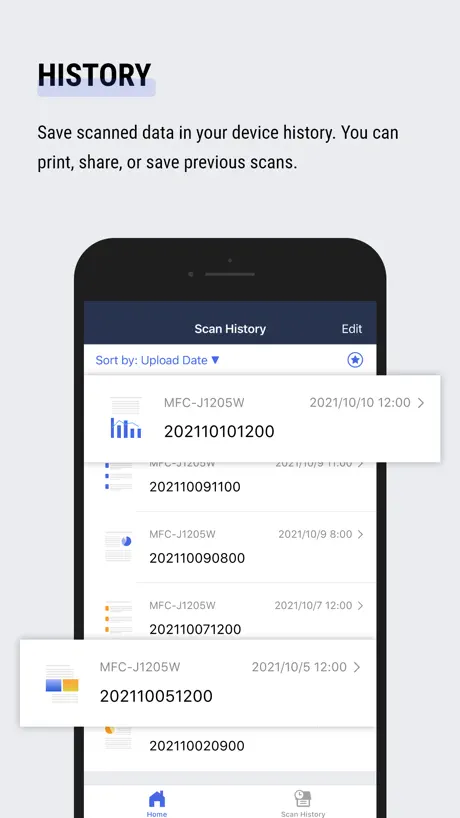
Generally pretty easy to use. Scanning is ok but it’s annoying that you can reorder the pages on the app. Had to do it on the computer after.
Basic functionality works, but scanning experience is frustrating
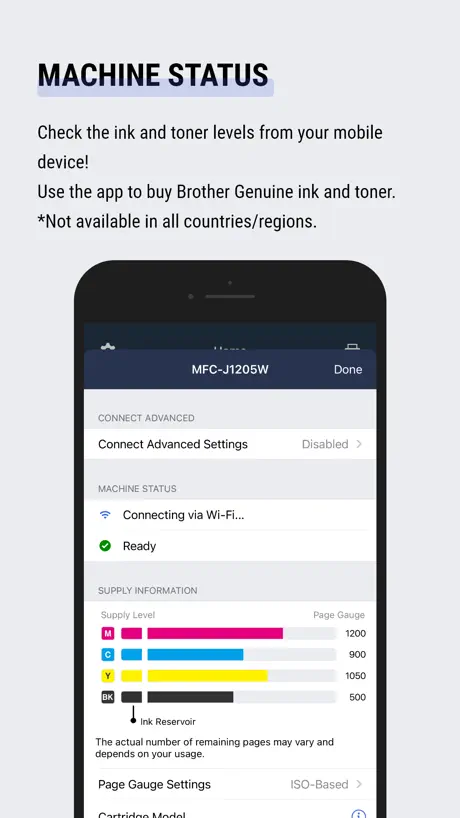
The app generally does what it’s designed for — I can print, check machine status, and perform basic tasks. However, there are two major issues that really hurt the experience: 1. Scanning reliability: Every time I try to scan, the app shows “unable to connect” unless I completely shut down and restart the machine first. It’s strange because I can print from the same app and view the printer’s status, so the connection clearly exists. 2. Limited scan editing: After scanning, there’s no option to reorder pages. You can edit or crop, but not rearrange — something my older $60 Canon printer handled effortlessly. If these two issues are addressed, this would be a solid companion app. For now, it’s functional but far from smooth.
Hard to connect
It is hard to connect but easy after connect
Brother Mobile Connect FAQ
- Is Brother Mobile Connect free?
- Yes. The app is free, in all 175 countries it sells in, and it sells nothing inside it.
- Does Brother Mobile Connect have a free trial?
- No. None of its offers (US) come with a free trial.
- What are the best alternatives to Brother Mobile Connect?
- NETGEAR Orbi - WiFi System App (4.7 from 520,105 reviews), TP-Link Deco (4.8 from 378,014 reviews, premium from $2.99) and Ubiquiti WiFiman (4.8 from 122,544 reviews).
Brother Mobile Connect download
Last updated 27 days ago.
Brother Mobile Connect sells in 175 countries. It was released 5 years and 7 months ago, on 30 Mar 2021. It holds a 4.7 rating from 355,571 reviews.
Supports 20 languages: English, Danish, Dutch, Finnish, French, German, Indonesian, Italian, Japanese, Korean, Norwegian Bokmål, Polish, Portuguese, Russian, Chinese, Spanish, Swedish, Thai, Turkish, Vietnamese.
How much does Brother Mobile Connect make?
Third-party estimates for the last 30 days, worldwide — not the store's own figures, which Apple publishes for nobody.