
Workforce Tools
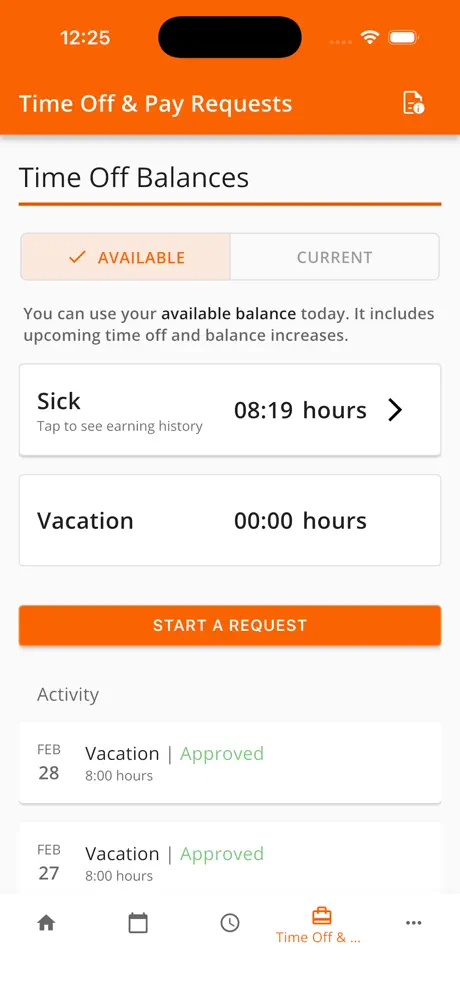
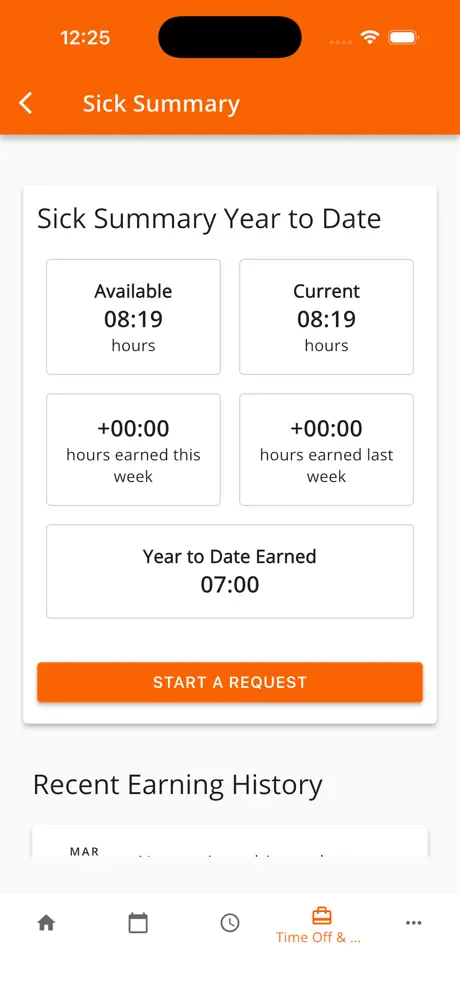
How much does Workforce Tools cost?
Prices are current as of 14 Nov 2026.
Workforce Tools has no in-app products on record in the United States.
10+ alternatives to Workforce Tools
| Workforce Tools |   Workday |   Amazon A to Z |   Alight Mobile | 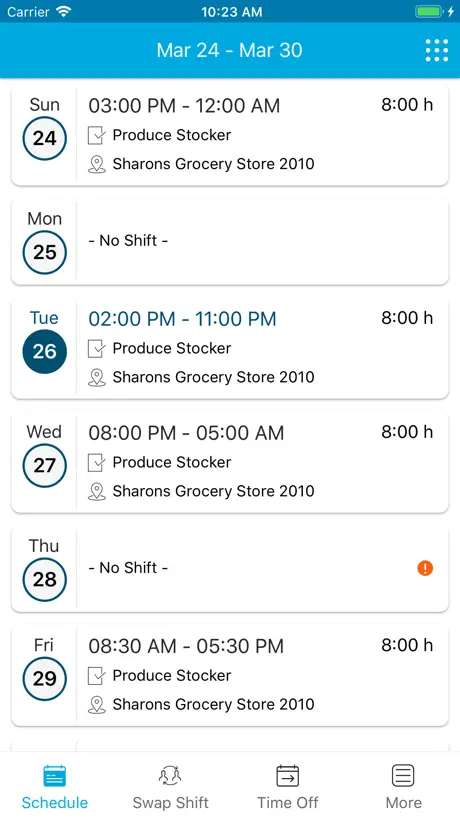  Blue Yonder Workforce | 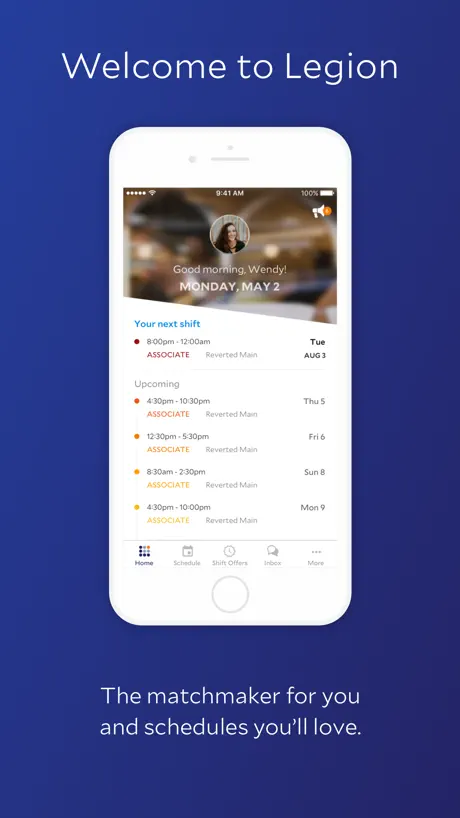  Legion Workforce Engagement | 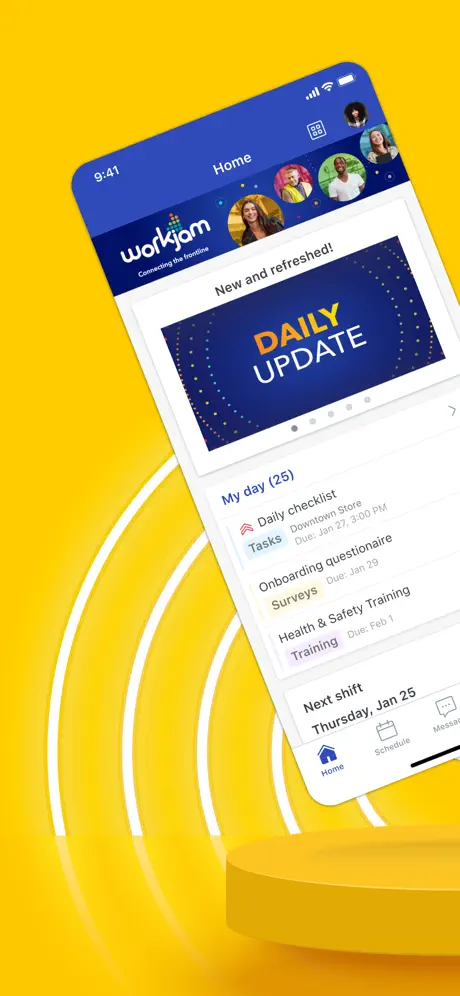  WorkJam | 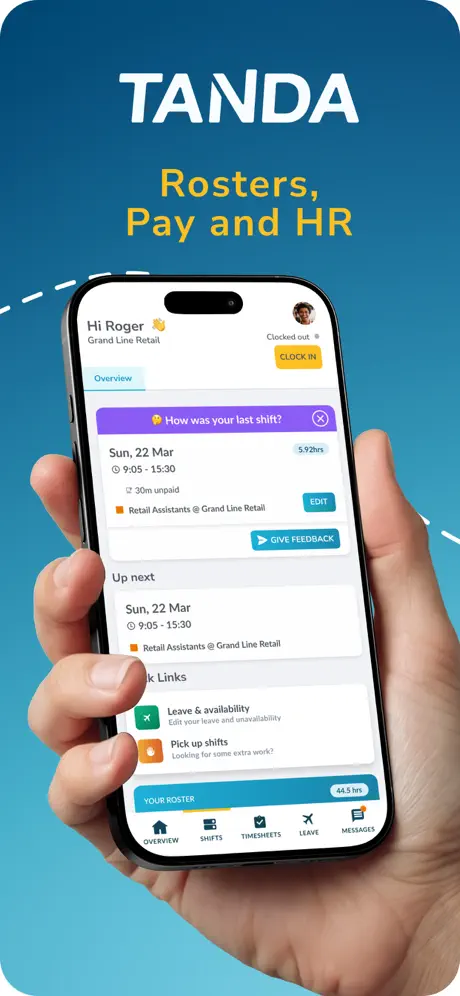  Workforce.com |   Viva Engage | 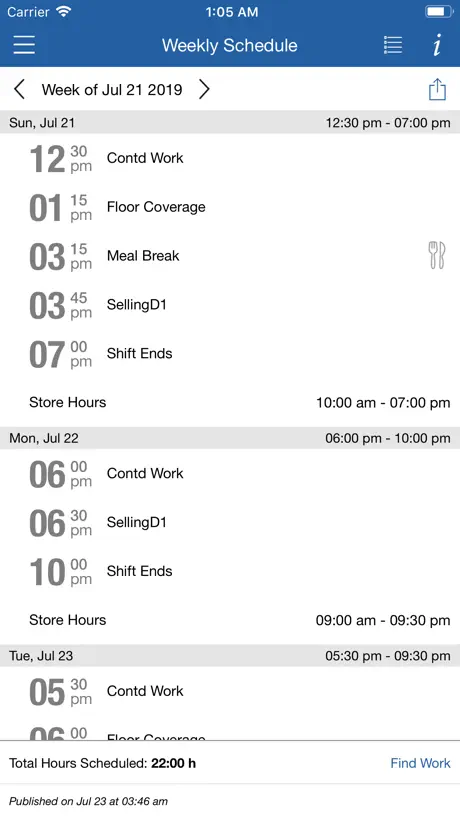  ESS 41 - Reflexis One |   HireVue for Candidates | |
|---|---|---|---|---|---|---|---|---|---|---|---|
| Rating / 5 | 4.8 | 4.7 | 4.7 | 4.8 | 4.6 | 4.9 | 4.5 | 4.7 | 4.4 | 1.4 | 4.3 |
| Reviews | 129K | 2.5M | 964K | 310K | 162K | 87K | 41K | 28K | 22K | 3.7K | 2.9K |
| Released | 2018 | 2009 | 2020 | 2020 | 2019 | 2017 | 2015 | 2017 | 2019 | 2019 | 2012 |
Workforce Tools reviews
4.8 out of 5, based on 128,775 reviews.
What people like
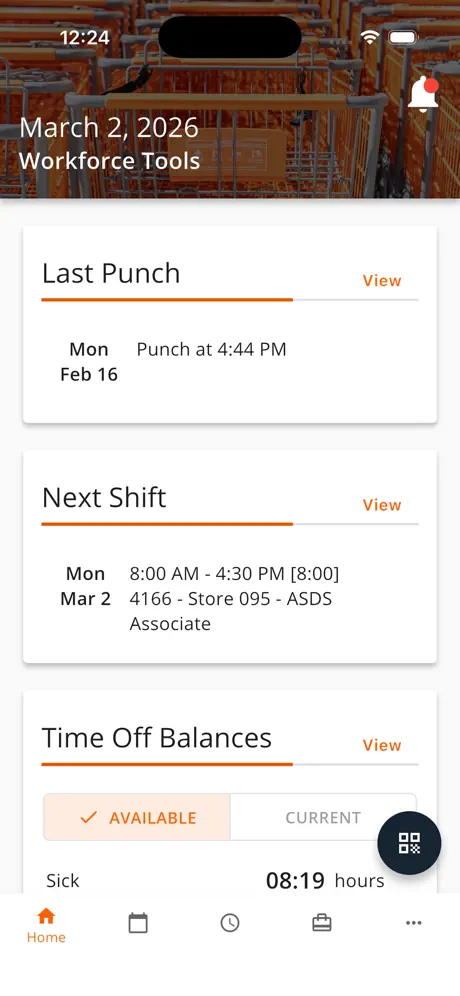
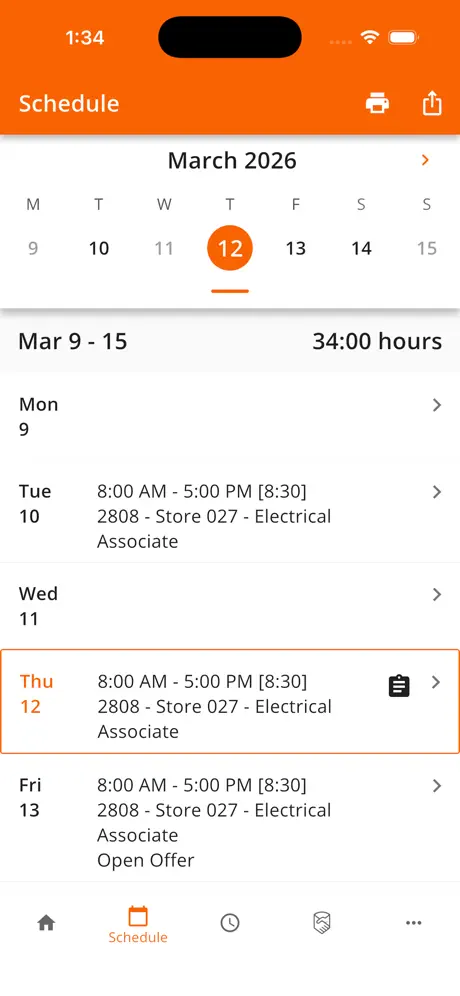
- Easy to check your work schedule in advance
- Simple to request time off for appointments
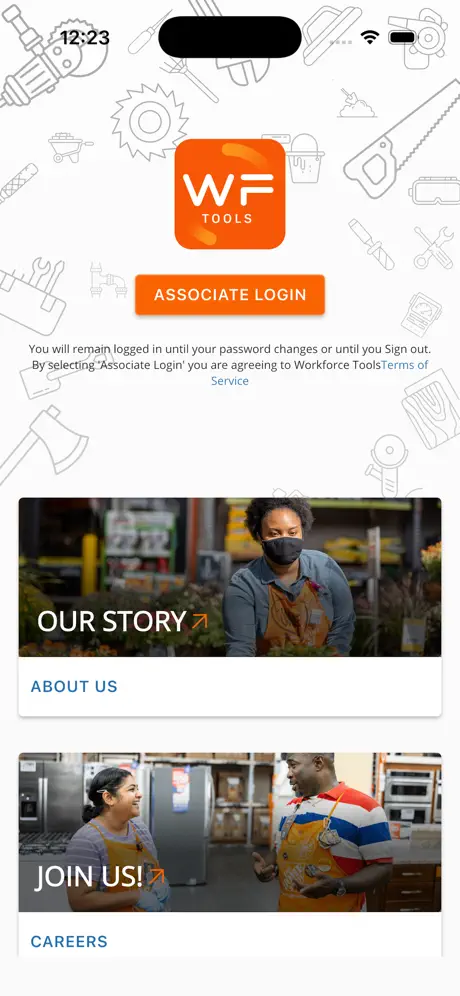
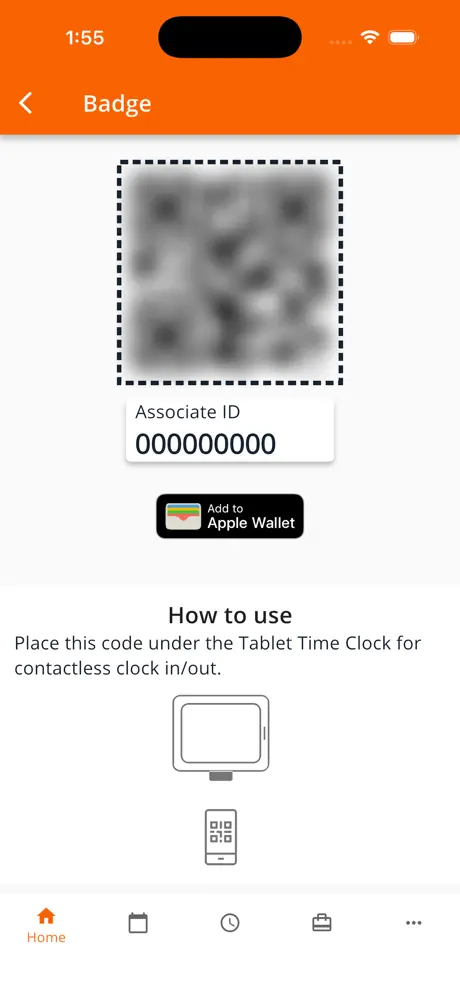
- Added pass to Apple Wallet feature is cool
What they complain about
- Keeps crashing when you open it
- New schedule view is confusing and hard to read
- Login page often expires or won't load
Workforce App
When I open this app to check my schedule and punches, it’s not allowing me to. It mentioned it’s no longer available. I now have to google this for now on. It seems like this app needs to be updated.
Exchange No Longer Works
Since this last update the exchange page No Longer Works
The Home Depot
6175
Less responsive than before
When I tap on a date on the calendar the date should come into the weekly view, but it doesn’t.
Very tidy app
All the “stuff” in one place is great. What would be the bow on the apron is if the schedule could be linked to my iCloud calendar.
WF
Half the time it doesn’t load on my Apple phone
Buggy mess
Devs need to be slapped this app is full of bugs and pain points
Works well
Good for keeping track of my time
Fix the app login
This app performs fine and is simple when you’re logged in and everything is running smoothly. However a consistent issue is being logged out and being completely blocked by an expired page preventing a login altogether. It’s an issue that has still not been resolved and completely ruins the app. This a critical issue that has remains unresolved
a great addition to
i believe a great addition to the app would be able to clock in right from the app on ur phone
Thanks for bringing back the old UI!!!!!
I was about to come on here and complain about the new UI, but then I realized I had an update pending. After updating, I saw you guys brought back the old layout, so I just wanted to say thank you. The old version is way simpler and easier to follow. I checked the reviews too and it looks like I wasn’t the only one confused. I work in different departments, so the last update was throwing me off. Before, it would highlight the current day right away when you opened the app, which made everything quick to understand. The newer UI kept taking me to the start of the week, and I had to figure out where I was scheduled, which got annoying. Glad it’s back to how it was, it honestly makes a big difference.
Error at login
The only way to salve this is to delete app and reinstall. This happens at least once a month.
New Update Sucks.
The app has relatively been fine, but as of recent they have added a UI update to match with a “liquid aesthetic” and it just makes everything confusing and there is too much going on. It took a while to get used to it but the previous updates made it much more easier to look at your time.
Bring back the old look
Please bring back the old look! It was more practical to see the whole week at once to add to my calendar without having to do back and forth!!! Why fix something that wasn’t broken
3/4/26 Update
I do not like the new schedule view. At a glance it’s hard to tell the beginning and end of your shift.
Newest Update
THANK YOU for changing the schedule back. Old one was very confusing. Props to this team for taking user feedback. All my coworkers are thankful lol.
Buns
The app did not work I deleted it and tried anything I could think of and when I tried to log in it said could not log in please try again
Great job
Nice and simple . Not too complicated to figure out. Thanks
Awful
You took away our ability to see the full week at a glance. Now it’s confusing when you have tasks to throughout the day. I have like 7 lines some days and it’s hard to make heads or tails of what’s what
Need option to save to personal calendar
The update to save date ranges as a PDF isn’t quite as useful as if you gave us an option to save it as an ICS file, or import it directly into a personal calendar with minimal clicks. Not only would it help for when WF doesn’t want to load, but it would also allow us to maintain a history of when we were scheduled.
Thank you!
Thank you for updating the app back to normal I can clearly understand it much better this way the the one with the circle on the week and schedule confusion on the bottom and accident offering shifts that we didn’t ment to offer.
fix xchange please
Can you just go back to the old xchange where you can see all the shifts at once. It’s annoying to have to click on every single day to see what shifts are available. Also it doesn’t even show the shift times accurately. I could click on one specific day, click on a different day, and go back to that one specific day and the shift time changes which is an error. It’s extremely frustrating.
Small inconvenience
I have to reopen the app to see my recent punch in.
Past shifts
I wish the shifts didn’t go away. I could look back a few months or more at worked shifts.
Available shifts calendar model.
I would have given it a 5 star because I love the app but ever since they took out where you can see the list of shifts available, I started disliking it. I wish the app didn’t change it because it was really good to see the list of shifts that are open and available instead of having to press each day what shift is available. It’s kinda annoying.
New design
Good job bringing back the old design
Mejorar el app
Siempre tiene problemas y siempre pasa algo con la sección más importante o inovsdora que es la de tomar o saltar turnos. Cámbienla y modificarla porque los usuarios pierden tiempo y dinero ya que no puedes tomar turnos
A Good Work App.
This is a good work related app. Not only can I person check their upcoming work schedule 3 weeks in advance. But I recently discovered that this can be used to book any days off ( holiday time) or request part of a day off for events like a Dentist Appointments.
Crashes constantly
Closes constantly and does not automatically update when the app is open.
Stop working
Often the apps stop working
Need some bug fixes
I went to the store and they closed Because of something also by the way, I work at the Home Depot
Page expired
This app started giving me problem from last 1 month, whenever I try to login it keep on saying page expired, I tried all the things I can but still not working.
Calendrier
J’ai utiliser l’app pendant 5 ans la plus part du temps ça fonctionnait super bien mais le seul point d’amélioration que je pourrais ajouter c’est de pouvoir enregistrer l’horaire dans le calendrier par défaut de notre cellulaire
needs update
Xchange feature is now available at my store and some associates have it some don’t even though the app is up to date.
Brian
Pickle
Never works
This app is useless, works the way it should maybe once every two weeks
Time off
I’ve heard that WF is not reliable regarding time off and we should use other “routes”. I have just submitted a request through Workforce so it will be interesting to know if the dots are connected! It’s certainly easy to do!
A bit broken
Hi guys, I usually love this app and everything works well but right now we are experiencing a major flaw; the app refuses to load the login page. Please fix it.
Worst ever
Ever since this new update, I have to constantly uninstall and reinstall the app because it keeps giving an error message.
Great app but needs a better support system
This is a great app for all Home Depot associates but there needs to be a better support system. I contacted them multiple times about an issue with pairing my Apple Watch and my emails seem to get lost. Create an in app chat option with tech support or provide a phone number I can call for tech support.
Apple Wallet Add-On
The new feature to add your pass to apple wallet is so damn cool with homer on it🤩
Don’t like the new version
Kindly bring the previous version of the schedule. The new version is too confusing I prefer to screenshot my shift in one photo. I hate the new look of the way my schedules show up. Please please change it to how it used to be 🙏🏻🙏🏻
Time off request
Request time off more than three months in advance. The desktop version you can do this.
Workforce Tools FAQ
- Is Workforce Tools free?
- Yes. The app is free, in all 2 countries it sells in, and it sells nothing inside it.
- Does Workforce Tools have a free trial?
- No. None of its offers (US) come with a free trial.
- What are the best alternatives to Workforce Tools?
- Workday (4.7 from 2,538,803 reviews), Amazon A to Z (4.7 from 963,814 reviews) and Alight Mobile (4.8 from 310,262 reviews).
Workforce Tools download
Last updated 24 days ago.
Workforce Tools sells in 2 countries. It was released 8 years and 4 months ago, on 11 Jul 2018. It holds a 4.8 rating from 128,775 reviews.
Supports 1 language: English.
How much does Workforce Tools make?
Third-party estimates for the last 30 days, worldwide — not the store's own figures, which Apple publishes for nobody.