
SQ MixPad
Wireless control for SQ
How much does SQ MixPad cost?
Prices are current as of 17 Nov 2026.
SQ MixPad has no in-app products on record in the United States.
10+ alternatives to SQ MixPad
| SQ MixPad |   OnSong 2026 |  Dorico - Compose Music |   Stage Traxx 4 |  Soundcraft ViSi Remote |   StagePlot Guru | 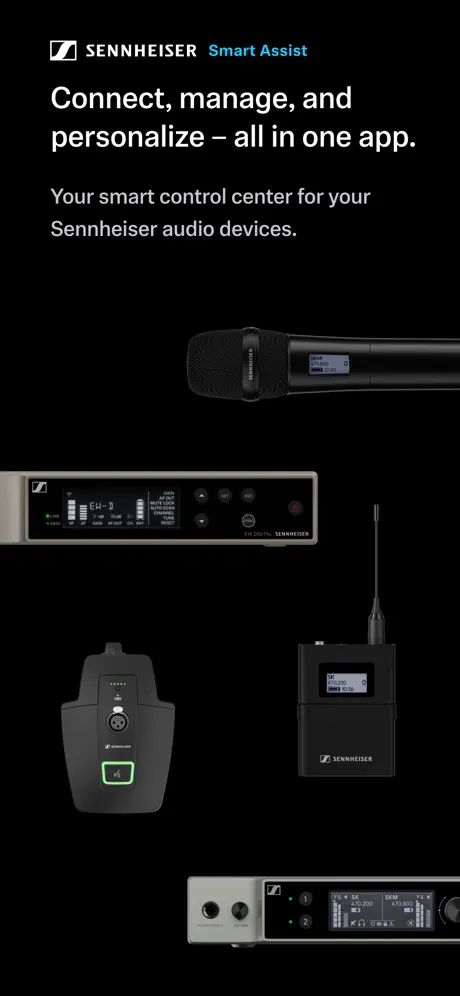  Smart Assist |  MX-Mix | 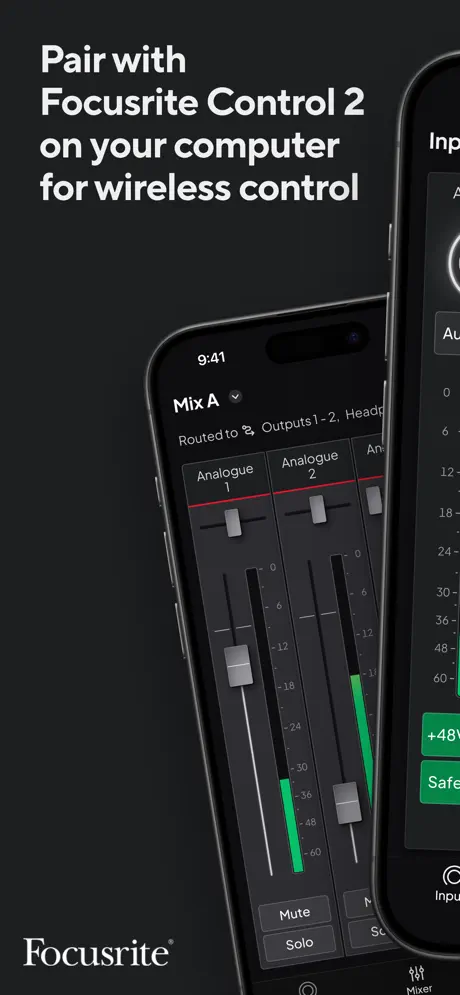  Focusrite Control 2 |  HD-Mix |  DiGiCo Quantum V2 | |
|---|---|---|---|---|---|---|---|---|---|---|---|
| Rating / 5 | 3.7 | 4.5 | 4.6 | 4.8 | 2.8 | 2.6 | 3.5 | 2.4 | 3.1 | 2.6 | 2.6 |
| Reviews | 184 | 9.8K | 7.5K | 1.2K | 379 | 302 | 148 | 138 | 113 | 20 | 5 |
| Released | 2017 | 2020 | 2021 | 2026 | 2012 | 2014 | 2021 | 2023 | 2024 | 2025 | 2024 |
| Monthly price | — | $3.99 | $5.99 | — | — | — | — | — | — | — | — |
| Annual price | — | $29.99 | $49.99 | — | — | — | — | — | — | — | — |
| One-time price | — | — | $119.99 | $14.99 | — | $4.99 | — | — | — | — | — |
The going rate for each plan in United States, in its own currency, shaded from the cheapest price on the row to the dearest.
SQ MixPad reviews
3.7 out of 5, based on 184 reviews.
What people like
- Works just as well as the physical console
- Easy to use and intuitive interface
- Lets you mix from anywhere in the room
What they complain about
- Keeps losing Wi-Fi connection constantly
- Drains battery life very quickly
- Auto updates break older mixer firmware
Läuft ohne Probleme
Die App läuft sehr zuverlässig und ist einfach in der Handhabung.
Mixer Firmware conflicts
I can’t use the app… simple, it’s because my mixer is on an older firmware which is a problem on my part but my venue won’t allow me to update it and because of this I actually can’t use this app… something like a rollback for older firmware versions would be much appreciated! 1 star for inability to use.
Great when it works
Update 1.6 breaks the “output” on the 76 plugin within the app. When going back to each input using 76, it shows “output” at noon.
Clunky
Clunky interface and the auto app update is forcing me to also update the desk…… thanks….
Works great, see feedback below
A few feedback points: 💡it would be great if some soft keys were accessible from the default view, rather then hidden in a tab 💡it would be great if a custom layer could be pinned to the normal layer view, just to reduce the amount of button presses. 💡add a “ CH to all mix” button / function on the app 💡it would be great to have the option to have delay shown as M and ms on the app, to match the surface settings Thanks for the great app
Awesome! An app laid out and easy to use.
I can do everything on this app I can do at the console. It is laid out well and very user friendly. No flipping through layers to get to what you need. I use this app several times a week and it allows me to mix from any seat in the house. I wish the Midas app was as easy to get around on.
Not backward compatible
No longer works with previous sq firmware 1.5 desks
Ottimo remote controller
App eccezionale, testata su iPad mini 2 si comporta egregiamente, non va in crash, è fluida ed il touch è ben studiato, difficile sbagliare o muovere comandi accidentalmente. Non metto 5 stelle perché ancora non permette di accedere a tutti i controlli del mixer, inoltre non è 100% intuitiva, occorre fare un po’ di pratica per approfondire le varie funzioni. In ogni caso già dal primo utilizzo si porta a casa la serata, poi è tutta in discesa. Aggiornamenti continui, ad ogni aggiornamento del mixer corrisponde un aggiornamento dell’app. Brava Allen & Heat!!!
一直闪退,什么时候可以解决!!!
闪退严重
The new version don’t work with my IPad
The new version don’t work with my IPad. It did last week.
Funktioniert einwandfrei
Ich kann die schlechten Bewertungen nicht nachvollziehen. Benutzt einen gescheiten wlan Ap und alles wird gut.
App Firmware needs to be updated
The current board update is 1.6.1, so we very much need the app to be at 1.6.1 as well, no? Why release them separately??
Great BUT eats ups battery
This app is literally awesome. But it is SO battery-hungry😖 100% to 89% in less than 1 hour on an iPad Pro 10.5😔
Apple Pencil
la penna non funziona sull’applicazione. Utilizzo con IPad
Does not work with Voiceover
I am a blind user working with Voiceover on the Ipad. When I open this app, Voiceover just says “Mixpad” and provides no access to any controls including the user agreement. My husband and I are both skilled audio engineers and this in unacceptable for a company that boasts concern with accessibility. Please do much better, A&H. If you don’t know how, we are available to help.
Works just fine
I used the app for the past two month online and offline. I cant relate to the other posts here… I have no connection Problems…
Need access to previous version
Not all of the boards I work with are have been updated to the latest firmware. How do I revert to the 1.5 version? Auto updating Mixpad and SQ4U have caused several issues with compatibility.
Great but needs update
Works great and I love mixing from iPad but I really wish it was updated to support the new screen size iPad Pro 11 inch. Don’t love having the big letterbox around the screen when the app could be filling it.
No independent RTA monitoring
Having independent RTA control between the app and mixer is important in my application. I have a team of volunteers to do mixing for FOH and live stream (using mix bus out). Since they are not that experienced, I need to step in sometimes on the iPad/Mac. But this app does not allow independent RTA monitoring. Instead it has a “feature” called “Follow this device” to have the RTA to follow the select on either the board or iPad. If you have it turned on on both device and board, you may have to “steal” the RTA by tapping the button. I am quite disappointed with this limitation as my X32 can do this.
Best of the wireless mixing apps
I’ve used them all. Mixing station is a great all-in-one solution. But this app is by far the best IMO. Thanks A&H
Keine Funktion bei neuester Software-Version
Nach Update der Firmware des SQ6 keine Funktion mehr. Bitte updaten!!!
Some features I missed....
No PAN on channels. Channels can not link into stereo pairs. No lowcut or highcut on input, only shelve No layer to control the effectsrack. You can’t prepair a show without the console.
Great tool but needs wider faders
Love the ability to use the app remotely within our crowds. Is there a way to widen each channel so that each channel isn’t so narrow? I have fat fingers and the app isn’t intuitive for those of us with larger hands. Can we make the channels wider? Currently there are 16 channels on the screen. It would be best if we could at least have no more than 8 or a way to adjust the width of each channel.
One of the better mix apps, two feature requests...
I really enjoy the SQ app, and wish the dLive app was this capable! Two features to round this out a little more: add soft keys to the strip assign and do DCA Spills.
Nutzlos zum Üben
Im Offline Modus geht die APP nur für SQ7 auf. SQ5 lässt sich nicht anwählen. Bei der QU APP gehen alle Pulte im Trainingsmodus.
Loosing Connection
I have a lot Problems with lost Connections. Tried 5Ghz, 2.4Ghz, changed to different wifi channels etc etc. The Router i use here, works for all of the desks I’ve been working with so far. Problems with sq6. Looses Connections every two minutes, than i have to reconnect. I sit Right before the Router.
Please update the app to work with Apple Pencil 2
The app is overall very good, but please allow the Apple Pencil to adjust faders and EQ.
Great tool for remote mixing
We have had to do Drive-in Church over FM radio since the state allowed us to. The SQ7 is in a trailer with the rest of the tech, but I mix from my truck listening to the FM broadcast. I can do everything I need to on the iPad.
Verliert in Minutentakt die Verbindung.
Verliert ständig die Verbindung. So ist sie nutzlos. Bitte schnell nachbessern, ansonsten eine tolle App.
Connection Lost
With a new tp router, the connection get lost every minute. You need to reconnect all the time and you can‘t work. PLEASE Clear the Bugfixes, A&H. Thanks! UPDATE: Now i am using an powerful router - and it works.
Buenísima
Agradezco de ante mano me hayan tomado en cuenta en mi petición
Leider kann man keine „0“ Punkte geben!
Was bringt eine recht gute App, wenn sie alle 5-8 Minuten die Verbindung verliert und man dann wieder „von Vorne“ anfangen muss? DAS bekommt JEDER andere Hersteller besser hin... ein echter Minuspunkt!!!
Beware Apple Pencil Users
The new 1.4.0 version of the app does not work well with Apple Pencil on the iPad Pro. Most buttons work, but faders (channel & EQ) cannot be moved with the pencil. I hope this gets fixed so I can update the review. It’s a great app otherwise.
Why not Qu-Pad?
Why the SQ App so much worse than the QU-Pad ? There is no copy function formCompressor Gate. Ducker feature is also Missed. The look is also a bit worse. Please take a Look more to QU App!
SQ MixPad FAQ
- Is SQ MixPad free?
- Yes. The app is free, in all 175 countries it sells in, and it sells nothing inside it.
- Does SQ MixPad have a free trial?
- No. None of its offers (US) come with a free trial.
- What are the best alternatives to SQ MixPad?
- OnSong 2026 (4.5 from 9,804 reviews, premium from $3.99), Dorico - Compose Music (4.6 from 7,488 reviews, premium from $5.99) and Stage Traxx 4 (4.8 from 1,213 reviews, premium from $14.99).
SQ MixPad download
Last updated 1 year ago.
SQ MixPad sells in 175 countries. It was released 8 years and 11 months ago, on 18 Dec 2017. It holds a 3.7 rating from 184 reviews.
How much does SQ MixPad make?
Third-party estimates for the last 30 days, worldwide — not the store's own figures, which Apple publishes for nobody.