
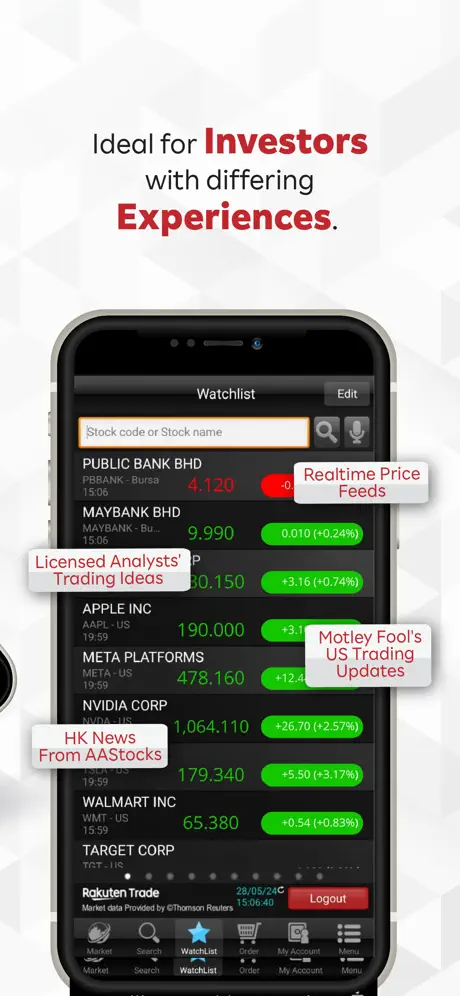
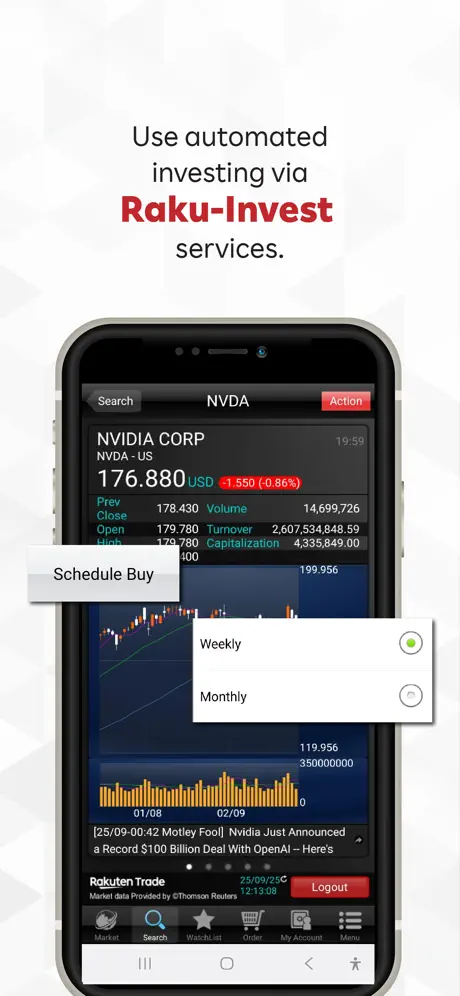
iSPEED.my - Stock Trading App
How much does iSPEED.my - Stock Trading App cost?
Prices are current as of 11 Sept 2026.
iSPEED.my - Stock Trading App has no in-app products on record in the United States.
10+ alternatives to iSPEED.my - Stock Trading App
| iSPEED.my - Stock Trading App |   SC Mobile Malaysia SC Mobile Malaysia |   Versa: Save. Invest. Grow. Versa: Save. Invest. Grow. |   KLSE Screener KLSE Screener |   M+ Global: MY, US, HK Stocks M+ Global: MY, US, HK Stocks |   RHB TradeSmart RHB TradeSmart | 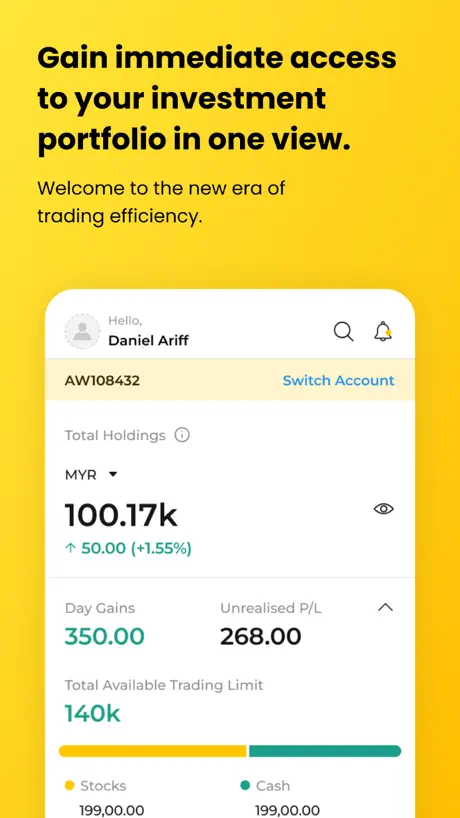  Maybank Trade MY Maybank Trade MY |   Kenanga Digital Investing Kenanga Digital Investing |   CGS iTrade (MY) CGS iTrade (MY) | |
|---|---|---|---|---|---|---|---|---|---|
| Rating / 5 | 2.4 | 4.6 | 4.8 | 4.3 | 4.0 | 2.5 | 2.4 | 2.3 | 1.8 |
| Reviews | 1.1K | 23K | 4.4K | 2.4K | 285 | 186 | 174 | 110 | 104 |
| Released | 2017 | 2010 | 2020 | 2013 | 2023 | 2015 | 2024 | 2022 | 2024 |
| Monthly price | — | — | — | $0.99 | — | — | — | — | — |
The going rate for each plan in United States, in its own currency, shaded from the cheapest price on the row to the dearest.
iSPEED.my - Stock Trading App reviews
2.4 out of 5, based on 1,093 reviews.
What people like
- Simple interface for checking daily portfolio
- Good for tracking Malaysian stocks
- Finally updated to use modern iPhone screens
What they complain about
- MFA authentication causes constant login headaches
- App is often unavailable or in maintenance
- UI looks outdated and not full screen
Good
Good
MFA verification failure
Everytime trying to login to another device but MFA verification never prompt.
Finally updated to use the whole screen
For the longest time this app retained the iPhone 8 screen size, leaving big black bars above and below. It has finally be updated to make full use of recent iPhone’s borderless screens. IMO, the charts page in the app could be better.
Very disappointed
Ever since they switched to the 2 way authentication, forever got problem logging in and now when the updated the app, it just got worst. I’m contemplating to move out my investment to other platforms
Error on fx
Pls check any bugs on the fx . Totally not the same as actual
Unable to login stuck (MFA)
Hi please help, unable to login to my account (something wrong with the MFA) after approving the MFA but still not login in
Update made things worse
My registered device is being asked for MFA but it is sent to the device I am trying to log in on, and it is blocked by the “MFA request” screen. Only option is to cancel to reach the approval screen, but you can’t approve anymore because you cancelled the MFA. Not smart.
MFa
Hey everyone, I’d like to share how I handle MFA authentication. First off, I use an iPhone with Touch ID (fingerprint recognition). When I log into Rakuten Trade normally, I first go through fingerprint verification, then I still need to enter my account and password to sign in. If I log into Rakuten Trade on another device like a tablet, my iPhone will receive an MFA prompt. Here’s how I do it: I open the Rakuten Trade app on my iPhone first, complete the fingerprint verification, but don’t log into my account yet. Then I proceed to log in normally on the tablet. Once my iPhone receives the MFA request, I can just approve it. This method works fine for me and lets me complete MFA authentication without issues. Of course, the app does have some minor bugs with its MFA feature. Hope this helps , even if it’s just one person.
Layout
Not full screen, only display a little in a screen, only utilised 16:9 ratio of the screen.
Full screen!
First update launch it was festered with bugs and issues. Now it’s working good. Though I still love the M and M+ platform UI more. One issue: I cant deposit any using my maybank account via FPX. After approved from MAE app, return back to iSpeed app; it sort of refresh back to deposit page
Good App for Malaysia Stock Market
Simple and easy to use. But, please make improvement such as on how to check the details of broker transaction details fee
Useless Update
Brilliant update. It forces a re-login and MFA, then sends the approval request to the very same device I’m trying to log in with—except the app won’t let me access the notification without cancelling the login, which also cancels the MFA request. An endless loop of genius. Did the developers even test this scenario before releasing the update? It’s a basic use case that should have been considered. Instead of improving security, the update makes it unnecessarily difficult for legitimate users to access their accounts.
MFA poorly executed
The MFA authentication between primary device and laptop or desktops is very poor. Need to constantly uninstall & reinstall the app to get the MFA to work. So frustrating! Launch something only after you have done a proper development job!
MFA problems
I have added my iPhone with iOS 15 as the MFA device. When I attempt to login rakuten via website, this device does not prompt for MFA approval. Attempt to remove device, no response as well.
So nice!!!
I can feel the Japanese technology!
Update
Recent stupid update need to cancel MFA than can approve. End up still cannot login. What the dumb design.
UI
Please update UI for IPhone.
Annoying interface
Is it possible to release a fullscreen version for iphone?
Awesome
Usually use it day to day to check out my portfolio in Malaysia
MFA so many problems
Poor MFA
Always Errors and Maintenance
Always Error and Maintenance. App is not available half of the time. Cannot even get real-time info. Please fix your app.
App really need to be updated
The app looks like it is coming from the yesteryear. It is not optimised for different iPhone screen size.
Useless MFA implementation
Get rid of the MFA. After setting it up, it only worked ONCE. after that I can’t even login properly on my desktop. Whoever developed your app is really bad at their job.
Needs improvement
Initially it hangs when I wanted to sell. Highlighted issue and was given ticket. No news after that. Found out problem was solved. Would also like to view investment costs for each stocks held. Currently can only see ave buying price but no total.
2FA doesn’t work
Not efficiency for Rakuten Trade 2FA, didn’t receive prompt when logging in the webpage. Need keep uninstall and reinstall.
Horrible app
MFA (multi factor authentication) does not get sent to the app. Now I can’t login to my trading account on web. The app looks like it was built in the year 1990. Text does not even appear correctly. This app is an embarrassment. If you are working for Rakuten Trade or iSpeed.my or whatever you decide to call yourself, I suggest you think about what you are you doing with your life. Is this REALLY the best you can do?
User experience
Not user friendly and UI design need to be improved
CANNOT LOGIN AT ALL AS 1.07.2024
I’m can’t trading whole day as I was work and dun have laptop to trade . I cannot login after key in all details just stuck at the screen
iSPEED.my - Stock Trading App FAQ
- Is iSPEED.my - Stock Trading App free?
- Yes. The app is free, in all 175 countries it sells in, and it sells nothing inside it.
- Does iSPEED.my - Stock Trading App have a free trial?
- No. None of its offers (US) come with a free trial.
- What are the best alternatives to iSPEED.my - Stock Trading App?
- SC Mobile Malaysia (4.6 from 23,406 reviews), Versa: Save. Invest. Grow. (4.8 from 4,392 reviews) and KLSE Screener (4.3 from 2,428 reviews, premium from $0.99).
iSPEED.my - Stock Trading App download
Last updated 1 month ago.
iSPEED.my - Stock Trading App sells in 175 countries. It was released 9 years and 4 months ago, on 18 May 2017. It holds a 2.4 rating from 1,093 reviews.
Supports 1 language: English.
How much does iSPEED.my - Stock Trading App make?
Third-party estimates for the last 30 days, worldwide — not the store's own figures, which Apple publishes for nobody.