
Microsoft SharePoint
How much does Microsoft SharePoint cost?
Prices are current as of 11 Sept 2026.
Microsoft SharePoint has no in-app products on record in the United States.
10+ alternatives to Microsoft SharePoint
| Microsoft SharePoint | 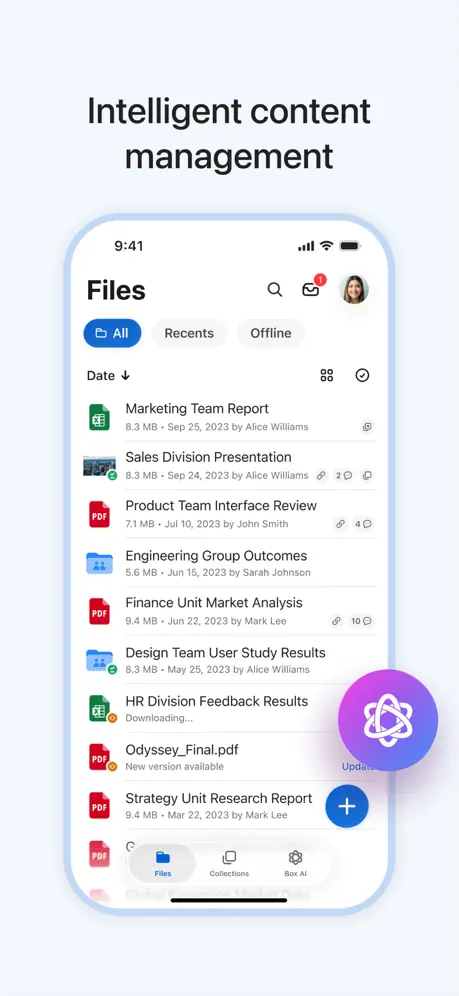  Box: The power of Content + AI Box: The power of Content + AI | 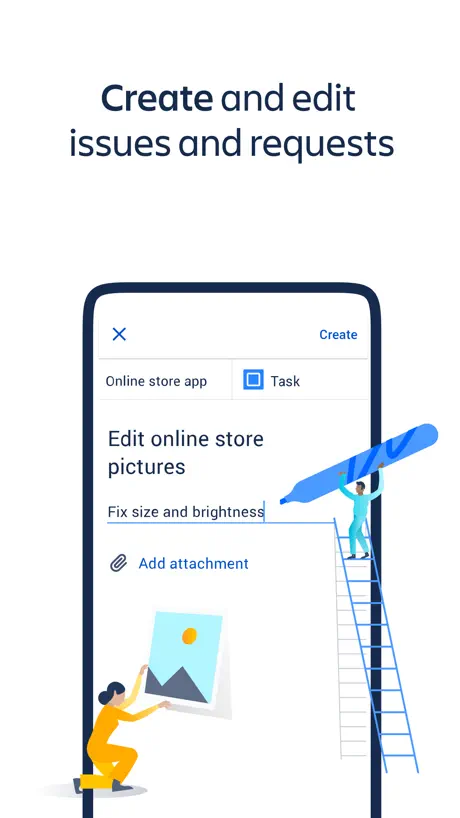  Jira Cloud by Atlassian Jira Cloud by Atlassian |   Airtable Airtable | 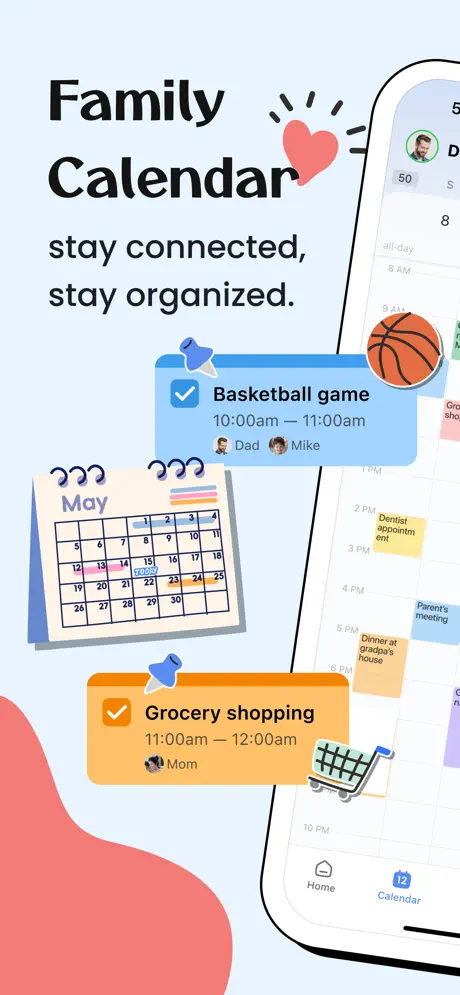  Shared Family Calendar: FamCal Shared Family Calendar: FamCal | 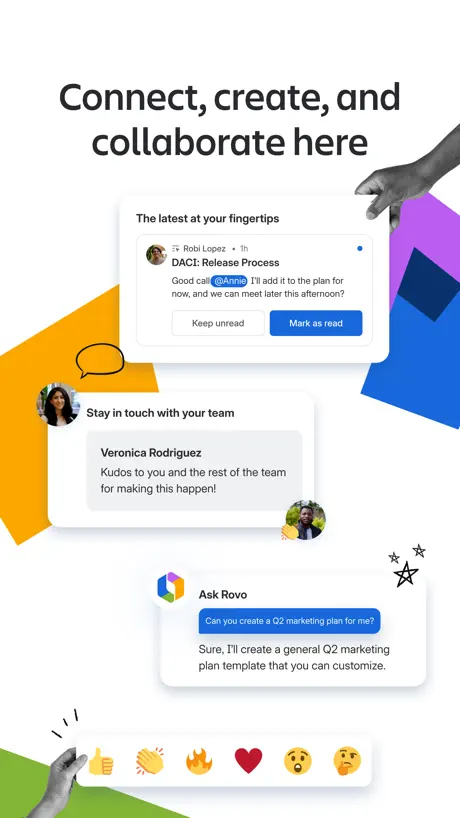  Confluence Cloud Confluence Cloud |   Motus - Business Mileage Log Motus - Business Mileage Log | 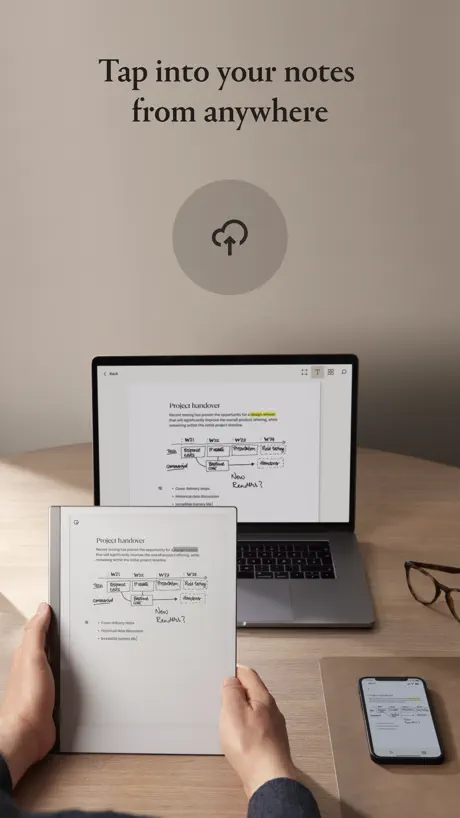  reMarkable mobile reMarkable mobile |   Zscaler Client Connector Zscaler Client Connector | 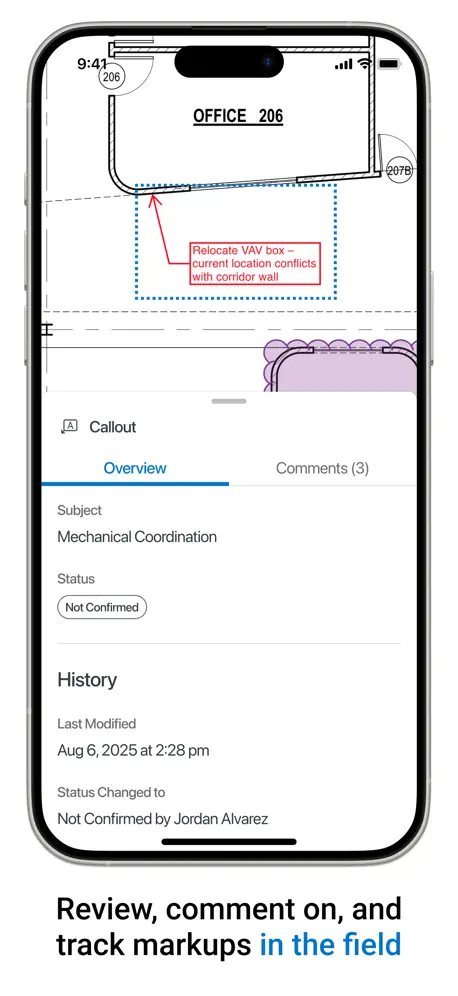  Bluebeam Bluebeam |   ArcGIS Field Maps ArcGIS Field Maps | |
|---|---|---|---|---|---|---|---|---|---|---|---|
| Rating / 5 | 4.6 | 4.7 | 4.7 | 4.8 | 4.8 | 4.6 | 4.5 | 3.0 | 2.6 | 1.6 | 2.5 |
| Reviews | 484K | 441K | 127K | 49K | 47K | 12K | 8.8K | 1.6K | 467 | 455 | 69 |
| Released | 2016 | 2019 | 2016 | 2014 | 2016 | 2016 | 2014 | 2017 | 2017 | 2019 | 2020 |
| Weekly price | — | — | — | — | $3.99 | — | — | — | — | — | — |
| Monthly price | — | — | — | — | $3.99 | — | — | — | — | — | — |
| Annual price | — | $79.99 | — | — | $26.99 | — | — | — | — | — | — |
| One-time price | — | $99.99 | — | — | — | — | — | — | — | — | — |
The going rate for each plan in United States, in its own currency, shaded from the cheapest price on the row to the dearest.
Microsoft SharePoint reviews
4.6 out of 5, based on 484,207 reviews.
What people like
- Great for collaboration with teams
- Powerful search function works well
- Integrates nicely with other apps
- Helps keep documents organized securely
What they complain about
- Keeps crashing and freezing constantly
- Forces you to sign in repeatedly
- Makes finding files very difficult
- Lacks basic file management features
Really good app
Very useful for schools to have
Always broken, rubbish
Have to sign in every time even though you click keep me signed in and tick the ‘do not show me this again’. Every time I try and open our work rota it instantly times out. On the rare occasion it does work, it is too zoomed in to read any of the information with no option to zoom out. I’ve reported this and there has been no change
Emails
I can’t open emails in the SharePoint app.
Nice but missing a lot of features.
SharePoint is ok, but for a Wiki or Knowledge Base its to bulky and to slow. Missing a huge number of content management features for quick composing pages like other products do better.
Crashes sometimes
SharePoint is lovely to work with a team or just have documents safely organised in the cloud, in a way that you can access from any gadget. It would be a 5 stars if it wasn’t for the constant crashes. It freezes the screen sometimes (working with Apple or Microsoft). One of my team members lost a good chunk of work because it froze. I told her to close the window she was working on, because that happens to me all the time. But in her case, we lost a lot of time rewriting what she lost. Adding new users from different teams or institutions can be so confusing and messy! For collaboration within the same institution is great. It’s a good tool, but could be better.
Auszubildender
Keine
Wha?
0 real-world functionality for finding files on a tablet. I do not understand how/why this was programmed to be a one-way window through which you can view recent files from a distance, with no access to an actual filing system.
Germane Letters in People profiles not show
Germane Letters ä,ö,ü are not show correct since läßt update
Not alphabetic
Logic would say most people want lists alphabetical, not the sharepoint coders
Fehlende Funtionen
Liebe Entwickler, in der App fehlt z. B. die Funktion „Verknüpfung zu OneDrive hinzufügen“, welche im Browser vorhanden ist.
Support and Secure Access
This app has proved itself invaluable in working across a number of settings, providing simple support and access to documentation whilst knowing that everything remains secure to a single establishment. It is easy and intuitive to use and learn.
Too slow
Too much time to authenticate and reauthenticate every time I use the app and nothing cached locally.
Split screen, cadê?
Faltou suporte ao split screen para usar lado a lado com o word ou outra instância do próprio SharePoint
iOS issues
I find it difficult to believe this has been tested on iOS since any new pages are impossible to title or save so they end up as entitled and incomplete
Keeps freezing
I use SharePoint for iOS app on a daily basis but recently it’s started freezing pretty much every time I use it making it almost unusable. I hope this gets resolved soon because it’s such great app when it’s running smoothly.
School
This is really useful for school that is why I have rated it 5 stars.
Rubbish on iPhone
I have to use this for work. After about three days I get the message “oops there’s a problem “. I then have to delete then reinstall it. Absolute pain.
Teamglobal
Great Collaboration Support
Buggy & pointless
There’s less functionality that using the browser, and most functions just don’t work as expected.
Leider muss ich es nutzen
Leider ist sharepoint manchmal unumgänglich bei der Nutzung von Teams und OneDrive im Arbeitszusammenhang. Die Suchfunktion ist mächtig und funktioniert sehr gut. Aber ansonsten erscheint es mir als einfacher User wie ein undurchsichtiger Dschungel. Mir ist nicht einmal klar wozu es genau existiert, abgesehen von der Suchfunktion… Es ist allerdings übersichtlicher geworden im Laufe der letzten 4-5 Jahre.
Noice
It’s meh
Can’t login reliably on iPhone
Jdjjjf
Great for iPad, but still missing some quality of life features
Love the app overall. The only weak spots is file control similar to how it is done in the Online version. Copy, Duplicate, Open in app, Copy to - all features that would be very welcome!
Can’t get soo to open
Not seeing content - white screen
Funktion Konto anmelden oder wechseln
Ich arbeite mich aktuell in die M365 Welt ein und habe hier einen Fehler in einer Funktion gefunden. Die Möglichkeit ein Konto zu wechseln funktioniert bei mir nicht, wie es die Funktion anbietet. Beim verwenden dieser Funktion sehe ich mein aktives Konto und muss eben das zweite noch hinzufügen. Das Programm merkt das ein Konto bereits aktiv ist und fordert mich auf, dieses zuerst abzumelden. Gesagt getan, melde dann das andere Konto an und über die selbe Funktion wird mir nun nur das zweite Konto angezeigt. Das erste ist sozusagen nie angemeldet worden. Auch hier kommt wieder die Meldung, erst das aktive Konto abzumelden um ein weiteres hinzuzufügen. Ich schätze hierfür müsste es noch ein Update gebe, welches die Funktion „Konto wechseln“ ermöglicht. P.S.: ich nutze ein iPhone 12
About Microsoft Family Safety
Hi !! Anthony here!’ I enjoy using Microsoft apps but the Microsoft Family Safety App is telling me to get the app. When tried to install it it didn’t work and kept asking me to update to IOS 14. Or higher. What if you can’t afford to upgrade to later version. Sorry to complain. Thanks Anthony!!
Do Microsoft engineers have a clue
You literally cannot even search for a folder name, how stupidly designed is this app. It’s bizarre
Upload media button
Great app. Extremely useful. It could me more if it had a “upload media button”
OK but doesn't sync and only allows opening office files
This allows access to sharepoint files so it fills an important role. It's not as good as the Windows app and in particular doesn't sync files, so requires internet to view each file including files previously viewed. It also doesn't treat files equally and gives special treatment to office files. To open a word file in the word app you first need to click on the file (opening an internal preview) and then click on the word icon. For pdf this isn't possible so you can't easily open it in a pdf viewer.
No way to download files
May be it’s nice to see the SharePoint Page but that’s it. It’s not very convenient to find the libraries and it’s not possible to download files directly to the phone. It’s possible in the browser but not on the app.
Excellent!!!
Microsoft SharePoint is fabulous like all of there other apps. Outlook app and also Teams app go really well with this!! Amazing!! It makes my life sooo much easier! I use this with an organisation account.
It’s not Drive
Why can’t Sharepoint be as user friendly as Google Drive?!
Unübersichtlich
Ich kann die Struktur der iPad-App nicht nachvollziehen. Es dauert jedes mal ewig, bis ich die Dateien finde, die ich suche.
Darstellung Fehlerhaft
Bspw. werden Tabellen in News nicht korrekt angezeigt.
Good
Good
something went wrong
I’ve been using SharePoint for the past three years and one thing that’s unfortunate for me is that I never seem to have any luck using it on my iPad sometimes here and there it’s okay on my laptop but with the iPad app application I’m never able to open 80% of my organisations resources on SharePoint always comes up with the error. Something went wrong wrong or technical error and Sharpoint has not assisted me with this at all.
Beim iPhone 14
Der Aufbau einiger Seiten nicht möglich
Gut um Cloudbasiert zu Arbeiten
Die Office 365 Programme machen es einfach Geräte und Betriebssystem unabhängig zu arbeiten. Teams, SharePoint App sollten aber noch mehr für iPad optimiert werden, dass die Nutzung von Tags und Filtern unterstützt werden! Dann gerne auch mehr Sterne. Unterstützung von mehreren Ansichten der App auch parallel im Splitscreen würde ich begrüßen.
News
Super 👍👍👍👍👍
Very poor
The last couple of months I have been having problems with share point . I’m Going round in circles trying to get it fixed.
Doesn’t work
Every time I want to use it I have to delete the app and re-download it and it’s really annoying as I need ot for school
Pushup Benachrichtigungen Newsfeed
Verstehe nicht, wieso man nicht pauschal einstellen kann, dass man bei jedem geposteten Beitrag im Newsfeed eine pushup Benachrichtigung bekommt. Sollte eine standardmäßige Einstellung sein! Die Auswahl „wenn es relevant ist“ ist eindeutig zu unspezifisch… Ist da eine Änderung in Sicht?
Frisch, einfach und robust
Ich bin vom Wechseln auf die neue App begeistert. Die Übersichtlichkeit wurde stark gesteigert, die wesentlichen Informationen hat man nun auf einen Blick und das Scannen von Zahlungen funktioniert tip-too. Merci für diesen Schritt - ich bin neugierig, wie sich die weitere Entwicklung gestaltet.
‘Something Went Wrong’
Looks like a website (that never worked) from the ‘90s
Ständige Störung durch App-Bewertung!
App stürzt oft ab.
Unverzichtbar leider mit Anmeldeproblemen
Seit kurzer Zeit werde ich von der App SharePoint einfach abgemeldet. Jedes Mal wenn ich den Firmen SharePoint aufrufen möchte muss ich mich erneut anmelden obwohl die Anmeldedaten gespeichert sind. Die letzte Version ist installiert auch der Cash wurde gelöscht keine Änderung.
Microsoft SharePoint FAQ
- Is Microsoft SharePoint free?
- Yes. The app is free, in all 175 countries it sells in, and it sells nothing inside it.
- Does Microsoft SharePoint have a free trial?
- No. None of its offers (US) come with a free trial.
- What are the best alternatives to Microsoft SharePoint?
- Box: The power of Content + AI (4.7 from 441,089 reviews, premium from $79.99), Jira Cloud by Atlassian (4.7 from 126,690 reviews) and Airtable (4.8 from 49,428 reviews).
Microsoft SharePoint download
Last updated 29 days ago.
Microsoft SharePoint sells in 175 countries. It was released 10 years and 3 months ago, on 20 Jun 2016. It holds a 4.6 rating from 484,207 reviews.
Supports 30 languages: English, Arabic, Catalan, Croatian, Czech, Danish, Dutch, Finnish, French, German, Greek, Hebrew, Hungarian, Indonesian, Italian, Japanese, Korean, Norwegian Bokmål, Polish, Portuguese, Romanian, Russian, Chinese, Slovak, Spanish, Swedish, Thai, Turkish, Ukrainian, Vietnamese.
How much does Microsoft SharePoint make?
Third-party estimates for the last 30 days, worldwide — not the store's own figures, which Apple publishes for nobody.