Sprite Creator
The Pixel Art Maker
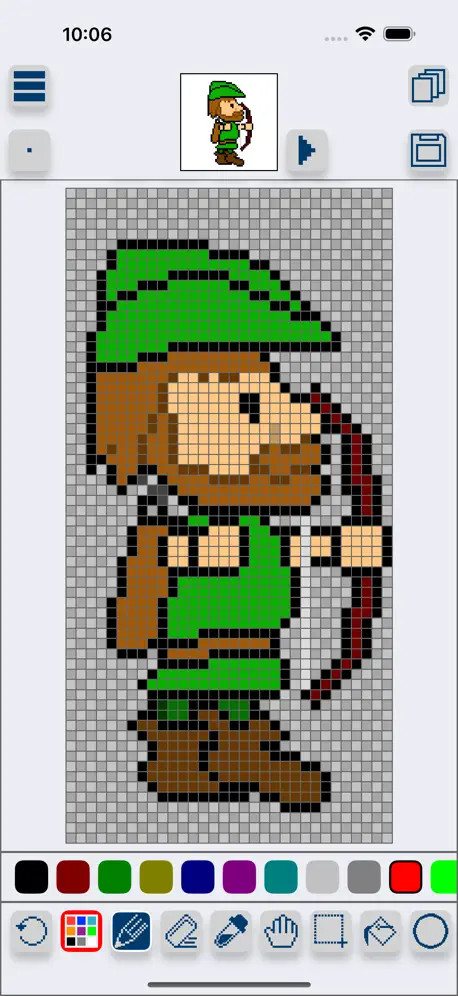
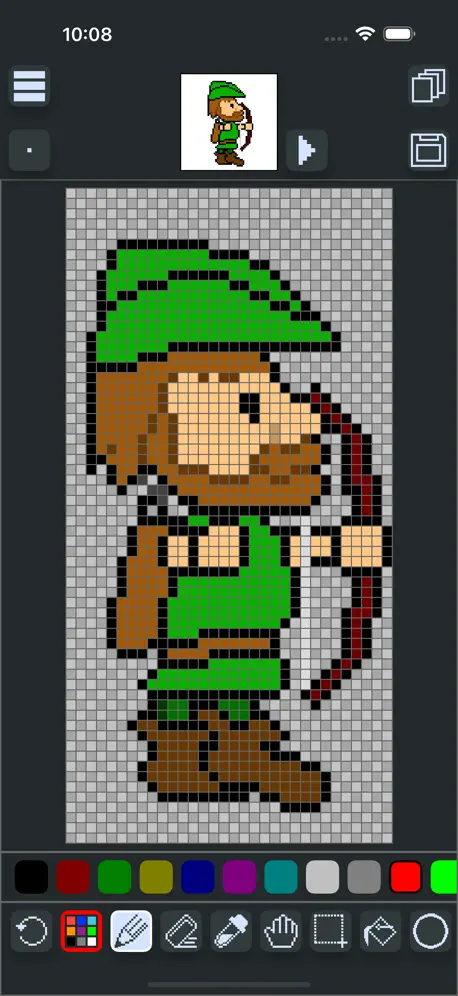
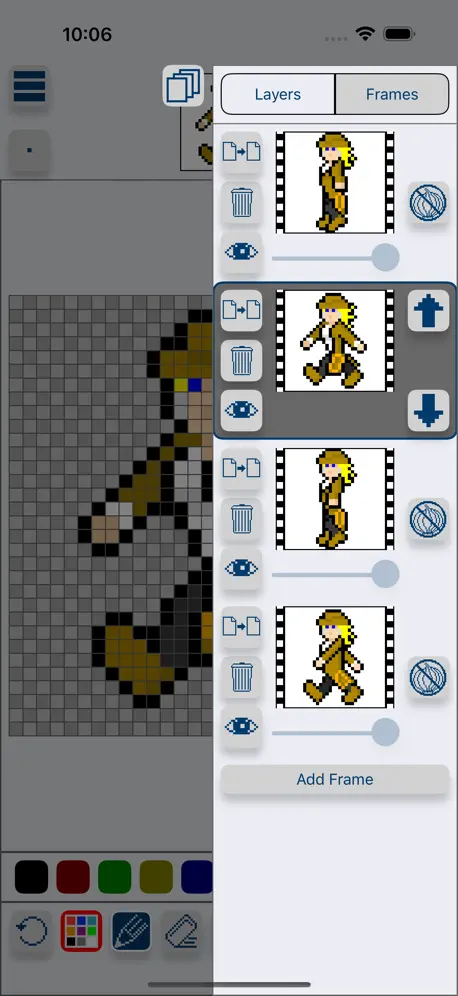
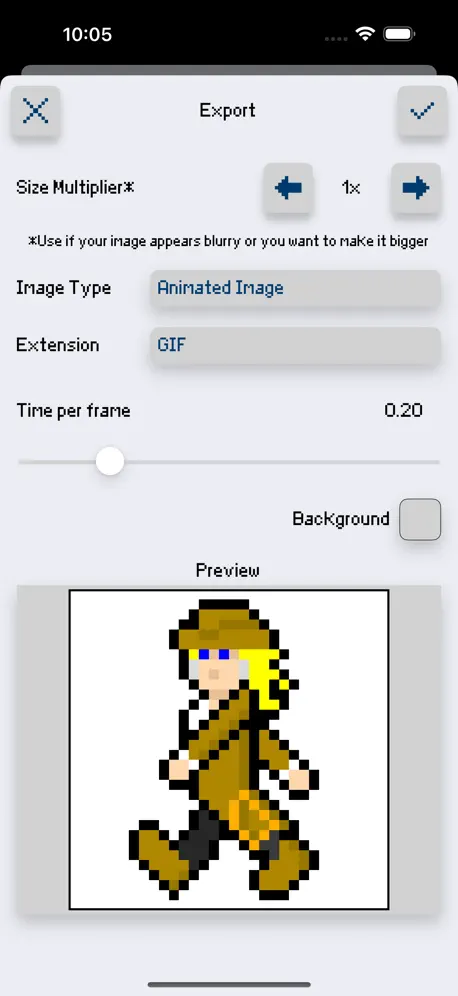
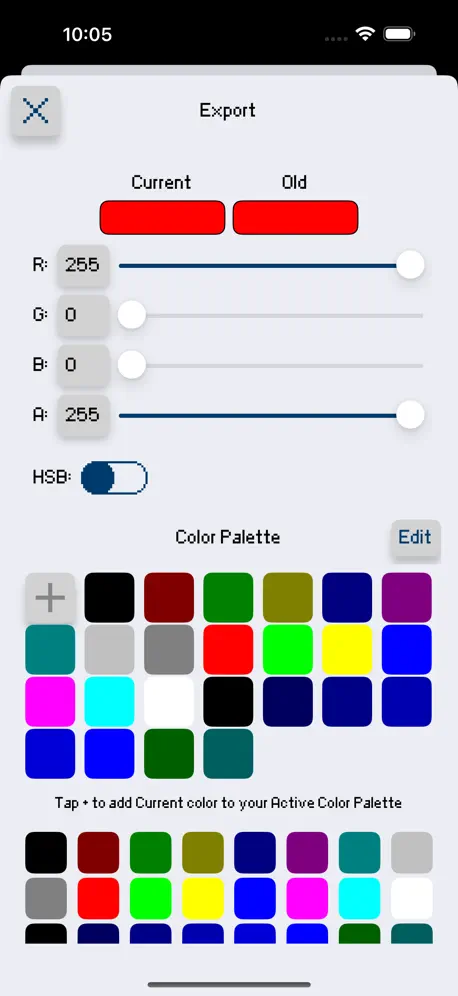
How much does Sprite Creator cost?
Prices are current as of 25 Oct 2026.
Sprite Creator has no in-app products on record in the United States.
Sprite Creator download price by country
| Country | Price |
|---|---|
| United States | $3.99 |
| Canada | CA$4.99 |
10+ alternatives to Sprite Creator
| Sprite Creator |   AI Pixel Art Camera - PixelMe |   Pixel Studio: Pixel Art Editor |   Pixquare - Pixel Art Studio |   Resprite: pixel art studio |  ToonSquid |   Comics AI |   Pixen - pixel art editor |   Sprite Pencil |  Pixaki 4 Intro |   Sprite Catalog | |
|---|---|---|---|---|---|---|---|---|---|---|---|
| Rating / 5 | 4.6 | 4.8 | 4.7 | 4.8 | 4.8 | 4.6 | 4.5 | 4.7 | 4.5 | 4.1 | 4.8 |
| Reviews | 349 | 46K | 16K | 10K | 5.6K | 3.2K | 596 | 329 | 203 | 137 | 81 |
| Released | 2016 | 2021 | 2018 | 2023 | 2023 | 2022 | 2023 | 2016 | 2018 | 2021 | 2021 |
| Monthly price | — | $2.99 | $3.99 | — | $1.99 | — | $7.99 | — | — | — | — |
| Annual price | — | $19.99 | — | — | $14.99 | — | $39.99 | — | — | — | — |
| One-time price | — | — | $5.99 | $12.99 | $24.99 | — | $9.99 | $9.99 | — | — | — |
The going rate for each plan in United States, in its own currency, shaded from the cheapest price on the row to the dearest. Plans fewer than four in ten of the priced apps sell are left out.
Sprite Creator reviews
4.6 out of 5, based on 349 reviews.
What people like
- Very easy for beginners to use
- Great for quick pixel animations
- Simple interface that saves time
What they complain about
- Keeps crashing and freezing often
- Randomly deletes your saved work
- No color wheel or custom palettes
- Zooming and scrolling glitch badly
Fun
Pixel animations are colorful retro fun. Make them as simple or complex as you desire. Great price for “gif animation maker” I recommend purchasing to everyone interested.
Why the new update?
I don’t understand why you guys have to update this app. Literally it was so perfect the way it was. A few things such as letting us rotate a few pixels art in all angle would’ve been even more perfect but instead you updated a whole new f—king app and now I lost all my files and I regret spending money on this trash app thanks a lot :).
How can I add Text?
I’m trying to make something but I need to add text to it. So can I add text? And if I can how do you do it?
It has potential.
Bad scrolling and zooming combined with the chance of crashing the app surround a nice UI.
Good but old UI was a lot better.
Not only does it look a lot more complex I am now unable to fully zoom out making seeing my full piece while editing harder to do. (UPDATE) One of my projects won’t open, the app crashes when I try to open it, I suspect it is due to the size of the project but I don’t know for sure.
Excellent & Simple to Learn
I’m going to give this app 5 stars because of how easy it is to use. It just saved me alot of time.
Do not buy
It looks good but is hard to use and is not what it looks like. It looks good in the pictures but is not like that. I also can’t get a refund.
Good stuff! One question
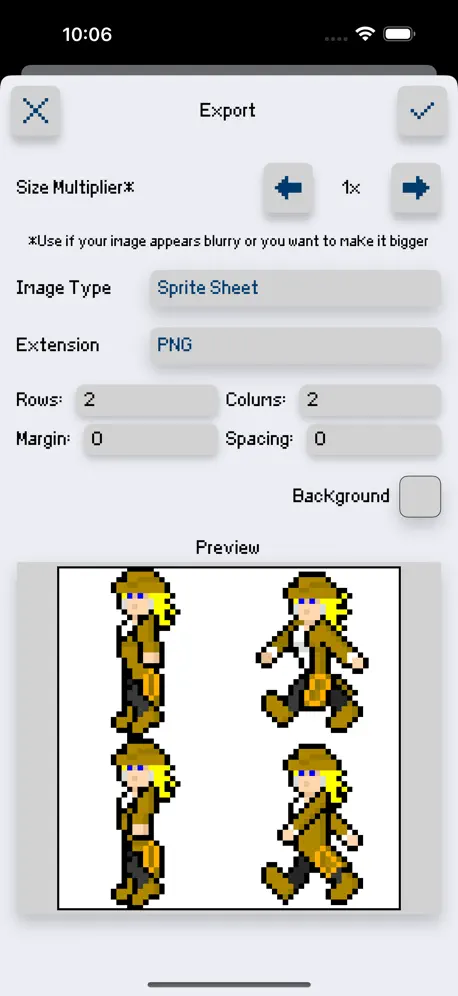
Good interface, and very easy to use. One question though; is there a way to export more than 4 frames at a time? Don’t know how to expand it beyond the 2 x 2 rows
Unable to contact Developer
If all you need is a barebones pixel creator, this will work. For anything else look elsewhere. Read on for the troubles. I am unable to contact the developer to ask questions or get help. The move icon (hand) does not work for me. (iPhone 8+, IOS 13.3.1). Trying to flip the image is a pain in the butt. It duplicates the image when all I want is to look at the image flipped (flip_h). Additionally you are unable to save Palettes there is only 1 selection of colors and while you might be able to use RGB and HSV, you only have 24 possible color saves. Animation is not fun on this at all, and while the preview is nice, it doesn’t make up for the lack of features. Finally, the selection box only allows you to copy and paste. It does not allow you to select a portion of your image and move it without duplication. While overall the app is simplistic and relatively easy to use, the failure for features to work and other basic features to be missing or hard to use does not make this a pixel creator for anyone to use.
Want to give it five stars but...
I just watched my four year old spend a ton of time making art and then he made a new project and lost it all. Gotta prompt a user to save or just auto save when making a new project. It was pretty heartbreaking when he saw how much of his work he lost.
Fantastic to have!
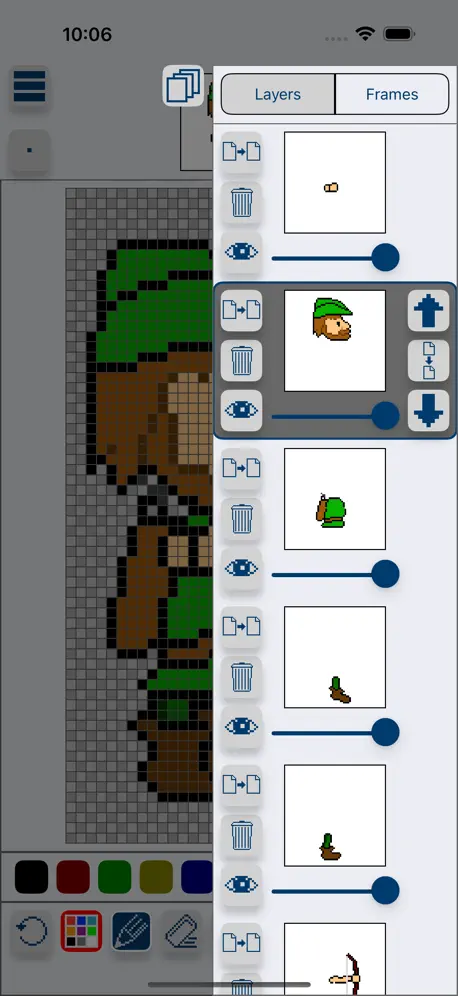
Great tool to make sprites quick and easy. The animation bit is very helpful in planning and the layer system really helps with sprite edits
Bleh
I dunno why I paid money for this thing. Just get Medibang instead; they have a pixel art brush and its interface isn’t much more complex but is better in basically every way.
Onion view
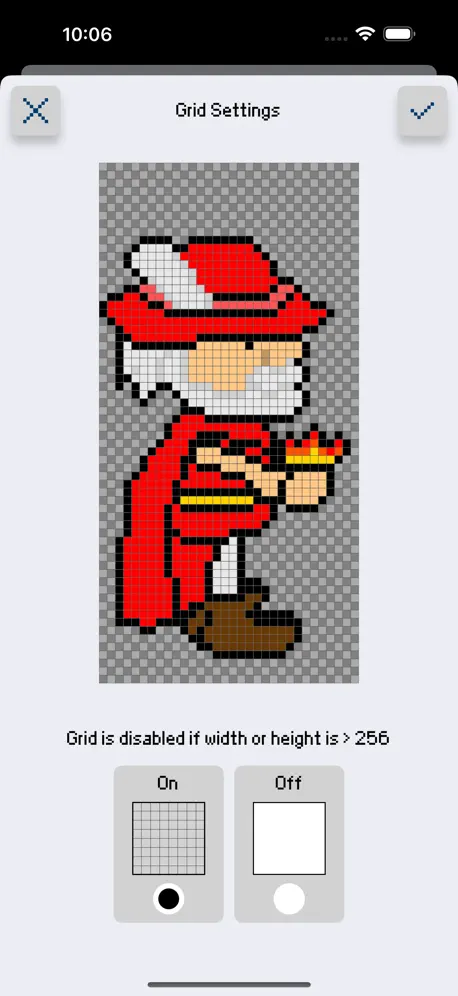
Good app except the onion view, when I upload a imagine the grid disappears and that makes it difficult to count spaces or line the image up with the squares 😒
It keeps crashing and it’s not the easiest to use
I feel I wasted my money on this app because it doesn’t let you chose any colour you want with a colour wheel, the only way i could get different colours was by importing images and even then it was difficult. This also kept crashing my ipad because whenever i pressed the home button the app would freeze and i had to turn my iPad off to be able to actually have it work again. I was trying to find an easy to use pixel animation app and this was not it.
Good for Developers of Pixel Sprite Assets but could be better.
I mainly went looking for a Sprite Sheet maker app for game art assets purposes. I needed a way to see the sprites animate as I worked. Out of all of the apps on the App Store, this app allowed a user friendly experience of importing and exporting images. This is useful for developers who use the Idevices for art work and graphic design to be able to move the images to another workspace to add to either their game content or galleries. This UI is basic and not hard to figure out. Although the program could use some improvements. Upon using the program, trying to turn onion skin off would either prompt me to import a new file (opening my photos) or would cause the transparency behind the images to get fuzzy. There is also the problem of portrait vs. landscape. When you use the app, the app is in landscape, although when going to import an image, the library feed is in portrait. This causes me to have to flip the IPad Pro I use whenever I am importing something. The only other things that annoy me are importing a new image has no option for layer, replacing what you are working on, losing all progress, and the lack of a larger color pallet that would recommended be another menu to pull up when you need it to prevent accidental press of a color on the bottom bar. This is the best on the store for importing a sheet and setting up your frames easily, checking your animations, and exporting out. Although I believe this app could become the potential best sprite making program for developers if more quality of life improvements were made. As of update 1.8.0
My fave pixel app!
Been using sprite creator for a few years and was blown away by how easy and friendly it was! Especially for making little gifs :) i had actually stopped making pixel art for a while so imagine my surprise when the app was not only VERY updated but even friendlier 😭 thank you so much for all your hard work Skyler!!
Forgotten about
Seeing this app was last updated a year ago, its clear that its been forgotten about. No Pencil support, image import doesn’t work either. Thats as far as I got into that app. Will be requesting refund
Pretty good but one problem
Ok so sometime when I try to delete a pixel it creates a red pixel despite not having red near it on the palette and I did check. Otherwise great app!!
Good features and design
I really like this app. It’s only problem is that it freezes quite a bit, but it’s functionality is exactly what I need for making quick sprites on the go. If the stability issues were fixed, it would be the best app in its class.
It’s a really cool little app for whatever tomfoolery you wish to portray with pixels
10/10
Randomly deleted my sprites
It randomly deleted some sprites I made a few days ago. The tool would be about a 3–4 out of 5 if not for this problem, but if it can’t even keep my work then it’s completely worthless.
Enjoy it!
Update: having an issue where colors that I have chosen keep disappear randomly. I’m on iPad Pro 11in 2020. Trying to place a background color that will stay in place while the pixel art is animated. Only issue so far, nice job.
Review
Well done, bit confusing at first but still fun
Only pixel art animation app!
Works great, and intuitive, it did not take me long to get started. Is there a way to keep a layer of the sprite from animating? To avoid copy and pasting a static part every time? If not that would be my first suggestion.
Basic functionality broken
Cannot animate, constantly deletes layers below. Cannot import pictures without deleting all frames.
Good app but a couple issues
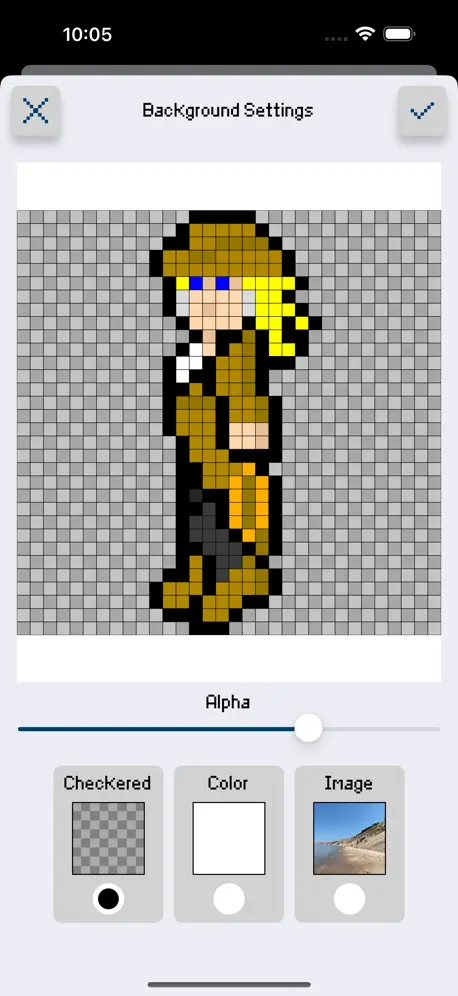
I downloaded this app because I wanted a program for pixel art that I could also animate with. Overall I really like this app and it’s what I wanted and I think worth the price, however there are a couple things that could be improved. One of the best things about this app is it allows you to have a reference image open while working, which I haven’t seen done as well as this app does. I love that I can save and load projects directly in the app, but when exporting it does not allow me to directly save to my photos. I found ways around it so it’s not that big of a deal just a little annoying. The other thing I have a large problem with is the way the onion skin works. It’s confusing and doesn’t do what an onion skin should do, which is show the layers/animation frames beneath it usually at a lower opacity.
Your app is very fun-- easy to use for beginners!
Thank you for making the Sprite Creator app. I wanted to try creating simple sprites and animation and tried other apps and your app was the easiest to figure out and get me started making animations (literally in minutes!). My family are artists, and I'm not, but I appreciate how fun you've made it for non-artists to learn to create sprites and animation :-)
Amazing but Buggy
I love this app is my go to for pixel art, but it crashes when every I save too much progress which makes it very tedious and time consuming to make progress on my work. Other than that it is perfect.
10/10
Great app! Use it all the time.
Please please please fix this!
When I zoom in and out it glitches all over the place! I really do like the app, but it’s a pain in the rear end to zoom in and out to the spot you want! Also another thing I suggest is make it easier to save, like if you accidentally click a different project have a pop up that asks if you would like to save first, as a person with anxiety that makes their memory kinda terrible that would be great!
Really great app for game designing!
The user interface and functions are straightforward and very easy to navigate! I love the animation features. My only question is is there a tool I can use to resize the content on a layer? Like stretching and squishing it?
Awesome but....
I love this app a lot but, png files are in not this app but otherwise I would rate a five star
Great App
I make add ons for Minecraft and needed an app to help me design block animations. This was just the app I was looking for. Don’t be fooled by the simple lay out. This thing is packed with features. For the developer: the only thing I would add is a darken and lighten tool (I think piskel has one).
Good App, but I’d Love More Advanced Features
Very nice app! I have a feature request: I’d really like a way to import your own palettes or have built in presets. I’d like to use this to create sprites for a NES game I’m working on and it would be great to have the NES color palette available right from the start.
Sprite Creator FAQ
- Is Sprite Creator free?
- No. Sprite Creator costs $3.99 (US) to download.
- Does Sprite Creator have a free trial?
- No. None of its offers (US) come with a free trial.
- What are the best alternatives to Sprite Creator?
- AI Pixel Art Camera - PixelMe (4.8 from 45,616 reviews, premium from $2.99), Pixel Studio: Pixel Art Editor (4.7 from 16,444 reviews, premium from $0.99) and Pixquare - Pixel Art Studio (4.8 from 9,962 reviews, premium from $1.99).
Sprite Creator download
Last updated 1 month ago.
Sprite Creator sells in 2 countries. It was released 10 years and 6 months ago, on 27 Apr 2016. It holds a 4.6 rating from 349 reviews.
Supports 1 language: English.
How much does Sprite Creator make?
Third-party estimates for the last 30 days, worldwide — not the store's own figures, which Apple publishes for nobody.