Pixaki 4 Intro
Pixel art for everyone
How much does Pixaki 4 Intro cost?
Prices are current as of 15 Nov 2026.
Pixaki 4 Intro has no in-app products on record in the United States.
10+ alternatives to Pixaki 4 Intro
| Pixaki 4 Intro | 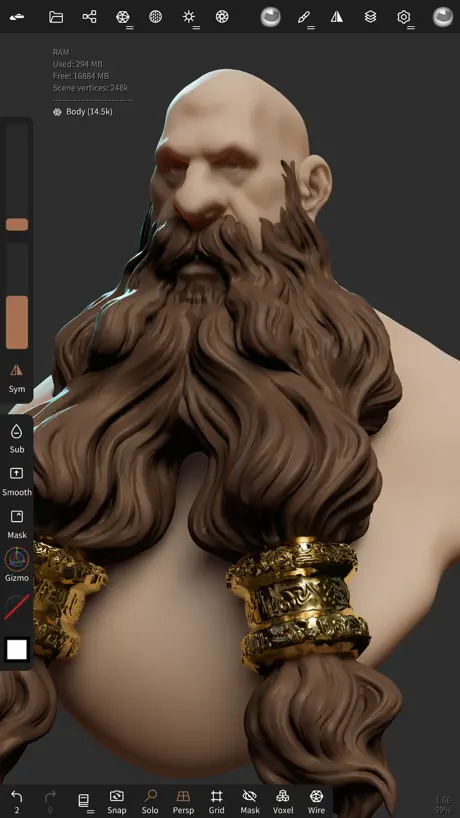  Nomad Sculpt | 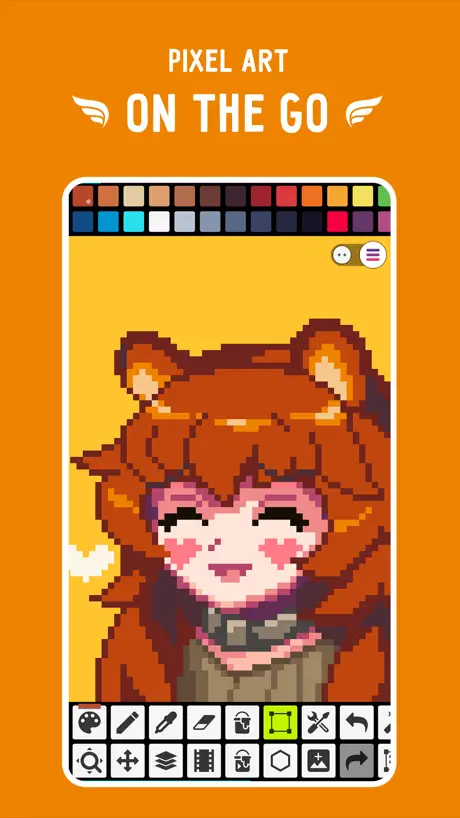  Pixel Studio: Pixel Art Editor |   Pixquare - Pixel Art Studio |   Resprite: pixel art studio |  ToonSquid |  Callipeg: 2D Animation App |   PixelPencil - Pixel art editor |  Feather: Draw in 3D | 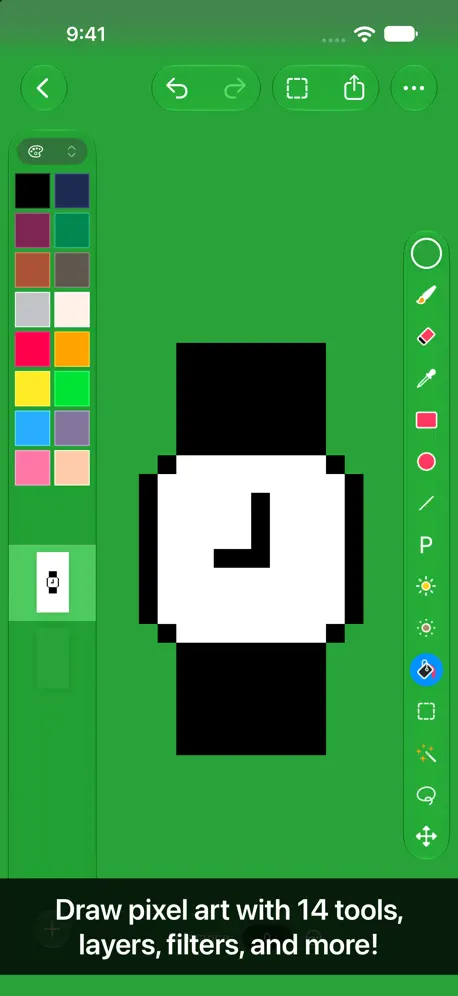  Pixen - pixel art editor |   HEAVYPAINT | |
|---|---|---|---|---|---|---|---|---|---|---|---|
| Rating / 5 | 4.1 | 4.8 | 4.7 | 4.8 | 4.8 | 4.6 | 3.8 | 4.7 | 4.1 | 4.7 | 4.1 |
| Reviews | 137 | 65K | 16K | 10K | 5.6K | 3.2K | 3.2K | 918 | 716 | 329 | 200 |
| Released | 2021 | 2020 | 2018 | 2023 | 2023 | 2022 | 2020 | 2021 | 2024 | 2016 | 2024 |
| One-time price | — | $15.99 | $5.99 | $12.99 | $24.99 | — | $12.99 | $4.99 | — | $9.99 | $9.99 |
The going rate for each plan in United States, in its own currency, shaded from the cheapest price on the row to the dearest. Plans fewer than four in ten of the priced apps sell are left out.
Pixaki 4 Intro reviews
4.1 out of 5, based on 137 reviews.
What people like
- It feels easier to use than Procreate.
- The interface is simple and friendly for beginners.
- There are no annoying ads in the demo.
- Colors match your game textures perfectly.
What they complain about
- It crashes constantly when you export.
- The price is too high for what you get.
- You are stuck with only two layers.
- Color choices are very limited in the free version.
Good work!
The program is great, Thank you for your work!❤️
barley works
it does not even work
Bien mais un peu bugger
L app est bien pour le pixel art et la version gratuite ne restreint pas trop de fonctionnalités mais ça m’ai arrivé que des dessin s efface tout seul et trait qui disparaissent mais il suffi en général d éteindre et de rallumer
Why does my animations keep corrupting and also the “transparent” part of it didn’t work
I was using the small, medium and the gameboy size portraits and I was slightly turning some copy and pasted parts that I painted and then fixing the blotchy parts until I exited the portrait and saw 90% of my animation was corrupted, even the ones that I fully animated without turning, not only that but the transparent background of these sprite portraits aren’t going away, I used adobe preimere to get rid of the background but it came out really splotchy. Nearly all of the things cost money.
Good app…
Well designed and good functionalities… but way too expensive…. 20 would be more reasonable…
Perfect App
It’s awesome! You might need to explore a little, but it’s really user-friendly. Most of the features are free. You can change the speed of the animations, and while you’re technically limited to two layers, you can actually add as many as you want while working on the animation. The canvas is big, there are lots of tools, and it works perfectly with the Apple Pencil on an iPad. Honestly, it’s ideal
Not good
My pic was damaged and nothing left, thats an unreliable app
Great pixel app but to pricy
Update: after joining the discord and seeing how much effort the developer is putting into improving the Pixaki app and pixel art community, I have bought the full app, hopefully the app continues to have a long and fruitful life. I know this is technically the demo version but so far this is hands down the best pixel app on the ipad! Sadly the full version is about $27 which is a bit pricy for a ipad app when there are dedicated pixel art cpu apps like Aseprite ($19), and full blown digital painting apps which can be used for pixel art like Procreate ($13, although i admit Procreate lacks basic pixel art functions) I would love the full version but as of right now im not sure if the hefty price tag of $26 is reasonable. If it were a bit closer to it competitors price range then i wouldn't hesitate.
Missing opacity
I don’t understand how such a great app is missing something as basic as opacity or alpha for colors. Am I missing something?
meh
The pro version is too expensive and this version is too basic. If you have a drawing tablet that connects to a pc/laptop just get an app there instead. iPads arent the best for pixel art and this app proves it.
Simple and clean
A very simple and intuitive interface, especially if you’ve used Procreate or similar apps. Fantastic to have this intro version available for free without distracting ads or anything! I am using it to plan patterns for cross stitch, knitting, etc. and it is perfect for that.
So limited 😡😡😡
I only have like 5 frame for animation that’s not an animation an 27 dollars for pro this app is really bad I do not recommend it
Really nice demo to test!
While the layer count is fairly limited, and from what I saw in reviews I assume the colors as well, this was a really nice means to test the program before making a purchase! Since I personally like to work with smaller palettes in pixel work, I didnt find that restraint an issue in the demo. I’ve previously worked with Photoshop, Aesprite, and Procreate for pixel art pieces, and while procreate is a great photoshop equivalent, there was one too many hurdles with making pixel art for me, that I wanted a program to supplement. So I think this is a great fit to use in tandem with another software of choice, while for other folks it could be a little more restrictive with just one.
Lacking stability, fun to draw
Does the pro version crash like this? I open the gallery and crash. I add keyframes, crash. After a few more hours I noticed it crashes Everytime I try to export after adding keyframes. Thank God I didn't work on drawing them out, was just testing. But you got More crashes than any app I've ever tried out. I run musical equipment thru my same ipad, heavy workload, never crashes. Just saying. I want to buy the pro version because I believe in small teams, non subscription business models and cool art but the crashes...
Multi Export
It’s fine as an intro but you should be able to select multiple projects and export them all at once. I use this app too make game sprites and it’s annoying having to export them all one at a time.
good
good
no more then 2 layers?!
So i was drawing and i really liked this app, but it wouldnt let me have more then 2 layers and everything is really confusing?
Good introduction to the program
Good intro, but super limited. I don’t need an animation system in an intro to pixel art. I need more colors. The color limitations are a big downer.
10/10 Recommend!!!
As a Minecraft Partner, I do most of my work on a PC. However, I love my ipad for working on the go. I have tried almost every pixel art app on here for making textures to use in game. We do 16 x 16 textures or 32 x 32. This is hands down the best app for my workflow. I made a draft texture and put it in game. The color match was true…something I haven’t found in other apps. I fail to understand all of the complaints here. This is an intro/demo. It was never intended to have all the bells and whistles. I will be purchasing the pro version when i am done with this review. The $27 for pro is a lot better than an Adobe subscription for simple pixel art. I also do not understand the comparisons to Procreate. It isn’t meant to be like Procreate, so why would it? I am extremely pleased with this app.
A very buggy app
The app let me make one sprite and has not let me edit it or make another one windward having created that one….not sure how to fix it either.
great free pixel art app, but with a few minor nitpicks
i’ve been using medibang for my pixel art (although i admit it was never meant for pixel art lol) and i’ve been meaning to migrate to this app. but there are a few issues that feel more like me nitpicking at certain things than anything 1. the zoom-up grid: when you zoom up to +2,500 magnification there’s this grid, if there was a way to turn it off in settings that would be neat 2. pallet presets: maybe have a new filetype for pixaki color pallettes so people on mobile that don’t have access to abobe photoshop and pasc paintshop pro can make and share color pallets could open up a lot of avenues to creativity. other than those, it’s a great app. i like the ui, too.
Great demo!
I had a lot of fun using this. It’s more intuitive than Procreate for me, though that’s likely because this has a more focused feature set. I wish we could get just one additional layer, but this is free software and considering the niche and overall user experience, I think the Pro version will be worthwhile. Really impressive work, especially for a solo dev :) Giving it 5 stars to counter the cheapskates, but I found one annoyance: I kept accidentally triggering the color picker whilst filling in shadows. I tend to apply too much pressure with the pen, so I wish there was a way to disable that gesture - assuming I didn’t overlook it. EDIT: Found where to disable the color picker gesture in the settings, and decided to buy the full app :)
AMAZING
i hardly rate apps but wow, i had to with this one. i’m just starting to get into pixel art, and this app does everything - its incredible and so easy to use! when i feel more advanced, i will 100% be getting the pro version. thank you so much for making this app!!
WOWIE!!!
This app is so good, it makes me wonder what the paid for version much be like! Perfect brush, intuitive layout, and wonderful animation mechanics! It’s a dream for a beginner pixel artist like me and the exporting makes it even more perfect for the game I hope to start working on soon! I’ll come back with a review of the paid for version when I can afford it!
Very nice app and I’ll tell you why
I found this app very satisfying. Even this intro version allows me to create beautiful drawings. It has a friendly user interface and it’s easy to begin to draw immediately just after downloading the app. Also here is a very detailed user guide. The only thing which I want to have there is a time-lapse recording of the process of drawing like in ProCreate. I will buy a whole version, cause I need a bigger canvas to create the animation which popped in my mind while I was just trying this app. Also as I know this app was created by only one developer. My huge respect for you. Love your app, you have opened a world of pixel art for me.
Pixaki 4 Intro FAQ
- Is Pixaki 4 Intro free?
- Yes. The app is free, in all 175 countries it sells in, and it sells nothing inside it.
- Does Pixaki 4 Intro have a free trial?
- No. None of its offers (US) come with a free trial.
- What are the best alternatives to Pixaki 4 Intro?
- Nomad Sculpt (4.8 from 65,116 reviews, premium from $15.99), Pixel Studio: Pixel Art Editor (4.7 from 16,444 reviews, premium from $0.99) and Pixquare - Pixel Art Studio (4.8 from 9,962 reviews, premium from $1.99).
Pixaki 4 Intro download
Last updated 1 year ago.
Pixaki 4 Intro sells in 175 countries. It was released 5 years and 8 months ago, on 4 Mar 2021. It holds a 4.1 rating from 137 reviews.
Supports 1 language: English.
How much does Pixaki 4 Intro make?
Third-party estimates for the last 30 days, worldwide — not the store's own figures, which Apple publishes for nobody.