Pixquare - Pixel Art Studio
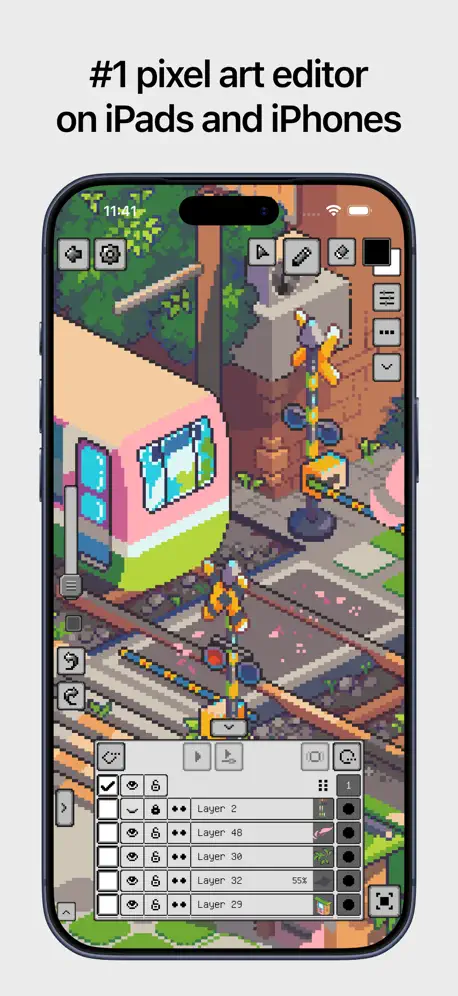
#1 pixel art editor
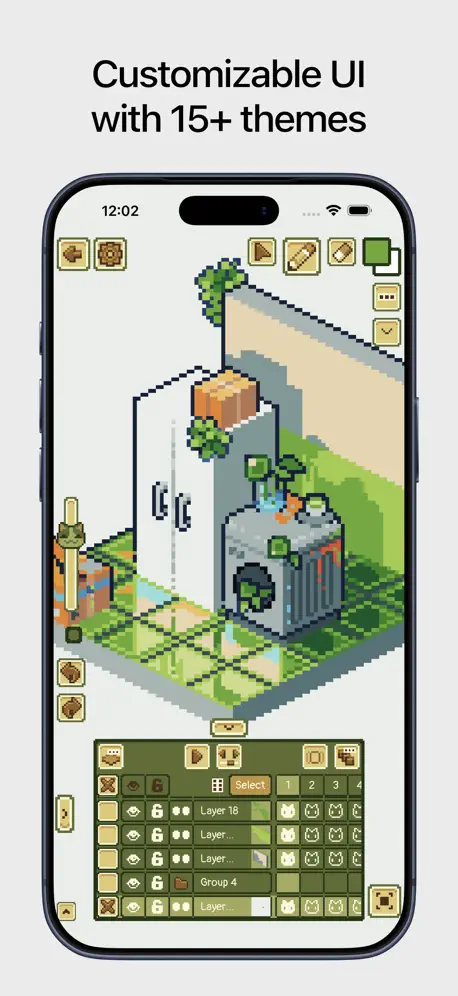
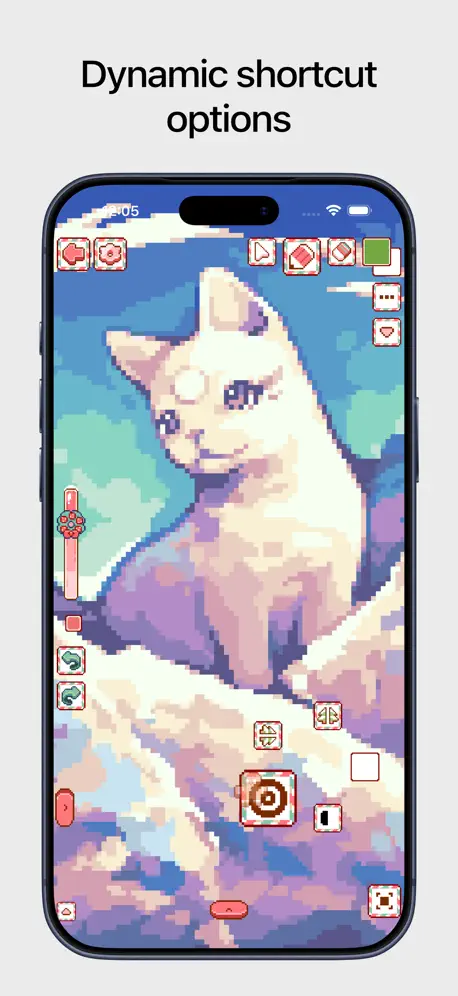
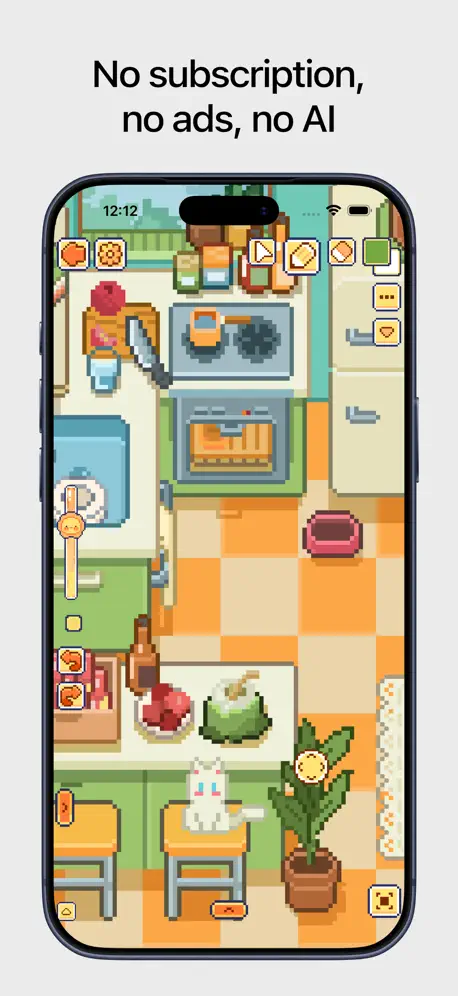
How much does Pixquare - Pixel Art Studio cost?
Prices are current as of 7 Oct 2026.
3 one-time purchases from $1.99
In the United States, Pixquare - Pixel Art Studio has 3 one-time purchases priced $1.99 – 24.99.
| Product | Price |
|---|---|
| Buy me a coffee | $1.99 |
| Full access for iPhones | $7.99 |
| Life-time full access | $9.99 – 24.99 |
See what Pixquare - Pixel Art Studio costs in all 175 countries →
10+ alternatives to Pixquare - Pixel Art Studio
| Pixquare - Pixel Art Studio |  Clip Studio Paint Clip Studio Paint | 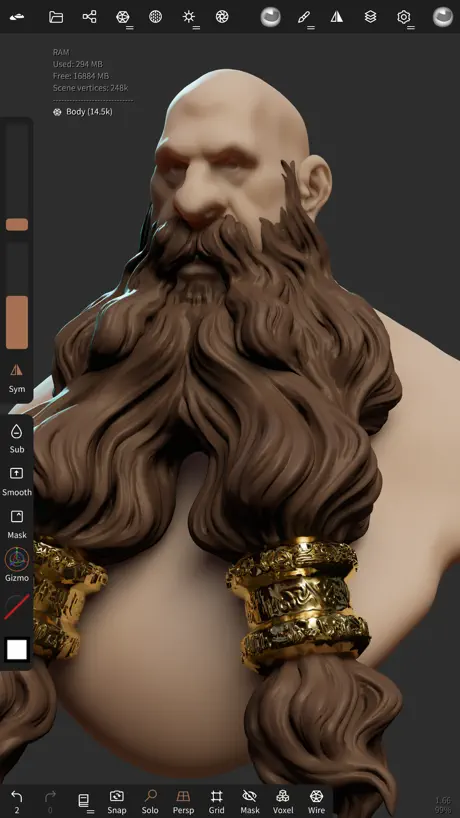  Nomad Sculpt Nomad Sculpt | 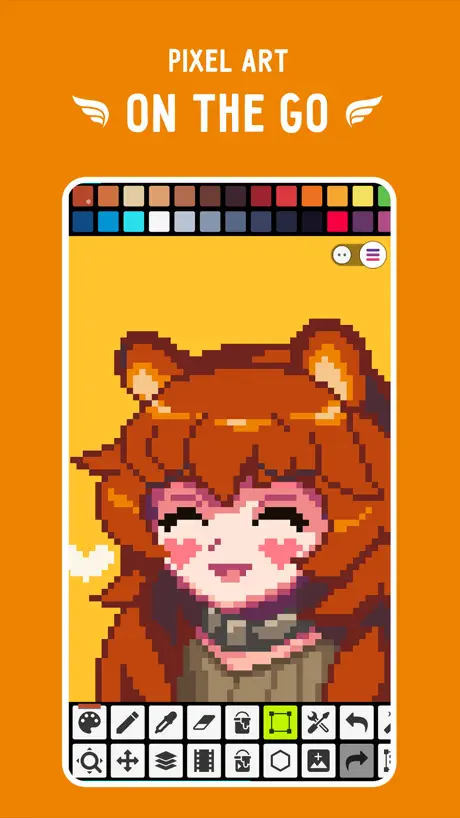  Pixel Studio for pixel art Pixel Studio for pixel art | 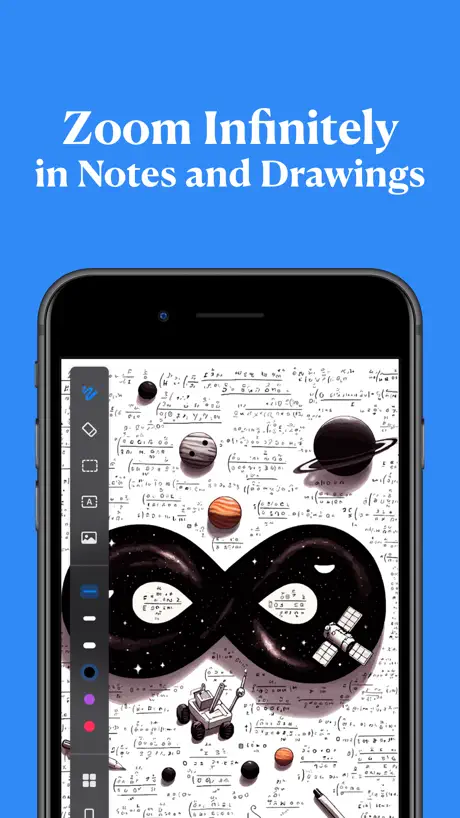  Infinite Zoom Art - Canvas Max Infinite Zoom Art - Canvas Max |  Mental Canvas Draw Mental Canvas Draw |   Head Model Studio - Art Study Head Model Studio - Art Study |   MediBang Paletta:Drawing App MediBang Paletta:Drawing App |   Resprite: pixel art studio Resprite: pixel art studio |  ToonSquid ToonSquid | 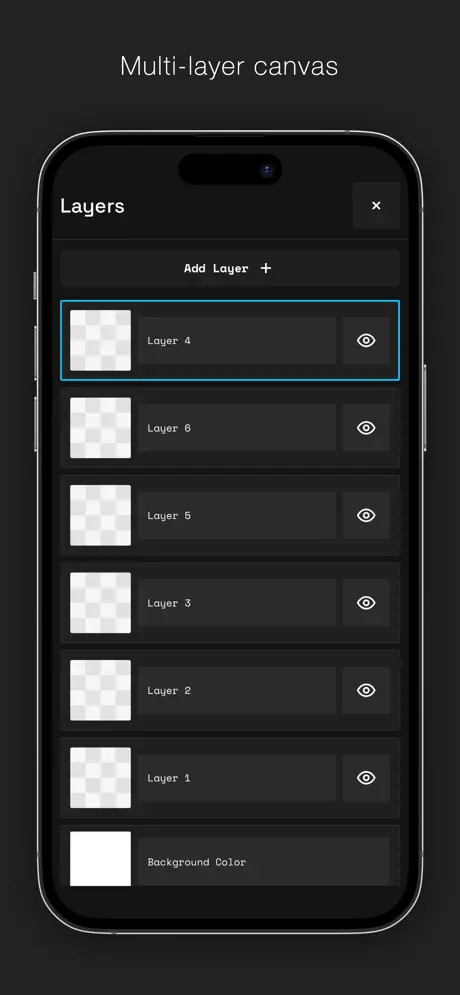  AmberDraw: Animated Drawing AmberDraw: Animated Drawing | |
|---|---|---|---|---|---|---|---|---|---|---|---|
| Rating / 5 | 4.8 | 4.7 | 4.8 | 4.7 | 4.4 | 4.6 | 4.7 | 4.5 | 4.8 | 4.6 | 4.4 |
| Reviews | 9.5K | 114K | 63K | 16K | 12K | 11K | 9.2K | 6.7K | 5.4K | 3K | 1.1K |
| Released | 2023 | 2017 | 2020 | 2018 | 2023 | 2021 | 2020 | 2024 | 2023 | 2022 | 2024 |
| Monthly price | — | $9.69 | — | $3.99 | $4.99 | $9.99 | $9.00 | — | $1.99 | — | $1.99 |
| Annual price | — | $28.90 | — | — | $14.99 | $89.99 | $16.00 | — | $14.99 | — | $9.99 |
| One-time price | $12.99 | — | $15.99 | $5.99 | $14.99 | — | $23.00 | $9.99 | $19.99 | — | — |
The going rate for each plan in United States, in its own currency, shaded from the cheapest price on the row to the dearest.
Pixquare - Pixel Art Studio reviews
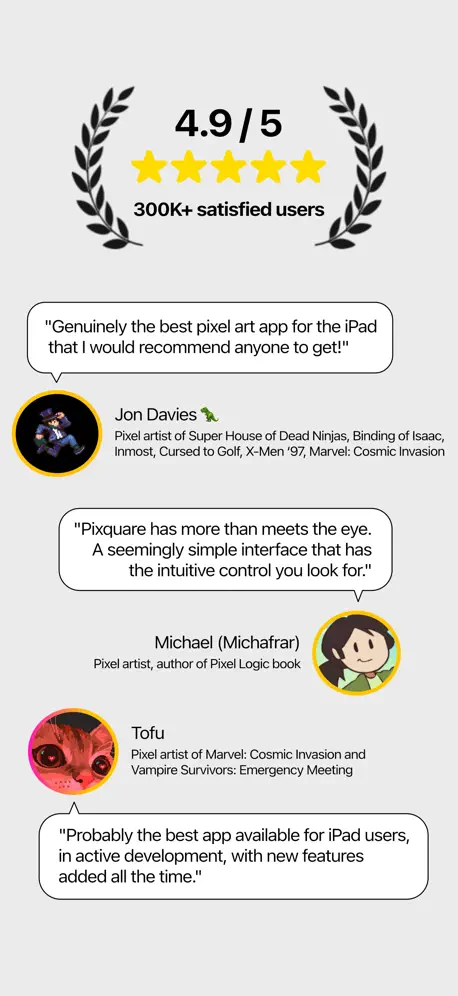
4.8 out of 5, based on 9,455 reviews.
What people like
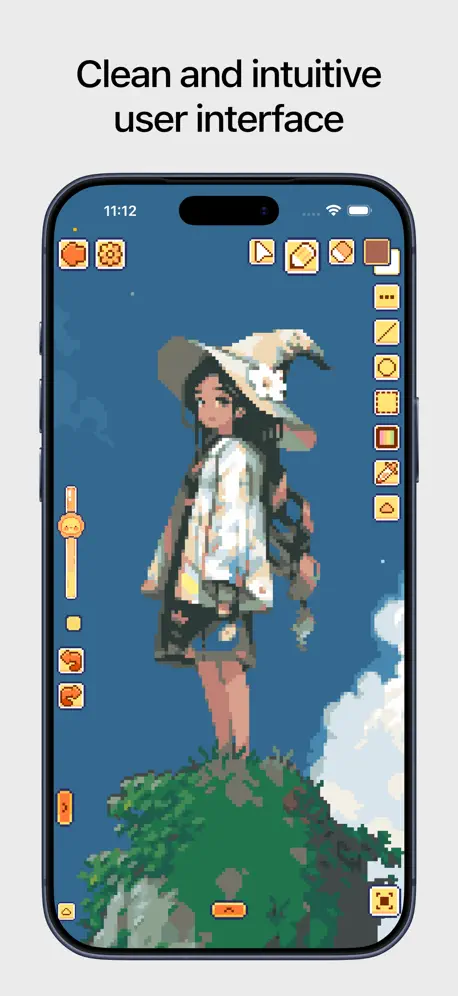
- Interface is clean and easy to navigate
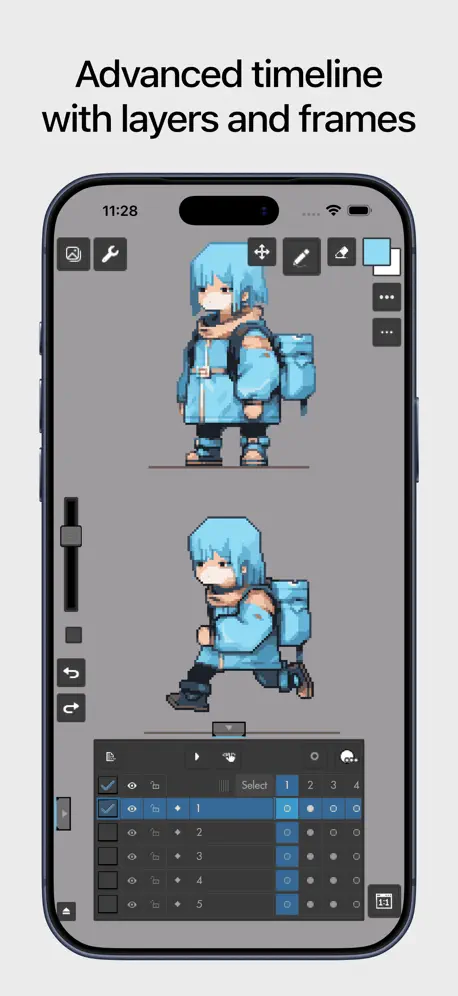
- Great for creating pixel art animations
- You can customize the workspace appearance
- Worth the one-time payment for full features
What they complain about
- Free version limits you to only two files
- Ads are not actually absent as promised
- No tutorial helps beginners learn the tools
- App crashes or fails to load files
Pretty good app, besides one thing.
This app might actually be one of the best apps I ever used. I’d rate this thing 10/5 stars if I could. I think the only problem I have is that you have to pay $7 for full access. Sure, it’s not a lot, and it’s only one time pay, but still, you only get 2 files if you don’t pay. Of course, I got the “subscription” anyways, and it’s been one of the best choices of my life. The 7 bucks is fully worth everything this app has.
Why do I need to pay to make more files?
I only used 1 file and when I tried to get another one it told me to pay! Like why can’t you make it be 10 files before you have to pay? I’m really disappointed in this app. I had high hopes for it,and it turned out like that.
Good
This is a very good app. The only thing that I don’t like is that you have to pay to have more than two pictures.
Good but careful
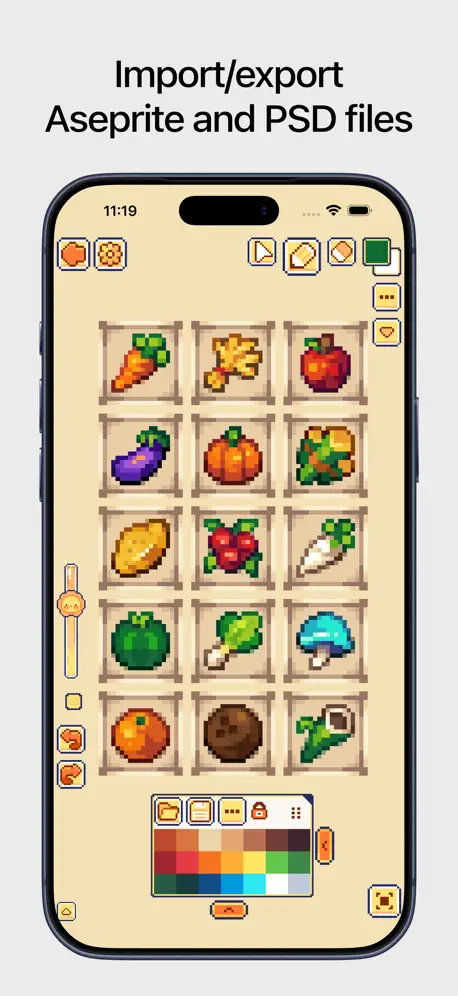
Just use it careful if using aseprite. The app supports it but it doesn’t save automatically and even the manual save doesn’t seem to do its job, waste hours of work 2 times now. You should export it to be safe
I Love is app But…
For some unknown reasons I have no opacity slider and can’t seem to get it back
Wonderful app!
There are NO ADS while using this app, be it in the free or paid version! Even in the free version there’s a lot of useful features, the UI is simple and intuitive, it really reminds me of the old IbisPaint. I’ve been using pixquare for a few monts now, and I finally decided to buy the full version some weeks ago, it’s really worth it! The theme customization is so cute too, I’m really just loving this app. I have no complaints LOL
Can’t access my artwork
I was drawing and then accidentally went out of my artwork, and when I tried to go back into it, it kept telling me I needed to “upgrade” and pay money.
Good
Great but after 2 animations I need to pay to get more other than that great
无法导入文件了!!!!
两星警告!!自己生成的文件也无法导入了!!严重影响工作,什么时候改了什么时候改评分!!
Palette management a little lacking
I really love most of this app but when I created an image with a large custom palette, Pixquare created a palette from it in what looks like a completely random order. I spent two days fighting the palette editor before ultimately buying aseprite to create a palette arranged in a sensible order
It's pretty good!
I would recommend pixquare for people who just came here to make some fun pixel art!
Not usable
It’s just not useable. And it’s not letting me delete it
Idk
I know it’s good but I can’t download cause my wife sucks lol.
Oh well
Oh well. The app itself is great but only being able to draw two pictures is sad. I understand that y’all are an indie game but this app could be great if yall d didn’t restrict basic stuff. Just like ibisPaint. They do it correctly
Could improve
So I’m one of the people that doesn’t pay and it is really annoying only having 2 paintings could you please give me a few more like max 5?
amazing one of the best drawing apps ever
title
Too many distractions
I could barely get through the beginning of coloring an image suggested for i guess what would be the tutorial. I could not have fun using the program because the app would pop up too many menus about doing something or “hey look at this”. Not worth my time
This is GREAT
To the one who made the app, This app is awesome, I get to draw what I want to draw, I’m currently making an Object show called: Pixel-O! I think you did a great job for this app. Keep up the improvement!
Paywalling being able to draw
I do enjoy this app, it has most features i could want, and really easy to use. However you cannot do more than 2 drawings without paying for a subscription. Other art apps would paywall features instead so you can still draw all you want, just wit limitations. But this app limits being able to draw at all. I do pixel art for sprites either for custom texture packs on minecraft or sprites for personal game projects. I usually used a mouse on piskel and was hoping i could switch to this on ipad, but not able to do more than 2 drawings at a time only pushes me away. Everything else is great, but this is the ultimate “ick” i could get from a drawing app. I really hope this gets changed because it truly does tank the rating for an otherwise 5 star game :(
I like it but
Bro you’re telling me I have to pay to import my sprites?
Good!!!!
Using this to make a stardew valley mod, it’s perfect and has a ton of useful features :)) a bit hard to navigate at first but all art apps are like that
Bro
ITS TERRIBLE! It’s not free it scammed me I only got one time to do pixel art
4 stars
I love this app, but I wish you could make more files with the free version
Pixel art
I was really hoping to use picquare for storing all my pixel art, but I was ashamed to find out that I can only do two at a time because I’ve got a free one. I can only do two and then I have to delete that to do another one but is a real shame cause I wanted to be able to store all my art.
Eh.
It does provide animation, layers and pixel art as promised, but unless you buy the subscription, you only get 2 original projects.
really useful!
a good pixel art app that's easy to use. i've been using this for a pokemon fangame!
What happened to my app
Why won’t it let me make a new canvas
It’s very well formatted!
I really enjoy using it and everything on it is very simple to use and easily accessible but I don’t like how you must pay for more than two projects I’ve been having to delete my drawings to continue to draw.. I would recommend at least making it up to 5 or 10 just to make it easier to actually draw..👀
文件崩溃打不开
我想用这个软件画动画,我先是想导出看看效果,结果出来看的时候先是少了两帧,实在找不到怎么消失的后我就想重新补画,结果莫名其妙就给我闪退两次第三次登陆的时候干脆直接打不开文件了,一直处于加载阶段。十分怀疑这个软件有没有做好动画的片段
It’s Ok
This app is very good in that they have all the needed tools and the workspace look quite clean but the only thing is that lots of thing are locked behind a $40 aud paywall such as folders, being able to have more than 2 artworks and other features hence the review
BEST THING I EVER USED
I don’t know why but this is the best pixel app I ever used in my entire existence. Even though you have to pay for more than one file , I just screenshot anyway, you guys changed my life. Ty whatever your name is. 💝
Not actually 5
Right so,i made two pixel arts and I tried to make another one but it said i have to buy something and i came from google which said you guys’ app is free and im sorry if its “helping the creator”(ehm no hate)or wtv Im just wondering do i have to pay if no then please tell me how if yes then i might Un-download the game because im broke🥹✌️Anyways,thank you for your time,Love user-AvesF16
Great app!
Great app! But…I can’t name my art work after I make it and it’s a little hard to use at first…but I still like it! So can you fix it somehow please I wish I can give you a 5 stars but that’s why I can’t but don’t feel bad it’s still a good app☺️🤗🫶🏼 perfect
쓰고싶은데
쓰고싶은데 what’s new 이후로 안넘어가서 어플을 쓸 수가 없어요ㅜㅜㅜㅜㅜㅜㅜㅜㅜㅜㅜㅜㅜㅜㅜㅜㅜㅜ 패드용 도트 툴을 찾고있었는데 ui도 좋고 키보드 조작법도 먹히는 것 같길래 결제해서 쓰려는데 아예 캔버스를 새로 만들 수 조차 없음ㅠㅠㅠㅠ,,,,,,,,,,키보드도 블투 마우스도 안먹는데 어케 해결하나요 이거…….
Upgrade
Honestly I really like this app including the fact I really want to do more pixelate but the thing is that only after two artworks I have to upgrade? I fell like this is not enough time to fully experience before actually paying anything and I also downloaded this because of Viyaura! So I downloaded thinking I wouldn't need to pay anything!😭 Really nice but could change some stuff
Good App ⭐️⭐️⭐️⭐️⭐️
I’m a beginner pixel artist and this app was really simple to use, and the app is usable free and is also great for animation. Definitely recommend for any artists 🫏
It’s not free like they say
In the beginning when you open the app, they say that it’s completely free, but then if you want to make more than 2 pictures, they say you need to pay for it. I’m not paying for that.
The best.
In short. Get this now! It’s worth the full price. Full review: Hello, I’ve been using this a lot. The customization, fun features, such as Dino (I love him 💙), and ease of use is amazing! I recently got the “Hey you. Yeah, you” thing, and I thought it was really cute! :D Of course though, all good things do have some flaws… You see, I use Libresprite on my PC, and it allows you to have infinite pixels. (I understand 4,500,000 Is a lot but I am a very serious sprite artist XD). I also find it hard to make sprite sheets, But I think it’s just a device problem and not a issue with the app itself! There’s also no Rotation features that I’ve found, but I could be wrong…Also, it won’t let me change the sprite size while in sprite. (E.g making a 100x100 apple sprite into a 20x20 apple sprite, but I could just be blind and not seeing it…) If you could fix these issues this would be 5 stars. This feels not even like an app that was made to make money it feels like a passion project! Those are almost the best apps ever for anything! Anyways, sorry for the long review but this is amazing and deserves the long review. Anyways, Tysm for making this PixSquare Dev Team!!! :D
Bad
When I tried this I was exited but when I tried drawing it didn’t work at ALL
good but one thing
when I saw the adverts I saw them drawing on their own but when I played it made me use instructions
Works good on phone and iPad
No lie
It’s Pretend that there’s no paywall
When you start using this app, it will say “there’s no ads no AI and no subscriptions “after my second artwork it wanted me to pay for a subscription
WONDERFUL PIXEL APP
Wonderful tools and I do love the fun modes it is almost perfect~ My favorite feature of this app is that I can decorate my UI/Workspace. More art programs NEED that. Anyway, I mostly use the animation tools and I just need there to be an easier way to duplicate my animations. Like there are these moments where I want to duplicate a bulk of frames and move them to the end but It is not easy to move the frames down the timeline. Even when they are all selected the app stutters to move it or I will just lose track of them. Or I have to move my frames one by one and my animations have MULTIPLE parts. And it does get buggy when I try to move things around sometimes. Maybe if we could duplicate tagged animations that would be dope. The tagging feature is really neat btw love that I can separate my animations. I hope this reaches someone cause this my only real complaint.
Price
Looks like a great app, but has so many limitations for the free version and I can’t possible afford the full version.
So niche
Still pretty sad you have to pay money for the full version
Good but bad
I like the app and cute astetic but it has a dark truth if u are free to play like me u can only save too arts as a 15 year old I don’t like how you can only save too it’s a Google connect tho :( sorry
WOAH
THUS IS AMAZINNNGGG
Hard to figure out:(
I really do want to give me stars, but I really wish there was a tutorial as a beginner animator because I can’t figure out many of the features😞it definitely seems like a good app, I just wish there was a video perhaps to explain different things
Pixquare - Pixel Art Studio price by country
A one-time purchase costs $9.99 in Ukraine and $18.67 in Norway — 1.9× more for the same thing. Below is the going rate for each plan in every country that sells it — the middle price of what the app charges there, in the country's own currency with the dollar equivalent beneath it.
| Country | One-time |
|---|---|
| Afghanistan | $12.99 |
| Albania | $14.99 |
| Algeria | $12.99 |
| Angola | $12.99 |
| Anguilla | $12.99 |
| Antigua And Barbuda | $12.99 |
| Argentina | $12.99 |
| Armenia | $14.99 |
| Australia | A$19.99$13.88 |
| Austria | €14.99$16.80 |
| Azerbaijan | $14.99 |
| Bahamas | $14.99 |
| Bahrain | $14.99 |
| Barbados | $14.99 |
| Belarus | $14.99 |
| Belgium | €14.99$16.80 |
| Belize | $12.99 |
| Benin | $14.99 |
| Bermuda | $12.99 |
| Bhutan | $12.99 |
| Bolivia | $12.99 |
| Bosnia & Herzegovina | €14.99$16.80 |
| Botswana | $12.99 |
| Brazil | R$79.90$15.92 |
| British Virgin Islands | $12.99 |
| Brunei Darussalam | $12.99 |
| Bulgaria | €14.99$16.80 |
| Burkina Faso | $12.99 |
| Cambodia | $14.99 |
| Cameroon | $14.99 |
| Canada | CA$17.99$12.58 |
| Cape Verde | $12.99 |
| Cayman Islands | $12.99 |
| Chad | $12.99 |
| Chile | CLP 14,990$15.16 |
| China | CN¥88.00$13.11 |
| Colombia | COP 59,900$18.23 |
| Congo | $14.99 |
| Congo, Democratic Republic | $12.99 |
| Costa Rica | $12.99 |
| Cote Divoire | $14.99 |
| Croatia | €14.99$16.80 |
| Cyprus | €14.99$16.80 |
| Czech Republic | CZK 349.00$16.00 |
| Denmark | DKK 99.00$14.84 |
| Dominica | $12.99 |
| Dominican Republic | $12.99 |
| Ecuador | $12.99 |
| Egypt | EGP 699.99$13.35 |
| El Salvador | $12.99 |
| Estonia | €14.99$16.80 |
| Fiji | $12.99 |
| Finland | €14.99$16.80 |
| France | €14.99$16.80 |
| Gabon | $12.99 |
| Gambia | $12.99 |
| Georgia | $14.99 |
| Germany | €14.99$16.80 |
| Ghana | $14.99 |
| Greece | €14.99$16.80 |
| Grenada | $12.99 |
| Guatemala | $12.99 |
| Guinea-bissau | $12.99 |
| Guyana | $12.99 |
| Honduras | $12.99 |
| Hong Kong | HK$98.00$12.48 |
| Hungary | HUF 5,990$18.28 |
| Iceland | $14.99 |
| India | ₹1,299.00$13.48 |
| Indonesia | IDR 249,000$13.92 |
| Iraq | $12.99 |
| Ireland | €14.99$17.43 |
| Israel | ₪39.90$13.08 |
| Italy | €14.99$16.80 |
| Jamaica | $12.99 |
| Japan | ¥2,000$12.66 |
| Jordan | $12.99 |
| Kazakhstan | KZT 7,990.00$17.51 |
| Kenya | $14.99 |
| Kosovo | €14.99$16.80 |
| Kuwait | $12.99 |
| Kyrgyzstan | $14.99 |
| Lao Peoples Democratic Republic | $14.99 |
| Latvia | €14.99$16.80 |
| Lebanon | $12.99 |
| Liberia | $12.99 |
| Libya | $12.99 |
| Lithuania | €14.99$16.80 |
| Luxembourg | €14.99$16.80 |
| Macao | $12.99 |
| Macedonia | $12.99 |
| Madagascar | $12.99 |
| Malawi | $12.99 |
| Malaysia | MYR 59.90$14.72 |
| Maldives | $12.99 |
| Mali | $12.99 |
| Malta | €14.99$17.43 |
| Mauritania | $12.99 |
| Mauritius | $14.99 |
| Mexico | MX$299.00$16.51 |
| Micronesia | $12.99 |
| Moldova | $14.99 |
| Mongolia | $12.99 |
| Montenegro | €11.99$13.44 |
| Montserrat | $12.99 |
| Morocco | $14.99 |
| Mozambique | $12.99 |
| Myanmar | $12.99 |
| Namibia | $12.99 |
| Nauru | $12.99 |
| Nepal | $14.99 |
| Netherlands | €14.99$16.80 |
| New Zealand | NZ$22.99$12.84 |
| Nicaragua | $12.99 |
| Niger | $12.99 |
| Nigeria | NGN 19,900.00$14.95 |
| Norway | NOK 179.00$18.67 |
| Oman | $12.99 |
| Pakistan | PKR 3,500$12.63 |
| Palau | $12.99 |
| Panama | $12.99 |
| Papua New Guinea | $12.99 |
| Paraguay | $12.99 |
| Peru | PEN 59.90$17.41 |
| Philippines | ₱799.00$12.76 |
| Poland | PLN 59.99$15.34 |
| Portugal | €14.99$16.80 |
| Qatar | QAR 49.99$13.73 |
| Romania | RON 69.99$14.70 |
| Russia | RUB 999.00$11.71 |
| Rwanda | $12.99 |
| Sao Tome & Principe | $12.99 |
| Saudi Arabia | SAR 59.99$16.00 |
| Senegal | $14.99 |
| Serbia | €14.99$16.80 |
| Seychelles | $12.99 |
| Sierra Leone | $12.99 |
| Singapore | SGD 19.98$15.61 |
| Slovakia | €14.99$16.80 |
| Slovenia | €14.99$16.80 |
| Solomon Islands | $12.99 |
| South Africa | ZAR 249.99$15.01 |
| South Korea | ₩22,000$16.38 |
| Spain | €14.99$16.80 |
| Sri Lanka | $12.99 |
| St. Kitts and Nevis | $12.99 |
| St. Lucia | $12.99 |
| St. Vincent & The Grenadines | $12.99 |
| Suriname | $14.99 |
| Swaziland | $12.99 |
| Sweden | SEK 179.00$17.83 |
| Switzerland | CHF 10.00$12.03 |
| Taiwan | NT$390.00$12.27 |
| Tajikistan | $14.99 |
| Tanzania | TZS 39,900.00$15.10 |
| Thailand | THB 499.00$14.81 |
| Tonga | $12.99 |
| Trinidad and Tobago | $12.99 |
| Tunisia | $12.99 |
| Turkey | TRY 699.99$14.24 |
| Turkmenistan | $12.99 |
| Turks and Caicos | $12.99 |
| Uganda | $14.99 |
| Ukraine | $9.99 |
| United Arab Emirates | AED 49.99$13.62 |
| United Kingdom | £12.99$17.18 |
| United States | $12.99 |
| Uruguay | $12.99 |
| Uzbekistan | $14.99 |
| Vanuatu | $12.99 |
| Venezuela | $12.99 |
| Vietnam | ₫399,000$15.37 |
| Yemen | $12.99 |
| Zambia | $14.99 |
| Zimbabwe | $14.99 |
Pixquare - Pixel Art Studio FAQ
- Is Pixquare - Pixel Art Studio free?
- Yes. The app and its basic features are free, in all 175 countries it sells in. Premium features are paid: they start from $1.99 (US), across 3 one-time purchases.
- Does Pixquare - Pixel Art Studio have a free trial?
- No. None of its offers (US) come with a free trial.
- Where is Pixquare - Pixel Art Studio cheapest?
- A one-time purchase costs $9.99 in Ukraine and NOK 179.00 (≈$18.67) in Norway, its cheapest and dearest countries.
- What are the best alternatives to Pixquare - Pixel Art Studio?
- Clip Studio Paint (4.7 from 113,506 reviews, premium from $4.89), Nomad Sculpt (4.8 from 62,849 reviews, premium from $15.99) and Pixel Studio for pixel art (4.7 from 16,138 reviews, premium from $0.99).
Pixquare - Pixel Art Studio download
Last updated 4 days ago.
Pixquare - Pixel Art Studio sells in 175 countries. It was released 3 years and 3 months ago, on 13 Jun 2023. It holds a 4.8 rating from 9,455 reviews.
Supports 13 languages: English, Dutch, French, German, Indonesian, Italian, Japanese, Korean, Polish, Portuguese, Chinese, Spanish, Thai.
How much does Pixquare - Pixel Art Studio make?
Third-party estimates for the last 30 days, worldwide — not the store's own figures, which Apple publishes for nobody.
Revenue by plan
- One-time 100%
Revenue by country
- United States 47%
- Japan 6%
- Canada 5%
- South Korea 4%