OnTheClock employee time clock
Time Tracking, Payroll & PTO

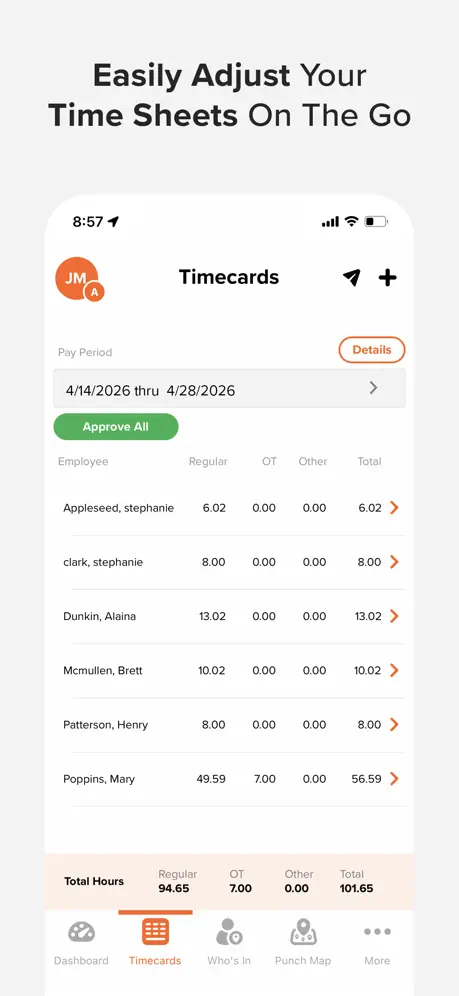
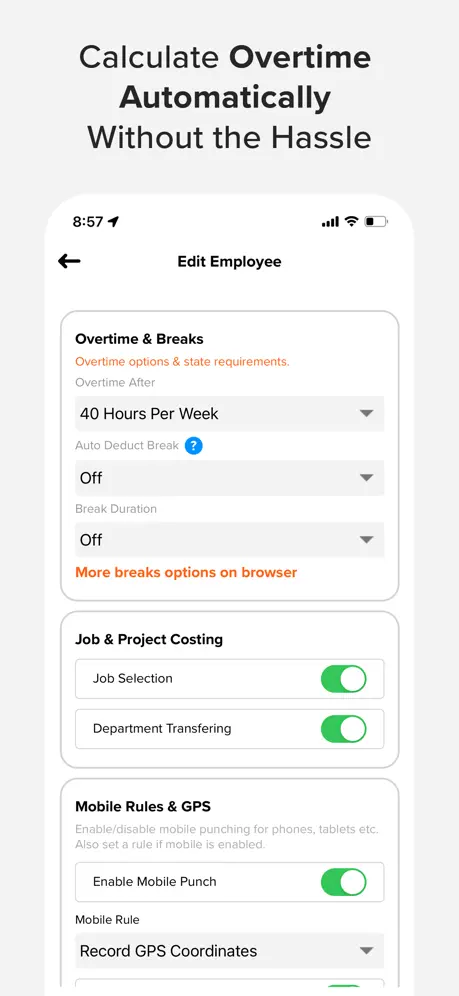
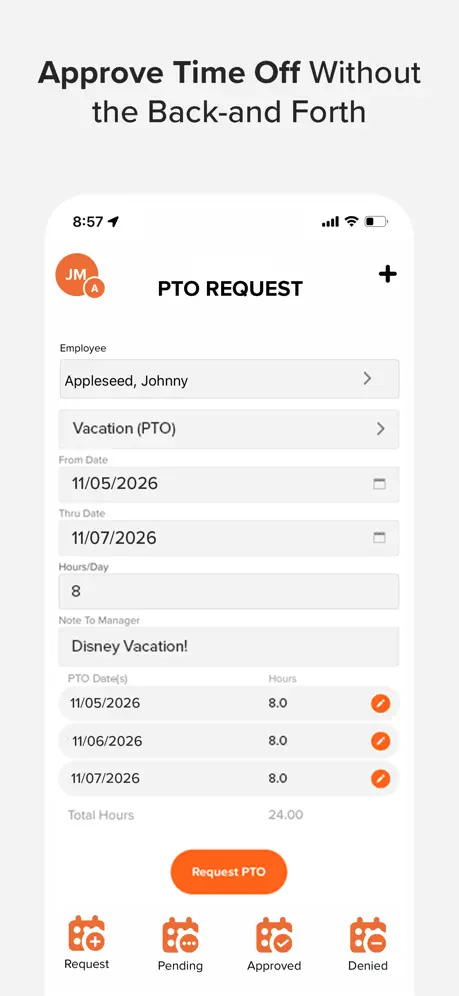
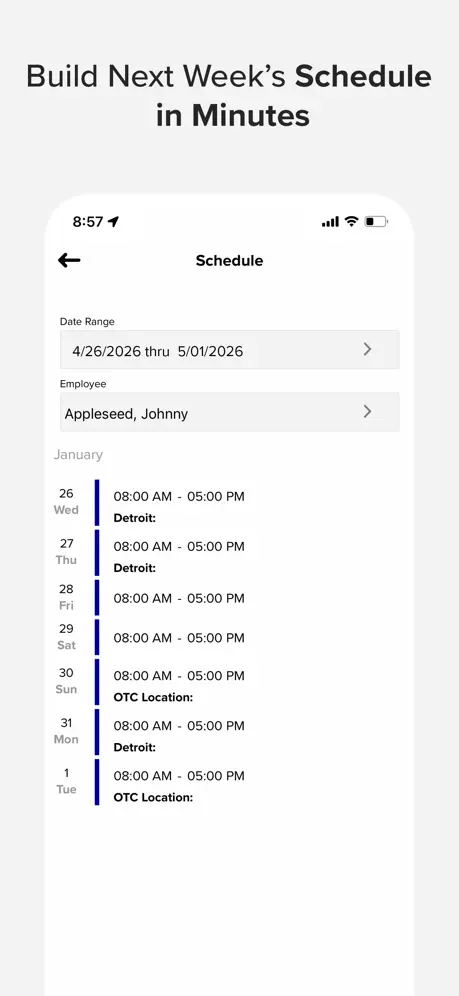
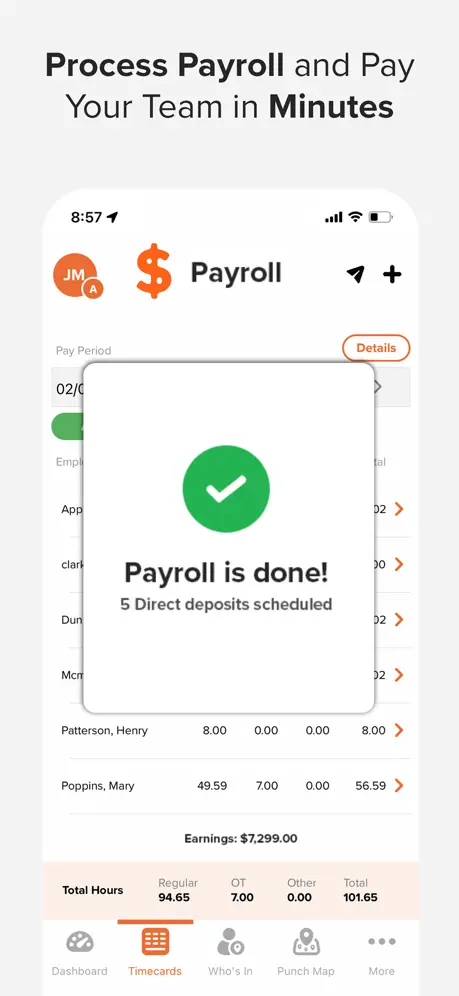

How much does OnTheClock employee time clock cost?
Prices are current as of 12 Nov 2026.
OnTheClock employee time clock has no in-app products on record in the United States.
10+ alternatives to OnTheClock employee time clock
| OnTheClock employee time clock |   QuickBooks Workforce |   Hours Tracker: Time Tracking | 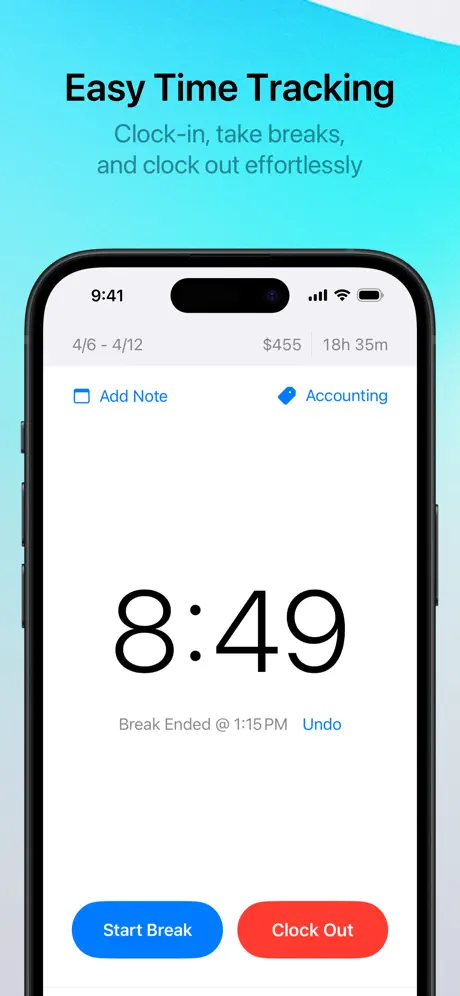  Punch Time Clock | 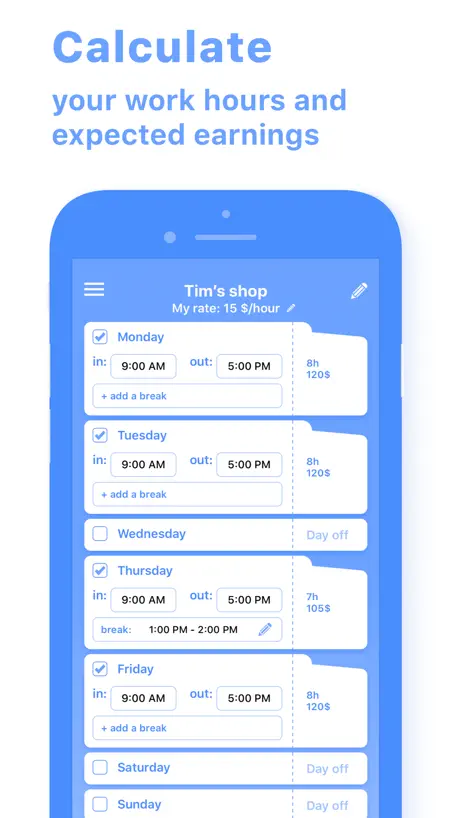  Work Hours & Pay Calculator |   ezClocker: Employee Time Track |   Clockify Time Tracker |   Clock In: Shift Hours Tracker |   Atto: Time Tracking & Shifts |   Time Squared: Hours Tracker |   Time Card Calculator-Timeclock | |
|---|---|---|---|---|---|---|---|---|---|---|---|
| Rating / 5 | 4.3 | 4.6 | 4.8 | 4.8 | 4.7 | 4.8 | 4.6 | 4.6 | 4.5 | 4.9 | 4.5 |
| Reviews | 493 | 222K | 69K | 41K | 18K | 13K | 11K | 7.9K | 5.6K | 3.6K | 1.2K |
| Released | 2015 | 2014 | 2009 | 2018 | 2019 | 2014 | 2017 | 2012 | 2016 | 2020 | 2013 |
| Monthly price | — | — | $4.99 | — | — | $19.99 | — | $3.99 | $9.95 | $8.99 | — |
| Annual price | — | — | $29.99 | — | — | — | — | $35.99 | $94.90 | $49.99 | — |
| One-time price | — | — | — | $4.99 | $1.99 | — | — | $5.99 | — | — | — |
The going rate for each plan in United States, in its own currency, shaded from the cheapest price on the row to the dearest.
OnTheClock employee time clock reviews
4.3 out of 5, based on 493 reviews.
What people like
- Super easy for employees to use
- Integrates well with QuickBooks accounting
- Saves time tracking weekly hours
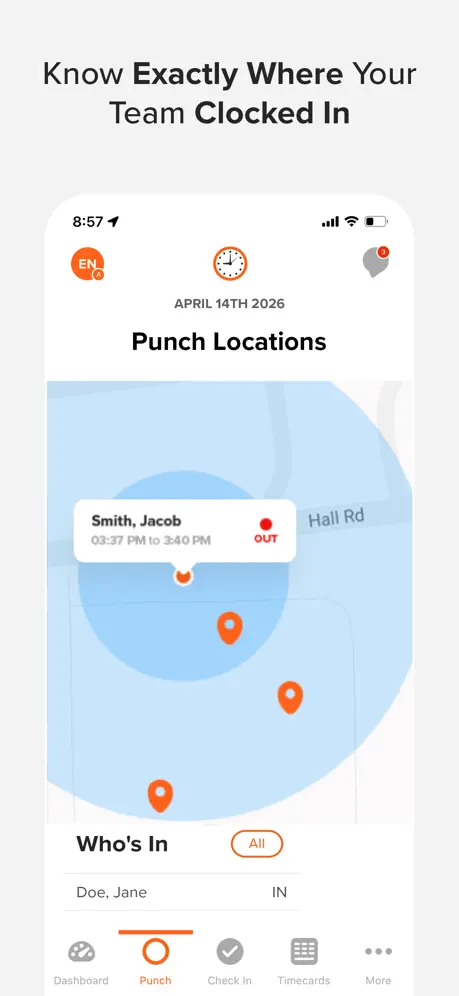
- Helpful geo-tracking feature for location
What they complain about
- App crashes and fails to save punches
- Takes forever to load or clock in
- No search bar for long job lists
- Missing iOS widget for quick punching
Tia Edwards
Simple, easy and efficient. Exactly what I needed to keep up with payroll!
Garbage application
It takes generations for the application to load. Clocking in or out turns into a lengthy horrible experience. I constantly have to fix the time for my employees. This app deserves 0 stars.
Good app needs search bar
The app is awesome but needs a search bar. My company has a ridiculous amount of jobs we have to scroll through that can’t be taken off due to the nature of our business and how many phases each job/address has to go through not to mention warrantee phase. Currently have to scroll through 900 + addresses/ jobs just to clock in. Please add a search bar I’m sure there is other companies like mine that would appreciate it.
Buggy as an ant hill but mostly good
As the title suggests. It’s very buggy, and likely won’t remember that you clocked in our out, and always crashes. Like everyday without fail. Be prepared to write lots of letters to you work. And if you do manage to get it working, ~1/5 of the time you will see that it doesn’t register you having had just clocked in or out. Beware.
Great for saving time
I use OnTheClock every day to manage my team of 7 people. It saves me a lot of time and makes tracking hours easy. Everything works like it should. I don’t have to mess with it.. It just works!
Too many clicks to get to the timecards, no bulk download of timecards available
Make the interface instant so timecards are visible on the first screen. Unable to download all timecards all at once. Having to click on each week and then download timecards is a very ancient way, please upgrade the UI and bring it to This century.
Needs compatibility for the watch
Yep
Barely does the minimum
You can’t request time changes, and recently it’s been taking 10min or more for the app to even load then it loads for another 2-3 min to clock in and out. There’s better apps out there for clocking time.
Time saver and easy to use
I love the easy integration with QuickBooks. Makes a small business more professional for employees and the geo tracking is also helpful. The free trial was also generous to decide if it was worth it, it was.
Horrible
Absolutely horrible, I can’t even punch in because the app is either constantly crashing or just not working.
Works great
This app works great for what we use it for
Not working
The app works pretty well but I am unable to log in and shows that my username and password is incorrect even though I am typing them correctly and I ended deleting the app and redownloading it and says the same thing.
Quick and easy
Makes clocking in and out super quick and easy.
Basic
The app is pretty basic, needs more futures like punch edits for clock in and clock out times. My boss wants to hand out write ups for having to edit times. When I’ve used other apps and you have full control to submits clock errors and the manager can see and approved or disapprove. This would make the app so much better for those who use it. Just a suggestion.
I love this app
When I was using this app I loved it. I did wish there was a bit of a different layout but it worked for what I needed
Going backwards
I have to use this app for my job. I was a huge fan of the colors then it got updated to the most ugly white and orange. It was a tan that was very visually appealing and now I cannot stand to look at it! CHANGE BACK THE COLOR or give us an option to set it to what we want. Other than that it’s a great app.
Get it! Super Easy
App is super easy to use and has made it easier for us to track hours of employees!
Problems
Has a lot of issues. App constantly not working. Employees unable to clock in or out.
Good small business app
I have employees that float around from different stores and my tracking them on a time clock or paper and pen method got harder after we began to grow. This app was a game changer for us and it’s helped tremendously.
Great app
Helps me know my hours and keep track of time cards
removed my original review twice..
So I left a 1 star review a few months back due to constant issues with clocking in causing me to literally lose hours at my current job. Well I’m back not only to find that my comment was removed (makes sense they wouldn’t other people getting the app to see that this app has connection issues which will cause you to clock in late), but also to say that these connection issues are just getting worse. Took 15 minutes to login today. This adds up over time. Please fix your app it affects with my job almost every week. Update: my review has now been deleted several times. I have issues with both the app and the site most days at this point. It seems to be worse in the morning when you’re clocking in. Very inconsistent and frustrating app to use especially for something like work.
I think it will work for me
There are plenty of features available. Some I don’t need and I would like to have a more customizable dashboard to remove those features (punch map, paid time off). It took a few minutes to setup (setup via web browser was annoying with live chat popping up every 5 seconds). Some areas of setup were easy, some were less intuitive, but I got there in the end. My biggest complaint is the lack of a widget for ios. I got used to that with my previous hours tracking app (HoursTracker… a brilliant app if you don’t need Windows integration).
Great so far.
I’ve been using it for about a month and a half two months now and it works great. We use the fingerprint system to clock in and out everyday. And I like knowing how many hours I’ve worked that day and that week. It lets me see my schedule and time cards. It’s working really well for me.
Bad very bad
as it costs to load it resets a lot and when you click it does not put the hours as they are
Very useful
I've had an overall good experience using this app. After the update, it was much easier to navigate. It's helpful when it comes to track my hours and when I make an error, it's easy for HR to go in and make the appropriate changes.
Great app!
I’ve been using OnTheClock for over a year for our farming operation. I love that it’s easy for my employees to clock in and out and I get an email and text each week with their weeks’ hours worked.
Your app suks
Nothing but a data collection app to sell to 3rd parties,
On the Clock
I have been using the product for 2 years, very easy to use, and edit. Works with my accounting software!
Very easy
OnTheClock is very easy to work with. Also love how you keep track of your easily.
Not good for exporting to QB for 1099
This app does not export times for 1099 contractors that are paid hourly. Only for w2 employees. Pointless to use it to track time when there are tons of free apps that can do the same.
works good
it’s good some time to figure it out but overall ok
Widgets Soon?
Great app so far for work. But please get some widgets for punching in or out etc.
More data
Add the ability to see what I’m being paid
OnTheClock employee time clock FAQ
- Is OnTheClock employee time clock free?
- Yes. The app is free, in all 16 countries it sells in, and it sells nothing inside it.
- Does OnTheClock employee time clock have a free trial?
- No. None of its offers (US) come with a free trial.
- What are the best alternatives to OnTheClock employee time clock?
- QuickBooks Workforce (4.6 from 222,484 reviews), Hours Tracker: Time Tracking (4.8 from 69,273 reviews, premium from $4.99) and Punch Time Clock (4.8 from 40,518 reviews, premium from $1.99).
OnTheClock employee time clock download
Last updated 12 days ago.
OnTheClock employee time clock sells in 16 countries. It was released 11 years and 1 month ago, on 23 Sept 2015. It holds a 4.3 rating from 493 reviews.
Supports 2 languages: English, Spanish.
How much does OnTheClock employee time clock make?
Third-party estimates for the last 30 days, worldwide — not the store's own figures, which Apple publishes for nobody.