
MiCollab for Mobile
How much does MiCollab for Mobile cost?
Prices are current as of 10 Sept 2026.
MiCollab for Mobile has no in-app products on record in the United States.
10+ alternatives to MiCollab for Mobile
| MiCollab for Mobile |   PRTG - Monitoring PRTG - Monitoring |   VinSolutions VinSolutions | 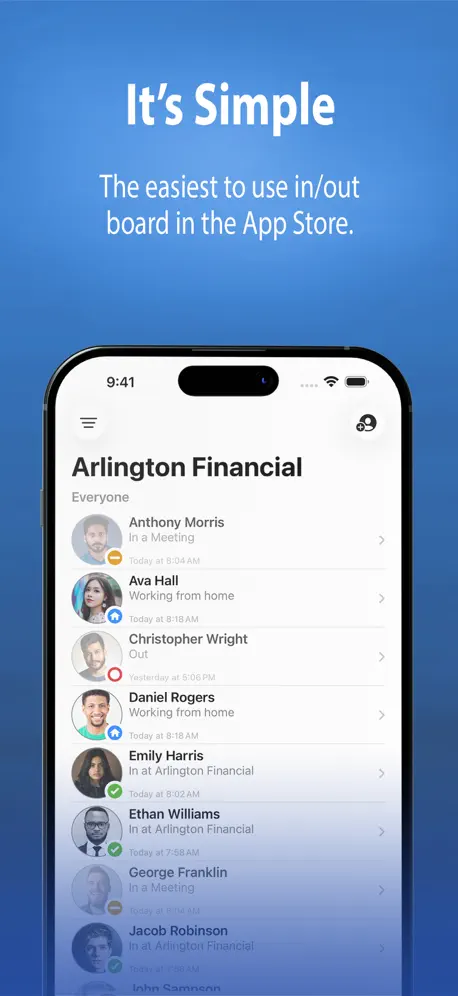  Simple In/Out Simple In/Out | 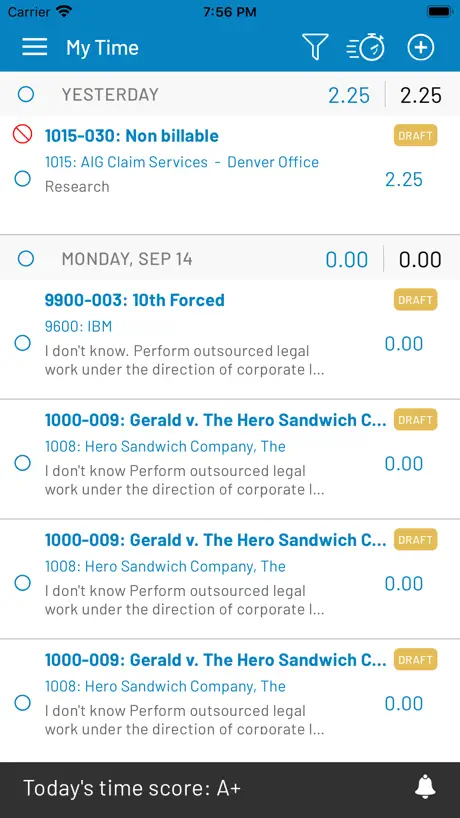  iTimekeep iTimekeep |   NinjaOne Mobile NinjaOne Mobile |   iManage Work 10 Mobility iManage Work 10 Mobility |   Fiix CMMS Fiix CMMS |   Meeting Owl Meeting Owl |   GroundForce GroundForce |   IT Glue IT Glue | |
|---|---|---|---|---|---|---|---|---|---|---|---|
| Rating / 5 | 2.5 | 4.7 | 2.1 | 3.3 | 3.1 | 2.6 | 3.4 | 3.5 | 2.8 | 2.9 | 2.8 |
| Reviews | 139 | 11K | 547 | 361 | 191 | 134 | 37 | 37 | 32 | 20 | 17 |
| Released | 2015 | 2009 | 2017 | 2011 | 2011 | 2019 | 2017 | 2018 | 2017 | 2018 | 2017 |
MiCollab for Mobile reviews
2.5 out of 5, based on 139 reviews.
What people like
- Works well on WiFi abroad
- Calls go straight to voicemail
- Chats sync across all devices
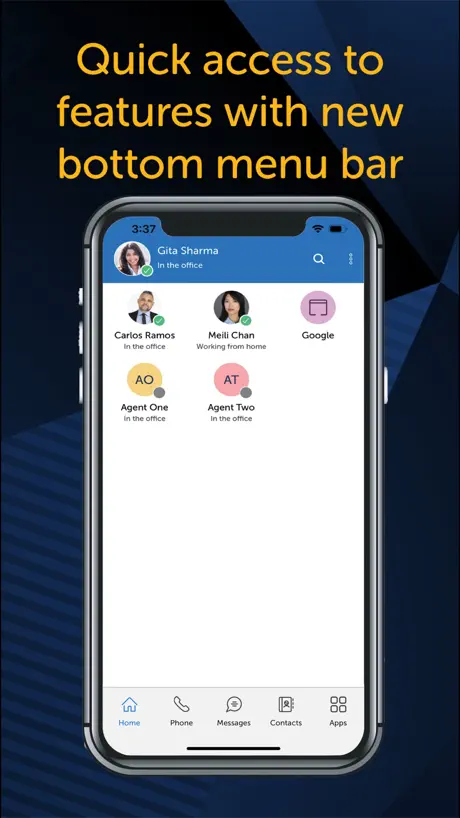
- Clean and easy interface
What they complain about
- Battery drains incredibly fast
- Sound quality is often terrible
- Calls drop or fail randomly
- Crashes and won't connect
Huh?
Is there any way this app can stop sending me work calls? UPDATE: Works great! All my calls get sent directly to voicemail. Thanks, MiCollab!
App Never Works
The app is generally useless. It struggles to connect and simply spins most of the time—particularly since the most recent update.
Great App
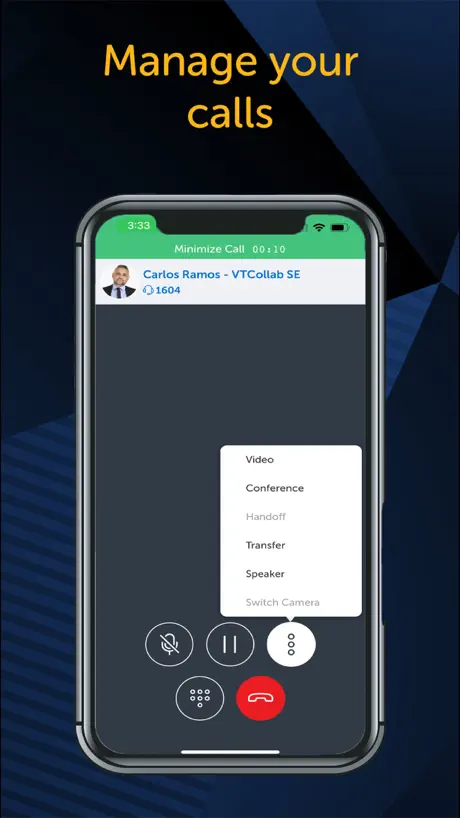
First, you can make calls from ANYWHERE in the world with WiFi and they’re billed by your work provider as if you are calling from your desk. You can forward phones from one extension to another with this App no matter where you are. It is possible to turn off receiving work calls on your cell. If people are complaining about call quality or dropping it’s likely the WiFi they are using at the time. I love this App!
needs one thing
The app needs the ability to auto include 9 prefix when calling. I get calls from people and when I click to call them back, 9 is not automatically added so I get a failed call and have to manually redial the number.
AppleWatch Support fehlt und Akkuverbrauch hoch
Es wäre schön, wenn die App richtig im CallKit integriert wäre, damit man Anrufe auch auf der Apple Watch signalisiert bekommt. Außerdem zieht die App sehr viel Akku wenn sie geöffnet ist bei normalen Telefongesprächen. Habe 1,5h heute telefoniert und 54% Akku dadurch verbraucht. Das ist viel zu viel…
Great App!
This works great to be able to use my cellphone as my work phone. Haven’t had any issues like the other bad reviews…
Sad
Our CFO made us use this app for our phone system. It’s terrible. You’d think the IT Dept would have done some due diligence before signing off on it. Sad.
iPhonw X
Leider auch nach einem halben Jahr nach Markteinführung wurde das design immer noch nicht auf das iPhone x angepasst. App jedoch übersichtlich und einfach zur Bedienung.
Great concept, needs improvement
This app is great in theory and has all the things I need to utilize in order to use my cell phone for work related calls, however, every person I contact reports terrible sound quality resulting in me needing to call them without using the app. This does change based on using Wi-Fi or cellular data, the sound quality remains an issue.
iPhone has to re-register
App works for a few days to a week and then fails. Keep getting message that can’t register. Great business app if this glitch can be fixed.
MiCollab werkt prima 👍🏻
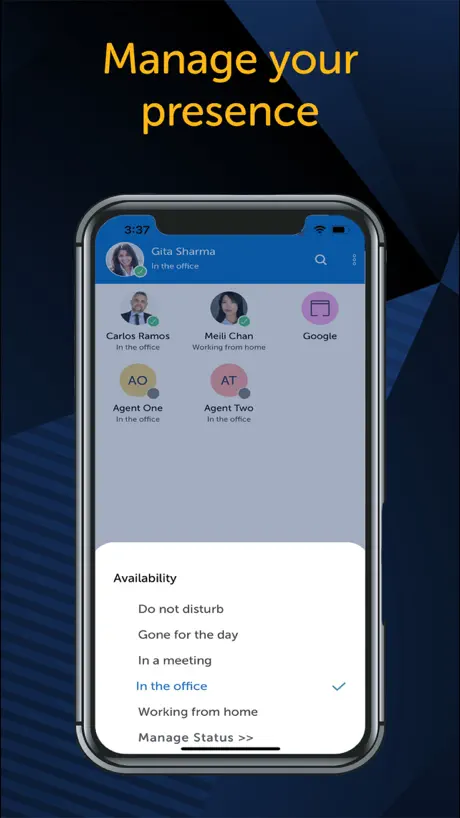
Wanneer goed weggezet werkt de MiCollab precies zoals ik nodig heb. Kalender integratie, statussen , meerdere devices, bereikbaarheidsdienst, chat, etc. etc. Dikke Prima 👍🏻 Zelfs een uitgeklede versie is beschikbaar, netjes hoor.
Terrible App
99% of incoming calls go straight to voicemail. Can’t make an outgoing call so just I end up using my normal cell line.
Still space for inprovement...
Working fine but I have couple points that could help productivity. Status of when messages are read, Minimising of latest calls on home page as well. That is all, in regards to the other reviews it does require highest software version for client to work in background but this future working fine now.
Storing
App flikkert bij opstarten , Ben dus niet bereikbaar voor de organisatie Erg vervelend
Will Call You Even If The App Is Closed
This app is great for work purposes, it has good sound quality and dialing is fairly easy. However, this phone app is terrible for work life balance if you are required to have it on your personal phone. It will push through EVERY call even if it’s during non-work hours. Even if you mark yourself as out of office, in a meeting, on vacation, or do not disturb, or close the app, phone calls will get pushed through to you anyways. The solution is to completely log out of the app, butIt would be nice for the statuses/availability to not actually disturb you. if I am setting my work hours are in this app, it should understand those work hours as the ones to call during. If I’m on vacation, the app should not push calls through.
Goede app
Werkt sinds de nieuwe update nog beter dan voorheen!
Not usable
I can’t even get this started because it refuses to connect, whether I scan the QR code or type in the key. I’ve tried several times. This app is a brick.
Good, but iOS version lacking
App is really well laid out and on the whole works. As previously reviewed by another, the lack of ability to answer calls from lock screen is a major issue, would also like to see ability divert native phone calls when using MiCollab app.
Storing
Na de update van vandaag werkt de app niet. Hij flikkert als je de app opent. Zeer ongewenst in een organisatie met 500 mensen. Graag met spoed oplossen!!
iPad support
Please update to support horizontal viewing with iPad
Great Application
I have used MiCollab for Mobile for many years now on iPhone and find it to be a great and reliable application. Great for travelling around the world and always having access to my softphone and UC applications.
Barely works
Sometimes the app doesn’t ring when you get an incoming call if your phone is locked or you’re in another application. The call overlay won’t work until you open the app so you can’t answer a call coming in. Frequently incoming calls get stuck in “IVR Connecting” after answering and result in a missed call. Frequently the app will just not ring at all and a missed call notification will just pop up. If you use an ACD line sometimes you will just get put into a different Aux state than available for no reason. Mitel support is basically non existent; and that’s thrice as true for this abandonware. Update 6/19/24 My softphone just stopped working with no configuration changes today and the performance continues to get steadily worse I can’t believe this company charges for this product when we’re basically having to suffer through such awful use issues.
Much better
New client is big improvement.
Keep a charger close
Been using this app now for 3 years. I wish the interface was a bit more easy to use. The biggest complaint is the effect of battery life… Especially on iOS devices. Talking a total of 2 hours a day using the app will pretty much drain an fully charged phone. This had been the biggest complaint with all of the deployments we have done with staff.
Still not perfect
Better then the older Versions, but still to buggy and missing features that common. - hanging/freezing app - can’t share files/photos direct to MiCollab - start to slow because it loads everything and then show up - doesn’t work always with VoIP in hotels, but ms teams and other competitor software works fine (eg ring central office) - Cross app launch for meetings :( - many more….
Much better now
Compared to older versions it behaves much better now
Extremely unreliable app for iPhone
I use this app for business. I call approximately 15-20 leads every day with this app on my iPhone. Sometimes more. There are so many occasions when external calls fail and don’t go through. Internal and external incoming calls mostly ring once if I’m lucky and even if I try to answer, the call fails. I would not recommend using this application at all. I feel it’s a complete waste of time. You’re better off paying for a separate phone and plan for business calls. The amount of problems I have with this, I know I’m missing business opportunities because it’s so unreliable.
Below average
Switching between devices is a pain. Soft phone is terrible for answering calls as it kicks caller to VM rather than ringing. Handoff is sketchy from 5330 IP phone to soft phone. So better than nothing, but not great.
Works but has some bugs
For the most part everything works. One thing I’ve noticed is that changing your status in the app does not always register. I also hope that the ability to change to speaker phone or whatever audio device can be set before the person you’re calling picks up. Often I will miss the first bit of what the other person said because I have to change it to speaker phone as soon as the person I called picks up.
Works perfectly after updates
After the latest update and the patch applied on server all functions now working.
Unuseable
Terrible connection then drops the call after a few minutes of trying to understand what the garbled person on the other line is saying. Pointless app.
Bluetooth audio + call notification
You also don’t get notification when your desk phone / computer softphone ringing , but will receive pop up message once missed the call! Used to work with Bluetooth Audio headphone, no longer working.
August update - re-register
App has been inconsistent for years. But at least can now answer while locked. Sometimes the app has to be fully removed and re added, as phone calls just pop up as missed calls and can’t be answered via the app. However the August update has added an annoying a regular re-register phone call. This appears a one ring phone call (on screen, Ringer/vibrate and in the call log). Is this going to be fixed?
MiCollab Mobile App
Great UC app bringing my full office UC experience to my mobile device. With Softphone active, I can handle all my calls effectively and also have great features in using the feature rich Chat. Very cool 👍
Worst app
This app is horrible and doesn’t even serve its main purpose, to be able to answer the phone when you’re not at your desk. RINGCENTRAL is lightyears better than this.
Ehhhhh
Using the app is easy and effective, but inconsistent when getting a calls. Sometimes it will ring. Sometimes it will not. The app use to call from the application, and showing the company number. Now, it ONLY uses the cell phone and the number associated. This is the biggest problem I have with it. Due to that not working anymore, customers often get my cell phone instead of the company number.
No copy paste
I cant copy paste phone numbers in the outgoing dailer, which wouldve saved me a lot of time with the copy sync feature between my macbook and iphone. Would be great if you added this :)
Great app and love new look!
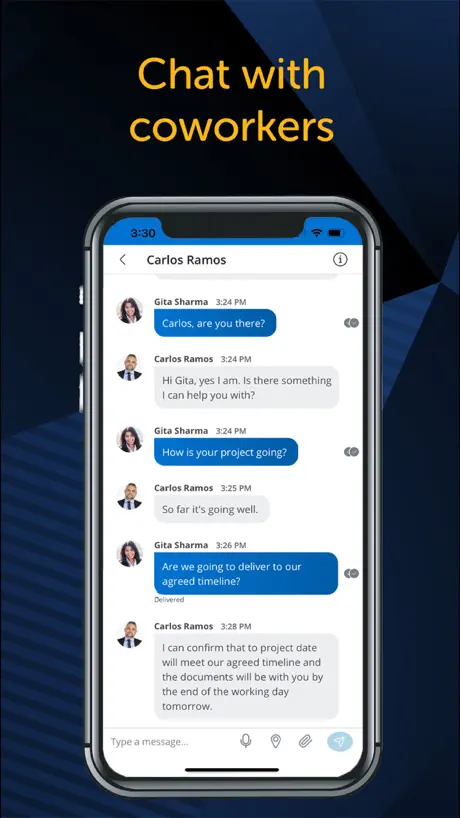
This version finally corrects some issues I’ve had in the past and my chats are synchronized across all devices! Love the refreshed new look!
It’s awful
Absolutely can’t stand this app, eats my battery like nothing else too
Stopped working
Stopped working for Me and Mittel Techinal team unable to hell
No landscape on iPad
On iPad it has no landscape view, which is annoying. Individual app settings could be better.
Great Unified Comms Apps
Works really well, flawless softphone usage and a very “ joined up” feel to the UI.
Terrible
Why would you want to be able to place a call from your desk phone miles away and not hear anything from within the app? I had people in the office telling me they could hear my speakerphone at my desk in use while I was attempting to use the app - who wants that? Why is that even a feature?
Needs Landscape Support
Works when it works, but was really disappointed to find no support for using the app in landscape mode.
Great...for the most part
Great app for work calls on the go. Seem less handoffs between devices. Main gripe is the messenger. No spell checker / prediction and can't share files.
MiCollab for Mobile FAQ
- Is MiCollab for Mobile free?
- Yes. The app is free, in all 160 countries it sells in, and it sells nothing inside it.
- Does MiCollab for Mobile have a free trial?
- No. None of its offers (US) come with a free trial.
- What are the best alternatives to MiCollab for Mobile?
- PRTG - Monitoring (4.7 from 10,526 reviews), VinSolutions (2.1 from 547 reviews) and Simple In/Out (3.3 from 361 reviews).
MiCollab for Mobile download
Last updated 2 months ago.
MiCollab for Mobile sells in 160 countries. It was released 10 years and 11 months ago, on 11 Oct 2015. It holds a 2.5 rating from 139 reviews.
Supports 14 languages: English, Danish, Dutch, Finnish, French, German, Italian, Norwegian Bokmål, Polish, Portuguese, Russian, Chinese, Spanish, Swedish.
How much does MiCollab for Mobile make?
Third-party estimates for the last 30 days, worldwide — not the store's own figures, which Apple publishes for nobody.