Qu-You
How much does Qu-You cost?
Prices are current as of 9 Nov 2026.
Qu-You has no in-app products on record in the United States.
10+ alternatives to Qu-You
| Qu-You | 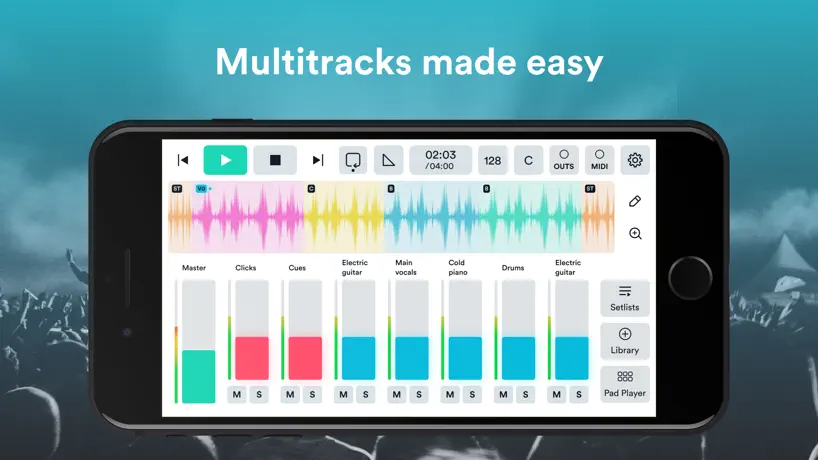  Prime MultiTrack App | 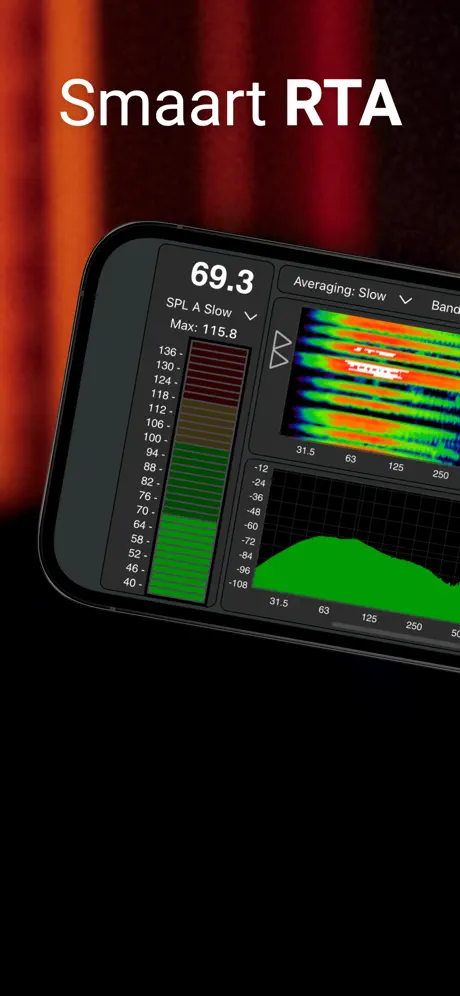  Smaart RTA | 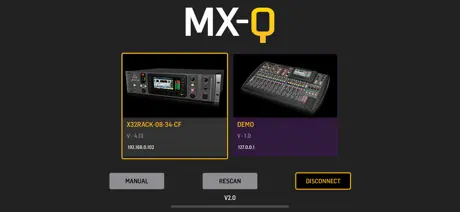  MX-Q |   ViSi Listen | 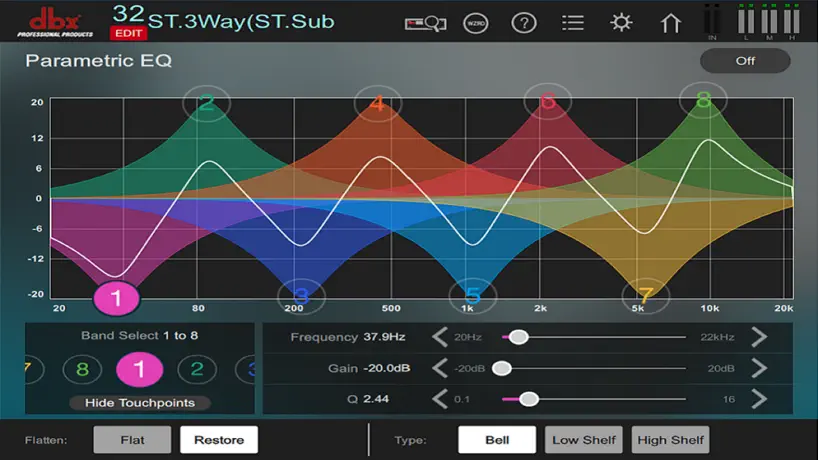  DriveRack PA2 Control | 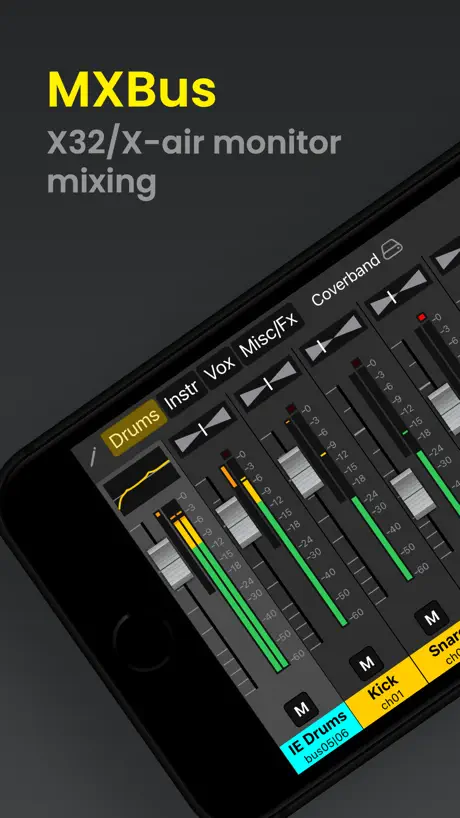  MXBus |   PreSonus QMix®-UC |   WING-Q | 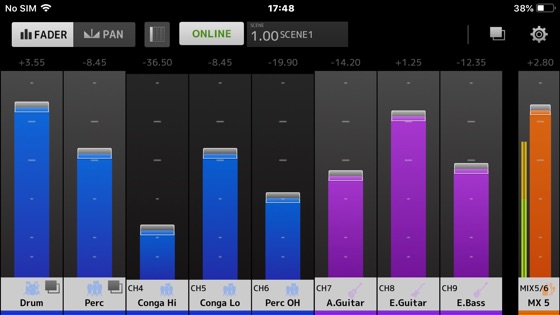  MonitorMix - US |   MyMon Personal Monitor Mixer | |
|---|---|---|---|---|---|---|---|---|---|---|---|
| Rating / 5 | 3.8 | 4.7 | 4.8 | 2.5 | 2.0 | 3.1 | 4.3 | 3.1 | 4.1 | 3.0 | 3.9 |
| Reviews | 126 | 3.7K | 1.4K | 618 | 510 | 453 | 262 | 202 | 158 | 87 | 78 |
| Released | 2014 | 2013 | 2025 | 2019 | 2016 | 2014 | 2020 | 2013 | 2020 | 2015 | 2019 |
| Monthly price | — | — | $1.99 | — | — | — | — | — | — | — | — |
| Annual price | — | — | $19.99 | — | — | — | — | — | — | — | — |
| One-time price | — | — | $59.99 | — | — | — | $2.99 | — | — | — | — |
The going rate for each plan in United States, in its own currency, shaded from the cheapest price on the row to the dearest.
Qu-You reviews
3.8 out of 5, based on 126 reviews.
What people like
- Musicians can control their own monitor mixes
- Saves money on expensive hardware mixers
- Intuitive once you learn the basics
- Allows adjusting multiple channels via double tap
What they complain about
- Connectivity issues plague many users
- App and firmware versions must match exactly
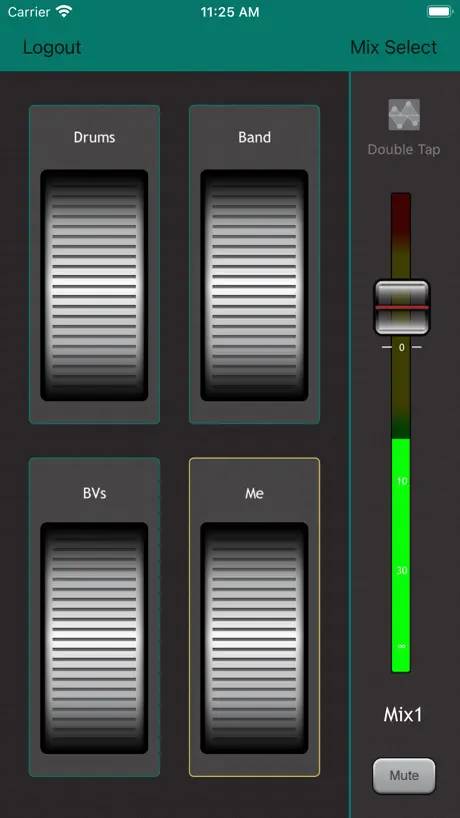
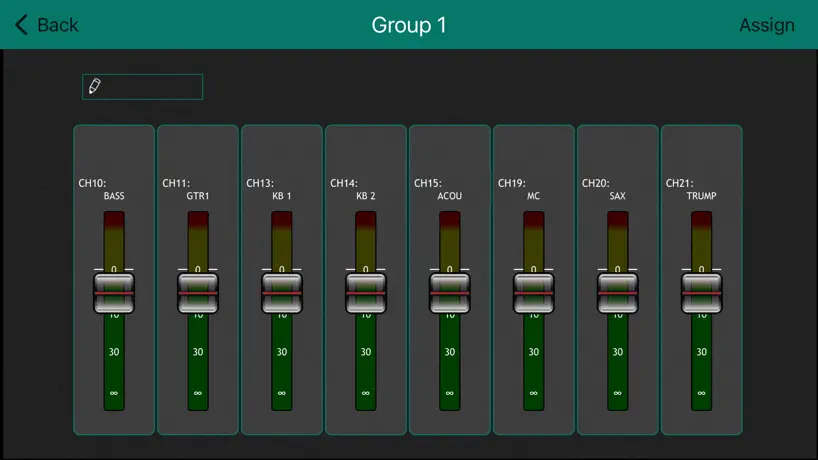
- Mixing wheels lack clear level indicators
- Poor compatibility with newer iOS updates
Avantis
What is the ETA for an app for the Avantis?
No connection
It does not connect with iPhone 16pro. The QuControl does connect but is very limited in capabilities.
Fait très bien le job mais…
L’app fait le job, une fois prise en main l’utilisation est simple ! Bémol : ne pas laisser la possibilité d’ajuster le volume d’une piste si elle est mutée ! Il n’y a aucun intérêt, au contraire ! Petite piste d’amélioration pour la prochaine MAJ 😉
Update?
While the iOS apps for Qu series generally work, they haven’t been updated in years while iOS has been upgraded annually. The apps don’t fit the screen correctly, and with our network, we have to turn off WiFi on our devices and then turn it back on for the apps to even see the mixer so we can select it. Please don’t forget the Qu series users just because you have newer and fancier product lines to support.
When it works...
The app is great when it works. It has issues connecting to the board. This had been the case for over a year. There needs to be an upgrade to the WIFI of the board, as well as the app to deal with this. I have zero problem with any other WIFI app. That said, I love it when it works. I would appreciate it if I had pan control and trim control as well. Looking forward to WIFI stability.
Excellent app! With a simple workaround...
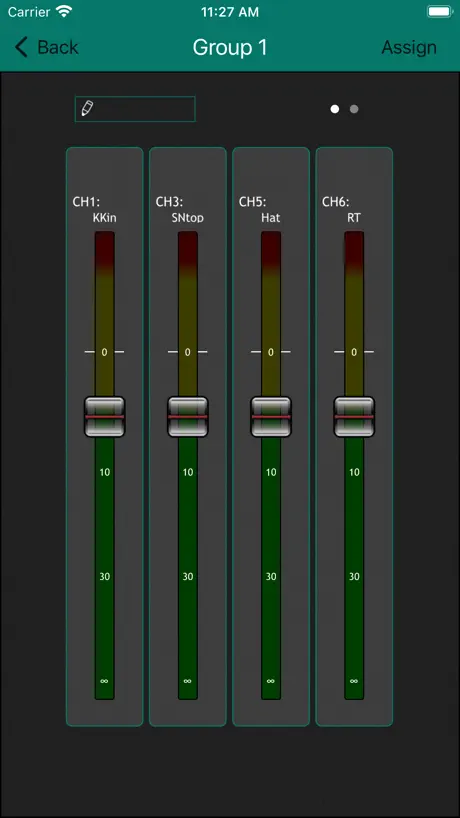
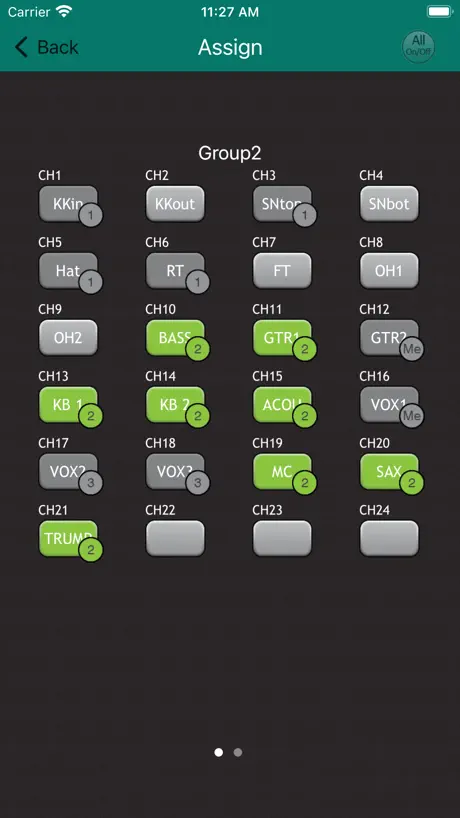
For all of the people who think the app is limited because of only having four tone wheels, there is a simple fix. Just double click on a tone wheel and assign all of the channels you want to hear to that one to tonewheel. Then just put your phone in landscape mode and leave it open with all of your channel assignments open. This gives you full flexibility to adjust any channel on the fly during your set. One small complaint, I really wish you could control the main mix like you can on the iPad app. The app currently only allows you to mix the monitor mixes. Other than that, this app has been perfect for my church and surprisingly intuitive for our musicians.
I haven’t been able to use this app in over a year
I’ve checked everything, app is up to date QU-16 is up to date, I tried reinstalling it, I’m on the right network, but it just won’t connect to the board. I can get my iPad to connect just fine with the QU-Pad app, but this app does not work. 🥲
Agree with other reviews
So the overall app is good, but the wheels are pretty useless as like others have said, there’s no visual guide as to where the level is. You won’t be playing when adjusting this, so often between songs you want to edge the bass and drum group up. Using the wheel allows you to do this, but move it too much and your ears are then being blasted for another three mins or so, as you can’t just stop playing to adjust. A number denoting the volume level 1-10 with decimal places, or 1-100 if you want to do percentages would really make this better. Should be a simple fix, no?
Does not work with ios13
It keeps crashing when I run the “demo”. Hopefully it’ll work when it connects to the board. The app has not been updated two years!!!! Really???? Two years????
Fantastic app!
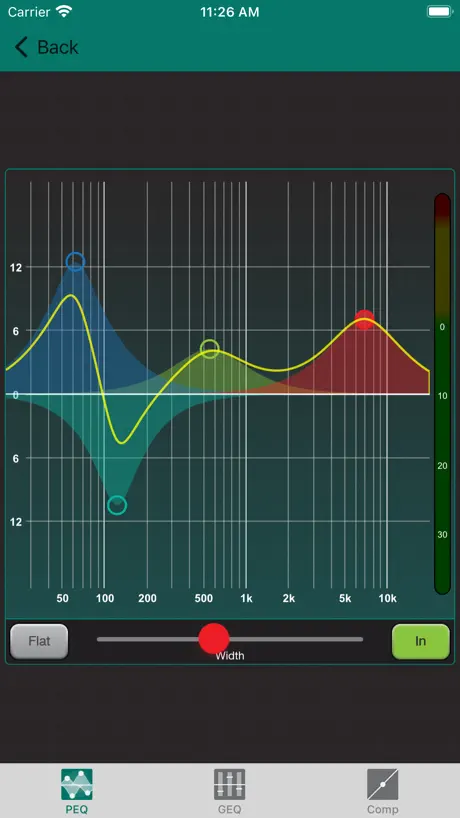
All the guys in the band are able to run their own monitor mixes - levels, FX, comp, PEQ .... Thank you Allen & Heath. Please be advised -turn off auto updates because your mixer and the QU-YOU app must be using the same firmware version to work together - don't get caught out! Edited review down from 5 stars...... latest iOS version 14.4 causes channel numbers/names to display incorrectly- bottom of numbers/letters are cut off which makes them difficult to read.
Aplicativo super útil
Eu uso na minha igreja e recomento !
Update Please
App crashes multiple times every time we use it. It’s become very frustrating to use it. Please update to the current iOS.
Firmware version
First let me say how much we love our Qu-32. It’s got every feature we could ever need in our environment, it’s easy to use, and it can be controlled remotely from the stage or elsewhere. My only beef is one that doesn’t necessarily affect its live performance, it’s more like an annoyance. According to your website, the latest released firmware for the Qu-32 is 1.97 and the latest version of this app is only 1.92, and as anyone who uses this series of console knows, the versions of app and firmware have to match or the app is useless. Now I don’t need an explanation as to why there’s such a gap in the version numbers, I just need to know when we can expect the app to catch up with the firmware. I don’t want to miss any new features the new firmware might offer due to having to hold back because of the app. Thanks in advance. Nate Walker Volunteer Technology & Media Director Champions Church Abilene, Texas Satisfied Qu-32 Owners since 2014
Too limited
This needs to be more like the iPad app, only allows control of 4 channels at a time.
Works fine but...
... Needs a big UI overhaul! Updating for larger screens, etc., and what another reviewer mentioned 4 years ago still isn't fixed (silly scrolling wheel on your group mixers...)
Great
Perfect, thanks
Doesn’t Work
The app does not work (firmware 1.95),put the password and doesnt work...app need update
Проблема
Всем привет. У меня на 16 пульте стоит обновление 1.93 а в планшете 1.92 , 93 один раз слетела и не много больше найти , как найти или установить версию 1.93 на планшет, подскажите ?
Qu control praktisch ! Obzoliszens auch hier?
Zu nächst ein mal, ich war, ein Apple und ein Allen and heath Fan ! Bin ich immer noch aber es bröckelt ! Ihr baut so tolle produkte ich habe 3 Ilive unter mir die ich mit meinem neuen Telefon nach nur 5 jahren betriebszeit nicht mehr fernsteuern kann obwohl dieses feature kaufentscheident war! Ich werde in zukunft sehr genau darauf achten produkte zu kaufen die nicht an properitäre systeme gebunden sind ! Sonnst ist diese QU app super umgesetzt . Es nervt mich halt nur extrem das ich meine 80€ (die die App zu beginn gekostet hat) ilive app nicht auf mein neues Ipad bekomme . Passiert das bei unseren QU Pulten auch irgend wann ? Die 2 Sterne gelten eher Apple für den 32bit support bruch . Ein bisschen aber auch A&H sie könnten wirklich mal kurz den Programmer anwerfen und die Ilive app auf 64 bit kompilieren so schwierig kann das doch nicht sein! Oder? @A&H Lasst eure Kunden nicht im Stich ! Sie werden es euch nicht danken wenn ihr nicht kunden und serviceorientiert arbeitet! @Apple Vergrault euch nicht durch solche Aktionen die Pro-user ihr schießt euch ins eigene Bein ! Grüße euer Niko
Needs more control
Ok as far as it goes. I get to select my mix channel, select which channels I want to monitor, set up sub mixes, etc. What I would like to see is the ability to turn ON a channel I want to monitor. Sometimes the sound guy forgets to do that, and I cannot set the volume. It would also be nice to control the volume when the channel is muted—you know, like doing a pre-set before the channel is unmuted.
Great app
I absolutely love this app! When I'm on stage leading music at my church I can fully adjust my monitor. This allowed my small church to get in-ears for about $50 a person instead of 1000. Thank you! FYI you should not allow your apps to update automatically. If firmware versions aren't compatible it won't work till you upgrade the board.
Update ASAP!!
Please update this app! This app’s last compatibility update was for iOS 11; we are now on iOS 13 and there’s no official support for neither the software nor the hardware (iPhone X and up). I’ve been facing random app hangs since iOS 12. Right now I am currently running a beta version of iOS 13.2 to take a look at the Deep Fusion camera feature and weirdly enough this app does not function whatsoever on that version of iOS. The moment it is opened and one selects the mixing board (QU-32 in my case) the app crashes instantly every single time.
Qu
The fact that you can get it to work on my phone
Is not working by iPhone plus
It was good but not working iPhone plus Please fix
Not as functional as the Behringer
I really wish Allen and Heath would make this app to where you can see all 16 channels on ONE screen without having to go to separate banks and all the double tapping. I am a sound engineer and the musicians using in ears hate having to double tap and swipe to get to all the channels as they are performing. Ya might wanna consider an update. It’s so much complaints that I usually leave the mixer at home and use Behringer :( even though the A&H sounds better.
Works great. No latency
Fantastic app. If it refuses to connect to the mixer it means that your app was updated to work with the latest firmware and your mixer isn't updated. Wish they would make a better iPad version and use that extra room to add more wheels.
Update needed
Need to keep up with your product version.Need to update to latest 1.95 version to be usable with the board.
In-ears
I love this app. As a musician, it makes mixing my own monitor so easy and convenient. My only suggestion is this: since the sound from all the channels are already running through the app in my phone, I would recommend adding the option of plugging in headphones/in-ear monitors right into the phone and using the app instead of buying expensive in-ear systems.
Trying to record
Can you record on this app? I can record onto a flash drive- seems like I could record to my phone.
Really Great App
Love using this app, it's extremely helpful to be able to be on stage and not have to purchase additional hardware for each musician to tweak their own monitor. I would definitely recommend that in ear monitor capability be added to this app. If you're already getting all of the channel levels send to your phone it would be great to be able to plug in headphones and have in ear monitors instantly. Definitely s feature I would like to see in the future.
Qu -YOU won't work on my iPhone 6+
Cannot get the app to run on my 6+, the app sees my mixer but then just says Failed Connection. Checked all updates and rebooted mixer and phone but no luck. Please fix this issue.
Good but needs a major fix
This works really well but at the moment there is something of an issue with the big grey wheels screen used for personalised mixes in that you can’t tell what the level is - the wheel is just that “ A big grey wheel” with no indication of whether it’s set on 2 6 or 10. So say you had a mix (in my case of guitar and vocals” and you wanted to knock it up by one -you firstly can’t tell which way to push it (i.e. is rolling the wheel down an increase or is pushing the wheel up and increase and how far have you pushed it anyway. Chances are you won’t be playing as you do this so you really have no idea. Suggest a numeric indicator ( a big digit) in the middle of the wheel is used to denote where you are. Add this and I’ll give it 5 stars :)
Update
Very good app, however it’d be nice if we get an update that’ll be equivalent to the qu-pad or make the qu-pad app compatible with the iPhone.
Works Great, but....
App works great. Allows band to control their own monitor mix and adjusts on the fly well. UI is not 'overly simple' (remember musicians are using this, not scholars). Once the band is trained though, monitors are controlled seamlessly; just need to play with it a bit first. MAKE SURE the board (Qu-24 or 16) is running the same firmware that the app version is compatible with. It appears A LOT of people UPDATED their app and didn't load (or know how to) the latest firmware update to their board.
Not working
Vary disappointing. After shelling out over two grad on a mixer the app that runs with it should be able to work. This is especially disappointing coming from Alien and Heath.
Sehr geil....
Funktioniert top und man spart sich die ME console. Echt zu empfehlen
Not bad. Could be better
The main issue i have with QU-YOU is that it has only 4 thumbwheels. I play guitar in a professional cover band and we use a QU system. 4 wheels is just not adequate for on the fly adjustment. I have to combine elements that I really would rather have instant control of. For example, you will always have a "me" channel or wheel. For me that is vocals and guitar. In order to adjust my voice in my IEM i have to tap that wheel, then move a fader, which is pretty small. This is a 2 step process that is near impossible to do mid song. My other 3 wheels are bass and drum, keys and other guitars, and lead vocals. It's rough trying to move just one element up or down. If i had 6 wheels, or better yet a customizable number, the app would be much better. Other than that, it's fantastic.
Best single mix App
Hi, I have a Qu-16 and have installed many Qu consoles I use this all the time! I use it at home to remote control my console for music at parties or in my home theater, when I take my console to a gig I just have the band download this app and they mix themselves, in-ears or floor monitors. All the other reviews that people said "the app stopped working" all there fault most likely they had auto update on and it made the version of the console and the app different. I would recommend this for any small or large band that can't afford a monitor mixer. And always check your updates on your console so you stay up to date on both, and it will never cause you a problem. I've never had a problem after that.
used to work great... USED to
This app worked great on my iPhone until suddenly it absolutely refused to connect starting about a few months ago. I've restarted the phone, restarted the router, reinstalled, played with network settings... nothing works. It appears to have been broken by either a Qu-you update or an iPhone update. Not sure which, but others have also reported this. Please... fix...
Parou de funcionar
Parou de funcionar após atualização do IOS.9.3.2
Bummer!
This app just magically became incompatible w/ the Qu-16 literally over night. Tried it on iPhone and i-Pad. Very frustrating. App has always been difficult to use, faders stick if you don't touch them for a few minutes, gotta fiddle w/ it. Very inconvenient when you're trying to perform. Please make a better app, or at least one that works?? Check out the Presonus Qmix app...this one never failed me.
Won't work on latest iOS upgrade
I was so pleased with how easy and convenient this app was to use until all of a sudden it refused to connect and the only change seems to be the latest iOS upgrade. We have tried on multiple iOS devices and they all fail. Please fix!
Qu-You FAQ
- Is Qu-You free?
- Yes. The app is free, in all 175 countries it sells in, and it sells nothing inside it.
- Does Qu-You have a free trial?
- No. None of its offers (US) come with a free trial.
- What are the best alternatives to Qu-You?
- Prime MultiTrack App (4.7 from 3,665 reviews), Smaart RTA (4.8 from 1,438 reviews, premium from $1.99) and MX-Q (2.5 from 618 reviews).
Qu-You download
Last updated 3 years ago.
Qu-You sells in 175 countries. It was released 12 years ago, on 6 Nov 2014. It holds a 3.8 rating from 126 reviews.
Supports 1 language: English.