
WING-Q
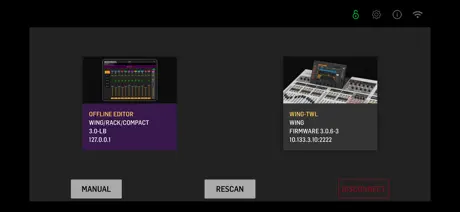
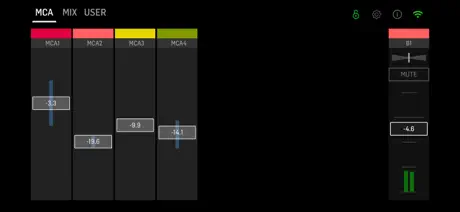
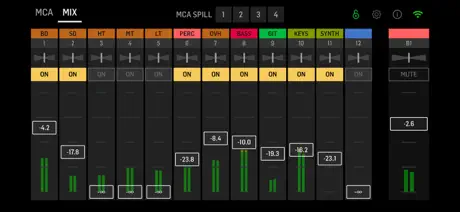
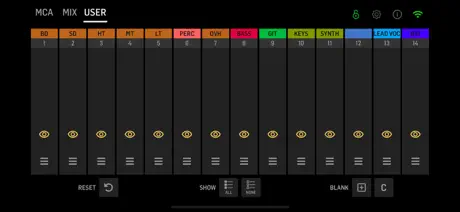
How much does WING-Q cost?
Prices are current as of 8 Sept 2026.
WING-Q has no in-app products on record in the United States.
10+ alternatives to WING-Q
| WING-Q | 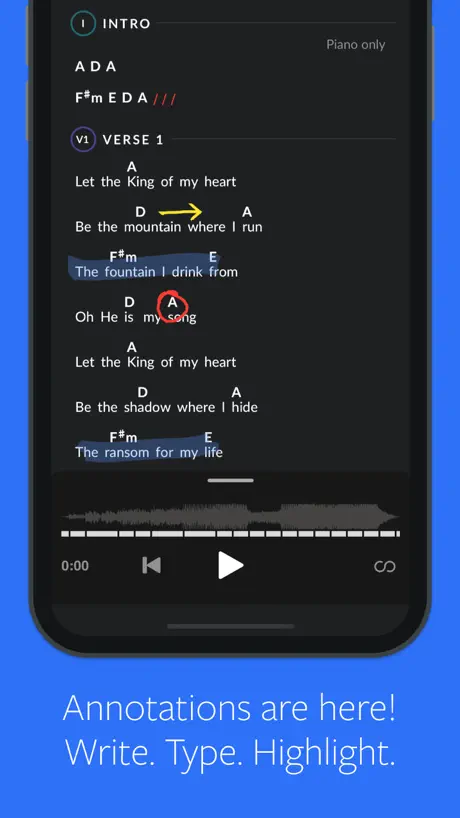  MultiTracks.com ChartBuilder MultiTracks.com ChartBuilder | 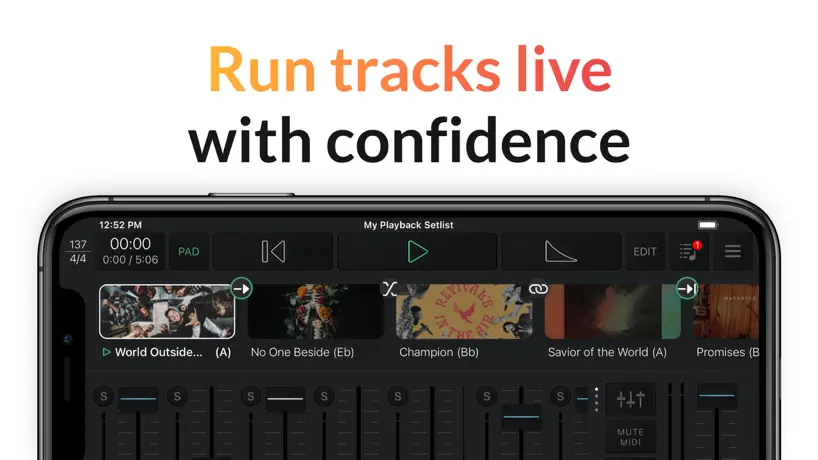  Playback Playback |   ViSi Listen ViSi Listen | 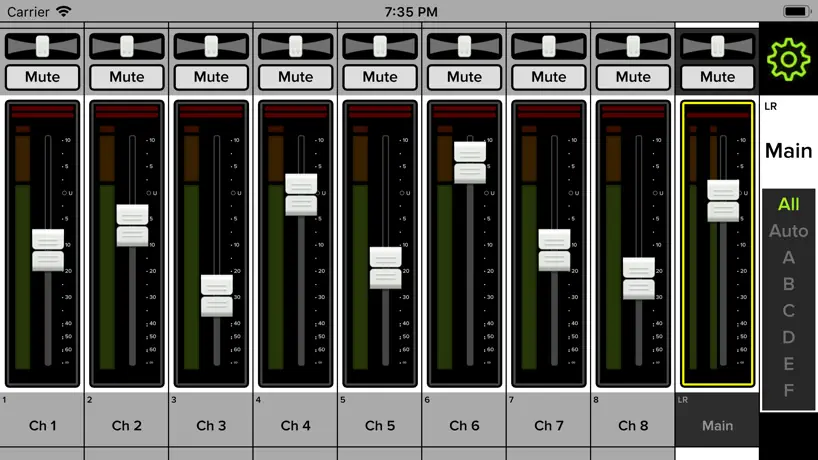  Mackie Master Fader 5 Mackie Master Fader 5 |   MXBus MXBus | 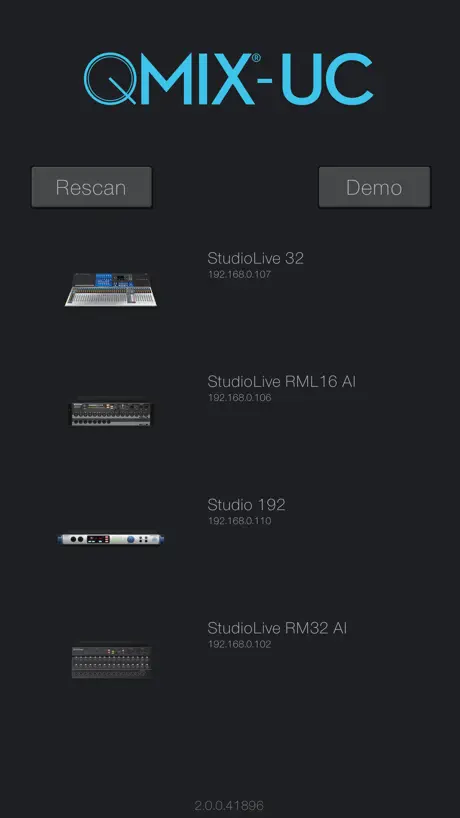  PreSonus QMix®-UC PreSonus QMix®-UC |   Qu-You Qu-You |   MyMon Personal Monitor Mixer MyMon Personal Monitor Mixer |  DM7 StageMix DM7 StageMix | |
|---|---|---|---|---|---|---|---|---|---|---|
| Rating / 5 | 4.1 | 4.8 | 4.7 | 2.0 | 3.5 | 4.3 | 3.1 | 3.8 | 3.9 | 2.0 |
| Reviews | 147 | 7.6K | 6.5K | 508 | 495 | 254 | 201 | 126 | 75 | 34 |
| Released | 2020 | 2018 | 2013 | 2016 | 2018 | 2020 | 2013 | 2014 | 2019 | 2023 |
| Monthly price | — | $6.99 | $8.99 | — | — | — | — | — | — | — |
The going rate for each plan in United States, in its own currency, shaded from the cheapest price on the row to the dearest.
WING-Q reviews
4.1 out of 5, based on 147 reviews.
What people like
- Works perfectly with Behringer Wing Compact
- Easy to use and reactive
- Has variable stereo panning now
What they complain about
- Drains battery fast and overheats phone
- Faders are too small to use easily
- Only works in landscape mode
- Connects poorly or crashes often
Cool
Sympa je trouve 🦜
Horrible
This is the absolute worst mix app! It doesn’t connect consistently. Get it together because your board is great.
Интерфейс красивый,
Добавьте фоновую активность. Чтобы при повторном открытии подключение происходило быстрее
Church setup. This needs improvement!!
We recently got our wing board setup. It has been running well. We are coming from the x32 and using my monitor app as the x32 app had some changes and issues. I will summarize by saying this, you have done almost everything right in this app except one big thing. “Orientation” We use this for our singers and musicians on the platform. We use IEM like most do. We also use planning center music stand for our lyric and charts. These are done on iPads. My issue as the leader is with the orientation of the wing q app. I have to rotate my iPad to landscape mode to use the app. This is a pain! My singers that run the app on their phones hate this as well. You have done so much right, please release an update that allows portrait mode. We need this!
Portrait Pain
I agree with the previous review by Doug. There’s a lot that has been improved in this mixing app and it is a useful app. When does it stop being useful? *When you try to turn your iPad to portrait.* This should be an easy fix. If that were added, five stars.
Engineering
Very great product
Terrible app
This app has never been good but the latest update removed the ability to pan a channel evenly left AND right which I always did for my keyboard channel. Now you can be centered OR left OR right. I just do not understand why you would remove functions. Please at least go back to the last version. It wasn’t good but it was better than this. I’d give it zero stars if I could. Maybe you should reach out to some actual musicians that use this regularly.
Works
Works better than it used to. Still needs some work but it’s usable. Would love to see more support behind this.
Bad Update
Been having the same issue I have seen others talking about since the update. I’m unable to see what any channel is. Labels and color coding is gone. It does not work anymore as it had or should.
Frisst zu viel Akku
Im Prinzip eine gute App für den eingeschränkten Einsatz (Bus sends regeln). Leider immer noch hoher Stromverbrauch! Auch ohne Pult frisst die App über Nacht den Handyakku leer, wenn man sie nicht zwangsbeendet.
Semir
Very good
Disappointing.
How is there no portrait mode? People read charts in portrait mode, and then forced into landscape if I need to adjust my ears. Also needs portrait mode support for using split screen on iPad.
OK
EDIT: Please add an option to hide the Offline Mix board. It's confused our musicians from time to time To the devs: 1. Please default to Mix view. Most of our musicians don't use MCA as it can be a little confusing. So it'd be easier to default to the Mix view. 2. Consider making the app portrait (but keeping the content landscape) so that swiping for your home page will not accidentally raise a fader unnecessarily. 3. Also, it would be very helpful to expand the size of the channel selection. The text is too small to read on phones. Tablets are OK but they would benefit from this change as well.
3.1.1 update
The update deletes all labels for the channels. Most inconvenient!!
Battery Consumption
Still with iOS 17.5 the battery consumption is really bad, like others have reported. Other than that the app is fine. I would like to have a „Custom View“ where i can group Faders (ie 1,4,9,12,23,34,38) and adjust each fader individually (for personal monitoring). Itis possible to group with MCA, but there is only 1 fader for all the channels, so thats not ideal.
Gut
Sehr gut
Updates Trashed
We have used this app for years and the latest update completely derailed our rehearsal because the labels were all gone, and it caused so many frustrations. Please fix it! 😞
Perfect companion for the Behringer Wing Compact
Great app that works perfectly with our Behringer Wing Compact! However, there are 2 things I would love to see improvement on: - It would be great if the app can keep your display on as long as the app is open, as it currently switches off after a few minutes of inactivity. - It would be useful to have a setting where one can disable the demo/offline editor, as it can easily be selected by accident when you are inexperienced with the app.
No channel names
This app is used in my local church for every service and it worked great up until the latest update. I can no longer see the name of each fader/channel so I do not know what I’m turning up or down in my IEM. All channels say channel one and are no longer color coded. I have to go down each channel to know what I have to adjust. I can no longer see the channel name and adjust instantly. It now takes time and it hard to adjust during a live set. Please go back to how it was
Usual lousy support from Music Tribe
Wow, the app hasn’t been updated in a year and I’m guessing it doesn’t support the latest WING firmware. What a joke. I expected it to be bad and barely work, but while our console shows up, it won’t connect no matter how many times I tap it or enter the IP address manually. As disappointing as it is to have to pay for third part apps, Mixing Station is far superior to any app Music arrive has put out. Update: I was able to connect after a few more tries. I’m willing to give it a chance, but there are a lot of problems. The faders are tiny and it only works in landscape mode. It would be great if you could have four faders while holding your phone vertically for more control. Also, you should be able to swipe between fader banks instead of hunting for a little button. The whole point of an app like this is to allow musicians to make quick adjustments on the fly, and the app should be designed with that as the priority.
App works great for us
Never had a major issue with this app. Deserves a higher score than it currently has.
TERRIBLE UPDATE
Please fix the update!!!! Opening our apps during rehearsal on a Sunday morning and finding all of our channels are no longer named created a huge headache for our team! Please correct the issues!
Seems to have been updated since the bad reviews.
I just downloaded version 3.1.2 of this app. I was terrified by all the bad reviews, however, they now have the names above the tracks and also have pictures of an instrument. The stereo panning is variable not just left, right and center. It is only landscape, but the controls do not seem small to me. They seem similar to other iPhone mixing apps. I have not used it live and cannot review live functionality, but I just wanted to update what is on this version of the app. One thing that I don’t like, is when I reach down to the bottom of the screen to lift a fader that is all the way down, the app sometimes thinks I am swiping up to shut the app down and then shuts the app down. I found a workaround is just to place my finger a 1/2” or so above the bottom of the screen when I start to scroll up on the fader that is all the way down. The fader still goes up with my finger.
Needs a lot of work
Only works in landscape, and not in portrait. Text is minuscule with no ability to adjust. Keeps disconnecting. Groups channels by groups of 12, but you can only see 8 at a time, so you have to scroll.
A few improvements please?
Could the app for mobile have larger faders? Just put more side bars to click through all the channels? Otherwise, the connectivity isn't bad with a good wireless router. I also find it helpful to connect to the board if you put your phone one airplane mode and connect to the board wifi independently. This way your phone doesn't drain battery searching for signal and it isolates your connection
Great
Great stuff thx
Train Wreck
This latest update is a train wreck. previous version was working fine but now it will not connect on my iPad. Connects on my phone but is difficult to use as I t continually asks me to reconnect. Very frustrating. I’m at the point where I think going back to wedges would be better than this. If it ain’t broke don’t fix it.
Used to be great…
Since the 1.4 update, none of my team can connect to our board. Every time we try to select our board, it says “Connected. Getting Data.” And then crashes seconds later to start all over.
Funktion Super, aber es saugt den Akku leer
Ein tolles Tool, aber bei Benutzung wird das Iphone richtig heiss und nach spätestens einer Stunde ist der Akku leer. Vielleicht könnten sich die Programmierer das noch mal ansehen.
Updated to 3.1 - GO BACK!
⭐ From 4 stars down to 1! ⭐ The app stopped working properly after the 3.1 update—please bring back the old interface! My team relies on this app to easily adjust levels, but now everything is too small and difficult to navigate on a mobile device. The update has made the app far less user-friendly, requiring too many clicks for a simple level adjustment. What used to be a quick and efficient process is now frustrating and time-consuming. This update has significantly reduced functionality, making it harder to use in real-time situations. A rollback or immediate improvements are urgently needed!
Needs work
Our church just “upgraded” to a new board, and I’ve used this APP for the last few weeks. The following came out of a review from 2021, which are still the biggest issues today. - The faders are very small, which make it difficult to use. - It drains the battery very quickly and overheats the phone. What I don’t understand is why haven’t these issues been addressed? Usability and power management are the top 2 priorities for any app.
Demo
Why is the demo no longer available?
January 26 2025
When the app work it was good. When it didn’t work it bugged. Now seems like it doesn’t work at all. I use mix station but still would like to have wing q.. I run IEM. To give each musician their own mix without them buying mix station.
works well enough
the app works ok (albeit finicky) the problem is the battery drain. In 16 minutes of background usage it drained 10% of the battery in my iphone 14.
Pump the Battery
Great app, easy to use and good reactivity. But it pumps much battery on my iPhone, even with the screen off. I’ve never seen an app emptying the battery so fast ! If this problem is sombre, 5 stars !
Can’t use IP from different VLAN
This app absolutely will not allow you to connect to a console on a different VLAN (with inter-VLAN routing enabled). Will have to go back to using Mixing Station.
Please fix!
The size of the user interface is wayyyy to small. It hasn’t been a pleasurable experience to use the app and I am ashamed to tell my team that this is what they have to use now after using the MX-Q app for our X32. Also like others have said, it drains your phone battery sooo fast
It would be better if this was never made.
Why release a program that is so buggy. Rescan never works, audio meters are empty. This has been my issue for the past 3 years, regardless of the firmware. Our worship team always has issues. I would suggest not getting the WING, because of the failure of this app & poor customer service. You need a major networking background in hopes it will work.
Battery Killer
Behringer is so slow on updating their apps and neglect their customers after they sold you their products. I’ve been waiting for them to fixed battery drainage issues since day one. Definitely will not but their product in the future
WING-Q FAQ
- Is WING-Q free?
- Yes. The app is free, in all 175 countries it sells in, and it sells nothing inside it.
- Does WING-Q have a free trial?
- No. None of its offers (US) come with a free trial.
- What are the best alternatives to WING-Q?
- MultiTracks.com ChartBuilder (4.8 from 7,639 reviews, premium from $2.99), Playback (4.7 from 6,483 reviews, premium from $4.99) and ViSi Listen (2.0 from 508 reviews).
WING-Q download
Last updated 10 months ago.
WING-Q sells in 175 countries. It was released 6 years and 3 months ago, on 6 Jul 2020. It holds a 4.1 rating from 147 reviews.
Supports 1 language: English.
How much does WING-Q make?
Third-party estimates for the last 30 days, worldwide — not the store's own figures, which Apple publishes for nobody.