Celestron SkyPortal
How much does Celestron SkyPortal cost?
Prices are current as of 8 Nov 2026.
Celestron SkyPortal has no in-app products on record in the United States.
10+ alternatives to Celestron SkyPortal
| Celestron SkyPortal | 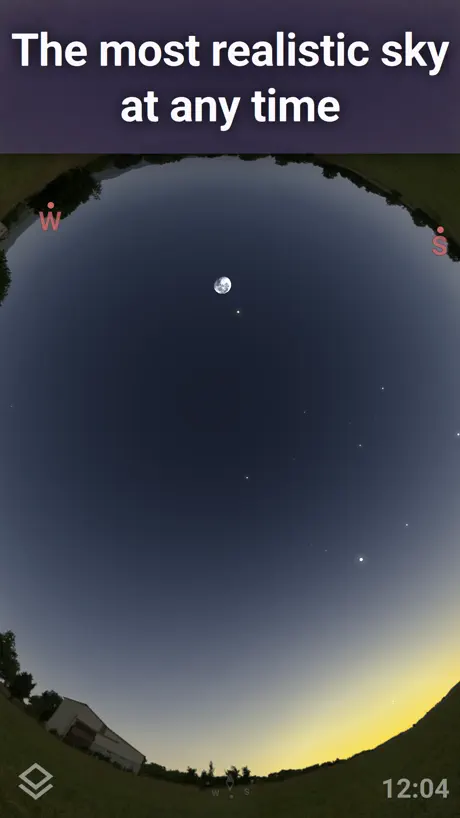  Stellarium Mobile - Star Map | 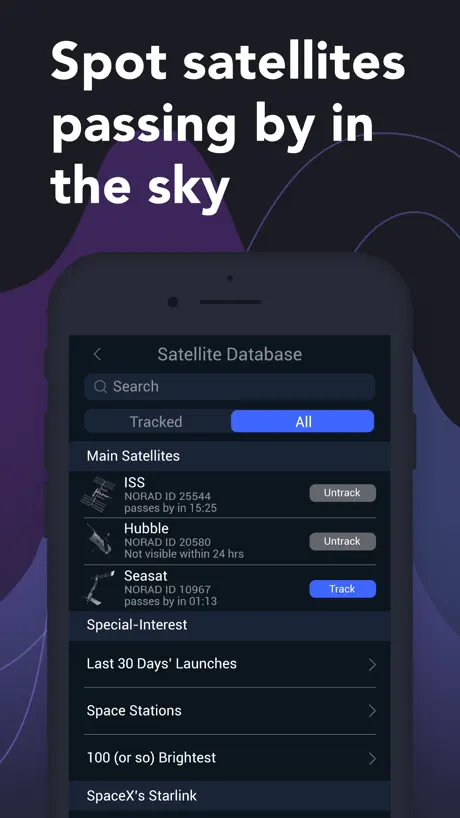  Satellite Tracker by Star Walk | 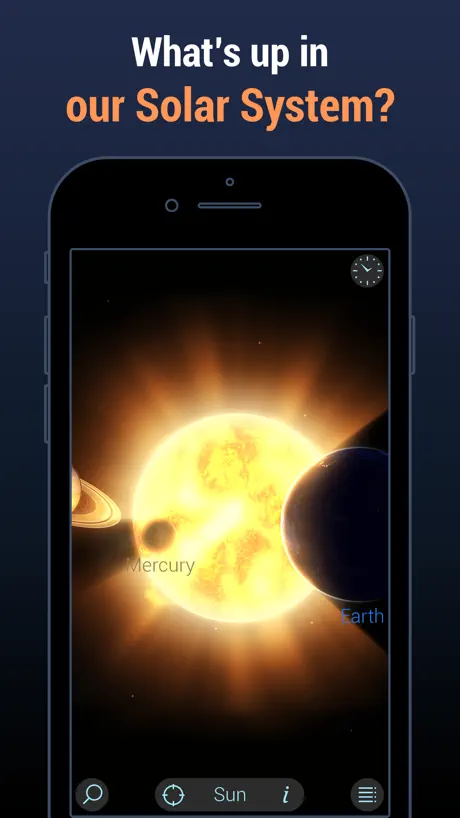  Solar Walk Lite - Planetarium |   NASA |   Star Walk:Find Stars & Planets |   SkySafari |   Spot the Station |   SkyView® | 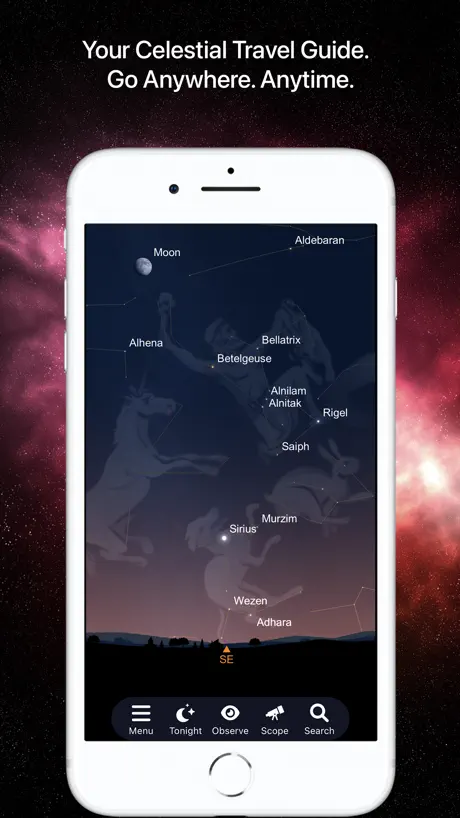  SkySafari 7 Pro | 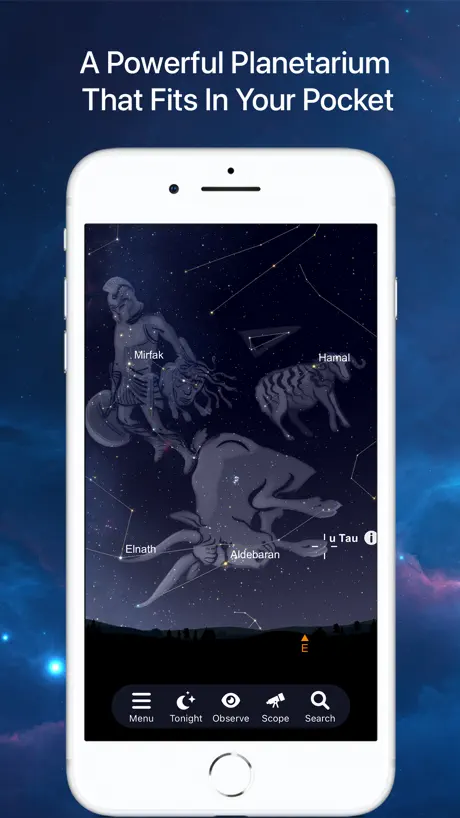  SkySafari 7 Plus | |
|---|---|---|---|---|---|---|---|---|---|---|---|
| Rating / 5 | 3.9 | 4.8 | 4.6 | 4.7 | 4.8 | 4.7 | 4.7 | 4.8 | 4.6 | 4.7 | 4.7 |
| Reviews | 1.1K | 212K | 205K | 175K | 158K | 62K | 36K | 16K | 13K | 10K | 3.4K |
| Released | 2014 | 2019 | 2017 | 2016 | 2009 | 2008 | 2017 | 2023 | 2010 | 2021 | 2021 |
| Monthly price | — | $1.99 | $0.99 | — | — | $0.99 | $3.99 | — | — | $4.99 | $4.99 |
| Annual price | — | — | $7.99 | — | — | $4.99 | $29.99 | — | — | $39.99 | $34.99 |
| One-time price | — | $18.99 | $4.99 | — | — | $9.99 | — | — | — | — | — |
The going rate for each plan in United States, in its own currency, shaded from the cheapest price on the row to the dearest. Plans fewer than four in ten of the priced apps sell are left out.
Celestron SkyPortal reviews
3.9 out of 5, based on 1,141 reviews.
What people like
- Great for learning about the stars.
- Loads of info on celestial bodies.
- Free to use with no ads.
What they complain about
- Deep sky objects don't show up.
- Alignment is frustrating and often fails.
- App crashes constantly on newer phones.
Will no longer connect or align
It appears that the Scope feature is no longer working so you’re no longer able to align or connect to the SkyPortal Network.
Impossible to align
Impossible to align the 5SE telescope with this app. The PC app is much better, this one is garbage
Love it
Awesome application with so much information available it is astonishing. I have not used it for telescope control, so I cannot comment on the troubles reported online with this feature. I will say it worked better on Android Devices than Apple ones. The display in iPhones is awkward and the Time Controls are completely obscured. Only know where to blindly push to get what I want because I used to use it on an Android. Would give it a 5 otherwise. Sky Settings have no beneficial effect.
Alignment and flickering screen
Not so good. When connected, the app alignment target does not line up with the scope. Therefore, unable to align. Phone screen flickers constantly
Time missing feature
Missing feature what happened to the ability to change the time ff or rev . Frustrating that it’s gone .
Amazing
I got a telescope to my daughter and got this app. Amazing. Chef’s kiss
A piece of garbage and a waste of money!
This system has been the bane of my existence! I’ve never been able to get it to work right. One problem leads directly to another! If I could return it I would! What should be a pleasurable hobby and learning experience has resulted in nothing but frustration! Do not buy this system!
Quite a bit inaccurate on determining the location of planets, stars, nebulas, and etc.
I’ve tried to get my telescope centered using this app by aligning it to the moon’s location, and I’m being dissatisfied by the app’s performance as when I tried to aligning the telescope through the app, the lens showed a blank sky because the telescope was offset to the right of the telescope’s direction of focus. I had to literally manually align the telescope due to this. I do have a screenshot of what I am speaking of. Finding planets took me time because of a similar scenario. It would be great if the app could make improvements with aligning the iPhone so that telescope users won’t have to turn on their battery powered laser that comes with their StarSense explorer telescopes or any other telescope of this brand.
No alignment possible
I’m trying to Align my telescope with the app but always says error in the alignment, the object is always an inch away but in the app it shows its right in the spot
NEEDED APP UPGRADE
This app needs a news feed and a comment section. It would be great for this app to track my gps location, check weather conditions, have accurate gyroscoping capabilities, and send push notifications about great galactic anomalies so that we can just be told when and where we can setup our telescopes in order to get perfect views.
It’s a great app
It shows all stars planets and other celestial bodies in the sky you can even search them up and see information about them also if you go to somewhere in 500,00 bc at like 5 am you can go through the years and see the moon crash into earth for some reason
You send me advertising push notifications, I rate you no stars.
Do better.
Good app but misleading
The only reason I gave this app 4 stars is that the box from my telescope says to download this app but to take pictures with the telescope on your phone all you need is the camera app. But overall pretty decent app but if you want to take pictures with the telescope you don’t need this app 🙂
Uses Notifications for Ads
Decent app and works to control my telescope, but they are using notifications for advertisements which is bad.
It’s alright, but if you’re serious…
Get Stellarium with the upgrade it’s a lot better. I got this and Stellarium and the latter was much better especially with the upgrade
MacBook Air [M2]
Seems to work just fine, on MacBook. 👍👍
Not helpful
The inaccurate compass feature ruins the app for me.
Feature Request
I don’t see why the hand controller and base firmware couldn’t be automatically updated via the App. Updating via a PC is not simple and the Celestron help in the CFM are is extremely poor.
Wonky controls
Yet another night foiled by telescope controls that are inconsistently laggy (both on iPhone and iPad) so that alignment becomes an untenable task. Please update the software or control responsiveness.
Needs red mode
I’m surprised that a telescope control app does not include a mode to change its color scheme to shades of red. This app has either full color or grayscale. The “Star Chart” app has a red mode to help preserve your night vision while showing a chart of the night sky wherever you point it, but isn’t designed to communicate with and control a telescope like SkyPortal. Please add red mode to let us control our telescopes without destroying our night vision. That will raise this review to five stars.
This app is underrated
This app is amazing the people that develop this did an amazing job like jaw-dropping. It’s incredible to locate every star ,every planet ,every dwarf ,planet every ,galaxy every constellation, every moon. It even gives you facts about all of those it. It’s astonishing it’s hard to explain how much I love this app I really really recommend you downloading this!!
Incredibly frustrating!
None of the videos Celestron provides show me how to use this app! I have no idea how I’m supposed to use this to align my telescope. I think the iPhone version of the app I have must be faulty because I don’t have any controls on the screen and I don’t know what I’m doing. Please Celestron, put out an educational video that explains step-by-step how to use this app.
No problems
I’ve read various reports about how this app doesn’t work or the wifi is flaky , but to be honest I think most of the issues are user related. If you disable your wifi connections and allow the Celestron wifi to connect you will have no problems, it’s only because your home wifi puts out a stronger signal that sky portal disconnects. There are plenty of videos on utube , to name one Lucas Campos, this is the one I followed and I have 98% success rate. Even the most expensive apps can have issues, sit down , work through calmly and slowly and you will get there.
Wish upon a star for a better app
Trying to align the telescope and all I get is the telescope is too far away from the object. Not sure if a couple of light years away is what it is saying 🙃. I JUST WANT TO ALIGN THE APP AND TELESCOPE AND TRACK STARS. The help section is useless as well. I want this to be 5 stars and it is utter rubbish.
Works but glitchy
The app usually works but it’s a bit glitchy at times, especially when u rotate ur screen. Would love if it was optimized for newer taller iPhone screens as well.
Wonderful
Love this app, it helps me identify the beautiful heavens that the Lord God created.
Has a major issue!
Discovered that the app has a bug where it does not show any Deep Sky Objects (nebulae, galaxies) on the sky chart. I tried every single option in settings to make them visible but nothing works. You can search for them and then it will center them BUT no luck in getting DSOs to show up in charts. I found a review from 2 years ago complaining about the same thing so not a recent issue so guessing Celestron is not planning on fixing it. I bought the wifi adapter for my 6SE to use this app to find and slew my scope to objects in the sky but without seeing DSOs on sky chart that severely limits it. Too bad. Will be returning the wifi adapter.
App is simplistic perfection
I was introduced to sky portal when I got a celestron go to telescope a short time ago and it’s become my primary astronomy app since it easy to use, contains a through library of visible objects in the night sky of the northern hemisphere and with the compass mode gives you a rough view of the sky you are looking at in real time, my only recommendations for anyone using this app would be to use it on a iPad or tablet over a smartphone as the arrow keys used to slew a telescope and the crosshairs used to target an object can be tricky to use on the smaller screen. It would be nice if there were more satellites and objects listed maybe that’s what Sky Safari Pro is for and I may upgrade one day but at the moment Sky Portal meets the means for my backyard astronomical observations. App is 4 stars
Crashes immediately
I live this app but it flat out crashes as soon as I open it since iOS 14. I’ve got an iPhone 10. Please fix because the app is awesome otherwise!
Doesn’t Connect
I used to us this with my Celestron scope but when I got it out for the recent lunar eclipse it wouldn’t connect. Tried with my iPad and my iPhone and neither would work. A day or so later decided to buy SkySafari and try it and it connected and worked. I feel that they need to do a update, maybe not compatible with the latest IOS.
Very great app!
I’m 12 and it’s the best in my opinion
Won’t connect
Get telescope for Xmas, follow all instructions yet my scope won’t emit a wifi signal and there’s no directions on how to troubleshoot this so connecting with my phone is impossible.
Worked perfectly fine until it didn’t
Newest version crashes on start for iOS 13.6
Not the best......
Not working properly, sky not showing ....terrible app
Not certain
I want to like this app and when it works it is great but too flakey connecting with my Evolution scope.. says can see it but cannot connect. Uninstalled and reinstalled and discovered that I had missed a couple of updates.. why does the app not update itself or say it needs updating Also no way of updating except uninstall and install the new version.
AMAZING APP
So many great features and sooo much information! I love watching the galaxies and stars while the Celestron Audio tells me at what I’m looking at. Lots of things to read and I just simply love it! Definitely recommend 100%
Annoying advertising push notifications
App works OK with my telescope, but I hate they that they kept sending me promotional push notifications with no option to turn them off other than to turn off all notifications.
Help file bug still present
Recent upgrade to ver 2.4.1 Program works well with my Evolution scope and a good stand alone astronomy reference charting database as well. Great application. Selecting the 'Tonight at a Glance Help' option still crashes the program.
No Deep Sky Objects
Just downloaded this app to reinstall for the 4th time because no deep sky objects show up. Come on guys, this is a deal breaker and very sloppy product maintenance. Fix this problem now. It is imperitive in order to be able to properly control my EDGE HD8. There is no excuse for this error!!!! No more stars until this fixed!
No longer working on iPhone 6
I’ve used this app every since purchasing our Celestron scope, it’s been great. But it no longer works on my iPhone 6 running iOS 12.4.9. Please fix this ☹️.
Great app for learning and controlling telescope. One improvement.
I love this app however I have one suggestion for improvement: When using the audio guides in the Info section, let the audio playback continue to work when the screen locks or auto locks. Many people have their phones set to auto lock after as little as 30 seconds and when this happens any audio playback currently in progress instantly shuts off when the phone locks. Only unlocking the phone will instantly resume playback. Seems like that improvement should be possible based on many other apps out there being able to play audio while the phone is locked. Thank you!
Used to be a good app.
I don’t know what they did to it with the last update but now in compass mode the horizon curls up as I point my phone to Zenith and for some unknown reason it’s showing a comet images where there are no known comets. Bad job guys, you ruined a good app!
Great, but flaky WiFi
The app has great a database of objects and works well on its own. Update seems to have improved previous SkyFi connections issue -> WiFi connection to scope via SkyFi tends to drop regularly. Also causes freezing in the app, so for example controls freeze and slew the scope further than desired.
Things disappear
I don’t like it when one time I open the app everything is there and then the next time I open the app some things disappear like 20 comets, 100 asteroids and 4 satellites can you fix that :( > :)
Great App, but focus motor control has issues
I have a NexStar 8SE with a focus motor as well as the SkyPortal wifi module. Connecting to the module was very easy and its fun using my phone to navigate around. My main issue however is with the Focuser controls. Any movement in the positive direction using the fine focus buttons works fine, but any movement in the negative direction causes several focuser rotations one way, then back to the position I decreased it too. Seems like it should only increment a little bit, but it doesn’t.
Amazing app
Poggers pog lol
Same as the Telecsope I bought from them- Dogwater
Bought a 100$ telescope that immediately broke during the setup, and this is the app to accompany that item, so it can't be very good.
Noob review
I've downloaded this app before I purchase any telescope. Presentation and information seem very good, compass mode seems to be working but I don't know how accurate it is. For those just beginning an interest in astronomy there does seem to be lots of interesting information, for the more experienced, well, only they will know 🌌
Poor App
This app clearly has potential and i purchased my telescope largely because of it HOWEVER it has proved to be almost useless. Spent about 5 hours over the last few nights trying to get it to work and only achieved alignment twice! tonight despite pointing almost directly at jupiter the app kept telling me the telescope could not align on jupiter due to it being outside of the mounts range of motion! Once on a target it fails to track it accurately with the star or planet moving out of view within seconds. i like to think I’m reasonably technically proficient but this thing has me beaten!
Most recent release introduced a new feature, infinite CTD’s.
I have been using this app with my iPad Pro 12.9,” and I cannot say enough how wonderful this app is. It felt so refreshing to be using an app that wasn’t developed specifically to nickel & dime the user every second. Plus, the fact that this app is able to scale to the 12.9” Pro’s screen size correctly makes it even more enjoyable. I love the overall UI design as it is very intuitive for the most part. Yes there are plenty of both single payment and micro transaction based apps that may offer a bit more. Though when you consider that at least for now, this app is completely free, the app itself becomes quite a compelling offer. That being said, only time will tell if this remains the case in future versions of the app. Unfortunately, two things are impacting my current rating. First is the red night vision option for the UI of the app. While I do not find this UI setting bad, I would prefer if it also had a custom color option as well. If I am using the app for a long period of time at night, the red causes my eyes to feel strained. Also, the red in fact can also make it harder to see the overall UI. Perhaps a night vision like setting using a single or custom color option that allowed you to see the app information would be better than just a simple all red overlay. Second is a more pressing issue that I already see other reviews bringing up, the new unending startup crashes. Since the last update, I cannot use the app at all. I’m running iOS 11 currently, and all I see is about 10-15 seconds of launch screen before immediate crash to home screen. This needs to be fixed in the next update as the app is currently useless right now.
Celestron SkyPortal FAQ
- Is Celestron SkyPortal free?
- Yes. The app is free, in all 175 countries it sells in, and it sells nothing inside it.
- Does Celestron SkyPortal have a free trial?
- No. None of its offers (US) come with a free trial.
- What are the best alternatives to Celestron SkyPortal?
- Stellarium Mobile - Star Map (4.8 from 211,775 reviews, premium from $1.99), Satellite Tracker by Star Walk (4.6 from 204,575 reviews, premium from $0.49) and Solar Walk Lite - Planetarium (4.7 from 174,811 reviews).
Celestron SkyPortal download
Last updated 2 months ago.
Celestron SkyPortal sells in 175 countries. It was released 12 years and 6 months ago, on 22 May 2014. It holds a 3.9 rating from 1,141 reviews.
Supports 14 languages: English, French, German, Greek, Hindi, Indonesian, Italian, Japanese, Korean, Portuguese, Russian, Chinese, Spanish, Thai.
How much does Celestron SkyPortal make?
Third-party estimates for the last 30 days, worldwide — not the store's own figures, which Apple publishes for nobody.