Salesforce Authenticator
How much does Salesforce Authenticator cost?
Prices are current as of 5 Nov 2026.
Salesforce Authenticator has no in-app products on record in the United States.
10+ alternatives to Salesforce Authenticator
| Salesforce Authenticator | 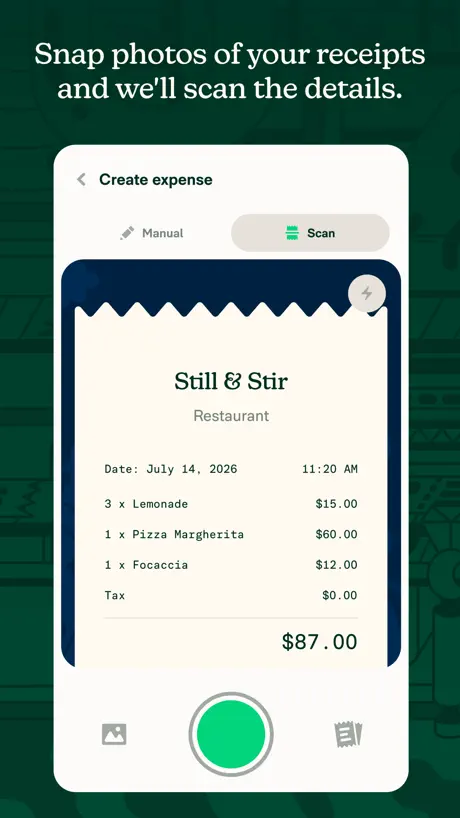  Expensify - Travel & Expense | 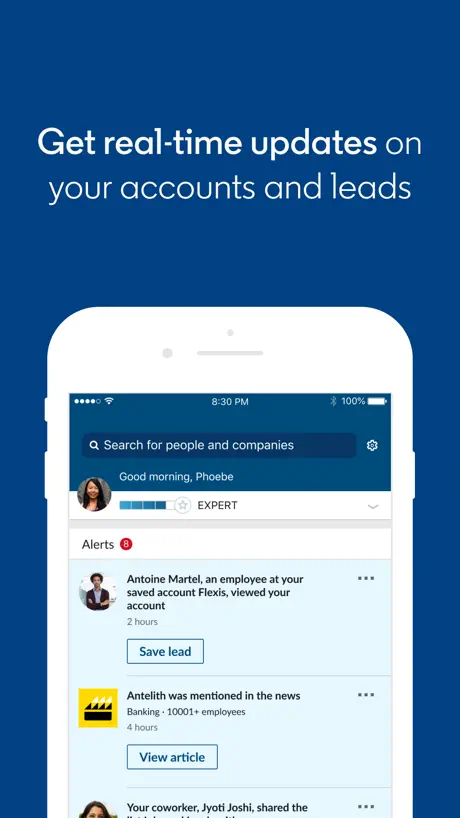  LinkedIn Sales Navigator |   Navan | 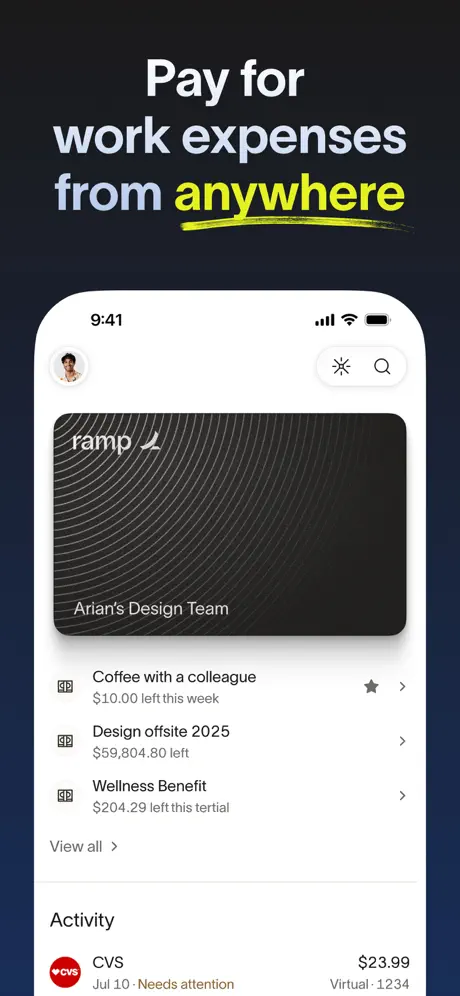  Ramp | 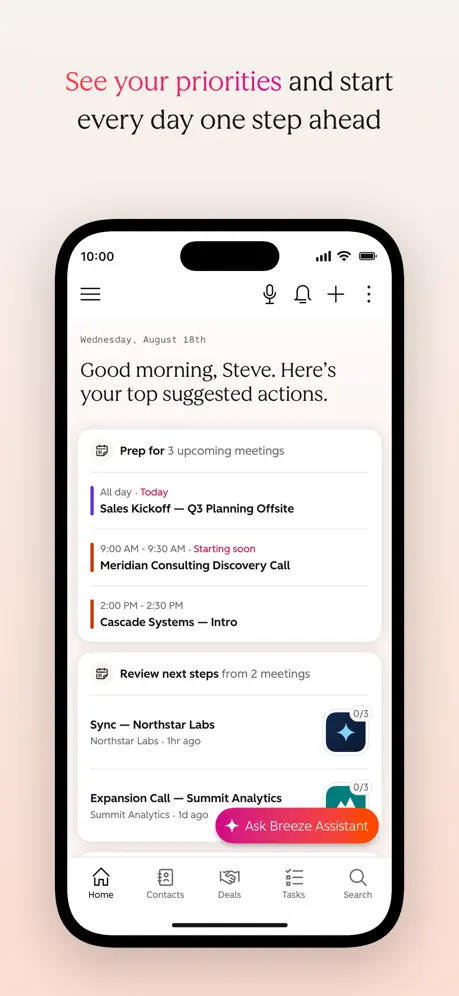  HubSpot | 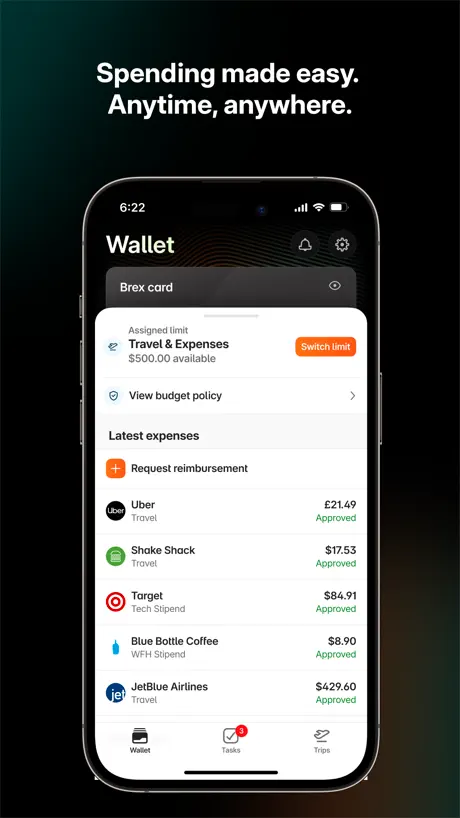  Brex | 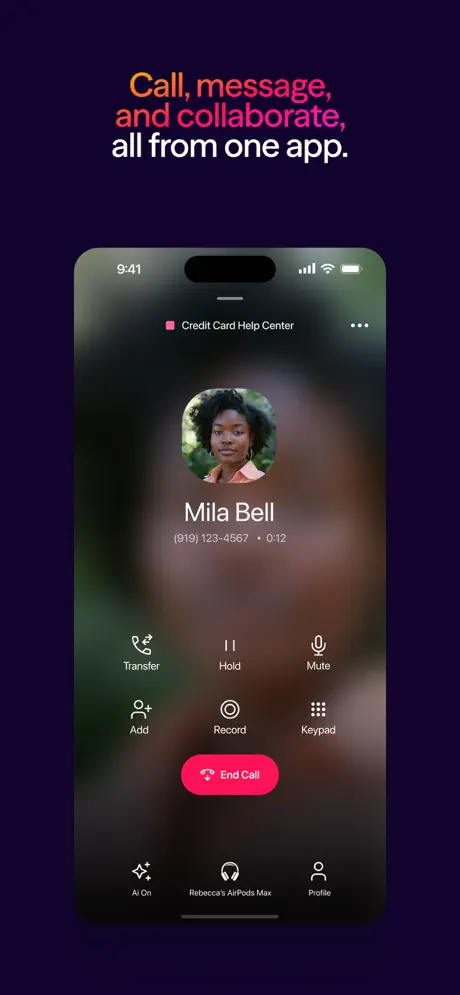  Dialpad | 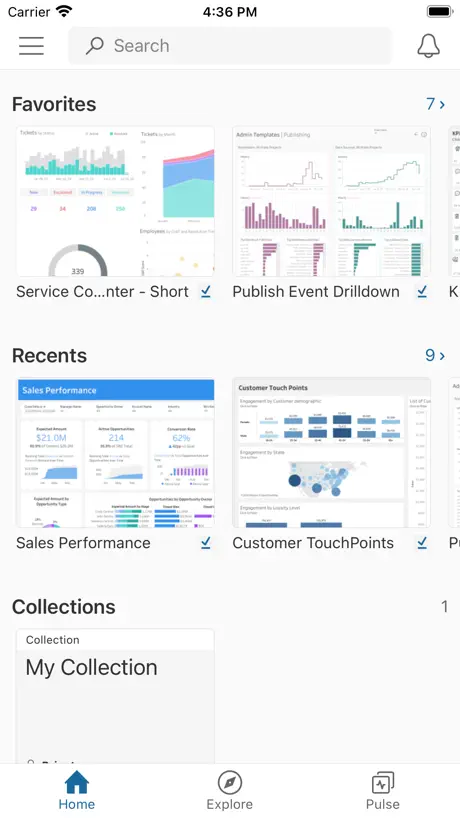  Tableau Mobile |   Oracle Mobile Authenticator |   Gong.io | |
|---|---|---|---|---|---|---|---|---|---|---|---|
| Rating / 5 | 4.6 | 4.6 | 4.7 | 4.8 | 4.9 | 4.7 | 4.8 | 4.5 | 4.6 | 2.5 | 4.0 |
| Reviews | 11K | 212K | 142K | 68K | 51K | 36K | 11K | 6.1K | 5.7K | 370 | 174 |
| Released | 2014 | 2011 | 2014 | 2015 | 2022 | 2016 | 2019 | 2014 | 2011 | 2014 | 2017 |
| Monthly price | — | $4.99 | $79.99 | — | — | — | — | — | — | — | — |
| Annual price | — | — | $799.99 | — | — | — | — | — | — | — | — |
The going rate for each plan in United States, in its own currency, shaded from the cheapest price on the row to the dearest.
Salesforce Authenticator reviews
4.6 out of 5, based on 10,841 reviews.
What people like
- Works smoothly for most users without issues
- Simple setup compared to older methods
- Easy to use and fast overall
What they complain about
- Location features often fail to work
- Notifications frequently do not appear on time
- User interface feels old and confusing
- Apple Watch support was silently removed
Efficient
Works well
Silently dropped Apple Watch support
I have exclusively used this app on my Apple Watch for years and version 4.8.0 silently dropped the Apple Watch app while claiming that the only change in the app was “bug fixes.” Come on, Salesforce!
So Secure UwU
It’d be nice if it actually automated when I give it the okay….safety first I guess
Quite useless
Expect to be on Salesforce 5-10 minutes after logging in. This app is buggy and quite useless
No watch widget
They used to have a widget for Apple Watches where I could get my auth code from my watch if I so chose and then they just randomly removed it one day. The app itself works fine for what it is but they seriously should add that back
Love it!
This Authenticator always works! Been using it for years!
Very Difficult App
This is the worst MFA that I have ever had!
App works fine
Need to move the options to a side bar so you can easily change the location services log in.
No notifications
The notification and geolocation approval features hardly ever work so this is just a place to store 2FA OTC codes. Very disappointing.
Synchronization issue
Sometimes it takes a while to synchronize between when the computer requests the code (usually after the first code time expired) and when it expires in the Authenticator
Great Authenticator
I am using this to log into salesforce for MFA and it works perfectly. I haven’t had any lag time.
Low-effort slop
This is an old app, and it looks and feels that way too. Absolutely terrible. I have to manually input the code every time which is a pain. This is supposed to make life easier. Not harder. Salesforce, you’ve failed with this app. You’ve failed hard. You buy reviews because you’re a bad company. This app doesn’t have the 4 star rating, that’s a lie and you know it. Apple needs to be investigated for allowing this to continue.
New to it this week
So far I see no real issue and it is new to me so I am only rating a 4 for that reason
Push notifications not displaying
Push notifications not displaying when con tableau server. every time we had to open salesforce authenticator app, copy n paste code.
Geht so
Es wäre schön, wenn die App auch auf iPhones mit Touch ID und etwas kleineren Bildschirm richtig funktionieren würde. Aber hier funktioniert das Scrollen nicht.
So Easy
Works just like it’s supposed to!
It never works!
I have to use it everyday and the pop up in the app works 1 in 10 times. I almost always have to wait for a new code and click use another method in my browser because the app is barely functional
It’s a great tool to authenticate legitimate users
Good control now Can be better though
No pop up message
Since I switched to ios my notifications wont work and the numbers wont log me in
Meh
Redundant security measures for no reason. Why is this necessary for a CRM, more security measures than my bank….?
Easiest way to authenticate
Using this app is the easiest way to authenticate via MFA.
Worst UX ever
The whole point of this app is to make authentication more seamless for companies. It dies the exact opposite. The copy and UX are horribly confusing. I often find myself in confusing authentication loops without recourse. For example, when you say “on your computer, enter this two-word phrase when prompted” — huh? Provide more context. When will I be prompted? Who is prompting me? How will I be prompted? What do I do if I’m not prompted? Also, the static icons above—what do these even mean? Why are they here? And the bit that says “To connect other accounts, scan a QR code”—again, where do I find a QR code? This is a horrible UX with confusing instructions, which defeats its purpose from the start.
Salesforce automatically
Great simple to use Salesforce auth for gcp
Not able to use my app
Its not allowing me to enter in my sales force.
Software Manager
Why not use Microsoft Authenticator. Too many apps on my phone. Now I have “Too Many” + 1.
Authenticator app works very well
I’ve been very happy with this app works easy its smooth…never had any problems.
This app SUCKS
It took everyone trying to use it multiple tries to get it to work. For me it worked a day ago at the office and it doesn’t work 24 hours later at home.
Simple and straightforward!
Simple 2FA authentication app I have ever used. Would be great if app allows to associate Email with user account in addition to mobile number.
使いづらい
会社で使用するアプリで作るのは良いのですが、インストールしてかなり時間がかかり、使いづらいし、何回もバックアップするのが面倒。バックアップする時4桁の暗証番号を入力しなければならないのは良いのですが、バックアップに失敗しました、再度入力して下さいの画面が出てそれも面倒。やりやすいように改善してほしいです。
Needs a distinct icon
It works okay, but I can’t always find it on my screens. It should have a branded icon. The location-based authentication isn’t working for me.
SF Authenticator App
This app is amazing.
rubbish
doesn’t work
Good but not great
This is my preferred way to authenticate logins but I have one persistent issue. I have an Apple Watch and I get the notifications on it which is great but it refuses to work with my Org. It will work with any other part of Salesforce including Trust but whenever I authenticate a login to my Org on my watch I get a notification saying unable to authenticate from my watch. This is even more frustrating as the message doesn’t really tell me if this is an error or wether it just flat out won’t authenticate an Org login.
何これ?
会社に言われてインストールしたけど、使いにくくて辟易とする。
Approval issues
approve from notification popup if my screen is locked.
Simplified
My previous experience with salesforce login authenticator was very complex. Salesforce seems to have streamlined.
No support
Frustrating
5*-1, nearly perfect
I’d give five stars, but because I miss some features I will give only four for now. I would like to protect my app with passcode and/or TouchID/FaceID. I would like to edit the logo of the unknown services, be able to ad their logo. I would make more compact the generators. When you have many MFA generators, it is harder to overview them. Maybe customise the font size? Predefined themes/formats? Other than these, it works perfectly, I like it!
Fix the location remembering
The location option just does not work. I am constantly approving it to remember my location and it only works maybe 5% of the time. Please fix
位置情報が保存されない
他の方も書いていますが、この場所では常に承認、という機能にエラーが見られます。 場所は1ヶ所しか保存できない仕様、もしくは前回と同じ場所の場合しか有効ではない仕様なのでしょうか。 在宅勤務→出社と場所が変わると、過去に常に承認をONにしたことがあっても無効になっているようです。 また在宅→在宅→出社(ONにせず)→在宅、と1度他の場所を挟むと、在宅の場所しかONにしていなくても、また認証を求められることが多いようです。 改善希望します。
Works
Works great for MFA for Salesforce. I have not tried it on other applications so I can not comment on tuat
Location services should not be a requirement!!
The need for location services to be enabled for faster logins unnecessary!!
Useful app
Very handy app to enable logging in to SFDC without password.
Watch app
It says it has a watch app but to date I have not found it, or turn it on.
Could be improved
Remember my location feature doesn’t work
Love the app
It works best for me from all authenticator apps. Have been using it for many years.
Garbage
Slow and unreliable Authenticator
Good security authenticator
Easy to use and fast! Recommended
Disappointed
No way to add accounts that wont generate a QR code or accept a 2 word phrase. Allowing account addition with a set up key seems simple yet its been overlooked. Disappointed.
Can't see the small numbers
Could you have made the numbers any smaller? Can barely read them now
Salesforce Authenticator FAQ
- Is Salesforce Authenticator free?
- Yes. The app is free, in all 174 countries it sells in, and it sells nothing inside it.
- Does Salesforce Authenticator have a free trial?
- No. None of its offers (US) come with a free trial.
- What are the best alternatives to Salesforce Authenticator?
- Expensify - Travel & Expense (4.6 from 212,481 reviews, premium from $4.99), LinkedIn Sales Navigator (4.7 from 142,078 reviews, premium from $79.99) and Navan (4.8 from 67,988 reviews).
Salesforce Authenticator download
Last updated 1 month ago.
Salesforce Authenticator sells in 174 countries. It was released 12 years and 10 months ago, on 8 Jan 2014. It holds a 4.6 rating from 10,841 reviews.
Supports 25 languages: English, Czech, Danish, Dutch, Finnish, French, German, Greek, Hungarian, Indonesian, Italian, Japanese, Korean, Norwegian Bokmål, Polish, Portuguese, Romanian, Russian, Chinese, Spanish, Swedish, Thai, Turkish, Ukrainian, Vietnamese.
How much does Salesforce Authenticator make?
Third-party estimates for the last 30 days, worldwide — not the store's own figures, which Apple publishes for nobody.