
Snapmaker
Snapmaker Mobile Software
How much does Snapmaker cost?
Prices are current as of 14 Nov 2026.
Snapmaker has no in-app products on record in the United States.
10+ alternatives to Snapmaker
| Snapmaker | 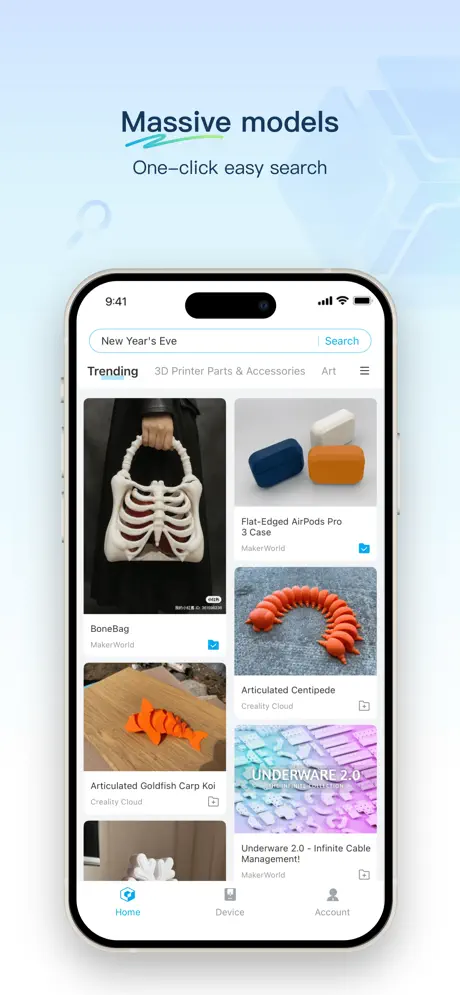  Flash Studio | 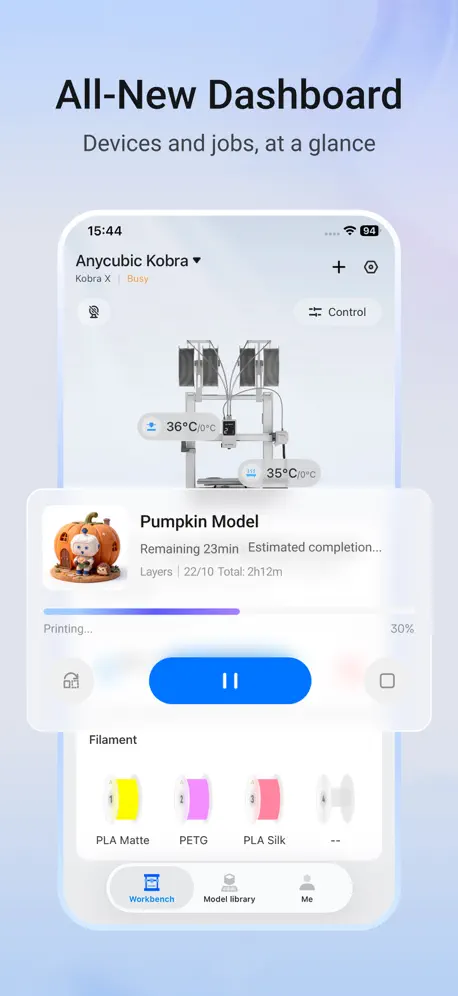  Anycubic: 3D Print & Models |   Thingiverse MakerWorld | 3Drop | 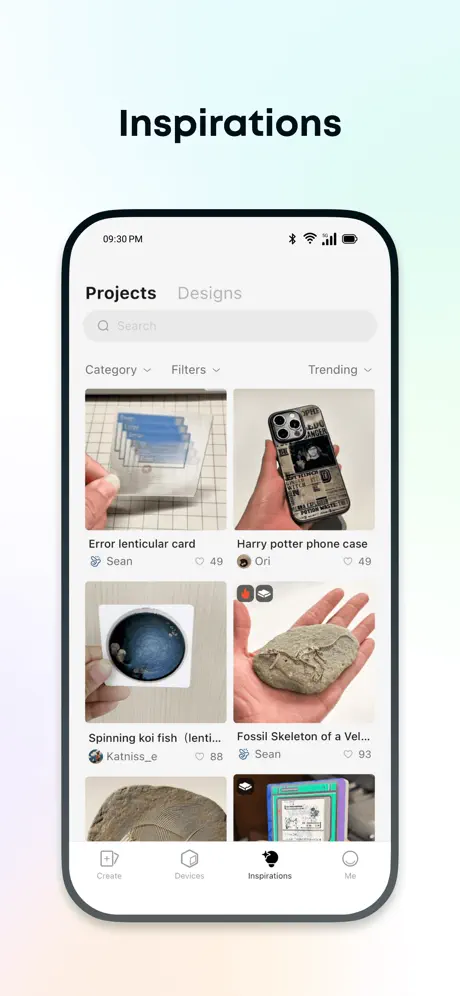  Anker Make |   Prusa |   ELEGOO Matrix |   Creality Scan |   Thangs |   xTool Studio |   CyberBrick | |
|---|---|---|---|---|---|---|---|---|---|---|---|
| Rating / 5 | 2.7 | 4.8 | 2.9 | 4.8 | 4.6 | 4.2 | 2.4 | 2.0 | 2.8 | 4.5 | 3.6 |
| Reviews | 156 | 8.9K | 1.5K | 1.2K | 922 | 397 | 381 | 378 | 183 | 179 | 27 |
| Released | 2025 | 2025 | 2023 | 2023 | 2022 | 2024 | 2025 | 2023 | 2022 | 2026 | 2025 |
| Monthly price | — | — | — | $1.99 | — | — | — | — | — | — | — |
| Annual price | — | — | — | $17.99 | — | — | — | — | — | — | — |
| One-time price | — | — | — | $39.99 | — | — | — | — | — | — | — |
The going rate for each plan in United States, in its own currency, shaded from the cheapest price on the row to the dearest.
Snapmaker reviews
2.7 out of 5, based on 156 reviews.
What people like
- Remote monitoring works well
- Support team handles issues fast
- Developers fix bugs quickly
- Easy to stop failed prints
What they complain about
- Connectivity breaks after updates
- No notifications for print errors
- Camera feed is too slow
- Can't search or delete files
This app is awesome
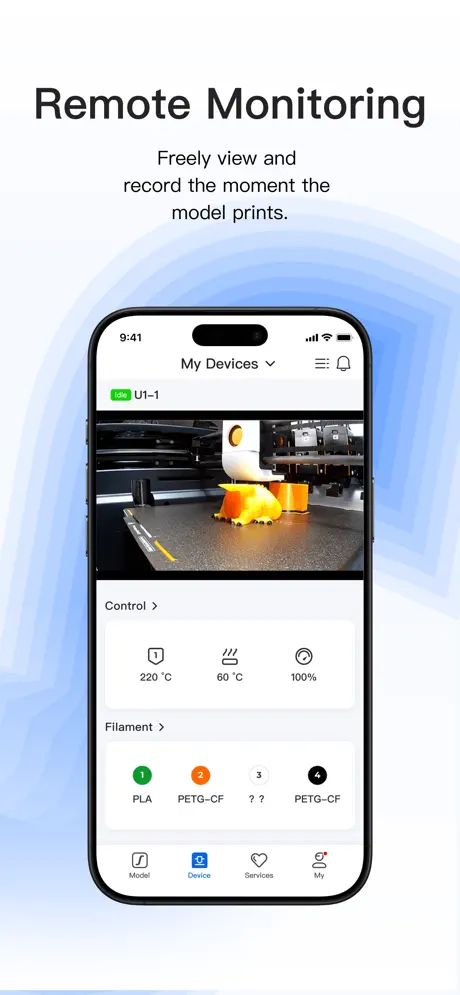
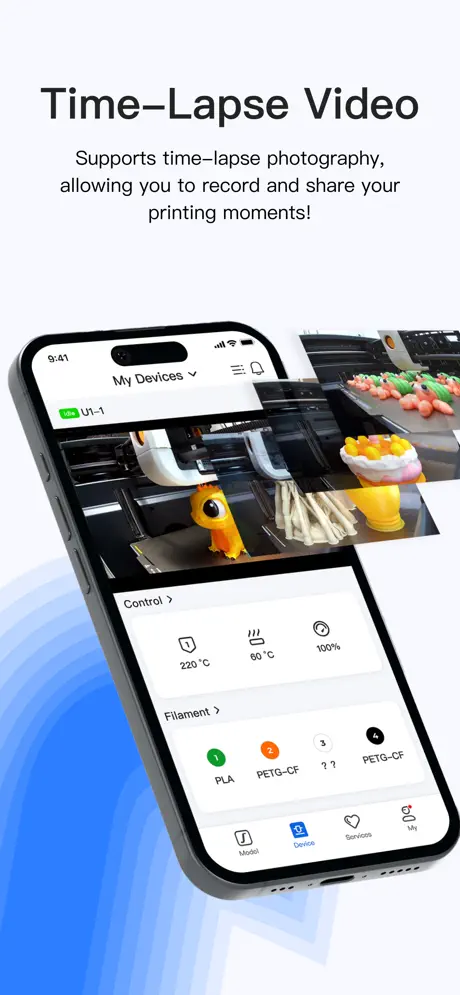
The app is so good with the great quality camera feed. I have the Snapmaker u1 myself, and I picked many things from the library which all turned out great
Not good enough
No way to search models. Cannot download timelapses. Would prefer app launching to the device tab, not the models. I love this printer, but I really miss Bambu Handy…
What I wish it can do
I wish you can upload your own files to it on the mobile app, or just make it so you have more options to print.
needs more
the camera has a pretty low framerate so its really good for just checking periodic progress to see where the print is at, but my biggest issue with this app is the poor model library. no ability to search up models so you just have to see the same ai generated articulated animals or clicker ice cream cones. i wish there was more of an active maker community like makerworld and bambu
More Community Models Please
I want to use my Snapmaker U1 way more, but it's so easy to print on my Bambu straight from my phone. I would absolutely replace my Bambu with another U1 if Snapmaker allowed more models in the app. Otherwise, the app is fine for monitoring and basic controls.
отличное приложение
Хотелось бы больше родных моделек в приложении. В остальном все удобно, все функции работают, можно смотреть и экспортировать таймлапсы
ungenügend
seit dem letzten update ist der Drucker getrennt und lässt sich nicht mehr per ID einbinden, da der . auf der eingeblendeten Tastatur fehlt/ nicht funktioniert😡👎👎👎🙄
Suggestion
Please make remote file sending via app
Very utilitarian
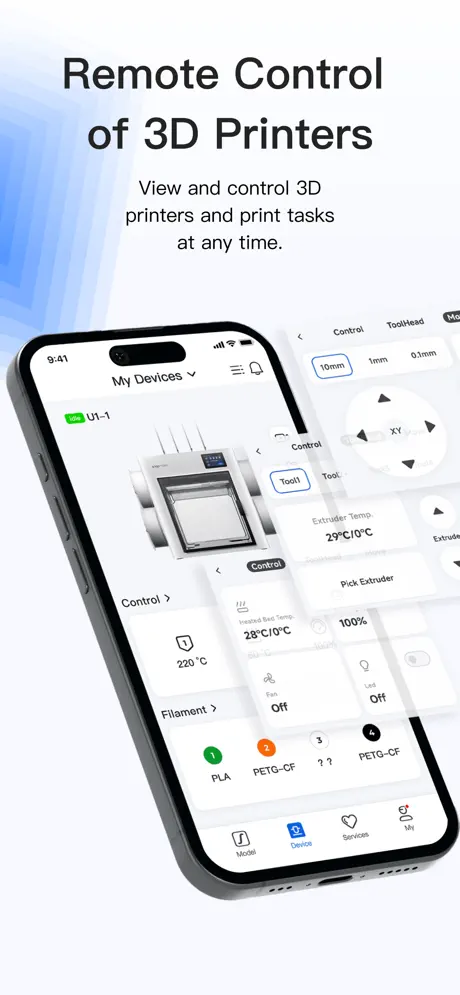
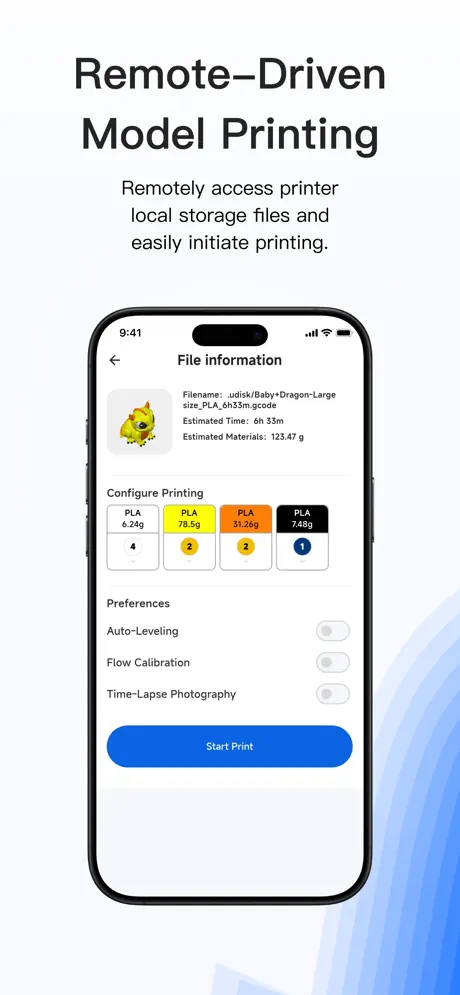
This app provides very little functionality. You can select from existing local files, view the current status and camera, move the print assembly, swap extruders and adjust temperature. That’s pretty much it. Basic things like selecting, renaming and deleting files is nonexistent. Swapping filament colors on models would be great too.
Agregar idiomas
Por favor agreguen español a la app o alemán también
Есть куда расти
Приложение очень полезное, оповещения приходят всегда. Из за блокировок долго камера подключается. При смене филамента приходит оповещение об ошибке. Но это мелочи. Принтер радует, спасибо
Can’t connect to my J1
Can’t connect to my J1
Don’t understand the bad reviews…
It still needs work, but the main functions mostly work, like they should!! I can view and controll my printer via remote that’s the most important thing! If I need more options I use mainsail or go directly to the slicer anyways…
Latest update seriously messed it up
The last update seriously messed up this app and being able to control the U1 remotely. It’s incredibly slow now and most of the time it can’t even connect to the printer and show the current status. It was never a problem in the past. Ever. Printer is on the latest firmware update, so is the app. A bit frustrating I can’t remotely monitor my print anymore.
Manque fonction recherche
Il manque à mon sens le fonction recherche basique mais aussi via photo Comme sur Bambu handy Ça serait fort utile
Fatal
Menos mal que existe la app de Printer Tools porque esta oficial es imposible de usar
Still does not work in LAN mode
You say you have fixed LAN mode? Well I say you have not! The app still does not find my U1, in fact it doesn’t even TRY to find it, as evidenced by the utter lack of a Local Network permission listed for the app in Settings!
The printer is great. This app is decent
I find connectivity and downloading timelapse is a bit hit and miss but largely works okay
U1 Drucker wird nicht erkannt
Leider erkennt die App auf dem iPhone den lokalen U1 nicht, während es auf dem iPad funktioniert?
Can’t remove notification bubbles
Although I’m glad they finally updated the app so that you’re able to get notifications when there is a failure, there doesn’t seem to be a way to clear those notification bubbles after the fact. As someone who is a founding member of the “no notification bubbles” club, it’s really annoying when I can’t clear those. Please fix.
Tut was es soll
Genau wie die Bambu App am Anfang noch verbesserungswürdig war, gilt das hier auch. Sie ist aber insgesamt stabil und die Standardfunktion laufen.
GARBAGE!! The worst app I’ve ever dealt with!
App says printer “busy” get home to a melted blob on your tool head! There’s no notification of errors app side, the camera shows the top you can’t even see your print? Goodluck viewing your files at 1 frame per minute ? The amount of errors the app gives much less the beta test hardware is comical would love a full refund and go to bambu
Bağlanma ve kamera problemleri
aynı ağda bile olsak yazıcıya bağlanma ve kamera ile görüntü alamama hatalarını çok sık yaşıyorum. kameraya bağlanabilsek bile görüntünün durarak gelmesi probleminin biran önce çözülmesi lazım.
the app doesn't work
Unfortunately, the app doesn't work. It's impossible to use it for work.
A long way to go
Would be great if it was on par with Bambu Handy app, perhaps in time.
Software has potential
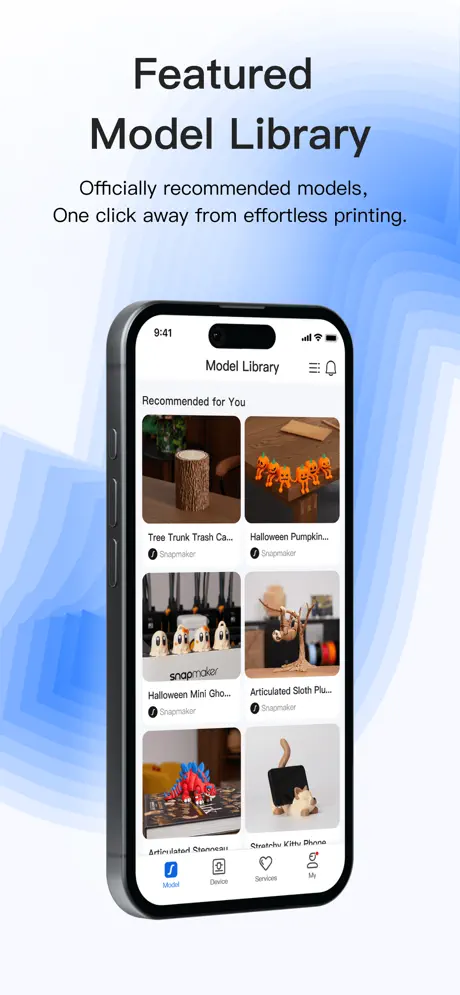
The model library is a great addition. As of 4/18/2026 there are only a few to choose from. Please keep expanding this library or open it up to users to add in their own files for everyone to share and download while leaving ratings for prints and reviews
Can’t find LAN printer
I’m using my printer in LAN mode and it can’t discover my printer. There isn’t a way to manually add a printer by IP. This seems like a major miss. Why not allow to manually add like the Snapmaker Orca allows?
Gettin’ there
Within a few months the app has shown great improvement. I am hoping it continues to do so. Notifications would be nice, the ability delete files, the ability to stop printing a single object if it messed up so the entire plate isn’t a loss.
No In-App Notifications
The biggest problem lingering but not a showstopper is print head homing anomalies. When this happens, you don’t get a notification to investigate. Ruined a 14 hour print because I was unaware that it was just sitting there all night. Would have been an easy press of a button otherwise.
Funktioniert
Funktioniert, aber wirklich viel Inhalt ist hier nicht zu finden… gerne nochmal nem großen Bruder orientieren ;)
Great App Once You Learn It
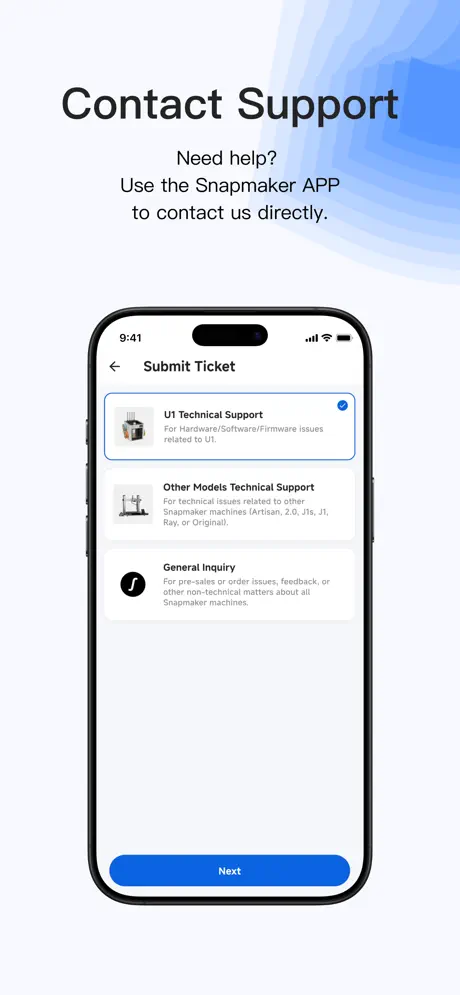
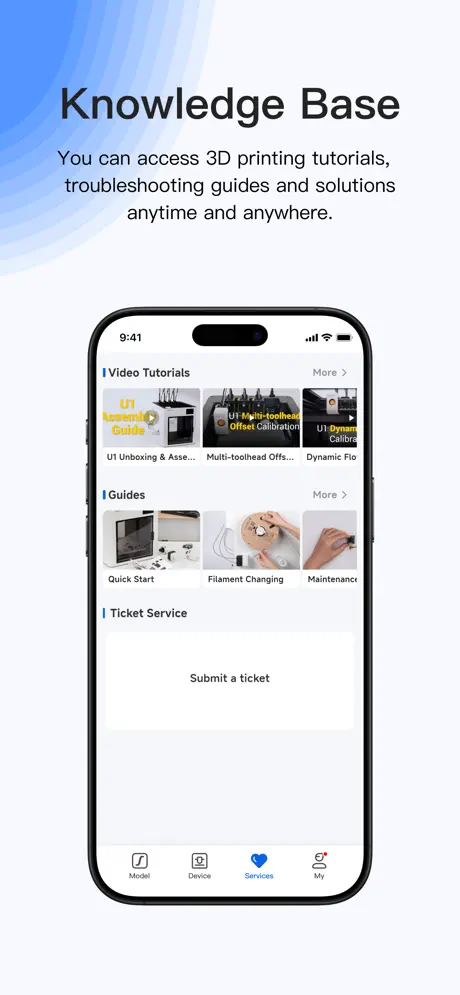
I don’t use the app much but when I do, it’s a great way to watch my prints and stop them in the event of a failure. Which has happened once. The app allows you to do everything g you can do in person. You can start and stop prints, you can change print speeds, you can turn the camera on and off. It is also the BEST way to submit trouble tickets and mange them. Snapmaker has been wonderful on dealing with any issues that come up. Highly recommend this app.
Was great at first…
After firmware 1.0.0 update and this app being updated, communication with the printer is spotty at best. Can no longer view the camera or view files from the app, something that worked relatively flawlessly up until yesterday after all the stupid updates. My printer and phone an also on a dedicated wireless network, no firewall BS, so under optimal conditions, and this still fails miserably and complains about “unstable network” (that’s BS!). Snapmaker, you guys need to fix this. If it’s because your servers are getting overloaded with all the new U1 users receiving their units, then you need to add a LAN mode to the app! Really not happy with this purchase at the moment.
Getting better…
Just got my Snapmaker U1, and the app was the only way I had available to communicate with printer. The app was responsive, and had few new features. Seems that devs are actively working on new additions & fixes to software, app, and printer firmware. Currently has good functionality, may need few more features. Hopefully they will add them as the printer matures out of the pre-order status. 👍🏼
Device Recognition
First I found it irritating, that you have to logon to SM to use the app. Then the recognition by network scan didn’t do anything (no reaction when touching respective area). Next I wanted to file this as a bug via the app. But the app doesn’t show up as a product there….🙈 SM - if your SW quality would be any closer to your HW’s…
Getting better
Still not particularly useful for anything but viewing the camera, but at least it’s not forcing me to log in again every time I use it.
Works great with U1
This printer is amazing.
Little functionality
Logs out off, no notifications, un-binds from the printer. This app is a far cry from Bambu Handy.
Not possible too login on the iOS app iOS 16.7.12
Dear developers of Snap Maker, Unfortunately it’s not possible too use the app on my iPhone X with iOS 16.7.12. It’s not possible to type my full length password. For some reason it will not accept passwords with longer length. I hope the U1 will be shipping soon!🙏🏻 Have a good day and a lovely Christmas all
Does the job but requires more
App does basic functions just needs polish and quality of life features adding. There are no notifications from app to inform you and statues of the printer such as Completed job or job pauses due filament runout or errors etc. I miss this so much as I set off long print jobs and not know if the printer has paused due to reasons is a pain! Also when the printer does pause for reasons the app doesn’t tell you what the cause is? It’s only displays this on the printer screen. So you have a game of risk if to resume the print or not if you do it remote via the app. Notable UI change please move the current print status field under the window where the web cam footage. When you view the camera is loads over the status. I will be honest I am comparing this app again The Bambu Handy app that’s flush with polish and quality of life.
Sadece U1 mi destekleniyor
bende A350 için uğraşıyorum bağlanmak için, sadece U1 için olduğunu belirtmeniz gerekirdi
Works great so far
Simple and easy to use. Had to restart the 3D printer once (Snapmaker U1) to get the QR code to work to bind the printer to my account.
Worked for 1 day
The app was fine for viewing my U1 printer, even though I have to keep logging back in every 10 minutes of so. But now the app tells me I do not have sufficient permissions to access this resource, and I can’t log in at all. Pretty disappointing.
Looks promising
It’s noticeable this app needs some finetuning regarding UI (for example text in dark mode looks “disabled”), however the functionality is great already. Hopefully, while it’s not a must-have, the camera frame rate can be increased at some point.
Noch viel zu tun
Die App steht noch ganz am Anfang, die vorhandenen Funktionen bereiten keine Probleme. Leider muss an UX und UI noch viel verbessert werden. Wenn man in der Kameraansicht ist, sieht man die verbleibende Zeit nicht. Auch der Bereich „Profil“ ist nur rudimentär. Keine Verknüpfung zum Snapmaker Forum, keine 3MF source eingebunden.
Password can’t be to long
Please fix the broken password length in the app. On the webpage, much longer password are accepted, in the app, you can’t login if your password is to long.
Works great if you take your time
At first download this application worked great. I can’t wait until they get this working well with other printers besides just the U1. Note: I think some people believe this app is for other models right now. There was a recent software update that seemed to introduce some glitch. I ended up having to unbind my U1. I had to turn off for 30 minutes to an hour and then when I turned it back on, I was able to get the QR code to re-bind. I love the remote capabilities for the U1 printer, monitoring and downloading Timelapse directly to my phone. There are some kinks, but all apps have some and Snapmaker has been iterating fast.
IOS does not work
The app does not find the snapmaker on the local WiFi network, so it’s pretty much useless.
Please make useful
I wish this was an app to use with my snapmaker. I want to send models from my phone, track progress, change settings like hot head temperature, speed, etc.
Needs polishing
The app is in a very basic stage and currently the login functionality does not work
Snapmaker FAQ
- Is Snapmaker free?
- Yes. The app is free, in all 174 countries it sells in, and it sells nothing inside it.
- Does Snapmaker have a free trial?
- No. None of its offers (US) come with a free trial.
- What are the best alternatives to Snapmaker?
- Flash Studio (4.8 from 8,855 reviews), Anycubic: 3D Print & Models (2.9 from 1,466 reviews) and Thingiverse MakerWorld | 3Drop (4.8 from 1,187 reviews, premium from $1.99).
Snapmaker download
Last updated 10 days ago.
Snapmaker sells in 174 countries. It was released 1 year and 8 months ago, on 15 Mar 2025. It holds a 2.7 rating from 156 reviews.
Supports 1 language: English.
How much does Snapmaker make?
Third-party estimates for the last 30 days, worldwide — not the store's own figures, which Apple publishes for nobody.