
xTool Studio
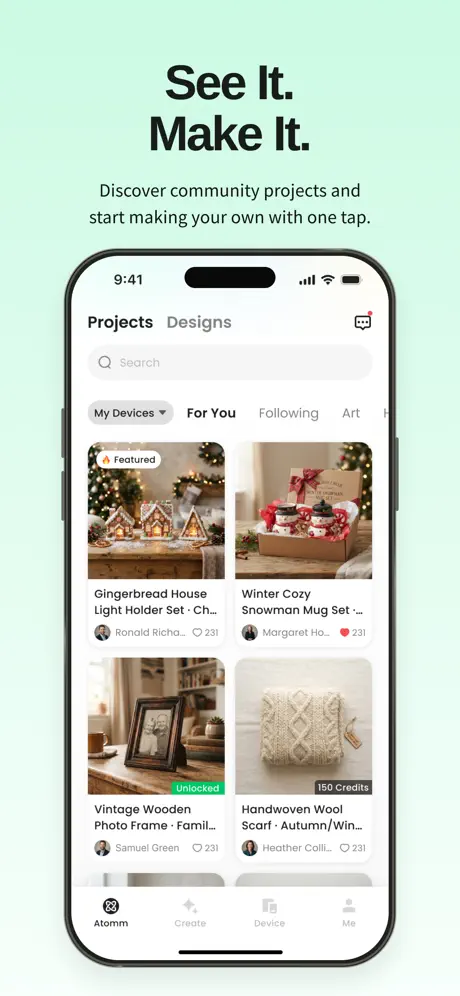
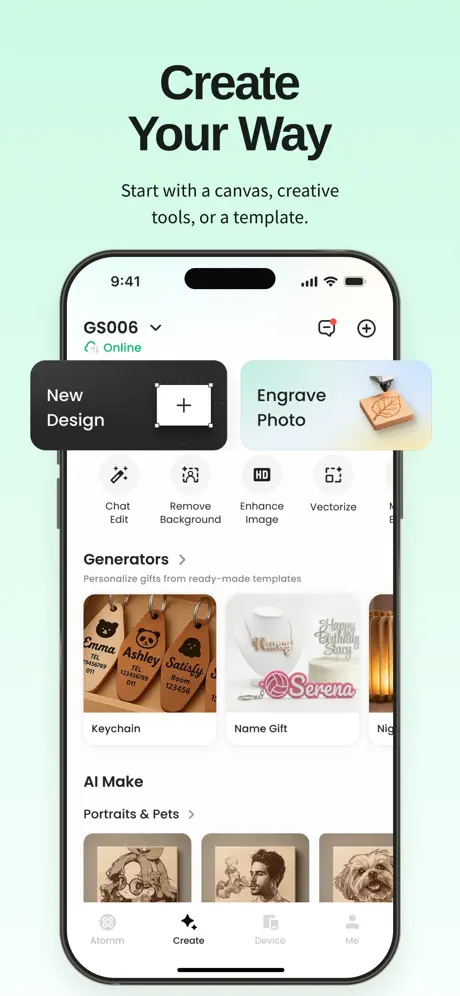
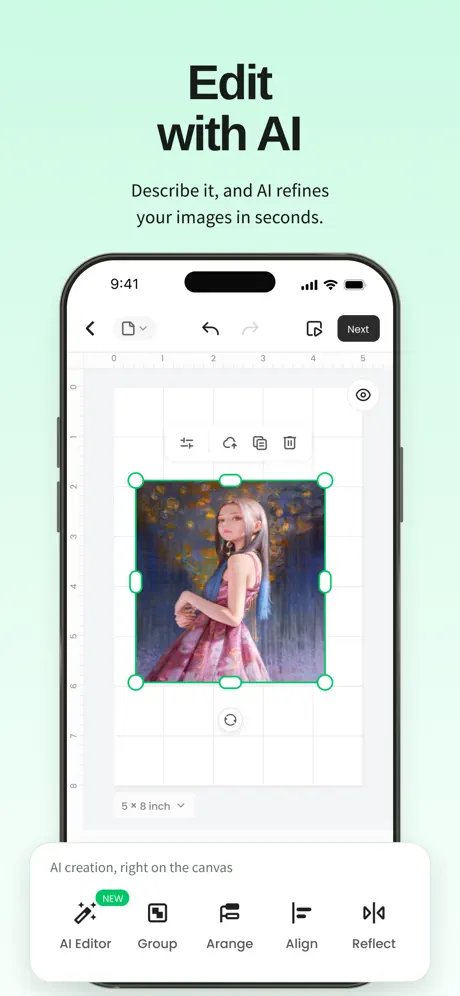
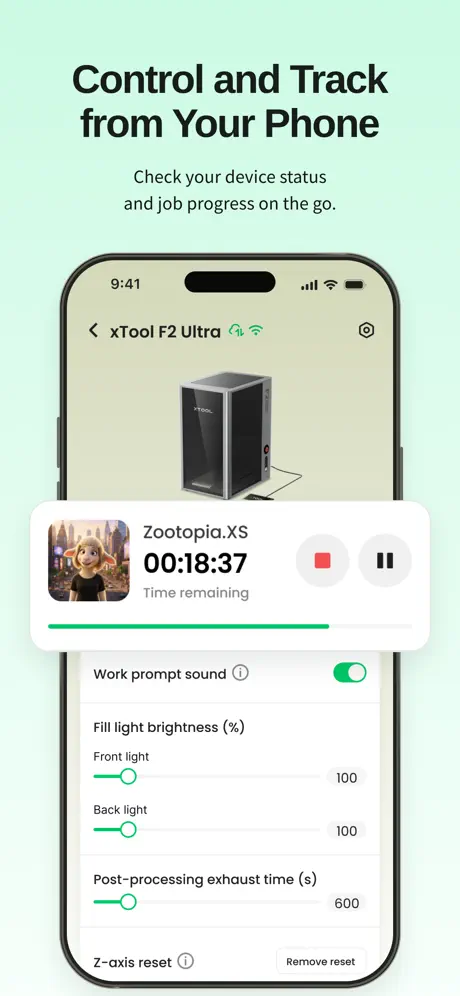
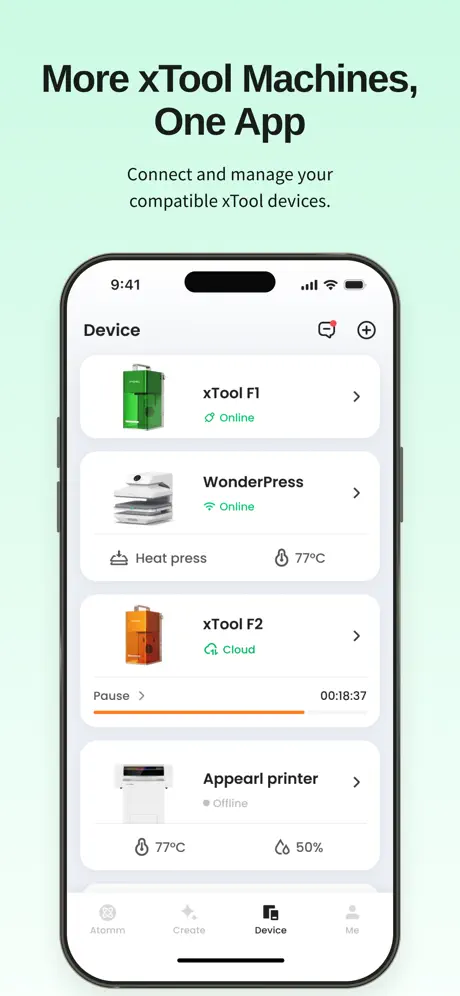

How much does xTool Studio cost?
Prices are current as of 12 Nov 2026.
xTool Studio has no in-app products on record in the United States.
10+ alternatives to xTool Studio
| xTool Studio |   Anker Make |   ELEGOO Matrix |   Creality Scan |   LaserPecker Design Space |   Snapmaker |   LaserBurn |   WeCreat |   CyberBrick |   Falcon Design Space |   AtomStack Studio | |
|---|---|---|---|---|---|---|---|---|---|---|---|
| Rating / 5 | 4.5 | 4.6 | 2.4 | 2.0 | 2.1 | 2.7 | 2.6 | 2.1 | 3.6 | 2.8 | 3.1 |
| Reviews | 179 | 922 | 381 | 378 | 286 | 156 | 68 | 28 | 27 | 17 | 12 |
| Released | 2026 | 2022 | 2025 | 2023 | 2023 | 2025 | 2023 | 2023 | 2025 | 2025 | 2023 |
xTool Studio reviews
4.5 out of 5, based on 179 reviews.
What people like
- Very easy to use.
- Customer service responds fast.
- Great for working on the go.
What they complain about
- No iPad support yet.
- Doesn't connect to older machines.
- Credits cost too much money.
iPhone App
I like working from my phone. My computer is slow and frustrating. The iPhone is more convenient.
No S1 Support
Pretty pointless having this app on your phone when you have an S1, there’s no support for it at all, it’s more for the newer range of machines, one star is all it gets from me as I found it useless, considering the XCS has full support for all machines on pc & mac.
Add F1 compatability
The F1 og is not an old machine, add to the supported devices
まぁ
使えるといえば使えるけど、使いづらい、わかりにくい、制限がある。どこまでをスマホでやるかによってはとても便利。
Useless
Not working with M2 so why bother? I only use iPads and apparently this app isn’t compatible. Why sell a machine that you can’t use?
Best healing experience ever
I’m using this to treat my depression and it’s super fun. Gets me outside doing woodworking instead of moping around.
M1 (not M1 ultra) not supported
Got super excited to use this on my iPad, but when I went to connect it to my M1(original, not ultra) there was not an option for my machine. So I am stuck with old(ancient?) xtool studio. Please fix!
Much better with the updates!
Much better with the updates now. I can finally use it with my M2! Full 5 stars if you can add batch processing and masking on mobile.
iPad compatibility
Can you make it for the iPad screen? It’s only for the iPhone screen, which is annoying to use on the iPad.
Is it support M2
Is it support m2
Recipe cutting board
This was my Owen creation
Can’t get to files
This only uses xTool cloud space. Can’t get to my local / network files. Useless.
App Updates
Endlich Update ein App unterstützen für Laser Gravier (xTool F2) , App Anpassungen für iPad & mehrere Sprachen Übersetzungen zb. Germany usw fehlen, ist noch ausbaufähig 👍👍
Ein Mobiler Flaggschiff Laser aber keine iPad Unterstützung?
Die Überschrift sagt es schon. Ein Laser der für den mobilen Einsatz konzipiert ist hat schon was. Aber dann unterwegs mit einem Smartphone die Bearbeitung starten und dem Kunde seine individuellen Wünsche auf einem kleinen Display zeigen ist schon schade für ein Gerät dieser Klasse. Bitte sorgt dafür das die App auch für das iPad zur Verfügung steht. Die App an sich ist ganz gut, wäre aber auf dem iPad noch besser!
Customer support is great
I had a problem with my order and they contacted me right away after I emailed them so this is a good company to buy from.
Für F1 Ultra keine Verbindung
Leider wurde er einmal zum WLAN einrichten verbunden und seid dem keine Möglichkeit ihn mehr zu verbinden ob Bluetooth oder WLAN ! Nur noch per Rechner!
Functional IPad App Please!
So far I love xtool and everything they offer. However, I travel a lot for business and need to be able to edit images for the apparel printer on the go. Having to pull my laptop out every time is a huge inconvenience. If this were just a hobby it wouldn’t be a big deal. But this is one of our main businesses and I’m not only the owner, but the only designer as well. I really need an easier way to edit these images directly in the xtool app on my iPad without having to pull my laptop out in the middle of a crowded area. Please please please add a way to edit apparel printer or Omni printer projects on iPads and tablets.
Excelente
Excelente trabajo
Absolute garbage
Tried using this app when my F1 Ultra refused to connect to a MacBook. It’s apparently not even support in app, no way to connect to it. The app forces an account and is filled with AI slop. These are multi thousand dollar machines, the software should work.
Sprache
Schön wäre eine größere Sprachenauswahl
Xtool m2
Game changer this thing is awesome
Can’t connect M1 Ultra
App does’t work. Can’t pairing with the device.
Excellent app!
Great and easy to use. Just wish there was less need for credits.
Cannot access laser without account
Cannot access device I paid for without an account. Cannot use device without account. Desktop version is littered with AI slop. Cannot upgrade firmware without software… at this rate, I may return the laser
Very satisfied
Just a great company ,responds quickly
Won’t connect to ultra uv
Can’t rate because it doesn’t connect to ultra uv
WV Print & Press
I have the apparel printer and the 01 Omni dual and I love XTools produce.
M2 users don’t bother
I’m desperately seeking a way to use my new M2, my older Mac said xtool studio won’t work with my older software (can’t be updated because it’s older - but works with xcs)and I got excited when I saw this app, but found out M2 doesn’t work with it? Did I waste my money on the new machine?? Yes i can get it to work with a new MacBook or borrow a laptop but come on, it should allow me to use what i have right? I have a 2014 Mac and iPhone 15….please make this app work so those all excited for the new M2 can better use the new machine!!
XTool is so innovative to use
What can u say innovative easy to use and inspiring
xTool Studio FAQ
- Is xTool Studio free?
- Yes. The app is free, in all 174 countries it sells in, and it sells nothing inside it.
- Does xTool Studio have a free trial?
- No. None of its offers (US) come with a free trial.
- What are the best alternatives to xTool Studio?
- Anker Make (4.6 from 922 reviews), ELEGOO Matrix (2.4 from 381 reviews) and Creality Scan (2.0 from 378 reviews).
xTool Studio download
Last updated 11 days ago.
xTool Studio sells in 174 countries. It was released 5 months ago, on 27 May 2026. It holds a 4.5 rating from 179 reviews.
Supports 2 languages: English, Chinese.
How much does xTool Studio make?
Third-party estimates for the last 30 days, worldwide — not the store's own figures, which Apple publishes for nobody.