
Prusa
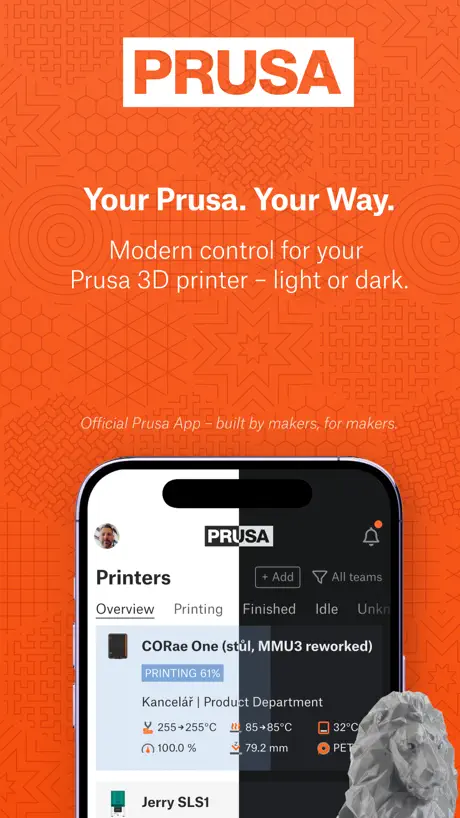
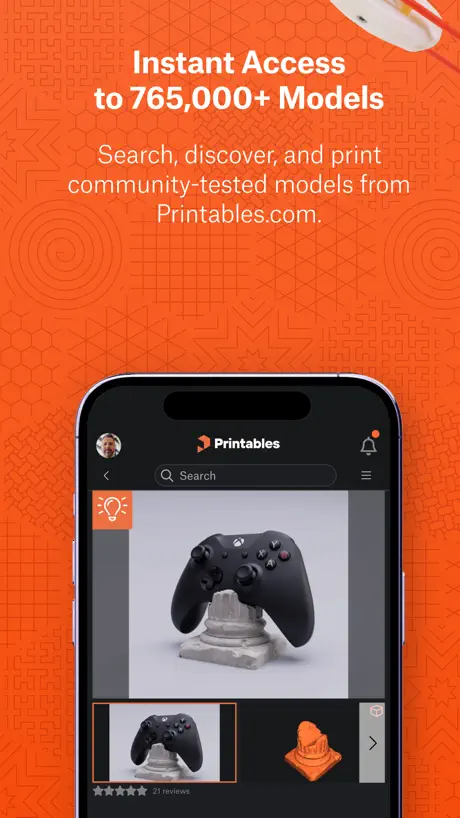
3D printer control & models
How much does Prusa cost?
Prices are current as of 6 Nov 2026.
Prusa has no in-app products on record in the United States.
10+ alternatives to Prusa
| Prusa |   Creality Cloud - 3D Printing |   Thingiverse Printables | 3D GO |   Thinger: 3D Printing Models | 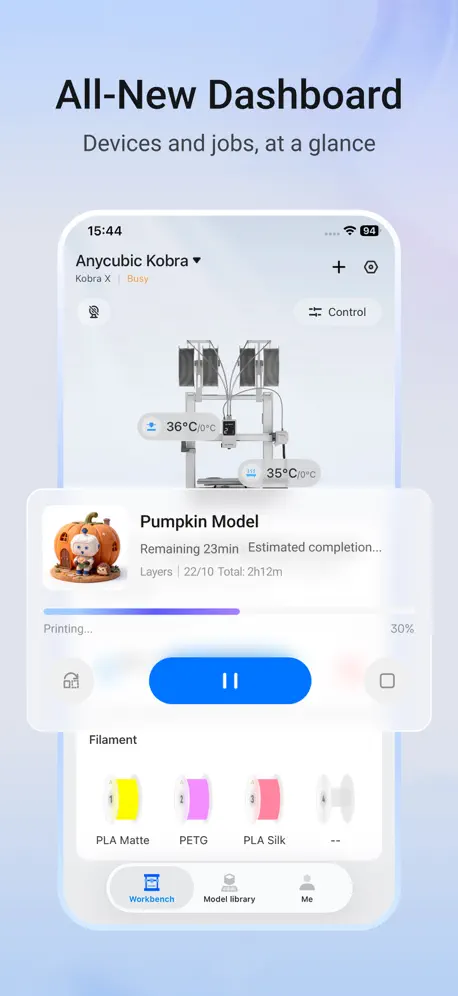  Anycubic: 3D Print & Models |   Thingiverse MakerWorld | 3Drop | 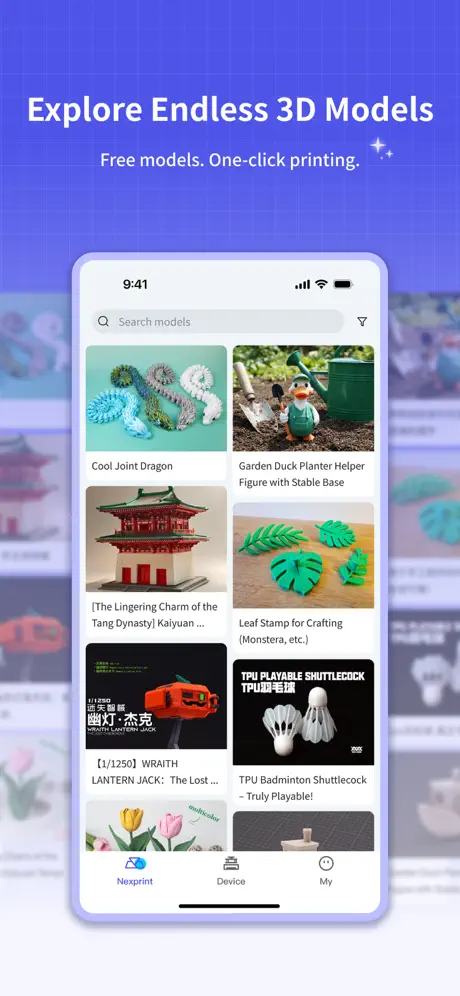  ELEGOO Matrix |   Creality Scan |   Thangs |   Snapmaker |   PrusaLinkiOS | |
|---|---|---|---|---|---|---|---|---|---|---|---|
| Rating / 5 | 4.2 | 4.5 | 4.6 | 4.6 | 2.9 | 4.8 | 2.4 | 2.0 | 2.8 | 2.7 | 4.6 |
| Reviews | 397 | 16K | 6.2K | 2K | 1.5K | 1.2K | 381 | 378 | 183 | 156 | 55 |
| Released | 2024 | 2021 | 2023 | 2017 | 2023 | 2023 | 2025 | 2023 | 2022 | 2025 | 2023 |
| Monthly price | — | $7.99 | $2.99 | $3.99 | — | $1.99 | — | — | — | — | — |
| Annual price | — | $79.99 | $29.99 | $5.99 | — | $17.99 | — | — | — | — | — |
| One-time price | — | $7.99 | — | $24.99 | — | $39.99 | — | — | — | — | — |
The going rate for each plan in United States, in its own currency, shaded from the cheapest price on the row to the dearest.
Prusa reviews
4.2 out of 5, based on 397 reviews.
What people like
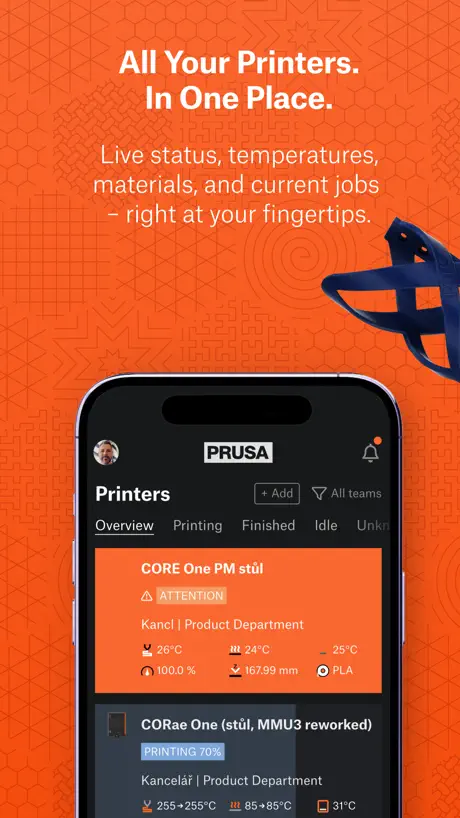
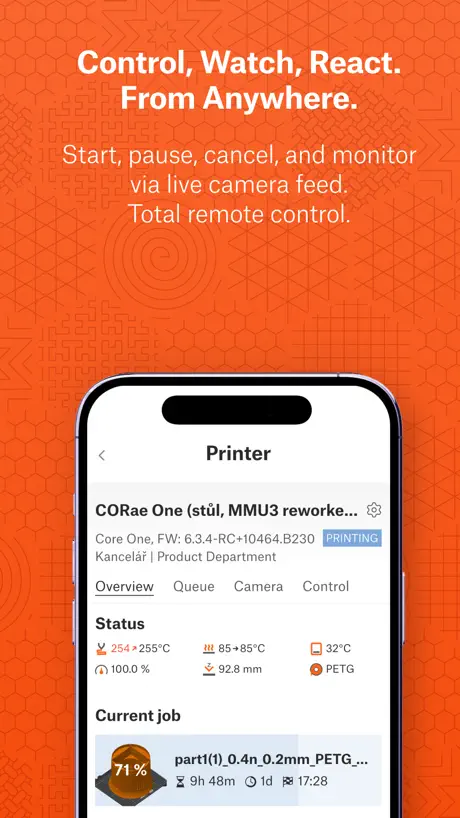
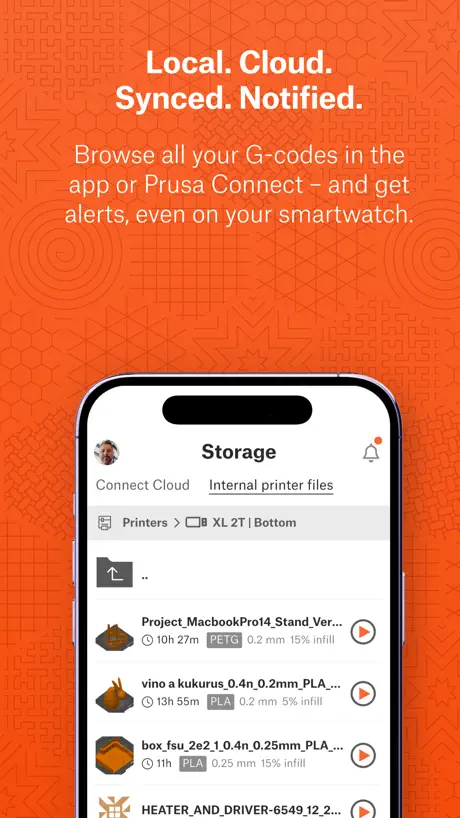
- Great remote monitoring of your prints
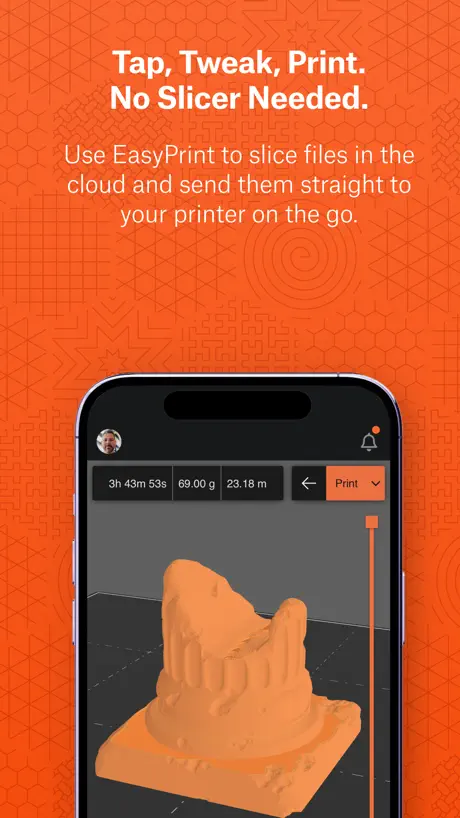
- Slicing models directly from your phone
- Notifications work well for updates
What they complain about
- Keeps crashing or freezing on launch
- Randomly logs you out without warning
- Shows wrong print status or times
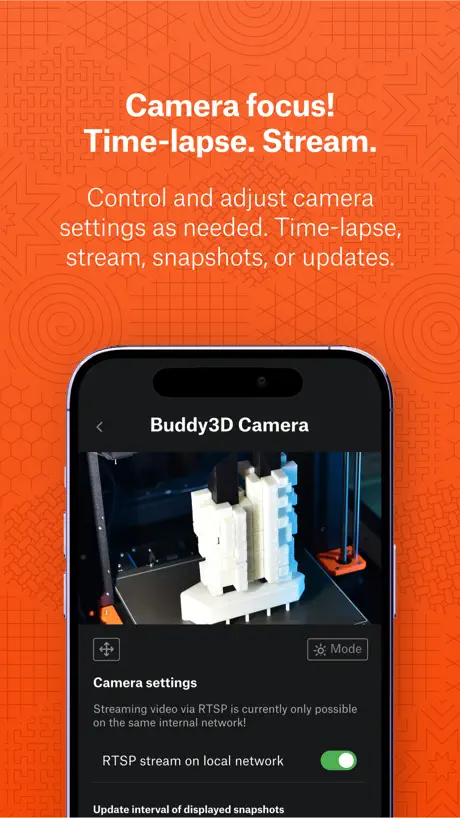
- Camera feed is confusing and buggy
Great slicer
Great app, really good capabilities especially love the ability to schedule and queue prints
Does anything work?
Using the web slicer. Says the task is too complex and to upgrade by paying. I upgraded and paid. Still says too complex i need to upgrade after paying. The other option was to dl the slicer. I did. Still says its too complex and i need to dl the slicer or pay to uograde. What have i been doing for an hour. I did everything you asked. And the task isnt complex. I printed 1. Now im printing 2. Nothing changed. Nothing works except their credit card charging. That worked flawlessly
Good app works well
Can’t access because it is restricted to 18+
Keeps logging out
App keeps logging out randomly, and the failure mode sometimes means I can’t sign back in at all. Very very frustrating
Was awesome
Latest update - I can’t preview the model on the bed & change orientation. Filament spool selection is clunky & confusing.
VERY GOOD BUT ADD THE KOBRA X I NEED MORE MODELS OTHER THAN THE ANYCUBIC APPPPPPPPPPPPPPP
E
Never work
Not found my printer. Profile page always something went wrong. Contacted support a month ago. Still the same.
Simplification Needed
Need to merge “Prusa Connect” functionality into this app, all in one. Right now, I’ve gotta go between the two apps and they are different. Prusa should have ONE app that does it all.
So many issues
Easy print is a lie. The app keeps freezing up and not intuitive how to set the materials. Why won’t it just autopopulate from my printer spools? I think I finally got something sliced in one color. Basically impossible to get multicolor working.
App will not send gcode files over
When i try to send something to the printer it fails to send. Only workaround is downloading the gcode and going on browser to upload it
great supplemental app
works great on both iPad and macOS. fastest way to access print status and cameras across multiple printers.
Cloud garbage
I have to login just to control my printer? Just as terrible as Bambu Handy. At least Bambu doesn’t pretend to give user control over how they want to use their printer. Prusa completely lost its way.
Good but could be Great!
This app has come a long way, but here are the things I’d still like to see addressed: - Overview - Allow the user to select a background for each printer. For example, I would choose live camera view. other options would be snapshot, or none. Obviously, the font color should adjust for contrast. - Tapping anywhere on a printer’s tile should open the Printer Overview section with data and the camera on that first page (see below). - Allow the user to select all available fields for smart display. For example, if I have a pause inserted, I always want to be able to see how long until the next pause. If no pause, I don’t need to see this. - Printer Overview - Remove the firmware. It’s already in the settings (gear icon) where it belongs - Allow the user to select all available fields for smart display. For example, if I have a pause inserted, I always want to be able to see how long until the next pause. If no pause, I don’t need to see this. - Swap the jobs displayed on the main page to Queue and put History on its own tab - Camera - Put the camera view on the main Printer Overview tab, but keep all camera settings under the gear icon for each camera where they belong. In its current form, I’m forced to see the camera settings I rarely change each time I view the camera. - Allow the user to set a priority and fallback chain when tapping to access the camera (e.g. live > snapshot > old > none). When I’m on my LAN, I always want a live view, so why make me tap the Play icon every time? - The orientation of the camera should always follow the device’s orientation. The rotation function should be a camera setting only in the gear settings section. - The camera view should automatically fill the screen in landscape orientation. - In full screen, Pinch to zoom is too sensitive to a single tap (i.e. it exits full screen too easily when starting a pinch gesture). - The Live overlay is nice, but it should also appear in full screen. - When I’m in full screen, I should be able to start live mode. - Make the icons on the right side (full screen, etc.) a little bigger. - Often, when I switch apps and return to the full screen camera, the screen is black, so I have to tap it to close and reopen it. - The Auto mode favors Night way too strongly. For starters, if the chamber is illuminated with the LED, Day should probably be active. - The camera mode icon overflows its container. - Other - Is remote control of the white LED possible? - Sometimes, I’ll start a print on my CORE One (direct or remote) and the app will tell me the printer needs attention, but no further details. When I walk over to the printer, nothing is wrong.
Unusable at this point
The app is unusable as it does not connect to my printer. The printer shows as online on the prusa connect website as well as locally in prusalink. Instead of showing my current printer, this app shows 3 ghost printers that cannot be removed. There appear to be massive sync issues. The forums confirm this issue. I wish i could give 1 star but i have seen apple remove 1 star reviews before.
Idea is there but needs polish
I have Prusa printers at work and home on separate teams but I can’t see all my printers/teams. I have several complaints but no movement in months. I’m sure it will get fixed eventually but just sucks in the mean time
Good when used with Prusa Slicer
I personally use this app as a supplement to Prusa Slicer (on my desktop). Being able to monitor my prints while away from my printer is quite nice. For this use case I’m quite satisfied. Occasionally I will slice directly off the app and I have found this to be acceptable.
BAD CANT PRINT
you can’t even actually print from here and it doesn’t let you add multiple printers and you have to export it as a G code if you’re trying to print it through your phone
Needs orientation rotation when viewing the camera, could use some other features
App works very well but I am unable to get the camera feed to rotate landscape no matter which option is chosen for the camera feed. Would like to see this be able to utilize a status widget in Dynamic Island or on the lock screen for progress of print, maybe with a recent snapshot as well.
Kind of annoying
I go to open the app I sign in and then it said cannot open page after I log in and witch means I can’t use the app can someone please come and help me
Frustrating
A disappointing work-in-progress. Hides controls with no indication depending on how you hold your phone. Only partial functionality compared to website which is absolutely maddening, where did I see that option? I swear it was here, where did it go? Flakey, frustrating and confusing controls for camera. Printer must be on to use camera? Huh, it's external? "Camera is not connected" Huh, it's showing the feed? Connected how? It's cute but it's not a useful tool.
pretty great for simple use case
For someone that just turned the printer on and logged in, this works great. I don’t have a camera and I slice from the browser or from my computer. With everything going through Connect, it “just works”. Main gripes so far are just to do with UX, like some buttons and interactions could be improved. Many tap targets are just too small for mobile, particularly the “set ready” and other print queue control UI.
Login Issues
It will not let me log in, it says Safari cannot find the URL. I was really excited to use this app but I can’t.
Support was great
Support helped me fix my issue. Still wish the app had comparable settings as Prusaslicer
App Shows Print in Progress Even After Completion
The app has potential, but a major issue affects workflow. After a print finishes, the app still shows it as "printing" with no option to manually mark it as completed. This makes it frustrating to start a new job, especially when doing back-to-back prints. A manual override or proper print status sync would make a big difference. Hope this gets addressed soon.
Good App
But still has some room for improvement. Also, I think it is bad that you can delete a connected camera with only one click, without a question to confirm. 3 h into a 9 hour print and deleted my camera by accident 😬😬😬
Easy Print FTW!
I’ve become a Prusa fanboy… I can’t help it. I didn’t want to LOVE the most expensive printers on the market, trust me. I wanted to love my Enders, but it just wasn’t happening and this app is the perfect example of why. The ability to slice from your phone is amazing. The entire Printables library is now at your finger tips 24 hours a day! Sure, you can print from the app with Bambu or Creality, if someone is kind enough to upload the code itself. But with the Prusa app you can slice stls themselves. Prusa Connect ends up being Octoprint with a cleaner UI basically. You can find a model, slice it, and queue it up all from your phone, add additional models to the queue, control the printer itself (home it, cancel objects, move the tool head to a specific location, etc.) Although it does lack certain functionality over all, the app dominates any Octoprint related app out there. If they’d allow plugins, or add a filament tracker and get the Buddy cam fully utilized with Timelapse’s and whatnot, Prusa’s ecosystem would be a one stop shop. On top of that, unlike everyone else, they don’t lock you into a single site with Printables. You can slice a Printables file straight to Bambu Studio online… If they could extend that functionality from the site to the app, there would genuinely be no other option worth trying. Pretty much like their printers themselves.
Useless
There’s an issue with the built-in web portal, so account logins don’t work and therefore the app is completely useless
Prusa App
App works great, but i wish you could pinch & zoom in on printables photos also rotate your phone for full screen while observing your print
Just use the web
This app is pretty much worthless to me. I can load up the web page and have more information and more control. The app doesn't give progress or time remaining on the dashboard, the web page does. The web page shows camera previews on the dashboard but the app does not. The app also inexplicably logs me out more frequently than the web page, and the 2FA doesn't always proceed when I've entered the code. Pretty much the only reason I keep the app installed is for notifications, everything else is better on the web version.
Wish it had direct print
Overall I am happy with the app. Being able to control and view my current prints is great. The buddy cam does leave a lot to be desired since I switched to it from a Logitech live streaming cam. But it’s nice it’s all built in together. What I really wish was there was the ability to download an stl and have it slice and send to printer. I get that there are some gcodes and bcodes already created but if it’s not for my printer or the filament I have loaded (mostly Petg) I have to wait to get to a laptop. But when I have my phone or iPad it would be nice to send a quick job to have fun with.
Great app for the best printers
Generally quite happy with the app, the only gripe I have is that right now I receive double notifications for print completions. I like the fact that I can get notifications from a shared printer at work as well so I can tend to the printer if it runs out of filament or something, but I would prefer to have an option not to be notified when someone else’s print finishes while I’m at home. I often get lots of these during evenings and weekends when someone else is printing parts. I don’t see a really easy solution but maybe allowing custom “do not disturb” hours to be set up would be nice. Or, “only notify me about this printer from 9-5, M-F”.
Kind of disfunctional
It took ages just figure how to load my local stl file on iPad into the app. Then I could not even figure out how to rotate the model or the viewport. I’ve been 3d printing with Prusa over over a decade and I can’t figure this out. Prusa can do better than this.
R U kidding me?
I just updated to 1.9.0 and now none of my printers are here. I will never upgrade again until a month after I have read all the newest reviews. Update: No idea what happened but after deleting the app and reinstalling it everything came back. So far, it seems to be working properly. Easyprint at first wasn’t working but the next time I checked, it was back too. Whew.
Belt tuner doesn’t work.
I got this app so I didn’t have to use the website app belt tuner. The belt tuner in this app is flaked at best.
Mostly great, but no sound/vibe
The app is great and a nice way to keep an eye on one or multiple printers. However, notifications are not working correctly. The app does display a message when the printer needs attention or when a job is finished, but the device does not vibrate or make a sound, so the user doesn’t know.
Consistent Improvements
Very barebones at the beginning but i've seen a lot of consistent improvements as I continue to use it.
Terrible
Was initially excited about this but after waiting a long time for the app to upload, gets stuck on terms & conditions page.
Bug report
Bug report. Users can accidentally delete their account. Clicking “Edit Profile” on iOS app asks you to confirm if you want to delte your account. Prusa App Version: 1.7.8 iPhone 12 iOS 18.3.2
Not a very useful App
The printer is shown as idle, even when it is switched off. Files stored locally in the pen drive are not accessible, the browser based access is way better than the app
Ended is past tense
When a printer is printing, and hasn’t yet finished… it shouldn’t say ended and a time in the future!
Love it but…
I love it! But would really appreciate the Prusa connect functionalities like seeing the queue and what files are on the printer. Also would really love to have a widget so I can watch progress without opening the app.
App keeps resetting
Seems to be bugging out, keeps asking to log in and then saying I can’t create an account on the app. Don’t want to create an account, I want to log in. Very annoying and not matching the other reviews experience.
Great
Works pretty well, it can be a little complicated but it’s not too difficult to learn.
Riddled with bugs
I’m glad Prusa finally has an app but it’s completely riddled with bugs. Most of them are fairly minor but as a whole this very much feels like it was rushed. Some examples off the top of my head: 1. Occasionally when I open the app it never gets past the splash screen. Closing and re-opening seems to always fix this. 2. The end time of a print seems to be wrong more often than it’s correct. Particularly if something happens mid-print that requires intervention. I’ve seen cases where a print is 50% finished but the app reports it completed hours ago. Long-running prints that end on a day different than they start seem to confuse the app. Even in very normal prints if you look at the “time to go” and “ending time” fields they often do not match. This bug seems to be unique to this app; checking the end time on the printer or via PrusaLink is always reliable. 3. Occasionally if you look at the print job detail screen it will either be completely void of information (print image preview, print name, etc) and just show a completion percentage. 4. The “printer needs your attention” push notifications will get delivered at inappropriate times. It’s not uncommon for me to fix an issue with a print and then receive this push notification after I’ve finished. That’s not to mention the app’s general deficiencies. The app is seemingly designed for people who have multiple printers; the main “Printers” tab has an absurd 13 sub-tabs for one to filter through the printers in their print farm based on various printer states. I suspect the majority of users, like myself, will be using this to manage a single printer and the app is not optimized for this. The Printables integration seems unnecessary. Much of Prusa Connect is tied to a team name, which in my case is some auto-generated non-human-readable string that makes the app lack polish. Overall, the app feels sloppy and fails to do even basic things, like tell me when my print will be finished, well. This feels like a major downgrade from the OctoPod app for OctoPrint.
MK3.5S Support Added
Support for my printer just appeared. I already had the printer set up on the Prusa Connect webpage. The app is a little basic. You can’t change your printer settings but you can monitor your jobs. Hopefully it’ll improve over time as there’s a lot of potential in managing either one or many printers.
Fantastic Printers, Fantastic Customer Support
I love prusa’s printers and the connect tool has been very useful to monitor them. I initially had an issue getting my printers to show but I reached out to their support and they were able to diagnose the issue and tell me how to fix it on my end within just a couple of days. Thank you for the amazing printers and customer support!
Still buggy
Half of the printers turned off are still showing as Idle, including one with a nozzle temp of 260 degrees (again, it’s actually turned off). Prusa Connect webpage shows all printers correctly as offline.
Works great on MK4 but…
I’m really excited that Prusa Connect is now an app, however, here are some things I would like it to have: 1. Capability of cancelling objects while it’s printing just like the mobile version. 2. Onscreen widgets that tell you how much time is remaining on the print. 3. Camera view to monitor prints like the web version. 4. This needs to be addressed on the web version too: MMU allocation of colors to nozzles instead of going physically to the printer!
Missing features of website
No webcam, ability to upload files, or see statistics. I was expecting better than the website but it’s worse in nearly every way. Notifications are good though.
Would love support for cameras
The change log says it added to Support for broadcasting the phones camera, and the sleekplan/uservoice item was closed. However it doesn’t seem to exist in this version of the app. You cannot send images from your phone.
Prusa FAQ
- Is Prusa free?
- Yes. The app is free, in all 175 countries it sells in, and it sells nothing inside it.
- Does Prusa have a free trial?
- No. None of its offers (US) come with a free trial.
- What are the best alternatives to Prusa?
- Creality Cloud - 3D Printing (4.5 from 16,377 reviews, premium from $0.99), Thingiverse Printables | 3D GO (4.6 from 6,187 reviews, premium from $2.99) and Thinger: 3D Printing Models (4.6 from 2,001 reviews, premium from $3.99).
Prusa download
Last updated 0 months ago.
Prusa sells in 175 countries. It was released 2 years and 3 months ago, on 12 Aug 2024. It holds a 4.2 rating from 397 reviews.
Supports 1 language: English.