
Anycubic: 3D Print & Models
3D Print · Model · Remote
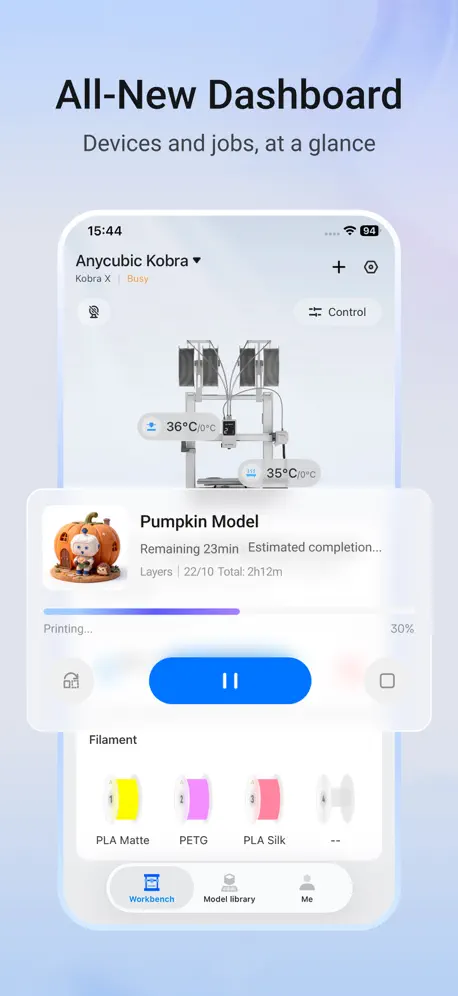
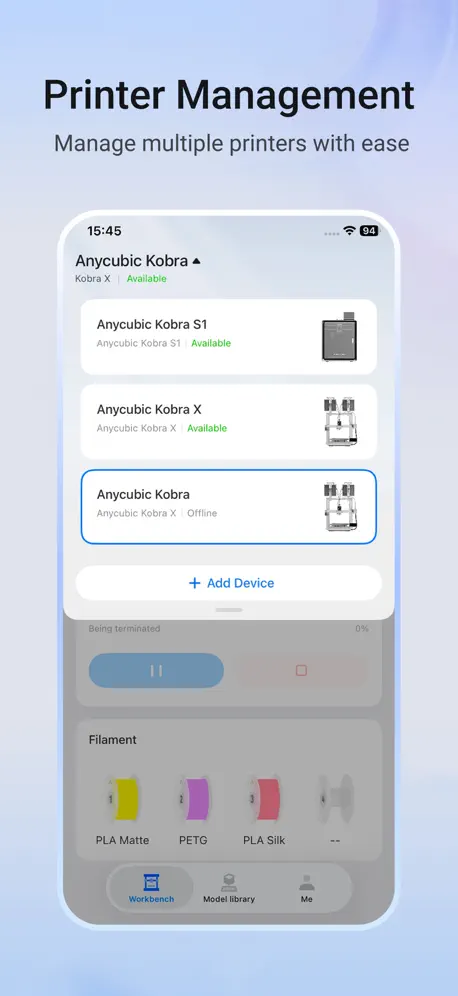
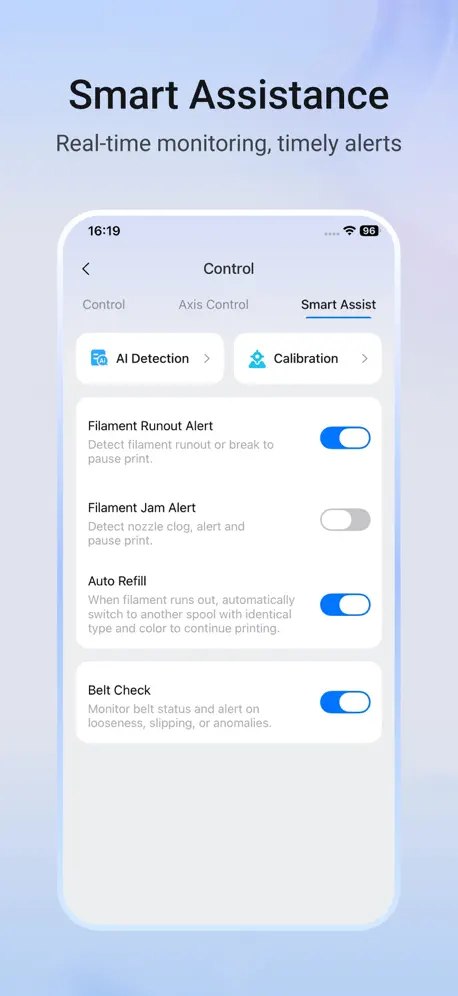
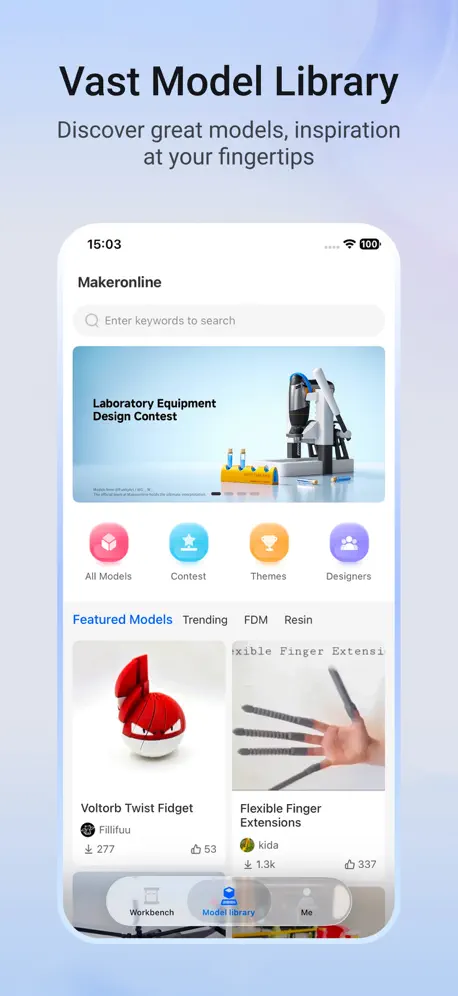
How much does Anycubic: 3D Print & Models cost?
Prices are current as of 12 Nov 2026.
Anycubic: 3D Print & Models has no in-app products on record in the United States.
10+ alternatives to Anycubic: 3D Print & Models
| Anycubic: 3D Print & Models |   Creality Cloud - 3D Printing |   Flash Studio | 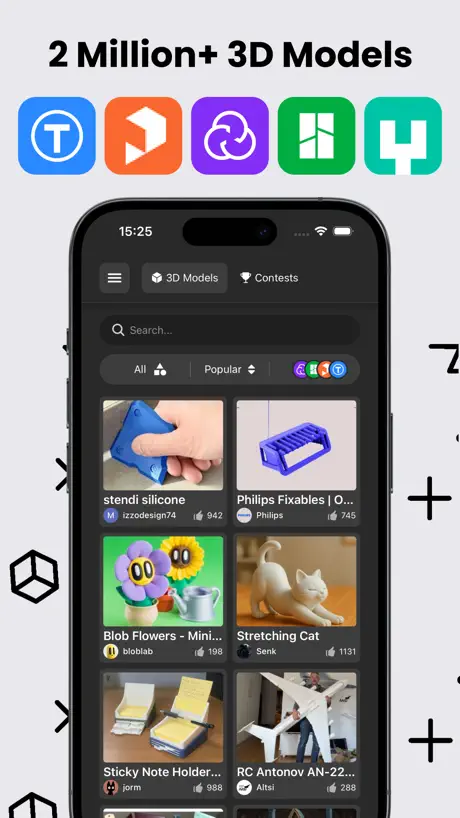  Thingiverse Printables | 3D GO | 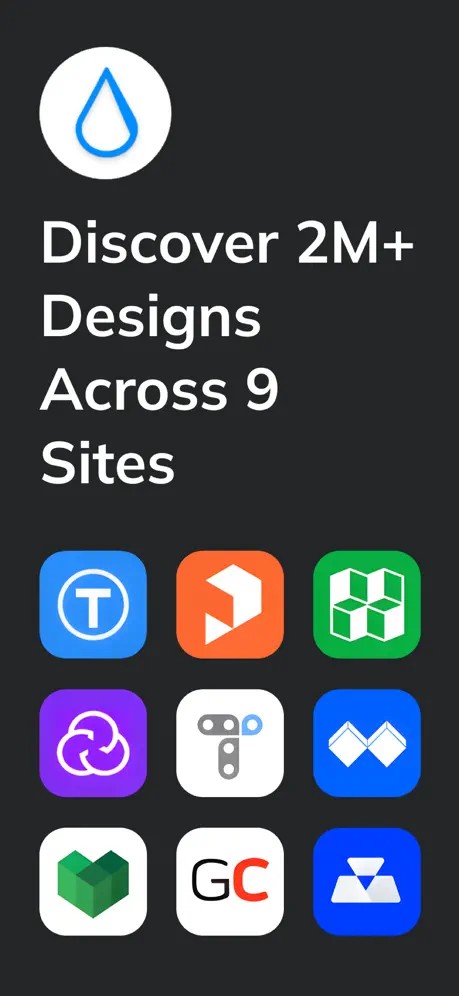  Thingiverse MakerWorld | 3Drop | 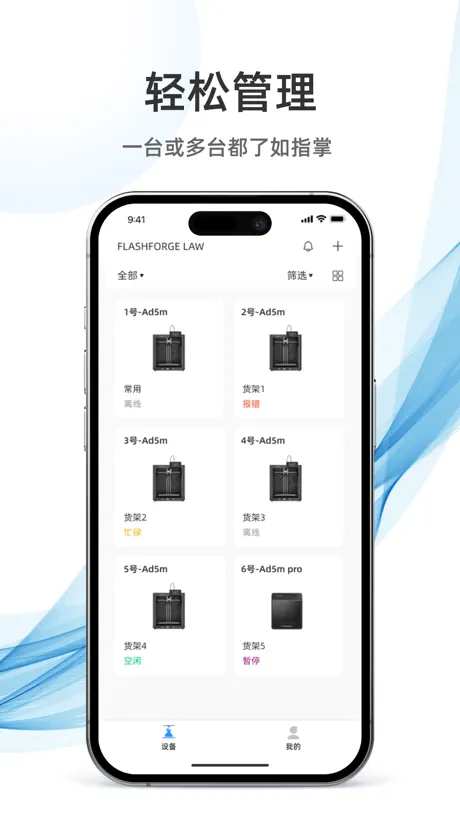  Flash Maker | 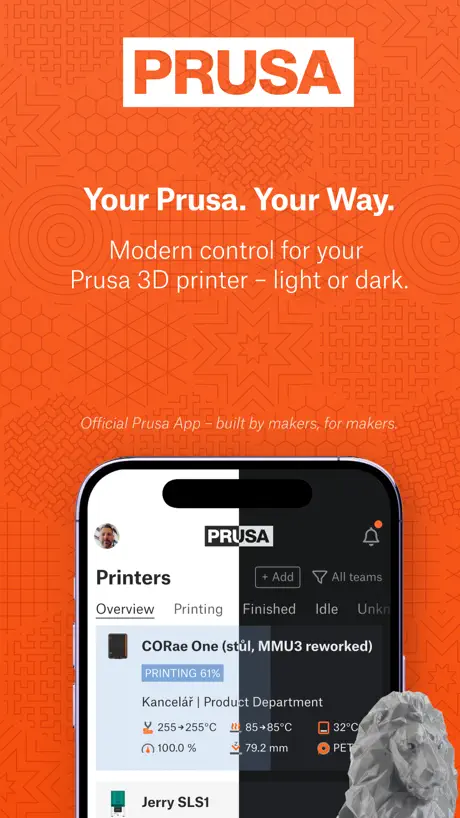  Prusa | 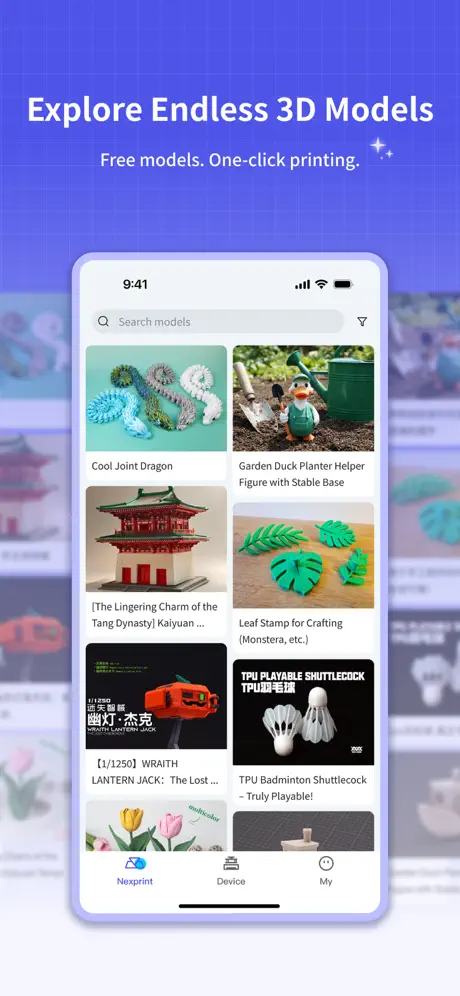  ELEGOO Matrix | 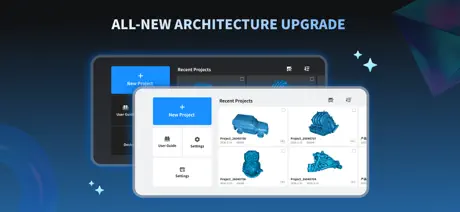  Creality Scan |   Thangs | 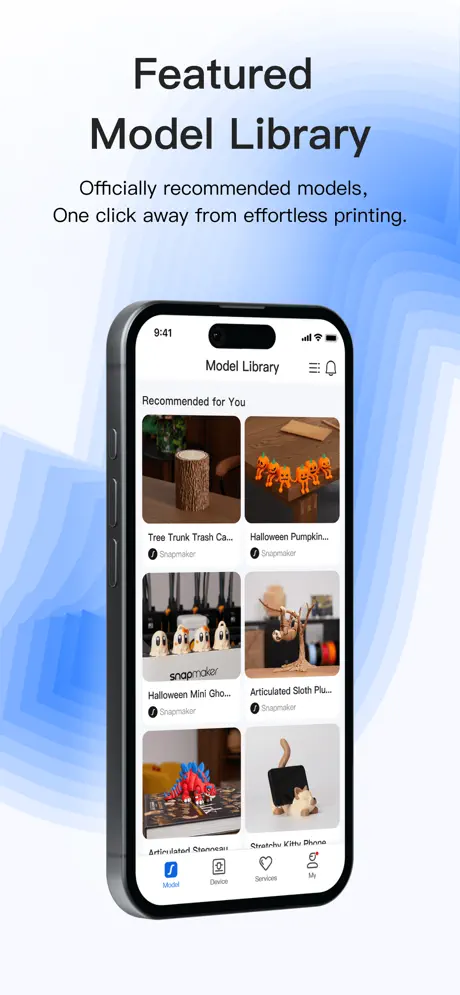  Snapmaker | |
|---|---|---|---|---|---|---|---|---|---|---|---|
| Rating / 5 | 2.9 | 4.5 | 4.8 | 4.6 | 4.8 | 2.1 | 4.2 | 2.4 | 2.0 | 2.8 | 2.7 |
| Reviews | 1.5K | 16K | 8.9K | 6.2K | 1.2K | 836 | 397 | 381 | 378 | 183 | 156 |
| Released | 2023 | 2021 | 2025 | 2023 | 2023 | 2024 | 2024 | 2025 | 2023 | 2022 | 2025 |
| Monthly price | — | $7.99 | — | $2.99 | $1.99 | — | — | — | — | — | — |
| Annual price | — | $79.99 | — | $29.99 | $17.99 | — | — | — | — | — | — |
| One-time price | — | $7.99 | — | — | $39.99 | — | — | — | — | — | — |
The going rate for each plan in United States, in its own currency, shaded from the cheapest price on the row to the dearest.
Anycubic: 3D Print & Models reviews
2.9 out of 5, based on 1,466 reviews.
What people like
- Easy to use for beginners
- Works well with Anycubic printers
- Good remote monitoring capabilities
What they complain about
- App crashes constantly and won't stay open
- Search function is broken and useless
- No iPad version available for tablets
- Slicer features are too limited
Dark mode would be great
Super easy to use. Great for beginners to pros. Just wish it had a dark mode.
Decent to unusable
So the app no longer supports gcode files… they want you to upload the model and slice it in their very limited mobile slicer. Obviously this renders the app completely useless as their profile won’t work for the filament you are using lol deleted. Originally used the app to transfer files to print remotely but now I’m forced to just use a usb stick plugged into the machine.
It’s actually pretty decent
The app performs surprisingly better than I expected. It very easy to use but sometimes limiting, but fundamentally get the job done.
Barely work, other 3d printers have better projects to make
Barely work, other 3d printers have better projects to make.
Blank dynamic island
The app is using the dynamic island (aka camera notch) when a printing task is going and there’s an active status notification. The problem is that the island is pitch black and clicking it immediately opens the anycubic app. Would be nice to have the dynamic island display printing progress or something, but having it look like it doesn’t have anything (aka clicking it won’t do anything) and open the app when misclicking while opening a notification center is really annoying. Give a visual indicator that the Dynamic Island has an app on it.
My story
I started 3d printing in November 2025 and now I have 1900 hrs and 1200 flawless prints. The Kobra 3 v2 combo is a work horse. I am thinking of getting the Kobra 4 but I have to sell some of my stuff so I can buy it. Would be nice if Anycubic would send me one so I could do a video and test it out , but I don’t have a print farm and I am not in a printing business. I am a 100% disabled veteran trying to get other vets into 3d printing
Failure to connect to its own device
The app will not connect to the Wi-Fi although the phone connects to it fine 👎 total failure. this device will not work. I cannot get it to join a network. The only way to get content to this thing is with the USB. What a joke.
Bad prints
Sometimes when I do long prints it will take a while and the print might stop
App consistently crashes
Every 30-45 sec it crashes when Looking through the prints
App lag
The app lags A LOT
Update 2.0
Thank you for the new and improved experience
Not good
The system was perfect before and with the cloud service everything is wrong and pushed all the great features out.
Good enough
In general, paired with the Kobra, this works exceptionally well. Prints just work, effectively every time. I love being able to watch and start prints from anywhere. The two things it is missing that prevent it from being perfect(!): 1. You cannot print multiple stls from the app at the same time. I really want to pack the print bed with models and i cant - so I do one little print at a time, which is annoying. 2. You cannot easily adjust the layer height and other settings. You cannot print multiple turn support on/off, select filament, scale and rotate - but thats about it. In general, not a huge problem because the printers are so good now. Please fix #1!!!
App keeps crashing
After setting up a brand new S1 printer. I was able to connect it to the app and was able to send one model to print via the app. Now whenever I open the app it will crash within 30 seconds. Restart, re-download, doesn’t seem to help.
Having problem with app
Have been having problems for the past couple days as when in the app it for some reason kicks you out and have to keep opening the app again. Never had this problem before. What is going on with the application please fix the issue as I have never had a problem. And I love using this app from my phone as it is very useful.
New ui love it
Finally they updated the app. A long waited ask from anycubic. I have 3 printers and i test the app with printer alot. This new app has good function and better ui. Thanks anycubic.
App won’t work
App won’t work for me to sign on
A nice surprise.
I’m pleasantly surprised with how well this app works with the Photon P1. At least as far as monitoring progress of the print goes. It would almost be perfect if it shows the smart monitor real time force graph like the desktop version does, but hopefully that’s in a future update.
Crashing
The app is okay when it works but lately it’s been crashing constantly. I can’t spend more than 30 seconds on it before it crashes.
Keeps crashing
I would rate this app 4 or 5 stars if it didn’t keep crashing on me. Can’t even use it for 30 seconds before it kicks me off, over and over again. Last update was 4 months ago too which makes me nervous…
Удобный контроль
Отличные приложения, пользуюсь им уже несколько лет, я контролирую все процессы FDM и SLA принтера.
Used to work
I have a few Anycubic printers. My oldest is a Kobra 2 Max. I use PrusaSlicer to slice my models, then upload the g-code to the cloud. Then I could initiate printing from the iOS app. With this latest 2.0.0 update, cloud files no longer show as available. Basically useless for working with my Max. I hope it gets fixed.
Don’t know why.
It takes multiple hours to slice some of the simplest prints. Selected a print (a small figurine) last night before going to bed, woke up this morning and it shows “Slicing at 72%”….. it has taken over 6 hours to slice this print to 72%. Just weird.
App is now crashing
It was great being able to download a model to my phone save it then send to the printer from my phone but now the app keeps crashing out.
Kobra X
So when we first got the app, it NEVER gave us an issue. Since I got my new order of filament in from Anycubic, the app will not show any of my collections. When I find a file I like and want to add it to my collection it does not show any choices. It also won’t allow me to make a new collection. The option to add a collection is almost grayed out and even when I can get it to let me add a new collection, I ends up telling me I can’t after I go through and select the way I want the file. It seems to be freezing up a little here and there when we try to send a file through the app to the printer. I have also noticed that it takes a minute to register with the app that a print is done. I am hoping it is just in need of an update or maybe I could remove the app then reinstall it and it will work like it did at first.
Anycubic Customet Service A+++
The app meets my needs and is constantly evolving to meet its customers needs.
Bad
You have to login which is a long process and hard to do all of and after you finish that you seem fine until they update it and you have to log back in.
Glitch
It will not let anyone search on it i cannot search for models please review and fix this bug
Why???
It is ultra hard to find specific things you want like theres plenty of AI and BrainRot no one is gonna print but theres not a lot of stuff that are not
App Crashes
8.27.2026 - After latest iOS update... the app crashes on iPhone and iPad.
Good app
This app is easy to navigate, are works well with Anycubic 3D printers! I highly recommend Anycubic printers, especially the Kobra X for its price.
Can’t sign in
The app automatically signed me out, and whenever I try to log in anymore, It just goes blank forever, I have waited hours for it to load and it just never does. I have used this app before, but after the update it just doesn’t work anymore.
Great app but lacking features
I really enjoy being able to control my 3D printer from my mobile device. That said, the app feels quite basic compared to the desktop version. I would love to see a more fully featured experience on iPad and iPhone so I don’t have to rely on my desktop.
Crashes every time I try to look at the camera
The app doesn’t do me any good because it keeps crashing try to look at how far your print has come along and crash. Look at camera crashes.
Ok app
This app is ok. Might have to update it since it’s closing out and crashing since yesterday’s IOS update.
Anycubic App
I love my printer, the Anycubic S1 with the Ace pro is - legit powerhouse. The app could use some freshening up, but it has been fairly painless to use. I hope clearing my cache will allow search results to reappear.
Crashes
App crashes after opening. Every few seconds.
This is amazing!
I love this app. This is awesome the way you can monitor prints and do basic slicing. I have one request however, can we have maybe a multiplying option on the basic slicer or to import multiple files, because that would be very nice. I do not have the equipment necessary to get Anycubic slicer next, so more basic options would be nice.
Bad Responsive Coding
The app may work well for printing and observing, but unless you are actually on a phone the app is tiny and is not responsive on an iPad screen for example. In this day where much code is prompt engineered there should be better compatibility with multiple devices and resolutions.
iPad version
Espero que um dia saia versão para iPad, está ruim essa versão com tela pela metade
Impressed
Great app to use with new Kobra 4
Crashes constantly and little control options
Just bought the kobra x after using the Bambu labs A1 for 2 years now and several printers. I got tired of the lack of reliability and customer support of Bambu labs so here I am. The printer is amazing but the app leaves much to be desired. It crashes constantly and I have to restart my phone. This is the only app I have ever had to do this with. The app doesn’t have many print projects ready to go and the ones they have lack options and control. It would be nice to print 10 fidget spinners instead of one at a time. This app is holding the company back from dethroning Bambu labs because I hate the A1 but because of the Bambu Handy app I have to stick to buy and fixing those machines.
Please make an iPad version
The app appears to work well, but the time to print is vastly different to the printer (Kobra S1). It quite often won’t connect to the camera but that could be the printer. I have two requests, 1. Please please please make an iPad version! 2. Make print errors more obvious! The print is too small.
Poorly built app
Apps very buggy the search engine will just stop working and decide when it wants to work
Fix the app.
Its a good app, if you get what you want on the homescreen of the prints. The search bar is broken, no matter what you search, it says ‘No relevant model found.’ Even if its the name of a print you JUST did. It gets annoying fast when you want to make a certain item and you just have to hope you find it after going down a rabbit hole of ‘related models’ hoping you find what you want. If you want to use another app, you more than likely gotta learn a lot more stuff if you’re new to this like I am.
Love your products
But PLEASE, make an iPad version of your software. And we need a dark mode on the iOS apps…. PLEASE!!
Won’t sign in so it doesn’t work
After a week on not using the printer it automatically signed out. Now it won’t sign in again. I tried resetting the password and still nothing. Just a constant circle saying logging in.
Could use some work
It’s great at what it does but i wish you could modify the print more in the slicing option! (And wish it told me when the resin is low)
Needs an update
App is very limited in comparison to other 3D printer apps , slicer is also limited , in changing % for Fill and many other options
Not bad, could be better
It’s not a bad app, should only get better with time. My one gripe to the developers at anycubic, why don’t they make the camera able to do full screen. I can do full screen with Bambu app, but no full screen in anycubic. Please make camera able to do full screen and zoom so it would be a lot easier to check prints on phone.
Anycubic: 3D Print & Models FAQ
- Is Anycubic: 3D Print & Models free?
- Yes. The app is free, in all 174 countries it sells in, and it sells nothing inside it.
- Does Anycubic: 3D Print & Models have a free trial?
- No. None of its offers (US) come with a free trial.
- What are the best alternatives to Anycubic: 3D Print & Models?
- Creality Cloud - 3D Printing (4.5 from 16,377 reviews, premium from $0.99), Flash Studio (4.8 from 8,855 reviews) and Thingiverse Printables | 3D GO (4.6 from 6,187 reviews, premium from $2.99).
Anycubic: 3D Print & Models download
Last updated 23 days ago.
Anycubic: 3D Print & Models sells in 174 countries. It was released 3 years and 9 months ago, on 29 Jan 2023. It holds a 2.9 rating from 1,466 reviews.
Supports 4 languages: English, German, Russian, Chinese.
How much does Anycubic: 3D Print & Models make?
Third-party estimates for the last 30 days, worldwide — not the store's own figures, which Apple publishes for nobody.