
Eventscribe
How much does Eventscribe cost?
Prices are current as of 21 Nov 2026.
Eventscribe has no in-app products on record in the United States.
10+ alternatives to Eventscribe
| Eventscribe | 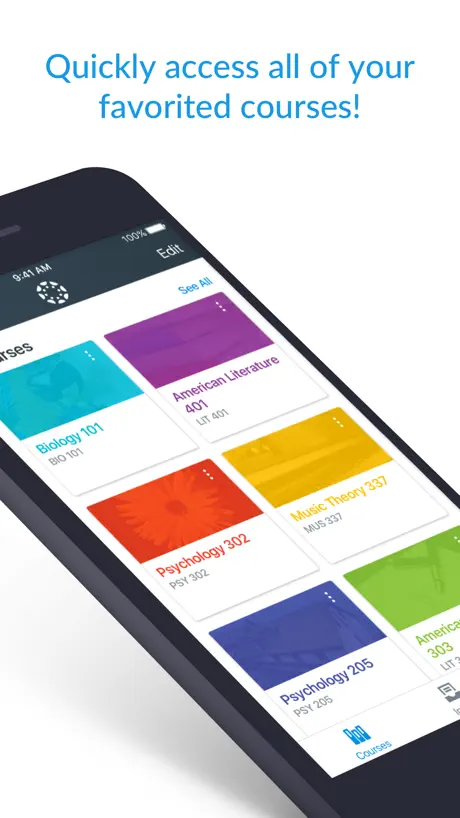  Canvas Teacher | 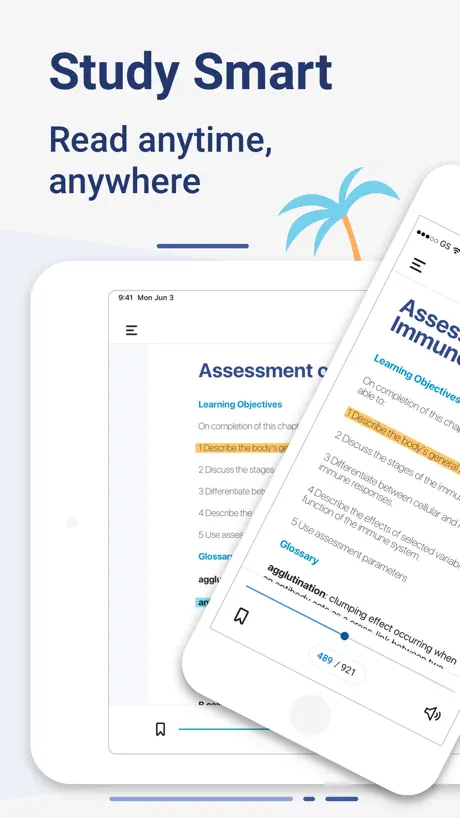  Elsevier eBooks+ | 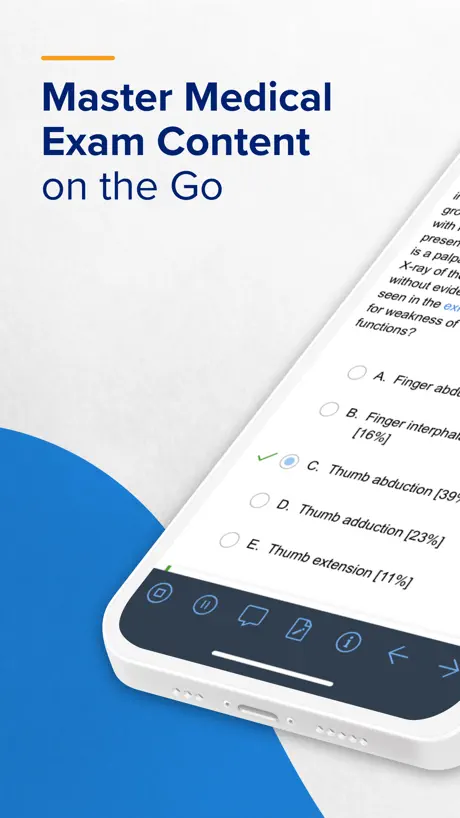  UWorld Medical Exam Prep |   HMP Conferences |   EventPilot Conference App |   Heart Association Conferences |   Thalamus |   Engagefully |   DDW 2026 |   AACR Meetings | |
|---|---|---|---|---|---|---|---|---|---|---|---|
| Rating / 5 | 4.6 | 4.6 | 4.7 | 4.7 | 4.7 | 4.6 | 4.5 | 3.8 | 3.0 | 4.8 | 5.0 |
| Reviews | 9.7K | 115K | 6.4K | 6K | 3.6K | 2.9K | 2.3K | 522 | 45 | 5 | 2 |
| Released | 2013 | 2017 | 2023 | 2015 | 2018 | 2012 | 2018 | 2014 | 2018 | 2025 | 2025 |
| One-time price | — | — | — | $719.00 | — | — | — | — | — | — | — |
The going rate for each plan in United States, in its own currency, shaded from the cheapest price on the row to the dearest.
Eventscribe reviews
4.6 out of 5, based on 9,711 reviews.
What people like
- Very easy to use
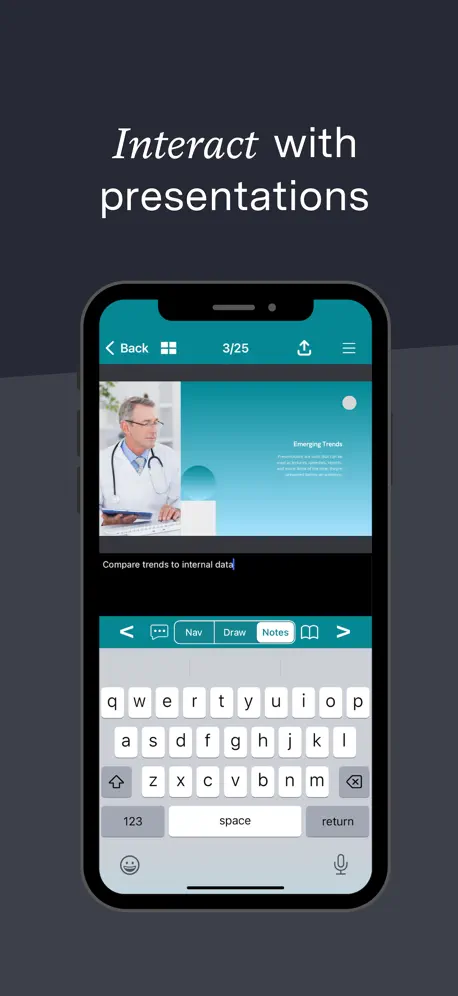
- Slides load before sessions start
- Notifications are accurate and timely
What they complain about
- Keeps logging you out constantly
- App crashes and freezes often
- Notes disappear when screen locks
APEC 2024 App is amazing
I like the slide integration within the app for seminars.
Probs
can’t make text bigger; can’t edit my own listing- as it was mistakenly transferred from the psf I completed(my show name / subtext was omitted)
Presentation evals
Easy to use app. Wish there was a way to eval in the session tab rather than only the eval tab
Log in
I really object to the apparent need to go through the lengthy log in sequence many times each day.
Good but needs improvement
It’s tricky to take and save notes. On my iPhone it never saves my notes during an 1.5 hour session as every time my screen locked all my notes were lost. I could have sent my notes several times during the session but then I have 4 or 5 different texts for one session. It would be nice if they didn’t get erased when my phone screen locks and if there was app support for note taking but I couldn’t find any after several searches.
Informative
I like the fact the we were always informed the topics was interesting and speakers was excellent.
Glitchy on iPad
Shuts down every few minutes, if you do anything else
This app is awkward
Some cool features, but the log in process & set up of app is awkward. Tiny areas that should be desktop size not easy on a phone or tablet.
Good Enough
It is a good conference tool. However, I am experiencing speed and instability issues. (Hotel WiFi)
Excellent App
Fun to use! Nice to get the presentations upfront and not have to wait until the presentation.
Glitchy
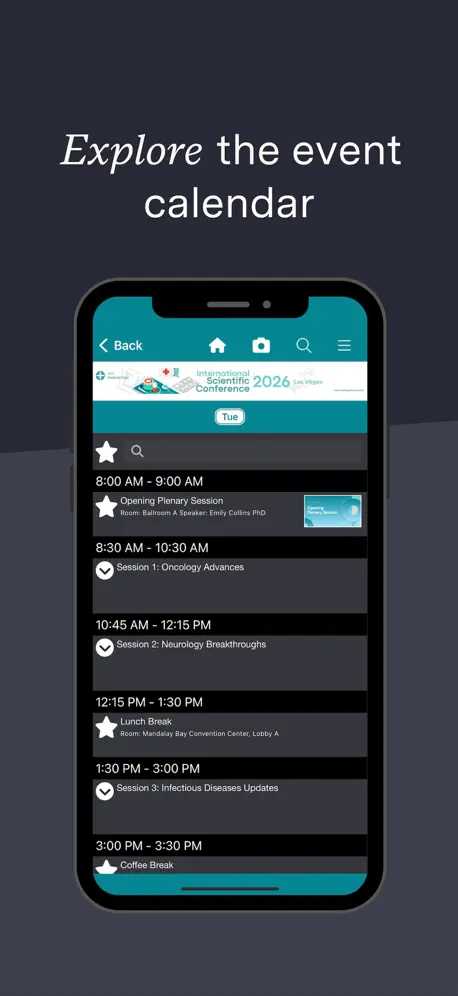
Keeps crashing. Hard to see the full session names and times all at once - have to click on each individual thing and open up submenus instead of just one complete list
Have to re-login each time I open the app
The app can be sluggish, but my main issue is that I have to re-login each time I want to access. It would be ok if I didn’t have to go through all the initial steps each time. Frustrating!
App crashed
App kept crashing when I tried to click into a specific event
Event Scribe
Excellent product ever for someone who is not tech savvy like me!!
Poorly designed authentication
Requiring full login to events multiple times a day is annoying and detracts from the usability of this app.
There is no instruction for collect CME
There is no instruction for collect CME as usually provided in NYU CME event
App continued to log me out.
I truly enjoy using the app. I have used it historically but this time , it continuously logged me out. Once I was logged out, I was required to enter my confirmation number each time. Subsequently because of the time needed to enter in my confirmation number, it delayed my journey to the next session. Thank you
Love this App!
I have used this app a few times now and have been very pleased each time. It’s super helpful, easy to use, the notifications are on point and never once did I experience any issues. Everything I needed for my event all in one place.
Slides
My App has same slide deck for multiple speakers.
Not great
Keeps freezing and slides will not load.
Application review
I'm so disappointed that the app doesn't allow for face recognition. Having to log in over and over throughout the day while I'm in the conference is really frustrating and annoying. Once you sign in I shouldn't have to go through all the steps for set up AGAIN!!! Please use your own app sometime and you'll see what I mean!
Review
Easy Good accessibility
Good app but just stopped working mid conference
Good app but just stopped working mid conference I can’t open the session information anymore, just when I need it
Did not meet the expectations
This is a slow program especially if you depend on wifi connection at a meeting. It was worthless to use with my IPad and made me wear the phone battery to useless. When the phone goes to sleep you have to restart the application instead of going where you were. It crashes a lot. Good concept if it works.
Challenge with adding events
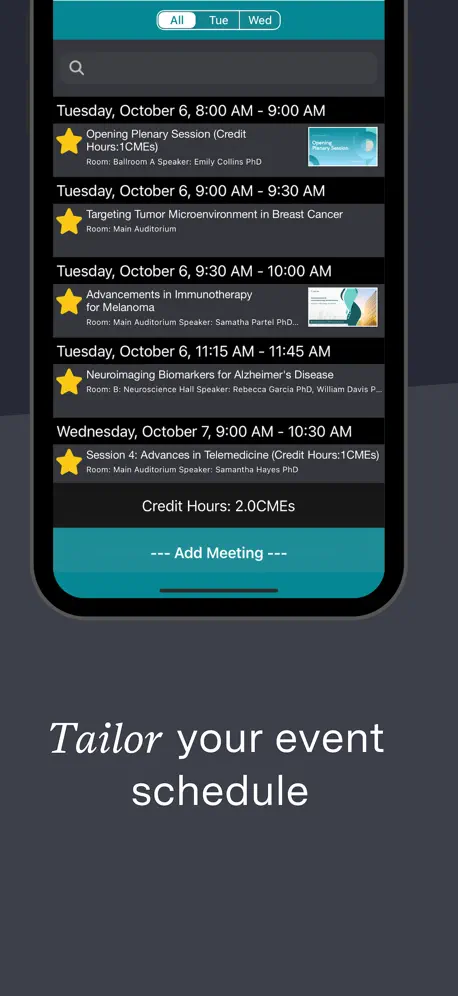
I have had a challenge adding special events not listed in program .after adding them they are not showing up on my schedule.
Great App made the conference a breeze
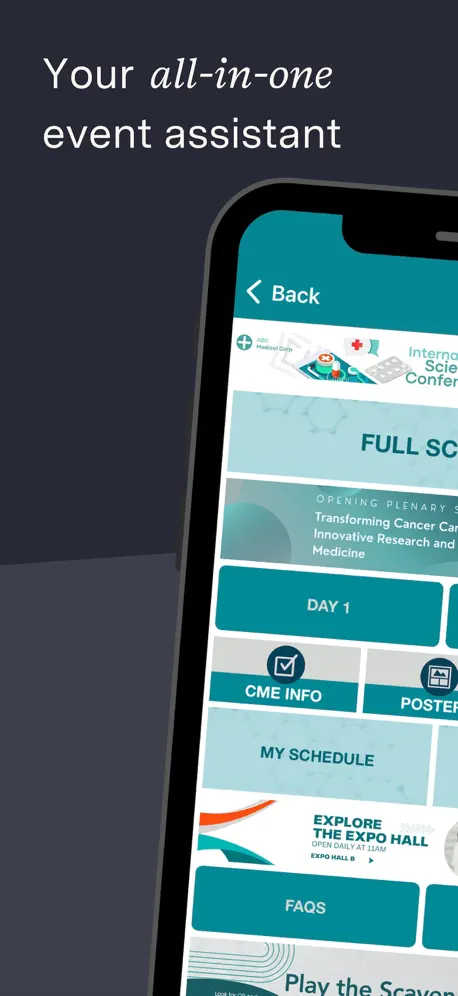
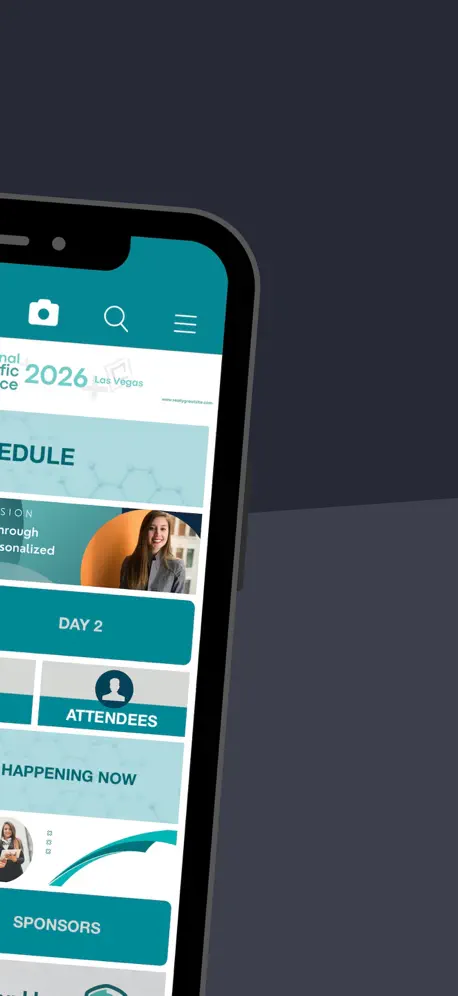
Used for Copper 2019 Vancouver. Felt wrong but liberating to only carry the phone and cards instead of books, schedule, notebook, pen. Useful divisions, my plan, happening now, notes, all useful thanks!
Logs out spontaneously and frequently.
It repeatedly logs me out throughout the day and I have to search through my email for the random password that was assigned. At this point, a piece of paper with the agenda would be better.
Slow
Slow response and functin on iPAD
Saved password
The password doesn’t get saved so get kicked out frequently.
Good except technical issues
Would be great but keeps logging me out!!
Slow to load slides
Maybe this is the wifi
Sales
Have been doing trade shows for over 30 years and this is the most difficult app I have ever used.
Notes inconsistent
Depending on how you access notes per session they might not share from one view to next. One view only allowed 3 lines of text w no option to expand text window.
Annoying
I have to re log in every time I open the app. It’s quite frustrating and not quick at all
Eventscribe FAQ
- Is Eventscribe free?
- Yes. The app is free, in all 175 countries it sells in, and it sells nothing inside it.
- Does Eventscribe have a free trial?
- No. None of its offers (US) come with a free trial.
- What are the best alternatives to Eventscribe?
- Canvas Teacher (4.6 from 114,764 reviews), Elsevier eBooks+ (4.7 from 6,446 reviews) and UWorld Medical Exam Prep (4.7 from 5,985 reviews, premium from $499.00).
Eventscribe download
Last updated 2 days ago.
Eventscribe sells in 175 countries. It was released 13 years and 8 months ago, on 10 Mar 2013. It holds a 4.6 rating from 9,711 reviews.
Supports 1 language: English.
How much does Eventscribe make?
Third-party estimates for the last 30 days, worldwide — not the store's own figures, which Apple publishes for nobody.