Xerox® Workplace
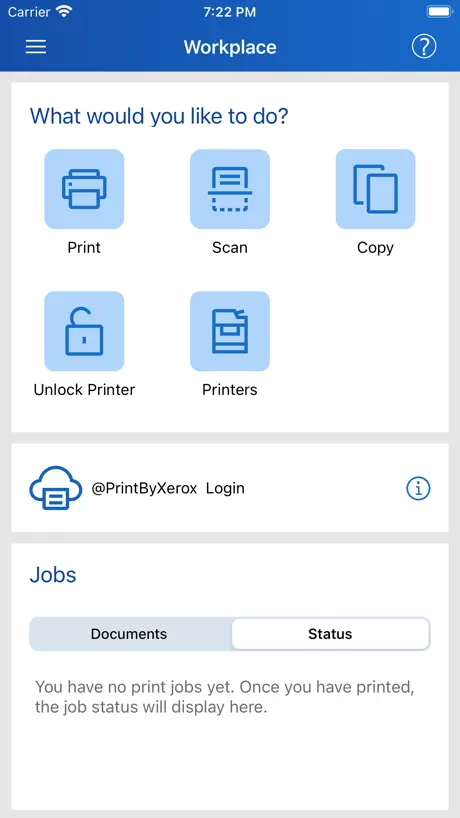
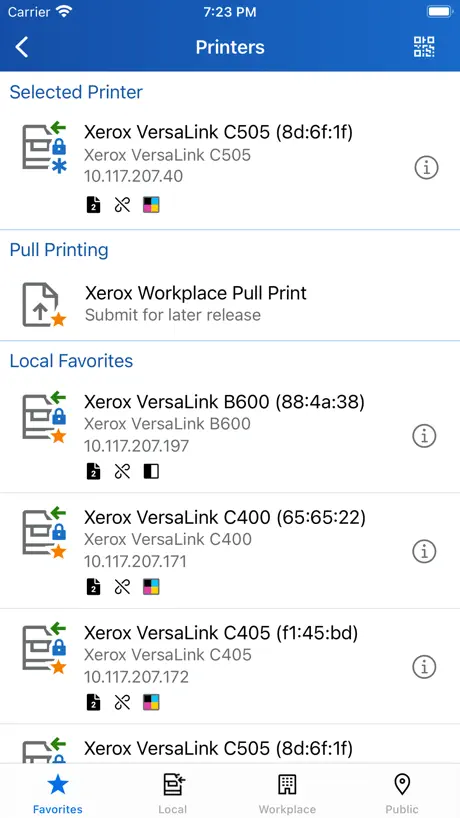
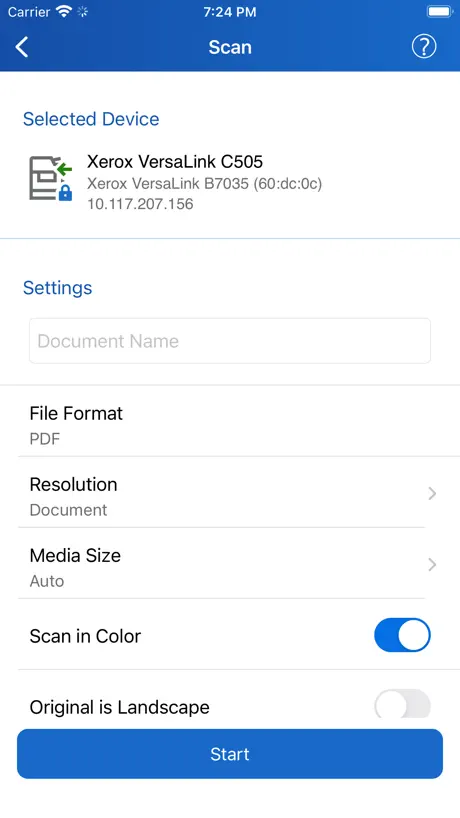
How much does Xerox® Workplace cost?
Prices are current as of 7 Sept 2026.
Xerox® Workplace has no in-app products on record in the United States.
10+ alternatives to Xerox® Workplace
| Xerox® Workplace |   Microsoft 365 Admin Microsoft 365 Admin |   Air Printer App Air Printer App |   NokoPrint - Mobile Printing NokoPrint - Mobile Printing |   PrinterShare: WiFi & PDF PrinterShare: WiFi & PDF |   KYOCERA Mobile Print KYOCERA Mobile Print |   Konica Minolta Mobile Print Konica Minolta Mobile Print |   Pharos Print Pharos Print |   Lexmark Print Lexmark Print |   UniFi Design UniFi Design |   PaperCut Hive - Secure Print PaperCut Hive - Secure Print | |
|---|---|---|---|---|---|---|---|---|---|---|---|
| Rating / 5 | 4.1 | 4.6 | 4.2 | 4.7 | 4.7 | 3.0 | 2.9 | 1.3 | 2.1 | 4.3 | 5.0 |
| Reviews | 726 | 21K | 9.2K | 2K | 740 | 386 | 368 | 237 | 169 | 6 | 4 |
| Released | 2012 | 2013 | 2022 | 2024 | 2010 | 2012 | 2017 | 2015 | 2021 | 2024 | 2020 |
| Weekly price | — | — | $3.99 | — | — | — | — | — | — | — | — |
| Monthly price | — | — | — | $0.49 | — | — | — | — | — | — | — |
| Annual price | — | — | $19.99 | $4.99 | — | — | — | — | — | — | — |
| One-time price | — | — | $9.99 | $9.99 | — | — | — | — | — | — | — |
The going rate for each plan in United States, in its own currency, shaded from the cheapest price on the row to the dearest.
Xerox® Workplace reviews
4.1 out of 5, based on 726 reviews.
What people like
- Makes printing from phone very easy
- Works well for basic office printing
- Saves time by printing straight from phone
What they complain about
- Crashes constantly when opening files
- Login fails or crashes immediately
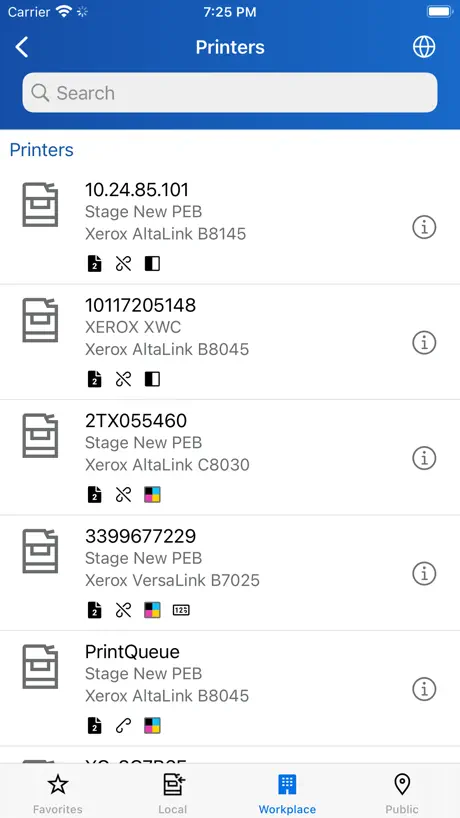
- Hard to find and connect printers
- Scanning features often do not work
Great App
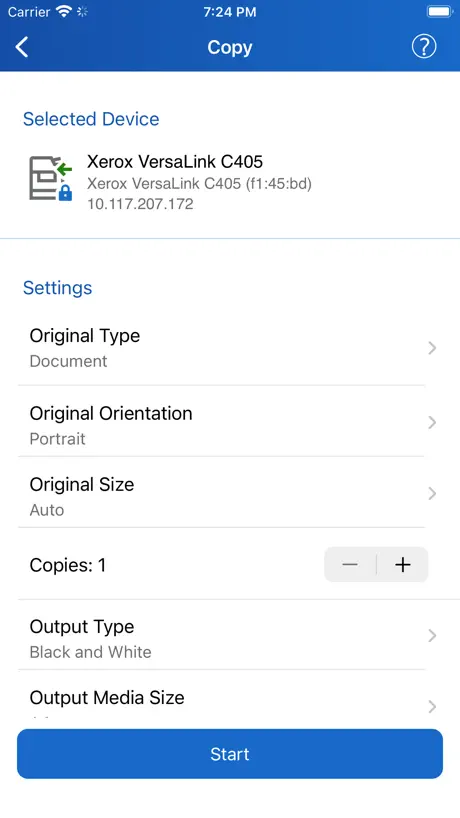
I use this app every day and it makes printing very easy. The only problem is if you have to make several copies there’s no way to manually enter entering the number of copies that you want to print
“Asking you to consent to them using your personal data”
F
Eine wichtige Funktion ohne Funktion
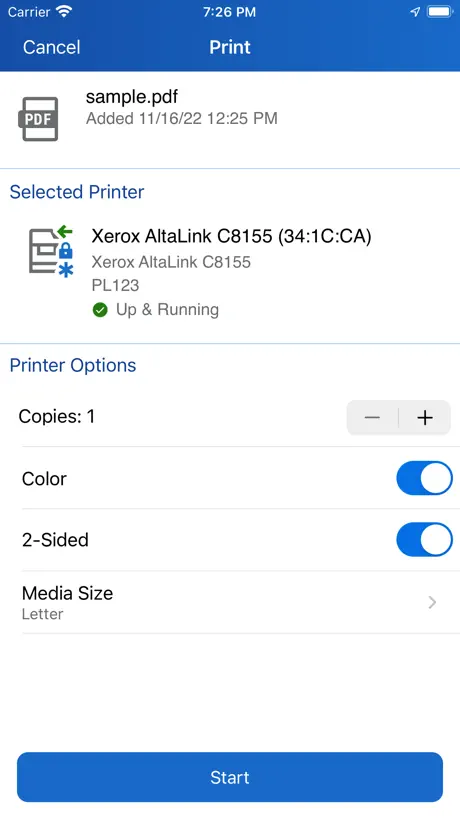
Klappt alles wunderbar das einzigste was nicht funktioniert, ist der beidseitige Druck den kann man nicht auswählen bzw. er graut sich dann aus
Falla Escáner
No puedo configurar para escanear desde el iPhone. Me dice que la función de escáner no es compatible con este dispositivo. Ayuda por favor.
Almost there
Once printers are added, it is relatively easy to print a document. Getting there is another thing altogether. Adding a printer is not as straightforward as it should be, it takes not one but several attempts to establish a connection. Printer names (if different from the default name) are not always recognized so one has to guess that what’s selected IS the correct printer, fingers crossed, and see what happens. Once a printer is available, one selects a document, color or not, and paper size… that is not always respected (Tabloid may print to US letter or vice-versa). So, this app works but the UI was it probably designed by engineers with little understanding of UI design. IT people will make it work. The “average user”? They will need help.
Easy & Convenient
Great app &!easy to use
Absolutely terrible
Unreliable, unintuitive and just not fit for purpose.
Buena app
Muy buena app, solo que un poco lenta
INUTILE E SOLO A PAGAMENTO
Ti fanno scaricare l’app gratuita poi di fatto è assolutamente inutilizzabile se non ACQUISTI i servizi di Xerox. Tipica politica poco chiara e soprattutto poco trasparente dell’Azienda. Disinstallero subito.
Update
I hope update the application such that it could print directly from iPhone , in easier way
Very useful app
Works fine. It’s very useful and convenient to have it in the cellphone. 👌
Horrible app
Cannot connect to app. After adding IP address , printer name , app cannot find. Needed to scan document to my phone. Disconnecting and going to rehook up my old printer. It works.
Great for printing photos
Guys send timesheet by apps and saves time saving them as can print straight from phone so easy
Not working on iPad
The app is not finding printers from the iPad but works fine with the iPhone. All settings on pad and phone are exactly the same.
Mit Mängeln
Schön dass man nun von überall aus drucken kann. Blöd nur wenn nach dem Update die App neu eingerichtet werden muss. Und wenn man dann in einem anderen Land oder Netzwerk ist? Dann war es das mit „ drucken von überall“ das ganze ist schlecht durchdacht. Ich bin gerade in Südafrika und kann nun nichts drucken für meine Unterlagen zuhause. Da die App wie eine neue eingerichtet werden muss nach dem Update.
Great App
App works great with my Xerox B615. I have no issues after 3 weeks of use
Cannot make it work - terrible instructions
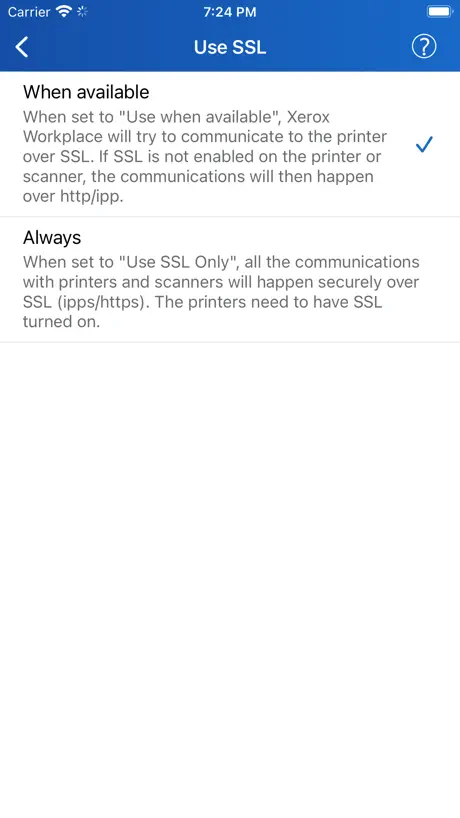
Downloaded this with the intent of getting copies of scans from my C235. Despite identifying the printer, I cannot “add” it under the scan option which instead keeps telling me to RTM and ensure SSL is enabled. What!? I’ve actually tried but to no avail. But why should it be that difficult when my HP app just finds my printer and prints / scans with one push of a button. Honestly defeats the object of having the printer for me.
Pick a page
If I could figure out how to print, say, only page 7, I would give it 5 stars.
Xerox 3635 not working
The printer Xerox 3635 could not be identified!
Could Use Some Improvements
The idea of this app is fantastic and I truly love it, when it works properly. There seems to be some sort of periodic disconnect between the printer and my laptop and can take a painstakingly long time to print any document. Other times, the transfer seems to be processing yet never actually completes the “Converting” stage until 3 or 4 attempts at printing the same document.
Quirky but it works
It’s a funny way to have to print from an iPad – it’d be nicer if you could just Share To the printer – but it always works, and that’s something in this world.
No option to choose pages to print
Always have to print all the pages of the document. I couldn’t not figure out how choose when only some pages to print.
I love this app
The Xerox Print Portal works great with my iPad Pro. My only complaint is that sometimes it won’t print a second document. I have to manually go in and close the Print Portal app and re-open it. That can be a pain. Also, with the new version, the default setting is to print double-sided, which I never do, as I am printing court documents, and I have to physically go in to change the setting, and if I forget and the document prints double-sided, I can’t use it.
Does not support common Xerox functions
App does not support secure print and other enterprise Xerox printer functions. It also does not allow you to create "common names" to identify printers. Xerox didn't even try here.
Errors and options non existent or easy to find
Every time i try to print a jpg it gives me a communication error. I can’t print a pages document, i have to convert it to a pdf first and then print the pdf. I don’t see any way to print a page range. I only see where to print how many copies...I know that I’ve got to be missing something here. This is a work printer, and no on-job tech guy, so I’m kind of just stuck trying to figure it out myself. It’s kind of embarrassing since I’m the one who usually figures this stuff out for other people. Finding fixes for this has been unfruitful.... Thanks
Great Productivity Tool
Simplifies printing files on our office Xerox copier-printer, from my PC, my iPad, of my phone.
Scanner doesn’t work with network printer
Not at all impressed with this app, it recognizes network printer for printing works fine but for scanning it didn’t recognize network printer
Great Tool
This app helps my busy day!
was hoping for more
like scanning to the app and then opening it in other apps.
Too basic
It’s 2019 the printer cost 2600rmb and the iOS app only allows single image per page print while the android one provides multiple options such as 2per page, 4 per page and so on. Why the difference?
Scanning function for major Xerox printers
I bought Xerox printer B235 in June 2023 now this update app works also scanning that’s good. Before scanning was working with Laptop. Now two choice mobile-iPad and Laptop. I am very happy with this new app update C.K.Mamtora
Does not work
Won’t let me login. Got past the email screen once, put my corporate code in and it crashed. Now it won’t get past loading after I put in my email.
Pretty decent.
Yeah it’s pretty good. Prints documents and photos from my iPad.
Interessante ma instabile
L'applicazione è molto interessante ma non è molto stabile. Ho dovuto reinstallarla diverse volte perché quando la avvio rimane una schermata nera che non permette di procedere.
Amazing
I use it to print at my office! Loooove it
Worst printer app ever
Ok it seems easy to print but try to open any file you want via this app!!! It will crash and wont print anything to you😡😡😡 it crashes ALL THE TIME
Great app
Very easy to use and a life saver!
.edu BUG
The app will not let you login with an edu email address. The app crashes as soon as you enter the username. This makes it unusable for me and many others. Please fix ASAP!!!
Perfection off the charts. It’s a no-brainer if you don’t have it get it.
Operating my office from my phone and my iPad has made my life lot easier. Thanks
Es una porqueria
LOL
Xerox® Workplace FAQ
- Is Xerox® Workplace free?
- Yes. The app is free, in all 170 countries it sells in, and it sells nothing inside it.
- Does Xerox® Workplace have a free trial?
- No. None of its offers (US) come with a free trial.
- What are the best alternatives to Xerox® Workplace?
- Microsoft 365 Admin (4.6 from 20,594 reviews), Air Printer App (4.2 from 9,211 reviews, premium from $3.99) and NokoPrint - Mobile Printing (4.7 from 1,975 reviews, premium from $0.49).
Xerox® Workplace download
Last updated 1 month ago.
Xerox® Workplace sells in 170 countries. It was released 14 years and 4 months ago, on 10 May 2012. It holds a 4.1 rating from 726 reviews.
Supports 11 languages: English, Dutch, French, German, Italian, Japanese, Korean, Portuguese, Russian, Chinese, Spanish.
How much does Xerox® Workplace make?
Third-party estimates for the last 30 days, worldwide — not the store's own figures, which Apple publishes for nobody.