Konica Minolta Mobile Print
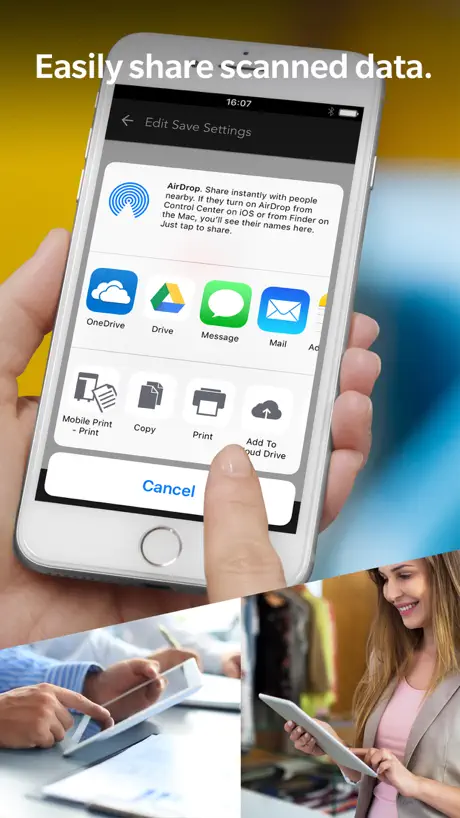
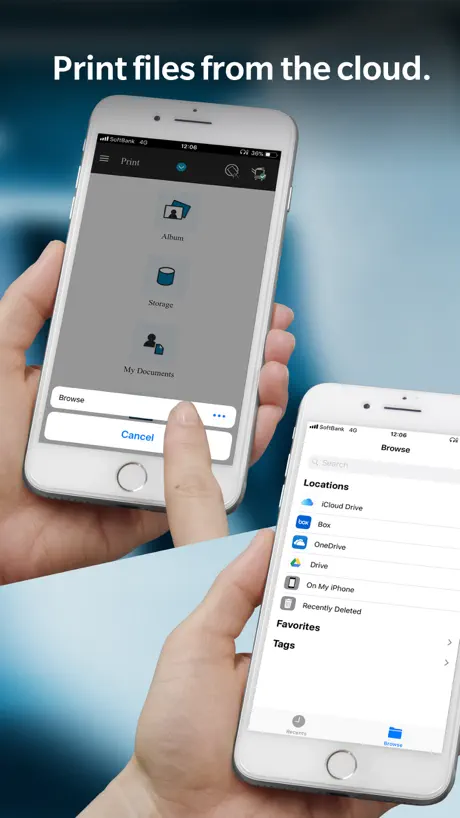
How much does Konica Minolta Mobile Print cost?
Prices are current as of 14 Nov 2026.
Konica Minolta Mobile Print has no in-app products on record in the United States.
10+ alternatives to Konica Minolta Mobile Print
| Konica Minolta Mobile Print | 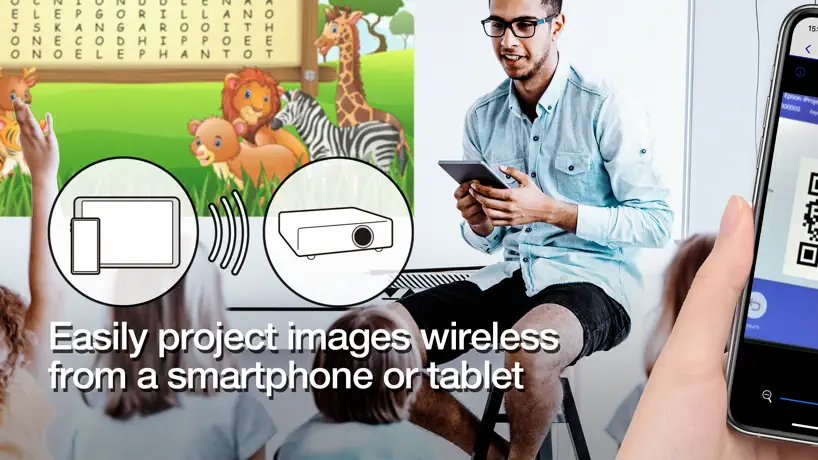  Epson iProjection |   Air Printer App |   Qfile Pro |   PrinterShare: WiFi & PDF |   Xerox® Workplace | 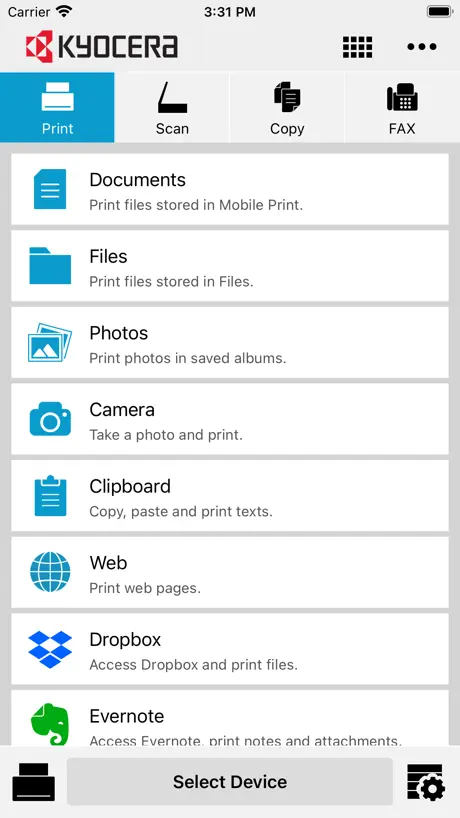  KYOCERA Mobile Print | 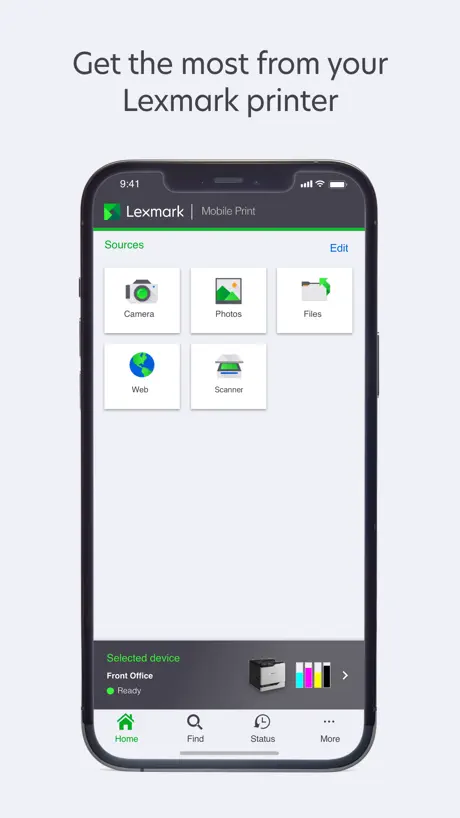  Lexmark Print |   Xerox® Easy Assist |   Mobile Print. | |
|---|---|---|---|---|---|---|---|---|---|---|
| Rating / 5 | 2.9 | 4.5 | 4.2 | 4.3 | 4.8 | 4.1 | 3.0 | 2.1 | 3.0 | 2.5 |
| Reviews | 372 | 22K | 10K | 7.6K | 1K | 734 | 390 | 169 | 155 | 154 |
| Released | 2017 | 2012 | 2022 | 2012 | 2010 | 2012 | 2012 | 2021 | 2022 | 2016 |
| Weekly price | — | — | $3.99 | — | — | — | — | — | — | — |
| Annual price | — | — | $19.99 | — | $7.99 | — | — | — | — | — |
| One-time price | — | — | $9.99 | — | $9.99 | — | — | — | — | — |
The going rate for each plan in United States, in its own currency, shaded from the cheapest price on the row to the dearest.
Konica Minolta Mobile Print reviews
2.9 out of 5, based on 372 reviews.
What people like
- Easy setup for older printers without AirPrint
- Works well for printing photos and maps
- Finds your printer on the network quickly
- Free app with useful office features
What they complain about
- Crashes immediately when you open it
- Cannot print Word documents without converting to PDF
- Does not support Office365 email accounts
- Missing basic options like landscape printing
WORKS GREAT FOR ME!!
I have an older Bizhub C280 that does not have AirPrint functionality. I heard of this app while searching and thought I would try it. It was very easy to add the Bizhub printer that is on the same network as my WiFi connection. I very easily printed a few documents and pictures with no issues using an iPhone 17 Pro.
Doesn’t work
We have downloaded this app on 5+ devices and it won’t connect to our copier on any of them. We depend on mobile printing so much and. Red this to work. Please update!
快点更新吧现在还是用不了啊
更新更新更新赶紧更新
沒有滿版列印設定
沒有滿版列印設定
スキャンの設定
スキャンの設定が細かく設定できたら嬉しいです。 片面だけなので両面もできたらいいかも。後PDFだけのスキャンなのでJPEGなど他の選択もあるといいと思った。 改善お願いします。
Simple
I print so many pages to print dnd maps. Simple and easy.
Poorly designed function and interface
My high school niece could have written a better app then this. Poorly function and no error description for any error encountered
Glad to use this App!! However, .....
I sure appreciate this app. However, it would be very helpful if when scanning, we are able to save the scan to OneDrive, Dropbox, ect.... Thanks in advance for considering this important service upgrade.
Does not support connecting with Microsoft 365 online
You can set up email through Yahoo, Google and iCloud, but not Office365. That’s a shame
Works
This works as it should. You have to go to the share open to share out to mobile print and click details to get advanced settings. Would be nice to rename details to advanced settings and please, please, please, give us the option to rename the printer. It pulls the model number, but if you have multiple printers that have the same model number, it is hard to tell them apart when printing.
Thank you for this App!
Thank you for developing this app for us iPhone users. I didn’t know that Konica was not compatible with iPhone and an app was needed. It was easy to download and install. It discovered my Konica Minolta printer. And it shows up as a separate printer icon whenever I want to print something. Works like a charm!
Need fixing the bug
After your updates on the app, I start facing a lot of issues with printing !!
印刷の
縦横の設定ができるようになると大変助かります。横長の画像の印刷も縦サイズの紙に印刷されるので大きく印刷できません。色々機能が追加されることを期待します。
Not working with newest IOS update from Apple iPhone
I have used this app for years but since the new iOS update the printer is just sitting there with the blue lights blinking trying to figure out what to print when I send a document to it from my phone. Works fine when I use the computer threw my router so I know it’s working properly threw the network. I hope they address this issue because I use my phone for most of my printing.
Major bugs, major issues.
When trying to print recently, “error operations “ message pops up, and there is no way to print the job. Never had this problem before, but it has kept me from printing several documents so far. I have locked and unlocked pdf’s, created new pdf versions, everything that can be done. Longer print jobs-which are typically priority in my occupation-are the ones that will not print. The screen that pulls up to send print data is finicky, sometimes it is half-size, sometimes regular. Sometimes it is locked where all you can do is print at the current settings, while sometimes you can change 2-sided printing etc…. The app needs work, and there are a lot of people who have invested countless dollars in your product: please extend us the simple courtesy of bettering the app.
Tut was es soll
Ich habe die App installiert, um auch vom Handy auf dem Drucker in der Arbeit drucken zu können. Einrichtung war problemlos mit zwei klicken möglich und drucken geht problemlos 👍
Not accessible with voiceover
Many buttons like BACK, etc are not spoken app is unusable for people who are blind.
How to update the MFD name in app
If I register more than one MFD in app, it will be multiple entries. However, I add by QR code will be showing IP address which is quite easily selecting wrong MFD, what I can do?
不具合?
3.10からスキャンでjpeg保存が出来なくなりました。
Works!
June24 2023// Recommended by Konica Minolta website. Made sure chose our bizhub 554e on the wifi here, the same wifi as my iPad. I only needed to autoselect and it “discovered” the printer*. Then, from inside each app, from PRINT I saw and selected the printer. Each document succesfully printed. I only gave 3 stars, my first time use and so many features I haven’t tried. —— (*Other people’s printer setup might use bluetooth, usb cord, or require IT help for their business office network. Not an issue with my needs.).
Works with Konica printer
I had Konica-Minolta printer for a while it’s prints great colors, Trying to use iPhone and iPad to print but it’s not an AirPrint printer, with this app it found the network Konica printer and prints very well.
need update
Come on, it’s 2021 guys. It won’t kill you if you update new version for iPhone, the screen look so weird and don’t even mention the share system.
Big improvement
Big improvement over old PS Mobile app. Can select and print multiple photos. Configuration and settings could be a little more intuitive but app works well.
もどかしい!設定は何もできない!
先代のアプリから変わらない使いにくさと、その改良の無さ、、 綺麗にプリントできる機種を多く作っている一流メーカーとは思えません!心の底から感じます。このアプリを改良する気は全くないんだろうなと!本当に勿体ないと思います。 A4プリント縦でそのまま印刷は勿論できますが、その他、ポスター印刷や拡大・縮小、等、便利で使用度の高い設定は何もできません。何なら用紙の縦横すら選べません。 設定の為だけにiPadで作成したデータをパソコンに共有・転送してからプリント設定、、鬱陶しくてたまりません!
文档
为什么无法显示文档,在office里无法添加打印。
Stampa e scan perfetti con BIZHUB C360
Grazie a questa App sto stampando e scansionando senza accendere il PC, tutto direttamente dal mio iphone. Mi trovo molto bene. Essendo gratuita ha comunque quelle funzioni necessarie e utili che ti semplificano l’attività di ufficio. 🔝
Couldn’t Connect
It couldn’t find my printer automatically or manually with the IP address. I double-checked that my printer was on the supported device list on the KM website, and it was.
プリント設定が出来たら良かった
pc経由せずにプリント出来るのはすごく良いと思い使い出し重宝しています。 プリント時にカラーやモノクロが選べるような設定があればもっといいなと思いました。 あと用紙サイズも選択できたら嬉しいです。
Great when it works
The only way I can make this work consistently is to convert all my documents to PDF. Documents written in Microsoft word will not print. I’ve reinstalled the app and checked about issues on the inter-web. Frustrating!
Confusing to use
We have our printer connected to our network via Ethernet cable but when I try to add that printer in this app it gives an error saying it doesn’t find anything. There’s no info on the printer for mobile printing even though it has the icon for it. To get info you need to either be a technician or dog through countless menus to somewhat find what you thought you were looking for.
簡単に使えました。
シャープの複合機使ってた時はほんと何も出来なかったのでiPhoneから直接プリントなんて無理なのかと思ってたらものすごく簡単にプリント出来てびっくり!コニカミノルタさんの複合機使ってて良かったです!
Waste of time
Installed app and when I tried to add my biz hub, I got a message that said my printer wasn’t supported. Why bother creating an app if you’re not going to support your devices?
아이패드에서요 급지트레이가 안되던데...
지난번엔 잘 됐는데 오늘해보니 안되고 자꾸 수동트레이만 인식해요 ㅠ 무슨방법이 없을까요
6/24/2020 Crashes
It appears that this is not working on the currect iOS and iPadOS. Is there an update coming shortly? The app crashes immediately when opened to print.
文档转移到微信
怎么把文档里的资料转移到微信里
Excellent App
Installed in 7 phones and 7 I pads found my printer IP address turned on mobile print in device and is now working in all devices. Printing from email, Box and photo albums.
No PDF Printing
Well this app is almost useless. I have to coop my screen edit resize it then I’m able to print PDFs. I mean really who is printing pictures on there copy machine??
2200p
刚买的2200p,软件更新后无法与手机连接,希望能解决
什么时候支持iOS13.5.1及以上
谢谢了
So far, so good!
Working great!
You would think...
Konica/Minolta makes a great printer, but the iOS app is terrible. It is a hit or miss. For instance today I can print an email message, but I can’t print a pdf stored on my Google Drive or on my iPad. The app reports that the data has been sent, but printer does not show anything, nor does it print anything. Unfortunately, this is not the first time I have spent the time to get this to work. Come on Konica/Minolta gives us an app that works really well. The future is mobile devices. I should think you would want to be in that future. Look at all the low ratings. Would you not want to be near a 5.0. Why settle for a 2.6 stars? Please get with it.
印刷時の設定
印刷する時画像を回転できるようにして欲しい
双面打印
不能双面打印,如果能双面就更好了
Brilliant
I can print away from office and worker able to get what ever i have printed.
Used to work
Now when sending items to the printer, the communication lights on the printer flash and the printer starts making adjustments, and then it beeps and nothing happens. The app tells me it’s been sent, but it doesn’t even show up on the communication log.
请问扫描到我的文档的文件如何保存到自己的手机或转发到其他软件
请问扫描到我的文档的文件如何保存到自己的手机或转发到其他软件
打印exel会丢失文字
通过微信打印exel时文字会丢失。
Konica Minolta Mobile Print FAQ
- Is Konica Minolta Mobile Print free?
- Yes. The app is free, in all 160 countries it sells in, and it sells nothing inside it.
- Does Konica Minolta Mobile Print have a free trial?
- No. None of its offers (US) come with a free trial.
- What are the best alternatives to Konica Minolta Mobile Print?
- Epson iProjection (4.5 from 21,856 reviews), Air Printer App (4.2 from 10,012 reviews, premium from $3.99) and Qfile Pro (4.3 from 7,646 reviews).
Konica Minolta Mobile Print download
Last updated 1 month ago.
Konica Minolta Mobile Print sells in 160 countries. It was released 9 years and 4 months ago, on 10 Jul 2017. It holds a 2.9 rating from 372 reviews.
Supports 8 languages: English, French, German, Italian, Japanese, Korean, Chinese, Spanish.
How much does Konica Minolta Mobile Print make?
Third-party estimates for the last 30 days, worldwide — not the store's own figures, which Apple publishes for nobody.