Epson iProjection
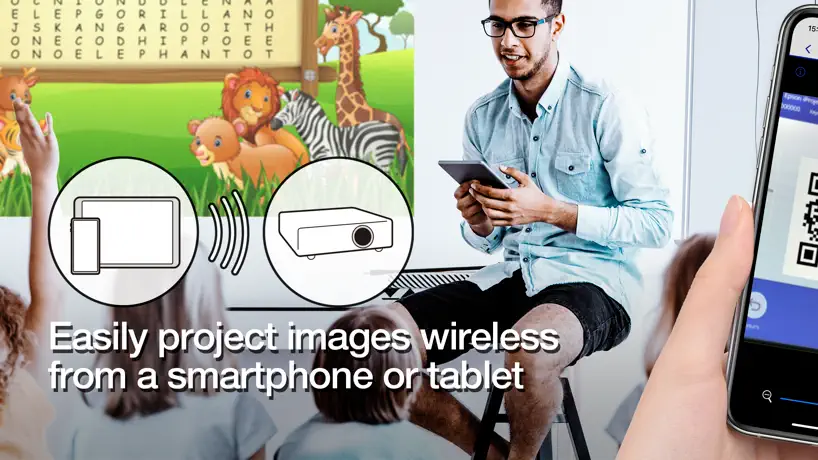
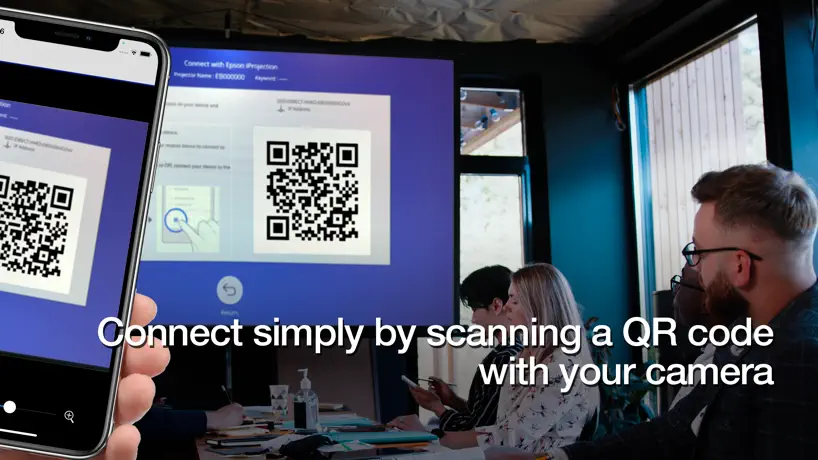
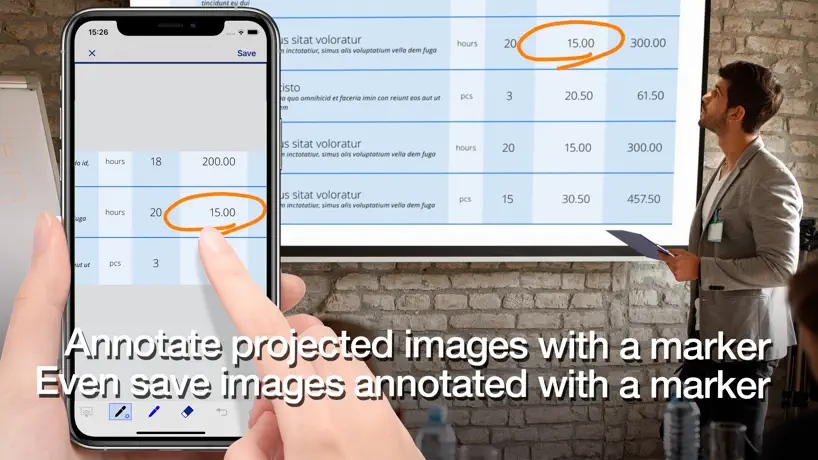
How much does Epson iProjection cost?
Prices are current as of 12 Sept 2026.
Epson iProjection has no in-app products on record in the United States.
10+ alternatives to Epson iProjection
| Epson iProjection |   Padlet Padlet | 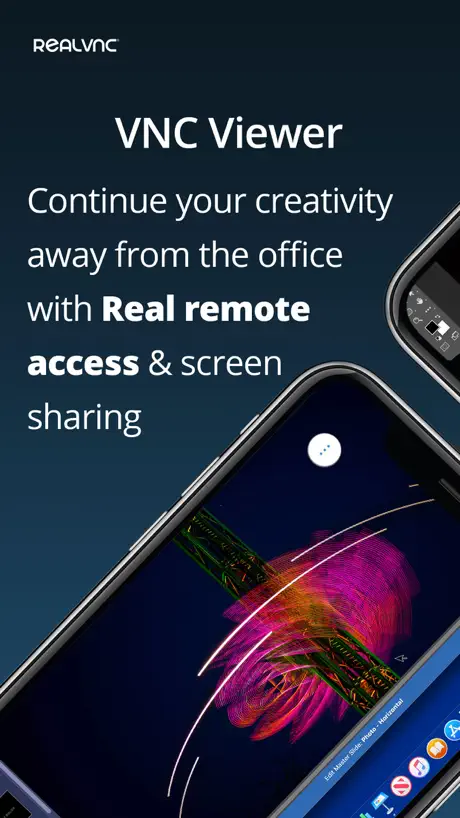  RealVNC Viewer: Remote Desktop RealVNC Viewer: Remote Desktop | 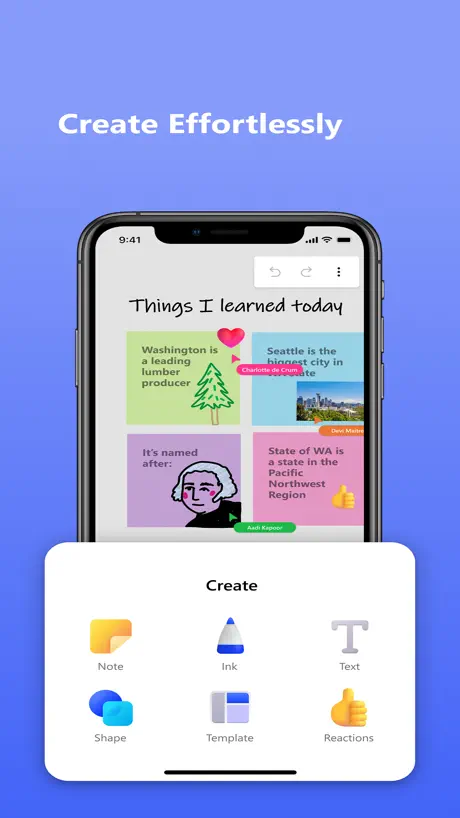  Microsoft Whiteboard Microsoft Whiteboard | 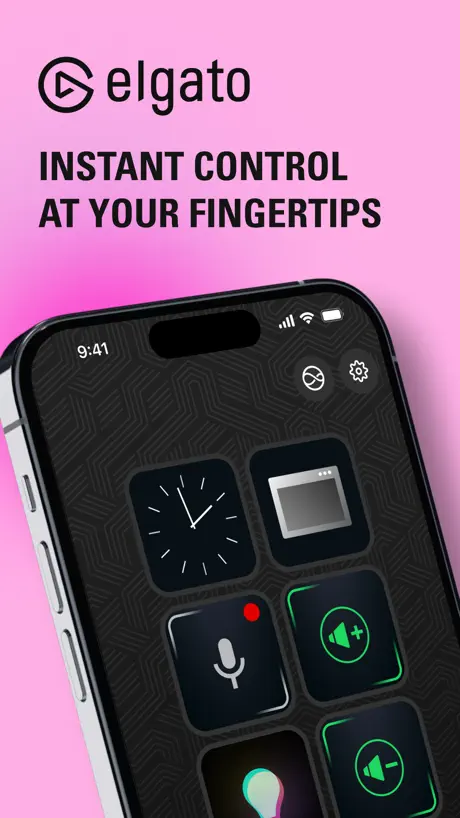  Elgato Stream Deck Mobile Elgato Stream Deck Mobile |   SimpleMind - Mind Mapping SimpleMind - Mind Mapping |   FileCloud FileCloud |   KYOCERA Mobile Print KYOCERA Mobile Print |   Konica Minolta Mobile Print Konica Minolta Mobile Print |   vCastSender vCastSender |   Smart Projector Control Smart Projector Control | |
|---|---|---|---|---|---|---|---|---|---|---|---|
| Rating / 5 | 4.5 | 4.7 | 4.8 | 4.5 | 4.6 | 4.3 | 4.6 | 3.0 | 2.9 | 2.6 | 3.0 |
| Reviews | 21K | 61K | 61K | 55K | 17K | 9.7K | 1.1K | 386 | 368 | 123 | 86 |
| Released | 2012 | 2015 | 2010 | 2018 | 2019 | 2009 | 2013 | 2012 | 2017 | 2017 | 2016 |
| Monthly price | — | $14.99 | — | — | $2.99 | — | — | — | — | — | — |
| Annual price | — | $99.99 | — | — | $24.99 | — | — | — | — | — | — |
| One-time price | — | — | — | — | $49.99 | $10.99 | — | — | — | — | — |
The going rate for each plan in United States, in its own currency, shaded from the cheapest price on the row to the dearest.
Epson iProjection reviews
4.5 out of 5, based on 21,333 reviews.
What people like
- Easy to set up and use
- Works well for projecting documents
- Screen mirroring works on some devices
What they complain about
- Connection drops randomly during use
- Video streaming often fails or freezes
- Formatting changes when opening Word docs
Fantastic
Love
Transmitter Not Found - Get used to this phrase
The equipment is nice, very expansive. But of course, so complicated it often doesn’t work. Every time you turn it on, you cringe with the question “will it find the transmitter fit the wireless connect?” 20% of the time it doesn’t and you have $10,000 of junk hanging on the walls, not functional. So you watch a movie on your iPhone. Stay away from this.
Needs to have sound for the projector
It’s a good app but they need to add a setting for sound transfer to the projector
At first, Amazing,Later Horrible.
I’ve gotten this for my 3 kids and they played games with a Screen mirror device but after about a month it just never connected,and when you would ask for help the app would never do anything.So it’s really not as amazing as you think!
Ok
Setup are for models E’s and C’s double check compatibility!!
لا يعمل على ايفون ١٦ برو
لا يعمل على ايفون ١٦ برو
Not really!!
I cat connect my phone to the projector and be able to use an additional speaker!! I have spend money to get the correct connection but this has not been easy!!
Lastly update is buggy
Since the last major update, I’ve been having a hard time loading my photos. Now I have to “add” them?
No puedo proyectar videos desde el teléfono
No existe la posibilidad de proyectar videos desde el teléfono con la aplicación
悪くはない
すぐ接続できてとても便利。だがiPhoneで撮影した動画を投影出来ないのは残念。画面を全て投影すればよいのだが、それが皆んなに見えて恥ずかしすぎる!
good
amazing
Garbage
Garbage
感想
便利です!
Needs work
This app is helpful but Jesus does it need a UI update. If you don’t interact with/touch the screen for a while then it gets disconnected. Also if you have it on freeze do a while then it also gets disconnected. That’s so dumb. Not to mention that once it does get disconnected you can’t type the code back in cause it’ll say it’s wrong and the only other way to reconnect is to physically scan the qr code, makes it kind of hard when you’re projecting something that people occasionally stab up in front of. Please fix these issues. Also a lot of the features just straight up don’t work.
يشوفون رسايل
يشوفون الإشعارات
تقييم التطبيق
تطبيق رائع جدا جدا وسهل الاستخدام والوضوح شكرا لكم
IOS incompatibility
Please add developer to work with all iOS devices
لا يدعم اللغه العربية
لا يدعم اللغه العربية
Why is this only for iOS?
Can this please be for my Mac book? You discontinued the software for laptops?!
نجران
عند ايقاف الفيديو والتعليق عليه بالكلام يفصل الاتصال
App
I love this app works like it is suppose to
Wireless projection doesn’t work!
Don’t buy it!
便利
つかいやすかったです! 動画や写真をすぐに表示できました!
Better on Android
This did not work on my iPhone 14, even after allowing the necessary security changes. It was super slow on my husbands iPhone 13. It did work excellent on an android. Very easy to use the mirrored screen option on the android.
عدم تشغيل جميع محتوى الجوال
البرنامج لا يعرض جميع محتوى الجوال، كالبرامج وغيرها، نرجوا التطوير ليشمل عرض جميع محتوى الجوال ولكم الشكر
Great, but
This can only connect to a few apps
Didn’t work
Other casting apps could find my epson projector but not the epson app??
v3.3.2. Works well … like an AirMedia but FREE
After spending a few moments, getting familiar with the app… Which is a little awkward at first.… The wireless connectivity works great with Mac PC iPhone iPad… I do not have an android, so I was unable to test that aspect worth a look!
Mirror mode
Mirrors mode doesn’t allow to stream YouTube
Could be so much better
I gave the app 3 stars because it works pretty well when it works. There has been several times that it’s taken me over 45 minutes to even get the app to read the projector (or however it works). Then there are the times that it shuts off in the middle of using it. This becomes very problematic when projecting a design for a mural for example (which is how I use the app). I think it’s a great projector but the app has a few glitches which I feel could be fixed pretty easily. If this is the only projector I use with the app I feel like it shouldn’t be so difficult to connect to every time.
Projection was easy and stable.
Projection was easy and stable enough for YouTube video playback
Not projecting in”Screen Mirroring” mode?
The unit would NOT project? I used the scan photo, but a different “Display Name” came up when trying to do “Screen Mirroring”? Very frustrating, since I am trying to see Apps from my phone.
Great App!
I have a Fitbit Premium Subscription and it comes with all these different options for workout videos. Even though I can watch them on my phone, it’s definitely nice being able to have them projected from my phone screen onto a bigger screen with the help of an epson projector that one of the group fitness class studios located at my local Recreation Center has. I admit I was unsure about this app because a lot of the reviews said it won’t project videos but it actually does! It’s super easy to use and has helped me enjoy trying different workout videos a lot more! My only complaint is that there were a few times throughout some of the videos I watched where it froze but otherwise it works perfectly!
PowerPointのアニメーションが使えない
動きながらプレゼンできるのはいいのですが、PowerPointのアニメーションが使えないのと、フォントが変わってしまいレイアウトがズレるのがかなりの残念ポイントです。 改善を強く希望します!!!!
Password
Same issue I tried to connect one day and it asked for a password in which I don’t remember creating . No help resetting the password.
Me gusta mucho
Cumple con el trabajo
Obie
This Obie projector doesn’t work. Only has 73 hours on it.
不具合報告
高校で教員をしており、普段、Wordで作成したプリントをPDF変換してiProjectionで投影して、電子黒板機能を利用して授業をしています。 普段はdropboxを利用して、そのPDFをiProjection内に保存をして使用をしていますが、6月16日のアップデート以降だと思いますが、プロジェクターに接続してドキュメントを開こうとするとアプリケーションが強制終了してしまいます。何度も繰り返すのですが、その度に強制終了し、5回以上繰り返しているうちに接続して投影することができます。 ひどい時には、諦めてスクリーンをしまい、黒板にチョークで授業を始めたこともあります。 非常に良いアプリですので、脆弱性を改善しまた快適に使用できるようになればと願っています。よろしくお願いします。
iPad Proでスライドショー
タイトルのために無線キットを買ったのですが、機能として不可なので、びっくりしました! ライセンス等の関係はあるとは思いますが、どうぞスライドショーが可能となる機能をお願いいたします。
タイマー
カウントダウンタイマーや 経過時間について表示できるようにしてほしい
Magical app.
It’s a very helpful and easy way to illustrate your lessons
After an iOS update, never worked again
After an iOS update, it never worked again despite all tech support advice to make it work. That’s over a year ago now. I’m fully enlightened on LAN addressing, SSIDs, granting LAN access in phone settings, etc. It… stopped… working. Period.
Genial
Está muy funcional la app pero sería maravilloso que no quitará las transiciones que se le dan a las diapositivas con el Keynote de ahí en fuera todo bien
端末の画面表示が出来ない
アンドロイド版のアプリの様に、端末の画面をそのままプロジェクターに出力出来るようにして欲しいです。
同じ
学校🏫と同じ。
Device mirroring is a game changer
At last. This app works as it should and allows full device mirroring. Thanks so much.
Worst product ever.
If they wanted to make this the most confusing complicated and confusing product, they succeeded. Too bad Apple doesn’t produce projectors
wordの行間
ワードの文書を提示した時に、行間をあけて作っている文章が、行間が詰まった状態で表示される。行間に書き込みをしたいのでなんとかして欲しい。 あと、ブラウザーに検索などをつけて、もう少し便利にしてほしい。 コードなしで扱えるのはとても快適なので、もっと利用範囲を広げられるようにがんばって!
便利だが、アプリの改善を
無線LANで投影できるし、EB-28でQRコードで接続できるのは便利。しかもマーカーでポイント表示できるのもいい。不満は3点。1つは、投写面を最大に使えないこと。2つ目は、無線LAN環境では黒板モードが使えないこと。そして、対応できるファイルが少な過ぎること。動画などが見せられないなど授業で使えない場面がある。早急に対応するファイルを増やしてほしい。
改善は必要
いいアプリではあるけど、以下の3点を改善願います。 1.ワードからのドキュメントは、文字の大きさ、改ページや改行などの設定をそのままにして取り込めるようにしてほしい。勝手に色々設定が変わるから本当にめんどくさい。 2.直接書き込めるのはいいが、色を初期で三色設定にして欲しい。二色は足りない。 3.iPhoneアプリのワードやアクロバットからも、ドキュメントを取り込めるようにして欲しい。わざわざDropboxに入れるのが面倒。 こう言ったユーザーレビューをきちんと聞いてくれるところもなさそうなのでここに書きます。よろしくお願いいたします。
Epson iProjection FAQ
- Is Epson iProjection free?
- Yes. The app is free, in all 168 countries it sells in, and it sells nothing inside it.
- Does Epson iProjection have a free trial?
- No. None of its offers (US) come with a free trial.
- What are the best alternatives to Epson iProjection?
- Padlet (4.7 from 60,754 reviews, premium from $9.99), RealVNC Viewer: Remote Desktop (4.8 from 60,752 reviews) and Microsoft Whiteboard (4.5 from 54,835 reviews).
Epson iProjection download
Last updated 11 months ago.
Epson iProjection sells in 168 countries. It was released 14 years and 9 months ago, on 5 Jan 2012. It holds a 4.5 rating from 21,333 reviews.
Supports 8 languages: English, Arabic, French, German, Japanese, Portuguese, Chinese, Spanish.
How much does Epson iProjection make?
Third-party estimates for the last 30 days, worldwide — not the store's own figures, which Apple publishes for nobody.