Lexmark Print
How much does Lexmark Print cost?
Prices are current as of 2 Sept 2026.
Lexmark Print has no in-app products on record in the United States.
10+ alternatives to Lexmark Print
| Lexmark Print | 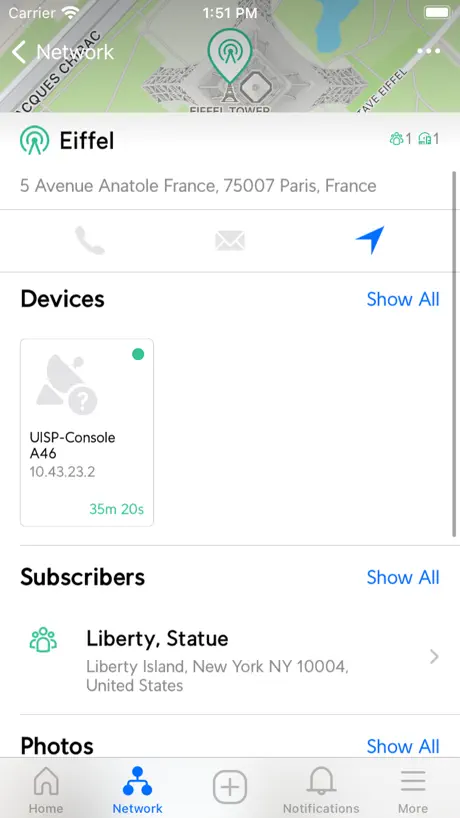  UISP Mobile UISP Mobile |   PrinterShare: WiFi & PDF PrinterShare: WiFi & PDF | 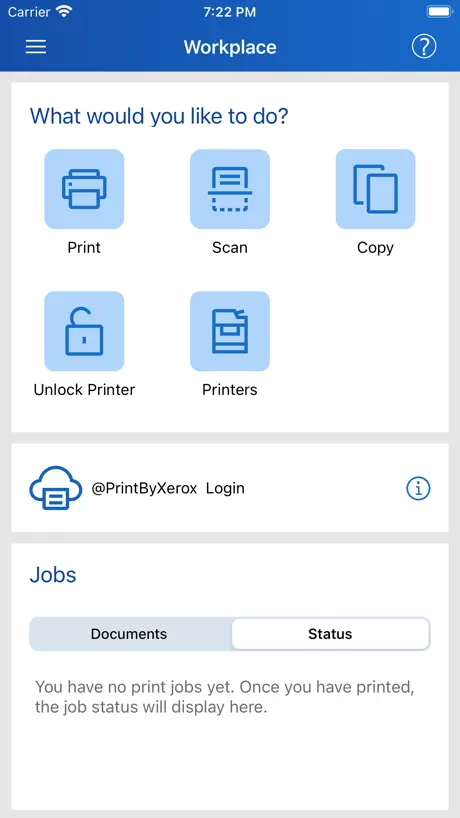  Xerox® Workplace Xerox® Workplace |   VinSolutions VinSolutions | 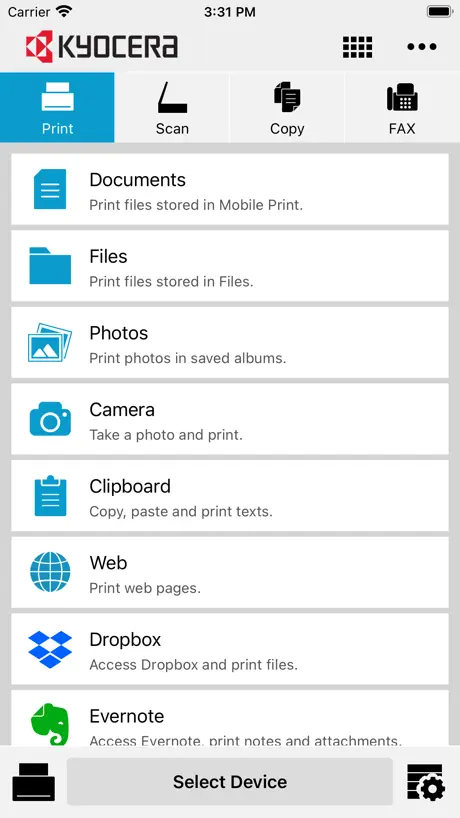  KYOCERA Mobile Print KYOCERA Mobile Print |   Konica Minolta Mobile Print Konica Minolta Mobile Print |   Xerox® Easy Assist Xerox® Easy Assist |   UniFi Design UniFi Design | |
|---|---|---|---|---|---|---|---|---|---|
| Rating / 5 | 2.1 | 4.5 | 4.7 | 4.1 | 2.1 | 3.0 | 2.9 | 3.0 | 4.3 |
| Reviews | 169 | 3.9K | 740 | 726 | 547 | 386 | 368 | 138 | 6 |
| Released | 2021 | 2016 | 2010 | 2012 | 2017 | 2012 | 2017 | 2022 | 2024 |
Lexmark Print reviews
2.1 out of 5, based on 169 reviews.
What people like
- Setup is quick and very easy.
- Works flawlessly for printing on the first try.
- Scan to app feature is slick and nice.
What they complain about
- App crashes when you try to scan.
- Printer shows as unavailable or not found.
- Scanning features often fail to work right.
Almost didn’t download
Almost didn’t download due to rating on app but did and it works great! Glad I didn’t judge this book by its cover!
Doesn’t recognize scanner
When trying to scan a document using the app, I get a message to select a scanner and that the device does not have scanning capabilities. The scanner used to work well, MC3224dwe. Firmware and mobile app both updated to most recent.
Update: "Does not recognize that my printer has scanner" - fixed.
MC3224dwe Update: does recognize the scanner now, after upgrading to 3.5.29. Finally deleting the old app, and rating this one 4 stars. (Not 5 because waiting for a fix for a year isn’t a great user experience, is it? Plus, the old app worked just fine and the new one seems no different so far, aside from the icon color)
Worked great for me.
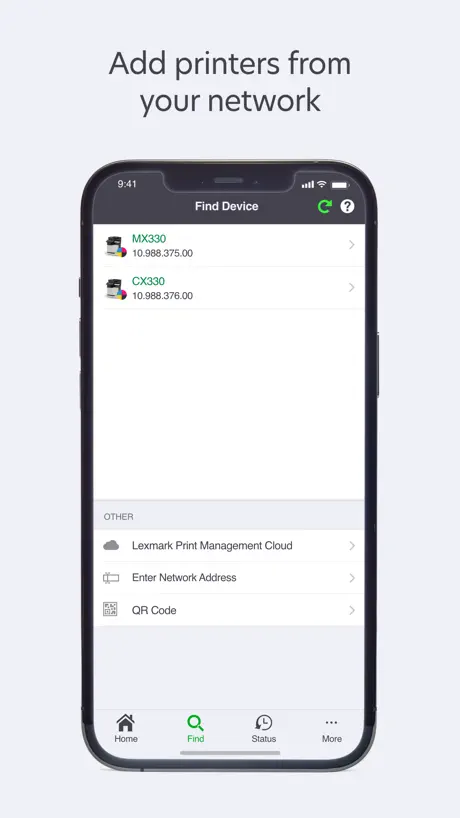
I’ve had an MB2338 for years and needed to use my iPad to scan a doc like I do from my Mac. Looked at the app reviews and almost didn’t even give it a try but I decided to go for it and it worked with very little fuss. Installed the app and was directed to search the network for the printer. Gave it permission, found and saved the printer, and scanned my documents using the automatic sheet feeder which the app figured out on its own… It worked flawlessly the first time. No complaints. This is all I needed the app for as the iPad has always printed to this printer just fine without the need for additional software. Couldn’t be happier.
Doesn’t work 95% of the time.
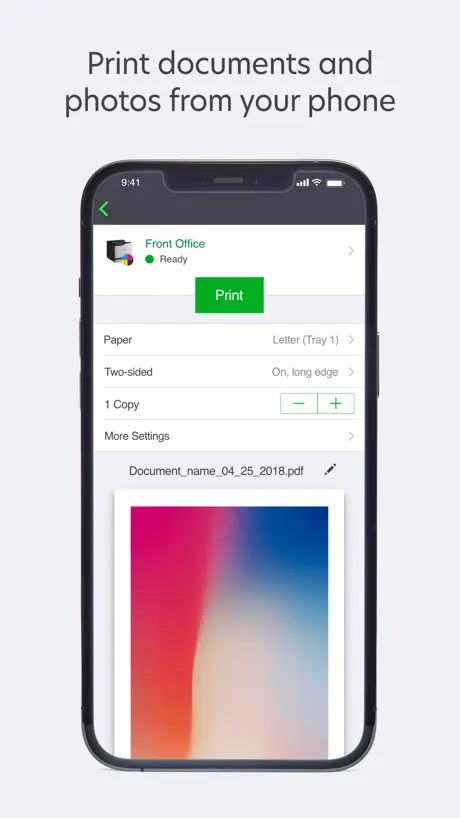
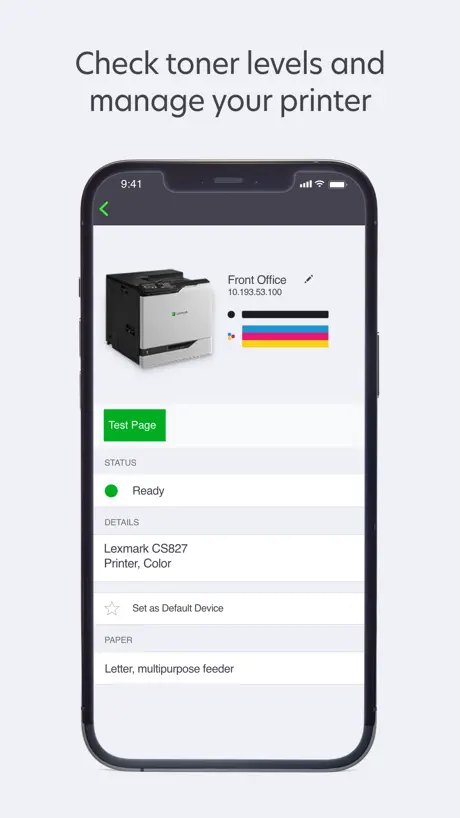
Almost every time I try to print anything it fails to send the job to printer. The only thing this app is useful is for the printer status and to see how much ink is left. It would be nice otherwise because I like the custom pages option that I don’t have with apple air print.
Works great!
I like how easy it was.
Cannot connect
It finds my printer automatically in its correct IP address but it says the printer is not available. Same thing happens if I put the sale (and correct) IP
Easy, Smooth
Very quick n easy setup. Imported data from previous app/device. Nice new fearure - scan to app. Very slick. Nice job
Thanks for wasting my paper
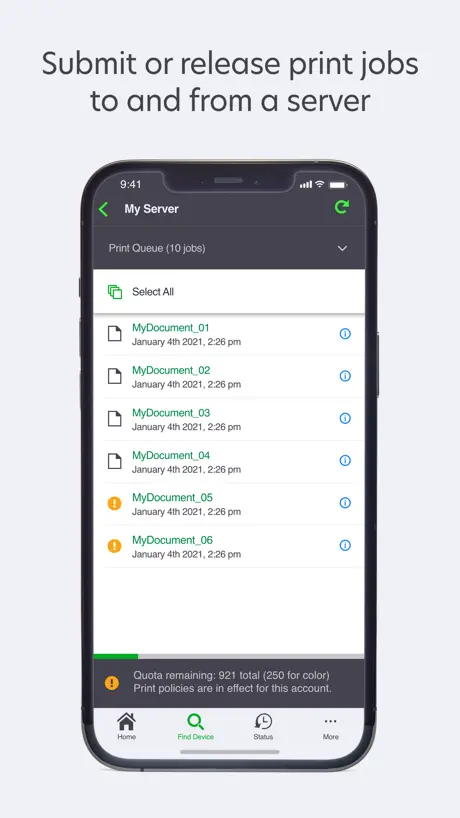
Printed multiple copies because your printer job status AND job history don’t work. Buy me paper.
A little IT knowledge goes a long way!
Found my Lexmark without issue. Once I learned the tricks it has been working like a champ! 5 STARS all day long!
No device found
When I try to print I always get a ‘No devices found’ error. I deleted and readded the device and even printed a test page, still the same error.
Freezes IPad
I only downloaded this app because our office Lexmark will not allow us to AirPrint from our iPads. Everytime I select to print the document I am in freezes up and I have to close the app. It doesn’t matter which app I am in. It works fine on my phone it’s just annoying I can’t AirPrint.
Doesn’t work at all
It can’t detect my printer at all and is very slow when I try to add it
App Rotation
Pls make the app rotate sideways on an IPad
Crashing
App crashes when selecting scan
Can no longer scan from my printer/scanner
It didn’t find my printer so I added the IP manually. It prints fine and it correctly identified my printer and even calls it a printer & scanner. When I try to scan, it says my printer doesn’t have that capability. So now, I cannot scan at all as the desktop app has never scanned properly.
Lexmark Print FAQ
- Is Lexmark Print free?
- Yes. The app is free, in all 175 countries it sells in, and it sells nothing inside it.
- Does Lexmark Print have a free trial?
- No. None of its offers (US) come with a free trial.
- What are the best alternatives to Lexmark Print?
- UISP Mobile (4.5 from 3,936 reviews), PrinterShare: WiFi & PDF (4.7 from 740 reviews) and Xerox® Workplace (4.1 from 726 reviews).
Lexmark Print download
Last updated 2 months ago.
Lexmark Print sells in 175 countries. It was released 4 years and 9 months ago, on 11 Dec 2021. It holds a 2.1 rating from 169 reviews.
Supports 7 languages: English, French, German, Italian, Portuguese, Chinese, Spanish.
How much does Lexmark Print make?
Third-party estimates for the last 30 days, worldwide — not the store's own figures, which Apple publishes for nobody.