KaleidoPaint
How much does KaleidoPaint cost?
Prices are current as of 14 Nov 2026.
KaleidoPaint has no in-app products on record in the United States.
10+ alternatives to KaleidoPaint
| KaleidoPaint |   8bit Painter - Pixel Art |  Amaziograph |  Paintstorm Studio Lite |  Calligraphy Penmanship | 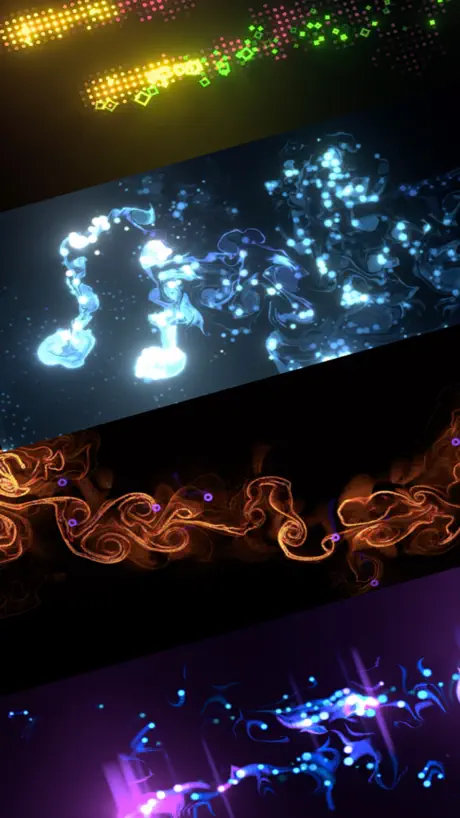  Fluids & Particle Simulation |  Calligraphy Handbook | 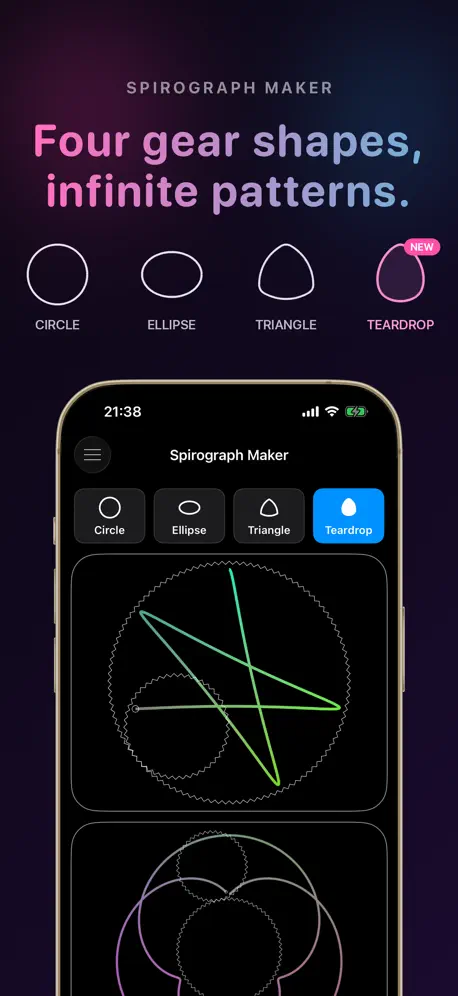  Spirograph Maker |   Doodle Dandy |   Kinetiform |   LīnArt (LineArt) | |
|---|---|---|---|---|---|---|---|---|---|---|---|
| Rating / 5 | 4.5 | 4.7 | 4.8 | 4.4 | 4.4 | 4.7 | 4.5 | 4.3 | 4.3 | 4.8 | 4.7 |
| Reviews | 229 | 63K | 28K | 3.3K | 1.7K | 1.6K | 1.3K | 214 | 171 | 68 | 6 |
| Released | 2012 | 2014 | 2012 | 2016 | 2016 | 2020 | 2014 | 2017 | 2011 | 2022 | 2018 |
| One-time price | — | $5.99 | — | — | $1.99 | $14.99 | $3.99 | $3.99 | $0.99 | — | — |
The going rate for each plan in United States, in its own currency, shaded from the cheapest price on the row to the dearest. Plans fewer than four in ten of the priced apps sell are left out.
KaleidoPaint reviews
4.5 out of 5, based on 229 reviews.
What people like
- Totally free with no annoying ads
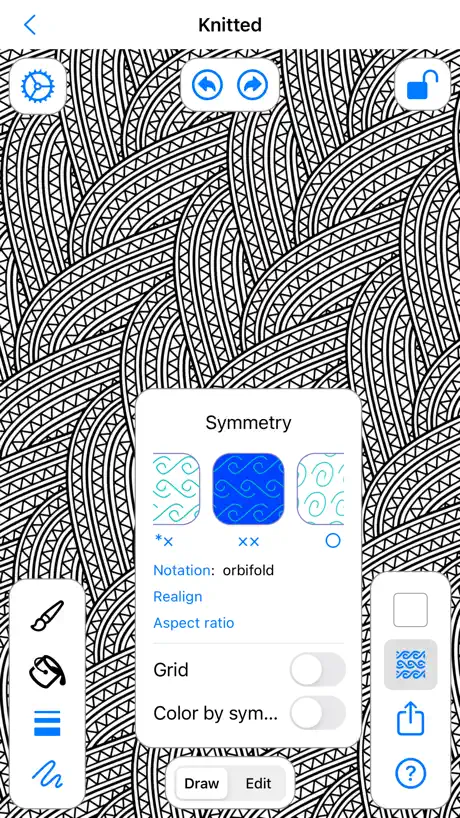
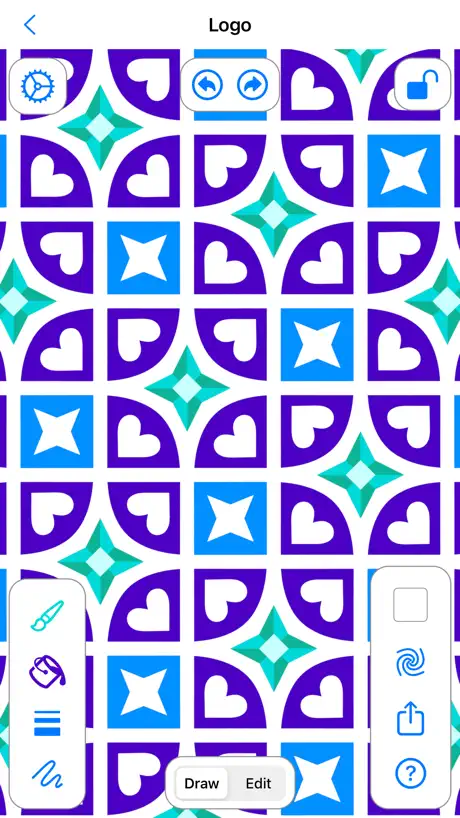
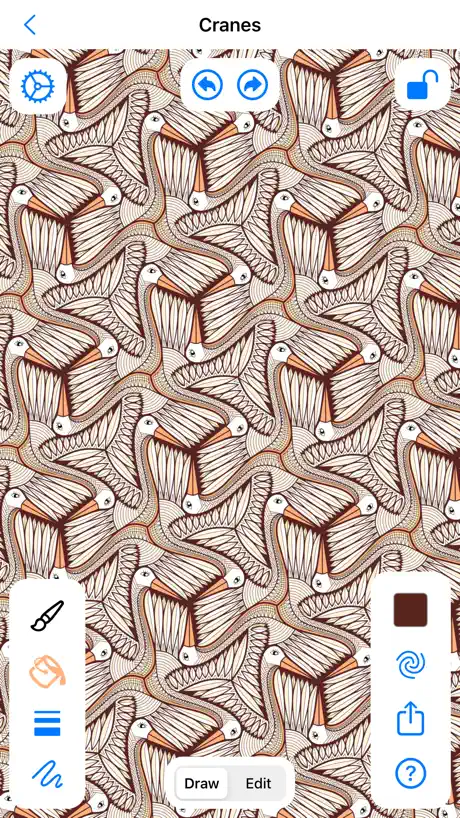
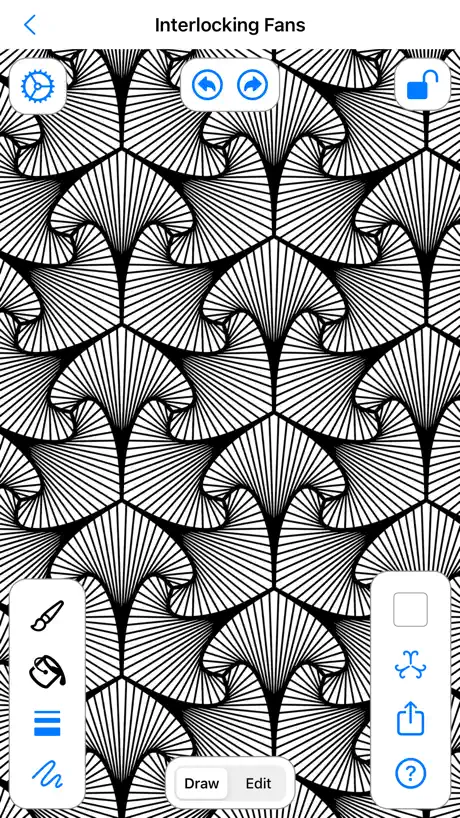
- Easy to make intricate patterns
- Great for relaxing and stress relief
What they complain about
- Opens empty or crashes on launch
- Recent updates ruined the old look
- Fill tool and export features fail
The best pattern maker for fabric!
I’m a designer and I make patterns for fabric. This is so easy to use and makes quality designs that I can quickly save and upload to Spoonflower. I’m also a pattern nerd and MC Escher fan. I showed this app to some kids I teach and they loved it. It was the perfect accompaniment to my lesson about MC Escher and symmetry.
Sehr frühe Alpha-Version
Das Programm ist offensichtlich noch im Entwicklungsstadium. Es öffnet seine eigenen Dateien nicht, das Füllwerkzeug funktioniert nicht und ein Vektorexport ist nicht möglich.
Fun
Yep
Fill colour problem
Fill option not working properly. Reverts back to brush when I try to paint a colour. Would be great if working properly.
Potentially brilliant
Works very nicely, intuitive and fun. The option for saving a tileable rectangle does not work, however. If it did, this could be a very useful little app for hobbyists and pattern design students.
Free gem of an app
Love it!!! Thank you Jeff!!!!
Doesn’t work at all
When I open this app, it immediately opens my files and no files are selectable. There’s no actual app to use. That’s the extent of it, that’s all it does. There’s no app that opens to allow you to create anything.
Perfect for making fabric designs
I just wish this app had more features such as different types of brushes , a blending colors feature , more symmetrical choices and to have more control of drawing strokes
oh no
wow why all the new ugly changes?! it’s now so confusing and aesthetically NOT pleasing. there are more tools on the screen than actual art! i can’t see more than a couple of inches of what i’m trying to draw. at least there should be a way to minimize the tool windows so they don’t occlude the art-making canvas. also, all my old drawings have been ruined by “adjustments” to line quality? how is this an improvement? bring back my old drawings AS I DREW THEM :(
Great Start!!
Love where this app is going!!! Beautiful creations can be made here. Just a couple suggestions for the next update and I would GLADLY pay for a full version with these updates! 1. Ability to set your own image size based on device capabilities. 2. Ability to export .png files with a transparent background! 3. More patterns to chose from and purchase :) Thank you!!
Thank you , Mr Weeks
This is a fantastically useful and intuitive app. It does what it says and does it well. This is real gift. Get it, you will be glad you did.
Used to be a 5 star +++
Been using this for years. All it does now is open an empty page without any controls. Hope you can fix this!
Awesome app
Really love this app. Got my mom into it too. It would be greater if you fix the sharing button. We can’t share our artworks and patterns.
Wonderful for creating wallpapers or fabric designs
Love this app. Questions I’ve had about uses are answered quickly and thoroughly!
Doesn't work
I downloaded this App and it does not work It opens the files App and does not allow me to create anything
Bezier Curves
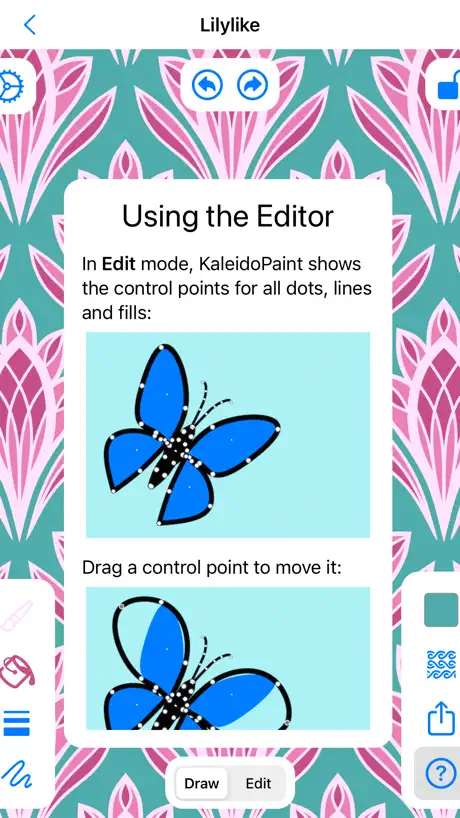
A cool pattern app where you can change the curve of the lines really easily by using the Bézier curve functionality - although you can only save it as a jpg. Layers would be a great addition to the app.
Amazing
I can’t believe it took me this long to find this app! I have been looking for an app that allows me to play with all of the wallpaper groups so I can get to know them and this one is it! Definitely recommend for pattern designers /anyone interested in patterns.
Horrible! Don’t buy!
I am everything, but it doesn’t allow you to draw or make anything. It’s a scam, don’t buy this game!
Great
This app would be magnificent if it had Layers (each layer has the ability to use a different pattern format), RGB colour value sliders, opacity, blending modes, selection tool, eraser and the ability to switch the mirroring on and off, and the ability to export the layers to Photoshop...Mr Jeff weeks please Consider these features for future updates! Great app...well done. P.S. I feel that this app doesn't need the edit Points or line mode that can be done With an eraser and unlimited redos and undos. Line and shape tools and Apple Pencil support would be much appreciated.
An invaluable app for art.
This is probably one of the greatest apps on the app store, and it's free. 99% of apps on here are absolute garbage and filled with truly idiotic and annoying popups, yet here is this little quiet app tucked away that allows you to make incredibly complicated and intricate patterns exceptionally easy. If you're looking to make textile patterns this program is invaluable. One feature I would like to request though is the ability to break a line from the point you select in the editing tab, it could be located right by the delete node and split node selection. Or just an eraser tool would be fabulous. Anyway, I love this app to death and I was wondering if something like this was out there, and here it is with no ads anywhere and completely intuitive.
Wow they ruined this app
This app used to be amazing !! I wasn’t on iPhone for about six months and when I came back to it I downloaded this app and I am DEVASTATED !!! why did they change it ? it was PERFECT I would spend hours on this app it was so relaxing . It was intuitive. It was amazing. And now it is terrible . U draw a line with a color and it doesn’t change the fill in color . WHY WHY DO THAT IT IS SO DUMB . I hate you for changing the app.
Love this app !!!!
Love it but I would like if I could change the color of the grid lines to more match the pattern design cause the patterns minus the grid don't always look good and if the designs could save evenly in any size for multiple tiling instead of only in one but still a great app !! 😀
HOURS of Design Flow State 🫠
This is such a gem, this app. I’m fact, I think I will now make a gemstone based pattern! 2 Hours Later… Creative Freedom. Stress Melted Away.
I HATE this NOW!
Are used to love this app just the way it was now you got the stupid blue background I can’t get rid of it all I want to see is a white background with my different color foreground colors that I like to use. I don’t understand why developers feel the need to take away a persons choice. I would like a refund. And if it was a free app, I’d like to get paid for the INjustice that I have had to suffer..
Love this app but needs a tweak
This app is hours of fun. I would just suggest a way to more precisely control color selection like RGB or HLS.
Perfect for patterns and mandalas
I have been using this program for years to make mandalas, and symmetrical tile patterns for creating coloring pages and graphic textiles. I love that the developer continues to support this app and the new features and user interface are awesome. This app is easy to use/learn, it’s been amazingly stable, and it allows you to draw (or edit) artistic creations beyond your “paper and pencil” skill level. It’s also fun to use just to chill and relax.
WHAT HAPPENED???
I use this app for textile design as well as just for fun and I have spent countless hours on it, enjoying every minute. Why the resign? It’s less user friendly and less precise. So unhappy.
Well designed, simple to use
Elegant little app for drawing patterns using the 17 wallpaper symmetries. Love the point editing, something few competing apps offer.
Love it, but have a feature request
This app is awesome, fun and opens up lots of creative possibilities. I just wish it had one extra feature: it would be so useful to have an export as svg option. It seems that should be possible since the images are stored as point & vector data. Anyway, I love the app!
Worst app ever
There's no point and you can't even draw. I recommend for you to not get this app. -from worstappever
Hours of creative fun
Why haven't you downloaded this yet? Quit reading my review and press "Get".
Love
This app is absolutely amazing. So much fun and works very well.
Фигня
А мне кажется полная хрень
Outstanding!
I can't believe this app is free. I just wish you were able to save the images at a higher resolution.
KaleidoPaint FAQ
- Is KaleidoPaint free?
- Yes. The app is free, in all 175 countries it sells in, and it sells nothing inside it.
- Does KaleidoPaint have a free trial?
- No. None of its offers (US) come with a free trial.
- What are the best alternatives to KaleidoPaint?
- 8bit Painter - Pixel Art (4.7 from 62,532 reviews, premium from $5.99), Amaziograph (4.8 from 28,245 reviews) and Paintstorm Studio Lite (4.4 from 3,275 reviews).
KaleidoPaint download
Last updated 10 months ago.
KaleidoPaint sells in 175 countries. It was released 14 years and 6 months ago, on 26 Apr 2012. It holds a 4.5 rating from 229 reviews.
Supports 16 languages: English, Arabic, Dutch, Finnish, French, German, Greek, Italian, Japanese, Korean, Portuguese, Russian, Chinese, Spanish, Vietnamese, Welsh.
How much does KaleidoPaint make?
Third-party estimates for the last 30 days, worldwide — not the store's own figures, which Apple publishes for nobody.