
CloudLibrary
browse, borrow and enjoy
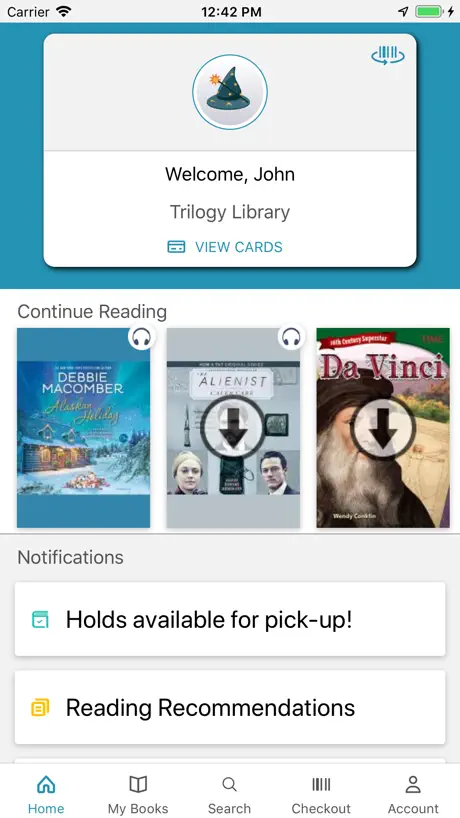
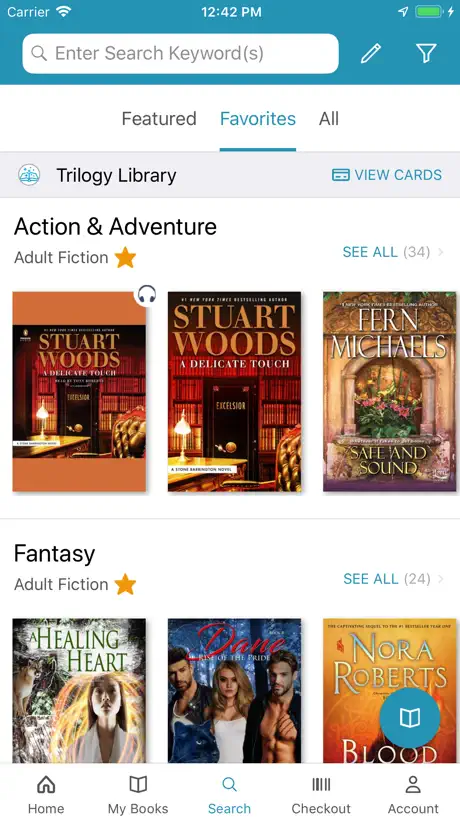
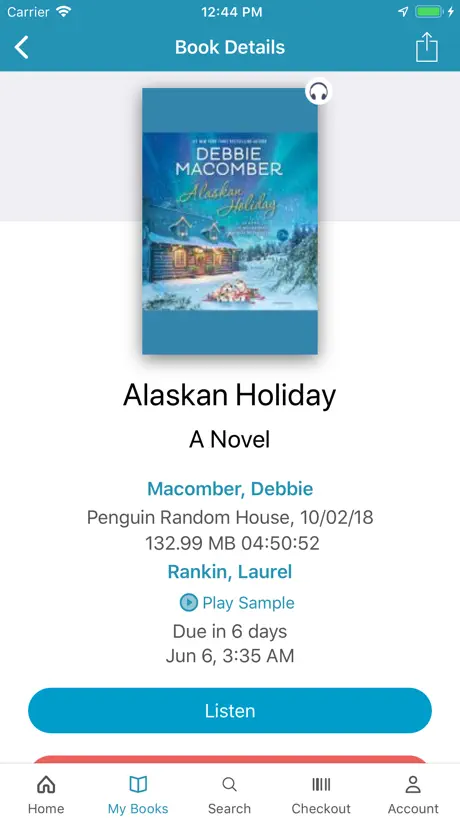
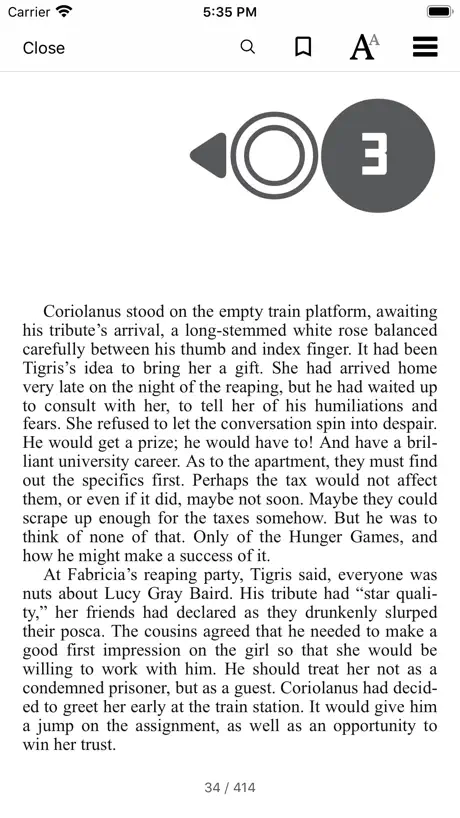
How much does CloudLibrary cost?
Prices are current as of 11 Sept 2026.
CloudLibrary has no in-app products on record in the United States.
10+ alternatives to CloudLibrary
| CloudLibrary |   Kobo Books & Audiobooks Kobo Books & Audiobooks |   Chirp Audiobooks Chirp Audiobooks |   BookPlayer BookPlayer |   Libro.fm Audiobooks Libro.fm Audiobooks |   Boundless Boundless |   Readict - novels and more Readict - novels and more |   MetroNovel - Let Stories Shine MetroNovel - Let Stories Shine |   FantacyStory FantacyStory |   Tempt: Romance Audiobooks Tempt: Romance Audiobooks |   motonovel motonovel | |
|---|---|---|---|---|---|---|---|---|---|---|---|
| Rating / 5 | 4.7 | 4.5 | 4.8 | 4.8 | 4.9 | 4.4 | 4.7 | 4.5 | 4.4 | 4.8 | 1.2 |
| Reviews | 331K | 240K | 93K | 53K | 42K | 18K | 15K | 3.5K | 2.3K | 1.9K | 251 |
| Released | 2011 | 2009 | 2018 | 2016 | 2016 | 2023 | 2020 | 2023 | 2020 | 2022 | 2025 |
| Monthly price | — | — | — | $4.99 | — | — | $14.99 | $19.99 | — | $19.99 | — |
| Annual price | — | — | — | $49.99 | — | — | — | — | — | $149.99 | — |
| One-time price | — | — | — | $4.99 | — | — | $14.99 | $19.99 | $4.99 | $6.99 | — |
The going rate for each plan in United States, in its own currency, shaded from the cheapest price on the row to the dearest. Plans fewer than four in ten of the priced apps sell are left out.
CloudLibrary reviews
4.7 out of 5, based on 331,414 reviews.
CloudLibrary FAQ
- Is CloudLibrary free?
- Yes. The app is free, in all 52 countries it sells in, and it sells nothing inside it.
- Does CloudLibrary have a free trial?
- No. None of its offers (US) come with a free trial.
- What are the best alternatives to CloudLibrary?
- Kobo Books & Audiobooks (4.5 from 239,878 reviews), Chirp Audiobooks (4.8 from 92,652 reviews) and BookPlayer (4.8 from 52,795 reviews, premium from $2.99).
CloudLibrary download
Last updated 2 months ago.
CloudLibrary sells in 52 countries. It was released 15 years ago, on 3 Oct 2011. It holds a 4.7 rating from 331,414 reviews.
Supports 19 languages: English, Catalan, Dutch, French, German, Hindi, Hungarian, Italian, Japanese, Korean, Malay, Māori, Portuguese, Romanian, Russian, Chinese, Spanish, Tamil, Welsh.
How much does CloudLibrary make?
Third-party estimates for the last 30 days, worldwide — not the store's own figures, which Apple publishes for nobody.