
HP Poly Studio Mobile
For HP Poly Bluetooth® devices
How much does HP Poly Studio Mobile cost?
Prices are current as of 5 Nov 2026.
HP Poly Studio Mobile has no in-app products on record in the United States.
10+ alternatives to HP Poly Studio Mobile
| HP Poly Studio Mobile | 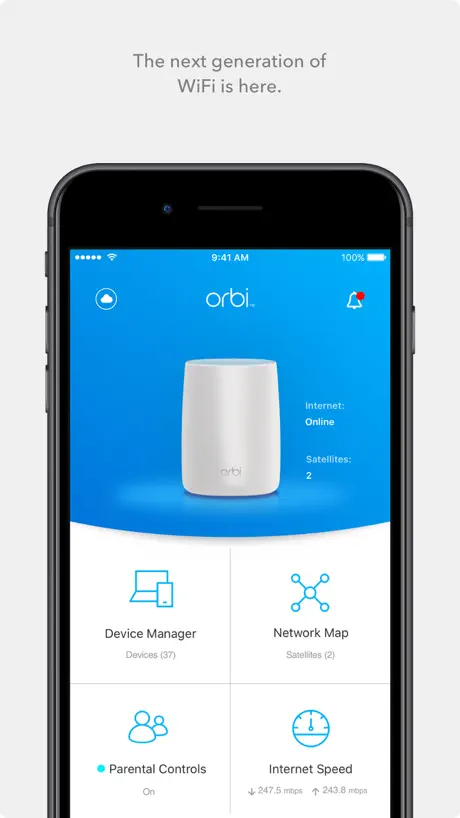  NETGEAR Orbi - WiFi System App | 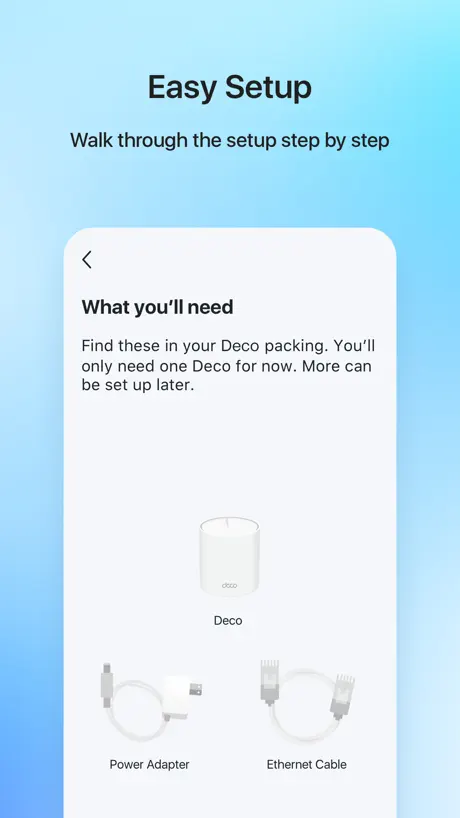  TP-Link Deco | 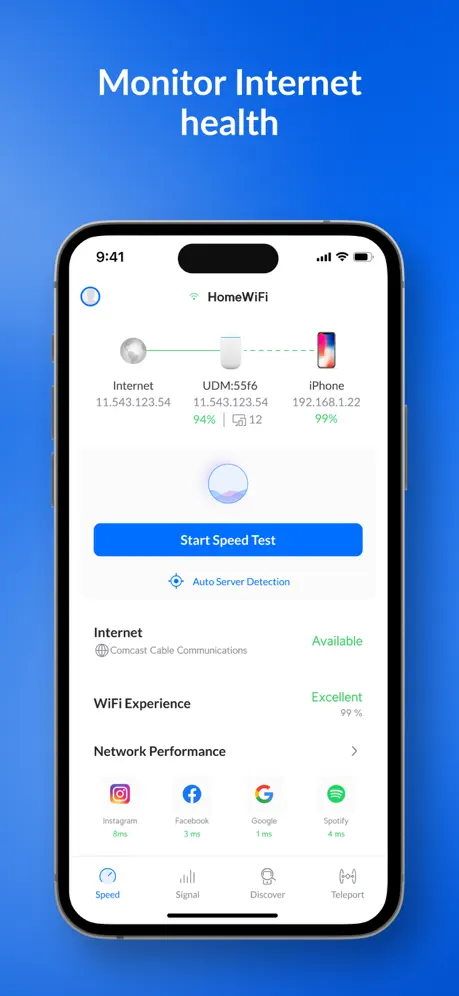  Ubiquiti WiFiman | 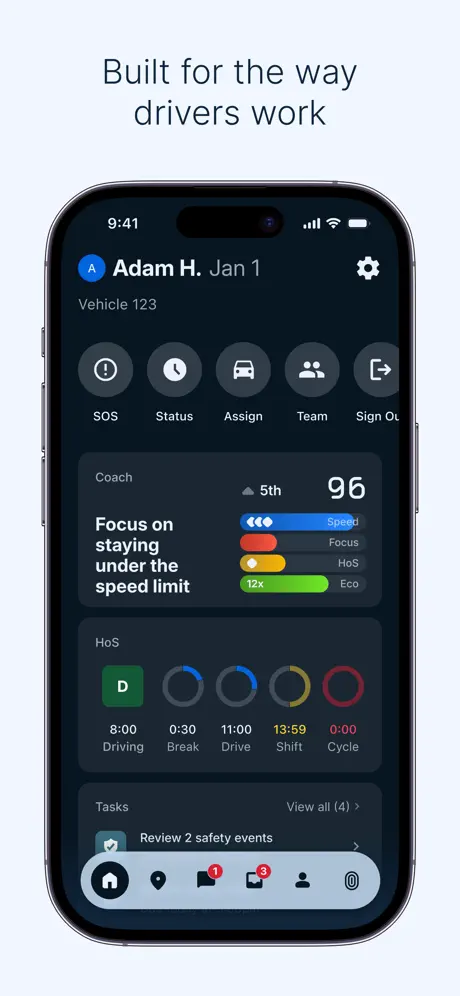  Samsara Driver |   Brother iPrint&Label |   Network Analyzer: WiFi Scan |   PagerDuty |   Anker Power |   Wi-Fi Toolkit |   Inseego Mobile App | |
|---|---|---|---|---|---|---|---|---|---|---|---|
| Rating / 5 | 4.2 | 4.7 | 4.8 | 4.8 | 4.8 | 4.6 | 4.6 | 4.8 | 4.5 | 3.8 | 1.5 |
| Reviews | 12K | 520K | 378K | 123K | 63K | 30K | 25K | 9.8K | 9.2K | 362 | 48 |
| Released | 2011 | 2016 | 2017 | 2018 | 2016 | 2012 | 2012 | 2013 | 2022 | 2021 | 2020 |
| Monthly price | — | — | $4.99 | — | — | — | — | — | — | — | — |
| Annual price | — | — | $129.99 | — | — | — | — | — | — | — | — |
The going rate for each plan in United States, in its own currency, shaded from the cheapest price on the row to the dearest.
HP Poly Studio Mobile reviews
4.2 out of 5, based on 11,904 reviews.
What people like
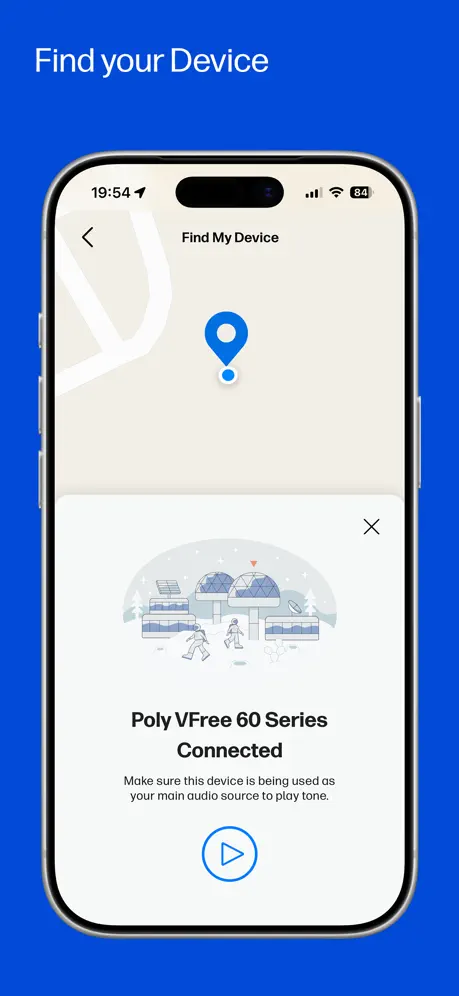
- Really helps you find lost headset
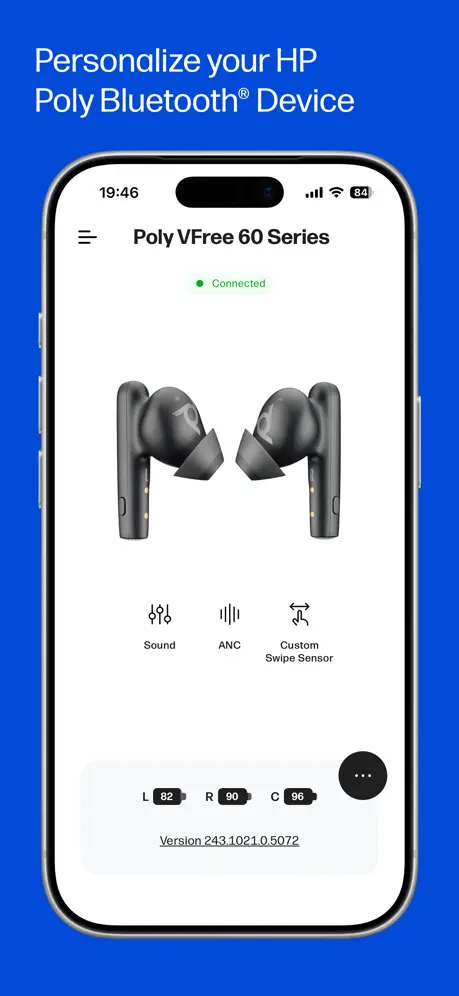
- Shows clear battery and connection status
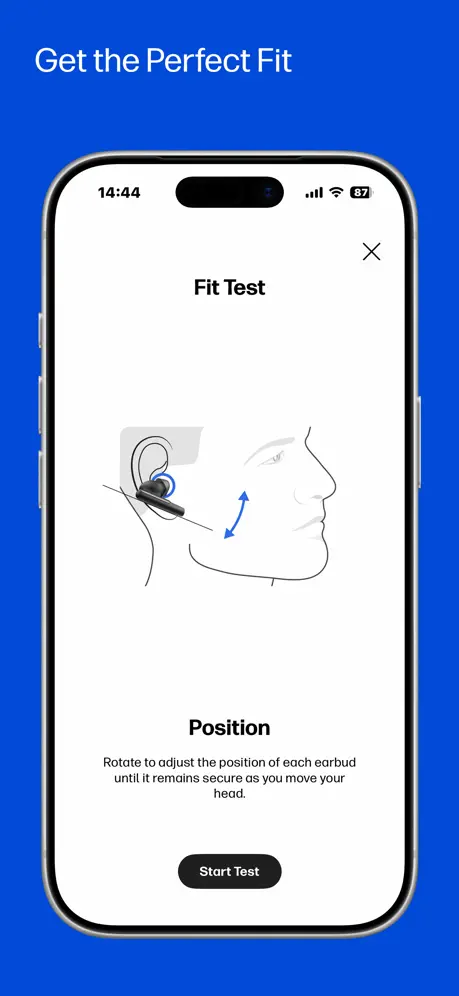
- Headset feels very comfortable to wear
What they complain about
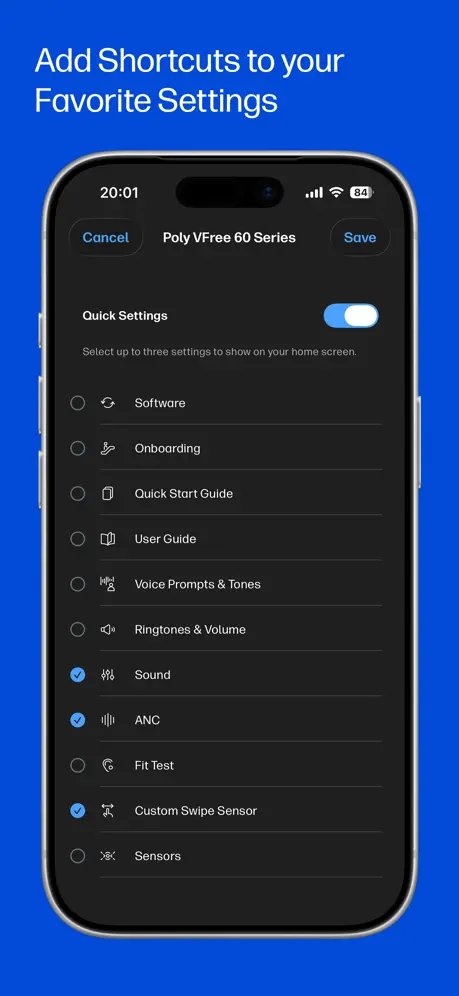
- Cannot change settings or update firmware
- Battery percentage readings are often wrong
- Find feature sound is too quiet
Very Detailed Settings
Connects perfect. I can easily see the battery charge level and all of the detailed settings for noise block selection and more. Excellent!
Needs to be updated
It was perfect up until the recent iOS updates. It no longer showing if device is being charged and no matter how charged the device is, it shows running low on battery.
Pretty cool
The app seems pretty cool so far. It connects my 5200 no problem. Very handy to have a find my headset feature 👍
Update fails
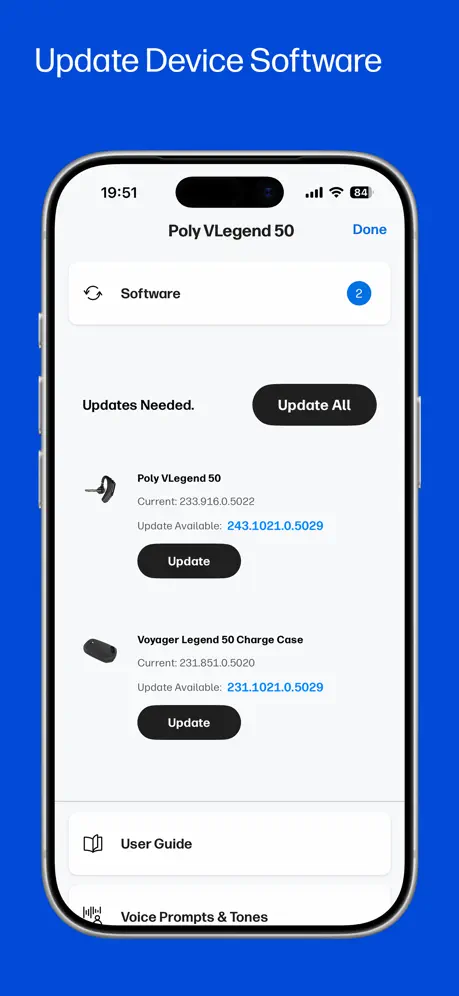
The update keeps failing for the past year. They need to detect and fix update failures better.
Poly Voyager Focus 2 - unsure the point
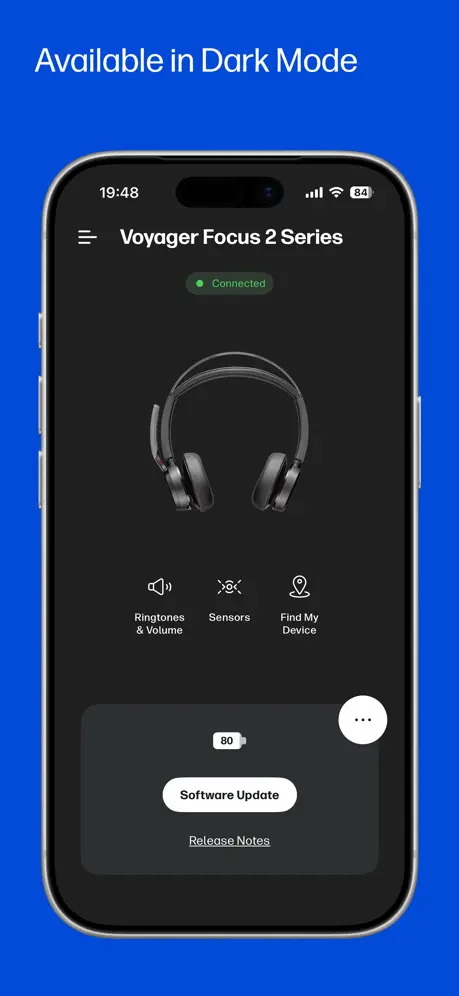
Can’t control any functionality from the app? Maybe I can update it from the app but it’s up to date so not sure. Unclear the point - would be a big benefit if I could configure it.. but can’t?
Works great
I was happy to see the newest software features for my Poly Voyager Free 20. Keep up the great work.
App is not good
I need to download desktop to update my free 20 case is so dumb
PLT Hub fan
I have owned a voyager 5200 for a few years,it’s the only type of head set that feels so comfortable and doesn’t make my ear sore. When I they first came out, you had to fit them in a little brace .which was at least 7 years ago, then the charge port changed where you can plug the charger into it . That was the perfect for me because that was the only problem I had , which you guys change . So keep up the great work, I m proud to have one . I still have my first one it doesn’t have the hole at the end where you plug it in lol. I wake up I put my ear piece on my ear ,and the last thing I do is take it off before I go to sleep. I’m probably one of your biggest ear piece fan lol.anyway keep up t he great work J. C . Jamie c Collins
It’s ok, but needs work
If you have two or more devices, the app doesn’t support that. Or at least, I have not been able to get both my 8200 series and my 5200 series to work.
Nice layout
The issue I’m having is after recent update HD audio and streaming audio defaults to enable position. I disable to conserve battery consumption but yet the battery dies faster than it did before update. A 3hour conversation drains battery within 6 hrs total between 3hour conversation and standby.
Yes
Now if I could just find my phone…plantronics/poly engineers please make that happen with this device. I’m constantly wearing my headset, but lay my phone down all the time, then have to scramble to try and find which cushion it’s under. You can make this product better by figuring how we can home in on the phone from the headset device. I’ve suggested this before with customer support…..and must say it would be a competitive advantage for your product
Does Nothing
Always shows battery at 60%. No useful purpose for having this app!
Good overall.
(5200 owner. Used with BT and iOS mobile) Good overall. Nice to have some options. One thing that is annoying, if I adjust volume up to maximum while on a call, the friendly voice says “volume maximum” loudly - over the top of the call. An option to turn this voice warning off (while on a call) would be great. I often resort to changing volume on my handset to avoid this).
Used to work
This app used to work for me. Now it force closes every time I open it. This is on an iPhone 15 Pro Max with every thing up-to-date, including this app.
I have a plantronics Edge Bluetooth headset. The
Hub app used to recognize my headset. Now this poly app doesn’t. Any idea what happened?
It keeps finding my headset.
If you don’t have this app, get it.
Battery reporting issue
Hi, the software report 30% of the available battery, while the iPhone reports 100%, and the Desktop (Windows 11) version also reports 100% (Voyager Focus 2 headset). It keeps bipping and notifying me about this. To complete , the release notes for the firmwares are also not available through the software , I’m receiving an error when i try to access them. I’m also facing another issue. The release notes for the firmwares are not available through the software, and I’m receiving an error message when I attempt to access them.
Works fine.
Yes it found my earpiece. The locator is great. But as for the auditory alarm, unless you’re in a perfectly silent environment you will not hear it. I had it sitting in the desk in front of me and I could hardly hear it. Would be nice if it had an external speaker alarm but I realize that’s not possible.
Wearing Sensor
Hello, I’ve used the Voyager model now since it first debuted, or at least since 2012. And over all that time, I’m only on my third unit! Even have had two of the work/office desk phone receivers (2nd was due to buying newest model of the headset). Well built and well made; functions well when in full working order. Purchased my most recent headset Voyager 5200 summer 2023. Everything seems to work just as before excepting three fairly important things, in order of importance for this user: 1) the Poly Lens app (most recent app software version and I’m running my headset on iOS and Windows PC) doesn’t give me the same features or functionality or seem to do much of anything other than tell me if it’s connected to something via Bluetooth and give me handy access to the user manual (which doesn’t have solution for issue #2); 2) on previous headset managed by previous app, there were settings for the wear sensor whereas in this new app, the settings options are only “on/off.” Then, when switched to “on,” the user manual indicates that a press of the “answer” button on the headset should report back with an audible confirmation of connection status and battery life. The user manual indicates that if the user has the wear sensor setting turned “on” and presses the “answer” button on headset, it will report and whether or not it reports indicates whether or not the wear sensor is functioning properly; if not functioning properly, pressing the “answer” button doesn’t result in a report with status info. This wear sensor function has NEVER worked on the new device and new Poly Lens app and is Very frustrating…even my old heavily used Voyager headset that’s 6 years old still has its full functionality and is working properly (the mic boom got stepped on by a child; still works, just crackily on receiving end, so got a new one). I’ve tried every single troubleshoot option I can find whether in user manual or YouTube and beyond and tried each multiple, multiple times - nothing has fixed it. I’m running headset Software Version 517.293, which should be the most up to date version. 3) randomly, mid-call, the headset will disconnect from my phone without any sort of notification to me and, if I’m not holding my phone, I just keep talking or the other person just keeps talking nobody knowing that my headset disconnected. The wear sensor working properly would seemingly fix this issue as I’ve Never had this issue before buying this newest model and the new Poly Lens app. Would like to get the wear sensor troubleshooted to work properly or a replacement device. Also, make the app better and add back ability to use Apple Tiles. Thanks, Drew
Good app, but resets all your settings with every update
Provides some really useful functionality for your headset, but every single time the app updates your settings reset.
Woo!
Thank god for the find my headset app. It has saved me from buying a new headset a number of times.
Back buttons
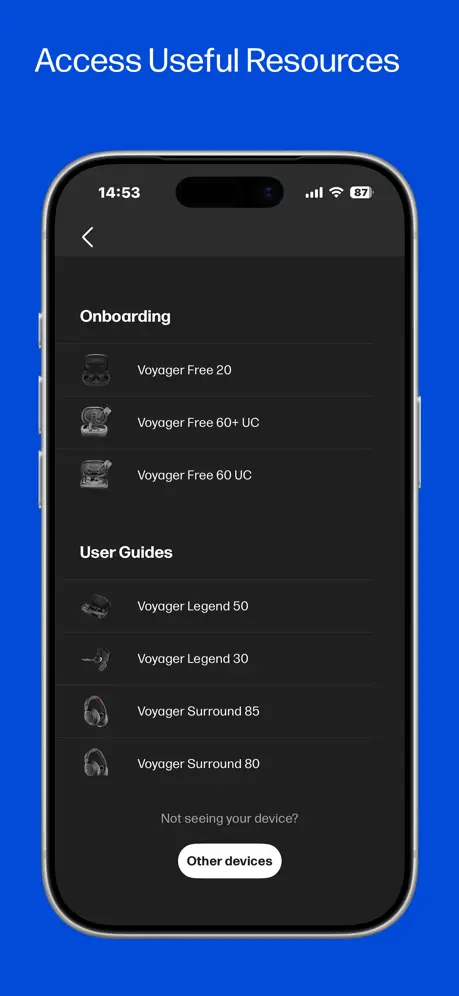
There are no back buttons from manuals or t&cs
Go2
Had this specific setup for five years or so and although it has never been subjected to constant use it has never been passed over or protected from real world use whenever it is called upon. It has not let me down yet and there isn’t much that I rate higher than reliability.
“Mute on” voice driving me nuts
You can reduce the amount of time this headset says “mute on” or “mute off”, but it goes back to default every day. I want it to never say “mute on / off” ever again. Sigh. Shopping for a different brand device now. Would keep if you could turn that feature off permanently.
It’s okay
Plantronics / Poly and the iPad/iPhone are okay…. The app doesn’t so much and it’s an over glorified BT locator. Much better on a Win10 desktop.
If you have the PLT M165...
Lucky you!!! Great, comfortable, reliable, black earpiece. No issues with muffled sound for the listener and an APP to boot????? C’mon! What more can I ask for?? This thing lasts for 7 hours. I fell asleep with it, lost it in the hotel room, used the app to locate it. Happy Camper!!! It’s a must download 100%.
No support for 4320
No support for 4320
我用的是传奇耳机,想知道如何升级成中文提示音
我用的是传奇耳机,想知道如何升级成中文提示音
Cannot connect to tile app
With this update I can’t connect to the tile app. This is false advertising as it’s clearly on the box that this feature is available. Need the option to use the tile app back with this.
Pretty good
Would be nice if it remembered the model number
Works great! Especially when you misplace the device.
App shows battery life and the app is required for software updates.
Plantronics Customers are Forgotten
Not able to connect to Backbeat Pro 2 headphones
voyager5200在苹果XR里断断续续
voyager5200用于苹果XR手机,听歌时声音断断续续,特别是英语流利说App,音质都变了,希望能改进
Very Disappointed
For years I’ve used the PLT Hub app and really enjoyed the find my headset feature. Then one day I find the app was gone and replaced with poly lens. What a disappointment. The find my headset feature on this thing is a complete fail when it comes to locating my headset in my home or office.
Working, yet Updates/Notices needed!
Compared to similar APPS, yes this item does basically work. However, Plantronics IT do need to update their software, together with their hardware + online products. This way, all of the Plantronics ecosystem can keep synchronised. That’s where the larger powerhouses of Apple, Google-Alphabet & MS-Windows are aiming for.
Perfect
I found my Bluetooth. It works!
Doesn’t support original Legend
Can’t update or change settings on original Legend! BOO!
Great app
This app is really good but on the main menu there is no settings tab so I can’t to a firmware update nor customise my headset. Thanks for reading please reply Yours sincerely Kelly kallane
Needs some serious revamping....
- Not detecting V-Legend and functions limited to simple “How To”, defeating the purpose of an app meant to “manage” a “smart device” - Not iOS 12.1.4 capable (Xs owner having a “iOS legacy kind of display” of the app. - Some “Settings” fail with 5200 UC setup; - Good idea otherwise, but needs more creative ideas brought into it, as well as improving the devices features themselves.
Find my headset is not loud enough
I have an E100 series and the sound is not loud enough to be helpful if not sitting out in the open right beside you.
Amazing!!
The number of times I have found my Bluetooth when I was in a rush, is too many to count!!
Popping sounds
I own 5 of these headsets. Now they are all stuttering and popping. Why. Can’t get an answer from the company. Put ENGLISH speaking people on your USA calls. Now I’m going to find a better product from a company that cares
建议取消开机电量提示
建议取消开机关于电量和连接手机的提示,因为打电话的时侯这些提示会让我听不到电话的声音,几乎要5到6秒,这段时间对方却扔在说话,我还要要求对方重复一遍,非常不人性化!
Missing important features
Important features, which are missing - (1) Can not change device settings, (2) This App can not update Firmware update. [Unfortunately, even a Windows 10 PC is unable to detect this device when connected by USB 2.0, but it is a separate issue unrelated to this App. But finally, one way or the other, we are unable to change settings, or update Firmware, by this App, or even by computer].
voyager edge
very basic , need more features .
Plantronics is the best.!!! Especially the list ear piece function!!!Love it
Love the headset find option!! It is the best!!!
I would not sudjest
I would not sunset buying this headset I have had 2 both broke within 2 weeks
I found it!
Thanks to this app, I was easily able to find my handsfree when it wasn't attached to it's base, like I'd thought it was. Awesome app!
No setting options
In this app there is no setting option to change things on headset. Please advise how to do that.
Not loud enough
Needs to be louder so that you can find it from a distance. Software should be set to move the headset to max loudness when you click on find headset
HP Poly Studio Mobile FAQ
- Is HP Poly Studio Mobile free?
- Yes. The app is free, in all 175 countries it sells in, and it sells nothing inside it.
- Does HP Poly Studio Mobile have a free trial?
- No. None of its offers (US) come with a free trial.
- What are the best alternatives to HP Poly Studio Mobile?
- NETGEAR Orbi - WiFi System App (4.7 from 520,105 reviews), TP-Link Deco (4.8 from 378,014 reviews, premium from $2.99) and Ubiquiti WiFiman (4.8 from 122,544 reviews).
HP Poly Studio Mobile download
Last updated 3 months ago.
HP Poly Studio Mobile sells in 175 countries. It was released 15 years and 1 month ago, on 26 Sept 2011. It holds a 4.2 rating from 11,904 reviews.
Supports 17 languages: English, Danish, Dutch, French, German, Indonesian, Italian, Japanese, Korean, Norwegian Bokmål, Polish, Portuguese, Russian, Chinese, Spanish, Swedish, Thai.
How much does HP Poly Studio Mobile make?
Third-party estimates for the last 30 days, worldwide — not the store's own figures, which Apple publishes for nobody.