
Wi-Fi Toolkit
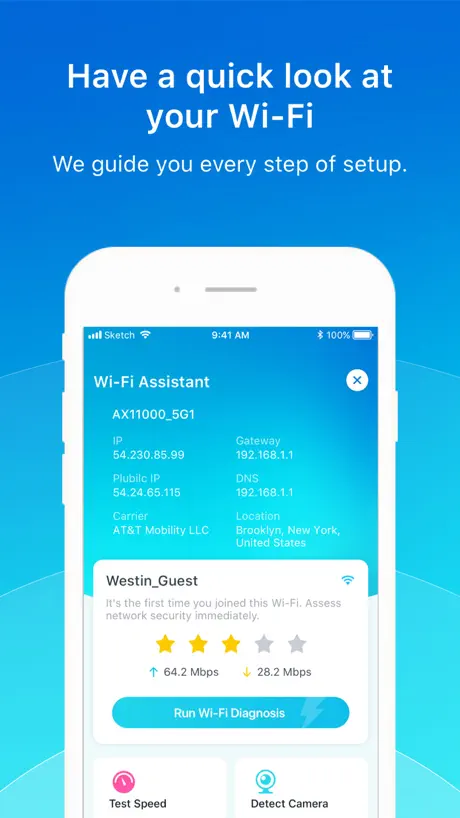
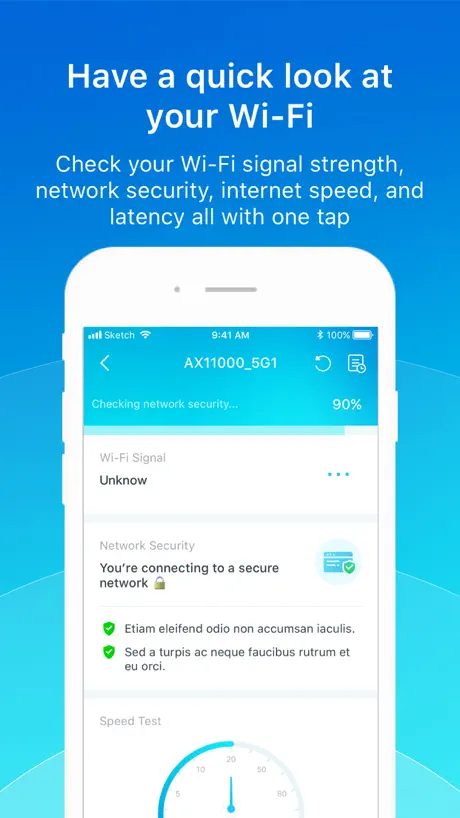
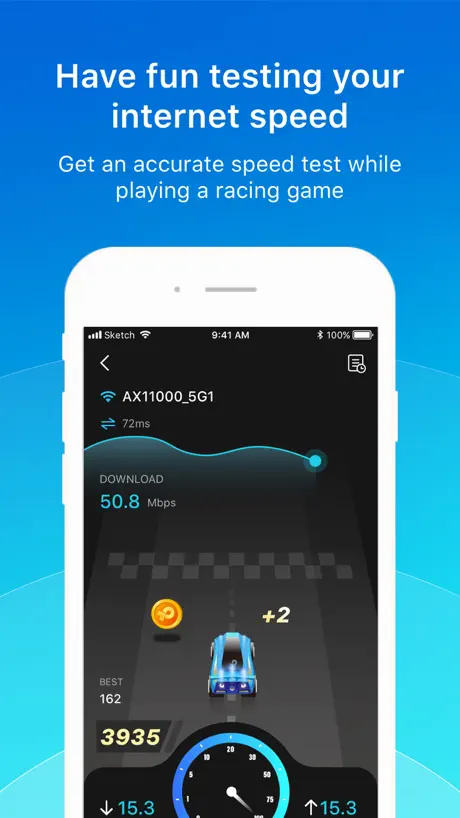
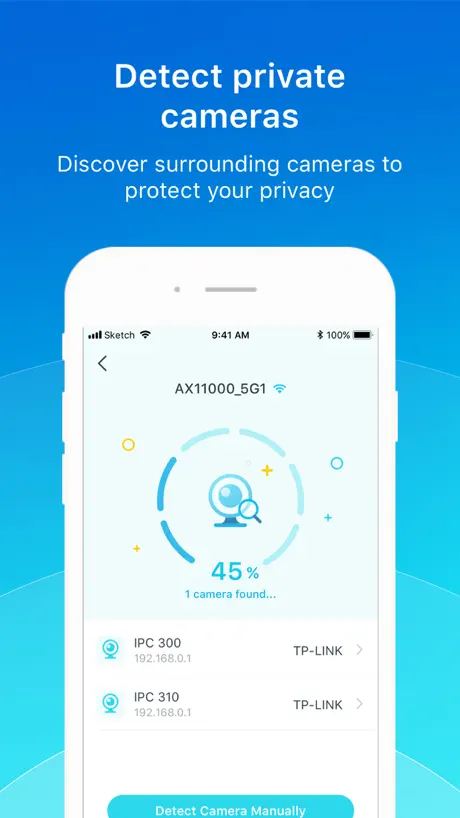
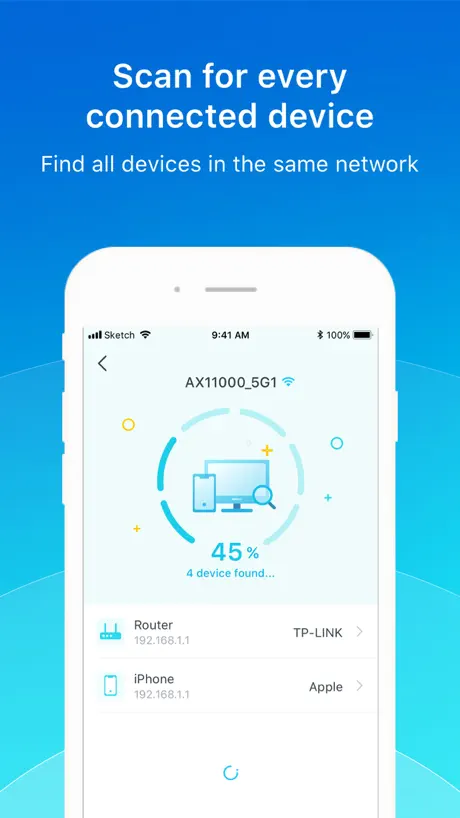
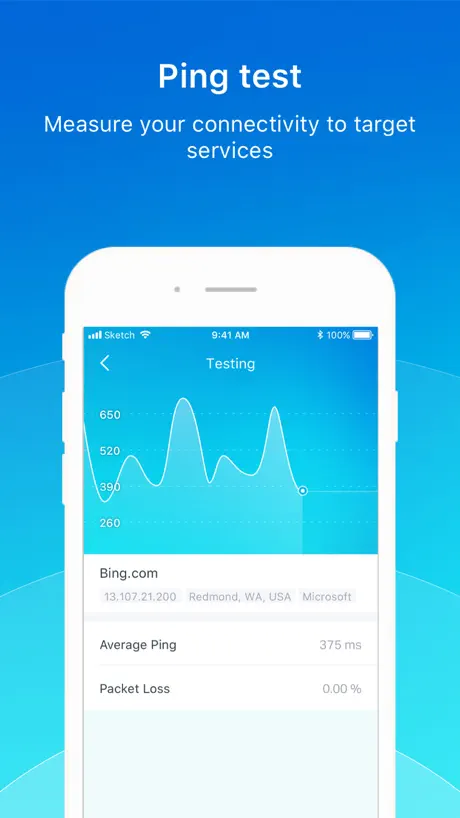
How much does Wi-Fi Toolkit cost?
Prices are current as of 7 Sept 2026.
Wi-Fi Toolkit has no in-app products on record in the United States.
10+ alternatives to Wi-Fi Toolkit
| Wi-Fi Toolkit | 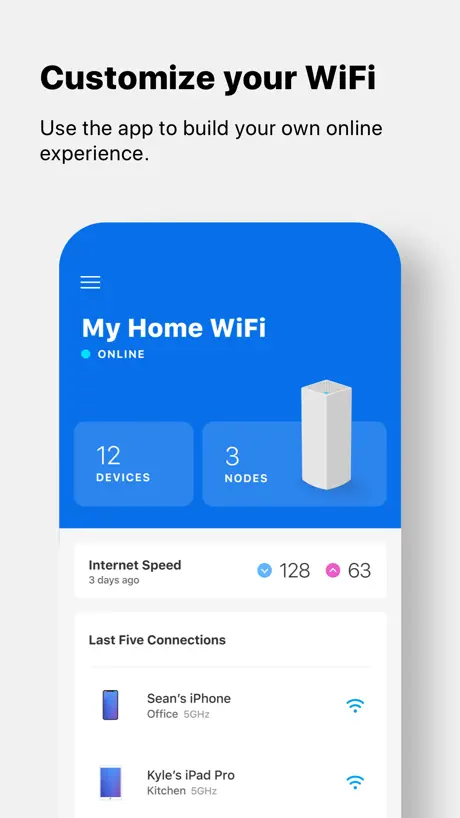  Linksys Linksys | 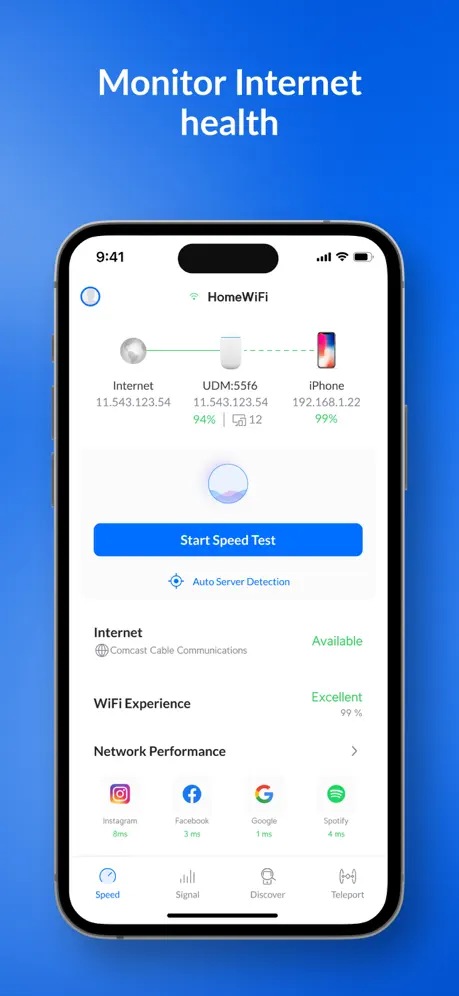  Ubiquiti WiFiman Ubiquiti WiFiman | 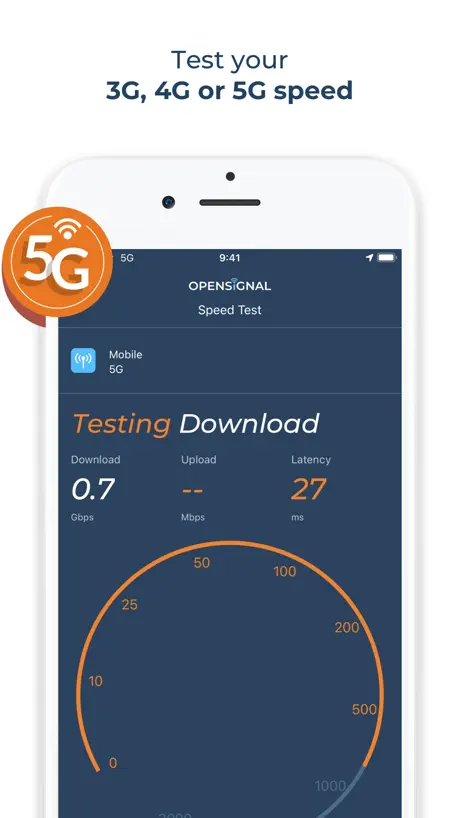  Opensignal Speed Test Ad Free Opensignal Speed Test Ad Free | 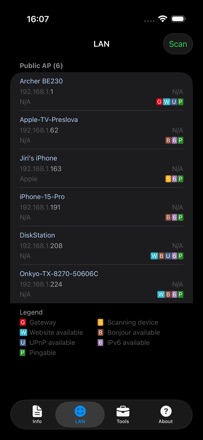  Network Analyzer: WiFi Scan Network Analyzer: WiFi Scan |   Anker Anker | 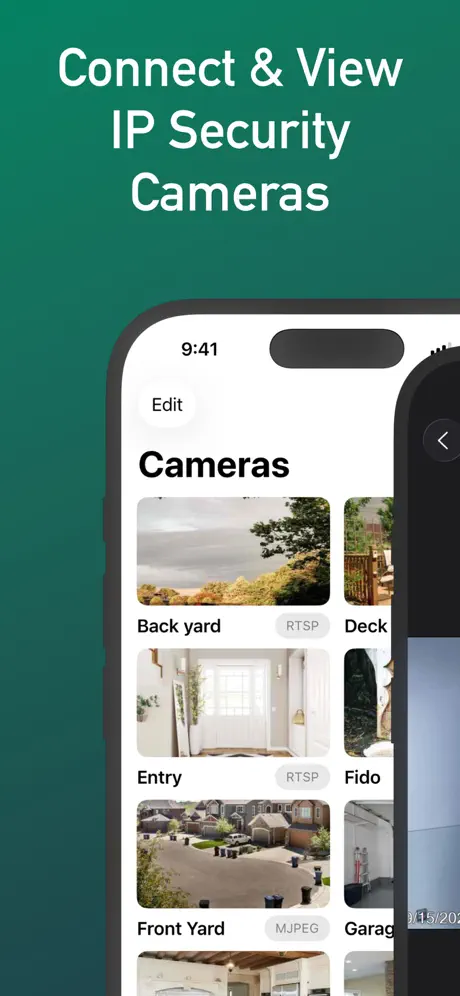  IP Camera Viewer - IPCams IP Camera Viewer - IPCams |   WIFI analyzer. Network scanner WIFI analyzer. Network scanner |   SURFboard Central SURFboard Central | 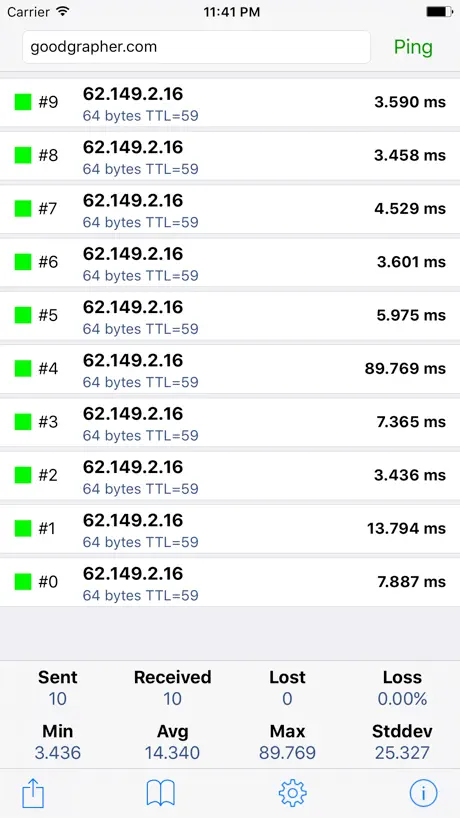  Ping - network utility Ping - network utility | 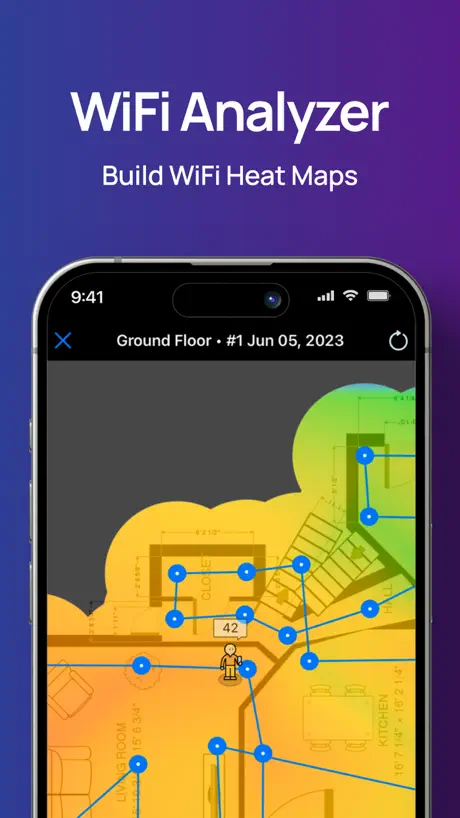  NetSpot WiFi Analyzer NetSpot WiFi Analyzer | |
|---|---|---|---|---|---|---|---|---|---|---|---|
| Rating / 5 | 3.8 | 4.6 | 4.8 | 4.5 | 4.6 | 4.5 | 4.2 | 4.0 | 1.7 | 4.5 | 3.8 |
| Reviews | 351 | 186K | 119K | 50K | 24K | 7.5K | 4.5K | 4K | 1.7K | 1.3K | 1.1K |
| Released | 2021 | 2012 | 2018 | 2013 | 2012 | 2022 | 2015 | 2024 | 2020 | 2012 | 2020 |
| Monthly price | — | — | — | — | — | — | $4.99 | — | — | — | $8.99 |
| One-time price | — | — | — | — | — | — | $149.99 | — | — | $0.99 | $6.99 |
The going rate for each plan in United States, in its own currency, shaded from the cheapest price on the row to the dearest. Plans fewer than four in ten of the priced apps sell are left out.
Wi-Fi Toolkit reviews
3.8 out of 5, based on 351 reviews.
What people like
- Runs fast with no ads
- Useful for quick network checks
- Great for managing home routers
What they complain about
- Annoying sounds during speed tests
- Fails to detect connected devices
- Does not show signal strength
WiFi
Really nice approach to check out your Wi-Fi and internet speed I use this app every day No brainer highly recommended to streamline your deco equipment I have the x50 and love it..
What’s the point?
This doesn’t work at all. It can’t scan for devices, cameras, speed, or anything else that it claims to do. Apps like this erode trust and in a world where connectivity is becoming tenuous and political, that’s not a great signal.
Not impressed
I recently bought a new TP Link Archer AX 5400 Pro router to replace my aging Linksys EA 9500. I have only purchased Linksys products until now. I will be purchasing Linksys products in the future. This app and the router are trash compared to the Linksys app and router. I have actually reinstalled my old Linksys because the app and the 4 year old router out perform the TP Link router and app. I kind of feel like “here take my money” because of the poor network capabilities and that’s if the app will connect and find the router. Everything is very delayed with TP Link router. I can leave my house and close the garage door. By the time I get to my wife’s business (10 minute drive) I will get an alert that my garage door has closed. Never experienced this until changing to TP Link.
Doesn’t do Wi-Fi signal strength
Doesn’t do Wi-Fi signal strength
Signalstärke ?
wlann toolkit signalstärke wird nicht angezeigt
Very Helpful
This app is great. Provides you a lot of information about your home router or the public wifi you’re on.
Fails to set up VPN
Just shows blank screen after trying to log in to SurfShark Update: Also fails to detect cameras
Simpel
Fijne simpele app om snelheid en beveiliging te testen.
Mediocre
You can do more with other tools. This is Beta-quality and seems almost like an afterthought. Ex: The WiFi diagnostics runs and shows no internet connection, but then proceeds to attempt a ping check. If there’s no internet, it should NOT repeatedly attempt a ping check until manually interrupted.
Why are devs still making iPad apps that only have Portrait mode?
Do I need to say more? iPad sitting on a stand/keyboard/folding case in perpetual landscape mode? Do developers not know this?
B@dA55
The app does everything it’s supposed to do.
useless
tried the “detect cameras” in a place where I know there are 6. Found none. Useless.
Camara
Mi cámara está en modo selfie y no hay forma de que se escanee de frente
Maybe its time has passed?
I got this app to help me tune a rather large WiFi network at home, where i invested huge $ in an extensive/expensive TP-Link infrastructure. Granted this app is “free” but it appears it’s getting little to no support from TPL, and what limited functionality it has is available from other (often times free or included with OS) apps/utilities. The main reason i wanted it was for WiFi tuning, which once the “WiFi Diagnostics” process has run, it doesn’t even show signal strength. There are no tunable parameters and no access to individual bits of info, and you’re limited to seeing data only for the SSID on which you’re connected - so no broad scans, signal/channel overlap comparison tools/displays, not even a channel list per band, or even a BAND listing. I’m not sure how this app is relevant or helpful anytime and think it’s an old app that’s run its course with even TPL knowing that. Once again, after buying into TPL hype and investing heavily into their ecosystem, I’m left frustrated, disappointed, and regretful of my choice.
Annoying sounds
There is no way to turn off the annoying sounds during a speed test
Recommended!!
This app is so cool. It has so many functions and it’s very accurate. Download it!
the most bullish app ever
i have 4 wyze cameras it didnt detect them and it thinks im connected to starbucks even though im using starlink lol this app is dumb
It needs to work better with home shield
Home shield always thinks it’s being compromised every time Open Port Check runs. It list everything as unknown. It doesn’t detect phones, tablets, or TV. It doesn’t help anything, except Port Scan and that freaks out the deco security. I’ve never seen anything like it.
Thank you!!
All of you giving negative feedback, remember that this is a *free* app from TPL. Do you want this to not exist? This app is incredible! There's no other app that lets me quickly run speed tests (with no ads) AND run IPV4/6 Ping to discrete servers AND do a port/IP scan from my phone. I use it all the time for systems management. Thanks so much TP link people who put this together.
Broken
This app is broken tells you to connect to WiFi when you are
Ridiculous annoying sounds
Ridiculous annoying sounds that serve no purpose other than annoy the user
Muy funcional
Muy funcional para tener un status general de tu red, recomendable
Yep useless
What a joke, as other reviews indicate, this app tells you you're offline when you're definitely online and everything is good in the Deco app. Completely useless, uninstalled
Eenvoudig n snel
Wat niet duidelijk bij de installatie naar voren komt is dat als je hem aan het Starlink modem koppelt dat deze dan blijkbaar ook in bypass mode wordt gezet, verder werkt alles lekker snel
Froze
Running network ping. After 2 1/2 minutes even the animation stopped
More accessible then other apps offered on ios
Love the app,cant find nothing like it in my years of cybersec im talking about iPhone just a problem my router shows up as a camera but everything else works better then fine
Doesn’t work
Just to test this app I scanned my own home wifi with 3 cameras, and it said no camera detected.
This app is so stupid don’t buy from this brand
The devices that I had along with this app proved that the brand is false advertising for a product that doesn’t even work. I went through HOURS of trying to get that thing to work (Wi-Fi extender). Multiple resets and to no avail. The product doesn’t work at all. Terrible latency issues and drops down all the time. Terrible service and very disappointing customer service. Will never get anything from this brand ever again.
Pretty much useless
It feels more like an advertisement for their VPN than a useful app. Checking for, and identifying devices, on your network doesn’t work AT ALL. It identifies everything as generic and doesn’t find all devices either. So how am I to know if there’s a device placed there by a threat actor? Like I said, useless.
Wi-Fi Toolkit FAQ
- Is Wi-Fi Toolkit free?
- Yes. The app is free, in all 175 countries it sells in, and it sells nothing inside it.
- Does Wi-Fi Toolkit have a free trial?
- No. None of its offers (US) come with a free trial.
- What are the best alternatives to Wi-Fi Toolkit?
- Linksys (4.6 from 185,699 reviews), Ubiquiti WiFiman (4.8 from 119,457 reviews) and Opensignal Speed Test Ad Free (4.5 from 49,894 reviews).
Wi-Fi Toolkit download
Last updated 11 months ago.
Wi-Fi Toolkit sells in 175 countries. It was released 5 years and 3 months ago, on 6 Jul 2021. It holds a 3.8 rating from 351 reviews.
Supports 29 languages: English, Arabic, Bulgarian, Czech, Danish, Dutch, Finnish, French, German, Greek, Hebrew, Hungarian, Italian, Japanese, Korean, Malay, Norwegian Bokmål, Polish, Portuguese, Romanian, Russian, Chinese, Slovak, Spanish, Swedish, Thai, Turkish, Ukrainian, Vietnamese.
How much does Wi-Fi Toolkit make?
Third-party estimates for the last 30 days, worldwide — not the store's own figures, which Apple publishes for nobody.