
Guidebook
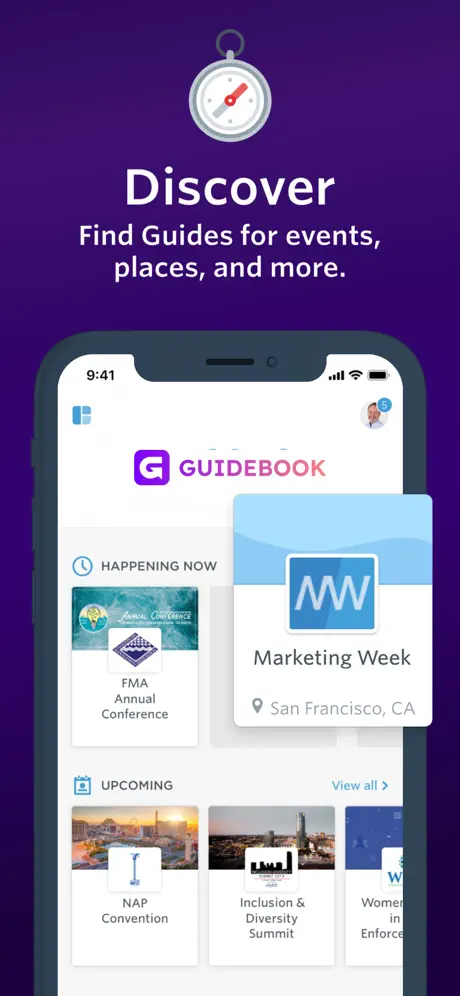
Your guide to events and more
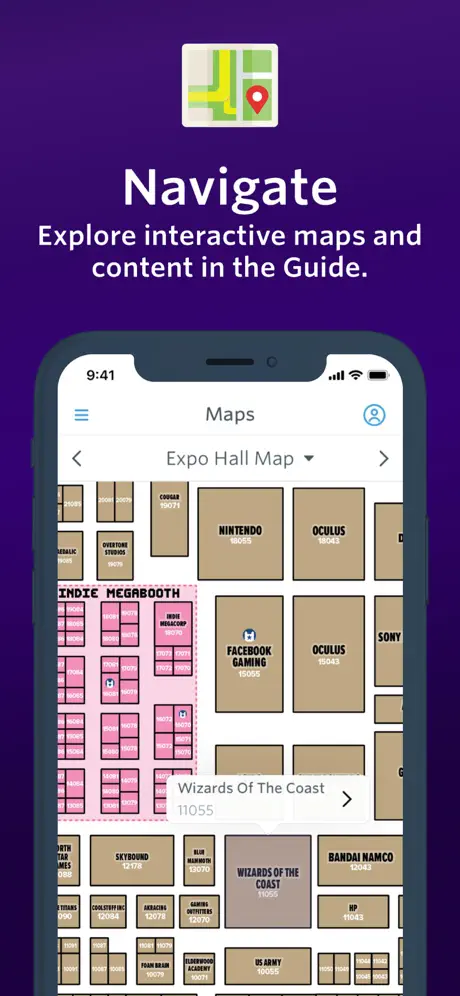
How much does Guidebook cost?
Prices are current as of 8 Sept 2026.
Guidebook has no in-app products on record in the United States.
10+ alternatives to Guidebook
| Guidebook | 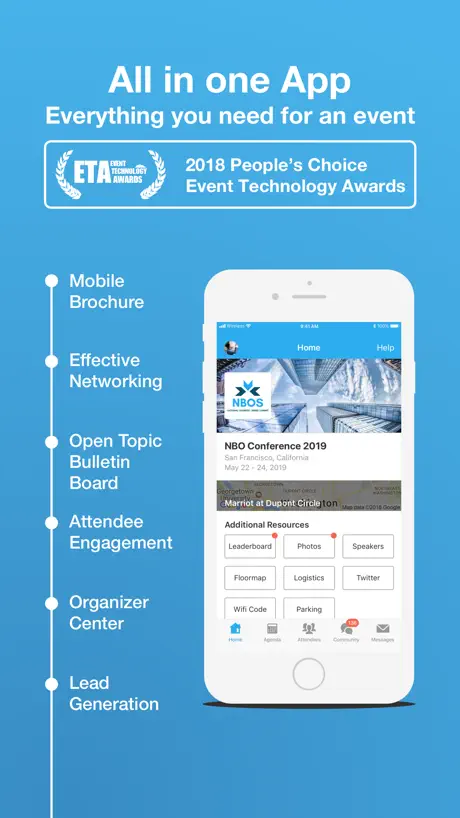  Whova - Event & Conference App Whova - Event & Conference App | 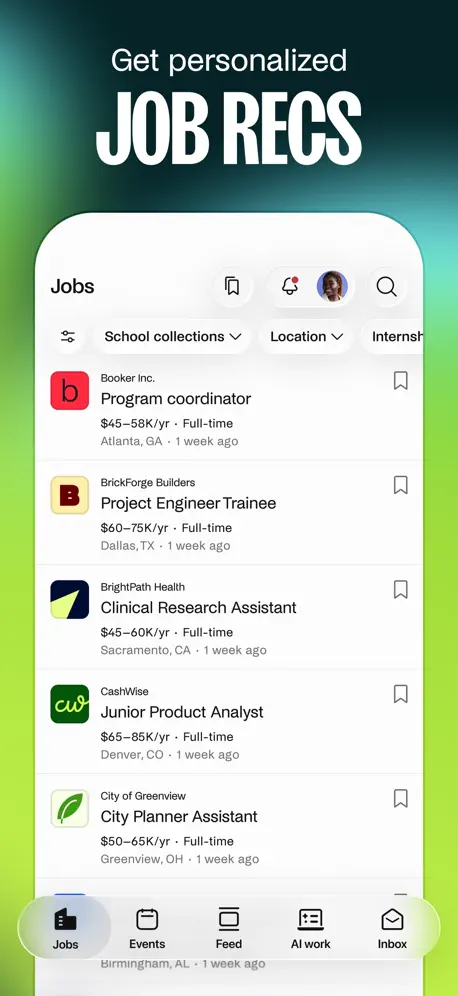  Handshake: Jobs & AI work Handshake: Jobs & AI work |   Cvent Events Cvent Events |   GET Mobile GET Mobile | 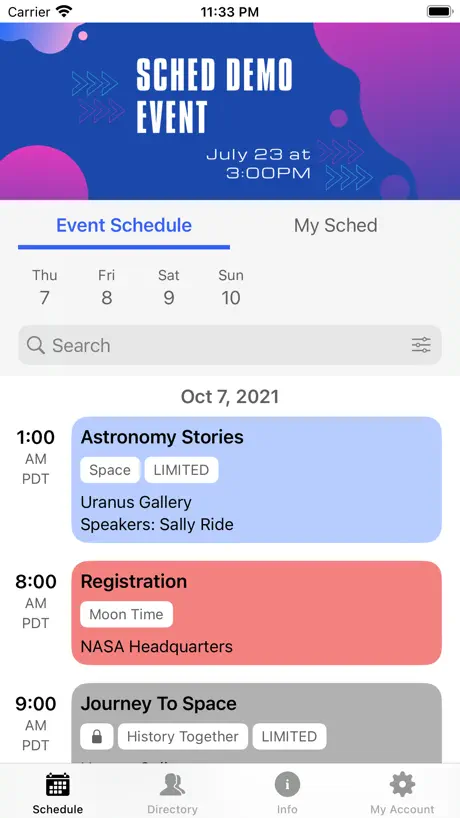  Sched Sched |   Poll Everywhere Poll Everywhere |   ID Scanner Professional ID Scanner Professional |   Wepa Print Wepa Print |   Pharos Print Pharos Print |   Yapp Yapp | |
|---|---|---|---|---|---|---|---|---|---|---|---|
| Rating / 5 | 4.7 | 4.8 | 4.8 | 4.8 | 4.4 | 4.7 | 4.7 | 4.6 | 1.6 | 1.3 | 3.7 |
| Reviews | 4.5K | 326K | 145K | 46K | 29K | 5.1K | 3.6K | 3.6K | 430 | 237 | 147 |
| Released | 2011 | 2013 | 2017 | 2020 | 2014 | 2018 | 2014 | 2022 | 2019 | 2015 | 2012 |
| Weekly price | — | — | — | — | — | — | — | $6.99 | — | — | — |
| Monthly price | — | — | — | — | — | — | — | $9.99 | — | — | — |
| Annual price | — | — | — | — | — | — | — | $49.99 | — | — | — |
| One-time price | — | — | — | — | — | — | $13.99 | — | — | — | — |
The going rate for each plan in United States, in its own currency, shaded from the cheapest price on the row to the dearest.
Guidebook reviews
4.7 out of 5, based on 4,451 reviews.
What people like
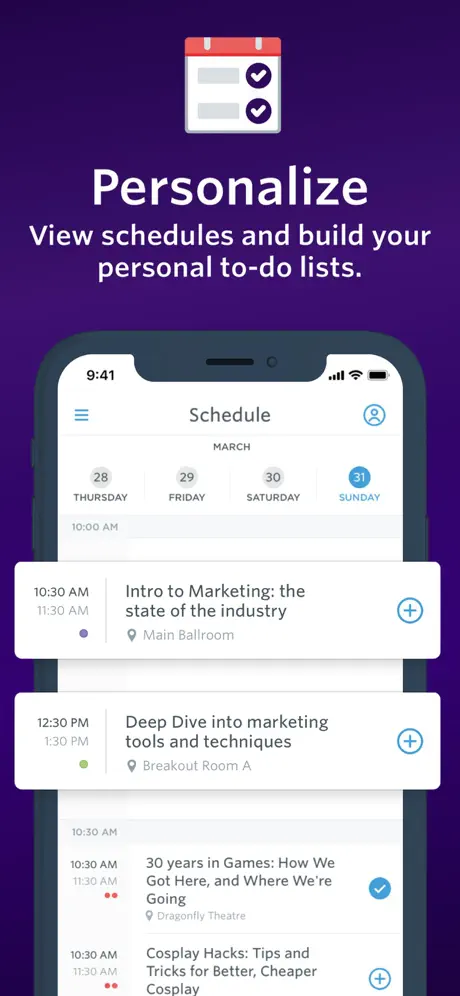
- Makes planning schedules very easy
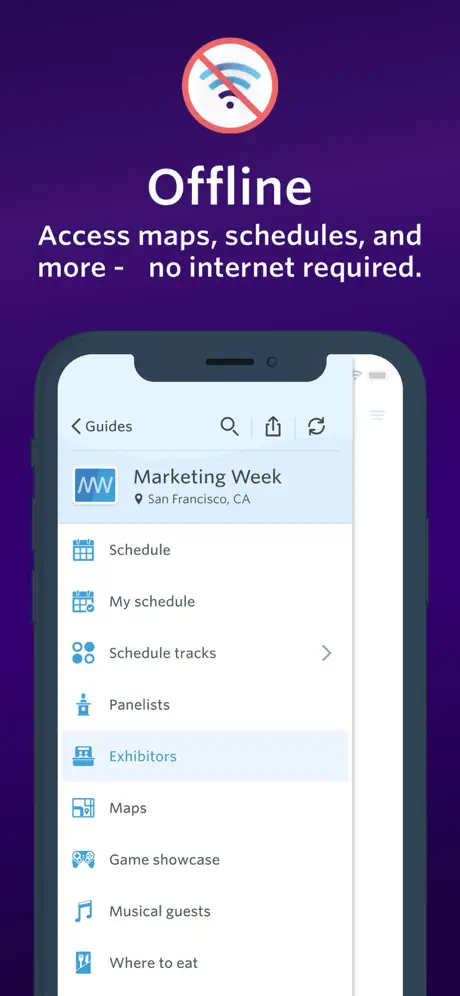
- Shows last minute changes automatically
- Free to use for attendees
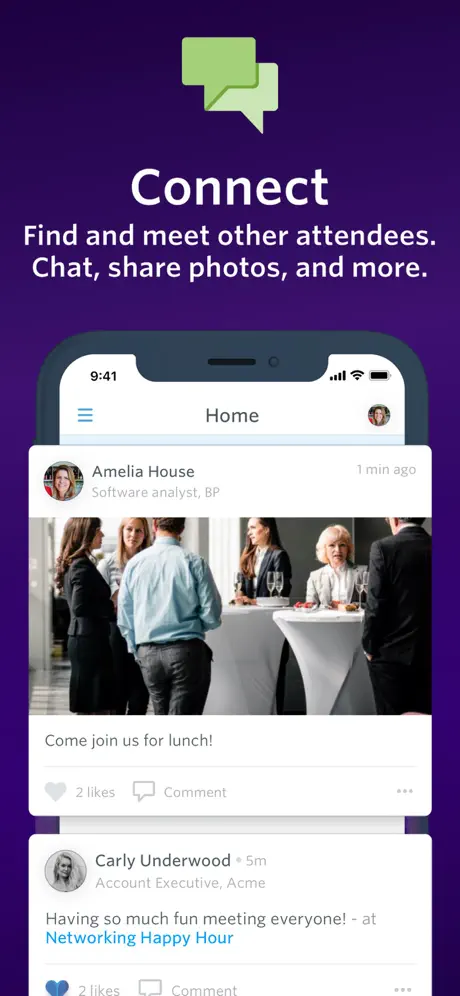
- Helpful for finding event locations
What they complain about
- App crashes constantly when opening details
- Screen keeps jumping back to the top
- Missing dark mode for night use
- Text is too small and hard to read
Just one error
There is an error that everytime I try to log in on the sign up page it tells me reset password on the sign up page when I downloaded the app for the first time and I tried to create my account after hitting the terms of use and policy
MESA 2023 crashes when using schedule
Every time I click on a panel to see more information the app crashes and closes. I’m using a reasonably new iPhone and I tried rebooting the phone. It is very consistent: it crashes every time.
Great! Where’s dark mode?
I love this app to look at schedules for conferences and stuff. But, it DOES NOT have dark mode and my eyes are burning using it. (I might be wrong about where settings are) But, I still can’t find dark mode. Otherwise, love it.
Poor Usability. Support your QA team.
-If an event ends at midnight, that becomes the visual clutter at the top of the schedule for the following day. -Imagery as a background for the Location text is a great way to make the location text hard to read. Don’t overlay these items!
App delivers event notifications in wrong timezone, after events have ended
Installed app in EDT, attended event in central time, set alerts for events, they reliably show up late
Nice
Stable. Easy to navigate. Needs dark mode.
Useless “calendar”
They took away the option to favorite events and add it to a calendar within the app and get reminded.
it does what it needs to do
doesn’t have dark mode. overall a good application, although i wish the web version had more functionality
Glitchy
App crashes when clicking on an event to see more details.
Keeps crashing
Keeps crashing
I Love Guidebook!
I use Guidebook for every convention I go to, and I simply love it! It makes planning and scheduling so easy. It really just scratches that organization itch.
Not near me
The app mainly shows events from other states for me.
Can’t see search results
The app is wonderful, unless you actually want to search for something. For some reason, they designed it so that the search results appear behind the keyboard, and do not give you any means to hide the keyboard. So you can see search results, but just not the last two or three.
Eher unterhaltsam als nützlich
Überwiegend USA-Kram und ein kleines bisschen Europa, unterschiedlich gepflegter Inhalt, teils topp-aktuell, teils Jahre veraltet, und alles ungeordnet in einer auch inhaltlich äußerst bunt gemischten Liste angezeigt. In Deutschland habe ich genau zwei Ereignisse gefunden, eins in München von 2015 und eins in Berlin von 2016. Ich empfehle die App - zum Zeitvertreib!
Text is too small
Text is too small, and doesn’t follow user preferences.
Theirs a glitch
The app overall seems like a good app, but theirs one problem, theirs a glitch where the app won’t let me add events to my schedule or even scroll down so I can write them on a piece of paper. Please fix this. Other than the glitch, 4.5-5 stars
No iCal export for My Schedule
There isn’t an export feature like iCal to sync your My Schedule with your personal schedule. Makes the My Schedule useless.
What happened?
Had some old guides that I had downloaded to my account, now I see nothing but the most recent, what happened to all the rest?
Time zone wrong
Apparently the app shows the times for an event in your current time zone instead of the event time zone. Really dumb.
App keeps crashing
Day one and the app worked fine. Day 3 of the con and I get notified at 8:15am about what I thought was a 2:30pm event starting in 15 minutes…. I tried to check my schedule - crash. I tried to check the com schedule - crash. I restarted my phone and tried again -crash. Will try uninstalling and reinstalling the app. It’s the one panel I want to see and I can’t pull up any schedules for the con. :,(
Great All use app
For any and all events you are going to that use guidebook it works out well and it is at NO cost to you which is even more convinient
Same issue as July 2021
The schedule will freeze and not load. I am unable to select events/sessions to add to my schedule. It happened with the TCDA convention back in July 2021 and it’s still happening now with the TMEA 2022 convention. It’s frustrating!!!! I have a new iphone now so I don’t think it’s my iphone.
night mode request
please make a night/dark mode for your app. almost every single application has this option available so a lot of people would appreciate it alot.
Font colors need to be more contrasting
For people with visual issues the lack of contrast in font colors makes the content hard to read. Black font on white background is best. Light gray font on white background is hard to see. Aside from the font colors, the app is fantastic.
Irritating “glitch”?
I’ve used this app for years - and I love having all pertinent info at my fingertips. However, it is SUPER irritating that it continually pops back up to the top of the day’s events anytime it is in use. Is there ANY way to fix that? So annoying!
Ready set start new tools and tips to bring clients in
This session was very helpful. It was well presented with practical, easy to execute tools and great tips.
What an incredible battery drainer.
I installed this app, didn’t install anything else, in that time. Within 2 hours, I barely looked at my phone, and had the screen on less than 5 minutes total to check emails, the battery drained 20%.
Why the constant reloading??
First used this for Too Many Games last year and was a lovely sidekick to have! Now using it for Acen incoming buuut was reminded why I s carry a booklet around. Why does it CONSTANTLY reload so much?? I'm just trying to plan out my day(s) but it knocks me back to the start of a day. Gotta update this already..
App keeps crashing
this app keeps crashing when I try to load any event. It works about 20% of the time. This needs to be fixed.
Can’t set profile picture and won’t save changes
I’ve tried all day to set a profile picture and change some information in my profile but every time I try to save the information and picture it doesn’t even save it, it acts as though I’m not even putting any changed in.
Outside the box
A creative original thinker. What would nhappen to the social problems by asking what is working? The current model is great at putting out fires. We are beginning to concentrate on prevention
Annoying
The schedule refreshes every 20 secs makes it hard to use
Great but…
I like this app and all but… 1. As I’m scrolling through each day’s schedule, it constantly SMU suddenly scrolls back to the top of that day’s schedule causing me to have to scroll back down to where I was. Very annoying!!! 2. Does this app sync across devices?
Clear out the old events already!
Trying to find a current event on this app is a pain! They still list ones from 2013! Too many to slog through. No way to filter them. And the user can’t even delete their old events. Not user friendly. Better curation and user controls are needed to make this app what it is meant to be.
A bloated app
I just wanted a schedule and descriptions of events. There was all the social network stuff and other useless features that made it so the actual schedule was hard to read and hard to find a simplified version. It also kept sending pop up notifications about sessions that happened days ago.
Amazing App!
One of the best apps I’ve seen on here and It is extremely helpful. Especially since I’m landing schedule for San Japan as well.
Scroll on schedule does not work
On schedule after scrolling to look at events happening on a day, the scrolling feature will not work. Please fix.
Great tool with a lot of room for improvement
I’ve only used one guide so far and my comments may be off because there could be features missing that are school dependent. • no hyper local (beacon) support for campus location and guidance • need additional maps • need parent version if the focus is college tours • need list of potential auxiliary events (eg. volleyball game) with potential for colleges to give passes (free or purchases) within app • give food places ability to coordinate with colleges to offer reservations and make deals within app Good app with a lot of potential.
Problem with new update
Great app, used to work fine-but now it just quits itself when i try to open it.
Freeze
Love this because of the upcoming Supanova, but it keeps freezing when you try and add a new custom event. Other than that, great app!
Well done
Very inspirational leadership discussion.
No way to turn off alerts from within the app
Alerts that you didn’t sign ipnfor clog your notifications. You can only turn them off via the phone’s notification settings.
Cannot add non convention activities
The app is awesome for the actual convention events, locations and times. I am easily able to add these to my schedule. When I open my schedule and click the +, I am unable to add an event of my own, even though I click save. I cannot get it to show up on my schedule.
DOESNT WORK FOR ME!!
I doesn't let me find my upcoming Events especially for Supernova.
Quite nice
Enables last minute updates as well as saves the bulk of papers. Unfortunately the fonts of times and venue rooms are a bit small.
Good
Good
This is annoying
I don’t like this at all, that is the nicest way I can put it.
Fantastic if organizers put in the effort
I have only used the app for one event. I guess it's usefulness would depend on how well organizers provided details and updates, but my event had the schedule implemented perfectly and I loved it. I was a little surprised it drew 7.5MB of data over three days. I had already downloaded the schedule ahead of my event, but I allowed it to use data so I could be sure to get all the updates to the schedule. I did reference the app often to figure out what I wanted to do next, and it would always tell me if anything had changed, which was amazing (our convention had a few cancellations last minute). But the changes I got seemed like they could be done by syncing text only so I'm not sure what the big data-draw was. That's the only reason for 4 stars instead of 5.
Expensive
The app is nice, but the server software is several thousand pounds to get anything useful
Guidebook FAQ
- Is Guidebook free?
- Yes. The app is free, in all 175 countries it sells in, and it sells nothing inside it.
- Does Guidebook have a free trial?
- No. None of its offers (US) come with a free trial.
- What are the best alternatives to Guidebook?
- Whova - Event & Conference App (4.8 from 325,827 reviews), Handshake: Jobs & AI work (4.8 from 145,087 reviews) and Cvent Events (4.8 from 46,387 reviews).
Guidebook download
Last updated 1 month ago.
Guidebook sells in 175 countries. It was released 15 years and 5 months ago, on 25 Apr 2011. It holds a 4.7 rating from 4,451 reviews.
Supports 25 languages: English, Bulgarian, Czech, Finnish, French, German, Greek, Hungarian, Indonesian, Italian, Japanese, Korean, Malay, Polish, Portuguese, Romanian, Russian, Chinese, Spanish, Swedish, Thai, Turkish, Ukrainian, Vietnamese, Welsh.
How much does Guidebook make?
Third-party estimates for the last 30 days, worldwide — not the store's own figures, which Apple publishes for nobody.