
xTool Creative Space Mobile
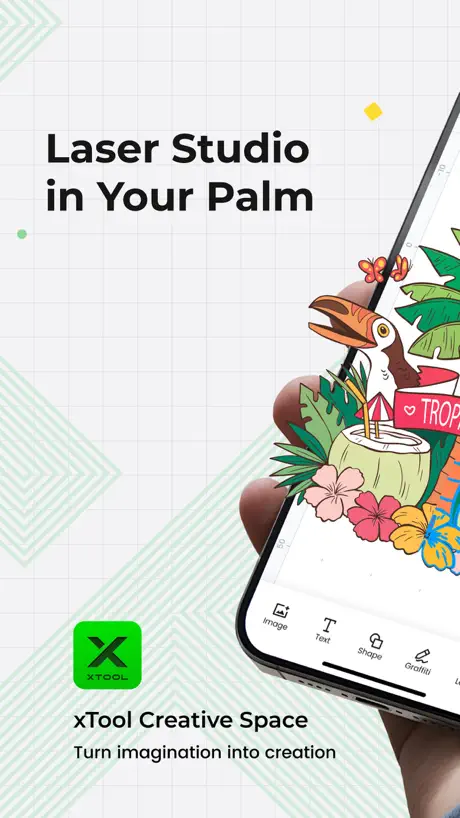
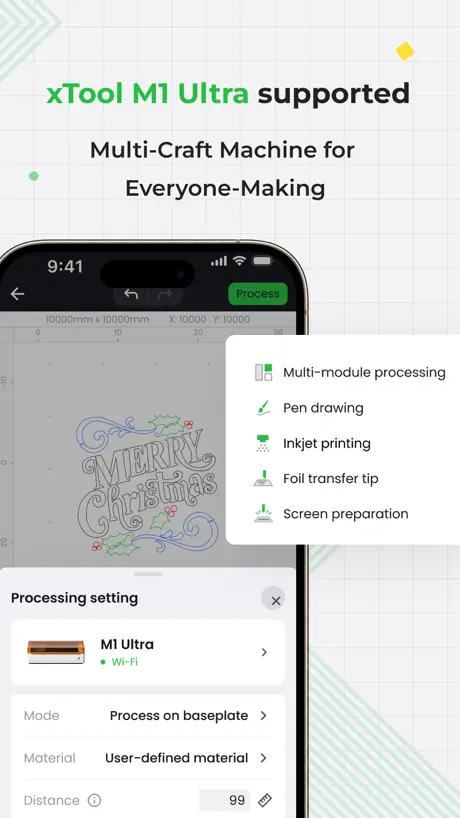
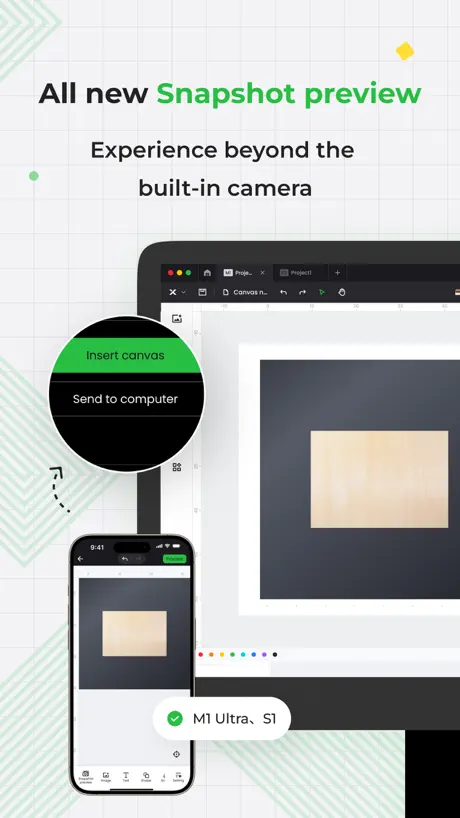
How much does xTool Creative Space Mobile cost?
Prices are current as of 12 Nov 2026.
xTool Creative Space Mobile has no in-app products on record in the United States.
10+ alternatives to xTool Creative Space Mobile
| xTool Creative Space Mobile | 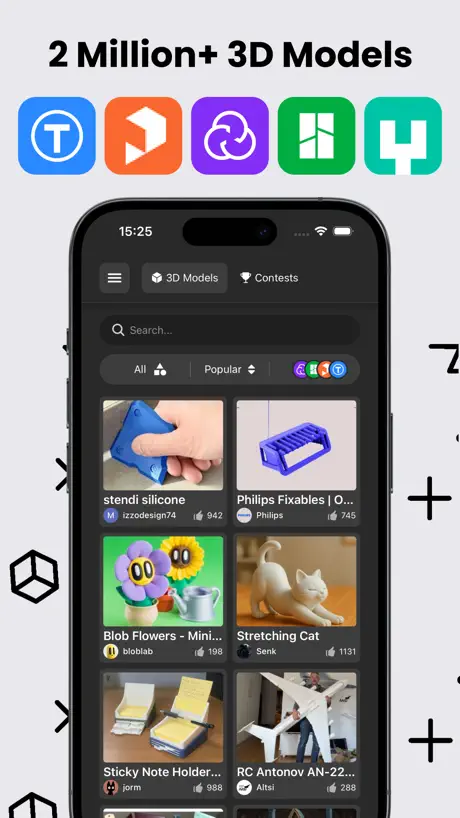  Thingiverse Printables | 3D GO | 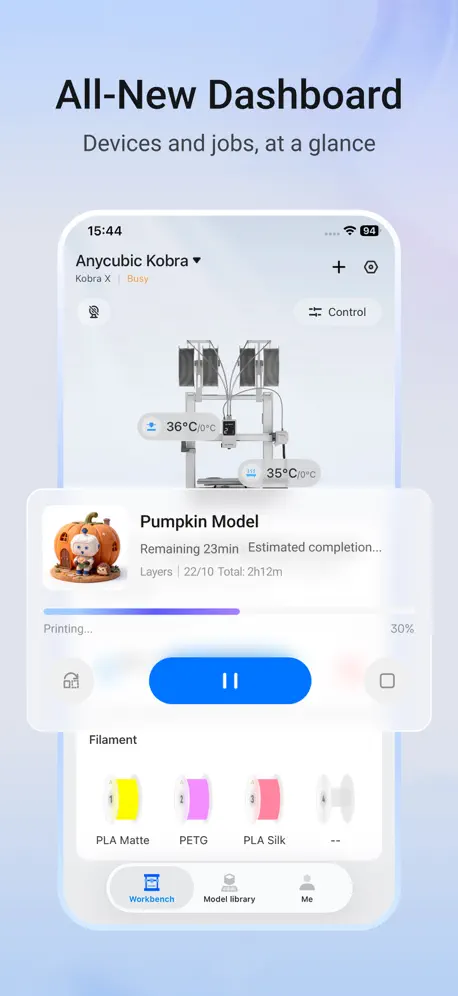  Anycubic: 3D Print & Models |   Thingiverse MakerWorld | 3Drop | 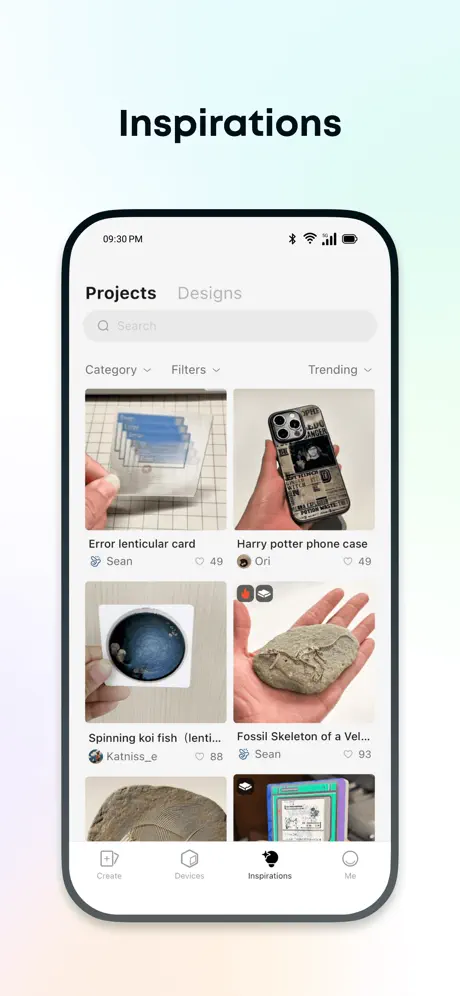  Anker Make | 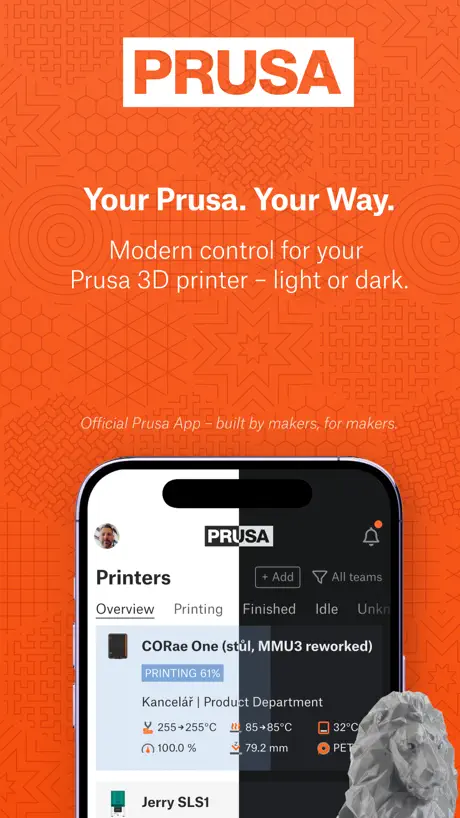  Prusa | 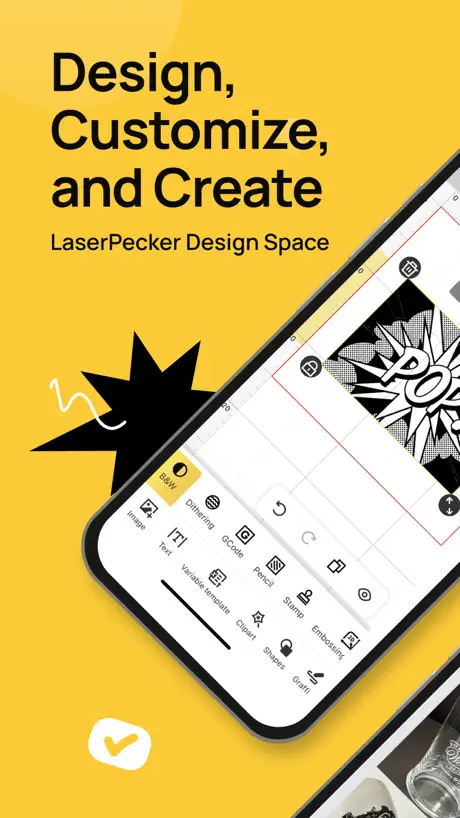  LaserPecker Design Space |   Thangs |   Snapmaker |   LaserBurn |   WeCreat | |
|---|---|---|---|---|---|---|---|---|---|---|---|
| Rating / 5 | 4.6 | 4.6 | 2.9 | 4.8 | 4.6 | 4.2 | 2.1 | 2.8 | 2.7 | 2.6 | 2.1 |
| Reviews | 1.9K | 6.2K | 1.5K | 1.2K | 922 | 397 | 286 | 183 | 156 | 68 | 28 |
| Released | 2023 | 2023 | 2023 | 2023 | 2022 | 2024 | 2023 | 2022 | 2025 | 2023 | 2023 |
| Monthly price | — | $2.99 | — | $1.99 | — | — | — | — | — | — | — |
| Annual price | — | $29.99 | — | $17.99 | — | — | — | — | — | — | — |
| One-time price | — | — | — | $39.99 | — | — | — | — | — | — | — |
The going rate for each plan in United States, in its own currency, shaded from the cheapest price on the row to the dearest.
xTool Creative Space Mobile reviews
4.6 out of 5, based on 1,928 reviews.
What people like
- Much easier to use than desktop software.
- Very user friendly and simple to set up.
- Produces incredibly detailed engravings on first try.
- Works well remotely from your phone.
What they complain about
- App crashes constantly and loses your work.
- Does not support newer machine models like F2.
- Trace feature fails and breaks the app.
- No tutorials or clear instructions for beginners.
Beginner friendly
Love how easy it is to use. I just wish it would keep all the projects regardless of the de ice you log in to use. If I create something on my phone and save it, it will not show in the iPad or computer when logged in.
Crashes
This app keeps force closing!!!!! Multiple times, consistently with every use!
設定さえ見つければ綺麗
棚板変更時の計測が判りにくい、YouTubeなど見ましたがもっと簡単げでした。 出力までは、結構な試行錯誤が必要
No cloud support
I was hoping to tweek files developed on my computer but no access to anything but XCS
パラメータ
自分で設定したパラメータの保存ができればいいんですが、現状だと保存できないようで残念
My first print
I was beyond stoked to finally try what I bought a year ago. I will say that I love my purchase because how easy this app is.
No longer connects to s1
Won’t find the S1 and on the rare times it does immediately loses connection
Fix it please
I’m not liking the update. I don’t mind updates when things improve but it keeps crashing when I use the trace feature. I need this to work the way it’s intended.
Da aggiornare
App ben fatta ma a mio parere è diventata obsoleta , tra la versione desktop e questa c'è un abisso, le prime versioni andavano pari passo con l'app desktop ora nemmeno i progetti si sincronizzano più con lo stesso account, come se seguissero 2 schemi diversi , lo stesso progetto non posso aprirlo in contemporanea perchè sul telefono non legge più i progetti nuovi perché mancano delle funzionalità che hanno aggiunto sul software desktop e invece per iOS no quindi sono incompatibili, speriamo che aggiornino al più presto
F2 ?
Neue Geräte fehlen, wird Zeit für ein Update nach so langer Zeit ?!
Best thing I’ve done
I have an extra tool S1 40 W it is the absolute best thing I have ever spent money on and I currently have purchased an F2 ultra that came in today. Outstanding products thank you Ex Tool.
No update in a year
This app hasn't seen an update in a year. It lacks support for newer xTool devices and that will include their new Omni O1 UV printer soon. Not everyone owns or needs to own a Mac laptop. If you're going to support Apple users, support both iOS and MacOS equally.
App crashs when using trace
Great App, great tool. Unfortunately, it frequently crashes, when using the trace function. Please fix this crash. I tried it on multiple devices and different iOS versions.
Had to use mobile
Had to use mobile because buttons were not showing up on the iPad. Xtool needs to review their application for the iPad, especially when updates are done in Apple.
Queensboro Bridge
The detail was incredible
Firmware Broke It
Since a firmware update in Spring 2026, the photo registration no longer works. This was confirmed to me by support who says the app needs to be updated. Until the app gets updated, a massively important feature is not usable in the hardware, making this expensive tool less functional.
改悪
どんどん悪くなってく。
Trace crash
The app keeps crashing when trying to trace an image to convert it to a vector.
Stone coaster test template
The test was easy to download and easy to implement even via remote app from my phone. I ran it as a test through my phone and went very well.
Worthless app
Doesn’t support newer Xtool products
User Experience is Terrible
New beta version is horrible. I left my IPad charging overnight and it automatically updated to beta version which I was dreading as other users have experienced significant problems. Sure enough, app crashes randomly, buttons are hidden, process flow is the same number of steps but the steps have changed (why, what did we gain from this?). As someone who works in tech, the user experience should be top of mind and updating something for the purpose of updating is an amateur move. What a complete joke.
Bene ma non benissimo
L’app da smartphone o da tablet non permette di salvare con nome i progetti, e nemmeno di trasferire un disegno su un’altra tela o almeno non sono riuscita a capire come poterlo fare. Quando sarà possibile farlo sarà un grande traguardo per chi come me la usa soprattutto da dispositivi diversi dal pc.
Great Software
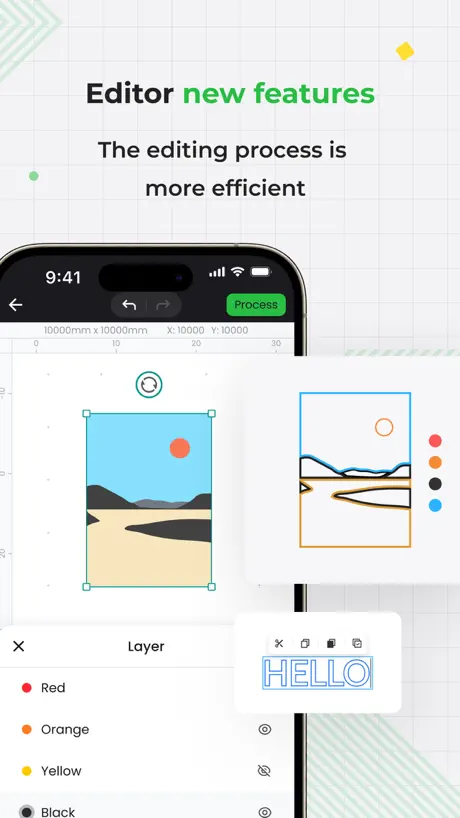
I bought an xTool S1 because this software, free with the machine, makes it just so easy to use compared to the complications of Lightburn driven lasers. I have been using lasers for over 10 years, mostly with their own clunky propriety software. So for me xTool’s Creative Space has been a serious, innovative step forward and a joy to use.
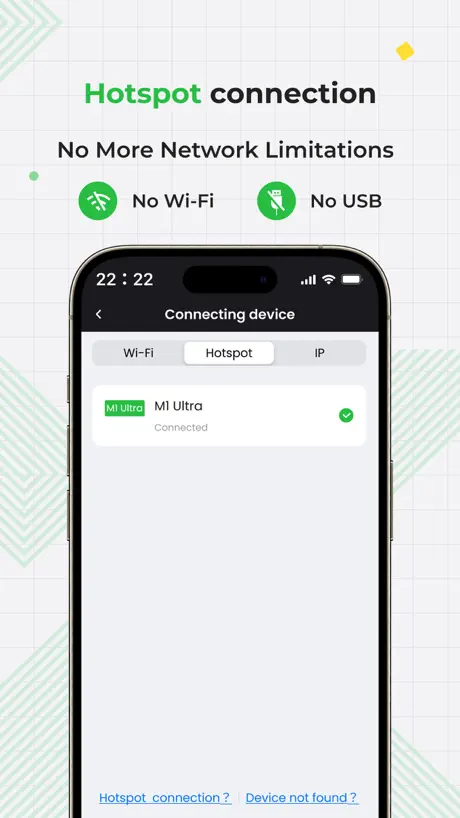
App does not pair with M1 Ultra
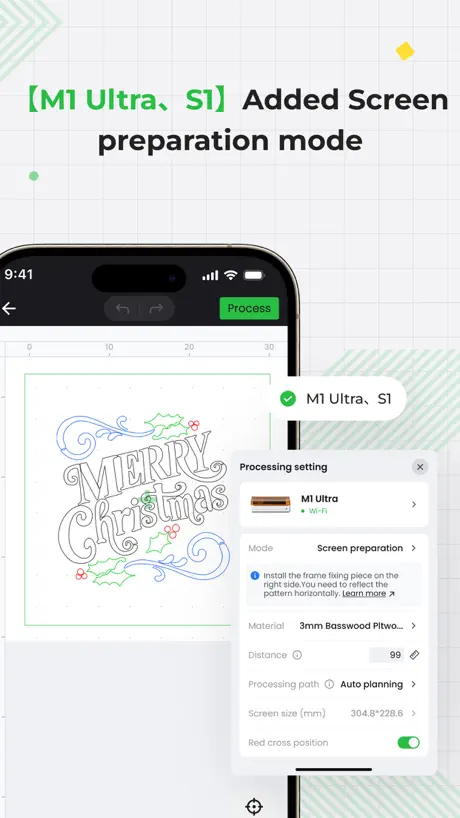
Someone from support from xTool named Mac said on Reddit the new firmware doesn’t support app connectivity anymore Literally can’t use the snapshots feature anymore which was a main selling point of the machine
Not a great design app
This app lacks serious functionality. There isn’t even a search function for images which I find ridiculous in 2024. If you want to actually design something you have to use another app this one is only for Final Cut/score/engrave. You can add text or upload your own design but that’s is for this app. You’ll have a pay for an app like illustrator to actually design anything. Good luck understanding how to actually use it because there is no tutorial or step by step that shows you how to get a final product after you upload a design. The app doesn’t show you grids for placement of your material on the laser and everything seems to be a toggle button you have to find like centering lines. Some things should be a standard function of the design app and they haven’t figure that out yet. Don’t bother with this app IMO.
Istruzioni assenti
Buon lavoro ma istruzioni assenti.
Phenomenal!
Way better than before. I used this when it was first released. It had limited uses. Now, I would it’s even better than desktop now. Highly recommend!!
Preview needs work
The snapshot preview works half of the time, very spotty.
Great when it works
When the app is working, it’s great. I can design tons of things on my phone and iPad for quick projects. But the app is constant crashing and not saving anything I’ve done. It’s much worse on the iPad, but crashes on both.
Keine Einstellung, dass Originalgrösse von Dateien bleibt, zu wenig Schriften (nichts aktuelles)
Man kann das Bearbeitungsfeld nicht mehr unten lassen um Sachen zu verschieben, App bricht ständig zusammen oder reagiert einfach nicht.
Engraving, wooden coaster second project
I’m really enjoying my new journey this F1 ultra is awesome
Newer engravers not supported
I just bought the F2, tried connecting to the device through the app, but the app doesn't even show an option for the newer engraver models. As a leader in the laser engraver industry, this app should be updated to support their own products. It has been over a year since the mobile app's update
Fatal
Se desconecta del láser a cada rato y me saca del proyecto en curso, terrible app la verdad
Xtool creative space
Would definitely recommend is very user friendly and live the setup
Outdated software
This app doesn't have any of the newer xTool products like the F2 Ultra. It's extremely disappointing. Almost as disappointing as my entire experience with xTool has been. Months of grief and frustration with never ending email chains and bottom feeder customer service agents that can ONLY pass you along to the "Back Room" customer service team that then passes you along to someone else. The on hold music is purposefully irritating to the point where you either end up hanging up or contemplating su!c!de
Finalmente ma…
Apprezzato l’ultimo aggiornamento ma non vedo ancora la possibilità di creare una masche di ritaglio
Creativity In My Hand
The Xtool S1 Has Enabled Me To Broaden My Creative Impulse At An Extraordinary Pace. Turn It In And …. CREATE My First Day Of Use - I Designed And Engraved A Brass Coin With My Face In 3D Depth Engrave - It Came Out … Outstanding!
Xtool
Immediately receiving the machine its Apple software doesn’t work at all yet it claims online and everywhere it’s compatible with IOS YET I CANT DO ANYTHING FOR DAYS NOW OR EVEN FIND THE SAME SETTINGS AS IM SHOWN ON TUTORIALS
xTool Creative Space Mobile FAQ
- Is xTool Creative Space Mobile free?
- Yes. The app is free, in all 174 countries it sells in, and it sells nothing inside it.
- Does xTool Creative Space Mobile have a free trial?
- No. None of its offers (US) come with a free trial.
- What are the best alternatives to xTool Creative Space Mobile?
- Thingiverse Printables | 3D GO (4.6 from 6,187 reviews, premium from $2.99), Anycubic: 3D Print & Models (2.9 from 1,466 reviews) and Thingiverse MakerWorld | 3Drop (4.8 from 1,187 reviews, premium from $1.99).
xTool Creative Space Mobile download
Last updated 1 year ago.
xTool Creative Space Mobile sells in 174 countries. It was released 3 years and 5 months ago, on 25 May 2023. It holds a 4.6 rating from 1,928 reviews.
Supports 2 languages: English, Chinese.
How much does xTool Creative Space Mobile make?
Third-party estimates for the last 30 days, worldwide — not the store's own figures, which Apple publishes for nobody.