
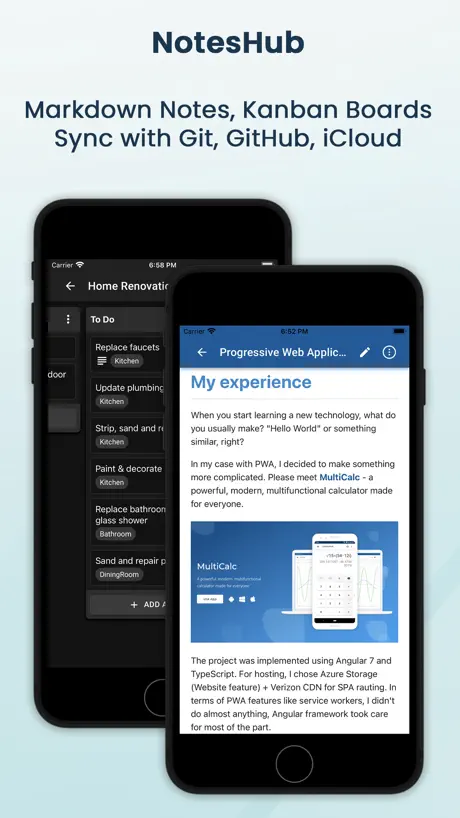
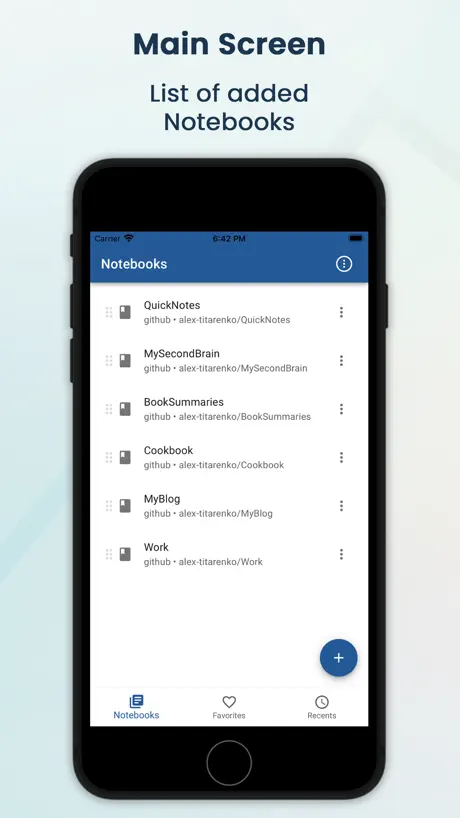
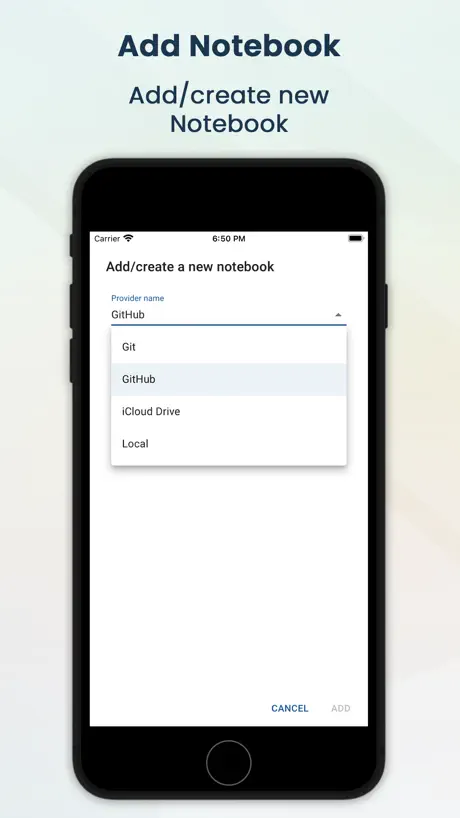
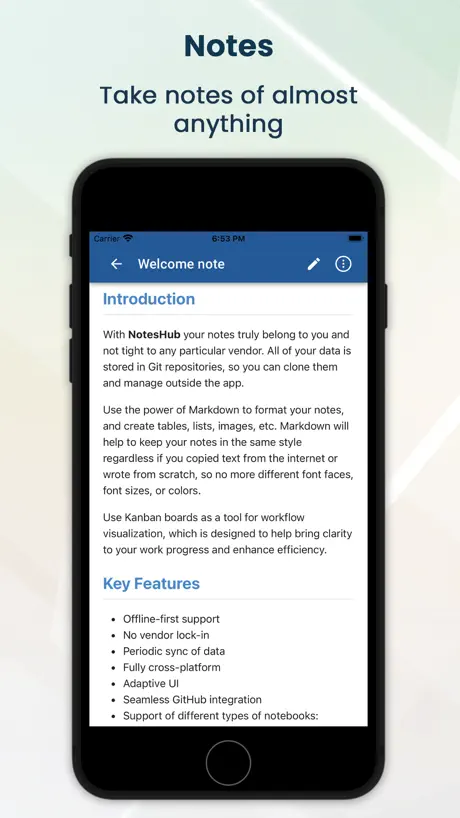
NotesHub: Notes, Kanban Boards
Your second brain in Markdown
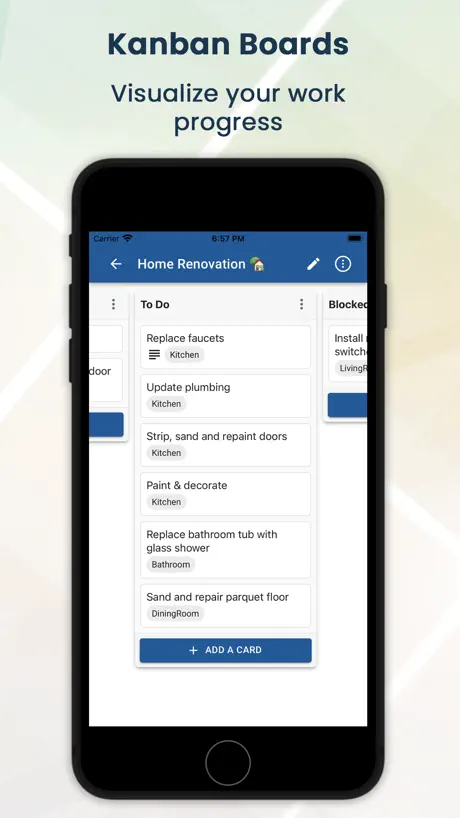
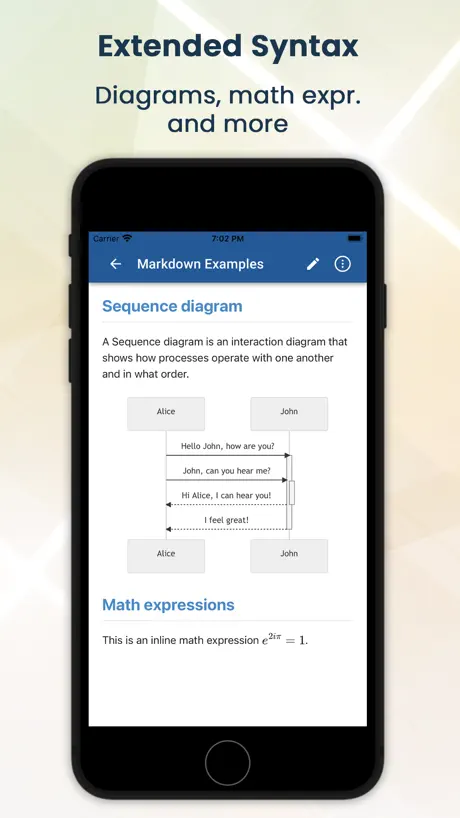
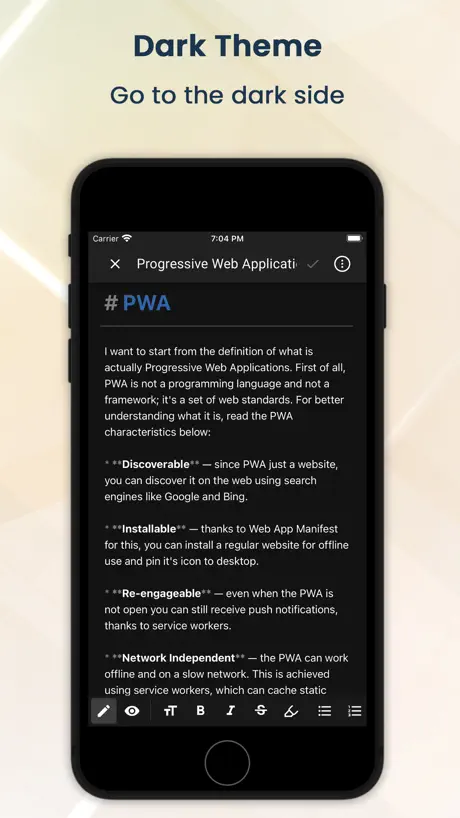
How much does NotesHub: Notes, Kanban Boards cost?
Prices are current as of 12 Sept 2026.
NotesHub: Notes, Kanban Boards has no in-app products on record in the United States.
NotesHub: Notes, Kanban Boards download price by country
| Country | Price |
|---|---|
| United States | $4.99 |
| Germany | €5.99 |
| China | CN¥38.00 |
| United Kingdom | £4.99 |
| Canada | CA$6.99 |
| Switzerland | CHF 4.00 |
| India | ₹499.00 |
| Italy | €5.99 |
| South Korea | ₩7,700 |
| Philippines | ₱299.00 |
| Ukraine | $5.99 |
| Brazil | R$29.90 |
| Hungary | HUF 1,990 |
| Mexico | MX$99.00 |
| Norway | NOK 59.00 |
| Austria | €5.99 |
| Australia | A$7.99 |
| Belgium | €5.99 |
| Spain | €5.99 |
| Finland | €5.99 |
| France | €5.99 |
| Georgia | $5.99 |
| Japan | ¥800 |
| Poland | PLN 24.99 |
| Portugal | €5.99 |
| Romania | RON 29.99 |
| Russia | RUB 449.00 |
| Singapore | SGD 6.98 |
| Sierra Leone | $4.99 |
| Turkey | TRY 249.99 |
| Vietnam | ₫149,000 |
| South Africa | ZAR 99.99 |
| United Arab Emirates | AED 19.99 |
| Afghanistan | $4.99 |
| Antigua And Barbuda | $4.99 |
| Anguilla | $4.99 |
| Albania | $5.99 |
| Armenia | $5.99 |
| Angola | $4.99 |
| Argentina | $4.99 |
| Azerbaijan | $5.99 |
| Bosnia & Herzegovina | €5.99 |
| Barbados | $5.99 |
| Burkina Faso | $4.99 |
| Bulgaria | €5.99 |
| Bahrain | $4.99 |
| Benin | $5.99 |
| Bermuda | $4.99 |
| Brunei Darussalam | $4.99 |
| Bolivia | $4.99 |
| Bahamas | $4.99 |
| Bhutan | $4.99 |
| Botswana | $4.99 |
| Belarus | $5.99 |
| Belize | $4.99 |
| Congo, Democratic Republic | $4.99 |
| Congo | $4.99 |
| Cote Divoire | $5.99 |
| Chile | CLP 5,990 |
| Cameroon | $5.99 |
| Colombia | COP 24,900 |
| Costa Rica | $4.99 |
| Cape Verde | $4.99 |
| Cyprus | €5.99 |
| Czech Republic | CZK 129.00 |
| Denmark | DKK 39.00 |
| Dominica | $4.99 |
| Dominican Republic | $4.99 |
| Algeria | $4.99 |
| Ecuador | $4.99 |
| Estonia | €5.99 |
| Egypt | EGP 249.99 |
| Fiji | $4.99 |
| Micronesia | $4.99 |
| Gabon | $4.99 |
| Grenada | $4.99 |
| Ghana | $5.99 |
| Gambia | $4.99 |
| Greece | €5.99 |
| Guatemala | $4.99 |
| Guinea-bissau | $4.99 |
| Guyana | $4.99 |
| Hong Kong | HK$38.00 |
| Honduras | $4.99 |
| Croatia | €5.99 |
| Indonesia | IDR 89,000 |
| Ireland | €5.99 |
| Israel | ₪17.90 |
| Iraq | $4.99 |
| Iceland | $5.99 |
| Jamaica | $4.99 |
| Jordan | $4.99 |
| Kenya | $5.99 |
| Kyrgyzstan | $4.99 |
| Cambodia | $4.99 |
| St. Kitts and Nevis | $4.99 |
| Kuwait | $4.99 |
| Cayman Islands | $4.99 |
| Kazakhstan | KZT 2,990.00 |
| Lao Peoples Democratic Republic | $4.99 |
| Lebanon | $4.99 |
| St. Lucia | $4.99 |
| Sri Lanka | $4.99 |
| Liberia | $4.99 |
| Lithuania | €5.99 |
| Luxembourg | €5.99 |
| Latvia | €5.99 |
| Libya | $4.99 |
| Morocco | $4.99 |
| Moldova | $5.99 |
| Montenegro | €4.99 |
| Madagascar | $4.99 |
| Macedonia | $4.99 |
| Mali | $4.99 |
| Myanmar | $4.99 |
| Mongolia | $4.99 |
| Macao | $4.99 |
| Mauritania | $4.99 |
| Montserrat | $4.99 |
| Malta | €5.99 |
| Mauritius | $5.99 |
| Maldives | $4.99 |
| Malawi | $4.99 |
| Malaysia | MYR 22.90 |
| Mozambique | $4.99 |
| Namibia | $4.99 |
| Niger | $4.99 |
| Nigeria | NGN 7,900.00 |
| Nicaragua | $4.99 |
| Netherlands | €5.99 |
| Nepal | $5.99 |
| Nauru | $4.99 |
| New Zealand | NZ$9.99 |
| Oman | $4.99 |
| Panama | $4.99 |
| Peru | PEN 22.90 |
| Papua New Guinea | $4.99 |
| Pakistan | PKR 1,300 |
| Palau | $4.99 |
| Paraguay | $4.99 |
| Qatar | QAR 19.99 |
| Serbia | €5.99 |
| Rwanda | $4.99 |
| Saudi Arabia | SAR 19.99 |
| Solomon Islands | $4.99 |
| Seychelles | $4.99 |
| Sweden | SEK 69.00 |
| Slovenia | €5.99 |
| Slovakia | €5.99 |
| Senegal | $5.99 |
| Suriname | $4.99 |
| Sao Tome & Principe | $4.99 |
| El Salvador | $4.99 |
| Swaziland | $4.99 |
| Turks and Caicos | $4.99 |
| Chad | $4.99 |
| Thailand | THB 199.00 |
| Tajikistan | $4.99 |
| Turkmenistan | $4.99 |
| Tunisia | $4.99 |
| Tonga | $4.99 |
| Trinidad and Tobago | $4.99 |
| Taiwan | NT$150.00 |
| Tanzania | TZS 14,900.00 |
| Uganda | $5.99 |
| Uruguay | $4.99 |
| Uzbekistan | $4.99 |
| St. Vincent & The Grenadines | $4.99 |
| Venezuela | $4.99 |
| British Virgin Islands | $4.99 |
| Vanuatu | $4.99 |
| Kosovo | €5.99 |
| Yemen | $4.99 |
| Zambia | $5.99 |
| Zimbabwe | $5.99 |
10+ alternatives to NotesHub: Notes, Kanban Boards
| NotesHub: Notes, Kanban Boards |   Notebooks: Write and Organize Notebooks: Write and Organize |   beorg: To-Do List & Agenda beorg: To-Do List & Agenda |   iWriter Pro iWriter Pro |   Zavala Zavala |   Strflow: Text Yourself Notes Strflow: Text Yourself Notes |   SideNotes Mobile SideNotes Mobile |   Ikes: Idea Notes Ikes: Idea Notes |   Bookmarks - Read Later Bookmarks - Read Later |   Quick Notes - Supasend Quick Notes - Supasend | 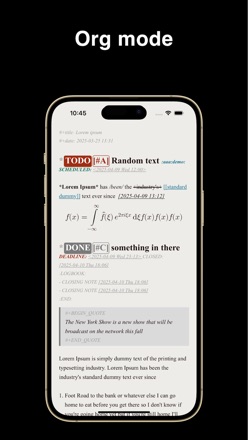  Metanote-notes,docs,agenda Metanote-notes,docs,agenda | |
|---|---|---|---|---|---|---|---|---|---|---|---|
| Rating / 5 | 4.6 | 4.7 | 4.8 | 4.6 | 4.8 | 4.9 | 4.3 | 4.8 | 4.4 | 4.6 | 4.4 |
| Reviews | 105 | 3K | 2.8K | 554 | 209 | 129 | 90 | 88 | 77 | 71 | 43 |
| Released | 2022 | 2020 | 2017 | 2015 | 2021 | 2024 | 2022 | 2020 | 2022 | 2024 | 2023 |
| Monthly price | — | — | $1.49 | — | — | $1.49 | — | — | — | — | — |
| Annual price | — | — | $9.99 | — | — | $14.99 | — | — | — | — | — |
| One-time price | — | $2.99 | $2.99 | — | — | $27.99 | — | — | — | — | — |
The going rate for each plan in United States, in its own currency, shaded from the cheapest price on the row to the dearest.
NotesHub: Notes, Kanban Boards reviews
4.6 out of 5, based on 105 reviews.
What people like
- One-time payment with no subscription fees.
- Works great across iOS, Android, and Mac.
- Built-in Git syncing keeps files safe.
- Developer fixes bugs incredibly fast.
What they complain about
- Kanban board lacks subtasks and photos.
- Search and tagging features are missing.
- No documentation or help files exist.
- iCloud sync often fails or lags.
Cross platform + md = killer app
Markdown editor is well-designed, pleasant to look at and easy to use. Running on MacOS, iOS, and Android, syncing through GitHub (and soon to be google docs) makes it a killer app. Soooo useful. Nothing else like it available to.
Unusable
MacOS application worked fine for git integration, but web and iOS apps both fail with “An error occurred”.
Same iCloud issue
Update: The issue seems to be that only one devices is actually creating folders and notes in iCloud, while the others have iCloud sync on and can make iCloud folders but they are not present in iCloud when checking with the Files app. Overall, it looks like the iCloud version is only created after it has been added/created as an empty folder first on two devices, which works but is an odd way to manage iCloud because the folder is referenced as iCloud when it may not be present on other devices. though I do like the option to choose which iCloud folders are available this way via the dropdown but it seems confusing at first to say the least. Review: Probably the best notes app available. iCloud sync doesnt seem to work fully though. I have notebooks that are local and others that I set to sync with iCloud and basically nothing happens, they remain local. iCloud is on for the app in settings, not sure if it takes time because its just text files. I have pressed the sync button multiple times.
Simple app. Does what it does. Free is the best part
Edit 2: Okay I’m having problems again. I cannot load my big files at all to my iPad. It keeps having a sync error. I can sync my other notes (smaller files). I can sync on my iPhone, my Mac. I recently bought the app on an Android. I have yet to try. please fix. This app is great. When it works
Best notetaker
Cross platform, great UI, markdown richness and simplicity.
Last update broke the app
Since the last update, I can no longer open the app in Apple Mac Air M1. It only shows a black screen. I nornally love the app.
Great Notes Tool—with Handy Extras
For context, I’m a chronic app changer and constantly on the hunt for Notes/Calendar/Task list app combo that can do all 3 well, so I’ve used Evernote, Amplenote, Notion, TickTick, Todoist, Things3, Apple Notes/Reminders/Calendar, plus a handful of others I’ve sampled like Obsidian, Coda, Anytype, Logseq, OneNote—and despite some lack of features in the whiteboard and kanban modes, NotesHub has won my loyalty. I’ll dive into individual features below, but 5e fact I can mix and match object types in a folder (kanban board alongside notes alongside whiteboards) is really nice, and having near real-time sync after saving changes is super handy. The fact that you can type notes on multiple devices and have the conflicts in versions reflected visually is super cool! NOTES Pros: NotesHub s GREAT for note-taking because of how flexible the formatting is—I can have text alongside charts, tables, etc. in a note, I can link to other notes in any folder, I can do a table of contents, and my gosh the Callouts are soooo nice! it’s also up to you how complex your note is because it gets out of your way and doesn’t force formatting. Cons: There’s a bit of setup to get it to sync across multiple devices (I use GitHub since I am not isolated to just the Apple ecosystem). WHITEBOARD The whiteboarding tool is nice and supports the flexibility of the notes with the visual elements you’d expect. I don’t use it much, but if I didn’t already have a whiteboard tool at work (Miro), this functionality would be enough for me. KANBAN: Pros: The kanban features are about the weakest feature set for a couple reasons, but the shortcomings are something I can live with. The positives are the ability to set deadlines, task sizes like points/hours/days, and full markdown support in the description as well as tagging to bring these up easier in the search. Cons: There’s no way to set a “Done” column that will complete the task automatically as it basically functions like a visual wrapper around a header, but if you give it a deadline you can mark it done and that visually indicates its completion with a green icon. As far as subtasks/task hierarchy, if you put checkboxes in the task you can make subtasks (again, indicated with an icon on the parent task in the board view) but these don’t show in the kanban board and you have to open the task to see them. If you need a complex task manager, look elsewhere, but for just keeping a simple organized task list it’s fine.
Not intuitive
The app is still very rudimentary. Markdown notes are possible, but other free apps also offer this. Personally, I find Markdown cumbersome. The Kanban board offers very few functions. It doesn't even offer subtasks. I also don't understand why there is no autosave function. I still don't understand what the tags are for if I can't search or filter for them. There is still a lot of room for improvement. At this stage it's not worth the money.
Best most stable note taking app
This app solved so many cross-platform issues for me. Absolutely fantastic app. Worth the small one-time purchase fee.
Lost all data
Two hours of work gone – into the void. Why does the app not save everything automatically? I figured that it's necessary to "update" all changes to cards in the kanban board – but I didn't realize you have to save the board itself, too. What a bummer.
Very good but very basic
I like the app but it’s very basic. Hopefully search and tagging would come in future.
Could Have Been Great
Thought this was going to be a perfact solution, but .... There is no help ro support docs so you need to figure it out by trial and error. Does not appear to sync through iCloud drive -- the reason I purchased the app. The part I was really interested in was the dual notes and kanban but the kanban component is useless. Only the title shows, you can only put info into pre-existing fields which are minimal and you can't add photos or graphics. Maybe with some imrovements this could be a useful app but right now it's a complete waste of $2.99.
Just Works
Easy to use, no useless menus, just notes and git.
Not ready for use
No documentation. "Welcome" page is not documentation. No way to create a notebook in the menu. Claims "Off-line first" and "No Vendor Lock-in", but does not tell you where the notebook is saved. Claims to store notebook in iCloud Drive, but cannot be found in iCloud Drive. Top menu has a Help item, which says Help isn't available for this app. No Settings in the menu. Give Feedback, Suggest a Feature and Report an Issue all try to open Apple Mail app. No way to use with other mail apps. Terms say Contact Us but do not say how to Contact Us. No way to completely uninstall the app. Uninstalling from Launchpad leaves numerous leftover files on the Mac.
Missing a search function
Good app. GitHub integration works well. It’s missing a few features right now which seem to be coming but I don’t see “search” anywhere on the road map.
Killer product!
If you want a text based file format that you can edit directly, synching across devices, and don’t need a billion features, this a great choice. I’m very happy. GUI is simple, design is clean, support is fast and responsive. In my case I wanted a basic Kanban program that wasn’t going to charge me annually for life. It does exactly what I wanted. I haven’t tried the git backing store, but I’ll probably switch to that at some point.
Updated: Great alternative without subscription notes
Key Features: (1) no subscription (pay for the app, I paid it 3x for iPhone, iPad, Mac) (2) no storage cap that I have seen (3) developer(s) has been adding QOL updates (can finally control F). This is not the Mercedes of Note Taking. Those features (live auto-sync, native drawing options, etc) are all behind a subscription pay wall. This is the best “Free” (web-based is free, but just pay for the app. It’s cheap) note taking app.
If you know, you know
If you’re looking for an apple notes clone, this isn’t for you. If you are looking for the BEST advanced yet simple .md app with full syncing capabilities this is for you!
The app is like the developer
Simple and efficient, they both just work. The dev has answered me some questions in reddit and fixed a problem I had on iOS 15.8 . More over the fact that it works on android and as a web app is superb. Looking forward for the search capabilities.
Just as described
I like the tagging feature for work projects. The reminders help keep my projects on track. Always denote a fully completed project, then copy that Kansan board to apply to your next one. One-time pay for convenience, too!
Awesome application, great support!
Having spent far too much time over the years trying out all the various notes/pkm applications only to be disappointed, I finally found the perfect application. NotesHub scratches all the right itches: - Simple one-time pricing - Offline mode - Multi-platform - Git synch (built-in, even from mobile platforms) - Great UI (with support for popular markdown extensions) The support has been great too. I had a small issue and posted my problem in the Reddit sub for the product. The developer quickly replied with suggestions and insights and helped to zoom in on the problem, and even posted a new version to fix the problem the same day. If you are looking to publish your notes as a digital garden, blog or another type of website, markdown files and Git integration make it really easy to use any of the dozens of static website generators. I use use VitePress and was able to get a site published in an hour. I am so grateful to the developer for creating this amazing application. It just works! No fuss, no muss!
NotesHub: Notes, Kanban Boards FAQ
- Is NotesHub: Notes, Kanban Boards free?
- No. NotesHub: Notes, Kanban Boards costs $4.99 (US) to download.
- Does NotesHub: Notes, Kanban Boards have a free trial?
- No. None of its offers (US) come with a free trial.
- What are the best alternatives to NotesHub: Notes, Kanban Boards?
- Notebooks: Write and Organize (4.7 from 2,954 reviews, premium from $0.99), beorg: To-Do List & Agenda (4.8 from 2,778 reviews, premium from $0.99) and iWriter Pro (4.6 from 554 reviews).
NotesHub: Notes, Kanban Boards download
Last updated 1 month ago.
NotesHub: Notes, Kanban Boards sells in 175 countries. It was released 4 years and 5 months ago, on 3 May 2022. It holds a 4.6 rating from 105 reviews.
Supports 5 languages: English, German, Russian, Chinese, Ukrainian.
How much does NotesHub: Notes, Kanban Boards make?
Third-party estimates for the last 30 days, worldwide — not the store's own figures, which Apple publishes for nobody.