
Inkdrop - Markdown Notes
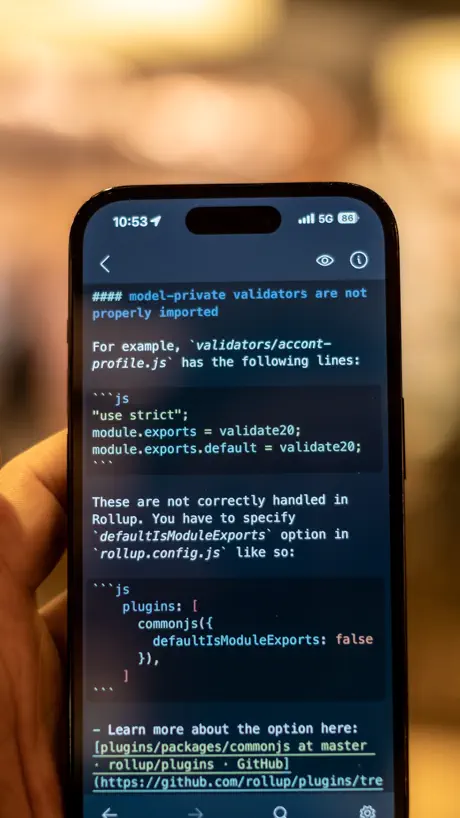
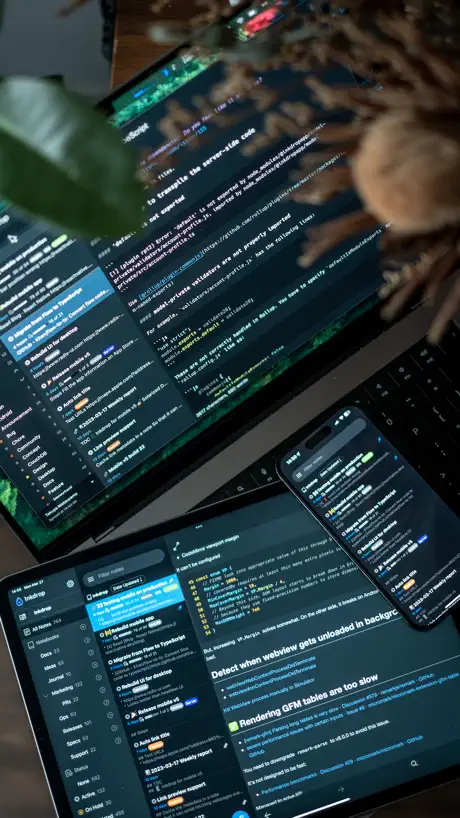
How much does Inkdrop - Markdown Notes cost?
Prices are current as of 17 Nov 2026.
Inkdrop - Markdown Notes has no in-app products on record in the United States.
10+ alternatives to Inkdrop - Markdown Notes
| Inkdrop - Markdown Notes | 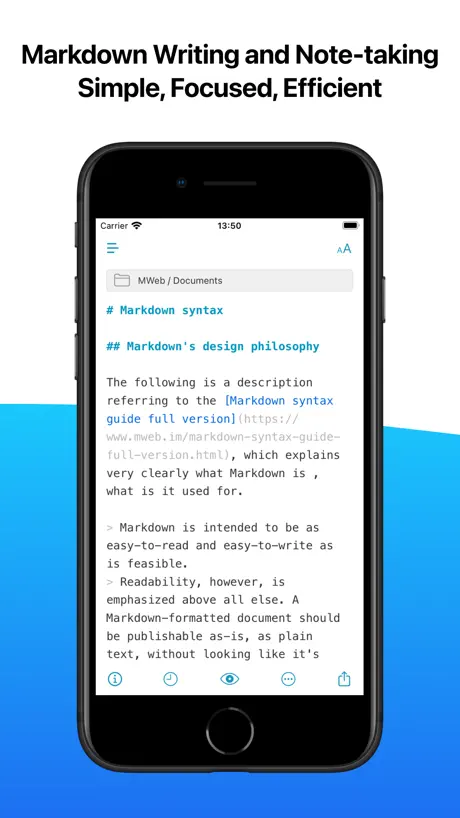  MWeb - Markdown Writing, Notes | 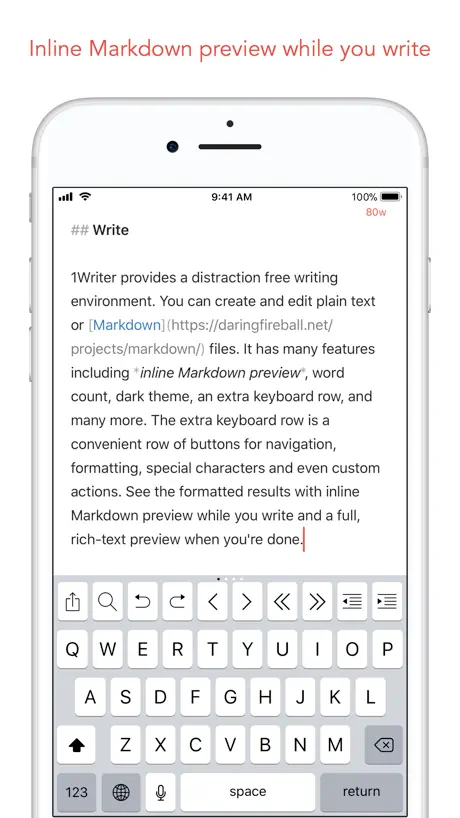  1Writer - Markdown Text Editor | 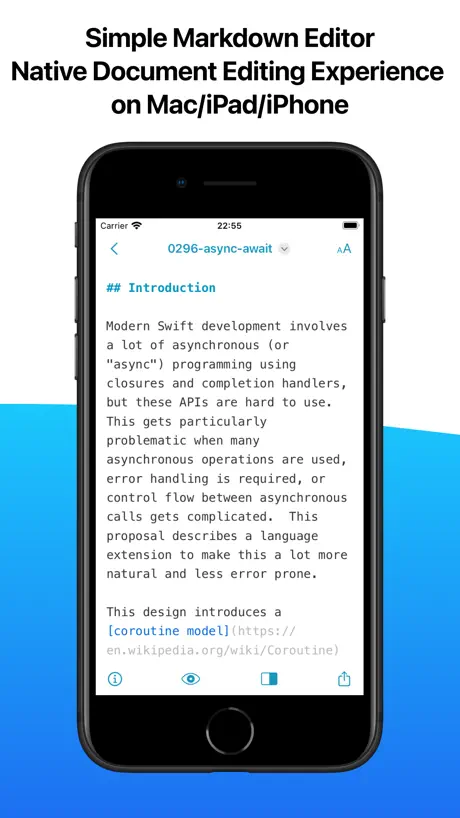  One Markdown |   # Type - Markdown Editor | 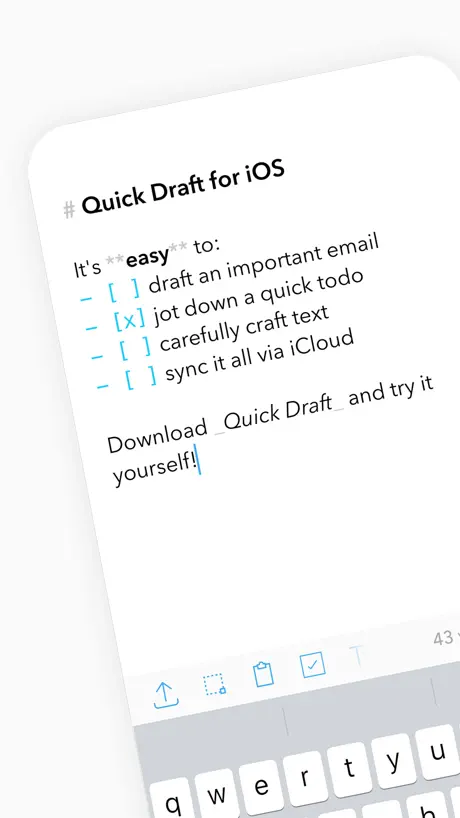  Quick Draft: Notes & Markdown | 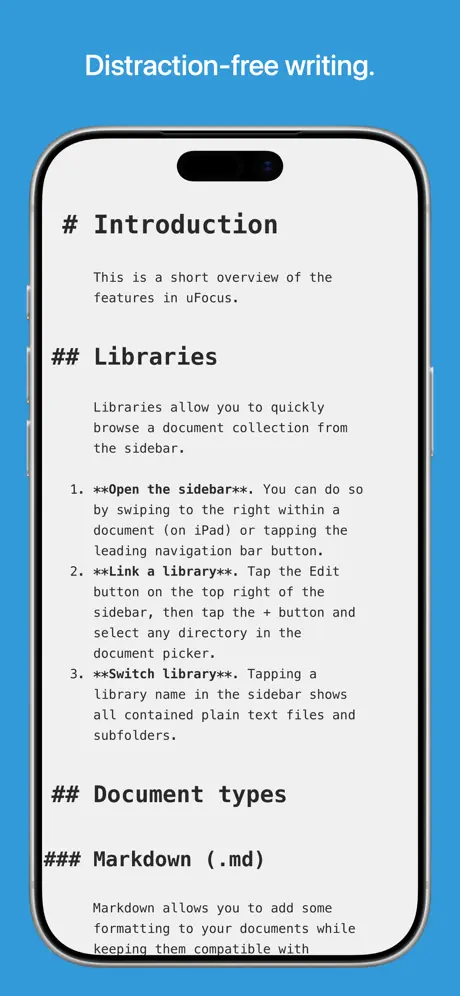  uFocus |   iMarkdown - Write & Preview |   Notelane - Markdown Editor |   Editor - Markdown Notes |   Markdown Editor and Reader | |
|---|---|---|---|---|---|---|---|---|---|---|---|
| Rating / 5 | 4.2 | 4.5 | 4.6 | 4.7 | 4.4 | 4.7 | 4.7 | 4.3 | 4.2 | 4.5 | 5.0 |
| Reviews | 255 | 1.8K | 1.1K | 734 | 443 | 341 | 100 | 27 | 21 | 12 | 1 |
| Released | 2017 | 2017 | 2013 | 2021 | 2017 | 2020 | 2012 | 2020 | 2026 | 2024 | 2022 |
| Annual price | — | $9.99 | — | $3.99 | $39.99 | — | — | — | — | — | — |
| One-time price | — | $14.99 | $4.99 | $9.99 | $0.99 | $4.99 | — | — | — | — | — |
The going rate for each plan in United States, in its own currency, shaded from the cheapest price on the row to the dearest. Plans fewer than four in ten of the priced apps sell are left out.
Inkdrop - Markdown Notes reviews
4.2 out of 5, based on 255 reviews.
What people like
- Syncs perfectly across all major platforms.
- Developer actively shares progress and updates.
- Great plugins enhance the note-taking experience.
- Clean interface with useful Vim keybindings.
What they complain about
- Notes sometimes fail to display text.
- App crashes or loses data on iPad.
- Price increase feels unfair for features.
- Password recovery is impossible if locked out.
Thank you
It’s what I needed!
订阅服务是个坑
根本无法取消,必须要删除账户,账户删除所有数据都会没有,真垃圾,小日本真没一个好东西
Awesome, but…
Really good app. But that is one thing that need to be improved: enable the keyboard suggestions. It’s a app to write and doesn’t have an option to enable typing suggestions and doesn’t have spell check…this is unacceptable.
オススメできません
MarkdownでEvernoteのようにナレッジを蓄積できて、検索性が良く軽快に動作し、複数端末で同期できる点が気に入って、わりと早い頃から4年ほど利用しましたが、機能はそれほど良くならないのに価格が倍に値上がりしたのを期に解約しました。 開発者の方は情報発信にも熱心な方なのではじめは応援していたのですが、値上げの頃の発信を見ると以前のスタンスとは変わって見え、あまりユーザーの方を向いて開発していないのかな?という疑問が湧き将来性に疑問を持ちました。 現在はローカルにMarkdownファイルをそのまま保存できる無料かつ利用者も多い別のサービスに乗り換えましたが、コミュニティも活発で便利なプラグインも山のようにありナレッジ管理が以前よりも便利になりました。
A rough gem that needs a little more polishing
Inkdrop could be a contender for one of the better laid out pure Markdown editors. There’s just a couple of issues that are plaguing the iOS and iPadOS experience: For starters, the back button doesn’t work. The back gesture does, but the button itself does not. This was a pretty weird thing to have happen on my first experience with the app. In general, I feel like the app here could benefit from reducing some of the visual noise. There is a lot going on on. Here are some oddities I’ll note: - preferences being locked behind that drop down arrow is odd. Compared to every other app, this is the first I’ve seen do this - 3 omnipresent buttons on the editing page. -the info button on the editing page are all things that could be consolidated to a more tidily laid out page. -having to type font name is VERY weird. I don’t even know what fonts are available on iOS. It feels as though this was a desktop app that was ported 1:1 to mobile/tablet, rather than mobile first. I think the editing experience is first class, it just needs a little love.
Excellent
Excellent markdown app, looks amazing and the developer is quite an entertainer. Happy to support you.
Data loss device
Do not use if you care about your data! Password recovery is impossible. Even worse, I am suddenly logged out of my device and cannot log back in due to a bug. I really liked the UX of this app but it’s too dangerous to use!
途中で動かなくる
機種変更をして、iOSを最新にアップデートしてから、途中で画面のタップ操作が効かなくなるようになりました。個人的に一番使いやすかったのでできたら直してほしいです。
動作不安定
プラットフォームを選ばず使えるMarkdownエディタとして日頃重宝していますが、iPadで使用していると不意に強制終了することがあります。そうすると用心して小まめに同期するようにしていても、再び立ち上げると中途半端な状態でしか保存されておらず、これではメモアプリとしてちょっと使えないです。 他OSでは不便なく使えているだけに、残念です。
unable to pay in china
I like this app. but i can't to pay in china with alipay
Versatile markdown note
I’ve been searching for a versatile note app that supports markdown for version control and daily job organization, and Inkdrop is a great fit! I mainly create and edit my notes on a computer and check the notes on the phone. Inkdrop has a friendly UI and layout minimalist aesthetics with abundant plugins plus great maintenance (the vim keybinding is a gem!). It is such an enjoyment every time I open Inkdrop. This app/software has undoubtedly improved my work. Congrats on the great work, and please keep the ball rolling!
Forced Monthly External Payment
This could be great but you have to sign-up on their website, app doesn't tell you this, you have to find that information in the store description for the app, not a great first impression. Then when you get to their website, you have to agree to the 30 day trial of this app, but you have to do this via their website and payment partner, not via Apple. Not a chance, make on boarding a much better experience and use Apple's payment methods.
Bug
iPhoneでキーボードを開けることができない
Nice, but...
The App and all of its siblings (macOS, Windows, etc.) are well designed and offer a good usability. However, a subscription model — 50 bucks per year— for a text program is not an option for me. Five bucks here, five bucks there, ... really annoying. What a pitty.
iPadOS13 日本語フローティングでプレビューすると入力出来なくなる
いまお試し中ですが、便利に使わせていただいてます。Mwebから乗り換えようと考えています。こちらの方が同期の確実性が高いと感じています。 ひとつ直していただきたい現象があるのですが、日本語キーボードでフローティングで入力しようとすると入力画面が正しく描画されなくなるようです。分割で入力しようとした場合、ツールバーが表示されなくなりますが、入力はできます。フローティングで入力しようとすると、あるとき入力を受け付けなくなり、アプリの再起動を余儀なくされます。フローティング利用時にプレビューしようとすると100%発生します。とりあえずフリック入力したい時は分割で利用する事でしのいでいますが、普段はフローティングで利用しているので、できれば修正していただけるとありがたいです。
An amazing application
I am in love with Inkdrop, I love utilising it and watching the weekly updates! Keep up the amazing work :)
Warning !
Ce que je déteste le plus, c'est des applications qui se disent gratuit, qui n'ont pas d'inapp purchase et pourtant qui sont payantes jusqu'à le moelle ! Malheureusement, c'est le cas ici !!
Notes across devices
It is really wonderful to have an app that has a native implementation across multiples OSes and devices. I can move freely from iOS to either of my macOS apps and be assured that all of my notes are in sync. Knowing that my notes are encrypted while in the cloud gives me a sense of security. In the modern Apple OS ecosystem it is nice to have an app that gives you the control over your content. You can download all of your documents as simple markdown files. There are definitely some spots in the app that could benefit from a little polish - but overall this app works well and suits my needs.
まだ少し謎な動作する
・タイトルだけ表示されて本文が表示されない時がある(アプリ再開の時が多い、再起動でなおる) ・複数端末で使用しているが、同時には触ってないのによくコンフリクトする。 アプリからファイル削除したいのですが、今のところできない??メニューが見つからない…
Can never find a notes app worth using
I’m a developer and like to have detailed docs on everything i do and also personal and daily notes. I have tried every app under the sun and can never last more than a month but this app is simplistic but feature rich and the community has amazing plugins that really put this app over obsidian for me especially with the Kanban style status column and the overall feel of the app is great. Also big fan of Takuya’s YouTube channel as well :)
本文表示されず
アプリ再起動、本体(6s)再起動しても治らず。早急の対応を望みます。
Looks great, had some bugs
Had temporary problem displaying notes, now it seems fixed.
iOS App Miles Behind Linux/Windows
There aren’t many markdown-supported apps that work on Windows, Linux, and iOS, so it’s super refreshing that this app even exists. However, while the Windows and Linux apps are awesome, the iOS app could use a lot of love. Keep up the good work, and I can’t wait to see this app evolve!
Good
It’s good app for note or article. I use it each days on my iPhone and desktop. By the way author has youtube channel of how he make this app and more.
本文が表示されない。
他の方のレビューにもあるが、タイトルのみ表示され、本文が表示されないときがある。再起動すると直る。
PCで書いたものの小修正やビューワとして使ってる
PC版が使いやすい。スマホアプリではちょっとした修正と閲覧に使っているが、スマホアプリ版ではプラグインは導入出来ないので数式のレンダリングとかができないのが残念
入力画面が出ない
通常はノート一覧から選択するとタイトル欄と本文欄が同時に表示され編集可能になるが、あるときタイトル入力エリアだけ表示され本文欄は表示されなくなる。新規にノートを作っても同様。強制終了させて起動後は問題ないが、しばらくして例えば翌日に開くと再発する。発生するタイミングは現状不明、です。iphone7plus, ios12.1.2, 空きメモリ100Gb
Note app for developers
This is really a life saver for developer. It took me a long time to find a simple way to write down code or terminal in the note. I found most of the note app doesn’t have good support on markdown or code snippet styles including Notion. This app also has a variety of plugin support for user to investigate how they want to use their markdown apps. I am very impressed by this product. No regrets if you have regular habit to keep record of your code in note app. Recommend!
勝手にスクロールしてしまう
昨日まで最高だったのに、今のバージョンから?入力中に勝手に1番上までスクロールしてしまうようになって、使い物にならなくなってしまった。本当に悲しい。直らなければ解約するしかない。
使い心地のよい Markdown メモ専用アプリ
プラットフォーム横断して Markdown メモが取れるのはいいですね! 今までありそうでなかった…あっても UI が微妙だったり、あくまで Dropbox 連携のエディタとかだったりで、専用のものがなかったので、とても気に入ってます。 タグ付けやブック機能もうれしい。 ちなみに本文表示されないバグは僕も現れました。 本文表示されてない以外にも挙動が怪しい部分がありました。アプリの再起動だけ行いましたが、なおらず。 週末に再現性ないか確認しようと思っていますが、取り急ぎこちらに。またフォーラムにも書こうと思います。 iPhone 7、iOS 10.3.3 です(古いすね。。)
Too much expensive for me:(
Could be great, but too much expensive for me.
markdownでプログラミングノートを取るならベストな選択肢
プログラミングノート(スニペットなど)を記録するアプリを探していました。 仕事柄、Linux/MacOS/Windows全てで使いたい上、個人のiOS/iPadOSでも使いたかったので、クロスプラットフォーム対応は必須でした。 Web版だと書き心地がイマイチなものが多かったのでネイティブにこだわりました。 結果、Inkdropが優勝しました。 デザインもかっこよく、Pluginも本当に素晴らしい。 捗ってます。ありがとうございます。
No iPad support
Not having iPad support after being on the App Store for this long is inexcusable and pathetic.
Excellent Markdown Note Taking App 💯
I’ve been using Inkdrop on macOS and iOS for about a year. After trying just about all of the competition, this is the one I’ve settled on. All the others try to do too much or not enough. Inkdrop gets it just right. It’s the Cinderella of note taking apps!
惚れ込んで使ってます。ひとつだけ、
複数プラットフォーム(Windows, OSX, Linux, iOS)で気軽にメモを取れる Markdown editor を片っ端から試していて、StackEdit から移行して Inkdrop に落ちつきました。試してみたどれよりも、Inkdrop は直感的にわかりやすく、素早く操作できて、安定しています。メモ書きから、ビジネス文書まで、およそ文書作成のほぼ全てを Inkdrop で担っています。素晴らしいアプリを作っていただいて感謝しています。 ひとつだけ。iOS で、入力中に急にカーソル位置が飛ぶことがあります。箇条書きの時に、次の行末に飛んでしまうようですが、きちんと再現できておらず、どういう状況で起こるのか、まだ明確ではありません。こんなので対応できましたらお願いしたいです。 応援しています!
Inkdrop - Markdown Notes FAQ
- Is Inkdrop - Markdown Notes free?
- Yes. The app is free, in all 175 countries it sells in, and it sells nothing inside it.
- Does Inkdrop - Markdown Notes have a free trial?
- No. None of its offers (US) come with a free trial.
- What are the best alternatives to Inkdrop - Markdown Notes?
- MWeb - Markdown Writing, Notes (4.5 from 1,801 reviews, premium from $9.99), 1Writer - Markdown Text Editor (4.6 from 1,147 reviews, premium from $0.99) and One Markdown (4.7 from 734 reviews, premium from $3.99).
Inkdrop - Markdown Notes download
Last updated 14 days ago.
Inkdrop - Markdown Notes sells in 175 countries. It was released 9 years and 7 months ago, on 22 Mar 2017. It holds a 4.2 rating from 255 reviews.
Supports 1 language: English.
How much does Inkdrop - Markdown Notes make?
Third-party estimates for the last 30 days, worldwide — not the store's own figures, which Apple publishes for nobody.