Amcrest View Pro 2
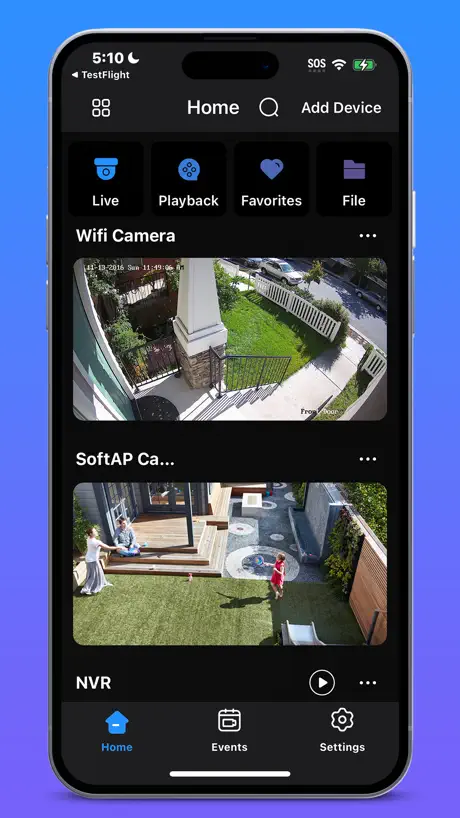
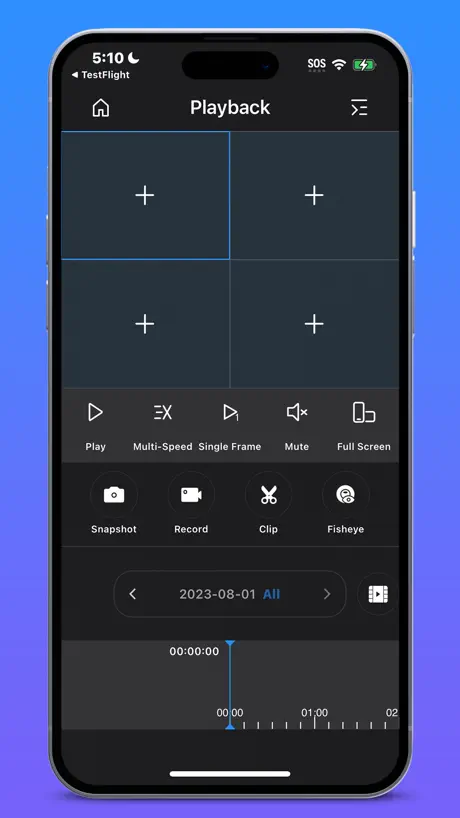
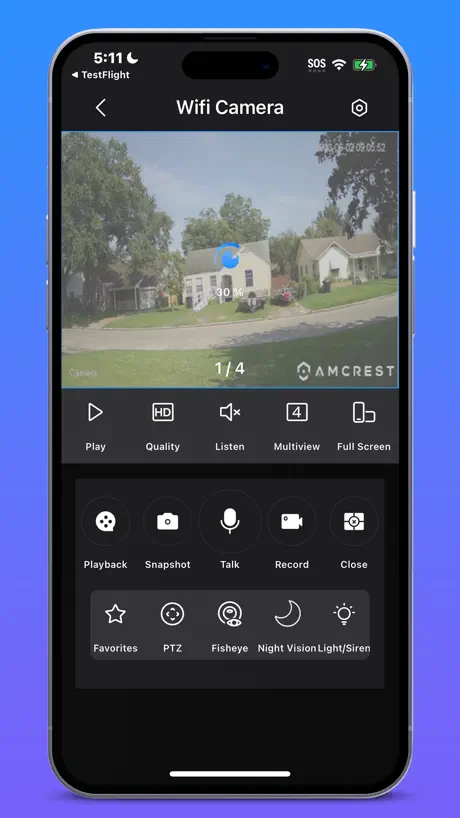
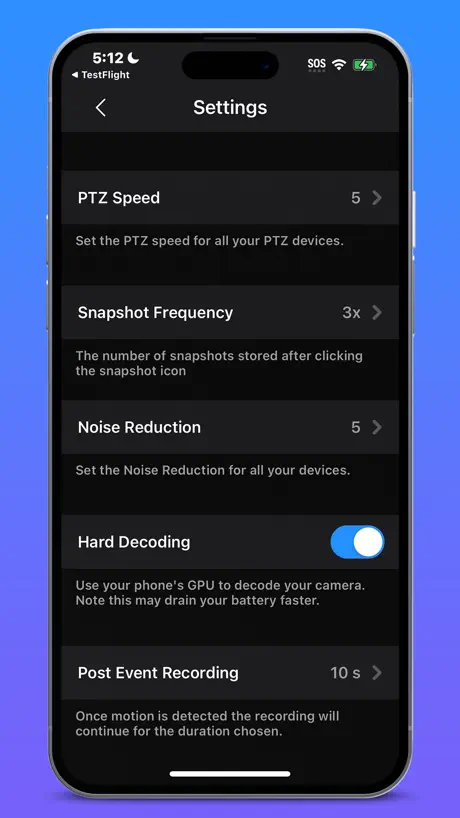
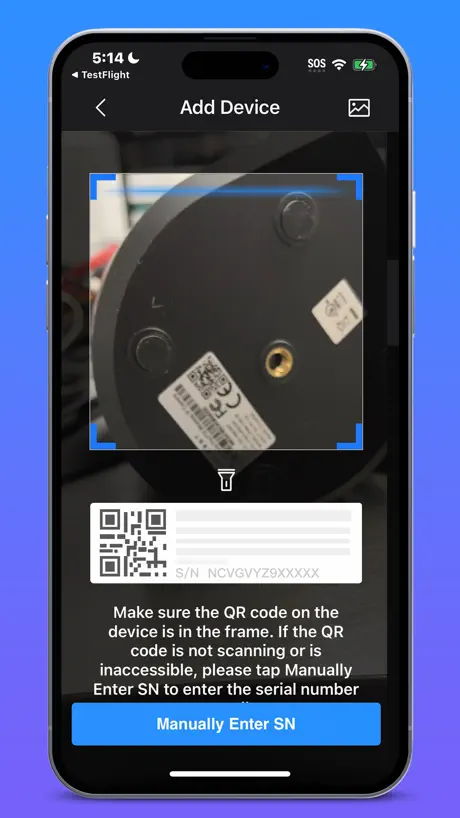
How much does Amcrest View Pro 2 cost?
Prices are current as of 11 Nov 2026.
Amcrest View Pro 2 has no in-app products on record in the United States.
10+ alternatives to Amcrest View Pro 2
| Amcrest View Pro 2 | 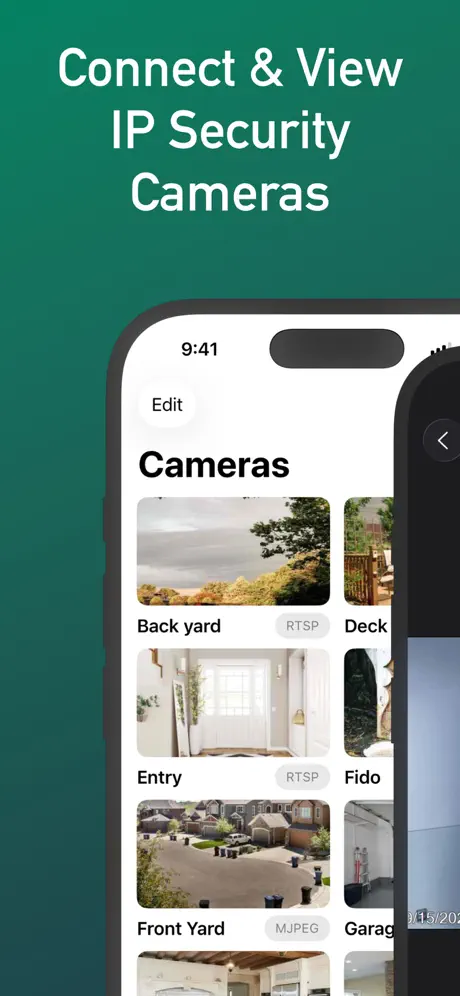  IP Camera Viewer - IPCams | 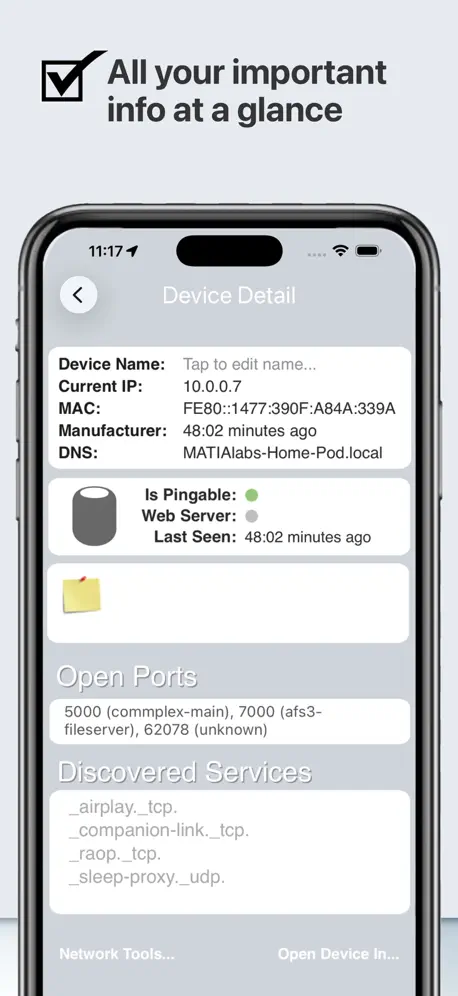  IP Scanner |   TP-Link Omada |   ProxMobo – Proxmox VE & PBS |   DS cam |   Blue Iris |   VideoLink |   glinet |   Scrypted |   UniFi Connect | |
|---|---|---|---|---|---|---|---|---|---|---|---|
| Rating / 5 | 2.2 | 4.2 | 4.7 | 4.6 | 4.8 | 2.9 | 3.8 | 2.4 | 4.0 | 4.1 | 4.2 |
| Reviews | 123 | 4.6K | 3.9K | 3.3K | 1.6K | 1.1K | 720 | 91 | 62 | 42 | 31 |
| Released | 2023 | 2015 | 2022 | 2018 | 2023 | 2010 | 2012 | 2023 | 2020 | 2024 | 2023 |
| One-time price | — | $149.99 | $19.99 | — | $6.99 | — | — | — | — | — | — |
The going rate for each plan in United States, in its own currency, shaded from the cheapest price on the row to the dearest. Plans fewer than four in ten of the priced apps sell are left out.
Amcrest View Pro 2 reviews
2.2 out of 5, based on 123 reviews.
What people like
- Adding new cameras is much easier now
- Interface is simple for non-technical people
- You can record video directly from the live view
What they complain about
- Push notifications stop working randomly
- Video feed cuts off on newer iPhones
- Audio sounds like unintelligible burbling nonsense
- Customer support is unhelpful and evasive
Better than ver 1
Version 2 is better than version 1. I can now record on the fly. Adding cameras is much easier. Interface is much easier to work with especially with non-technical people. Im liking it! Moving cameras over.
Link
Add the ability to add Link devices to this app. It’s all the same brand. So the preclusion makes zero sense.
Works well enough little jack
I haven’t had any problems really with the app, with Amcrest cameras I have had a couple go down during warranty but they replaced them in less than 2 weeks. The app is a little jank with how it sometimes will just close the current camera your viewing or exits full screen for no reason but nothing that completely breaks it.
Can’t see the whole screen
I can’t see the whole screen on iPhone 17 pro, the only way is to pinch with 2 fingers like making the screen smaller
Not seeing the whole picture
I have this exact same app on an android phone and the view in the iPhone app is cut off. Approximately 1/5 of the image is cut off from the right side of the feed. If I pinch in to zoom out from the default view I can see what is missing but it snaps back to the truncated view as soon as I release. Also in order to see a specific area I need to zoom in and pan the video which allows me to see some of the area that is cut off but I still cannot see the entire view I see when it “zoom out” as above. What gives?
Good App
I like the new look of this upgraded version. It is easy to use as well. I hope that they can add the screen lock just like the old app.
Failed to connect
Amcrest was once a decent camera, now the NVR is garbage also
App is improving
Overall very happy with the app and the cameras. Has some minor bugs on occasion but nothing I haven’t been able to figure out.
This app is terrible, first version better!!!
The live view keeps timing out when I’m trying to use it! The microphone keeps squeeling,when I’m talking thru it. The cameras weren’t saving to the systems. I never had all these issues with the first version. I’m going back!!!
Some options not available now
This app did work easily to add cameras. However, the auto tracking cannot be found, and my cameras no longer follow movement like they used to. Please update and add this feature.
0 stars forsure
This is easily the worst software I have ever used. Barely anything works — maybe 5% of the app functions properly, and that’s being generous. It’s shocking that this was ever approved for release. Every year the company pushes out a “new” app, and somehow each one is worse than the last. I now have five different apps installed, and each one barely handles a single basic function. None of them are fully developed, none are properly maintained, and none feel finished. Instead of fixing their broken apps, they just abandon them and release another poorly built replacement. It feels like there’s no long-term plan, no quality control, and no accountability. The desktop software is just as bad — clunky, unreliable, and outdated. It’s honestly unbelievable how such solid hardware can be paired with software this dysfunctional. The software experience completely drags down the brand. At this point, the company needs a complete overhaul of its software development team because what they’re delivering right now is unacceptable.
Work fine but distored audio
Works find good video quality, the the audio is no as clear as the old app view pro
Can’t view native high res in app
The app now resizes the video to something less than the native resolution. Scale or original size does not fix. 3840x2160 does not show full image, you can pinch and zoom Out and see the entire frame But the app refuses to show full frame. This happens a few updates ago and I been waiting for it to be fixed but still has not. Why did I buy an Amcrest 8mp camera if the app does not show full frame?
Needs update for 17 Pro Max
Viewing the surveillance cameras on the iPhone 17 Pro Max is very unusual. Each view is zoomed in and the "Fit To Screen" setting does not fix it. If i pinch to zoom out, I can see the whole field if view but then it snaps back when I let go. Please fix
Playback Useless
Live view is fine. Selecting a camera for playback begins a terrible experience of stalling, skipping, jump to beginning where you eventually give up locating the scene you want.
Better
Definitely better than the previous app. No not perfect but better.
Notifications not Working
App is decent not great, but the notifications stopped a few months ago and it’s worthless for me as I don’t have the security and peace of mind knowing that it’ll will alert me when necessary.
Does not show full dual 4k resolution on iPhone 16
It used to work well showing g full resolution of dual 4k (wide angle) cameras on previous iPhone but when I got the new iPhone 16 the resolution is cropped. It shows fine on the monitor connected to the screen but not on the iphone
Garbage
Terrible app and push notifications fixed
Lacklustre Application
After purchasing an Amcrest security camera with remote monitoring capability, I went to set up the application. As it turns out, there are two. It seemed logical enough that Amcrest View Pro 2 would be the newer and better option. That was the wrong choice. Amcrest View Pro 2 hasn’t worked well for me. Audio from the camera is unintelligible and sounds like burbling nonsense. Intercom mode crashes the camera’s firmware (fully updated at the time of writing). A message that might have been important popped up in Chinese, which certainly casts doubt on just who and where this program was really developed. It’s not any failing of the camera — while it too is pretty mediocre, the audio and intercom work just fine from another DVR software package and the camera’s own internal web pages. Amcrest support hasn’t been too helpful, with suggestions I have either already tried (camera firmware update) or that are irrelevant (factory resetting the camera when it is working fine with other software). I switched to the older Amcrest View Pro application and that solved all the problems, suggesting that this application could use another look. I hope Amcrest will invest the effort.
Works ok but…..
Most of it works good. I have 2 PTZ cameras and this app or any of their apps do not allow you to make a PTZ set point. Instead you have to access the camera with a computer and then figure out how to do it. Please add this feature.
Terrible App
The app has not been providing event notifications since September. I was advised they are working on the problem. Can’t believe it takes this long for a solution. I am searching for a new system.
Events don’t work on iPhone
The view of the app is very modern. The app itself is pretty easy to use. But if you have an iPhone, the motion events will not show up on your apps event list unless you physically click on each push notification your phone receives. This is an extreme flaw in my opinion, because if I have 10 events & want to see them all, I can’t just look through my events list in the app. I have to click on each notification my phone received, and view them individually. Please fix this!
Push notifications stopped working
Even though motion sensor is enabled, push notifications are not working. I have tested with home assistant, cameras sensor is working, somehow software is defective!!!
Stay away from these cameras
These apps do not allow to set the camera's detection area, moreover webaccess is gone (plugins no longer supported in Windows). Finally, this do not work with Alexa or Google Home.
Don’t buy amcrest cameras
If you are reading reviews to try to determine what kind of cameras to buy…don’t buy Amcrest. There are two apps to use with their cameras, and they are both useless. Push notifications stop working at least once a year, usually around the same time. This year they stopped in September. In other years it was October or November. They usually come back after Christmas. Support gives you the run around, trying to make you think it’s your settings. This year they admit the fault is on their end and they are “working on it.” FOR MONTHS. Other reviews say it was after they updated to the most recent iOS, but that has never been the case for me. They just randomly stop working, no updates or settings change. Android devices still get notifications. It seems to be a licensing issue with Apple. Amcrest probably just doesn’t want to pay for the full year. Garbage company. Buy any other brand.
Worst app ever
This is by far the worst app I have ever used for cameras. Every time I go to use it on my phone or my tablet it will not let me view my cameras. I have reached out to them for support several times and every time they ask for my username and password to log into my DVR from remote location, which I will not do.
UTTERLY UNACCEPTABLE
I absolutely can’t comprehend how a company whose entire business model is predicated on the functionality of its mobile applications can release a product so fundamentally **DEFECTIVE**. This app is not just inconvenient; it is a monument to poor engineering. It is an abysmal, buggy, glitch-ridden, lag-infested catastrophe that barely manages to function, and when it does, the quality is utterly unacceptable! Let this be a final, definitive declaration: I will NEVER purchase another single AMCREST Product again. If the system allowed for it, I would not hesitate to give you the ZERO RATING you so richly deserve. This is a complete failure of product and a monumental betrayal of customer trust.
Amcrest View Pro 2 FAQ
- Is Amcrest View Pro 2 free?
- Yes. The app is free, in all 175 countries it sells in, and it sells nothing inside it.
- Does Amcrest View Pro 2 have a free trial?
- No. None of its offers (US) come with a free trial.
- What are the best alternatives to Amcrest View Pro 2?
- IP Camera Viewer - IPCams (4.2 from 4,591 reviews, premium from $3.99), IP Scanner (4.7 from 3,889 reviews, premium from $19.99) and TP-Link Omada (4.6 from 3,313 reviews).
Amcrest View Pro 2 download
Last updated 8 months ago.
Amcrest View Pro 2 sells in 175 countries. It was released 3 years and 2 months ago, on 1 Sept 2023. It holds a 2.2 rating from 123 reviews.
Supports 25 languages: English, Bulgarian, Czech, Danish, Dutch, Finnish, French, German, Hebrew, Hungarian, Italian, Japanese, Korean, Norwegian Bokmål, Polish, Portuguese, Russian, Serbian, Chinese, Slovak, Spanish, Swedish, Thai, Turkish, Vietnamese.