
Xlife
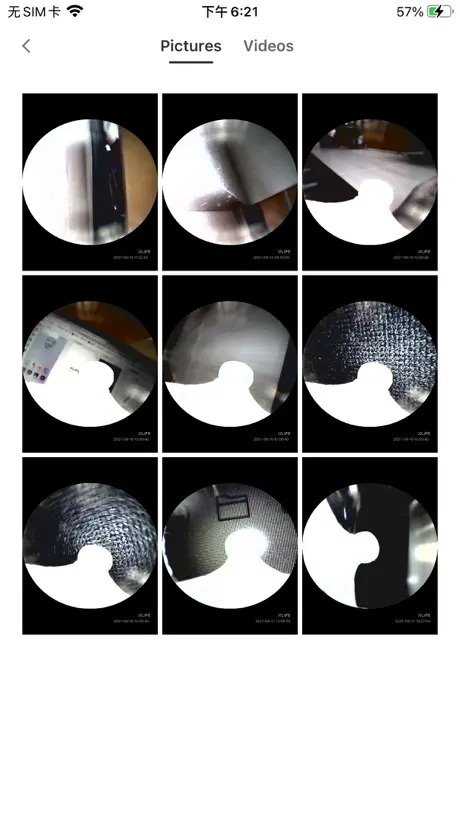
How much does Xlife cost?
Prices are current as of 16 Nov 2026.
Xlife has no in-app products on record in the United States.
10+ alternatives to Xlife



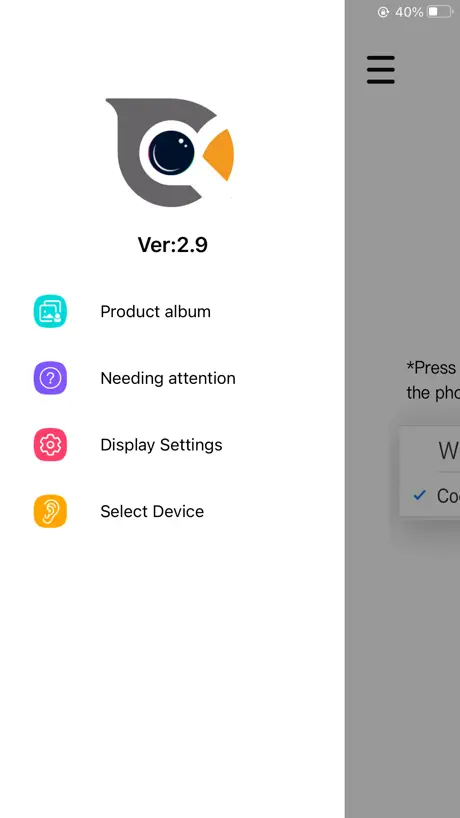

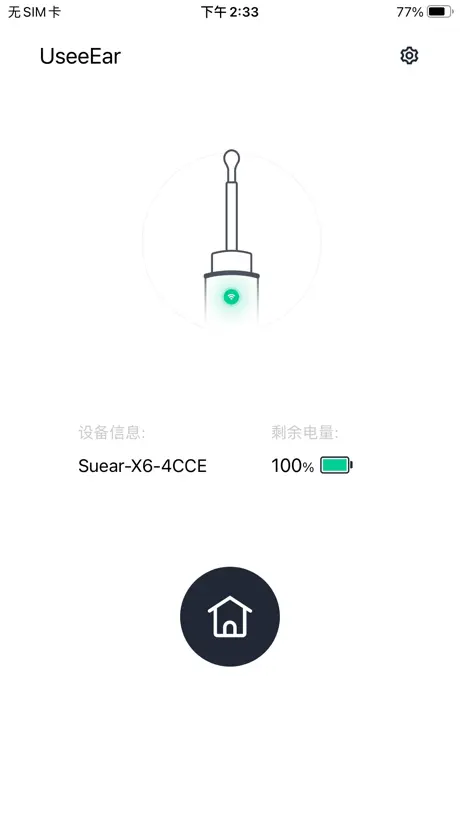

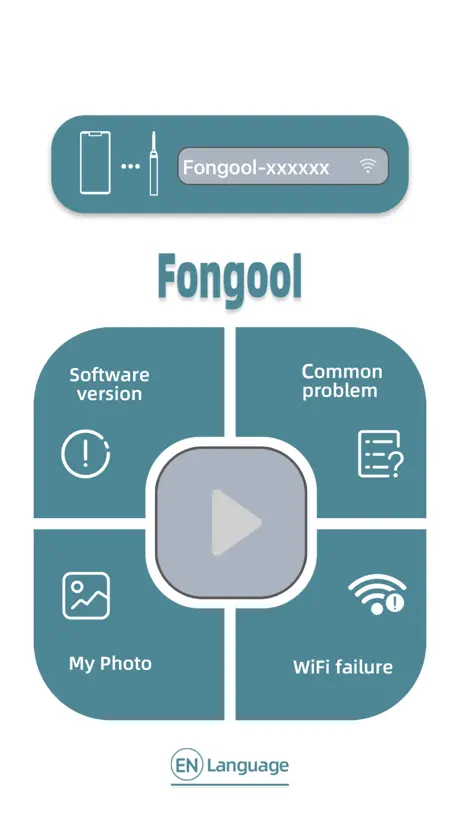

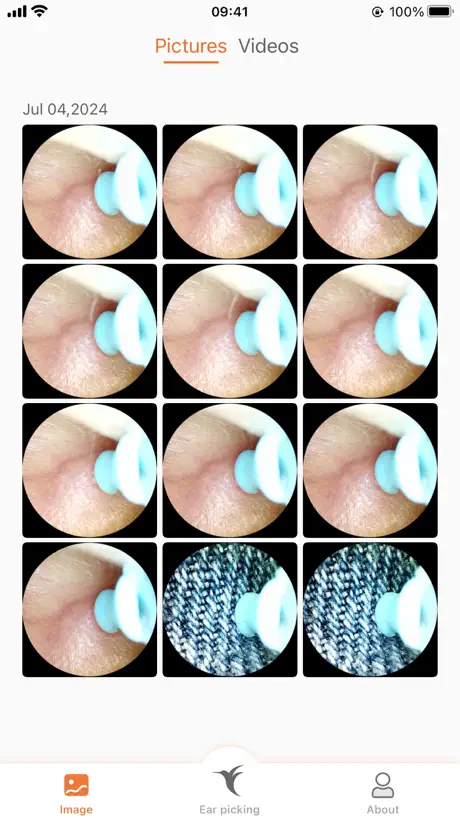



Xlife reviews
2.8 out of 5, based on 446 reviews.
What people like
- Easy to connect to phone
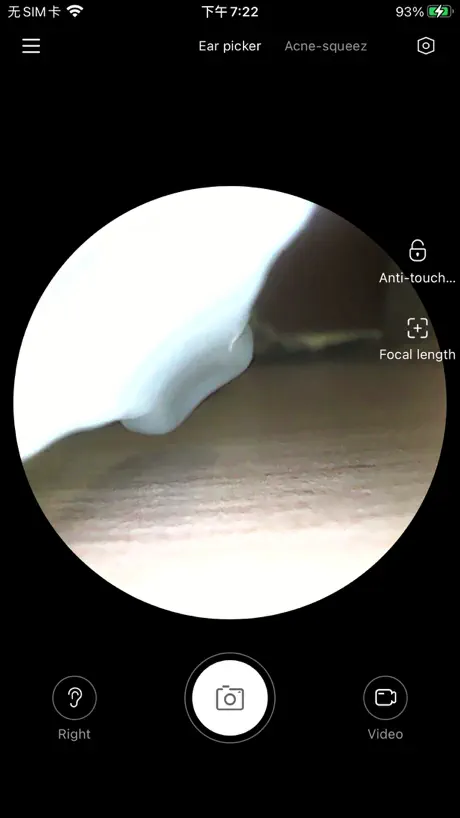
- Camera shows ear canal clearly
- Works well for cleaning ears
What they complain about
- Updates remove useful zoom and settings
- Connection drops constantly during use
- Setup is confusing and frustrating
Good app
Very easy to use
Nope!
Do not buy this product because it doesn’t work at all. It doesn’t connect with wifi or bluetooth. Boo.
可もなく不可もなく
課金や繋がらないと言ったことはなかったです 位置情報やローカル通信の設定は全てオフにしても使用出来たのでオフにしました
垃圾
掏个b耳朵一卡一卡的怎么掏
怖いアプリ
iPhone15Pro Max XLIFE iOS 26.5 アプリに課金した方がいたようで心配していましたが、私は無料でした。 デバイスを接続するとなぜか[設定>アプリ]が開きます(⭐︎-1) 接続すると位置情報を求められるのでお断りしています(⭐︎-1) Bluetoothで接続するのかと思っていましたが、私の勘違いで"WI-FI接続"ですのでお間違えないように。 耳の中の産毛を切ってからやると見えやすいと思います。 画質は思っていたより鮮明です。
GREAT!
I know it’s low rating but it works!! Connect it to X-life WiFi and hold the button down for a min or longer it took a while to connect but it does work!!!
Doesn’t connect to wifi
I attempted to connect the app to the Wi-Fi multiple times but had no success. I even deleted and reinstalled the app, but that didn't help either. There's no indication of what's causing the issue.
子供達と使用しました
今の所ちゃんと接続されて耳の中の掃除ができ満足です👂
Alright
The app works well for me it just doesn’t stay charged for more that literally 60 seconds
ふつう
2台目です WiFi接続わるいときは直接iPhoneの設定からやるとつながります。 1台目のときは鼓膜がはっきりみえるくらいクリアだったのが2台目だと画質の悪いかんじです。 当たり外れがあるのかな、?当たり外れあるにしては値段高いからこまるかも、、
Easy setup and easy to use.
Device was super easy to connect to and it works great. It does an excellent job cleaning and allows to clean your ear removing all the guesswork. Model XS-1
Stops working
App and device stops working after awhile. Device is fine really but for some reason it can no longer connect to the wifi and app. It’s probably part of the code that it either didn’t get updated or they didn’t plan for it last.
Dirty ears
For those with wifi issues. I connected to my product and when it says trying to connect to wifi, click yes. It’s difficult to navigate the stick. I have go really slow but it works
耳道弯的不适合用
耳道弯的看不到里面 会被侧边的肉拦住 而且容易被搞混上下左右
刚开始用感觉还凑合
刚收到货用了一下,感觉还不错,但是很难把控方向。感觉得需要让身边的人来帮忙弄才方便。
Perfect set up and great app
I used the clearly written instructions in the booklet that they came with the device. The app took me 30 seconds to set up, and works perfectly. Like one of the other reviewers, I do not understand why there are so many negative reviews. The set up could not have been simpler, and the app does everything you need. Thank you Xlife and Bebird!
Unable to connect
Can’t connect with my phone
Works as should
This was literally the easiest thing to link to my phone. (iPhone 12 mini). Maybe they have updated since the other reviews. Camera works great.
Not good
This is why I hate Chinese products. No support all in Chinese my wifi asking me for passwords to connect to my pen
普通に使えました
端末:iPhone13 機種Xlife X1 アプリを開いて手順通りに接続 スマフォ側でWiFi未接続と出るが Xlifeとローカルで繋がっていれば問題なく使えます この仕様ならBluetoothでもいいんじゃない? と思いましたが画像リアルタイム送信だからなのかな? 画質は耳かき先端までクッキリ見えます ただ画面見ながらに慣れないと 思った所がかけません ライトの明るさがもう少し欲しかったから星3で
Exactly as expected
Purchased cheap off of Amazon and this app pairs easily. Less than a minute. Go to WiFi setting and just select Xlifexxx or whatever it says and then go back to the app. Obviously make sure you turn on the cleaner thing. Don’t care to video tape or take pictures but the app has it if your in to that sort of thing.
1.3.66 update
The 1.3.66 update turned my device into something completely different. Suddenly there is no way to zoom in or zoom out, the acne squeeze option disappeared and picture is blurry and cloudy. A great product went from great to inferior. Customer service said it was the update and nothing would be done to fix it because it was the new product.
Pain in the backside
App was difficult to figure out when trying to connect my device to it. No feedback on what I was or did wrong. Reinstalled it after I couldn’t figure what was going on. Turns out I click on a no when I should of allowed it. Mistake corrected I got down to testing with some ear picking, gross I know but that’s what this app is for. Picture was not as great as I would like but the device I got didn’t cost much. Every time and I mean EVERY time I got to a spot that needed attention the app froze. It will do for minor inspection but would not recommend for who need reliable ear inspection.
普通に使えた
端末:iPhone12 promax 耳かき:Xlife1 取説のQRコードからアプリを落として耳かきの電源を入れる。使う耳かきを選択してWi-Fi接続を押すと少ししたら接続できたのでアプリを起動。 画面の指示通りに進めば終わったので楽でした。 日本語がちゃんとしてたことに違和感覚えた位か。 使用した感じですが、そんな気はしてたという感想。 ケータイの画面真ん中に丸い画面で映ってるけども、promaxでもうちょっと画面大きいといいなと感じるサイズ。左右反転なくても良かった気がする。 今まで使ってた耳かきは内視鏡タイプで細めだったので、ちょっと耳に入れにくさはあったかも。 先端素材は柔らかいのでゴリゴリっといかないため痛みとかは感じなかった。 ただ、カメラの位置なのか構造上なのか耳内部が見えにくいと感じた。
I like it
So far I like it. Good clear picture and the price for device was pretty cheap.
Good hardware - bad software
The most recent update is absolutely trash. You’ve removed a bunch of the settings, like the ability to toggle auto-rotation, modify light brightness, and digital zoom. The new update also allows Apple to darken/sleep the screen, previously it would stay active. Now I have to pause every 15 seconds and tap the acreen. Now it just hard lock you into “ear cleaner” mode for most cameras.
iPhone 13 can’t connect
Please solve the problem why my iPhone 13 can’t connect. It doesn’t even tell me why! I’m Soo upset ! Ughh!
OBSESSED!!
Not really sure why this has bad reviews because it’s super easy to set up and work. I have always wanted something like this and now I have it!!! The camera is honestly so good I was shocked. I love this product so much!!!
Destroyed by update
There’s now no way to lock the camera so it’s not rotating nonstop
Worked great!
Purchased mine for $14.99 didn’t even charge it( charge it first) and cleaned both my ears fine. Did get a warning that 20% of the battery was left. Was very interesting to see my ear canals and to clean them. You’ll need a napkin or cloth to clear the wax off. Takes a little practice to adjust to the camera angle or view to scrap the wax out. Very interesting to see in there. Haven’t tried the blackhead attachments yet so can’t speak for that, but I bought it for the ear wax removal, safely. To connect launch the app, look on the box for your model version, before selecting goto your wifi options and hold to turn on the unit it’s xlife-something and touch to join that wifi. Then back to app and click connect. That is it. Very easy.
Overall trash product
The app is difficult to utilize, when you can get it to work you constantly lose connection and have to stop what you’re doing to reset the camera, and now the device won’t even connect to my phone and when you try to access the webpage from safari, or the app it just states that the webpage crashed. Hopefully this helps save someone else money because i certainly wasn’t paying any attention to the reviews and now I wish I had
Amazing App
This app works pretty well for cleaning your ears. For me, it took about 5 minutes to set it up which was very convenient. I looked at the reviews on here and found some people had trouble with glitches and setting it up. I think these are personal errors meaning the app worked fine, the users needed more information. Over all this is the perfect app to clean your ears out!
Impossible
App was too difficult to use. Instructions for ear tool were not adequate. I returned the item.
Xlife
It’s work!!!!! I’m happy and appreciated. Good price deal.! Thank you 😊 just ignore some people being negative. Maybe they touch a error click something 🤷♀️
Why does this need internet?
This is an app for a camera on an ear pick. Why does it connect though it’s own wi-fi instead of bluetooth? Why are they collecting any data at all? I’m returning the ear pick as none of the setup makes sense and reeks of a scam.
Xlife FAQ
- Is Xlife free?
- Yes. The app is free, in all 175 countries it sells in, and it sells nothing inside it.
- Does Xlife have a free trial?
- No. None of its offers (US) come with a free trial.
- What are the best alternatives to Xlife?
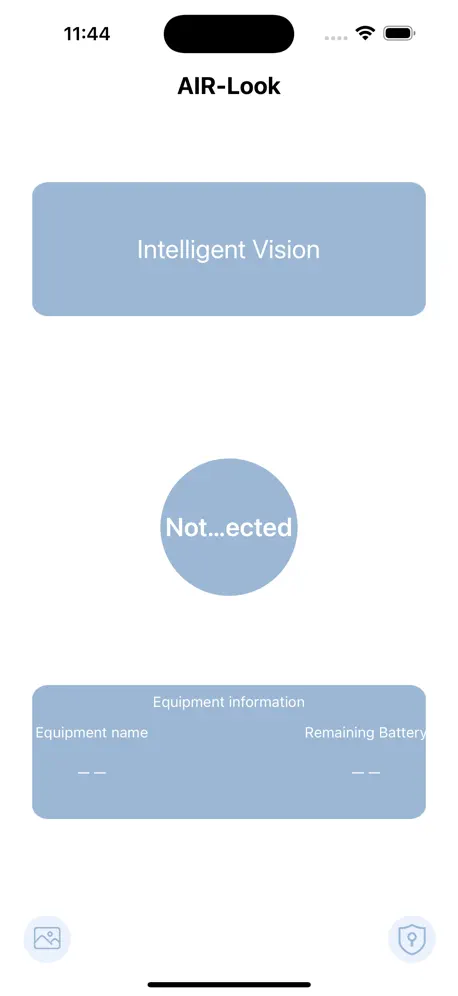
- AIR-Look (2.0 from 1,369 reviews), iTiMO (1.9 from 985 reviews) and Soulear (2.8 from 603 reviews).
Xlife download
Last updated 2 years ago.
Xlife sells in 175 countries. It was released 5 years and 3 months ago, on 3 Aug 2021. It holds a 2.8 rating from 446 reviews.
Supports 10 languages: English, French, German, Japanese, Korean, Russian, Chinese, Swedish, Thai, Vietnamese.
How much does Xlife make?
Third-party estimates for the last 30 days, worldwide — not the store's own figures, which Apple publishes for nobody.