Moblo - 3D Furniture Modeling
Cabinet Design & DIY Woodwork
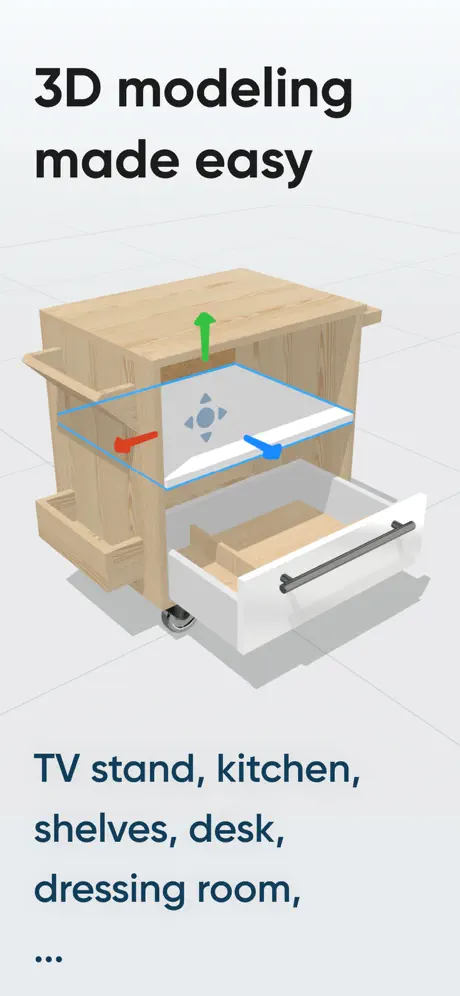
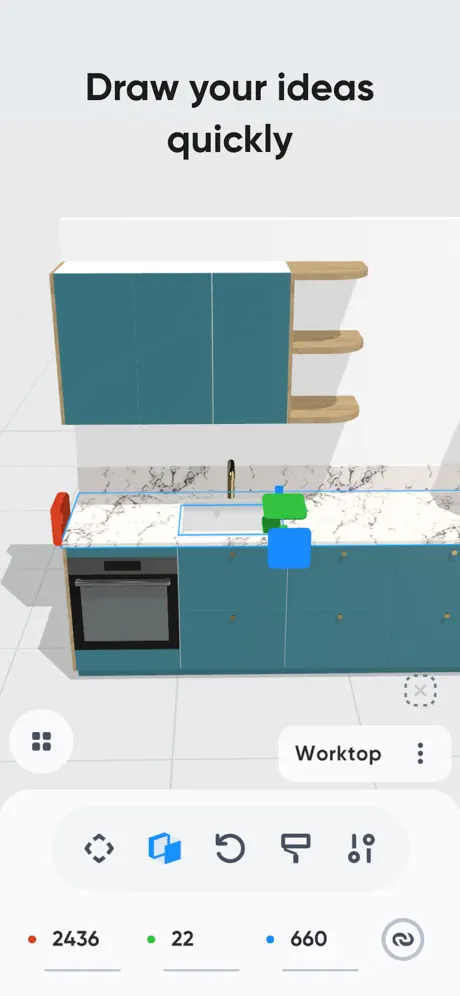
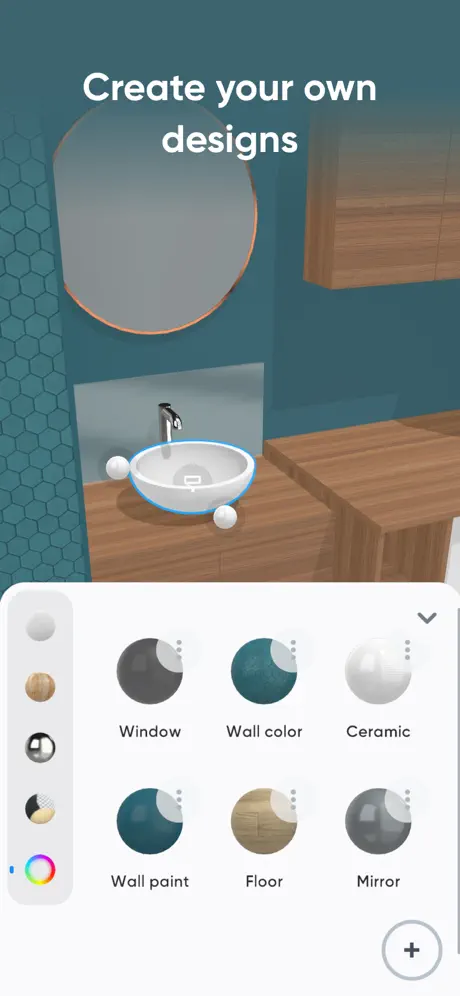
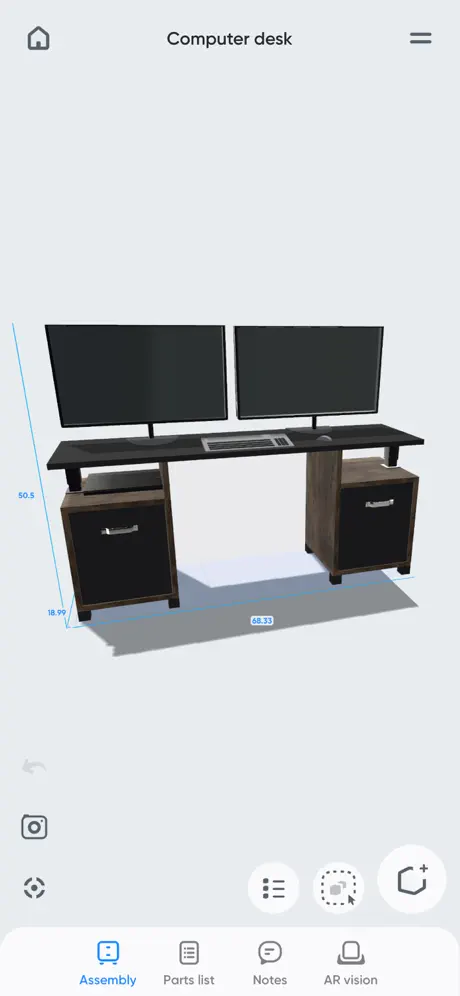
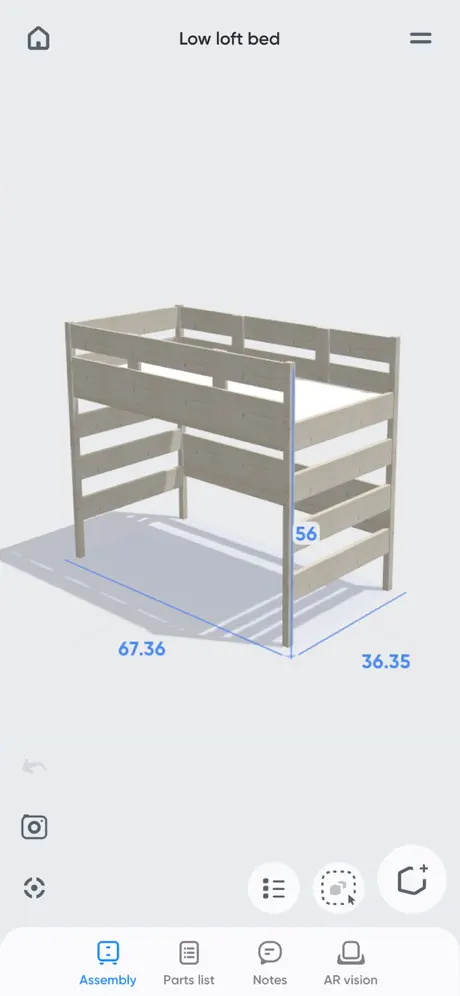
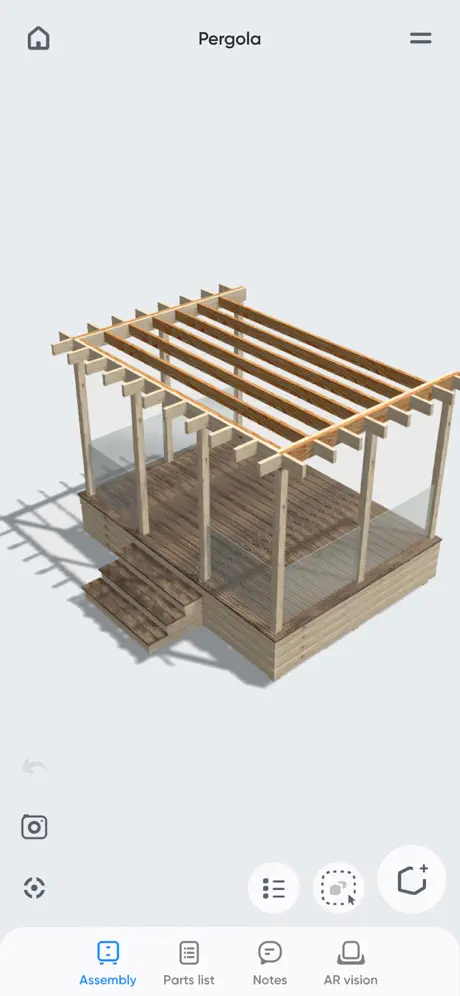
How much does Moblo - 3D Furniture Modeling cost?
Prices are current as of 28 Sept 2026.
1 one-time purchase from $7.99
In the United States, Moblo - 3D Furniture Modeling has 1 one-time purchase priced $7.99.
| Product | Price |
|---|---|
| Premium access | $7.99 |
See what Moblo - 3D Furniture Modeling costs in all 175 countries →
10+ alternatives to Moblo - 3D Furniture Modeling
| Moblo - 3D Furniture Modeling |   SketchUp - 3D Modeling SketchUp - 3D Modeling | 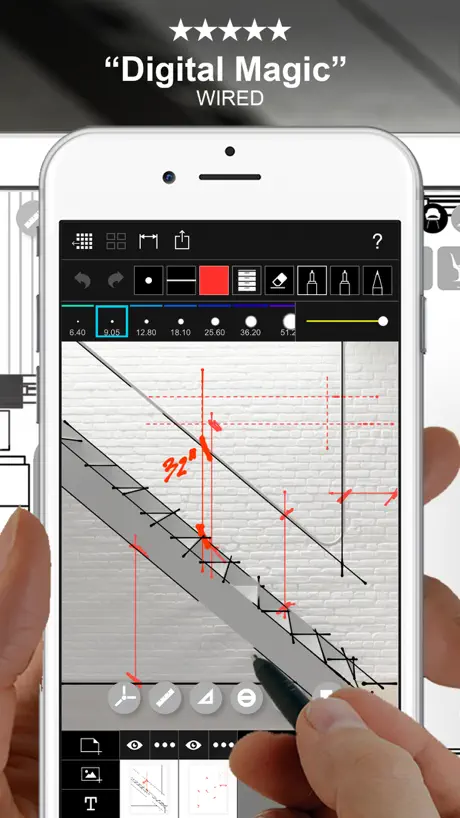  Morpholio Trace - Sketch CAD Morpholio Trace - Sketch CAD | 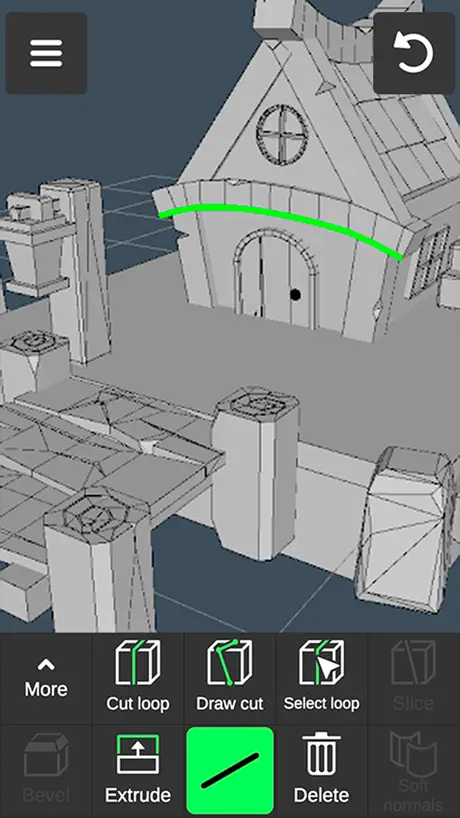  3D modeling: Design my model 3D modeling: Design my model | 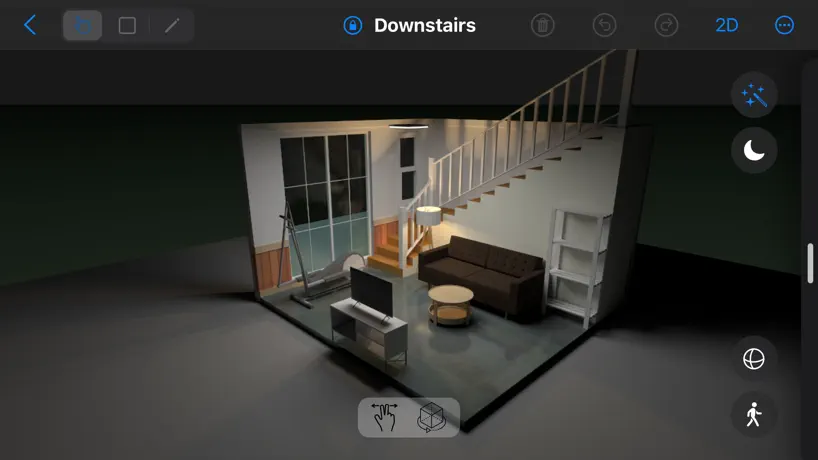  House Designer House Designer | 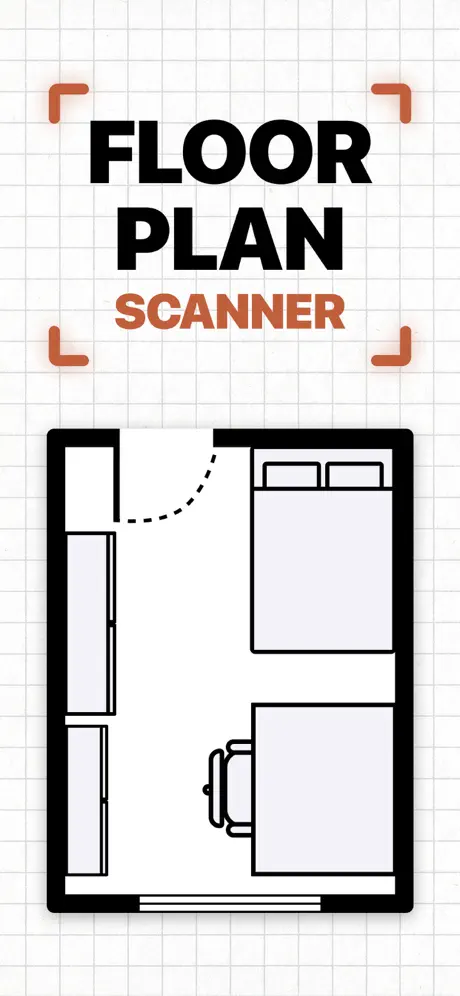  Floor Plan & AI Home - CamPlan Floor Plan & AI Home - CamPlan |   uMake: 3D CAD Modeling, Design uMake: 3D CAD Modeling, Design |   3D Modeling, Design: Shapeyard 3D Modeling, Design: Shapeyard |   Sweet Home 3D: Plan Your House Sweet Home 3D: Plan Your House | 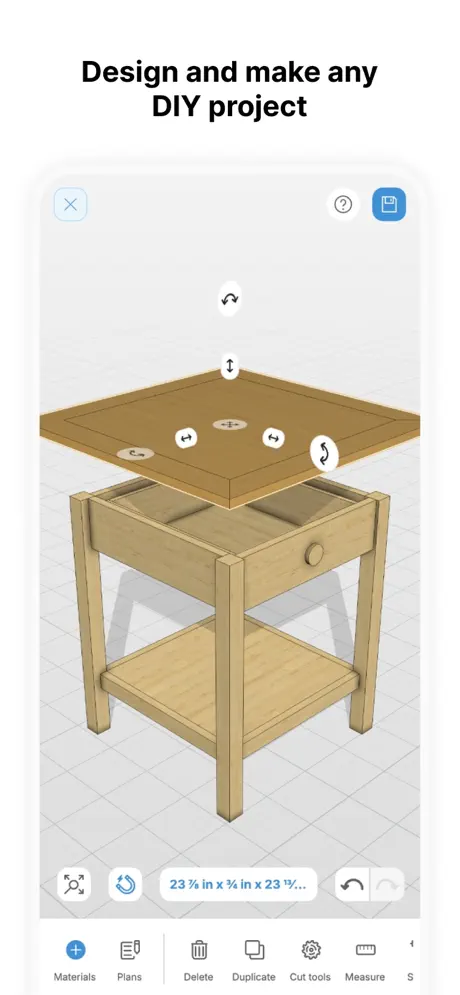  MakeByMe: 3D Furniture Design MakeByMe: 3D Furniture Design | 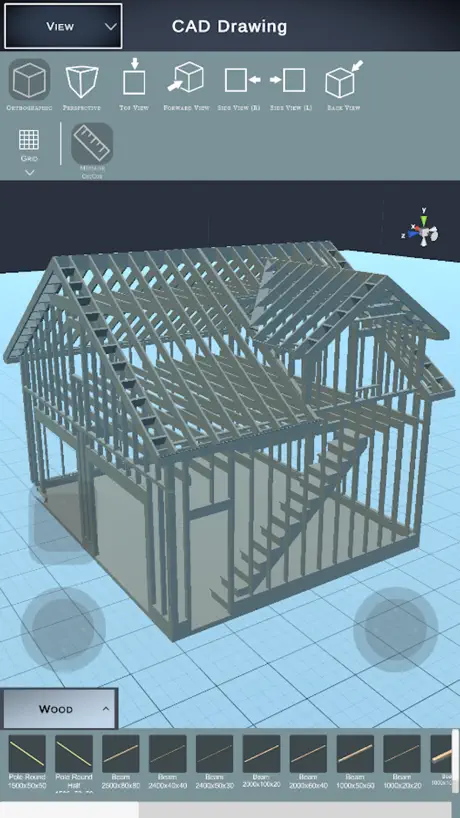  CAD Drawing Designer 3D CAD Drawing Designer 3D | |
|---|---|---|---|---|---|---|---|---|---|---|---|
| Rating / 5 | 4.6 | 4.6 | 4.7 | 4.6 | 4.5 | 4.7 | 4.3 | 4.4 | 4.4 | 4.3 | 4.2 |
| Reviews | 3.1K | 106K | 53K | 40K | 27K | 25K | 20K | 14K | 12K | 388 | 292 |
| Released | 2021 | 2014 | 2012 | 2021 | 2013 | 2023 | 2015 | 2018 | 2023 | 2025 | 2023 |
| Monthly price | — | $11.99 | $7.99 | $5.99 | — | $19.99 | $12.99 | $14.99 | — | — | $8.99 |
| Annual price | — | $129.00 | $9.99 | $34.99 | — | — | $59.99 | $29.99 | $29.99 | — | $29.99 |
The going rate for each plan in United States, in its own currency, shaded from the cheapest price on the row to the dearest. Plans fewer than four in ten of the priced apps sell are left out.
Moblo - 3D Furniture Modeling reviews
4.6 out of 5, based on 3,081 reviews.
What people like
- Very intuitive and easy to use
- Fair one-time purchase price with no subscriptions
- Great for quick woodworking and furniture drafting
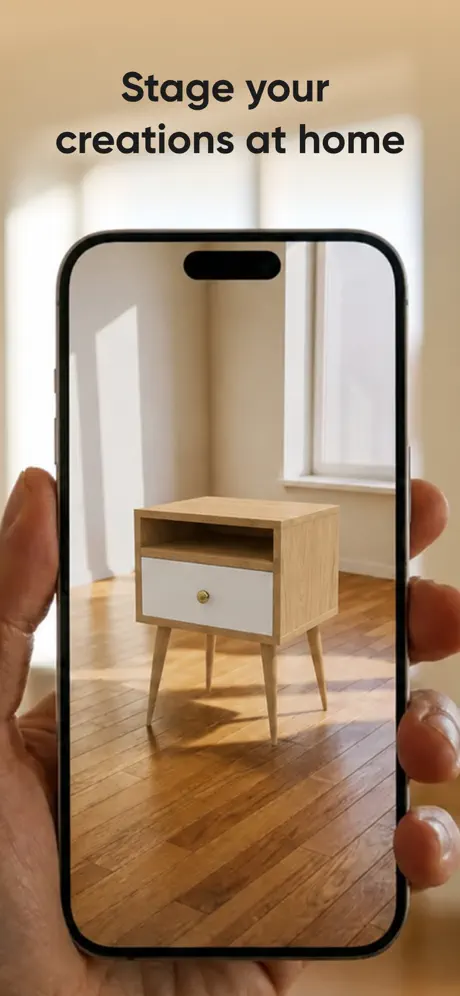
- Helps visualize 3D projects easily
What they complain about
- Lack of precise angle adjustments
- No cloud backup or local save export feature
- Difficult part alignment and matching
- Limited building shapes and edge-rounding options
I have no words of how positive I feel about this app.
So biggest thing I’m happy about, no subscriptions, and a one-time payment option. THANK YOU! Another thing, I model appliances and backgrounds for my comics and can view them from any angle while I draw them. This helps tremendously because it’s a struggle of what I want them to look like, so I can just put them together myself and it’s a go. I can’t think of anything else but have an overwhelming positive feeling for this app. I highly recommend this app to everyone and devs, keep it up. I’d give more than 5 stars if I could.
Ugh
Frustrated as learning even with videos on my phone isn’t as simplistic as i had thought
Almost There
I use this app fairly regularly and have built a couple of things based off my designs I drew here. I want to stress of all the different apps I have for design, this one is by fair my favorite. But it is not quite as useful as I would like yet. I have learned how to manipulate certain items to give me the visual I need. With that said, I am trying to plan my front yard landscape. My issue is the trapezoids that I just cannot manage. It would be fantastic if we could manipulate each side of a rectangle to make a trapezoid because nothing in life is neat . Also, the degree rotation is only in increments of 5, so I cannot position my house properly to the road because I have 11.9 degrees. Thank you.
It’s okay
It would be better if I could make the angles on my pieces as needed… you get the option of curved angles but let’s say if I need my boards with a 45 degree angle I have to use my imagination…
Lacking Features but has insane potential
At first, I was in love with the app. Super easy to design cabinets. However, I quickly ran into problems. Specifically being able to access designs from different devices. There is no login or account info. I designed something on my iPad and wanted to see it on my iPhone, which is when I noticed this shortfall. I would not have written a poor review until I discovered the next issue, which I will now recount. I made a custom color & went to use it on a different set of cabinets. But the colors are not saved within the app, they are saved only within the file you make them in. To me it seems like a detail that could easily be fixed. Moblo could be the greatest app for cabinetry if the developers respond appropriately to criticism. I really hope they fix these issues.
Very pleased with this app!
I must have tried 10 different apps to (quickly) model builds and this one immediately stood out. All the home design ones were too limiting, and the super intricate 3D modelers like Fusion or Shapr are great of course but we’re insanely complex to master. Big shoutout to the developer!! Moblo is fast, intuitive, and exactly what I needed. Thank you.
Rip off!
I tried it, bought license, now it’s locked again!
Amazing for designs
So, I am so far enjoying this app. It has so many cool things and it’s amazing. I would, though, recommend a lighting feature so we can add lightings to our designs. I would also recommend adding some “pillowy” items so we can make pillows, cushions, blankets, beds, etc much more easier. It is an amazing app and I would love it if you’d add these things. Thank you for your time reading this comment, have a great day!
Units of measure
I really REALLY want to like this app. Unfortunately it’s very frustrating to use, as the materials here are in inches/feet and trying to convert that all to mm is too much work. If not for that I’d probably give this at least 4 stars. Two stars because it’s a one-time purchase, which I would happily have made but the units of measurement is not usable for my purposes.
Easy interface, missing ability to do basic shapes
Perhaps useful to some but very limited . No rounded edges,corners, things you would do with a router. Need to be able to select edges and easily apply chamfer,bevel, etc. Also add trim shapes like quarter round. Consider adding “bend” + angle for bent wood furniture. Lock dimensional increments,1/2,1/4, 1/8,1/16. Etc.Add easy xyz face view selection for whole model. Export as jpeg for showing to others. App reminds me of Sketchup 1.0 many years ago ! Hopefully developers will keep working on app and perhaps hang out with a woodworker to get ideas ! Reasonable one time price is appreciated if app has the tools to get the job done. Edit: just read some of the reviews up to two years ago. Good ideas mentioned then still have not been done. While the app is ok not holding out much hope developer will actually do much, so donating premium upgrade cost now in that hope is a waste of money unfortunately!
The only limit is you
A wonderful app that allows regular Joe’s to be creative. You can create some of the wildest things if you just put the time, effort and creativity into it
not great
missing so many key features which makes using this app unbearable!!!
The only thing that should be better is…
You should finally make texts so you can put one somewhere but still it’s a good app definitely should buy 👍
Excellent app
Really great app to design simple woodworking projects. One huge detractor is the limited building shapes. Would be great to have the following: - crescent shape - half tube - rounded corner - general rounding options for edges of “cube” - 45 degree sloping corner/triangle - 90 degree sloping corner/triangle - cross-device saving (share project works but would be nice to have it streamlined)
Excellent
Intuitive, helpful software. Really helps visualize your designs quickly. Great app.
Waste of time.
Download and played around with free version. Not intuitive. Did a basic bathroom but could only add walls and floor. No “parts” list to find a toilet or sink. No easy way to adjust sizes by typing in. All in metric garbage.
You Can’t Save and/or Export Your Projects! — NO Cloud Backup Either.
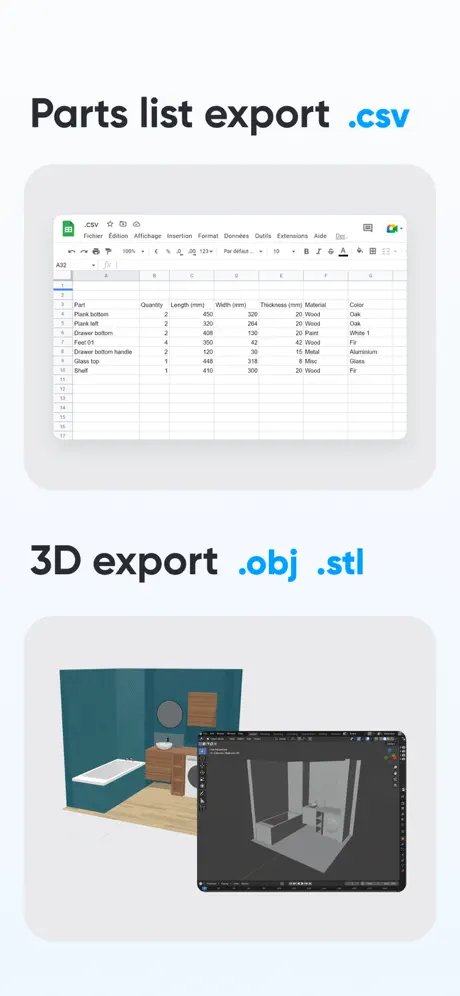
This App Has NO Cloud Backup Feature! Or a Way to Export Projects to Device Design & UI / UX is excellent! But it’s not reliable for long term use. Some projects can take hours of planing, and to know that there’s no way to save your projects locally, makes this app an unreliable service. If for any reason you need to delete/reinstall the app, or reset your device —Your (possibly hours) of work will be lost!— There’s no way to save and/or export your work to your device’s drive, or files app. You can “share projects” from one device to another but there’s no option to “save” to your local drive or Cloud service. Don’t get me wrong. The design features, and UI / UX are excellent! But come on bro, it’s 2025! . . Feature Requests: • Ability to export a HQ᜵HD renders (or at least 2K images), instead of just taking a screenshot (of your screen). • Advanced: Evolve this app from a furniture design tool into a basic (but capable) home design application by incorporating preset components such as standard beds (twin, queen), bedside tables (nightstands), lamps, TVs, desks, chairs, dining tables, chimneys, doors, windows, and essential bathroom fixtures. If you can achieve this while maintaining the same intuitive UI/UX, I’d gladly become a permanent subscriber and pay a membership fee (monthly, yearly, etc.). Thanks so much for taking my comments under consideration! ~ Cheers mate 🍻
For quick ideas
So far I enjoyed using this instead of sketchup for some quick project building. A measuring tool would be helpful. Selecting parts to combine and lock is useful, but this can be improved. I have not found a way to rename the parts after they have been duplicated. Nonetheless, I am happy to continue using this app and I am looking forward to see it improve with time.
AwEsOmE!!!!
So I have been thinking up a desk I will make. And this app really helped me see it better. I will def use this app more in the future. And there’s a one time purchase of $8. It is optional but if you don’t you can only use 12 shapes. The shapes here are unlimited. It is easy to use. And I didn’t even look at the tutorial. If you are a wood worker. Carpenter or engineer. I highly recommend this app. It is great for beginners. So. Definitely get this app. It is worth it. And pay the one time purchase. It will be worth it. Have fun and let your imagination come to life!!!
Cumbersome and imprecise
Too much time and effort aligning- changing sizes and other issues that are faster drawn or typed. Sigh.
Good and look forward to future updates
Very user friendly to use. Wish there were more shapes / ability to add taper legs and also needs additional wood species. Definitely a great tool for my furniture design.
Not just for furniture
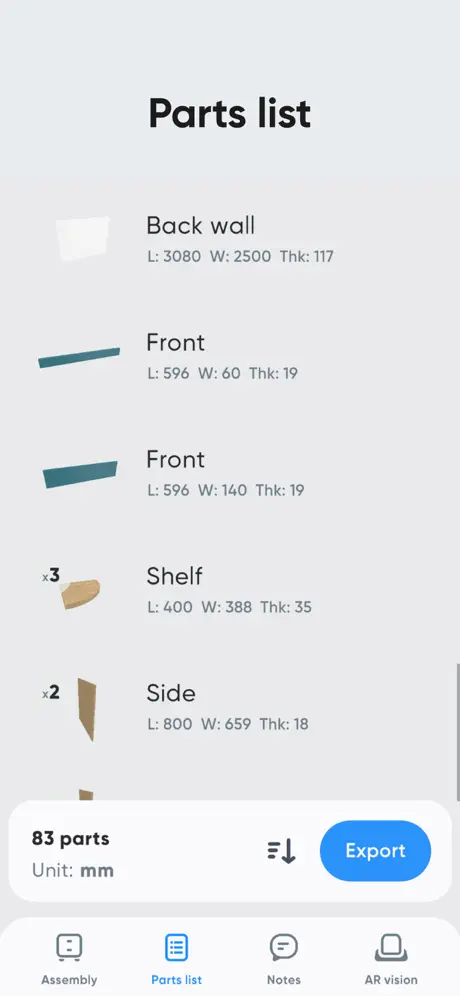
I use this to not just model things up but to organize material lists and visualize projects. Works great with larger projects like decking, sheds, carports, and more. Simple yet has enough features to not feel limited.
Great app, but a few bugs
I love the design of this app, but I find it very difficult to move parts and match them up. There are no alignment tools available, so you just have to nudge things one way or the other to make them fit together evenly. The other bug is that changing the names of your parts in the design screen does not update the names when you move to the parts list. Apple Pencil also doesn’t seem completely supported by this app.
Very useful, but poor fraction support
The app really needs to support decimals more than to the hundreds place. Most furniture needs dimensions more granular than a 1/4”.
Instructions
There is a lack of help for this app. No written instruction and the YouTube vids have no voice instruction and the vid is so fast it is impossible to keep up. The app is wonderful and helps immensely with product list and demonstrating to the customer what they are receiving. I would recommend this to everyone. Dan
So fun and totally what I was looking for!!
I’ve already messaged several creators the name of this that would find it incredibly useful. I hope more items and shapes get added!!
Love the app
I just bought this on my Samsung phone then I checked to see if it was on The App Store for my iPad and it was. Now i would like to know if there is a way to unlock it on my iPad and not have to purchase it again? Once again love the app and hopefully i can unlock it for the iPad.
Great for people who cant draw
Im not great at drawing at all or visualizing in 3 dimensions without making mistakes and this app is great help for that. Its very intuitive, the freeform app should take some notes here. This is actually the first app I actually doled out money for since the original iphone. You can probably get by just using the free version but I felt compelled to support a product that was well thought out, intuitively designed, and didn't shove ads down your throat. It's becoming a lost art to engineer with common sense. For example all alarm clocks dating back to mid 90s had a feature that would gradually turn up the volume when the alarm came on, yet the iphone 16 pro can't seem to figure it out...
Pretty good for drafting wood work
This is what I needed, almost perfect as I needed something simple to draft up wood working ideas. Down side is angles I needed to cut time at say 10 degrees you can’t do that. You have to play around with shapes til you get that which is quite tedious. But hey for 7$ I guess I can’t complain. Writing feedback to hope developer takes these into consideration. Very simple to use and if your just doing quick drafts etc this is it!
Diseño fácil
Moblo me es muy útil para mis proyectos de carpintería
hace falta
más accesorios, y que los diseños ya terminados muestren las medidas de cada elemento.
Moblo - 3D Furniture Modeling price by country
A one-time purchase costs $7.09 in Canada and $11.97 in Colombia — 1.7× more for the same thing. Below is the going rate for each plan in every country that sells it — the middle price of what the app charges there, in the country's own currency with the dollar equivalent beneath it.
| Country | One-time |
|---|---|
| Afghanistan | $7.99 |
| Albania | $9.99 |
| Algeria | $7.99 |
| Angola | $7.99 |
| Anguilla | $7.99 |
| Antigua And Barbuda | $7.99 |
| Argentina | $7.99 |
| Armenia | $9.99 |
| Australia | A$12.99$9.35 |
| Austria | €8.99$10.24 |
| Azerbaijan | $9.99 |
| Bahamas | $8.99 |
| Bahrain | $8.99 |
| Barbados | $9.99 |
| Belarus | $9.99 |
| Belgium | €8.99$10.24 |
| Belize | $7.99 |
| Benin | $9.99 |
| Bermuda | $7.99 |
| Bhutan | $7.99 |
| Bolivia | $7.99 |
| Bosnia & Herzegovina | €8.99$10.24 |
| Botswana | $7.99 |
| Brazil | R$49.90$9.61 |
| British Virgin Islands | $7.99 |
| Brunei Darussalam | $7.99 |
| Bulgaria | €8.99$10.43 |
| Burkina Faso | $7.99 |
| Cambodia | $8.99 |
| Cameroon | $9.99 |
| Canada | CA$9.99$7.09 |
| Cape Verde | $7.99 |
| Cayman Islands | $7.99 |
| Chad | $7.99 |
| Chile | CLP 9,990$10.38 |
| China | CN¥58.00$8.62 |
| Colombia | COP 39,900$11.97 |
| Congo | $9.99 |
| Congo, Democratic Republic | $7.99 |
| Costa Rica | $7.99 |
| Cote Divoire | $9.99 |
| Croatia | €8.99$10.24 |
| Cyprus | €8.99$10.24 |
| Czech Republic | CZK 199.00$9.30 |
| Denmark | DKK 69.00$10.52 |
| Dominica | $7.99 |
| Dominican Republic | $7.99 |
| Ecuador | $7.99 |
| Egypt | EGP 399.99$7.73 |
| El Salvador | $7.99 |
| Estonia | €8.99$10.24 |
| Fiji | $7.99 |
| Finland | €8.99$10.24 |
| France | €8.99$10.24 |
| Gabon | $7.99 |
| Gambia | $7.99 |
| Georgia | $9.99 |
| Germany | €8.99$10.24 |
| Ghana | $9.99 |
| Greece | €8.99$10.24 |
| Grenada | $7.99 |
| Guatemala | $7.99 |
| Guinea-bissau | $7.99 |
| Guyana | $7.99 |
| Honduras | $7.99 |
| Hong Kong | HK$58.00$7.40 |
| Hungary | HUF 3,490$10.87 |
| Iceland | $9.99 |
| India | ₹799.00$8.35 |
| Indonesia | IDR 149,000$8.31 |
| Iraq | $7.99 |
| Ireland | €8.99$10.24 |
| Israel | ₪24.90$8.16 |
| Italy | €8.99$10.43 |
| Jamaica | $7.99 |
| Japan | ¥1,300$8.25 |
| Jordan | $7.99 |
| Kazakhstan | KZT 4,990.00$11.27 |
| Kenya | $9.99 |
| Kosovo | €8.99$10.24 |
| Kuwait | $7.99 |
| Kyrgyzstan | $8.99 |
| Lao Peoples Democratic Republic | $8.99 |
| Latvia | €8.99$10.24 |
| Lebanon | $7.99 |
| Liberia | $7.99 |
| Libya | $7.99 |
| Lithuania | €8.99$10.24 |
| Luxembourg | €8.99$10.43 |
| Macao | $7.99 |
| Macedonia | $7.99 |
| Madagascar | $7.99 |
| Malawi | $7.99 |
| Malaysia | MYR 39.90$9.80 |
| Maldives | $7.99 |
| Mali | $7.99 |
| Malta | €8.99$10.24 |
| Mauritania | $7.99 |
| Mauritius | $9.99 |
| Mexico | MX$179.00$10.09 |
| Micronesia | $7.99 |
| Moldova | $9.99 |
| Mongolia | $7.99 |
| Montenegro | €6.99$7.96 |
| Montserrat | $7.99 |
| Morocco | $9.99 |
| Mozambique | $7.99 |
| Myanmar | $7.99 |
| Namibia | $7.99 |
| Nauru | $7.99 |
| Nepal | $9.99 |
| Netherlands | €8.99$10.43 |
| New Zealand | NZ$14.99$8.47 |
| Nicaragua | $7.99 |
| Niger | $7.99 |
| Nigeria | NGN 12,900.00$9.72 |
| Norway | NOK 99.00$10.41 |
| Oman | $7.99 |
| Pakistan | PKR 2,200$7.94 |
| Palau | $7.99 |
| Panama | $7.99 |
| Papua New Guinea | $7.99 |
| Paraguay | $7.99 |
| Peru | PEN 34.90$10.29 |
| Philippines | ₱499.00$7.99 |
| Poland | PLN 39.99$10.41 |
| Portugal | €8.99$10.44 |
| Qatar | QAR 29.99$8.24 |
| Romania | RON 39.99$8.64 |
| Russia | RUB 699.00$8.30 |
| Rwanda | $7.99 |
| Sao Tome & Principe | $7.99 |
| Saudi Arabia | SAR 34.99$9.33 |
| Senegal | $9.99 |
| Serbia | €8.99$10.24 |
| Seychelles | $7.99 |
| Sierra Leone | $7.99 |
| Singapore | SGD 9.98$7.86 |
| Slovakia | €8.99$10.24 |
| Slovenia | €8.99$10.24 |
| Solomon Islands | $7.99 |
| South Africa | ZAR 149.99$9.19 |
| South Korea | ₩12,000$8.85 |
| Spain | €8.99$10.24 |
| Sri Lanka | $7.99 |
| St. Kitts and Nevis | $7.99 |
| St. Lucia | $7.99 |
| St. Vincent & The Grenadines | $7.99 |
| Suriname | $8.99 |
| Swaziland | $7.99 |
| Sweden | SEK 99.00$9.98 |
| Switzerland | CHF 7.00$8.44 |
| Taiwan | NT$290.00$9.13 |
| Tajikistan | $8.99 |
| Tanzania | TZS 22,900.00$8.62 |
| Thailand | THB 299.00$8.95 |
| Tonga | $7.99 |
| Trinidad and Tobago | $7.99 |
| Tunisia | $7.99 |
| Turkey | TRY 399.99$8.17 |
| Turkmenistan | $7.99 |
| Turks and Caicos | $7.99 |
| Uganda | $9.99 |
| Ukraine | $9.99 |
| United Arab Emirates | AED 29.99$8.17 |
| United Kingdom | £7.99$10.80 |
| United States | $7.99 |
| Uruguay | $7.99 |
| Uzbekistan | $8.99 |
| Vanuatu | $7.99 |
| Venezuela | $7.99 |
| Vietnam | ₫249,000$9.60 |
| Yemen | $7.99 |
| Zambia | $9.99 |
| Zimbabwe | $9.99 |
Moblo - 3D Furniture Modeling FAQ
- Is Moblo - 3D Furniture Modeling free?
- Yes. The app and its basic features are free, in all 175 countries it sells in. Premium features are paid: they start from $7.99 (US), across 1 one-time purchase.
- Does Moblo - 3D Furniture Modeling have a free trial?
- No. None of its offers (US) come with a free trial.
- Where is Moblo - 3D Furniture Modeling cheapest?
- A one-time purchase costs CA$9.99 (≈$7.09) in Canada and COP 39,900 (≈$11.97) in Colombia, its cheapest and dearest countries.
- What are the best alternatives to Moblo - 3D Furniture Modeling?
- SketchUp - 3D Modeling (4.6 from 106,450 reviews, premium from $11.99), Morpholio Trace - Sketch CAD (4.7 from 52,744 reviews, premium from $4.99) and 3D modeling: Design my model (4.6 from 40,257 reviews, premium from $5.99).
Moblo - 3D Furniture Modeling download
Last updated 12 days ago.
Moblo - 3D Furniture Modeling sells in 175 countries. It was released 5 years and 7 months ago, on 17 Feb 2021. It holds a 4.6 rating from 3,081 reviews.
Supports 1 language: English.
How much does Moblo - 3D Furniture Modeling make?
Third-party estimates for the last 30 days, worldwide — not the store's own figures, which Apple publishes for nobody.
Revenue by plan
- One-time 100%
Revenue by country
- United States 34%
- France 9%
- Germany 8%
- United Kingdom 5%