
Microsoft Family Safety
Screen time & content filters
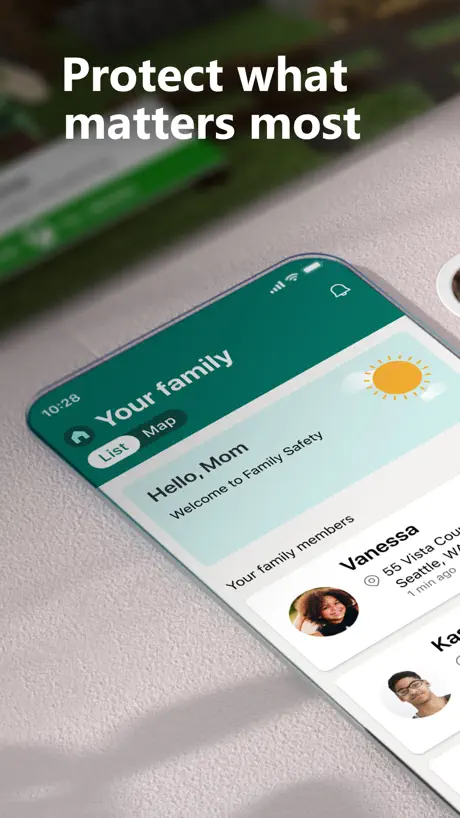
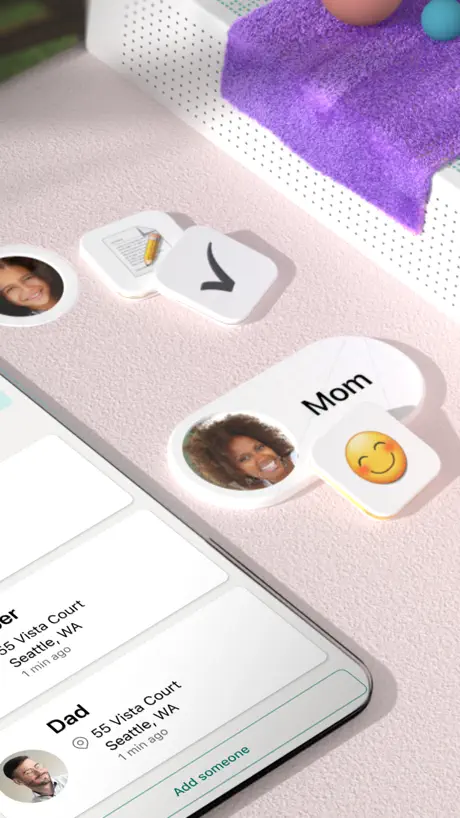
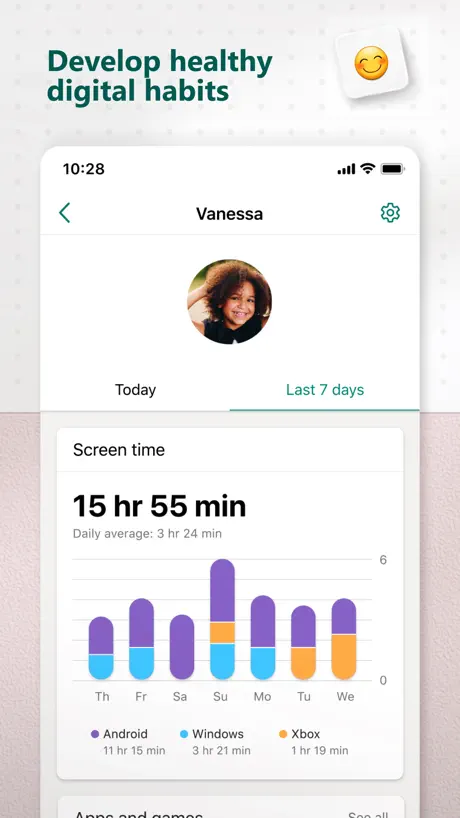
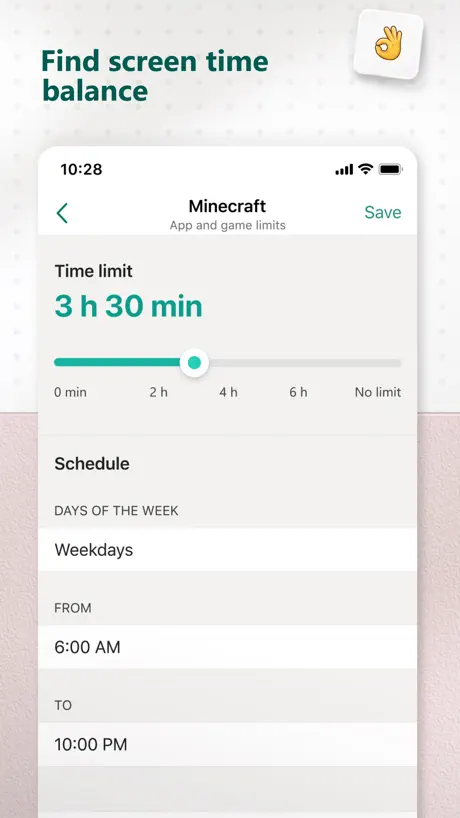
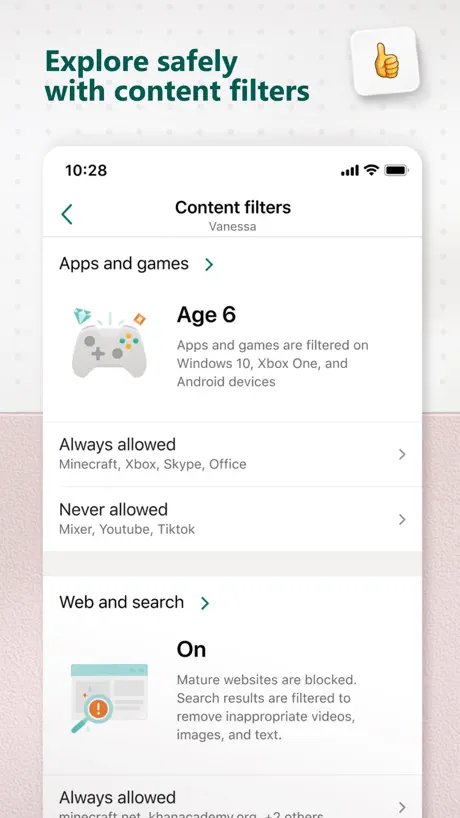
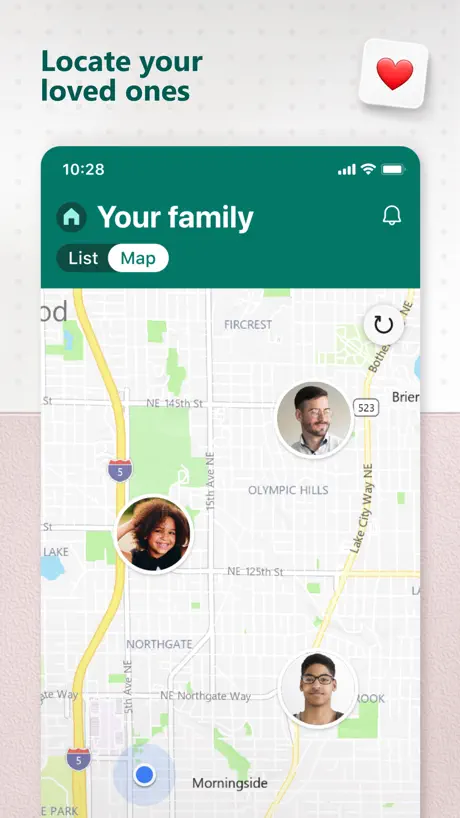
How much does Microsoft Family Safety cost?
Prices are current as of 10 Sept 2026.
Microsoft Family Safety has no in-app products on record in the United States.
10+ alternatives to Microsoft Family Safety
| Microsoft Family Safety |   Nintendo Switch Parental Cont… Nintendo Switch Parental Cont… |   Parental Control App - Kidslox Parental Control App - Kidslox | 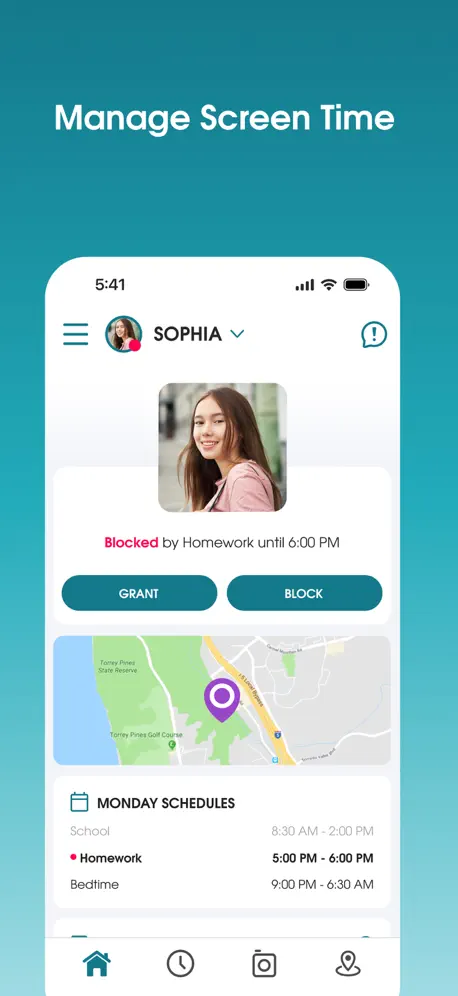  Parental Control App - OurPact Parental Control App - OurPact | 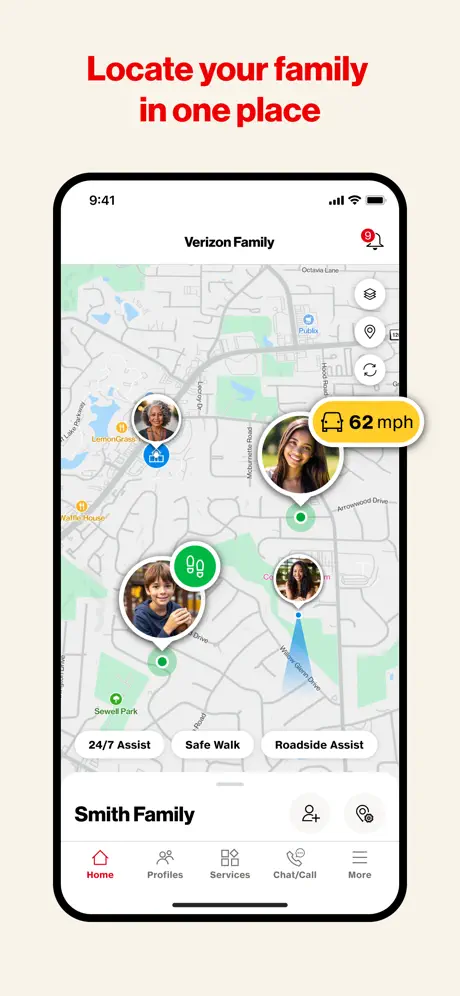  Verizon Family Verizon Family | 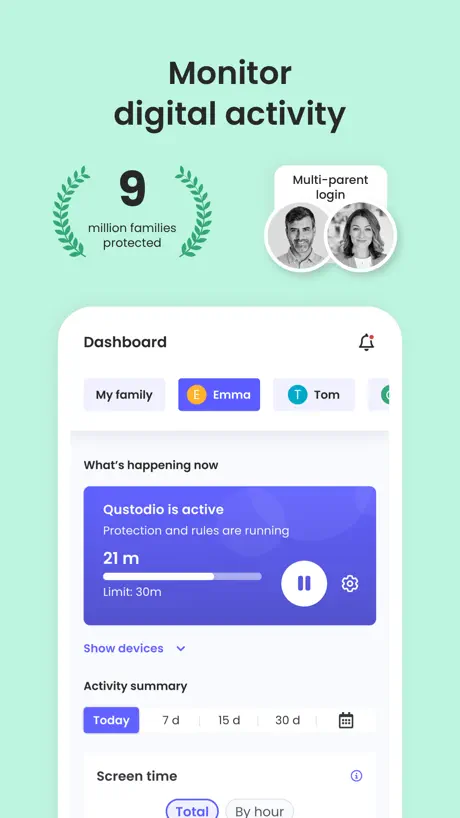  Qustodio Parental Control App Qustodio Parental Control App | 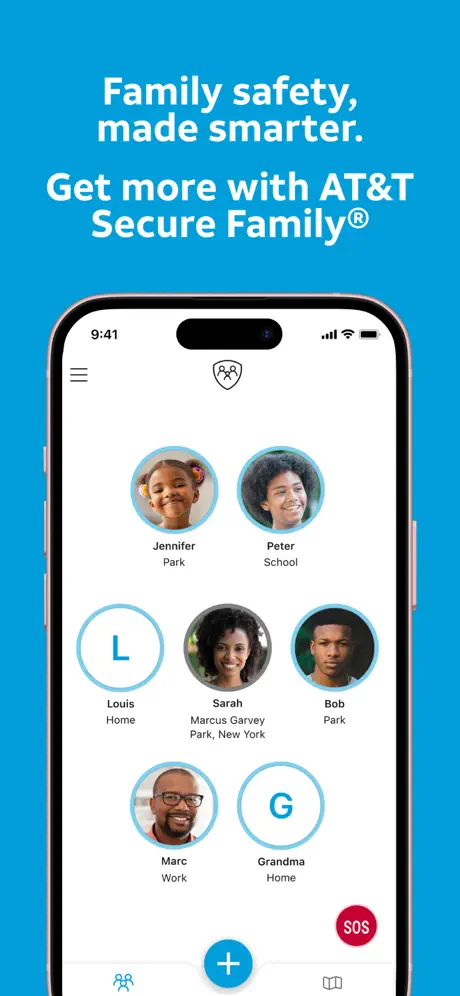  AT&T Secure Family® Parent AT&T Secure Family® Parent |   Home Assistant Home Assistant |   MyGabb MyGabb |   Gabb Messenger Gabb Messenger |   PlayStation Family PlayStation Family | |
|---|---|---|---|---|---|---|---|---|---|---|---|
| Rating / 5 | 4.2 | 4.6 | 4.2 | 4.4 | 4.3 | 4.2 | 4.6 | 4.7 | 4.5 | 3.7 | 2.6 |
| Reviews | 28K | 691K | 119K | 57K | 38K | 31K | 22K | 21K | 8.2K | 876 | 275 |
| Released | 2020 | 2017 | 2014 | 2015 | 2014 | 2020 | 2010 | 2017 | 2020 | 2023 | 2025 |
| Monthly price | — | — | $3.99 | $6.99 | — | — | $12.00 | — | — | — | — |
| Annual price | — | — | $49.99 | $69.99 | — | $94.99 | — | — | — | — | — |
The going rate for each plan in United States, in its own currency, shaded from the cheapest price on the row to the dearest. Plans fewer than four in ten of the priced apps sell are left out.
Microsoft Family Safety reviews
4.2 out of 5, based on 28,388 reviews.
What people like
- Manages screen time without friction
- Easy to see what kids do
- Intuitive interface for parents to use
What they complain about
- Xbox controls moved to a website
- Kids easily bypass the time limits
- App drains your phone battery fast
- Approval requests often fail or lag
Works
This mostly works. My kid asks for extra time every time if I’m home but that is parenting not Microsoft. Maybe don’t tell your kid you have that power.
Do NOT use
This app does not do anything it purports or alleges to do. Pop up ads to get you to buy Microsoft 365 and CoPilot. Aug 29, 2026: Been monitoring my son’s computer, and all of a sudden, on the app, his computer has disappeared. I don’t have time to constantly re-add his computer!
Almost covers everything
What happened to the Xbox settings?
Bring back XBOX screen time
Very useful app, but now XBOX is managed via the browser its so frustrating
Great app, needs some work
The app is a great idea and it is easy to navigate. It needs some polish to make it easier to do what is made for without making it too complicated. Definitely reading to work with apple to give it a 5 star.
Great way to keep my child safe
It is a safe way to protect my children
Needs a lot of work
Giving additional time from the app never works. Further, the app is currently unusable due to an update that sends you to the website with no additional instructions.
Works okay with other things
We use this with many other safe guards. Our son is very tech savvy so this was not enough but helped.
Pain in my - for YEARS
This family setting be has been a pain for YEARS, I have been 18+ the entire time and they make it hard as all to change the settings, an now the app screen goes to a blank white when I try to officially join my family group that I am a LONE MEMBER IN so why I have to join in the first place? No one knows. And now the app won’t even load to let me in fully. I’m 26. Km trying to get into a COLLEGE BOOKSTORE SITE AND IT WONT LET ME. IM NOT EVEN IN MY FAMILIES FAMILY. RIDICULOUS.
Bad update
Ever since they removed the Xbox features it also removed the ability to set screen time limits for windows PC. So whatever time limits I had previously set are now what we’re stuck with.
Excelente
Me ha servido mucho para controlar las actividades en línea de mi hijo
Buy a Mac just to Avoid
This is the worst POS ever. Microsoft gives zero F’s for parents with ever moving and changing apps and authorizations. Buy a Mac if you have kids and can. Never rely on this POS.
essentiel
vraiment utile dans le contrôle du contenu et du temps sur l’ordinateur de mon fils. Il serait utile d’avoir un bouton qui permette de verrouiller le temps comme sur le téléphone:
Used to be good
Ever since the update that removed Xbox Screen Time limits, I’ve been unable to manage my screen time limits and forced to go to the website which is frustrating and unnecessary. It seems I now can’t even see my Windows screen time limits either. Please add the feature back as even the Xbox Family Settings app is completely useless unless you’re the organiser of the family group!
Not so safe
Kids can go around and get on you tube through other websites like canva… years later this is what my kids are telling me
When they age out of Google Family…
Ditch the Chromebook for a PC and use this app instead
Sudden blocking to open app asking to update settings
App is suddenly asking to login to web app and update settings for all family members, instead of adding in non blocking way. This caused interruption to my kids class as I couldn’t allow them to access pc to join an online class, the link app redirecting also to some docs page and not the page we can take required steps. It’s common sense to not interrupt users even when you need them to update some settings, very inconvenient update. Hope you guys think about user experience.
Ziemlich gut mit Potenzial
Was fehlt wäre Zeiten für bestimmte Apps konfigurieren zu können.
Easy for kids to hack
This app needs Face ID authentication. Otherwise your kids will simply unlock using mom’s passcode and undo any limits you set for them. Big tech does not care about your children. They only care about quarterly earnings and user engagement.
Gives a false sense of security
Positive: interface is intuitive and easy for parents to use. Negative: it’s just doesn’t do what it is supposed to. My child of 12 is able to get around these controls in two shakes of a duck’s tail. It gives a dangerous false sense of security while your child is laughing at you behind your back.
Essential Tool for our Kids
Take control of reverting on the computer of your kids.
Rendered Useless
What even is the point of this app anymore since you took Xbox time management out completely?? Why ‘fix’ something that isn’t broken. I won’t bother using this app anymore since I have to sign onto my account online to access Xbox limits. Will just adjust everything there even though this app was much more convenient when I could adjust them all in one place. Thanks for breaking something else that previously worked just fine.
Great features
Would love if the app had an option to leave a note when the device locks - like “do this and you can have more time” etc
Xbox app removed
Since removing Xbox from this app the link doesn’t work to change settings my child has to ask for approval and take longer to get messages and change things. Please add back on app or mite be removing app
Needs password/PIN protection
Great app to monitor my 13yr old new laptop usage and keep him safe online and limit his gaming etc. HOWEVER, it really should be password/PIN protected (in a similar way to banking apps) so the little darlings can’t change any settings should they access the phone - anyone with kids knows this!!
Amazing!
Now I can tell what my kids are doing easily
No Xbox now? No point!
Completely and absolutely stupid that the Xbox settings have “moved to a website” instead of using the app. A site where you can also see and manage everything that is left over in the app! What is even the point of this app now? Just gonna delete this useless piece of garbage! Update after Microsoft (non)response: You created an Xbox Family Settings as A SEPARATE APP? And didn’t even mention it when you stripped it without warning from Family Safety - just linked to the web page. My criticism still stands! ONE app to control safety and limits beats TWO SEPARATE APPS to do THE EXACT SAME THING!!! Again, the only explanation? Microsoft is fixing to dump the money loosing Xbox and gaming unit entirely and the is the preparation for that dump. Fine, then I’m dumping Microsoft.
Funktioniert nicht iPhone 17pro
App funktioniert nicht mehr zeigt nur Startseite, sobald man auf „erste Schritte“ klickt, kommt ein verbuggter screen auf dem man nichts erkennen kann
Removed Xbox for What Reason?
The ability to adjust/grant time for Xbox alongside Windows was a key feature of this app. Removing Xbox from here and requiring the use of the Xbox Family Safety app is anti-user. Bring it back.
Overall useful
This is a great parental control app. It has all the necessary requirements as a screen time and content filter! I would give it 5 star if the app can block the taskmanager being used to delete explorer.exe to get around blocking of apps by family safety. It is useless if kids can get around this. I spent 2 hours with MS support and they couldn’t help. I kept being transferred from one department to another. Come on MS, you can fix the loophole!
Great for access control
Go for managing kids accounts and access time
Why get rid of x-box?
This app used to be great. Everything was at the touch of a button. I could add money to kids accounts and switch up screen time limits. Now I have to login through the browser to get x-box limits and controls. Why make it harder?
Approvals
Sometimes the app doesn’t let you approve a request no matter how many times it’s done - sometimes you either have to go to the email, or manual configure the approval by going in to the account itself. I do find compared to Apple (we have that also) that it does tend to be very slow to advise of requests or alerts for attempts etc.
Screentime approvals removed from app
We used the app for years to manage our kids screen time on xBox. If they asked for more time we could refuse or approve in app. Following a recent update, the functionality has been removed from the app meaning that i need to constantly check emails to see if a request has come through, and use the family safety website on my phone to try and manage my daughters screen time. This feature removal makes no sense in the app and renders it useless.
Bypassing safety features
My kids have found a way to bypass the time out features by holding alt tab - then they can continue chatting, playing games etc. Can this loophole be fixed soon?
Truly empowering and helpful
Kids don’t like to be told to turn off the laptop but this utility manages it without friction. Could be improved by allowing time to be extended without request and without having to change the weekly schedule.
Don’t waste your time
Literally the stupidest biggest waste of time to try to set up especially with Minecraft. For some reason it is associated with Xbox and it’s horrible. Wasted so much time trying to set up Minecraft to be able to play with my kid on our phones.
Hilfreiche App
Soweit gut bedienbar und nützlich!
Was beneficial, now pointless
Why take away Xbox parental controls? Why direct us to one of the most clunky websites available? What was once a beneficial function has now become an arduous journey through websites. No thanks, Microsoft.
Glitchy and frustrating
Good for screen time controls but requests never work first time - they have to be resent two or three times.
Cool
Cool
Why move out Xbox limits?
It was so easy to get into the app to set Xbox limits and edit them. Now you have to go to the website login etc. it is such a worse user experiencie…..and doesn’t that fall within the very core reason for this app to exist? Very disappointing…
Good when working
Keeps untoggling by itself for time limits, I set and then the next day it’s not there so I have to do again
Pointless
Pointless app now Xbox controls have been removed from it with zero notification
Didn’t work
My son actually used few hours but didn’t showed it in the app , it just happened recently, I don’t know if something wrong
Amazing
Amazing
Xbox setting removed
App was decent not useless. I liked having access to Xbox settings and activity on my phone quickly.
Quelque petit bug
Quelque petit bug mais cette application pour gérer le temps d’écran pour une famille est merveilleuse
X Box removed
Why on earth would you remove the time limits function for XBox. Now the process is a hassle of sign-ins and passkeys to access the controls to allow a further 15 minutes. Crazy decision that makes the app completely useless.
Great app, too bad it was my #1 battery hog
Was using this app for a while to keep track of my kids (and my) habits. Unfortunately just realized that it was hogging the battery and the cause of over 50%of my battery usage even with using other what I call ’active’ gps apps and music streaming at the same time. Unfortunately going to have to remove it for now. I hope that Microsoft fixes this as I liked the function of the app itself.
Microsoft Family Safety FAQ
- Is Microsoft Family Safety free?
- Yes. The app is free, in all 163 countries it sells in, and it sells nothing inside it.
- Does Microsoft Family Safety have a free trial?
- No. None of its offers (US) come with a free trial.
- What are the best alternatives to Microsoft Family Safety?
- Nintendo Switch Parental Cont… (4.6 from 690,975 reviews), Parental Control App - Kidslox (4.2 from 118,830 reviews, premium from $2.99) and Parental Control App - OurPact (4.4 from 56,648 reviews, premium from $1.99).
Microsoft Family Safety download
Last updated 2 months ago.
Microsoft Family Safety sells in 163 countries. It was released 6 years and 2 months ago, on 28 Jul 2020. It holds a 4.2 rating from 28,388 reviews.
Supports 32 languages: English, Arabic, Catalan, Croatian, Czech, Danish, Dutch, Finnish, French, German, Greek, Hebrew, Hindi, Hungarian, Indonesian, Italian, Japanese, Korean, Malay, Norwegian Bokmål, Polish, Portuguese, Romanian, Russian, Chinese, Slovak, Spanish, Swedish, Thai, Turkish, Ukrainian, Vietnamese.
How much does Microsoft Family Safety make?
Third-party estimates for the last 30 days, worldwide — not the store's own figures, which Apple publishes for nobody.