
Nintendo Switch Parental Cont…
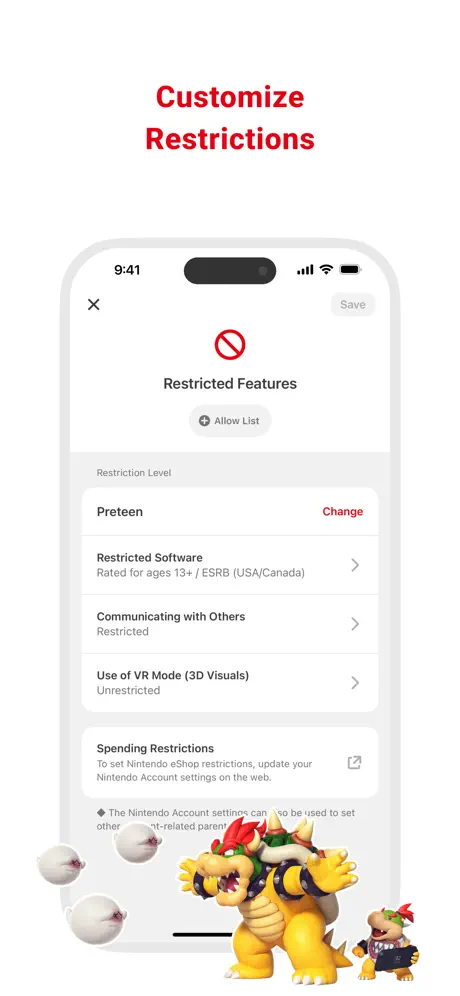
How much does Nintendo Switch Parental Cont… cost?
Prices are current as of 8 Nov 2026.
Nintendo Switch Parental Cont… has no in-app products on record in the United States.
10+ alternatives to Nintendo Switch Parental Cont…
| Nintendo Switch Parental Cont… | 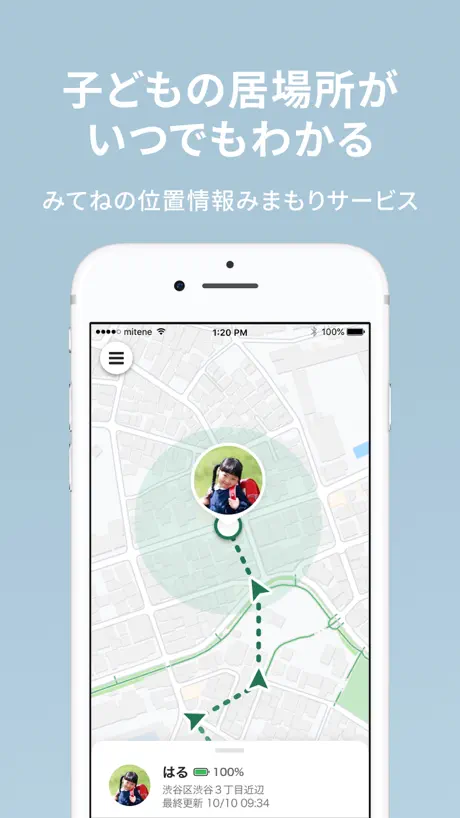  みてねみまもりGPS | 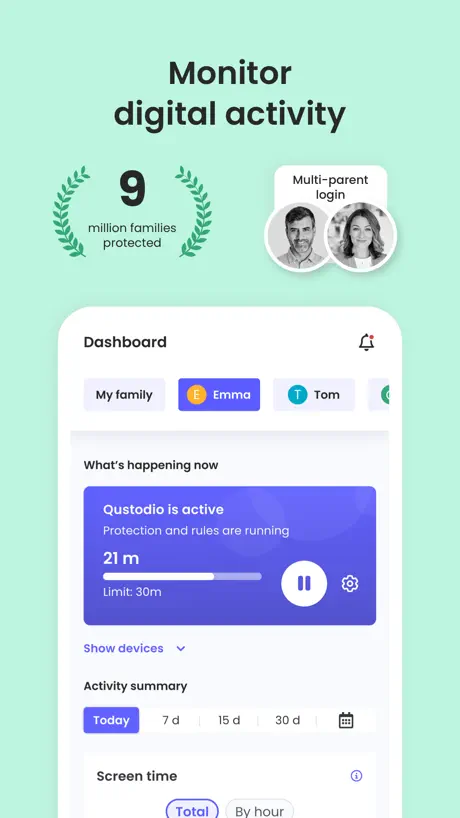  Qustodio Parental Control App | 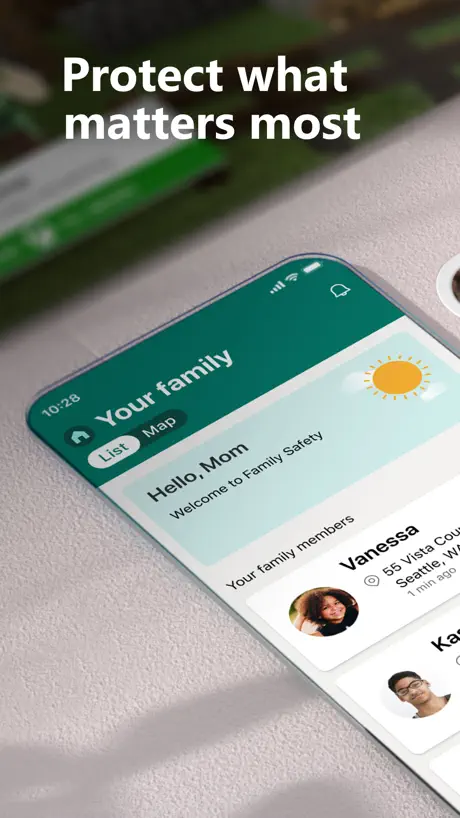  Microsoft Family Safety | 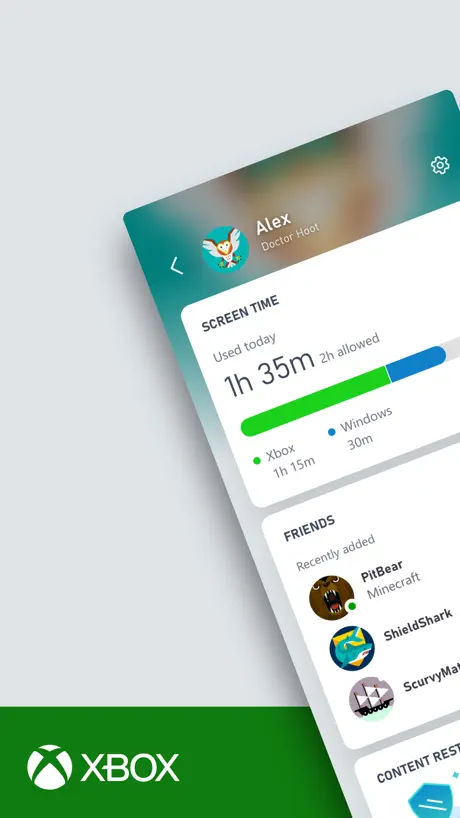  XBOX Family Settings |   ARAPPLI - AR Application | 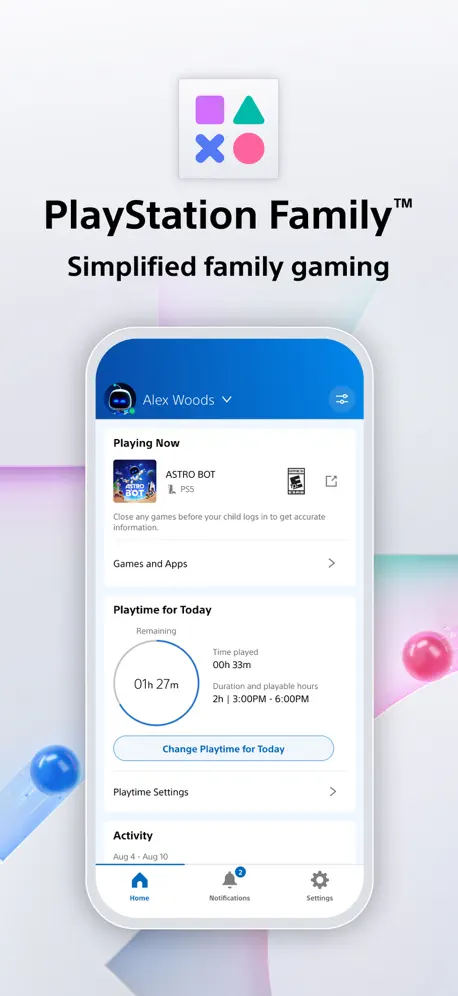  PlayStation Family |   BoT - GPS & Talk for Families | |
|---|---|---|---|---|---|---|---|---|
| Rating / 5 | 4.6 | 4.2 | 4.2 | 4.2 | 4.0 | 2.7 | 2.6 | 2.4 |
| Reviews | 700K | 94K | 32K | 29K | 13K | 890 | 317 | 213 |
| Released | 2017 | 2021 | 2020 | 2020 | 2020 | 2010 | 2025 | 2017 |
| Annual price | — | — | $94.99 | — | — | — | — | — |
The going rate for each plan in United States, in its own currency, shaded from the cheapest price on the row to the dearest.
Nintendo Switch Parental Cont… reviews
4.6 out of 5, based on 699,830 reviews.
What people like
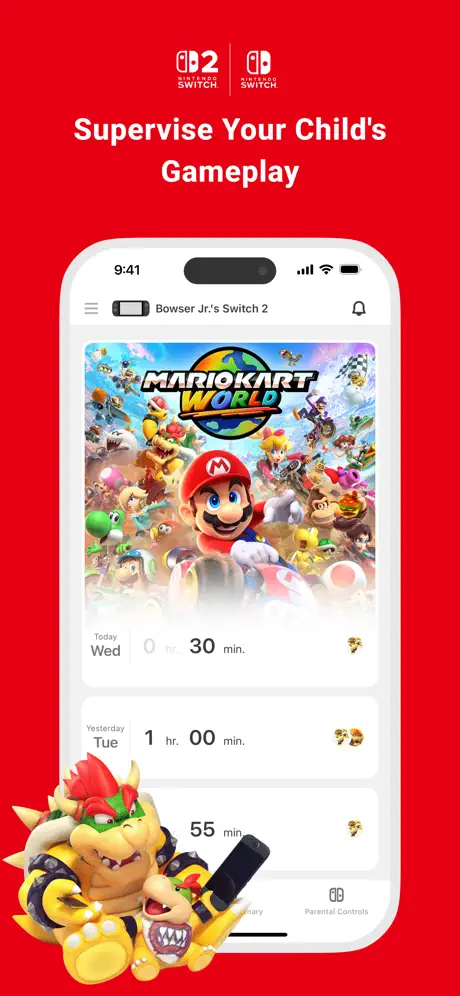
- Super easy to set up quickly
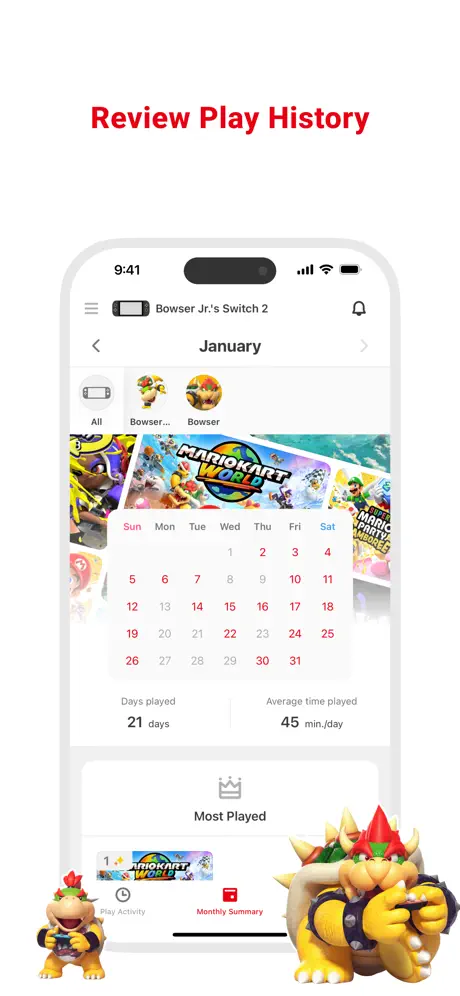
- Great for monitoring total screen time
- Manage multiple kids from one phone
What they complain about
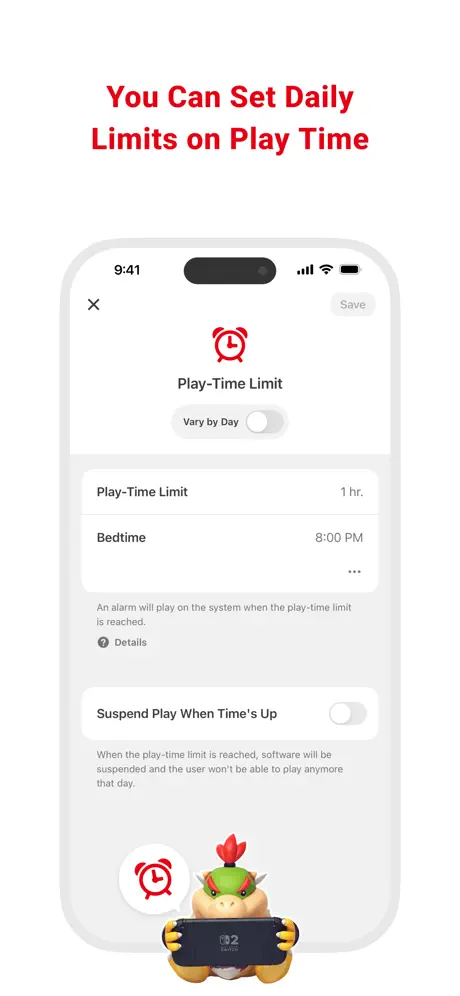
- Can't set zero minutes daily allowance
- No immediate pause or off button
- Sync glitches lock console despite app
Awesome for my kids
Amazing app 💯
Consistent problems with play time extension
This has been going on for YEARS at this point. The switch shows that time was extended but remains locked in times up state. Very frustrating!
How the block youtube
Hi. Every thing is perfect , except that I can’t control or block youtube I bought nintindo to limit my child’s time on YouTube
Limiting features
I use the app all the time but the features are so limited. For a company like Nintendo they should be able to make the app way more customizable than it actually is, like being able to put different settings on individual profiles. As well as setting “bedtime” it does not have all times and it only has 15 minutes increments. Also there are glitches where the console has working WiFi and the app doesn’t sync. A very annoying app. Do better Nintendo
Not reliable
The app glitches regularly in various ways. Lately the extending play-time limit feature will not relay correctly between devices (app - Switch). It will display the wrong amount of time extended, and not extend the time on the Switch. I have cancel extended time and re-apply it several times for it to work. I have nostalgia for Nintendo but am sadly ready to move on from Nintendo handhelds.
Spidey
Spidey
Time Extension Bug
For a YEAR OR SO I intermittently run into the issue where I will try to extend the play time for my child and the little banner will pop up on the switch that it registered the extension, but the switch will stay locked. I will completely power cycle the switch and it doesn’t resolve. The next day it might miraculously resolve itself. Many others have documented this same bug on Reddit. Wild to me that Nintendo still hasn’t fixed this issue.
Great app but would be better if you could assign time to individual users on each account.
Use the app all the time and it does what we need. It’s easy to use and works. It would be preferable to add time limits to each user account though so each of the kids can have their own time.
Can’t block individual apps
Can’t block an individual app without blocking everything then allowing everything but one app. Stupid.
Could be better
I’m not sure why they have a drop-down menu for play-time limits. My kids get 20 minutes of video time a day - why can’t I just put in 20 minutes? And if they lose game privileges for the day, why can’t I change it to 0 minutes?
Easy to apply time constraints
The app is easy to set up and constrain time per profile. Easy to extend, too, when it makes sense.
Won’t download
I keep pressing on get on the App Store. It says I’ve downloaded it before which I have and then deleted it because I could not be linked to an account so I deleted it now to re-download it. I clicked the little cloud it asks for my password and then it does not download please fix.
Handy - couple of suggestions
I like this app and am very grateful for it as we try to make sure use of computer games is kept to a sensible level. However I would love some uodates - 1) time limit should be set to turn off at end of allowance by default 2) I should be able to extend for more than one hour, it’s annoying that if one child uses their two hour allowance and it’s the next child’s turn, my only option is Extend for 1 Hour or Disable time Limit for Day. 3) I would like to be able to set which games are played and for how long 4) when my child asks for more time on the console and passes me it to approve, the only option given is to “disable parental controls” when I put the code in, whereas I think it should be “ask for more time” and I should have options to choose from, ideally to specify how many extra minutes I’m giving them. Otherwise - great and simple to use.
Severely Lacking
Ok. You can set a time limit. Only one parent can access parental controls. Not both. You can’t use the app to lock the switch. It’s severely lacking for something coming from a company of this magnitude.
Features are limited
It works fine, but would be better if you could set per-account limits instead of just per-machine. It would also be nice if it allowed you to choose a precise number of minutes to allow per day. To give my kids 20 minutes a day, I have to choose the 15 minute limit and then manually extend by 5 minutes every day. It’d be nice if I could just choose 20 minutes from the start.
Satisfacción
Es una aplicación q ayuda a nosotros los padres a tener el control del uso y manejo de las apps que utilizan nuestros hijos y de el contenido adecuado para ellos según sus edades es satisfactorio tenerlo de utilidad.
Cannot block Nintendo News and other marketing
I was disappointed that there’s no way to block and Nintendo News and other marketing, especially YouTube-style video marketing.
Easy to use
Easy to manage my sons’ usage of the switch. They both have one and I can manage both from the app. One thing I would like to see changed is the time restriction settings. At the moment you can only set a minimum restriction of 15 minutes. On the PlayStation family app I can set the number of default minutes each day to 0 and I then add minutes when they have done their homework/chores etc. unfortunately, the switch app doesn’t allow this, the lowest I can set is 15 minutes, not 0. This is only only reason I rate the app 4 stars instead of 5.
Lack of controls
No OFF button?!!! And no way to set blackout times when they are not allowed to play. Really not a good design in terms of actually controlling play time.
Restrictions are limited
We have so many arguments over playtime vs homework and break time from the Switch. There is no immediate cut off option on this app which is ridiculous. Latest start time is 9am, earliest bedtime is 4pm. A function to be able to pause the Switch entirely would be helpful for those kids who are a bit younger. Having to keep confiscating and hiding is frustrating when I should be able to control from the app like with the Amazon Fire tablets.
Parent conscious app for sure!
I love that wether I am at work or at home, If the family is with the relatives, I can always make adjustments on through the app. If can dictate how much screen time they get as well what access they have via online services, coms, etc.
Broken
Doesn’t even let me login just hits me with linking error to my already signed in account. I’m an adult with no kids, who just wanted to try out this feature of chat on S2 yet I have to go through parent controls? Some other reviewer said to change safari to private as a work around, it doesn’t even open in a search engine for me so I’m stuck with an unusable app and an unusable feature on the switch 2, even if it did work you know there is a pay wall waiting for you. I know it’s to protect kids but what about when it stops the adults who just want to play the damn game.
Good parental app
Use this app to control the kids Nintendo usage. I limit them to one hour a day unless they’re good. Controls could use a little bit of fine-tuning for example, adding an hour of playtime also extends bedtime…
Why is updating required?
Not quite sure why it NEEDS iOS 16 just to function, just seems irrelevant as many older devices can’t be used with this app anymore
Ok
You can’t completely switch of the playtime which is really not handy. Seems you are forced to allow your child 15 min playing time each day.
Great for setting time limits
This app was easy to connect with our switch console and is awesome at setting time limits so I don’t have to worry about how much time my son spends playing.
Awful
Updated app will report on kids usage but does not allow screen controls to be changed - you need the old version for that Utter rubbish But then, nobody buys Nintendo for the parent app so this is a tick box exercise for the faceless corp
Turn off automatically
It took me a stupidly long time to find the toggle that automatically turned off the Switch once my child’s time was up. At first it would just set off an alarm - my child quickly figured out that he could just turn off the sound and keep playing. User error on my part. Don’t be like me.
Add a user recovery
One of my kids deleted his siblings account and he doesn’t know his password but I still see his icon and no way to fix it so all his games I got him can’t be played
Details Bedtime Setting Time need change
I love this parental app that control nitendo switch but details bedtime settings time need changing as it only allowed till 9 am in the morning . Which after 9 am they can play. It might be better that can go above that 10,11,12,13,14,15,16,17,18,19,20,21,22 . Same time setting you do for bed. Also brighter and volume need to be fix by parent. So kids can’t change it . Otherwise too bright playing damage eye and ear .Thanks to see changes in future update.
Great feature
It is great to have this feature.
Unfit for purpose: Missing Critical Features
The main one being the ability to add time in an ad-hoc manner. All the issues we have with this app boil down to this. I can't tell you the number of meltdowns that have been caused by virtue of this not being available. To give some context, the child in question has Autistic Spectrum Disorder and like many of these Neuro Diverse people, there is a problem with impulse control. The research we did when our child asked for a Nintendo Switch for Christmas assured us that parental controls existed for it and were easily controllable from an app. When we first realized these features were missing, I got onto their 'live online help' and asked if they would be implemented, as was told they had no way of knowing but it would be passed on as a suggestion. FIVE YERS LATER, they're still not there. Had I realised the parental controls were so bad, would definitely NOT have bought a switch but far too invested in the overpriced Nintendo ecosystem now. Went onto a Nintendo forum recently to ask if anyone knew what the situation was and, predictably, got a condescending reply about "have a conversation with your child" and "just take it away", which shows you the level of understanding non-parents and parents on neuro-typical children have. Another issue is that you can only set the LATEST time the switch can be used not the EARLIEST time, it's set by default to 6am. So if we've forgotten to take the it away the night before (because hey, we're only human and we have a lot of stuff to deal with too) they can start playing before we get up, run out of time and be in a foul mood, or when they should be getting ready or leaving the house for school, causing everyone stress and anxiety. This is because you CANNOT set the allotted time to 0 minutes so they always have a minimum of 15 minutes. If they ask for more time, you have to permanently set the allowed amount of time to what they need and it will stay like that until you set it back. So when they've finished you have to remember to both take the Switch away AND reduce the time back to 15 minutes. The other parental controls we use have all the features mentioned above and more. This includes Google (the best of them), Apple (the worst), Sony PlayStation and Microsoft's PC and XBox. UPDATE for Nintendo Switch 2: Well they finally added the ‘boost time for today only’ option, so that’s something. Will I give them an extra star for that? Hell no! It took them YEARS to add such a basic function. Still can’t set minimum time to zero minutes OR a start time.
More control
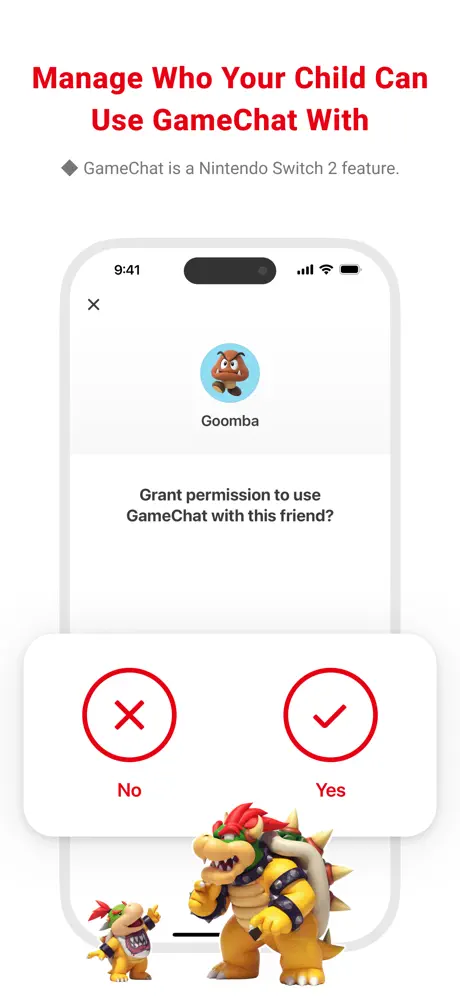
As a parent it would be handy to be able to pick friends that can go online on certain games and be alerted when any online thing is attempted without my permission
Poorly implemented parental controls but some good features.
Parental controls are set per console not user, so everyone (even adults) are affected. Also, when the play limit is reached, an alert sounds on the console which stops after a minute or so you can just keep playing. It’s pointless. I do keep parental controls on with no limits set because it does log playtime per user per game, and that is quite useful.
Easy but not intuitive
There’s a couple of odd settings (the preference seems to be for your child to be able to just play) but once familiar with these it’s easy enough to
Nintendo switch safety parent control app
This app is a lifesaver. I love this app. I am able to set a time limit for my son and it makes it a lot easier for the end of game time without the fits. it also works well for a chore motivator. I like that it is. Easily accessible through my phone app and I am in charge of his safety when it comes to gaming definitely a must have.
Good BUT..
Great but the problem is that even if we set an age limit on the store, you STILL see inappropriate games. I don’t want my 7yo to ask me what ‘sexy hentai girls’ are or if she can get the game because it looks cute. Sure you can’t buy the games, but the fact that she can still SEE inappropriate games is a huge flaw with the app.
Good app
The app is great if you want to set gaming times and keep track on the game you have complete control as the guardian over your switch or switch 2 great app or you can just have to add security to your switch .
Latest update downgrades interface
Until the latest version,the interface was pretty good: mostly east to find things and set them up. Now the interface is a mess: more complicated, but to no obvious purpose. Things like time limits, bedtime etc are still there, but harder to find. A classic example of ignoring "if it ain't broke, don't fix it" which makes the app annoying and less effective than it was.
Switch app froze
Bee using the app for my lads switch for the last year or two and no problems everything worked as it should until recently, got my son the new switch for Christmas and added it to the “switch” app no problem but when trying to do the “parental app” a screen comes up telling me about the features of the new switch but then won’t go off. No matter how many times I open the app or press “OK” at the bottom of the screen the information stays up, I’ve even tried deleting the app and reinstalling but still the same
Nintendo Switch Parental Control App
Super easy and insightful way to keep tabs on your child's screen time.
Stops background music
Why when I load this app does it stop any music I’m listening too…
Great app
Great app to control time, and monitor how long is spent on the Nintendo! Just wish you could control the individual games on it…
Bad update
Was ok before. Now, with new update, works well on iphone, but on ipad air, the app doesn’t work properly and we can’t addtime anymore
Controls
There should be an option to put a time limit on the device and it shuts off when time has lapsed.
Help
Hi
No suspend play option
Literally the only thing I want from this app is the ability to pause use of the switch and it has no functionality to do that. Seems a massive oversight for a patently app compared to say Amazon parent dashboard
Needs a Wake Up time too
A great app that lets me see how much screen time they are having but would be great if a start time is on the app too. The bed time option is great but we need something to stop my son from sneaking down stairs and playing!! Please help a frustrated parent!!
Where’s the rest?
It’s fine but what I really wanted it for was to limit game play time but to also ensure that he couldn’t use it after 8pm like I do on his phone. That’s a relatively simple feature but seems to be curiously missing? Would have thought that would be a pretty standard thing.
Critical features missing
App is ok but needs to add 2 features. 1. Wake time - I don’t want children waking up early to play. 2. Sign in as parent to avoid having to type long password on devices for purchases etc.
Nintendo Switch Parental Cont… FAQ
- Is Nintendo Switch Parental Cont… free?
- Yes. The app is free, in all 72 countries it sells in, and it sells nothing inside it.
- Does Nintendo Switch Parental Cont… have a free trial?
- No. None of its offers (US) come with a free trial.
- What are the best alternatives to Nintendo Switch Parental Cont…?
- みてねみまもりGPS (4.2 from 93,653 reviews), Qustodio Parental Control App (4.2 from 31,759 reviews, premium from $54.99) and Microsoft Family Safety (4.2 from 29,282 reviews).
Nintendo Switch Parental Cont… download
Last updated 17 days ago.
Nintendo Switch Parental Cont… sells in 72 countries. It was released 9 years and 8 months ago, on 2 Mar 2017. It holds a 4.6 rating from 699,830 reviews.
Supports 11 languages: English, Dutch, French, German, Italian, Japanese, Korean, Portuguese, Russian, Chinese, Spanish.
How much does Nintendo Switch Parental Cont… make?
Third-party estimates for the last 30 days, worldwide — not the store's own figures, which Apple publishes for nobody.