Uno Calculator
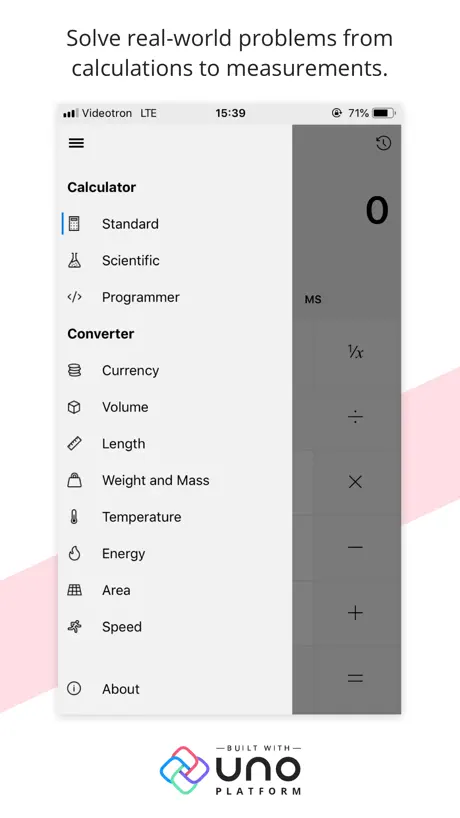
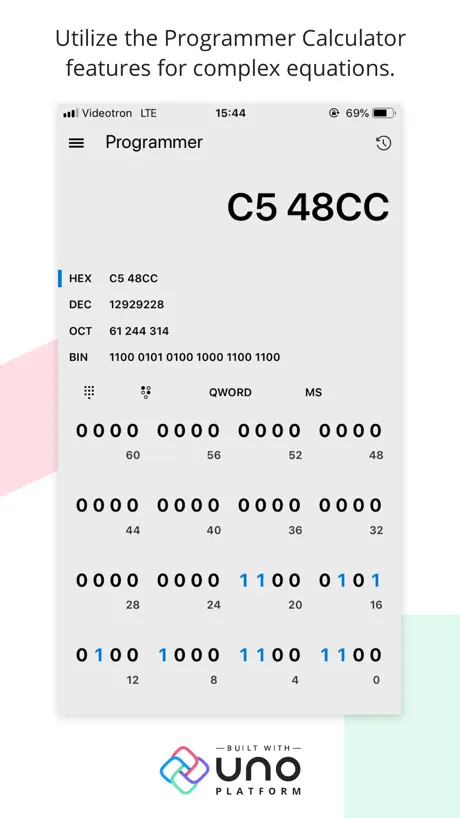
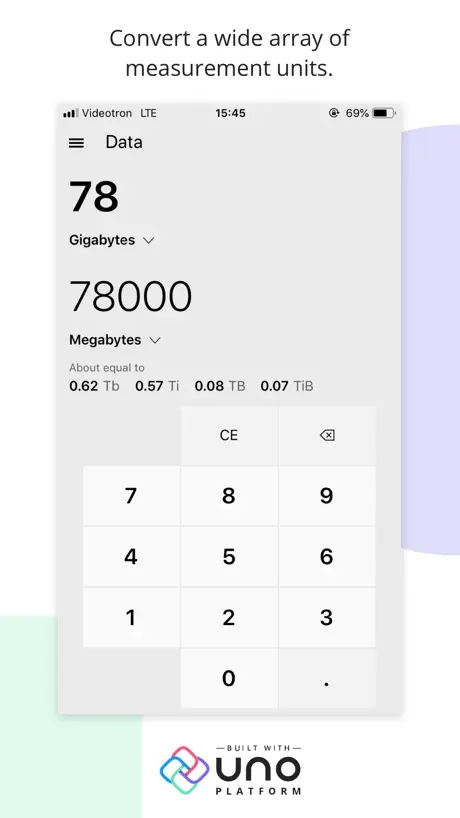
How much does Uno Calculator cost?
Prices are current as of 12 Nov 2026.
Uno Calculator has no in-app products on record in the United States.
10+ alternatives to Uno Calculator
| Uno Calculator |  Things 3 for iPad | 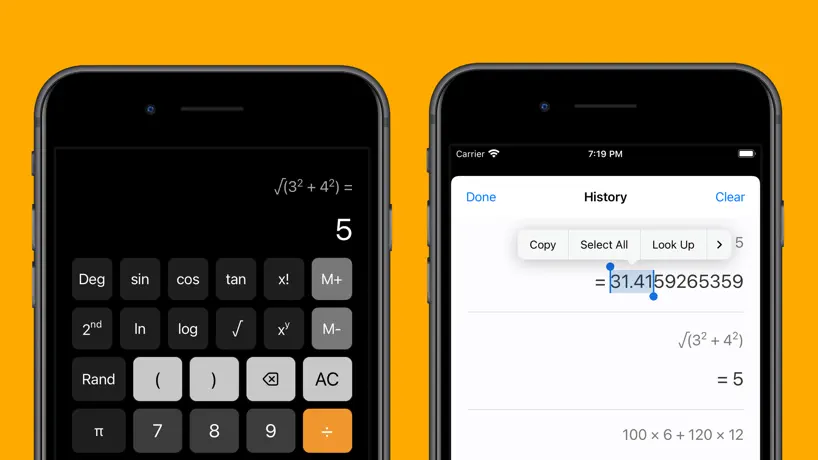  OneCalc: All-in-one Calculator | 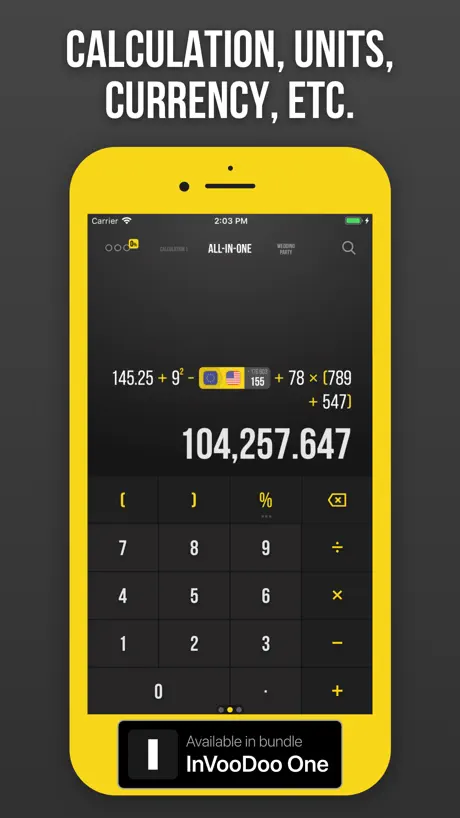  Calcularium | 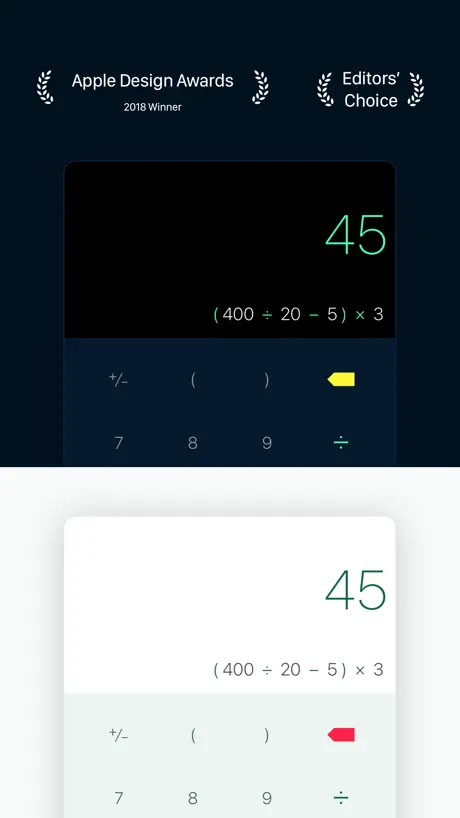  Calzy |   KDE Connect |   Logseq |   Dark Reader for Safari |   iHP48 |   Möbius Sync |   Karakeep App | |
|---|---|---|---|---|---|---|---|---|---|---|---|
| Rating / 5 | 4.6 | 4.8 | 4.6 | 4.5 | 4.7 | 4.3 | 4.5 | 4.4 | 4.8 | 3.7 | 4.7 |
| Reviews | 512 | 31K | 18K | 6.4K | 5.1K | 1.3K | 1.3K | 961 | 795 | 493 | 164 |
| Released | 2019 | 2017 | 2018 | 2014 | 2013 | 2022 | 2022 | 2018 | 2021 | 2020 | 2024 |
| One-time price | — | — | — | $199.99 | $3.99 | — | — | — | — | $4.99 | — |
The going rate for each plan in United States, in its own currency, shaded from the cheapest price on the row to the dearest. Plans fewer than four in ten of the priced apps sell are left out.
Uno Calculator reviews
4.6 out of 5, based on 512 reviews.
What people like
- There are absolutely no annoying ads.
- The interface is clean and looks nice.
- It works great across iPhone, iPad, and Mac.
What they complain about
- You can't copy results to paste elsewhere.
- It doesn't work with your physical keyboard.
- The history pane cannot be hidden on Mac.
Great UX! Free! No ads!
My first ever and it’s for a Calculator. I never liked the stock Apple Calculator app. Just looking for one better, but didn’t want to pay for it and I found the Uno Calculator. It’s two face is creep and is easier to use, as the buttons are bigger and easier to press, especially on the iPhone. I was surprised to see only 110 comments but I guess a calculator is not something most people go looking for unless they need a scientific calculator or one more complex then a straightforward calculator. Speaking of which, this Calculator has all of them. And they’re free.
The worst scientific calculator yet
One of the worst scientific calculators you can get. There’s no way to delete part of an equation and you can barely see what you’re even typing.
Two important things that are missing to make it perfect!!
This is exactly what I’ve been looking for; an exact replica of the Windows 10/11 calculator and this is perfect. However, the date calculation is missing and most importantly is native support for Apple Silicon. The app will stop working starting with macOS 28 next year.
文字サイズが小さすぎる
Mac版の文字サイズが小さすぎるので改善お願いします。
Best of the best, But!!!
Buttons disappear, while you using it on iPad.
LuvIt! Keyboard Input is Enabled/MacOS 26
I really like this very efficient app on iPhone & iPad and had a difficult time finding the Mac app today, but finally located it. Yay! So apparently, at some point in time, keyboard input has been added. It seems to be a primary complaint in reviews I read and am pretty pleased that’s no longer an issue. I would have still used Uno, but prefer keyboard input for more complicated situations. For me, I really like & use the history & memory panes, but if those are a deal breaker, from what I’ve seen, they can’t be hidden, yet! I haven’t experimented with speech or dictation yet and notice there are other customizations I might try out, like font & color. Handoff is smooth between devices. Thanks to the developers for making a fantastic multi-platform, basic calculator that just happens to be free. Much appreciated!
No ARM support, slow
What's the point of showcasing UNO Platform portability solution for apps, if it doesn't support Apple silicon?
1+2*3
Hi the developer, I like this app and I have uesd it for several years. However, there is an issue I'm confused, when I input like 1+2*3, I think the answer should be 7, but this Calc gives 9. Could you adjust this calculate logic?
Problem in the standard calculator
I don’t know if this is design decision but in the standard version expressions are computed after each operators not after I hit equals(=) E.g 2*2 + 3*3 should be equal to 13 but it says 21. This is wrong to my understanding and experience with other calculators everything before you hit equals(=) is and should be taken as one expression. And this problem doesn’t happen in the scientific version.
Numerical Keypad incapable
I tried this app, but was unable to input from my Apple keyboard's numerical keypad. I will try again when this bug is resolved.
Fantastic
Great calculator app hoping it continues to receive support and updates. My only complaint is it takes a bit longer to open than the official calculator app.
更新后闪退
更新后闪退
history
please don't delete history when i close the app.
Does not follow the order of operation
This does not follow the orderof operation in basic mode. For example if i write 2+2x2 ans is 8 2x2+2 ans is 6
No copy and paste is unfortunate
This is an excellent calculator but it's hampered by the fact that there isn't a copy and paste capability.
A better calculator app
This is a great calculator app - with many modes that you can switch between and loads of unit conversions. Based on the same underlying code as the Microsoft Windows Calculator app that was open sourced.
闪退
无法打开
Just what I was looking for
Nice, clean interface. Love the history function. Only improvement I could suggest is to move the calculator buttons to the right and the history to the left. It’s more intuitive for right handed users. Or provide an option to reverse the presentation.
Needs Keyboard Support
Please add keyboard support - this is the calculator the Mac needs
odd layout
iPad Air 3 here. Most people are righthanded, so it's little odd seeing uno's keys on the left of the screen, with your hand obscuring the tape as you type. I think buttons on the right should be the default in a preference setting.
History Pane
I really like this app! The only thing, is I wish I could hide the history pane. No option to do so, and I can only drag & resize the window so small before it stops resizing, leaving the history pane there still. I thought I could hide it by dragging the side of the window to the left. The app on my MacBook looks just like the app on my iPhone if my iPhone is in landscape mode (shows history). When I turn my phone to portrait mode, it hides the history. How it looks on my iPhone in portrait mode is how I’d like to see it on my MacBook. Hoping this can be an easy fix for the developer. Thanx!
更新完闪退用不了了
别更新
Perfectly good app
It's as you expect, appears to be based partly off the Microsoft calculator app. It does plenty good, and is better than the stock app. However, as far as I can tell, you cannot copy values. So if you're doing anything precise, you will have to manually type it.
Doesn’t Work with Apple’s Keyboard for some reason
Really strange that this app doesn’t accept typing numbers with Apples magic keyboard. If you can get rid of that block on using the keyboard it’s a 5 star app!
One annoying problem on ipad
Solid calculator app on my iPad. However, when buttons are pressed with an apple pencil, it turns dark, making the buttons like the equal button blend perfectly into the background, making it invisible. Pressing them with my finger doesn’t trigger this. Hope you guys fix this problem because it is getting annoying.
Thank you!
Thank you for making a free simple calculator that supported slide over and side by side on the iPad! I appreciate it, I’m going to keep using it even with the new calculator app in iOS 18
No keyboard support
Why no keyboard support? Windows has keyboard support...
Great app but misses Copy/Paste
Excellent calculator app overall but it misses a great feature which is copy the result from the calculation to paste into other apps. Paste would also be useful to avoid typing numbers or formulas.
Great Calculator but…
This is great calculator that does its job. Biggest reason for me to choose this calculator is UI. It has Apple-like UI. This allows me to focus while I am at work. However, you cannot type numbers from your magic keyboard for iPad Pro. This makes very inconvenient for me to drop what I am doing and force my self to press numbers on the screen. Developers, if you see this message please update this feature. I am sure alot of users use magic keyboard so it will be best update for many users with iPad with Magickeyboard. Sorry I had to give two stars because of it. Part of it I blame on Apple who doesn’t want to give native Calculator App to iPads…, but you can make users happy by adding that feature. Thanks,
Please add copy and paste
This calculator is awesome! Expect there is no copy & paste! Please add copy & paste and I will update to 5/5!! Thank you everyone!!
I never write reviews but this calc deserves a good one
I love this calculator. I’ve tried so many scientific calculators on iOS and they are all filled with adds. This calculator rolls a converter in and is free!? Thank you, you’re a saint for making this. Only one thing to add, give us an option to donate in the app. I appreciate that it’s free so much that I’d like to send a few bucks.
Bug fix needed
When calculating 12*4+(12*0.6*19), it returns 136.8 instead of 184.8 (only the part after the plus sign is caculated).
Fantastic on iPhone. A bit lacking on MacOS.
This is my go-to calculator on iPhone, but the lack of keyboard support on MacOS makes it a bit disappointing. Having to click in long numbers makes it a bit tedious and opens you up for errors in calculations.
Awesome disappointment
At first it looked like I found the perfect tool, exactly what I was looking for. A sleek well designed interface with tons of tools. But then comes the usability: 1. Does not support keyboards! Not the Magic Keyboard, not any external keyboard/keypad. 2. Impossible to copy the result. Forget making calculations and then copying it into your spreadsheet. A nice looking app you can’t use for anything meaningful.
does not work well with OS X
Love this alpp. on my iPhone but sadly it does not perform well on OS X; latest version. The keys lag resposiveness and takes a few seconds before the number keys appears.
I love this calculator
If this calculator app ever goes I away I will genuinely be upset. If there’s one thing I hate about iPhones it’s the calculator. This app has changed my life. Best calculator out there. 10000/5 stars. Thank you.
Numbers cannot be entered using keyboard
It's so annoying to enter numbers using a mouse
Calculator on the right?
Great calculator app without adds. Is there a way to get the calculator on the right and the history/memory on the left? I imagine most are right handed.
No keyboard input?
This is very useful on the iPad, but almost completely useless on a Mac without any keyboard support. Keyboard support would also make a lot of iPad users happy. Please fix this!
Calculator is on the left side of iPad screen with no apparent way to move it to the right.
Photos show it on the right side of the screen. What am I missing?
An excellent calculator
This calculator is everything I want in an iPhone calculator. Standard calculator works flawlessly. Scientific calculator is great. The history is easy to access and review. Best of all there are no annoying advertisements to put up with. I am thrilled that I finally downloaded this calculator app. I use it several times every day and I’m happy each time.
could not input with keyboard
could not input with keyboard
Montery icon PLZ~
Now the icon is too big
Clunky & Slow Data Entry
The app "works," but on this MacBook Pro running OS 10.5.7 (Catalina), data entry is Slow, Slow, S-L-O-W!
Calculator without ads but
The lack of keyboard support really hurts it, you cannot type it only takes finger inputs.
Ultimately the best FREE calculator for IPAD AND IPHONE
Need a calculator app for the Ipad? The stock calculator driving you nuts? Here it is, look no further and don't wait 20+ years for apple to “perfect” the stock calculator app. This is it, it has history to see what you typed before. If thats all you need plus some more complex stuff, then this is it, download it now!
Slow and buggy
Mac OS Catalina 10.15.4 (19E287) Button click response glacially slow. Could not convert grams to ounces
Great app, but…
…it needs a gesture for opening the menu and improved iPad UI.
Deleted b/c no keyboard input
Nice app - I like the aesthetic and most of the functionality but it is odd that it can't use keyboard input on a mac.
Uno Platform
Good example of using the Uno platform but needs work with landscape mode or disable landscape 👍
Uno Calculator FAQ
- Is Uno Calculator free?
- Yes. The app is free, in all 175 countries it sells in, and it sells nothing inside it.
- Does Uno Calculator have a free trial?
- No. None of its offers (US) come with a free trial.
- What are the best alternatives to Uno Calculator?
- Things 3 for iPad (4.8 from 31,329 reviews), OneCalc: All-in-one Calculator (4.6 from 17,818 reviews) and Calcularium (4.5 from 6,389 reviews, premium from $3.99).
Uno Calculator download
Last updated 2 years ago.
Uno Calculator sells in 175 countries. It was released 7 years and 4 months ago, on 28 Jun 2019. It holds a 4.6 rating from 512 reviews.
Supports 59 languages: English, Afrikaans, Albanian, Amharic, Arabic, Azerbaijani, Basque, Belarusian, Bangla, Bulgarian, Khmer, Catalan, Croatian, Czech, Danish, Dutch, Estonian, Finnish, French, Galician, German, Greek, Hausa, Hebrew, Hindi, Hungarian, Icelandic, Indonesian, Italian, Japanese, Kannada, Kazakh, Korean, Lao, Latvian, Lithuanian, Macedonian, Malay, Malayalam, Norwegian Bokmål, Persian, Polish, Portuguese, Romanian, Russian, Serbian, Chinese, Slovak, Slovenian, Spanish, Swahili, Swedish, Tamil, Telugu, Thai, Turkish, Ukrainian, Uzbek, Vietnamese.
How much does Uno Calculator make?
Third-party estimates for the last 30 days, worldwide — not the store's own figures, which Apple publishes for nobody.