
LaserPecker
How much does LaserPecker cost?
Prices are current as of 12 Nov 2026.
LaserPecker has no in-app products on record in the United States.
10+ alternatives to LaserPecker
| LaserPecker |   The Vector Converter |  xTool Creative Space |   xTool Creative Space Mobile | 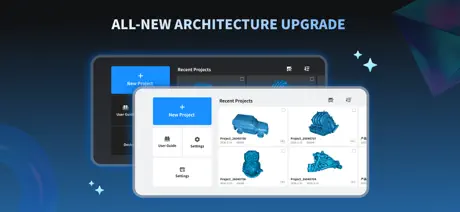  Creality Scan | 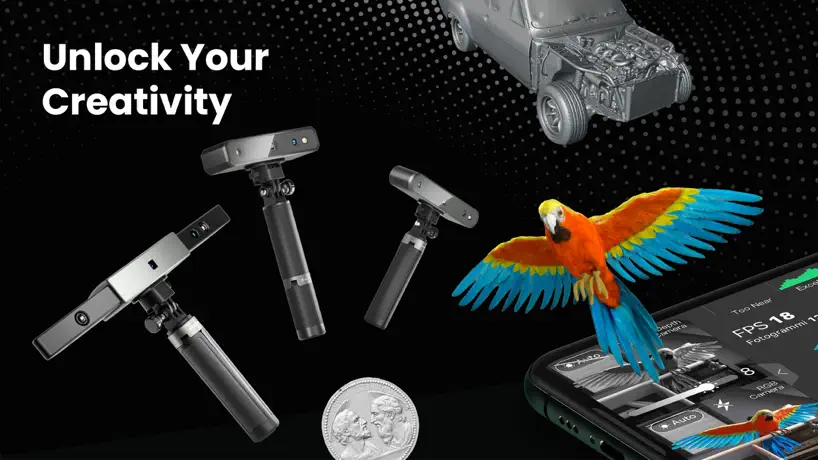  Revo Scan-3D scanner app |   xTool Studio | 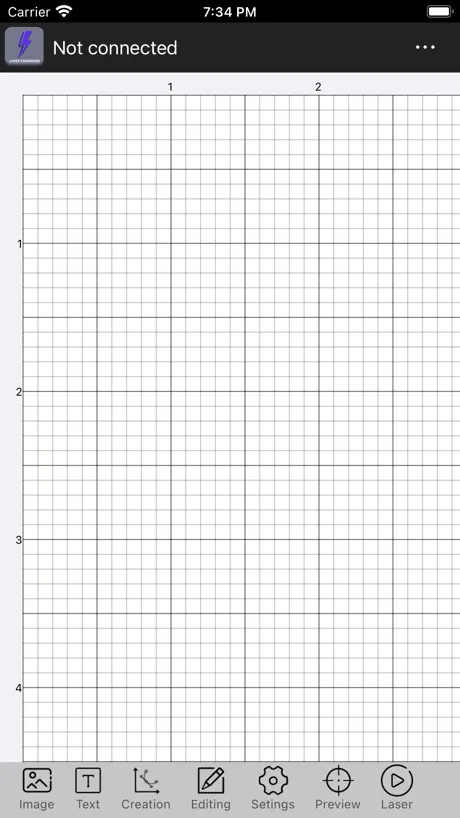  Laser engraving | 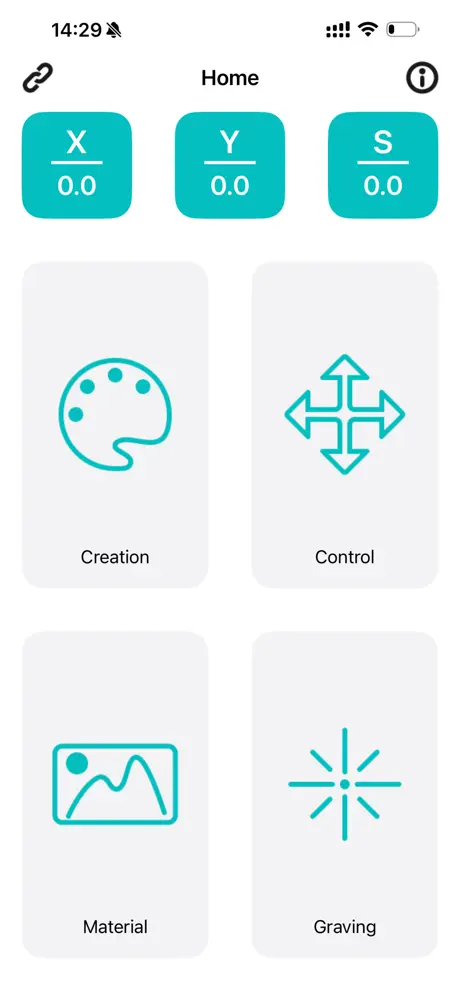  MKSLaser |   AlgoLaser |   SculpFun | |
|---|---|---|---|---|---|---|---|---|---|---|---|
| Rating / 5 | 2.4 | 4.6 | 4.7 | 4.6 | 2.0 | 2.7 | 4.5 | 1.8 | 2.4 | 2.2 | 2.5 |
| Reviews | 327 | 16K | 2.6K | 1.9K | 378 | 203 | 179 | 151 | 144 | 33 | 21 |
| Released | 2019 | 2015 | 2023 | 2023 | 2023 | 2022 | 2026 | 2020 | 2020 | 2023 | 2023 |
| Monthly price | — | $1.99 | — | — | — | — | — | — | — | — | — |
| Annual price | — | $9.99 | — | — | — | — | — | — | — | — | — |
| One-time price | — | $14.99 | — | — | — | — | — | — | — | — | — |
The going rate for each plan in United States, in its own currency, shaded from the cheapest price on the row to the dearest.
LaserPecker reviews
2.4 out of 5, based on 327 reviews.
What people like
- Very easy for beginners to use quickly
- Camera preview shows exactly where engraving happens
- Great value for money if it works
What they complain about
- App crashes constantly and disconnects often
- Registration glitches make it impossible to sign up
- Settings reset every time you restart the app
- You cannot add custom fonts on iPhone
Laser for wood engraving
I think this app is great, it is easy to use and great for customization. There are safety features and reminder that pop up while you use it which I think is very helpful.
horrible
original app was so simple and intuitive, now I have this time consuming worthless app, time to warn others and move to a different laser
More font
Bonjour, Est il possible de mettre plus de police de caractère ? Merci
Faulty sign up
I attempted to register for the Laser Pecker app, and I must say, it was a frustrating experience. The app registration process is seriously flawed. I couldn't even sign up successfully despite multiple attempts. It seems like everyone who has criticized the app's software was right. The interface is clunky, and the functionality is far from user-friendly. I'm relieved that I didn't make the decision to purchase one of the nearly $1000 lasers, considering I can't even access the app. It's disappointing to feel eager to use a new product, only to be stopped at the very first step due to a poorly designed app. I hope the developers take this feedback seriously and work on improving the app's registration process and overall usability. Until then, I'll be holding off on any further commitments to their products.
App needs work
We love this thing, the app needs some work tho, has major stability issues, half the time it loses its connection to the unit and my only option is to reconnect & stop the laser or let it finish without knowing the progress and when to expect it to finish, the app also needs clearer settings and menus… I don’t always get an option to preview/center before engraving, its quite frustrating.
Great app, very easy to use, ideal for entry level.
There are some low reviews on here and I feel this gives an unjustified negative impression of the product as a whole. Laserpecker pro is a great product and the iPhone app makes the whole setup very portable and simple to use. I’d definitely recommend both. This app is good, but it could be better. I would have preferred an option to save all the settings for a project, so that I could quickly switch between projects for different work pieces. As it stands, I can save just the image. This is useful but could definitely be improved on, personally I feel this to be a minor inconvenience rather than a problem.
Atrocious app that’s been around long enough for them to improve it. But they haven’t.
The issues are well documented in other reviews but I’ll add one thing I haven’t seen: the iOS app only works with your device in vertical, portrait screen. It makes using this on an iPad completely useless. The constant request to login is annoying as well. There is no keyboard shortcut to hide the app. It’s unstable and clunky. This is a shame because the pecker is a solid, well designed piece of equipment. The software is trash.
楽しいです
ワンオフのプレゼント用に最適!
Roller attachment problems
Have burned a couple of things with the L2 in its standard function. However, can not get it to use the rollers in any of the 3 modes to burn anything. Not sure if their is a bug in the software but would love to use the roller attachment that I bought….
Decent
App worked great until recently the app keeps crashing and stoping. Hope app is fixed soon. The engraver I bought only works with this app and I can’t do anything for how expensive it was
BETTER THAN I EXPECTED!!
For what it is and what it does it does great!! For the price and the functionality you get more than expected!! It’s a perfect starter Laser and app, sure there will always be room for improvement but you get what you pay for and with that being said I give it 5 stars price performance and usability between a 6 year old or 60 year old they could use this and enjoy it !! Can’t wait for the Laser Pecker 2 too come out!! Thank you all who have helped make such a cool and useful laser!!
Barely usable
This app needs to be combined with the design space app so users don’t spend an hour trying to use the wrong app for the L1 only to cause even more headaches by breaking sign on for this app. And the design experience on this is rubbish compared to the design space app (which doesn’t work for the L1)
Ottimo
Rapporto qualità prezzo direi onesta. Ho già inciso magliette giacche custodia delle cuffi Apple legno e cuoio
Poor attention to detail
While the tool is good and I use it in my shop almost every day; their software releases tend to suffer from a lack of testing. I have had the device for almost 3 years and have a substantial amount of gcode files that I use regularly. This latest release of the software change the file storage location for gcode so legacy files are no longer reachable. In theory these files can be reimported but on Apple devices the option to do this is missing. There is a convoluted work around but all the imports are labeled “GCODE”; there is no discernible way to tell one file from the next. It is clear that little to no testing took place on the IOS platforms and that little to no concerns were made for existing users. Hopefully it will be resolved soon. As a side note: When I contacted them about the bug they suggested that I install the previous stable version … for Android; again missing the fact that the issue is an Apple IOS issue.
Please make it more user-friendly for IPad
Please change the code so that those of us who have keyboards with our iPads can use the app in landscape mode.
Fantastic.
Really loving my new LaserPecker Pro. What a great piece of kit. I’m a bit of a hobby artist and like to draw the images I use with a black outliner pen then take a photo of it. This method really works well within the app, which is a bit basic but is perfect for what I want it for, so 5 stars from me. Brilliant.
Usually works well but lately lots of bugs!
Recently this app has been freezing a lot and shutting down and forcing me to reconnect after each engraving.
使用簡單
介面簡單,操作容易, 用Gmail註冊馬上就成功了, 比安卓版本好用多了,字型也可以選更多! 可惜不支援AI檔,希望未來可以更新更多功能!
Terrible since the recent update
It won’t laser anything since the new update. It keeps saying turn on free mode but there is no option for that.
LP app keeps crashing
The app initially worked pretty decently a couple of months ago but has now declined. It’s becoming very slow and crashes majority of the time. It’s very frustrating. Please fix the issue :(
Brilliant
My wife bought this as a surprise Christmas present to print my logo onto my Wood turned items. I also make bespoke cabinets and trinket boxes where sometimes wording I or a picture needed to be printed on to the item. The only negative is limitation on fonts and the size of the print area, otherwise easy to use and excellent quality to the finished item.
Garbage
Can not believe the unreliability of this device/app. The laser engraver keeps disconnecting from the stupid app. The thing is so slow I might as well take a torch and just engrave things myself with fire. If you charge that much for a product at least make sure your app works somewhat reliably. I can reliably guess that it will not work instead. What the heck is the point of a preview and timer on it if it keeps disconnecting? That stupid beep it makes is just anxiety inducing knowing that it means it’s about to make a mistake.
Pretty good
Was worried after reading other reviews but I have had really no issue and no multiple registering. The app has crashed once but was able to get back to the work already in progress. Just wish they would give advice about depth & power for the different materials because right now I’m playing the guessing game.
Issues
Today a new version of the app appeared and updated automatically. It now requires registration and part of this step it supposedly emails a code. I’ve tried many times with several email addresses but a code is never received. Please be advised that this effectively make the unit useless. I would not purchase a laserpecker if I’d known the lack of available support (no phone number to call) and making changes that brick our devices.
desperately needs update.
Functions ok, but considering the price of the laserpecker, very limited in regard to creativity. Very clunky & basic vectorisation of images, and since iOS update 14, you are unable to use additional or downloaded fonts. Reported the issue, but I guess the language barrier was to great. Apple did inform developers of the change in how it handles fonts, but still not updated after a year now.
Works fine , simple to use
As in the title , I don’t get the why the ratings are low. No problem for me , great device too
Has bugs
App crashes too much while trying to send files over to engrave
Can no longer engrave large
After the update, I can no longer engrave anything larger than 55mm. The max size on the LP3 is 90mm x 80mm oval.
We need select long , width separate
Please , We don't able to select long and width as we need The app must entered one dimension only I think Is very easy We waiting you ...
Free app controls stand-alone laser engraver purchased elsewhere
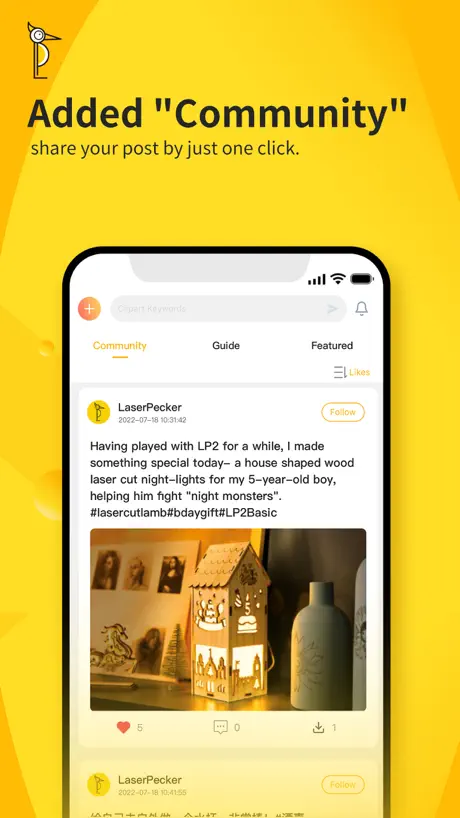
The purpose of this free app is to control through Bluetooth a standalone laser engraving device called LaserPecker, which you can buy on Indiegogo or Kickstarter. (I don’t know why anyone would think an app would make it possible to use an iPhone to laser engrave something when the iPhone doesn’t have a laser built in.) The user interface is easy to use and quick to understand, and the app controls make it possible to do a variety of engraving using the LaserPecker. Text-based designs are easy to type with a robust selection of app-loaded and system fonts. Use your camera or select an image from your Photos library, then apply one of five filters to create a design. Save your designs within the app for future use. Most important, a camera on the LaserPecker lets you preview on your iPhone screen precisely where the engraving will occur. I love creating labels or embellishing objects using this consumer-level engraving laser.
I regret this purchase
I regret my purchase of a laser pecker. The machine itself is pretty good but the app is terrible. So many connection issues. Laser settings sometimes get changed in updates and my notes for engraving certain products are out of date. I’m writing this review now because it’s failing to import an svg. I haven’t changed anything on my end but now I can’t engrave using an svg which is the most convenient for me. If the app was better I wouldn’t have any complaints as it does engrave quite nicely… when it works…
Crashes in CREATION mode
Just upgraded to IOS 16.1 and app crashes when you try to use creation mode.
Story of an app
The app functions decently but could have some added functions. Metric to standard conversion for size selection. It states it can open svg images but I’m yet to get one to open. Editing mode is a little basic, and clumsy. And not related to app but they promised a pc version and have yet to deliver.
Don’t understand the negative review - works fine IMHO
You must connect to bluetooth INSIDE THE APP not from the bluetooth menu on the phone. Once connected it works quickly and easily ...
Disappointement
The hardware are well manufactured, although underpowered. However, the app is absolutely trash.
More needed
Overall the app does what it’s meant to but for what you pay for the Laserpecker machine the app needs to be able to do more. More functions to enable the machine to be better than what it already is. My biggest gripe is with the fonts, I can’t add fonts via my iPhone, I do a lot if stuff for my local MC and to be able to write their MC name I need to add fonts. Please enable this for the IPhones and you will be heading in the right direction
Unable to enter code that is supplied to me
Unable to enter code on app after it has supplied me one. I have made numerous attempts but cannot get it to accept the code given to me.
App works well with laser engraver hardware
Latest version of app connects quickly and reliably with hardware. Provides effects to process photos for engraving. Also provides basic text editor with access to all fonts. App sets power, depth (not clear what this means) and number of repeats. It resets settings each time, would be better if it remembered new settings. Developers: - improve text editor including cursor for proper editing and mixing fonts. - please consider allowing users to upload own G-code. - Also allow saving / loading of previously used engraving content with settings so can repeat job identically. - allow users to post and share engraving files. Thank you
App doesn’t work and you can’t use the laser engraver without the app
App requires you to make an account to use any function of the laser engraver, however, there’s a glitch where you can’t make a new account. To go around the issue, I tried making a new account using the official website, but that is not linked to the app. So pretty much can’t use the laser engraver because of the terrible coding on the app. 😡
Does not work on IPhone
All I get is a black screen when I open the app. This needs to be fixed.
App work Good but have cushion for Improvement
Product is very good and easy to use, but the App can have better UI, notifications like when work is finished and started, background work, App name should be in English for US version as its hard to search on Phone and understand.
改善早く!
バージョン3.3.3にアップデートしてからレーザーが、出ず彫刻されませんでした。色々彫刻したい物があるから改善早くして欲しい。
Will not register on iPhone
Worthless purchase.
App needs a lot of work
If a product costs over $200, I expect the remote to work perfectly. The LaserPecker doesn’t have a remote, but this lousy app instead. The product is worthless without the app, and a lot needs to be done to make the machine as great as it could be. - Random crashes- these happen often. And none of your settings are saved, so you will need to start all over. - disconnects- the app will sometimes disconnect from device, and will show the main screen instead of the progress. You can no longer control the device with the app after a disconnect, even if you reconnect right after. If you are in the middle of a job, you just have to wait and hope it turns out ok. The only way to pause it is to unplug it. - language- directions are basic. You have to learn how to use the app on your own. These issues could be resolved easily; and they should be! - -
App issues
I’m still waiting for the laserpecker to arrive. Got frustrated because I have a lot of projects pending. Found out to reset for phone and the app finally worked. I was about to return the product
LaserPecker FAQ
- Is LaserPecker free?
- Yes. The app is free, in all 175 countries it sells in, and it sells nothing inside it.
- Does LaserPecker have a free trial?
- No. None of its offers (US) come with a free trial.
- What are the best alternatives to LaserPecker?
- The Vector Converter (4.6 from 15,556 reviews, premium from $1.99), xTool Creative Space (4.7 from 2,580 reviews) and xTool Creative Space Mobile (4.6 from 1,928 reviews).
LaserPecker download
Last updated 2 years ago.
LaserPecker sells in 175 countries. It was released 7 years and 6 months ago, on 11 May 2019. It holds a 2.4 rating from 327 reviews.
Supports 7 languages: English, French, German, Japanese, Korean, Chinese, Spanish.
How much does LaserPecker make?
Third-party estimates for the last 30 days, worldwide — not the store's own figures, which Apple publishes for nobody.