
Carnets - Jupyter
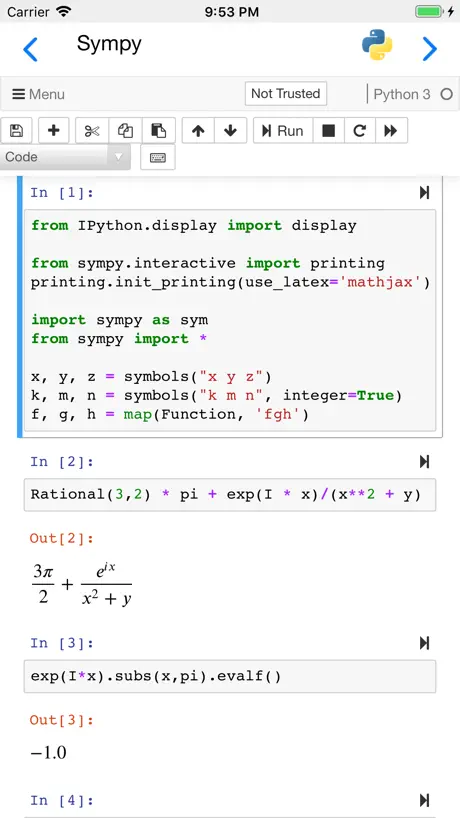
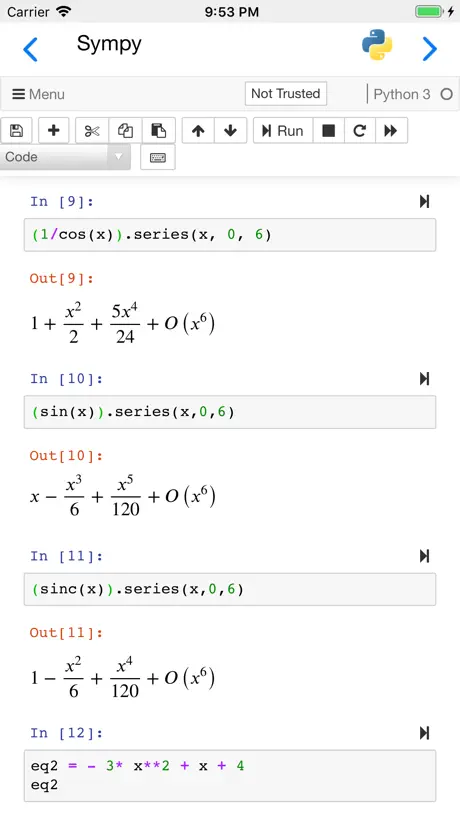
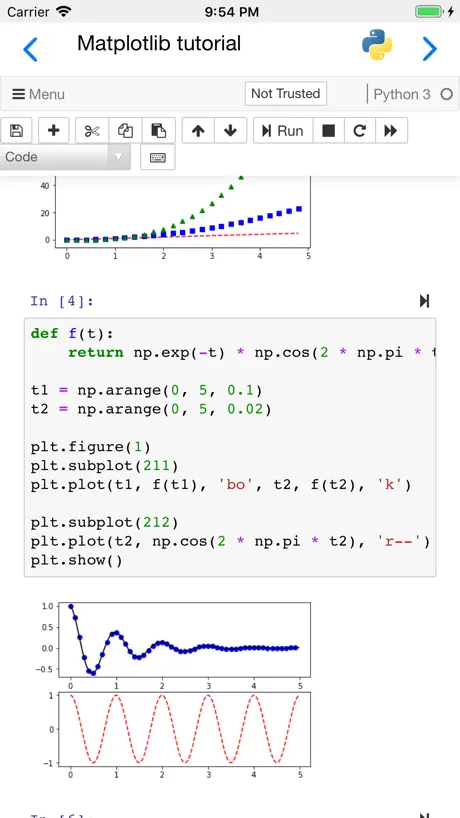
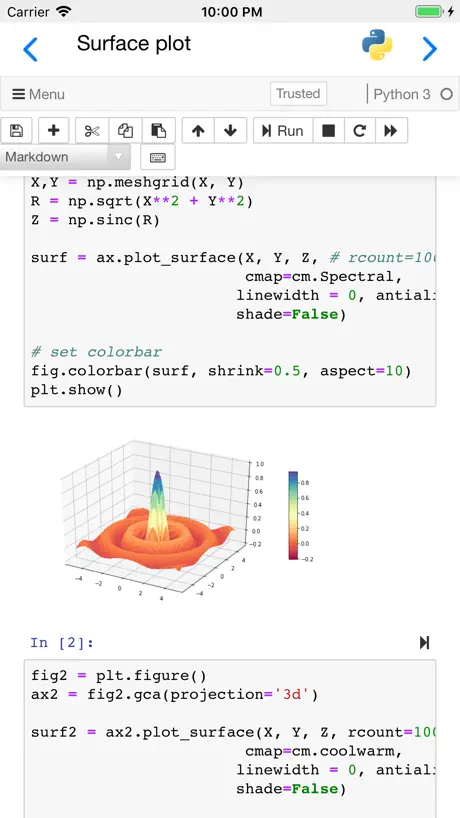
How much does Carnets - Jupyter cost?
Prices are current as of 6 Nov 2026.
Carnets - Jupyter has no in-app products on record in the United States.
10+ alternatives to Carnets - Jupyter
| Carnets - Jupyter |   Python Editor App | 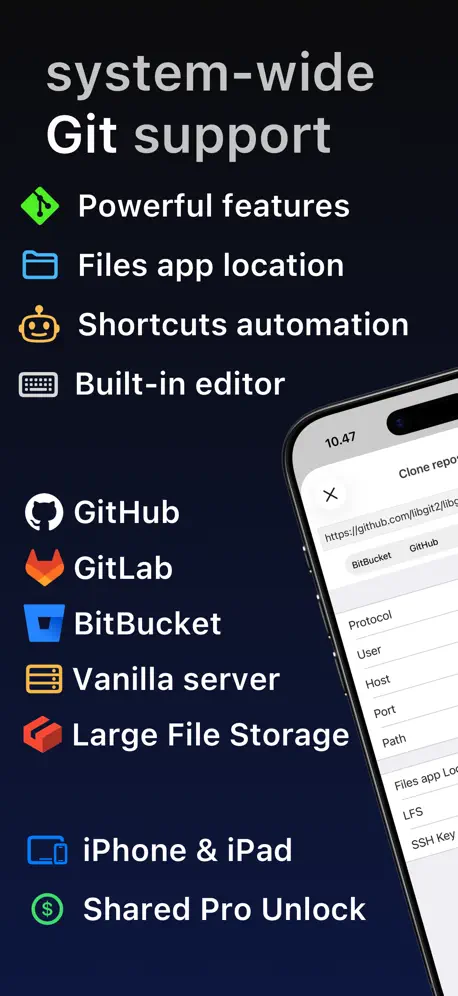  Git client - Working Copy | 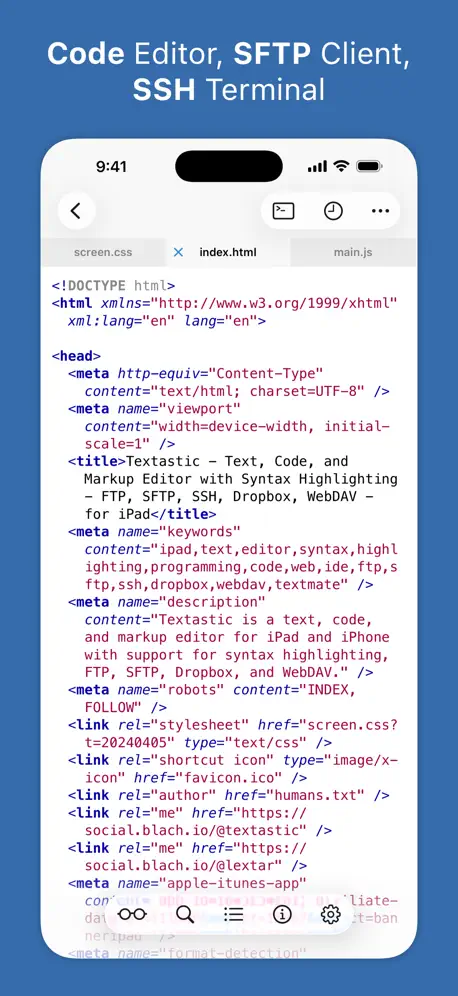  Textastic Code Editor | 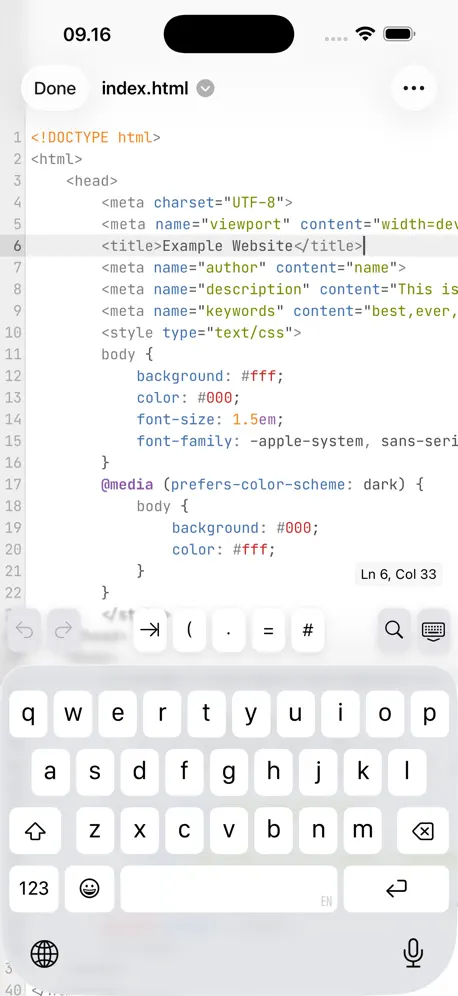  Runestone Text Editor | 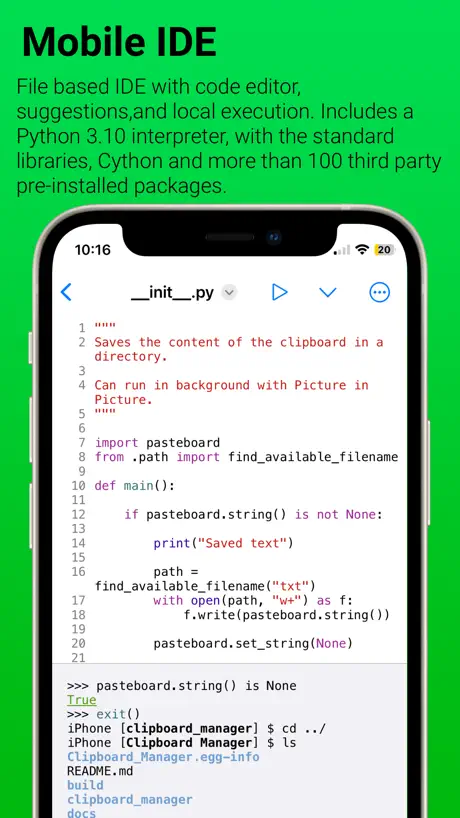  Pyto IDE | 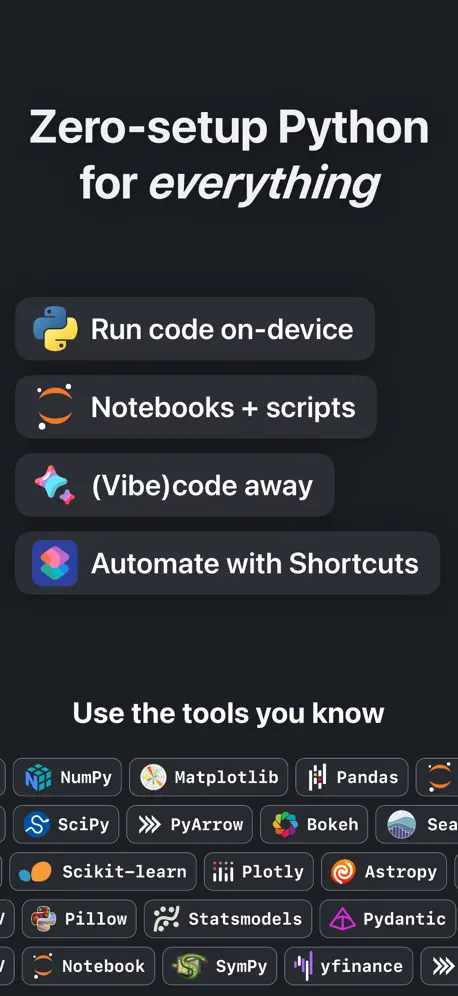  Python IDE & Jupyter – Juno | 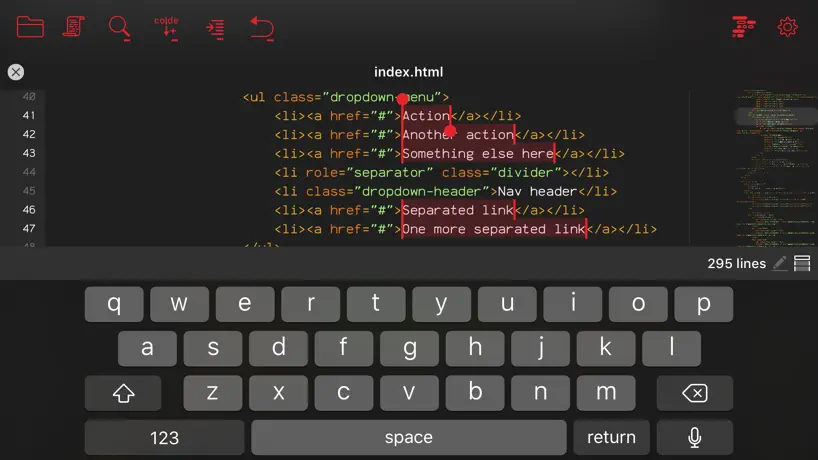  Kodex |   Python3IDE |   Code Editor - Compiler & IDE |   Jupyter Notebook - JuCode | |
|---|---|---|---|---|---|---|---|---|---|---|---|
| Rating / 5 | 4.6 | 4.3 | 4.8 | 4.7 | 4.7 | 3.7 | 4.5 | 4.2 | 3.7 | 3.4 | 3.5 |
| Reviews | 1.6K | 40K | 11K | 8.1K | 5.6K | 3.8K | 3.7K | 695 | 555 | 382 | 45 |
| Released | 2019 | 2023 | 2014 | 2016 | 2022 | 2018 | 2019 | 2018 | 2018 | 2022 | 2025 |
| One-time price | — | — | $14.99 | $69.99 | $9.99 | $7.99 | $39.99 | $4.99 | — | $3.99 | — |
The going rate for each plan in United States, in its own currency, shaded from the cheapest price on the row to the dearest. Plans fewer than four in ten of the priced apps sell are left out.
Carnets - Jupyter reviews
4.6 out of 5, based on 1,591 reviews.
What people like
- Completely free with pre-installed packages
- Great for data science learning
- Works well on iPad Pro
- Open source and transparent
What they complain about
- App crashes when opening files
- Keeps crashing during typing sessions
- Drains battery very quickly
- Device gets uncomfortably hot
Excellent software
I am learning Python and this app is really good to run my small scripts. I have an iPad Pro and I divide the screen in 2, in 1 side Carnets, the other side the book that I am studying
Blank on macOS
The app shows up as a blank screen and crashes when you try to open files. It should be de-listed for macOS until it can get fixed. (Do try it on iPad though, it’s better there.)
Bug with latest Carnets update
Love the app but same issue as JorgeC on iOS 18.7
Problems with this version
This code revision is now crashing or sending the Carnets app to a place that I can not recover and read-in a notebook.
High Battery Consumption
On iPhone 17 running iOS 26.0.1 (23A355), the battery drains too quickly. Even though I only opened simple Python list and tuple example files that had already been executed, it used up about 40% of the battery in just 40 minutes. This needs to be improved. (Translated with a tool, may contain slight inaccuracies.)
IM SO THANKFUL FOR THIS
I don’t have access to a computer and I’m dirt poor ($0.77 poor 😭). THE FACT THAT THIS APPLICATION IS COMPLETELY FREE, AND YOU HAVE PRE-INSTALLED PACKAGES?!? I really really needed this for school, I’m literally so grateful for this thank you thank you thank you so much it’s incredible.
Сигма
Ужасно
Error starting Kernel after iOS 26.1 iPad upgrade
I love this app; unfortunately, after yesterday’s iPadOS 26.1 upgrade (from 26.0.1), now, when opening a Jupyter notebook (or even, creating a fresh new one), it gives the error “Error starting Kernel” followed by a “‘module’ object is not callable” window error. Nothing works after this; did not have any issues before it.
I need tensorflow
But there is error to install tensorflow
打不开.pynb的文件呀
如题
Absolutely —-ing love this app -engineering student at University of Illinois
It’s a life saver! Saved me when I broke my laptop charger and I needed to work on my iPad! Never going back!
Very unstable
No kernel lots of problems waste of precious time
Great
AMAZING just needs error messages
bugs
using this on my ipad pro max, 2022. this app is absolutely free and awesome, i have to use python for my university course. but omg. so many bugs. after you make about 4 or 5 files, you have to delete the app and reinstall it to be able to make anything else!! i have storage. it isn’t a storage issue. you can’t make multiple files on this app. additionally, it doesn’t always run. i can edit a python code a handful of times, but whether or not it runs is the problem. after like 5 rerun’s, it stops. it just doesn’t work anymore. so then i copy and paste my code into a new file and it’ll work there, since my reruns are set to 0 on the new file. but then that adds to the issue of having multiple files on this thing. to use this app you’ll need to save your codes on your device or something, back them up there to be able to constantly delete and reinstall the app itself. and after a code file gets too old, carnets wont even run it. like it forgot what you wrote or something, or it is too old of a file to open. which makes 0 sense. otherwise, this is the only python app i found that works on an ipad. so i’m going to continue using it while i’m out in my classes. i have a desktop pc at home so until i get home to do hw, i can do something on my ipad. even if its buggy, i guess. but people need to know about how sucky this app is! every python app i’ve used is absolutely worse than this one though. so i guess picking the lesser of two evils, this one isn’t as bad. but please, developer, fix these issues.
Local Jupyter Server, which works amazing
Every single thing that Nicolas has created has been nothing short of amazing, and it includes this!!! As a FOSS lover, supporter, and developer: the tools being Open Sourced, and bridging the gap in iOS for full development are nothing short of amazing.
打不开文件
第一次可以打开文件,过了一会就一直打不开文件并闪退
Not workin right
I’m using ChatGPT to help me but none of the coding is working. The AI said that the matplotlib isn’t working. Otherwise, I love it.
Great functionality, but processor intensive.
This app causes my phone to be noticeable hot in a very short amount of time. It seems to be doing something cpu intensive in the background even when idle.
Besi ide for ipad
Dont get windows laptop or macbook Get a ipad with Magic Keyboard n u r good to rock n roll
都会英文不会用
小白不会用都是英文
Overheating iphone
Love this app and layout. Jupyter feels sooooooo good on a handheld device. But my iphone overheats when using. Any fixes for this?
Great app needs some work
I am not someone to write long reviews but here we are. By itself this app is great but certain data types never work and functions are considered syntax errors I checked over and over to see what I was doing wrong for an hour around but still nothing and other functions seemed to be non existent so please fix this because this a great app but needs some work also way to many adds.
Awesome app! Problem with turtle package though . . .
This app is fantastic!! I definitely recommend it. It is definitely helping with learning Python. Though every time I try to draw something with turtle package, it says it couldn’t find it. It always says there’s something wrong with import turtle. Will you please look into this?
Cannot upload CSVs for the life of it.
I said it. I have a CSV file with 79 KB of data and I have never been able, for the past 30 minutes plus, to successfully have it uploaded even after I unlocked access to the file. Uninstalled.
Great App
Finally figured out how to use it and the app is great.
Instantly heats up an iPhone
Cool idea and it does work. The heat output from the processor is humongous.
Amazing
It’s amazing app, working like a desktop version. Thanks to the developers.
Unusable
Tried opening it up, it immediately goes to my iCloud Drive and says that it doesn’t have permission. It won’t let me create a new notebook. Looking this up online it was reported as a bug four years and seems it was never fixed…
Great app for Data Science/Machine Learning
This is a great app for data science/machine learning However, there is no support for PyTorch and you cannot use pip to install PyTorch. It will be nice if you can add support for PyTorch.
cannot install sklearn
I downloaded this app because I need to code on python in my machine learning class. However no matter how I tried I was not able to import sklearn package here, therefore it’s totally useless. Since I believe many people use python to do machine learning, i hope this can be included.
the best app
this is the best coding app for ipad. It works just the same as jupyter notebook on my laptop. however, it would be the very best if it supports pytorch. is there any future plan of supporting pytorch on this app?
EXTREMELY ANNOYING Line Duplication Bug
Almost always during a session will carnets begin to duplicate and create new lines for every character you type. Only reliable fix is to restart app or delete the new line for EVERY character you type.
Need full keyboard
Hi, I’m not getting full keyboard support like tab button,shift,enter. How do I get this suppor??? Plz help me ASAP. Thank You.
Amazing, awesome, best app in the store
I have been self-learning Python and Python with Excel for the past couple of months using both a windows laptop (surface) and a MacBook Air (which i love), anyway i have been watching YouTube vids and i recently purchased a Python-Excel class on Udemy. Everyone has you installing python, pandas, pip, all kinds of terminals, bash, this and that. I hate installing a lot of stuff on my Windows laptop because things just don’t behave that well. So i have been playing with Pythonista on my iPad and i was looking in the store and stumbled upon Carnets. So after reading the reviews i installed it and was blown away. I didn’t like the way VSstudio worked with Jupiter notebooks, so i tried Carnets and amazing theJupyter notebook loaded. Then i tried some simple stuff and it worked great…excellent i can use my iPad now. Anyway i purchased this Udemy python-excel course and installed all the programs….I decided to try the Carnets and it worked great for all the openpyxl library and the charting libraries.Just amazing What a great app. I can’t thank you enough …
PDF Conversion Error
I get an error every time I try to save a jupyter notebook as a pdf.
Please add an option to Fill entire screen and Auto load Files
About 1/3 of the display isn't used because of the left and right unused columns. Please add a setting that allows you to toggle streching all the way to the right and left. Similarly, please add a toggle that allows minimum-text size. Ive figured out a way to change the size for the code itself, but the output texts for things like tables is still too small to be comfortable. Lastly, please add an option to Automatically load the files from the directory the notebook is opened from. Its super annoying to have to do it manually each time. Otherwise, this is great. Those three would really fix all the annoyance that i currently notice.
Help
Dear developer, fantastic job and sincere thank you. Quick question: for iPad is there an easy way to read (like pd.read(‘.xlsx’)) a file from the iPad? I’m uncertain how to exactly pinpoint the correct path, even when the file is located in the Carnet root folder. Thank you. Best, Ryan
Can’t open ipynb files
I’m having an issue where the app keeps opening any ipynb file as a txt file. Why does it keep adding the .txt extension on its own? Very frustrating and until then, unusable for me.
Great app - but return stopped working from iPad keyboard with iOS15
I love the app, but it broke with iOS15 and the iPad keyboard. Returns no longer work for the keyboard when entering code. I can switch to the manual on-screen keyboard, but that is pretty clumsy, and that keyboard disappears whenever I type on the physical keyboard.
Carnets - Jupyter FAQ
- Is Carnets - Jupyter free?
- Yes. The app is free, in all 174 countries it sells in, and it sells nothing inside it.
- Does Carnets - Jupyter have a free trial?
- No. None of its offers (US) come with a free trial.
- What are the best alternatives to Carnets - Jupyter?
- Python Editor App (4.3 from 40,158 reviews, premium from $2.99), Git client - Working Copy (4.8 from 10,833 reviews, premium from $1.99) and Textastic Code Editor (4.7 from 8,107 reviews, premium from $2.99).
Carnets - Jupyter download
Last updated 19 days ago.
Carnets - Jupyter sells in 174 countries. It was released 7 years and 7 months ago, on 17 Apr 2019. It holds a 4.6 rating from 1,591 reviews.
Supports 1 language: English.
How much does Carnets - Jupyter make?
Third-party estimates for the last 30 days, worldwide — not the store's own figures, which Apple publishes for nobody.