
Elgato Control Center
How much does Elgato Control Center cost?
Prices are current as of 14 Nov 2026.
Elgato Control Center has no in-app products on record in the United States.
10+ alternatives to Elgato Control Center
| Elgato Control Center |   MOTIV Video |   Phonecam for OBS Studio |   Sony | Monitor & Control | 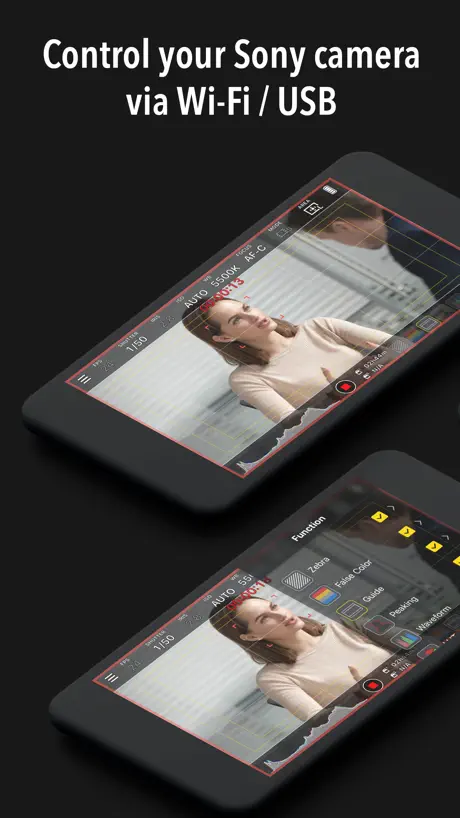  Monitor+ | 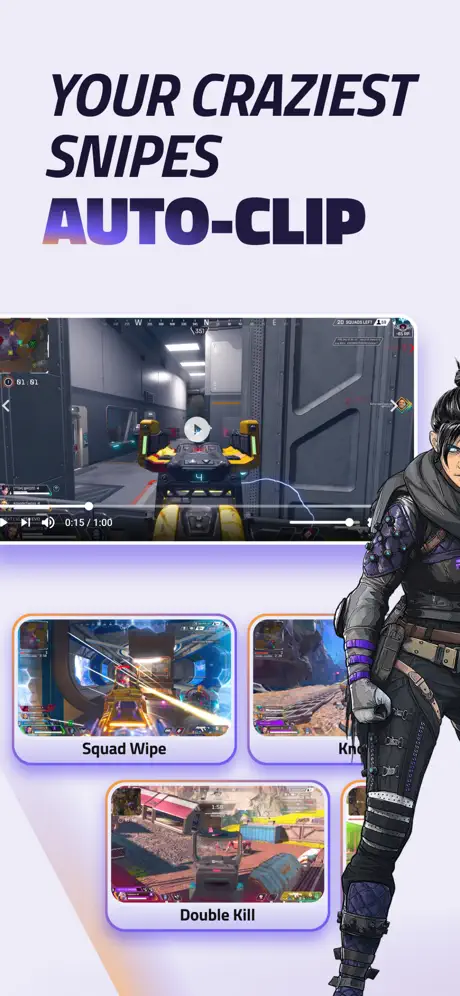  Eklipse.gg |   Cross Clip: Edit, Post, Grow | 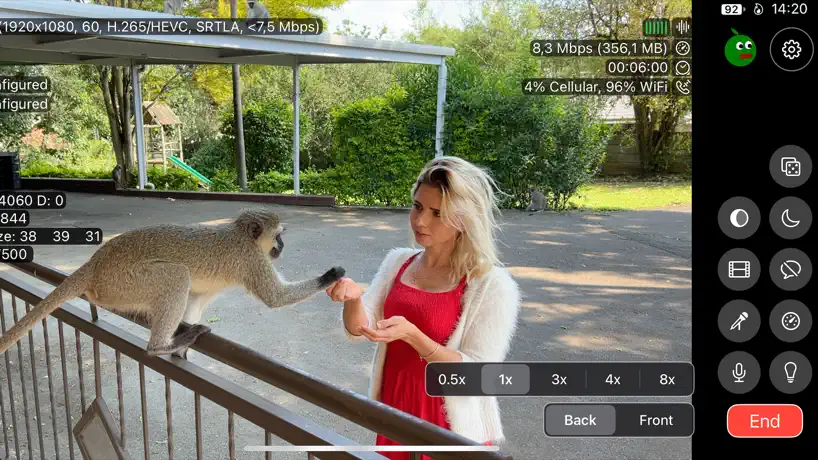  Moblin |   Blackmagic Remote Monitor |   VDO.Ninja |   Obsbot Start | |
|---|---|---|---|---|---|---|---|---|---|---|---|
| Rating / 5 | 4.5 | 4.6 | 4.3 | 4.4 | 3.5 | 3.8 | 4.6 | 4.7 | 3.5 | 3.9 | 2.7 |
| Reviews | 9.3K | 7.8K | 3.9K | 3K | 2.1K | 1.4K | 803 | 366 | 211 | 111 | 63 |
| Released | 2019 | 2018 | 2021 | 2023 | 2021 | 2023 | 2021 | 2023 | 2023 | 2022 | 2023 |
| Monthly price | — | — | $7.99 | — | — | $27.99 | $4.99 | — | — | — | — |
| Annual price | — | — | $11.99 | — | — | $149.99 | $49.99 | — | — | — | — |
| One-time price | — | — | $49.99 | — | $18.99 | $18.99 | — | $1.99 | — | — | — |
The going rate for each plan in United States, in its own currency, shaded from the cheapest price on the row to the dearest. Plans fewer than four in ten of the priced apps sell are left out.
Elgato Control Center reviews
4.5 out of 5, based on 9,257 reviews.
What people like
- Clean interface with fast response times
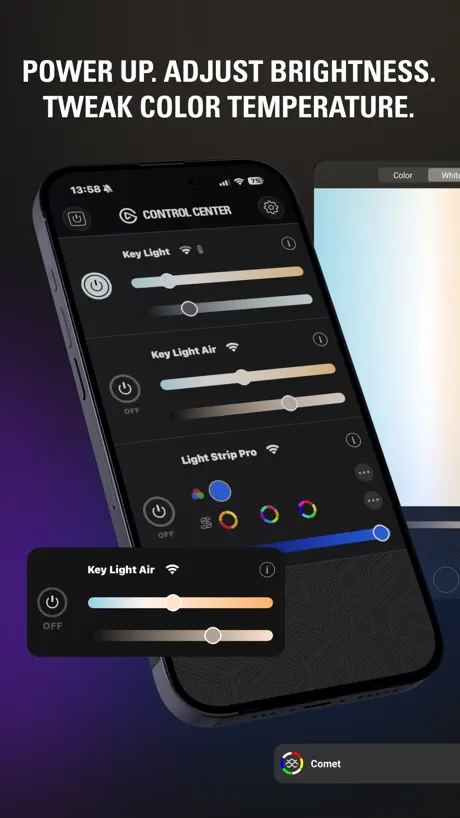
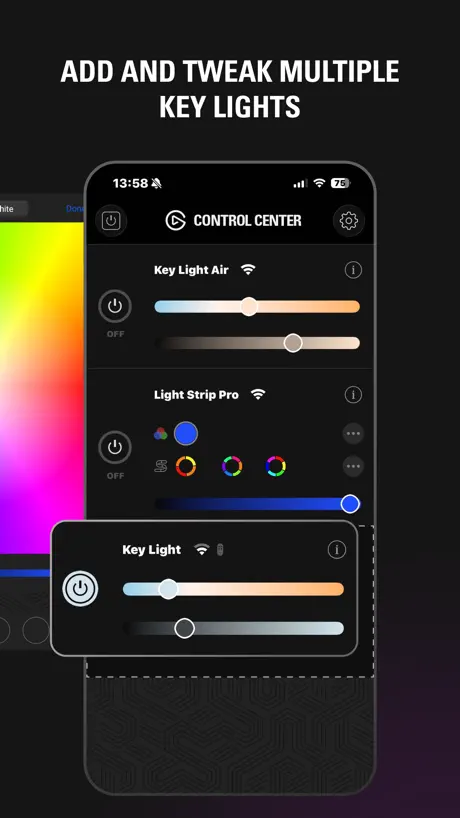
- Easy to adjust brightness and color temp
- Mobile app more stable than desktop version
- Great for professional video calls and podcasts
What they complain about
- Connectivity drops or devices disappear often
- Missing HomeKit and Siri smart home support
- No convenient widgets for quick on-off control
- Recent updates broke Shortcuts automation features
LIGHT
Fantastic for close up light. Awesome.
Shortcut support is entirely broken
A recent app update completely broke shortcuts support for Control Center, with shortcuts stopping and displaying a “Control Center quit unexpectedly” notification. I rely heavily on Shortcuts for automation with my Elgato lights, so I opened a support request. Their initial advice was that the problem was with my phone or with Shortcuts, and not a problem with the app. I had to really push the issue for it to be taken seriously, but they have not been able to offer me a solution. I asked for an escalation and have not heard back after a few months. Shortcuts is kind of the ugly duckling of the Apple ecosystem. Nobody really wants to support it; I get it. But Shortcuts was the only thing that let me automate my Elgato lights with everything else, and it really took a load off for a while there. Unfortunately if they’re not taking their support tickets that seriously, I’m going to have to look at non-Elgato products in the future.
No HomeKit & Siri
I would like homekit / Siri support Works well with dual band tp link router
Temperamental
The app (iOS) still often can’t find the light - I often have to reload or quit the app multiple times to make it find the light (Key Light Air) sometimes switch on and off on the mechanical switch. Frustrating
Dual Band wifi
Not always working if devices are using dual 2,4/5GHz wifi network.
Awesome Light
I work from home and am constantly in and out of zoom meetings and this light has been an absolute game changer. It’s helped my video look a lot more professional, which is important because I’m usually in front of a lot of c-suite executives. I appreciate how easy it is to set up in the fact that everything can be done via Bluetooth on my phone or through my Stream Deck. I would highly recommend this to friends and family.
Gave up
I’ve given up on this app locating my key lights. I’ve gone back to manually turning them on and off. Nice try, I guess.
Terrible
Can’t even find the devices - tried everything
Obsolete
Never updated. Old. No integration to home kit or anything really.
Andreas
Leider geht die Einstellung immer wieder verloren. Das das Elgato für ein teures Produkt nicht hinbekommt?!
Bello
Bello
If you need favorites do not buy
I bought the light because it has been touted as one of the better ones- which it is! However the app for controlling the setting for light (brightness and warmth) is not good. I can’t create a favorite setting for the light. some video applications require different lighting and I have to manually slide the indicator to adjust the light. Having at least three favorite buttons would make my work life less hectic. Poor app design on whoever came up with the app functions. I should be able to create favorites from the application.
Improved
Update: 2024-12-05 App works again! I didn’t do anything so either Elgato or my network equipment released a fix. Updating rating from 2->4. Holding off one five stars until I see how reliable things are. Original review: Before upgrading my networking equipment (unifi) the app would lose my key light air about 10% of the time. After upgrading to new access points (still unifi) no matter what I do (single AP with 2.4Ghz only ssid and no auto settings) control center cannot find the keylight. The keylight will connect to WiFi totally fine, it’s just control center that can’t find it. Be nice if we could enter an IP address manually.
Very sometimey
The app is great. But it just doesn’t connect all the time… especially recently, I’ve had to re-sync my lights several times… don’t fix what’s not broken
Works good when it recognizes devices
Wish the connectivity was better for my lights. Sometimes doesn’t recognize them and it’s a pain. Otherwise works great when connected.
Justo lo que andaba buscando
Me encantan los sencillos que ajustar el brillo y la temperatura del color sin tener que levantarme la interfaz limpia y la conexión por Wi-Fi. Funciona de maravilla. Es el ingrediente secreto que le faltaba a mi directo para que la iluminación sea simple perfecta altamente recomendada
Latest Update Broke Everything
Prior to the last update I was able to use the quick action button on my phone to trigger a shortcut to turn on and off my lights. Since the update shortcuts report that the app quit unexpectedly. Prior to this it was an incredible experience using the app but now it’s useless.
Works well when connects
I really like the light. My only gripe is that one out of my two consistently has trouble connecting to the WiFi so that it doesn’t turn on when the other one does (either from the app on my iPad or from my stream deck). So I have to sometimes turn it off and then back on manually. Other than that, the light is great - great aesthetic, lots of options (temperature, intensity) and goes well with the rest of my Elgato products (streamdeck, Facecam).
It’s fine when it works
It’s fine, but I spend more time trying to get the app to recognize my light than I do actually using the app.
Unreliable
The only reliable way to have the app connect to the lamp is to have lamp power switch off, open the app, then switch the lamp power on.
Love My Key lights!
These lights are perfect for flat lay photography and are great for crafting too!
Latest build is broken
After a recent update, the widget feature just shows a blank white box instead of a quick-activation button. I tried support but the link in the App Store goes to a PAGE NOT FOUND. Not great on product support, guys.
Make sure to reset your new device!
Make sure to reset you new light before pairing, otherwise it won’t show up as an wifi option when pairing. Would like matter / HomeKit support. & HomeScreen widget
Exercise in Frustration
Constantly needs to be reset and reconnected to my iPhone. I have multiple lights and cannot create zones. Needs work. It should be an seamless experience .
Continually loses on of my Keylight Airs
One my of Keylight Airs disappears from the ap at least once a week. Quite annoying
Excellent App
The features are great and are dependable!!
Widget removed
Why would you remove the Home Screen widgets with the 1.9 release??
Good but less clicks to turn off/on would be appreciated
Please add interactive widgets so we can turn the Elgato key light on and off without needing to open the app! Or an integration with the Shortcuts app with the same ability. This would make it 5 stars for me.
Will not stay connected to wifi
i’ve been tolerating re-establishing a connection to my Wi-Fi network regularly for the last two years. It doesn’t seem as though any of their updates fix this problem. The hardware is great. The software leaves a lot to be desired.
Needs a widget to turn on off
Would love for a easy to access widget to be able to toggle power!
It’s so convenient to have the key light in my office.
These are great lights in the app makes it super easy to manage these. I’m also using some smart plug-ins with these so that I can turn them on and control them from the app using smart technology. Very cool.
IoT vlan failure
This app is unusable on a network segmented by vlans. I keep my IoT devices on a separate vlan away from my personal devices. This app requires them to all be on the same vlan to work. No option to add devices by IP.
Very Bright
Could do with less bright settings when using Zoom.
Mobile app works moderately well, desktop app is poor.
I have had the key light air for about 3 weeks now and have had to reconnect the light twice to the mobile app and 4 times to the desktop app (I’ve only used the light 4 times). The usability on computer without a stream deck is borderline unusable.
Great app but…
The app is great! However It would be Amazing if you could please add iOS shortcuts integration to the app so keylight products can be automated with Siri as currently the only way to control the lights is though this app or though a stream deck/control Centre app connected to a computer
Minimal and functional
The app is minimal and out of your way. Has a clean interface and has quick response times to user input. I love that in my apps.
Horrible
Sometimes imthe lights show up, sometimes they don't. When they do its because I'm turning on and turning off the wifi and opening and closing the app til it decides to show it. It's annoying.
Decent interface, requires occasional restart to connect to Wave Air
Decent interface, requires occasional restart to connect to Wave Air
Rough, and Should Be Unnecessary
Downloaded this only because it was required to put my lights into pairing mode for the remote I bought SPECIFICALLY so I wouldn't be beholden to an unreliable app (seriously Elgato, what's wrong with a simple pairing button on the lights?!) It barely ever sees both of my lights, and commands rarely go through first time. It's useful to be able to see temperature and brightness, but would be even more so if it had a number defining it rather than a mildly obtuse slider.
Very finicky software
The updates never work. Nice lights.
Perfect as it can get!
I record OWC RADiO and other interviews on a daily basis and these lights are invaluable. I have three of them in the podcast studio and can control then from my phone. Adjusting the settings is quick and easy as I sometimes like to mix natural light, which changes what I need at source. They are also small enough to travel with me to provide a professional look to the mobile studio.
Pairing is so hard
Rarely works to pair key lights breaks all the time
Works better than the desktop app
Connection to lights seems a lot more stable than the desktop app, and was required to complete the initial setup of the lights (the desktop version couldn’t see find the lights but mobile has no issue) As has been mentioned, HomeKit and Siri integration would be a fantastic addition. Even better, enrolment into the Friends of Hue programme, so I could control all of my lights in one place.
Fine but super basic.
Please please add widget support for controlling lights 🙏
Desperately needs improvements
Read previous review. Josh has described my experience exactly. Considering the Key Light’s reliance on the app, one can only hope they will fix it rather soon.
App Connection Issues Resolved
A recent app update fixed the connection issues, so the app functions as expected.
Firmware
You updated the firmware. Now the lights will not connect anymore. Thanks for a useless purchase.
Would be cool to have an Apple Watch version
Nice app for phone but would be great to have quick access via my Apple Watch.
Crashes on reload from memory
Maybe this is a new bug introduced when iOS got updated (I’m new to it in the last couple of weeks) but anytime I reload the app from memory it crashes back to the Home Screen. Thankfully a simple tap of the app opens it and it works fine afterwards. Very annoying as it’s probably a simple fix but I can see the app hasn’t been updated for 3 months so support seems sporadic
Room for Improvement
The app works fine (most of the time). It sometimes won’t find my Key Light and I have to keep closing and opening the app until it does. The design of the app is bland and not all that functional. When you drag the sliders they bounce around uncontrollably — and where did the numbers go? I’d also like to see some custom presets. I’m surprised there is no Apple HomeKit integration or support for any other smart home devices (Google or Amazon for example). Using the app can be a pain if your phone isn’t nearby.
Elgato Control Center FAQ
- Is Elgato Control Center free?
- Yes. The app is free, in all 174 countries it sells in, and it sells nothing inside it.
- Does Elgato Control Center have a free trial?
- No. None of its offers (US) come with a free trial.
- What are the best alternatives to Elgato Control Center?
- MOTIV Video (4.6 from 7,778 reviews), Phonecam for OBS Studio (4.3 from 3,922 reviews, premium from $2.99) and Sony | Monitor & Control (4.4 from 2,995 reviews).
Elgato Control Center download
Last updated 0 months ago.
Elgato Control Center sells in 174 countries. It was released 7 years and 8 months ago, on 2 Mar 2019. It holds a 4.5 rating from 9,257 reviews.
Supports 13 languages: English, Danish, Dutch, French, German, Italian, Japanese, Korean, Portuguese, Russian, Chinese, Spanish, Swedish.
How much does Elgato Control Center make?
Third-party estimates for the last 30 days, worldwide — not the store's own figures, which Apple publishes for nobody.