LuxCloud
How much does LuxCloud cost?
Prices are current as of 12 Nov 2026.
LuxCloud has no in-app products on record in the United States.
10+ alternatives to LuxCloud
| LuxCloud |   Openserve Connect |   HYYP |   ArmME Security App |   Olarm | 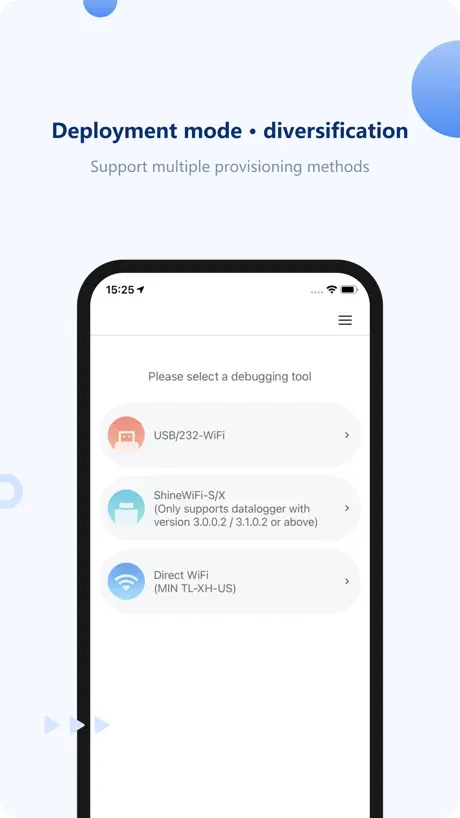  ShineTools | 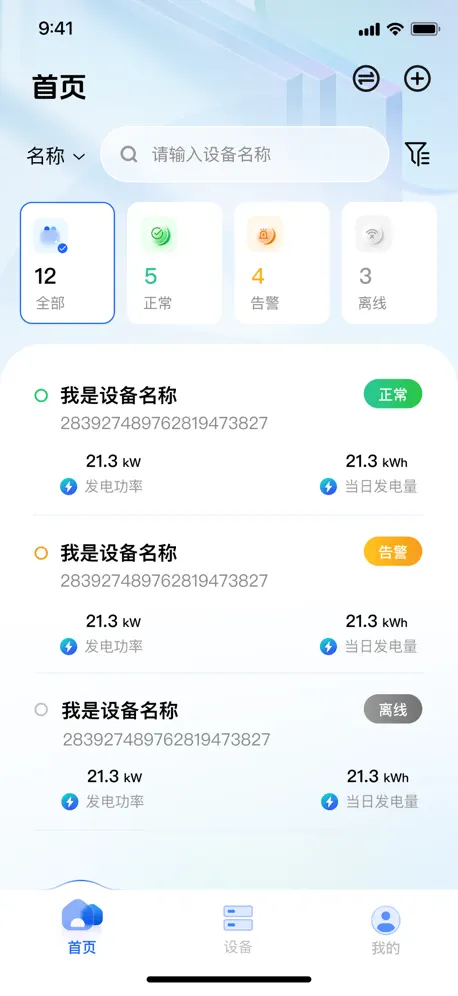  Solar of Things |   BMS Meta |   HanchuESS |   SVE Tech |   QDPower | |
|---|---|---|---|---|---|---|---|---|---|---|---|
| Rating / 5 | 2.5 | 4.2 | 4.0 | 4.2 | 4.1 | 2.1 | 3.1 | 2.5 | 3.7 | 3.7 | 1.6 |
| Reviews | 762 | 3.9K | 3.8K | 1.8K | 1.1K | 329 | 215 | 48 | 31 | 9 | 7 |
| Released | 2018 | 2020 | 2017 | 2015 | 2016 | 2021 | 2023 | 2022 | 2022 | 2025 | 2023 |
LuxCloud reviews
2.5 out of 5, based on 762 reviews.
What people like
- Clean, professional graphical user interface
- Easy to use for daily checks
- Good integration with Home Assistant
What they complain about
- Battery settings fail to update correctly
- New design hides important data points
- App crashes and needs reinstalling often
- Old interface option shows blank screen
Buggy but generally works
Please fix the ‘set max battery charge’ setting. Our battery is stuck charging to 90% now as updating the setting in the app doesn’t actually change the device. Thanks team.
Loss of Functionality
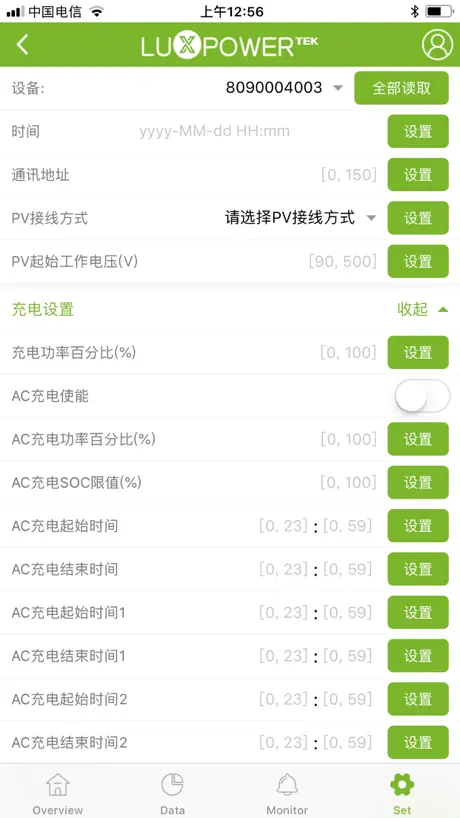
So the latest update appears to have removed the ability to amend AC charging times in the APP, forcing you to log onto a web browser to carry out basic tasks. Can you please add this back into the APP please.
Malcolm Bond
Usually very reliable, but last had 2 more batteries fitted and now can’t access the settings page?
Still has lots to fix
Where have all the settings gone from the ‘old’ view? Is this just a way to force us to use the new more complicated view?
Grid VAC removed
The app no longer reflects the grid VAC on the overview. It shows up on the desktop browser login but no through the app anymore
Classic Interface is back!
THANK YOU for allowing us to choose between the Classic and New Interfaces. I love the Classic Interface it is way more user friendly.
Worst App
If I could change to a different app I would. Terrible to use
Still missing
The app is great in general use and helps to understand usage and to tailor output. Still missing the refresh button on the IPad which is still on the IPhone and doesn’t always update, not sure why they removed it. Would score 5 if it was still present.
Quick charge function??
As with the other reviews, the older version of the app was fine as it was. There was a simple click to activate the quick charge if and when you needed it. Now I can’t find it at all on the new look– can someone get back to me as to how I charge it quickly when I want to please?
Not Bad
Works nice and shows plenty of info. App stops working and then needs to be deleted and reinstalled to work, please fix this bug.
Settings Page
Excellent upgrade why so many negative comments. Bit of a shock at first but brilliant graphics The time graduations on graph are logical rather than random times. Separate graphics for each component or combination. Feed in tariff is easier to read on the filter. Settings on the device page are easy to use.
Neil
Can’t log in
Latast update
This update is a mess again!!
New UI worse to use
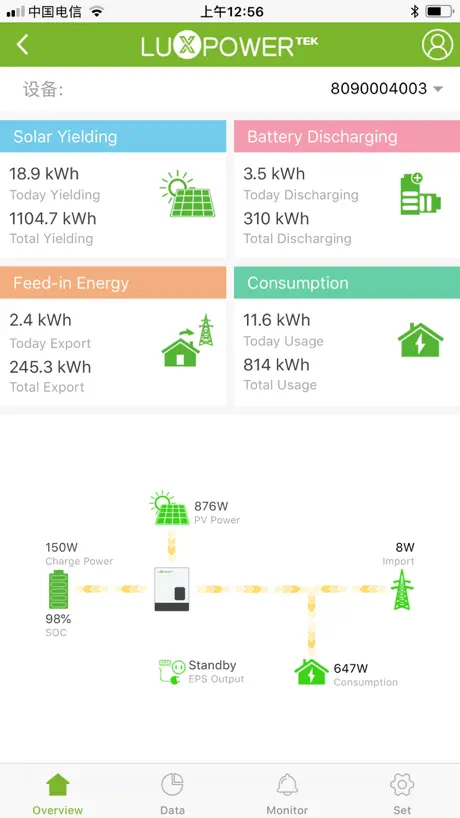
The old UI was an easy to understand 2d with arrows showing the power flow directions. Simples. The new one may look flashier but the writing is tiny and the flowing arrows have disappeared. Not progress.
Going Back to the Old
At the top left of the new screen which shows just the station there’s a circle with two opposing arrows, press that and it’s goodbye graphics but hello a useable app again.
Like the new app
I really like the new app! Really like the look and feel a lot. Would like to see new features added like a notification if the grid has been lost. Thanks for the excellent app!
Update 3/7/2026
Lost communications with dongle after update. Cannot now control my Lux device :(
Overview Screen
I have registered 2 inverters under 1 plant. When selecting the Plant Event, I can see both inverters listed. Under device only 1 inverter is listed, but 2 dongles and the Overview only displays the power consumption and solar production of the inverter listed under device. We expect to see all inverters power usage to be combined under the overview tab.
New design
I was quite happy with the old app but then comes along this new design. Hard to see as the writing is so small, especially the battery content. Hard to see how much power has been imported from the grid. Looks pretty but the old design displays information in a more easily accessed way. For a while I could access both formats but now the old format has gone and this new version seems to crash more easily. Please go back to the old version.
Functional but needs refining
The recent 2026 refresh took an entirely functional, if not hugely intuitive design and added just terrible visual/UI led fluff. A classic case of UI leading UX. OK, surface level it’s an impressive looking dashboard but really it’s not very usable. The graphs are fiddly and the various graphics just represent the same info in different formats. While at a glance info like export for the day has gone. The old interface was much better. They reinstated choice to use that interface, but now that doesn’t pick up my station. A slick design might look nice in screenshots and marketing but really all they needed to do was refresh the programmable side of the old app. I’ll likely move my tariff to Octopus Intelligent soon so perhaps for many now programming charge/discharge slots isn’t an issue
Getting better
App looks really nice and professional now. Getting to settings is a bit of a hassle but to be honest I don’t need to do that as my system is completely automated via Home Assistant. Great hardware btw when matched with Pylontech batteries. Had it for many years with no issues.
Update nightmare
Since the app updated I get no power from the battery and yes the battery is 100% charged. The solar panel energy does supply the house but most goes to the grid. When there is no sun the power is drawn from the grid and not my batteries. The update has cost me money as it has disabled my batteries. I need this sorted can anyone help
Hi this app does not work anymore. I would like to know why And John getting help on it thank you.
I’ve got there is a new virgin box and it’s a fibre optics and my app does not work anymore. Can you help thank you
Recent update
randomly my app shows the system is offline (I know it isn’t because I can see an online status via the web browser). to resolve you need to uninstall the app and reinstall the app and all is well until the next time. Why does this happen and can a permanent solution be identified?
Battery
I can’t see how much there is in my battery. I need to be able to to do this!
Discharge load views
Great app, good new features. Please increase the font size of the battery discharge %. Also difficult to read in that colour. Please make it bold for quick reference
Disappointing update
This update is very disappointing. On the previous incarnation all necessary instead available to view and all worked very well. There’s an old saying “ if it ain’t broke… don’t fix it”. Plea see bring back the old system that worked
Voltage not displaying
Now we can’t see the voltage coming through from the grid.
Missing old app
I loved how easy the old app was. I loved being able to toggle between import and export. Please can you bring this feature back. I find this new app really hard to read all the data and what it means
New app looks better - missing features
Looks much better however on the old app you could see at a glance energy imported/exported from the grid. Whilst you have the option to revert to the old ‘page’ surely this could have been incorporated in the new design rather than trying to work out the numbers from the graphs.
Great App
One of the better Apps for a solar system. Only issue lately is the event tab showing blank after many power outages.
Update is regression
The new update is nice looking but I much prefer the previous versions clarity and functionality- it says you can switch back to the old version but I just get a blank screen ….. Help !!!
New page looks good but basic info from the Old page is missing
Love the version 2.0 look, would be great if the Grid Vac and Hz displayed on the older look could be displayed on the new look. Also the Battery Vdc. I find myself having to constantly switch between old and new pages because of this
Pointless update
Used to be absolutely fine, but with the update I’ve lost all my historical totals and I no longer have daily visibility of my export and import totals. Why???
Less data available
New app no longer gives you monthly and yearly yield . It also does not give the data on electricity imported and exported to the grid as it did before. App looks more sophisticated but is now less useful.
Happy Using this App
So far for me this app is simple to use, been on it for now for over 2 years now. The Graphical seems good and can be improved. Overall im happy with it.
lux app dead
the lux app upgraded itself now all my electricity is coming from the grid with no power from the solar panels going to my 42kw batteries or the house. Help.
Nice app but no notification setting for ‘no AC connection’ fault, something that causes the entire
This is a nice app but there is no notification setting for a ‘no AC connection’ fault, something that causes the entire system to go down… can you include this as a notification setting please?
Less informative
The latest graphics are simply less informative. Vital information like battery percentage has gone, the cumulative information with total solar and exports has gone. It is less intuitive to use. Admittedly the graphs can be found more easily but this is a classic example where graphic design has taken over from utility resulting in a retrograde step. Hopefully users will be listened to and functionality will be restored.
SMART LOAD OUTOUT
Hello, APP very useful. It would be great if SMART LOAD settings can be added on the APP. For SMART LOAD output to be really SMART. Can we have timing schedule for SMART load as to when GRID can be enabled. Practical use case: day time, we need geysers to use Solar Energy directly supplemented by battery and no grid. In the evening / early morning with no PV, we would like to preserve battery and utilise Grid. I think this would really optimise SMART LOAD. Currently we need to keep AC ON all the time and this lead to battery draining evening or early morning. Typical work around this is to select AC First to correspond to geyser timer for evening / morning. This is not optimal and make SMART LOAD not as smart without timing scheduling or it. This will really change the game for SMART load. Kindly update this for us.
Suggestion for update
Please include data on amount of power imported from grid.
V3.2.8 not working
Since V3.2.8 was released 23/04/2026 the LuxCloud app has stopped working on my iPhone 8 running on iOS 16.7.15
new interface
it is great but i still need to see the voltage on the grid feed like the old interface had, why was it dropped?
Update!!
The new update might look flashy but the functionality of the previous version has been lost. It is much harder to see the information and settings required. The original view was still there as an option but that now seems to have been disabled as just a black screen when clicked now! Please restore the look and functionality of the app!!
Device Offline bug
In Settings, if the Device Offline OK button is shown, user cannot Close the app nor use Back to change screens
Battery SOC
Good day Why the battery SOC goes to 150%? Doesn’t a battery charges to 100% 🤷🏿♂️ But overall the app is good, keep up the good work.
Bring back the old view!
I’ve been using the app for a year, but recently it’s changed and it’s much harder to understand what’s going on. The setting to switch back to the old app interface isn’t working so I’m left with trying to figure it out each time. Sometimes “progress” doesn’t make it better….
Changes on data screen
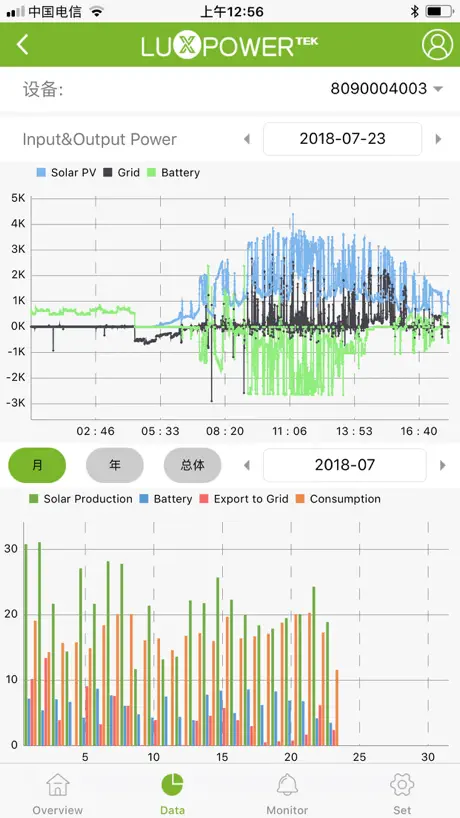
Excellent app. Use it daily. Latest changes made on the Data screen do not enhance the easy access to all data provided within the app. I would recommend that provision is made for the usage imported data kWh to see it on the Data Screen. Please provide for the following important data. :- 1)Solar Production 2)Consumption 3)Import from grid 4)Battery Changes will be highly appreciated. Best for the new year. Thank you.
Not as easy to use
The old app had a very easy to read display. You could tell instantly if you were importing or discharging. Now you have to look very closely at the tiny colours to work out if you are importing or discharging. Not user friendly.
Unusual readings
App works fine Sometimes it shows double the actual consumption/import data values 5minutes later values return to normal Everything else work very well but this bug is most unusual , Hope a fix is in the works sometime soon
LuxCloud FAQ
- Is LuxCloud free?
- Yes. The app is free, in all 175 countries it sells in, and it sells nothing inside it.
- Does LuxCloud have a free trial?
- No. None of its offers (US) come with a free trial.
- What are the best alternatives to LuxCloud?
- Openserve Connect (4.2 from 3,871 reviews), HYYP (4.0 from 3,829 reviews) and ArmME Security App (4.2 from 1,836 reviews).
LuxCloud download
Last updated 10 days ago.
LuxCloud sells in 175 countries. It was released 8 years and 3 months ago, on 1 Aug 2018. It holds a 2.5 rating from 762 reviews.
Supports 18 languages: English, Arabic, Dutch, French, German, Hebrew, Italian, Japanese, Polish, Portuguese, Russian, Chinese, Spanish, Thai, Turkish, Ukrainian, Urdu, Vietnamese.