
Celestron StarSense Explorer
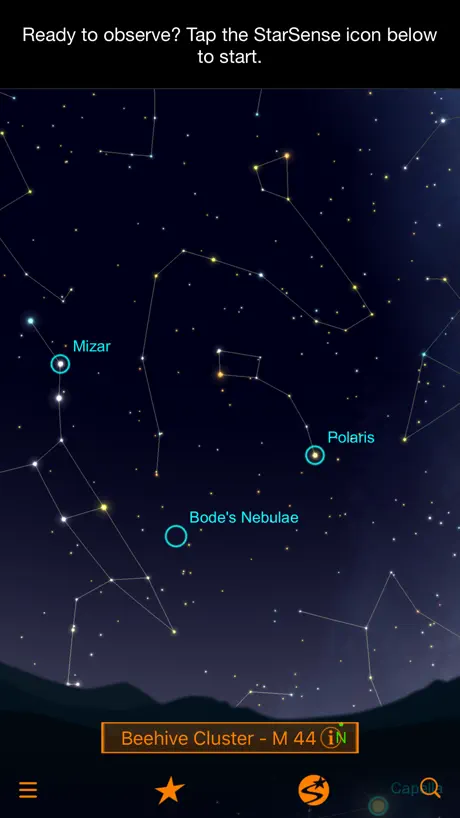
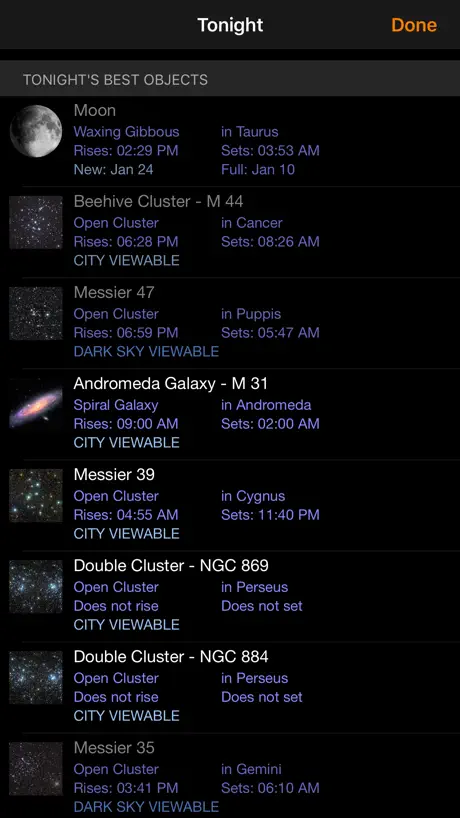
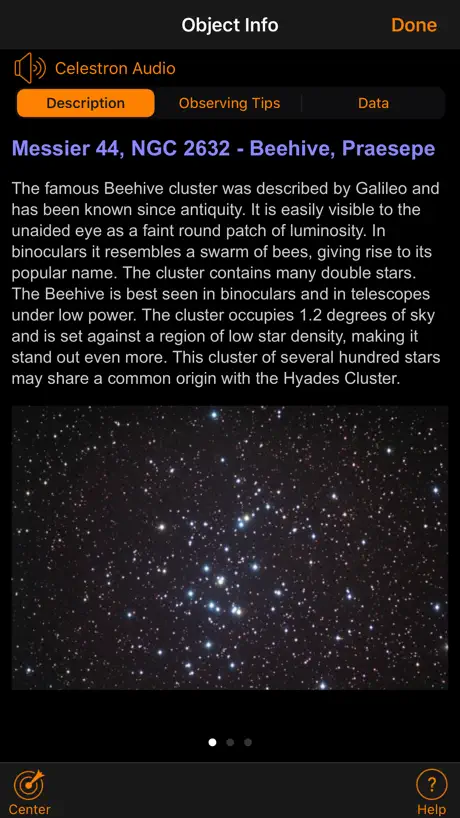
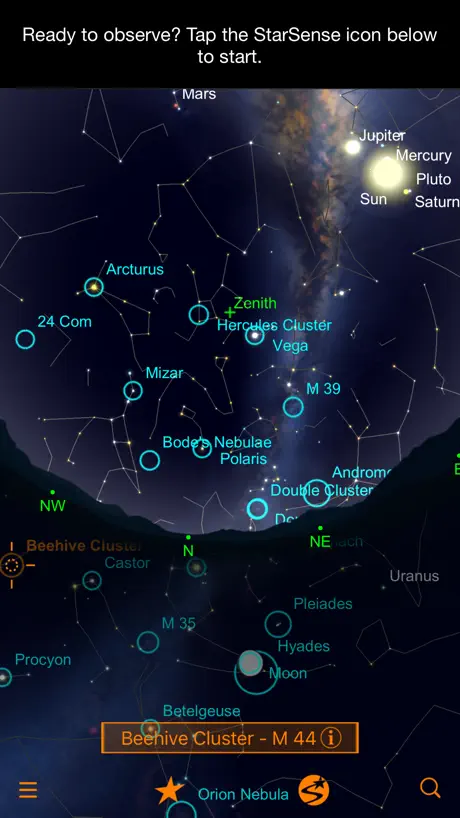
How much does Celestron StarSense Explorer cost?
Prices are current as of 7 Nov 2026.
Celestron StarSense Explorer has no in-app products on record in the United States.
10+ alternatives to Celestron StarSense Explorer
| Celestron StarSense Explorer | 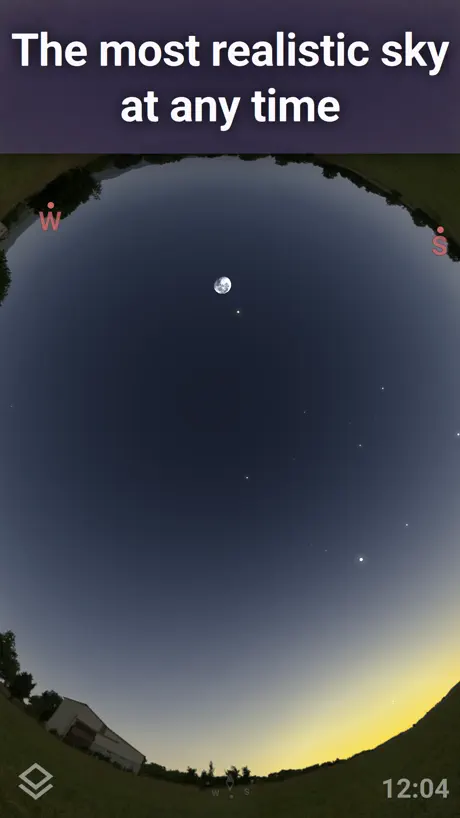  Stellarium Mobile - Star Map | 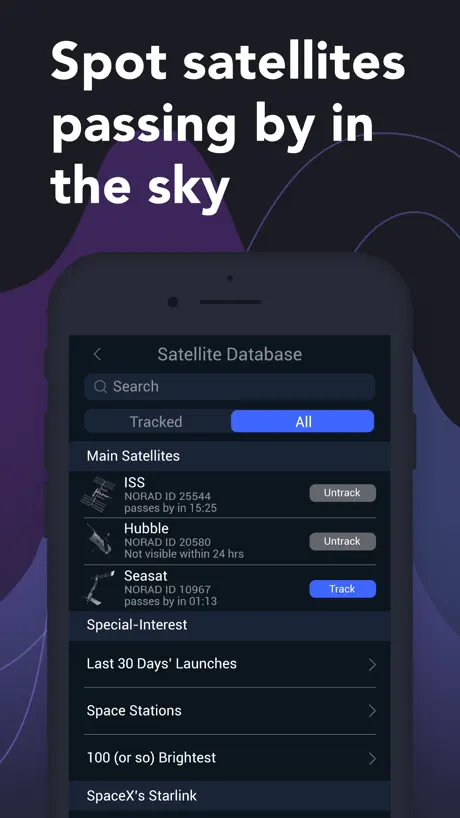  Satellite Tracker by Star Walk | 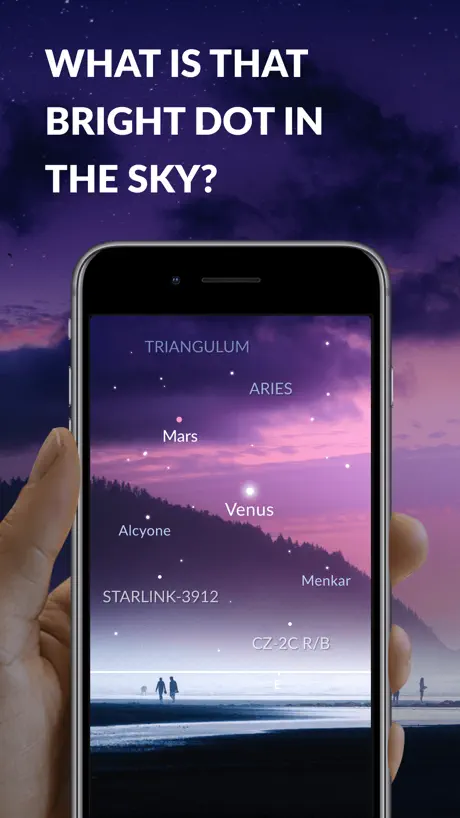  Sky Tonight - Stargazing Guide | 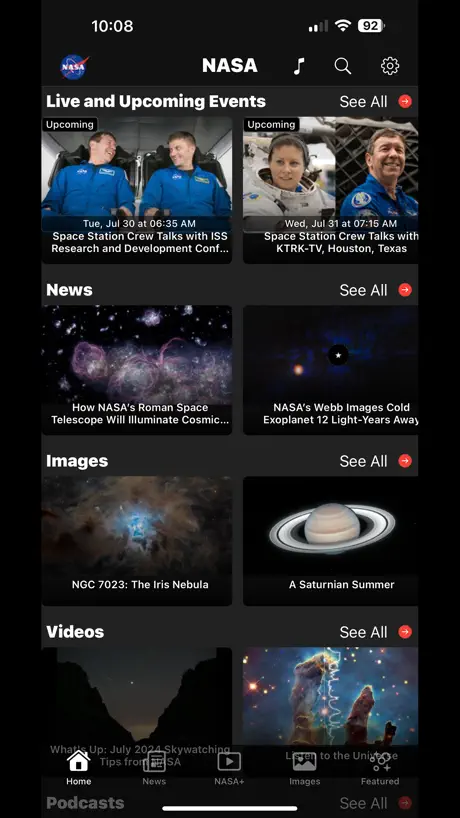  NASA | 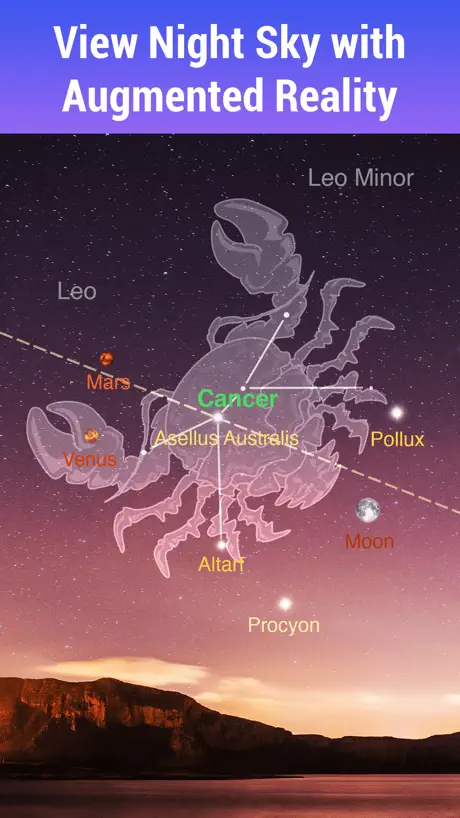  Star Walk:Find Stars & Planets | 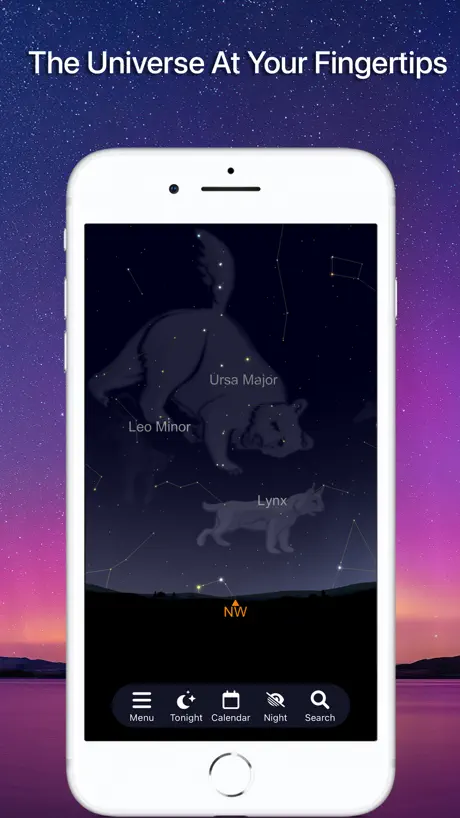  SkySafari | 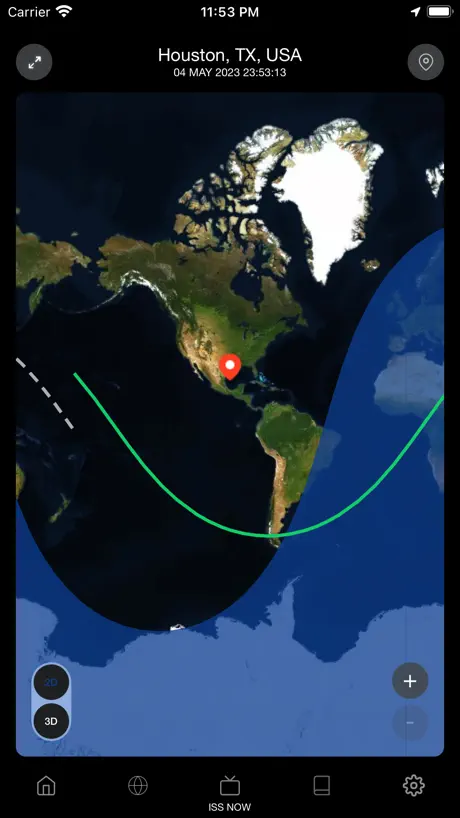  Spot the Station | 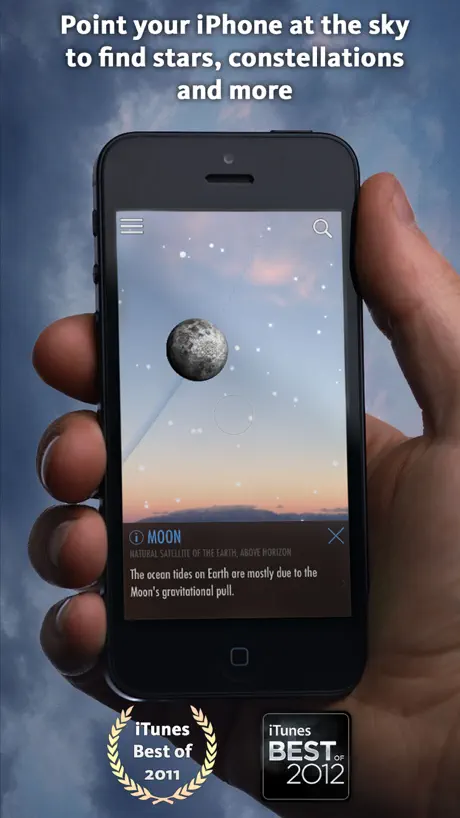  SkyView® | 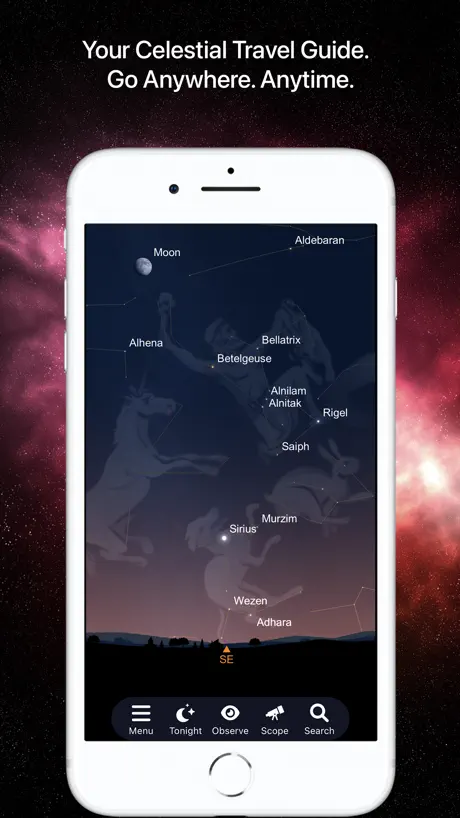  SkySafari 7 Pro | 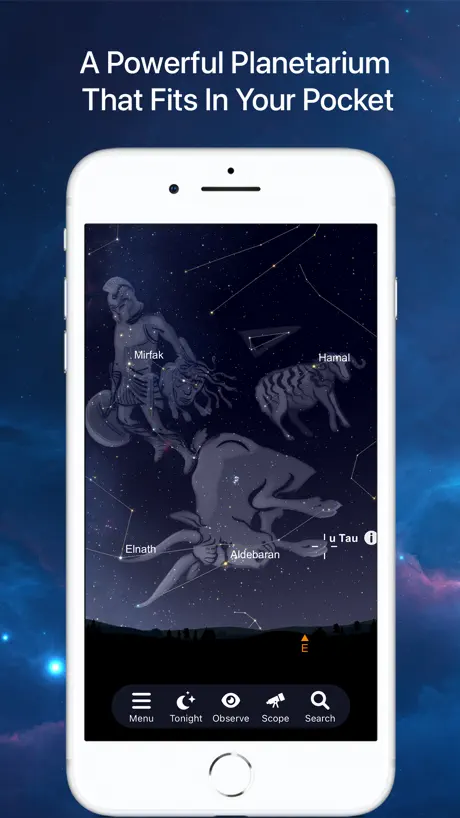  SkySafari 7 Plus | |
|---|---|---|---|---|---|---|---|---|---|---|---|
| Rating / 5 | 3.4 | 4.8 | 4.6 | 4.7 | 4.8 | 4.7 | 4.7 | 4.8 | 4.6 | 4.7 | 4.7 |
| Reviews | 503 | 212K | 205K | 182K | 158K | 62K | 36K | 16K | 13K | 10K | 3.4K |
| Released | 2020 | 2019 | 2017 | 2021 | 2009 | 2008 | 2017 | 2023 | 2010 | 2021 | 2021 |
| Monthly price | — | $1.99 | $0.99 | $2.99 | — | $0.99 | $3.99 | — | — | $4.99 | $4.99 |
| Annual price | — | — | $7.99 | $5.99 | — | $4.99 | $29.99 | — | — | $39.99 | $34.99 |
| One-time price | — | $18.99 | $4.99 | $7.99 | — | $9.99 | — | — | — | — | — |
The going rate for each plan in United States, in its own currency, shaded from the cheapest price on the row to the dearest. Plans fewer than four in ten of the priced apps sell are left out.
Celestron StarSense Explorer reviews
3.4 out of 5, based on 503 reviews.
What people like
- Makes finding stars super easy for beginners.
- Works well even in light polluted skies.
- Realigns quickly without starting over from scratch.
What they complain about
- No way to save favorite objects.
- App points telescope in wrong directions.
- Keeps saying it cannot find position.
Makes navigating the night sky so easy!
I'm a theoretical astrophysicist, but I've never been good at finding faint objects in the night sky. This app (on my 12" Dob) changes everything! I really love it, and recommend it to everyone. Needs no alignment; if something is hidden behind a tree, I can just pick up and move (which is a workout with a 12", but I need my exercise), and I'm instantly observing again with no alignment. I've found things and understood structures I never had before. The system is great, and the app specifically works really well. Looking forward to more features!
Not worth it
Not intuitive, fast, or user friendly. The hardware involved also is cheap garbage with poor quality and was sent with broken parts, which didn’t help endear me to Celestron as a brand either.
Awesome! One suggestion!
So I feel like it’s awesome!! I love it connected to my telescope but I rlly think you developers should update it to add the new space objects found! Depending on the telescope that the consumer has, if it is strong enough you should add the dwarf planets (ceres makemake hamuea eris pluto) you already have pluto but still! The others are cool to observe! Plus I love the detail they added!
Can’t find the moon
As a first time telescope enthusiast I was very excited about using this with my new telescope. After several attempts at trying to locate Jupiter in the sky with no luck-and dozens of realignment attempts, I initially thought it was user error however, on a clear night after realigning my phone with the telescope, I figured I would see if the app could find the moon and it didn’t! I don’t think this is a user friendly app. Hopefully I can find another app to use that can find the moon better than this one!
Keine Favoriten speicherbar
Ich suche nach einer Möglichkeit, Favoriten zu speichern von Planeten Nebeln und so weiter. Leider gibt es hier keine passende Funktion (Favoriten Sternchen/Herz Symbol) Man muss stets den kompletten Katalog durchforsten, wenn man was sucht. Wenn man einen Schritt zurück will, muss man komplett in den Katalog neu rein und zur Stelle scrollen, wo man war. Das ist leider super rückständig
Great App!
Stars are easy to navigate in the sky, you can find where your planets and space objects are in the sky, pairs with telescopes, and my favorite thing is that if you set your altitude high enough you can exit the earth and then the milky way! Sincerely —
Garbage app
This app is so frustrating by design. This app isn’t helpful for anything. So many better apps and this app costs money too.
It needs improvements for telescope alignment. when I tried looking for the moon, the map was offset
I’ve tried to get my telescope centered using this app by aligning it to the moon’s location, and I’m being dissatisfied by the app’s performance as when I tried to aligning the telescope through the app, the lens showed a blank sky because the telescope was offset to the right of the telescope’s direction of focus. I had to literally manually align the telescope due to this. I do have a screenshot of what I am speaking of. Finding planets took me time because of a similar scenario. It would be great if the app could make improvements with aligning the iPhone so that telescope users won’t have to turn on their battery powered laser that comes with their StarSense explorer telescopes or any other telescope of this brand.
Can’t find the right position
I opened the app and it looks great. I’m ready to start with my telescope, it’s my first telescope, so I’m really excited to start working on it so then I get the app and then I try to set it up so then I go to the quick setup and I set it up and it’s already it’s aligned and then I looked at the app and then in the night sky I pointed a word. It says that it was Saturn but then when I looked through the lens, there’s nothing so then I opened this other app called Stellarium where it shows me the night sky where I can move my phone around and it shows me what’s in front of me and where things are and then it shows that Mars is in a completely different direction so then I have to rely on that which is harder to do than with the app so then I have to rely on my eyes and that app that’s hard to do so if you could please update this app and have it use the same thing that Stellarium has but just at an angle because where you put your phone it’s slanted so if you could please update it that would be nice thank you.
Comete
Perché non sono incluse anche le comete? Ora è visibile la Pons Brooks…
App is amazing
I have had a great experience with this app. On nights with a full moon it may take a little longer to platesolve but has made finding night sky objects amazing easy. Just make sure you carefully do the alignment process and then you are ready to go.
Bruh
Box didn’t come with postcard. Stupid.
Really good for looking for planets
This app is useful cause it tells you where every planet is at, but the telescope doesn’t show the planets really good so really W app
This app is terrible
I'm attempting to view Jupiter with my telescope using this app. Jupiter has been visible by the naked eye clearly for several weeks. Although I’m looking directly at it, and using other apps, to view Jupiter, this app has me completely facing the opposite direction! As I'm typing this review, Jupiter is at my back folks. This app doesn't make sense.
Locked out
For some reason my code is locked out. I first bought this about a year ago. I got it to work for me so we took it south for the winter. It worked fine there, but back up North it hasn’t been good. I saved the demo mode, & figured out it wasn’t working, but I couldn’t move the button to get it out of demo mode. I had to delete the app & reinstall it. Now it says I’ve entered the code too many times & need to contact tech support. It’s useless until I can figure out how to reach tech support. Help!!!
Flawless
I’m not sure what all the negative reviews are about, im glad i ignored them. Instantaneously pan to different objects in the night sky and identify immediately. Very easy to set up, very user friendly.
Worked once
Great potential, but fails consistently. After fighting with it for a bit, finally got it working for one session. Unable to get it back into alignment. Useless app.
居然有中文了
刚买12寸就是一周阴天,今天突然发现有中文了🤯不过这个翻译…嘶..聊胜于无吧😂
Seriously busted UI - use SkySafari instead
The user interface has a number of serious shortcomings. Luckily SkySafari Plus and Pro (which I already use for reference, and was the foundation for the Starsense explorer app) has been updated with Starsense Explorer functionality. Switching to SkySafari and putting together a settings profile devoted to Starsense was able to alleviate all my issues.
Overall Decent App, Lots of Bugs
I really like the concept of this app and how much information there is. But unfortunately, the bugs overshadow the app immensely. For instance, my location is incorrect over half the time which is very frustrating when you're trying to look for something in specific- especially as a beginner.
Makes stargazing a breeze
I have a Celestron dob. This app made sky gazing so easy. I haven’t used a telescope in over 10 years. Thanks to this app we were able to observe 15-20 objects the first night I set up the new scope. They located everything so easily. It was amazing. So worth the extra money to get the starsense tech.
Not good
We followed step by step, hooked up the phone and went out when all planets were supposed to be aligned. The thing falls apart in your hands and the app did not recognize any code. But something else.
Wish it had logging features.
The app works very well putting me on a lot of targets. The only other thing I wish could be added is the ability to record or log your findings and maybe a “notes” section add in your own details.
Not working
My telescope and app wouldn’t work like at all and I’m very disappointed.
Demo mode
How do I remove demo mode?
Just read the instructions
I was in the same boat as many, just skipped the instructions, and tried to set it up. No luck. Went back, did all the steps of the instructions, and everything works now perfectly. I am actually surprised how well it works.
It never aligns
Pointless
Good app, but
This app is good but need more objects
Off by a mile
I bought the Celestron Starsense 102 DX for $400.00. I wanted a telescope that would point out planets, stars, nebulae, and galaxies without all the guess work, since I'm a beginner. The app is not bad when it comes to the graphics, and the information, but when it comes to using the app in the field, it's a whole other ball of wax. I aligned my telescope to my red dot finder with horridly, clumsy controls. I then centered the phone's cam lens over the mirror, then put the object in the crosshairs on my phone. I picked a target on the screen, then following the arrow on the screen, I centered the object. The reticle turned green. (I should be on target, and the object should be in the eyepiece) It was way off target. I tried again, and again, and again. I could not get it to work. I did everything correctly, and wasted two and a half hours messing with the app, only to be exasperated and packing up for the night. I gave it another chance the following day by attempting to align the app to the sun. Again, way off the mark. I promptly repackaged the telescope and everything that goes with it into it's box, and returned it. I wouldn't recommend buying this, or any other Starsense telescope. It's not even close to being worth the $400.00 it costs.
Useless without the telescope
I have not gotten the telescope scope yet, but I have to warn all you buyers: don’t buy the app without the telescope! Everything is really confusing unless you have it set up right. So the app alone? 3 stars. But i’m guessing that the telescope and app combined would be 4 and a half stars.
Works perfect
Not sure how everyone is having problems, clip phone in, follow the instructions on screen and done. Takes 30 seconds and is dead on if you do what the screen tells you. It really couldn’t be any easier.
100az not on list
App is not compatible with a telescope that claimed on the box to be supported
Idea of improvement
It could be nice to be able to log what we saw during a stargazing session, but great app!
I could sit for and hour and the app still won't find its position
It's a perfect clear sky with the perfect clear conditions. My StarSense telescope is all set up and I'm ready to be fascinated with the stars ready for some fun. Instead I'm set up with the inconvenience with this app thing not finding its position. I've tried moving the phone holder mirror so many times and the app is still nagging me to "move to a clear part of the sky", I ended up going inside being letdown. Now I have to brush off my excitement I had for tonight.
App doesn t work with my code
Please solve the bug .. it seems that only 8 character code works to unlock . (My code is 6 character ) thanks
Awesome
Makes the whole process of visual astronomy super easy. Recommend aligning with a bright star like Vega. Worked perfectly after this. Saw several planets, ring nebula, andromeda galaxy, several star clusters on my first time ever using a telescope. Used with the celestron 8” dobsonian
This is so bad
I have been trying to get this to work all night and it says the code i am using is invalid but it isn’t worse then most mobile games
Good app needs arrows
This app is the best astronomy app I’ve ever had.Im going to get the celestron StarSense explorer.The problem I realized was that when it moves your view you don’t move the phone so it won’t move ur telescope.so it does 0 help whatsoever. When u have arrows you move it to where it should go so when u move ur telescope the phone moves with it so when u look through the telescope u see it what u wanted instead of nothing.Also I haven’t had a astronomy app with so many objects. :)
It worked for a few days then stopped
Not sure why but it worked fine for a while, now it’s showing the moon and other celestial bodies in random directions no where near where they actually are…
Works very well
If you allow the app a few seconds after moving to reorient and make the appropriate adjustment it works very well. It regularly places the object either directly in the eyepiece or within one field of view. My only complaint is I want them to sell the phone mount on its own so I can add it to my non-celestron telescopes!
App issues
App keeps saying can’t find my position
Really, Celestron??
I would recommend this product with six stars if the app had half the functionality of Celestron’s SkyPortal freeware, and ten stars if it lived up to the SkySafari engine that runs them both. I manage a large lending library of telescopes for my local club, and own a dozen telescopes ranging from $250 up to $7500, but bought this one for outreach and pure curiosity to try out the mounted app-driven interface. It could be the perfect storm, and to be honest, I’m not sure why Celestron chose to 1) attach it to their lowest line of hobby-killer junk telescopes and 2) dumb down and cripple the utility of the app so as to make it only useful in the most basic and prescriptive way. I should be shocked, but guess that I’m not, since the platform represents a potential threat to their own top of the line go-to tech. As sold, its an enabling tool with *so* much potential, but in practice, the functionality of the app and cell phone mount (let’s face it, the only reason to try the thing out) is so dumbed down as to be nearly useless. Two stars because it works, but soooo disappointed. Rookie move, Celestron.
Amazing App for beginners and Intermiate Astronomers
The Celestron StarSense Explorer app is an amazing piece of technology. Using plate solving it will find where you are pointed in the sky with great accuracy. I have used this on the 80/102/130mm scope and it will always put the object selected within the field of view. I use a Celestron 8-24mm zoom most of the time and at 24mm, the object is always there. At 8mm I would say it is in the field of view over 50% of the time. Zoom out and readjust. Bingo! I live in a Bortle 7-8 zone and I have found object with StarSense that I would have otherwise would have not found. The descriptions and audio are very informative and keep thing interesting while observing. Now nothing is perfect. StarSense will get occationally lost if you make a big move. Tap the StarSense icon, select it is still aligned and it will find itself again. Worst case, close the app and reopen it, selecting it is still aligned. Wishes - I wish I could pan across the sky in the app to find objects of interest, rather that having to move the scope to pan to another location. Logging, I would like to be able to record an object in a favorites list, so I can go back to them at another session, or build a list before I go out to observe.
Does not track on IPhone 15
On a clear night sky, this app fails to located the moon even when calibrated, centered, and pointing directly at it. Position says “found”; though app is off by an entire hemisphere in a bortle 5 sky. Completely ruins the value of my hobby telescope.
Please Work on this app
The telescope is completely fine but this app however is not. I understand that things are opposite when you look in the view finder BUT I was looking for Mars which I could see with my eyes but the app was telling me to point the telescope in the opposite direction and down. What if I really needed help locating an object with this app that I couldn’t find on my own? It would be of no help. I still have things to learn as this is my first telescope but because it is more for beginners and I wish it would have a better app that is actually helpful.
Celestron StarSense Explorer FAQ
- Is Celestron StarSense Explorer free?
- Yes. The app is free, in all 175 countries it sells in, and it sells nothing inside it.
- Does Celestron StarSense Explorer have a free trial?
- No. None of its offers (US) come with a free trial.
- What are the best alternatives to Celestron StarSense Explorer?
- Stellarium Mobile - Star Map (4.8 from 211,775 reviews, premium from $1.99), Satellite Tracker by Star Walk (4.6 from 204,575 reviews, premium from $0.49) and Sky Tonight - Stargazing Guide (4.7 from 182,189 reviews, premium from $0.99).
Celestron StarSense Explorer download
Last updated 6 months ago.
Celestron StarSense Explorer sells in 175 countries. It was released 6 years and 10 months ago, on 7 Jan 2020. It holds a 3.4 rating from 503 reviews.
Supports 14 languages: English, French, German, Greek, Hindi, Indonesian, Italian, Japanese, Korean, Portuguese, Russian, Chinese, Spanish, Thai.