
mBlock - Learn Coding
Coding for beginners
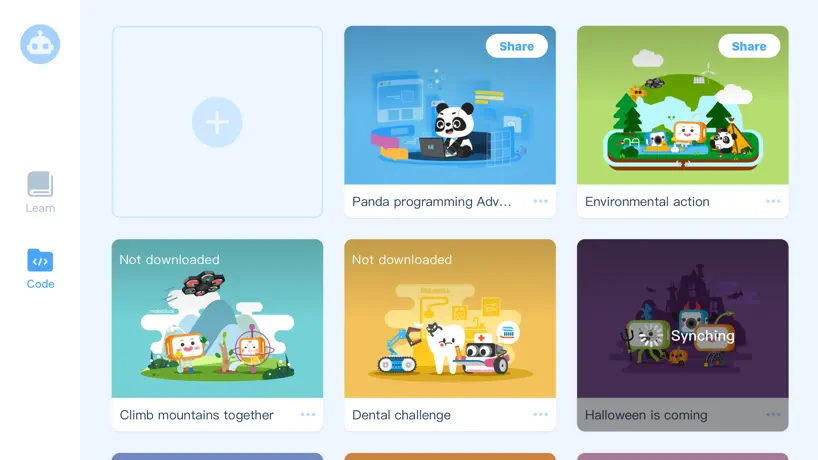
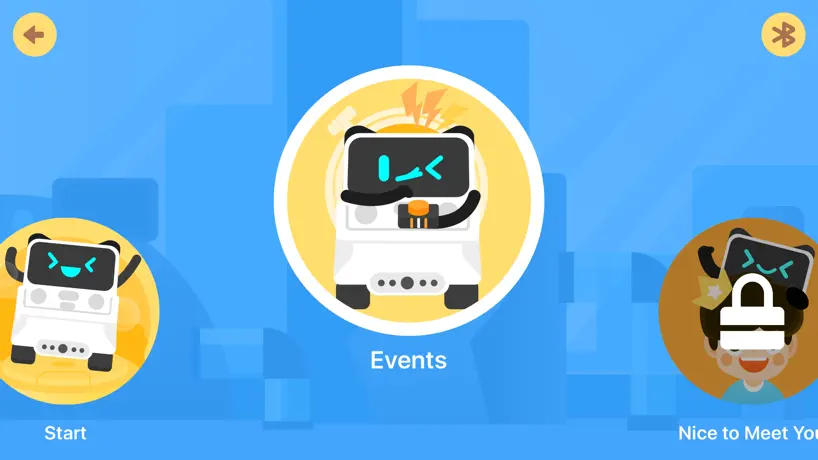
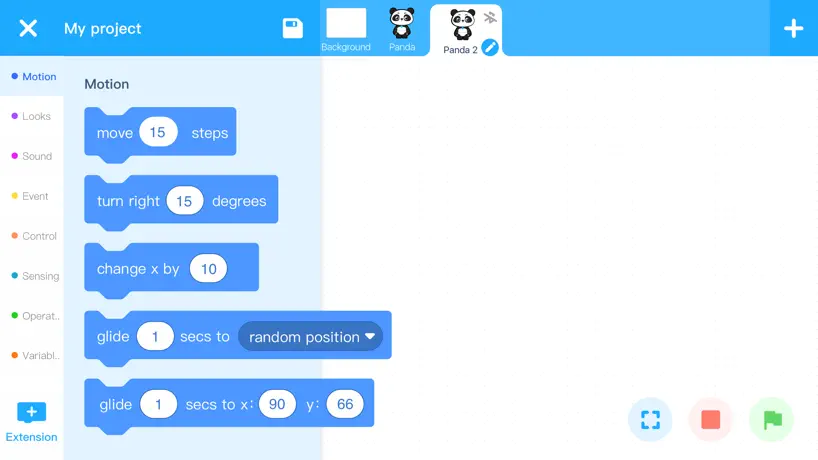
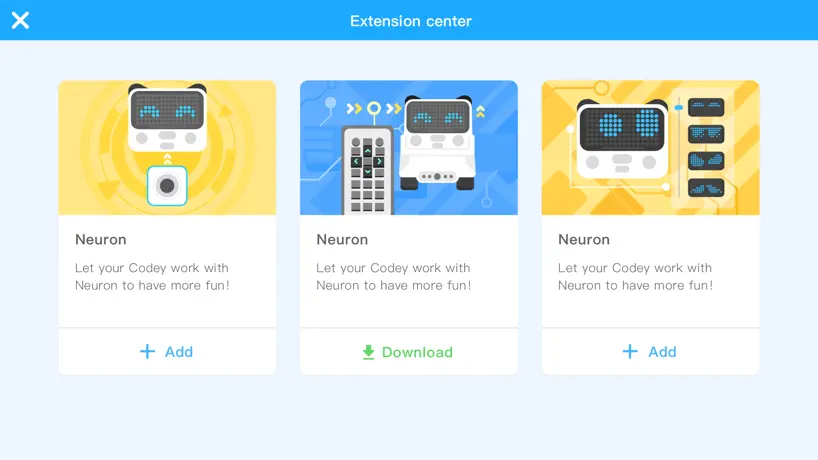
How much does mBlock - Learn Coding cost?
Prices are current as of 6 Nov 2026.
mBlock - Learn Coding has no in-app products on record in the United States.
10+ alternatives to mBlock - Learn Coding
| mBlock - Learn Coding |  Tinkercad |   Tynker: Coding for Kids |  Spike™ LEGO® Education |   ScratchJr |   Scratch Tutorial - Coding Game | 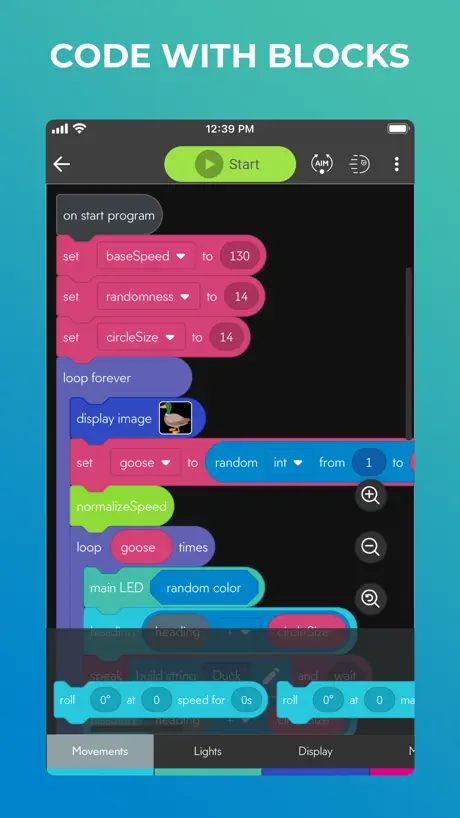  Sphero Edu |   Wonder for Dash |   Blockly for Dash & Dot robots |  VEXcode IQ |   Scratch案例教程 | |
|---|---|---|---|---|---|---|---|---|---|---|---|
| Rating / 5 | 3.1 | 4.6 | 4.6 | 4.7 | 4.0 | 4.2 | 4.5 | 4.2 | 4.0 | 3.4 | 2.7 |
| Reviews | 968 | 62K | 41K | 10K | 8.4K | 8.1K | 4K | 999 | 467 | 204 | 99 |
| Released | 2018 | 2019 | 2014 | 2022 | 2014 | 2020 | 2015 | 2015 | 2014 | 2019 | 2023 |
| Monthly price | — | — | $24.99 | — | — | — | — | — | — | — | — |
| 3-month price | — | — | $59.99 | — | — | — | — | — | — | — | — |
| Annual price | — | — | $119.99 | — | — | — | — | — | — | — | — |
| One-time price | — | — | $314.99 | — | — | $4.99 | — | — | — | — | — |
The going rate for each plan in United States, in its own currency, shaded from the cheapest price on the row to the dearest.
mBlock - Learn Coding reviews
3.1 out of 5, based on 968 reviews.
What people like
- Works great offline with Bluetooth only
- Super easy for beginners to use
- Great substitute for Scratch coding
What they complain about
- Hard to connect to older robots
- iPad app has many glitches
- Firmware updates require a computer cable
Great for Coding!
This is a great substitute for Scratch and very easy to use and amazing! Even better than Scratch! I used it for many gaming projects, I just wish you could upload for others to play.
No Support for mbot2
As far as I can see, there is no support for mbot2. That is a serious limitation to backwards hardware.
Good
It works well and connects to mbot, but when i try to make do anything on live mode it doesn’t do it. And on IPad you can’t use upload mode. (All on IPad) Update works perfectly just had to reset firmware and works perfectly
No mblock2 support?
There is no mblock2 support
Confusing coding
The app only lets me learn how to code Codey and I have the Mbot 2 and I have to go to extensions to even be able to code it was very counter intuitive :(
Perfect!
It works amazingly except for the sprites extension. It just gives me an error when I use it. Other than that, amazing. To all those people who can’t use the servos, it’s in the extensions tab. Thanks for reading! It’s a great app. Worth it.
Total nonsense.
I can only connect to Cody when I have an mbot2. How am I supposed to connect to Bluetooth to my mbot2?
Add Bluetooth back pls
I was coding Cody and everything was fine for about ten days ad then magically Bluetooth just disappeared in settings. I figured this out when I tried adding more code to it but then it said something like “turn Bluetooth back on continue.”
Can’t get the learning to work with mbot neo
Can’t get the learning to work with mbot neo, little brother got it for bday and can’t even learn coding because it connects and when u push say hi it makes no noise.
Good
It works well and it’s great for coding but it is kind of like Scratch. It does not work on the computer and it does not work on upload mode. It is kind of glitchy, and the device selection sometimes doesn’t work, but it is super good for coding a robot. Thank you for this amazing app! 😃
The best robot coding app.
I have a Codey Rocky, and this is great. I made a code that Codey wakes up, says “Christmas!”, and runs at 100 speed with colorful lights. No glitches, no errors and I can play with no- Wi-Fi! Only Bluetooth! I love playing with my Codey Rocky. And I play with the another app of Makeblock of joystick and draw and run. Excellent! Please make more updates.
Doesn’t work
It can’t detect the mbot despite this is the official app. The other app for controlling the mbot works so it’s not a hardware issue. This app doesn’t work so coding isn’t possible.
scratch is better
it’s a ripoff cus how did they get the sprites, they used to have the scratch
Copy.
This game is a direct copy of scratch, I would be fine with it if they changed it A BIT. But no. They did not even try to hide the fact they stole from scratch, same sprites, literally same code all they did was “you can’t use this part” because it’s for pc only. It’s would be good if you ATLEST made it for mobile, yet no.
5 stars
I was using this for a project and it was super easy and helped me so much and I love how it works
No mBot2 support
This is supposed to work with mBot2 but it does not have it as a supported device!
Help
Can not get it to do line follow thing help me
Ok
I have a cyberpi and when I move sprites, there is two, right(x) and they both move the sprite up. None of them can move the sprite, right
It good haters
If it wasn’t working you should have read theInstruction properly o
网络
网络不好👎🏿
One little problem
I can’t find out how to Connect my air block and mBot I keep restart it it’s still doesn’t work
Experience with Codey Rocky
I just bought Codey Rocky as a Christmas present for my son. Out of the box, the robot works with the Makeblock remote control app (a different app from the same company). But this mblock coding app doesn't work at all. It showed the bluetooth is connected with the robot. In upload mode, I could upload the code to the robot (the app showed success) but the code had no effect at all. Same thing in live mode: code doesn't work with the robot. At the end, I noticed a message on the device setting screen of the app saying there is a later firmware version but I had to use a computer and USB cable to connect the robot to the web version of the mblock to update the firmware there. After the firmware update, the code from the mblock app works. I am a tech savvy person and could figure it out (not to mention I have a macbook with USB-C only, which needs an adapter to connect the USA-A cable coming with the robot). A lot of people would have no clue how to proceed. The developer should enhance the app to detect and perform the firmware update over bluetooth. That would be much more convenient to the users and avoid the hassle of upgrading the robot's firmware from another computer with USB cable.
Mbot
I love it
No support for Mbot 2
The iPad app does not support even their own products.
Fix plz
In costume editor,you can’t copy paste which means the animations might be very bad and you can’t add in photos and one more thing, you can’t add sounds
Great app
My mother connected fine and there were no glitches so it deserves 5 stars
Stupid
Don’t get it they took scratch and connected it to a stupid robot you have to buy
MBlock
We tried it on the computer with our mbot and it worked outstandingly. We uploaded the basic mbot control program and it works well.😃🌈😁🙂. We tried the iPad app but it didn’t work so do it on the computer.🙂
The ios version has problems
I was able to connect to my android, however I can’t do it for iPad - it doesn’t allow to give permissions for Bluetooth
Nevermind.
Ok I can do it
Bad
I HATE THIS GAME it’s absolutely disgusting and mrbeast won’t even give us the option to get the vaccine if we don’t get it and we don’t have the money to get it so why would I play this game
REALLY really good
It works amazingly well. If you want advertising ask the Ninja kidz from YouTube.
0 stars
I was finding a basic project and I don’t find it. And I tried make my own. THERE IS NO MOTOR AND SERVOS BLOCKS why?
mBlock - Learn Coding FAQ
- Is mBlock - Learn Coding free?
- Yes. The app is free, in all 174 countries it sells in, and it sells nothing inside it.
- Does mBlock - Learn Coding have a free trial?
- No. None of its offers (US) come with a free trial.
- What are the best alternatives to mBlock - Learn Coding?
- Tinkercad (4.6 from 61,727 reviews), Tynker: Coding for Kids (4.6 from 41,425 reviews, premium from $24.99) and Spike™ LEGO® Education (4.7 from 10,154 reviews).
mBlock - Learn Coding download
Last updated 5 months ago.
mBlock - Learn Coding sells in 174 countries. It was released 8 years and 7 months ago, on 11 Apr 2018. It holds a 3.1 rating from 968 reviews.
Supports 16 languages: English, Dutch, French, German, Italian, Japanese, Korean, Polish, Portuguese, Russian, Chinese, Spanish, Swedish, Turkish, Ukrainian, Vietnamese.