
Finance
Cape Cod 5 - Mobile Banking

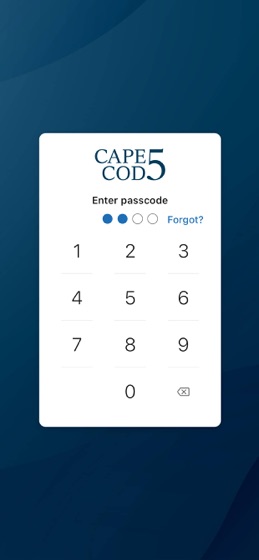
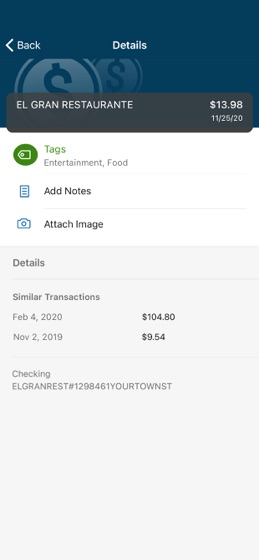
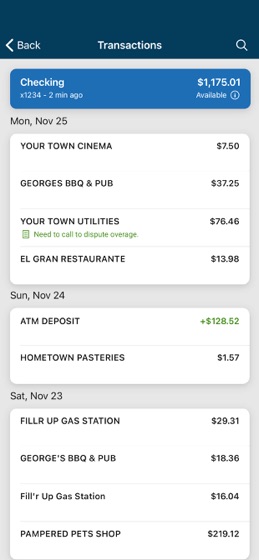
How much does Cape Cod 5 - Mobile Banking cost?
Prices are current as of 20 Aug 2026.
Cape Cod 5 - Mobile Banking has no in-app products on record in the United States.
10+ alternatives to Cape Cod 5 - Mobile Banking
 Cape Cod 5 - Mobile Banking Cape Cod 5 - Mobile Banking |   Go Mapfre Go Mapfre |   Rockland Trust Mobile Banking Rockland Trust Mobile Banking |   Eastern Bank Mobile Banking Eastern Bank Mobile Banking |   RFCU Mobile Banking RFCU Mobile Banking |   MV Bank Mobile Banking MV Bank Mobile Banking |   First Citizens' FCU Mobile First Citizens' FCU Mobile |   Seamen's Bank Mobile Seamen's Bank Mobile |   myArbella Mobile myArbella Mobile |   My Insurance® Mobile Account My Insurance® Mobile Account |   Cape & Coast Bank Cape & Coast Bank | |
|---|---|---|---|---|---|---|---|---|---|---|---|
| Rating / 5 | 4.8 | 4.4 | 4.5 | 4.8 | 4.8 | 4.8 | 4.5 | 4.5 | 3.5 | 2.1 | 3.7 |
| Reviews | 11K | 14K | 12K | 6.3K | 6.1K | 2K | 909 | 124 | 50 | 29 | 21 |
| Released | 2020 | 2023 | 2013 | 2024 | 2012 | 2014 | 2014 | 2017 | 2021 | 2016 | 2014 |
Cape Cod 5 - Mobile Banking reviews
4.8 out of 5, based on 11,077 reviews.
Cape Cod 5 - Mobile Banking FAQ
- Is Cape Cod 5 - Mobile Banking free?
- Yes. The app is free, in all 17 countries it sells in, and it sells nothing inside it.
- Does Cape Cod 5 - Mobile Banking have a free trial?
- No. None of its offers (US) come with a free trial.
- What are the best alternatives to Cape Cod 5 - Mobile Banking?
- Go Mapfre (4.4 from 13,788 reviews), Rockland Trust Mobile Banking (4.5 from 11,750 reviews) and Eastern Bank Mobile Banking (4.8 from 6,318 reviews).
Cape Cod 5 - Mobile Banking download
Last updated 1 month ago.
Cape Cod 5 - Mobile Banking sells in 17 countries. It was released 5 years and 11 months ago, on 12 Oct 2020. It holds a 4.8 rating from 11,077 reviews.
Supports 2 languages: English, Spanish.
How much does Cape Cod 5 - Mobile Banking make?
Third-party estimates for the last 30 days, worldwide — not the store's own figures, which Apple publishes for nobody.
Revenue < $5,000
Downloads < 5,000