Turn Off the Lights for Safari
ProductivityUtilities

Turn Off the Lights for Safari

Stefan Van Damme · released 19 Sept 2017 · Open in App Store ↗

Revenue 30d not estimated
Downloads 30d not estimated
Rating 4.04 130 reviews

No in-app products collected for this app.

Rating
United States28%363.92
India5%63.67
Mexico5%65.00
Russia4%54.80
Saudi Arabia4%55.00
Thailand4%54.00
Vietnam4%54.00
China3%45.00
Japan3%43.25
Taiwan3%45.00
United Arab Emirates2%34.00
Australia2%32.33
Brazil2%35.00
Colombia2%33.67
Italy2%33.67
Canada2%25.00
Germany2%25.00
France2%25.00
United Kingdom2%21.00
South Korea2%25.00
Kazakhstan2%25.00
Malaysia2%25.00
Turkey2%23.00

The store shows a different set in every country

Description

Immerse yourself in a cinematic atmosphere while watching videos online with Turn Off the Lights. This powerful browser extension dims everything on the web page except for the video you are watching, bringing your focus to the content that matters most.

Turn Off the Lights browser extension has also been featured on several popular websites, including Lifehacker, CNET, ZDNet, BuzzFeed, and PC World. With its growing popularity and positive feedback, it is no surprise that the Turn Off the Lights browser extension has become one of the most popular and trusted browser extensions in the market.

Please share your feedback, suggestions, and thoughts with us https://www.turnoffthelights.com/support

Browser extension features:

◆ Turn the lights back on by clicking on the black layer

◆ Supports multiple video sites: YouTube, Dailymotion, Vimeo, Twitch, and more

◆ Customize your YouTube experience:

Auto HD: Set videos to play in HD automatically, with options ranging from highres > 8K > 5K > 4K > 1080p > 720p > 480p > 360p > 240p > 144p > default

Auto Wide: Automatically plays videos in the widest mode

60 FPS Block: Disable YouTube 60 FPS for Auto HD 30 FPS video quality

◆ Easter Eggs:

Shortcut key: T -> Experience a real movie theater feeling

◆ Darken the screen when the user clicks on the play button

◆ Toggle fade in and fade out effects

◆ Customize colors

◆ Enable Multimedia Detection

◆ Display Dimness Level Bar

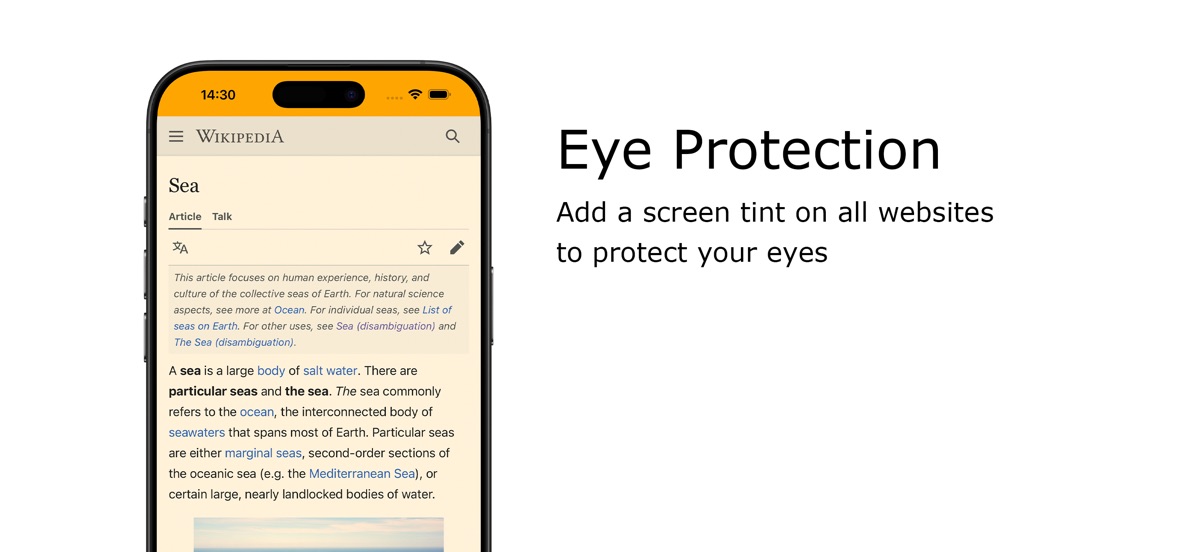
◆ Eye Protection for nighttime browsing, with a whitelist/blacklist filter

◆ Atmosphere lighting to create a glow around the video player

◆ Show the dark layer on top of the window

◆ Shortcut Keys:

Ctrl + Shift + L: Toggle the lights

Alt + F8: Restore default opacity value

Alt + F9: Save current opacity value

Alt + F10: Enable/disable the Eye Protection feature

Alt + (Arrow Up): Increase opacity

Alt + (Arrow Down): Decrease opacity

Alt + *: Toggle lights on all open tabs

◆ Mouse Wheel Volume Control for each HTML5 video player

◆ Apply filters to the current HTML5 video player (grayscale, sepia, invert, contrast, saturate, hue rotation, brightness)

◆ Audio Visualization effect on top of the current HTML5 video (Blocks, Frequency, and Music Tunnel)

◆ Loop the current HTML5 video player

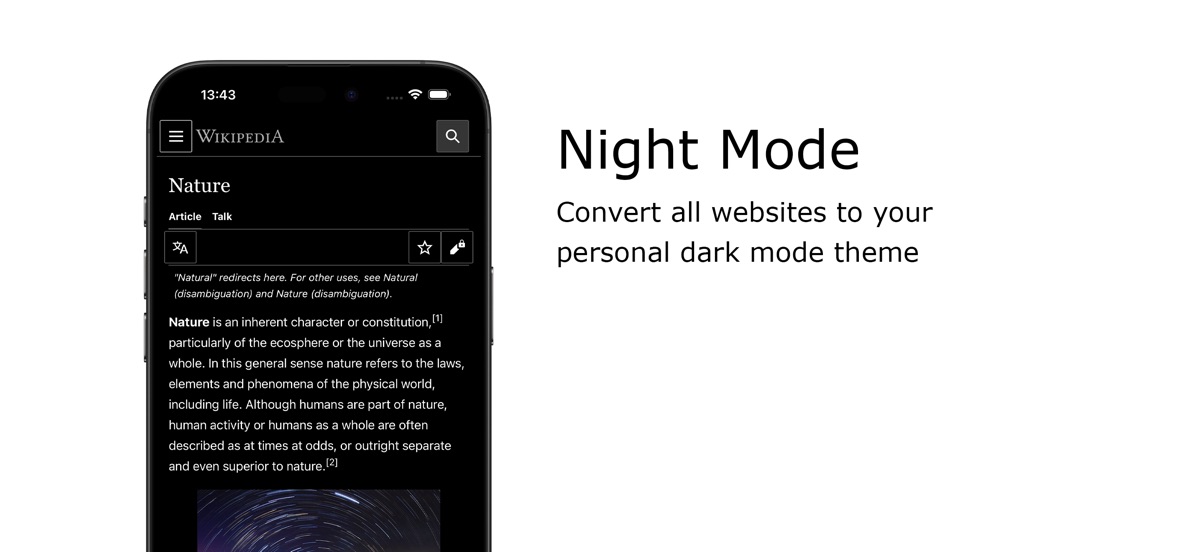
◆ Night Mode switch to toggle YouTube in black or white theme, with whitelist/blacklist filter

Timestamp: Activate Night Mode within the chosen time

Blackout: Dim web page and activate Night Mode

◆ Stop YouTube and HTML5 videos from automatically playing

◆ And more…

Do not forget to Like & Follow Us:

Facebook

https://www.facebook.com/turnoffthelight

X

https://www.x.com/TurnOfftheLight

Pinterest

https://www.pinterest.com/turnoffthelight

Instagram

https://www.instagram.com/turnoffthelights

YouTube

https://www.youtube.com/@turnoffthelights

Project Information:

https://www.turnoffthelights.com/browser

Note: YouTube is a trademark of Google Inc. Use of this trademark is subject to Google Permissions.